ASUS VivoBook S14 S430

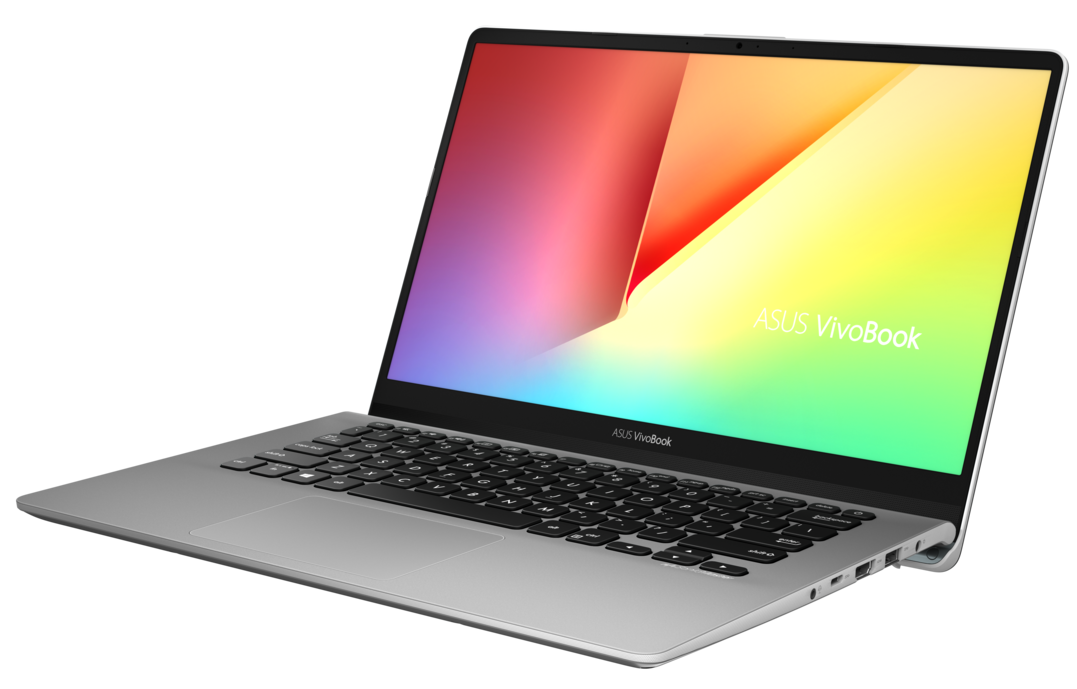

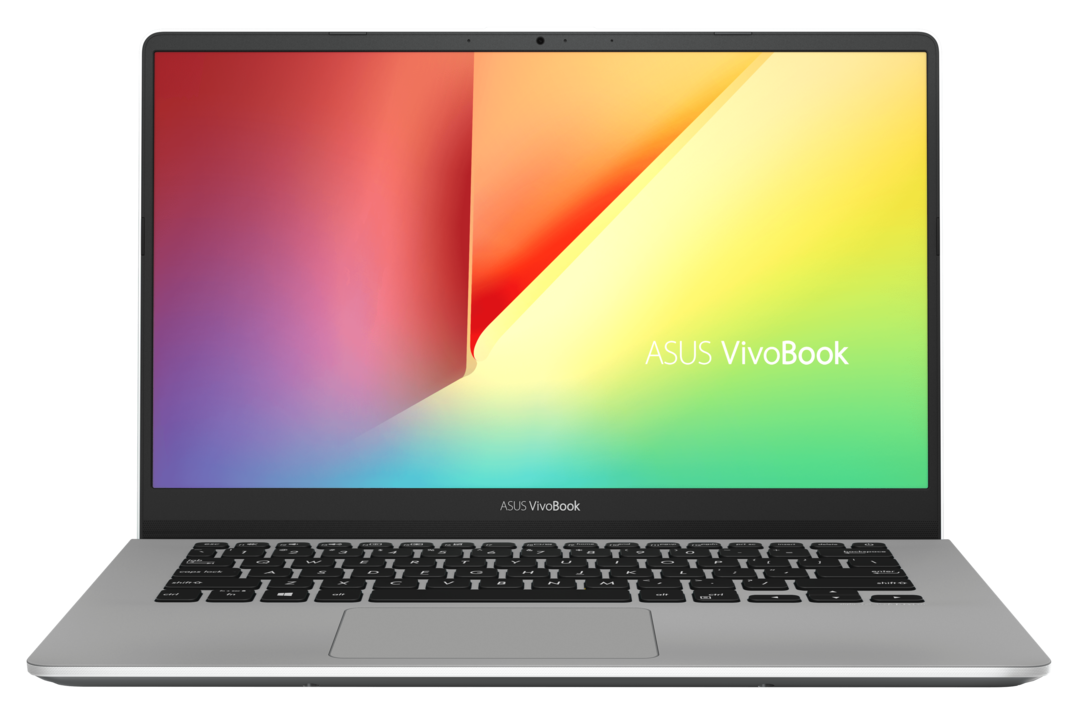
- Date Published: 25 Apr 2025
- Intel Core i7-8565U
- Intel UHD Graphics 620
- 14.0”, Full HD (1920 x 1080), IPS
- 1000GB SSD
- 8GB RAM
- 1.40 kg (3.1 lbs)

Specs

- HDD/SSD
- 1000GB SSD
- M.2 Slot
- 1x 2280 PCIe NVMe 3.0 x2 See photo
- RAM
- 8GB RAM
- OS
- Windows 10 Home
- Body Material
- Plastic / Polycarbonate, Aluminum
- Dimensions
- 323 x 226 x 18 mm (12.72" x 8.90" x 0.71")
- Weight
- 1.40 kg (3.1 lbs)
- Ports and connectivity
- 1x USB Type-C
- 3.2 Gen 1 (5 Gbps)
- 1x USB Type-A
- 3.2 Gen 1 (5 Gbps)
- 2x USB Type-A
- 2.0
- HDMI
- Card Reader
- Micro SD
- Ethernet LAN
- Wi-Fi
- 802.11ac
- Bluetooth
- 4.2
- Audio jack
- combo audio / microphone jack
- Features
- Fingerprint reader
- Web camera
- HD 720p
- Backlit keyboard
- Microphone
- Speakers
- Security Lock slot
- Gifts
- Mouse Pad
- Gifts
- HDMI Cable and USB Type-C Cable
Portability
Review
ASUS VivoBook S14 S430 in-depth review
This is the last device from the newest VivoBook S-series to come on our desk. After the S15 S530 and S13 S330, today we are taking a look at ASUS VivoBook S14 S430 in what is potentially one of the great and budget-friendly multimedia devices. From what we know from the other two devices, we are expecting to see a good blend between premium features, cost-cutting, and hardware, capable of decent performance.With that said, the VivoBook S14 S430 is available with the entire range of Core iX Whiskey Lake CPUs - from the Core i3-8145U to Core i5-8265U and finally the flagship of Intel ULV processors (by the time of writing this review) - the Core i7-8565U. Additionally, ASUS is offering you a laptop with an IPS display, NVMe SSD drive, and an optional NVIDIA GeForce MX150 or the MX13[...]
Read the full review
Pros
- Very good battery life
- Thin and light bezel-less design
- Very high contrast and decent brightness (BOE NV140FHM-N49)
- It doesn't use PWM to adjust screen brightness (BOE NV140FHM-N49)
- Barely audible under heavy load
- Decent upgradability options
Cons
- Not very high-quality plastic on the base
- Narrow color coverage - 53% of sRGB (BOE NV140FHM-N49)
- Lacks USB Type-C charging
Disassembly, maintenance and upgrade options
ASUS VivoBook S14 S430 is a budget-friendly multimedia notebook that comes in a good variety of configurations aimed to please almost every need. In addition to that it is fairly easy to get inside and upgrade - take a look.Check out all ASUS VivoBook S14 S430 prices and configurations in our Specs System or read more in our In-depth Review.1. Remove the bottom plate Removing the bottom plate is as casual as ever - remove all 9 Phillips-head screws and pry it up, using a plastic tool, a guitar pick or the Force. Taking a look at the insides shows us a neatly packaged product wit[...]
Read more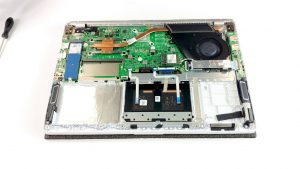


![[June 2026] Best-Selling Laptop Brands on Amazon Global – Apple’s Unrivaled Dominance in Units and Revenue](https://laptopmedia.com/wp-content/uploads/2026/07/GLOBAL-Best-Brands-400x225.jpg)
![[June 2026] Amazon Global: Top 10 Best-Selling Laptops – Apple’s New MacBook Neo Storms to #1, Reshaping the Market with Affordability](https://laptopmedia.com/wp-content/uploads/2026/07/Best-Selling-Laptops-GLOBAL-Top-10-400x225.jpg)
![[June 2026] Amazon Global: Top 10 Best-Selling Gaming Laptops – Acer’s Nitro V 16S AI Dominates Sales, While ASUS Leads Overall Revenue](https://laptopmedia.com/wp-content/uploads/2026/07/Best-Selling-Gaming-Laptops-GLOBAL-Top-10-400x225.jpg)
![[June 2026] Global Ranking of Best-Selling Laptop GPUs on Amazon – NVIDIA RTX 5060 is the Top-Selling Dedicated GPU](https://laptopmedia.com/wp-content/uploads/2026/07/Best-Selling-GPUs-GLOBAL-Top-10-400x225.jpg)
![[June 2026] Global Ranking of Best-Selling Laptop CPUs on Amazon – Apple M5 Dominates, AMD Ryzen 7 260 Gets Solid Premium Share](https://laptopmedia.com/wp-content/uploads/2026/07/Best-Selling-CPUs-GLOBAL-Top-10-400x225.jpg)

