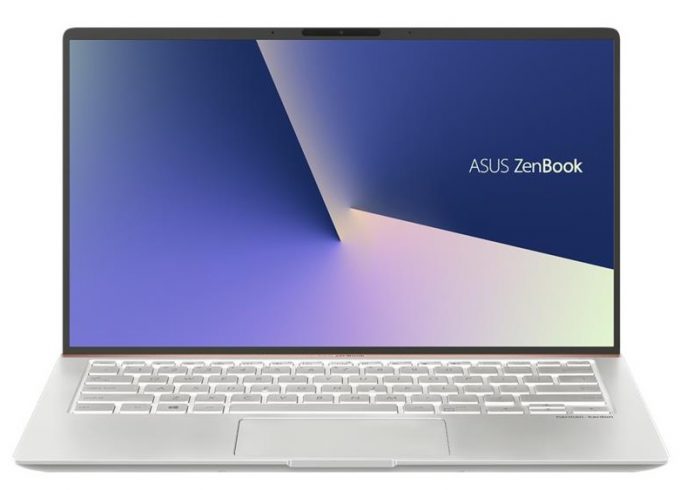
ASUS ZenBook 14 UX433
- Date Published: 04 Jun 2021
- Intel Core i7-8565U
- Intel UHD Graphics 620
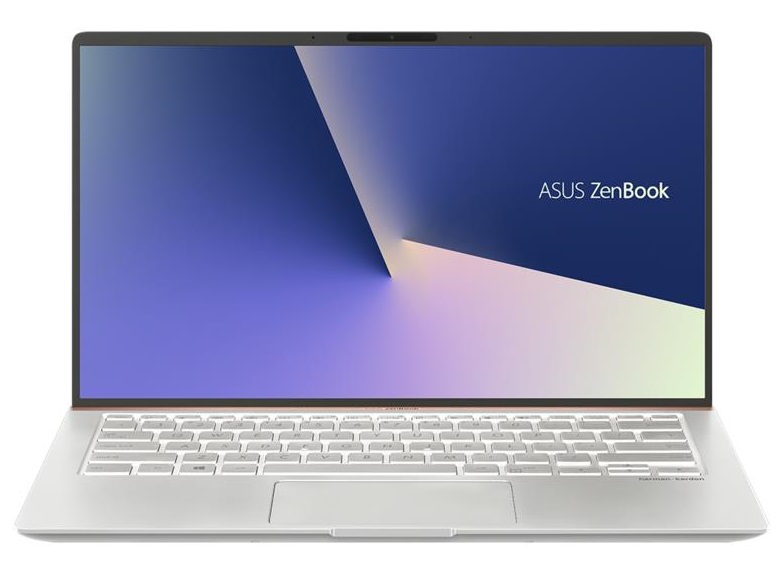
- 14.0”, Full HD (1920 x 1080), IPS
- 512GB SSD
- 8GB LPDDR3, 2133 MHz
- 1.09 kg (2.4 lbs)
Specs

- HDD/SSD
- 512GB SSD
- M.2 Slot
- 1x 2280 PCIe 3.0 x4 NVMe M.2 slot
- RAM
- 8GB LPDDR3, 2133 MHz
- OS
- Windows 10 Home
- Dimensions
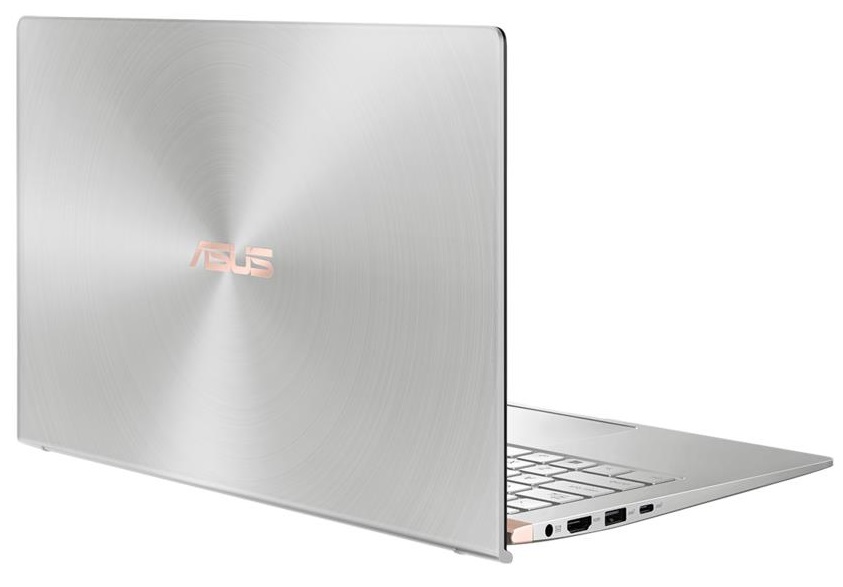
- 319 x 199 x 15.9 mm (12.56" x 7.83" x 0.63")
- Weight
- 1.09 kg (2.4 lbs)
- Ports and connectivity
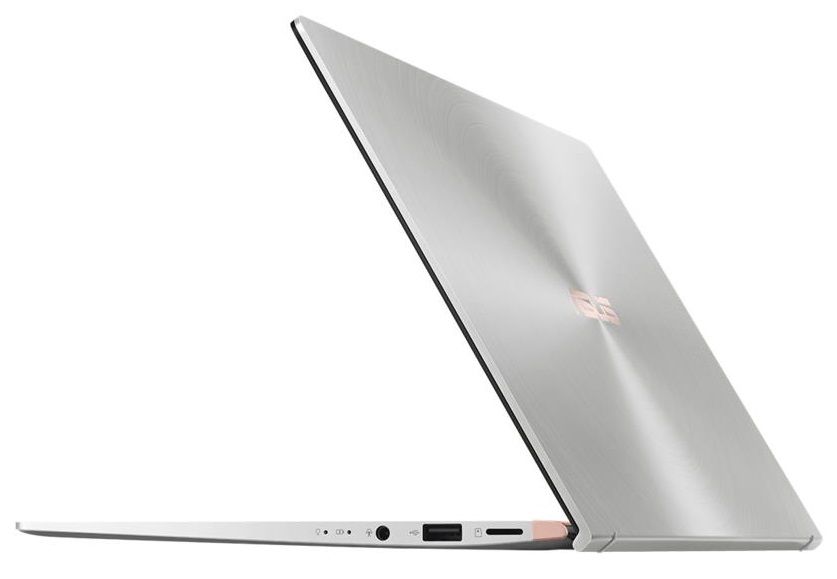
- 1x USB Type-C
- 3.2 Gen 2 (10 Gbps)
- 1x USB Type-A
- 3.2 Gen 1 (5 Gbps)
- 1x USB Type-A
- 2.0
- HDMI
- Card Reader
- Micro SD
- Ethernet LAN
- Wi-Fi
- 802.11ac
- Bluetooth
- 5.0
- Audio jack
- combo audio / microphone jack
- Features
- Web camera
- HD 720p
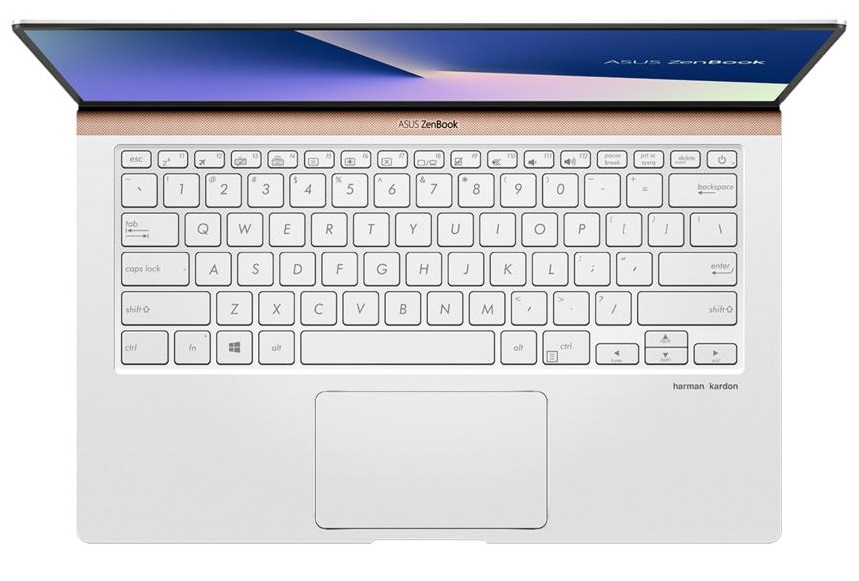
- Backlit keyboard
- Microphone
- Speakers
- Optical drive
- Security Lock slot
Portability
Review
ASUS ZenBook 14 UX433 in-depth review
Once again ASUS is trying to reinvent portability. The ZenBook 14 UX433 (which visually is very reminiscent of the UX480) is branded like a 14-inch notebook in a 13-inch form factor. Well, this is usually a gimmick used by the manufacturers to say that their laptop is very small in terms of area. Expectedly, the case is the same with this device as well - it simply can't be the same length as a smaller-screen device. However, with the help of the ErgoLift technology, it is considerably narrower than most of the notebooks.Even though they have limited space inside, ASUS has equipped their premium laptop with Whiskey Lake CPUs. In addition to that, you have the option to get it with NVIDIA's GeForce MX150 on board. This puts it one step ahead of one of their main competitors - Acer S[...]
Read the full review
Pros
- 13 hours of web browsing on battery power
- Elegant super small form factor
- GeForce MX150 option
- Decently bright and colorful screen (AUO B140HAN03.2)
- It doesn't use PWM to adjust screen brightness (AUO B140HAN03.2)
- ScreenPad option and adequate keyboard
Cons
- Huge light bleed from the bottom right corner (AUO B140HAN03.2)
- Lack of Type-C charging


![[June 2026] Best-Selling Laptop Brands on Amazon Global – Apple’s Unrivaled Dominance in Units and Revenue](https://laptopmedia.com/wp-content/uploads/2026/07/GLOBAL-Best-Brands-400x225.jpg)
![[June 2026] Amazon Global: Top 10 Best-Selling Laptops – Apple’s New MacBook Neo Storms to #1, Reshaping the Market with Affordability](https://laptopmedia.com/wp-content/uploads/2026/07/Best-Selling-Laptops-GLOBAL-Top-10-400x225.jpg)
![[June 2026] Amazon Global: Top 10 Best-Selling Gaming Laptops – Acer’s Nitro V 16S AI Dominates Sales, While ASUS Leads Overall Revenue](https://laptopmedia.com/wp-content/uploads/2026/07/Best-Selling-Gaming-Laptops-GLOBAL-Top-10-400x225.jpg)
![[June 2026] Global Ranking of Best-Selling Laptop GPUs on Amazon – NVIDIA RTX 5060 is the Top-Selling Dedicated GPU](https://laptopmedia.com/wp-content/uploads/2026/07/Best-Selling-GPUs-GLOBAL-Top-10-400x225.jpg)
![[June 2026] Global Ranking of Best-Selling Laptop CPUs on Amazon – Apple M5 Dominates, AMD Ryzen 7 260 Gets Solid Premium Share](https://laptopmedia.com/wp-content/uploads/2026/07/Best-Selling-CPUs-GLOBAL-Top-10-400x225.jpg)
