ASUS Zephyrus S GX502
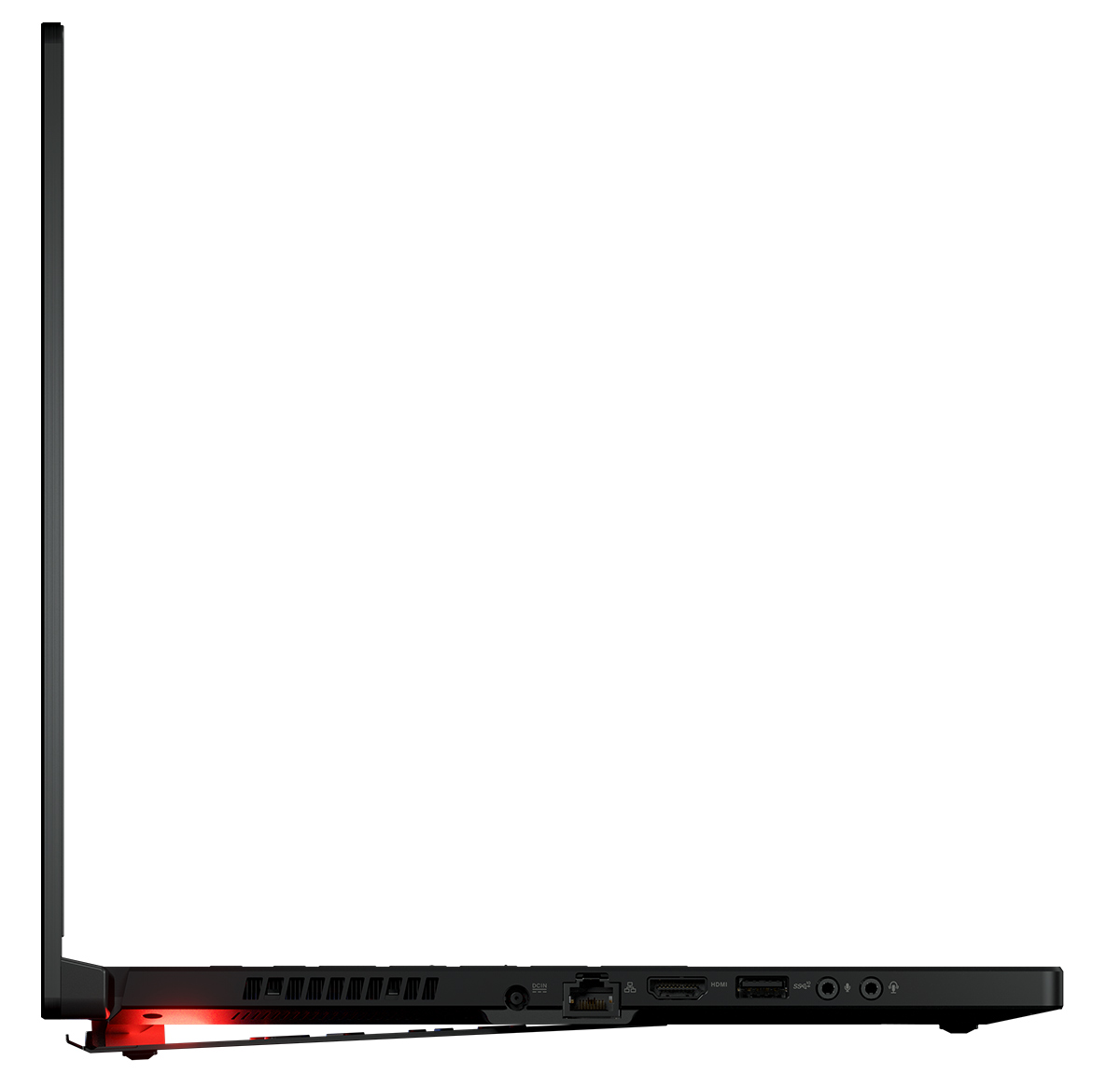

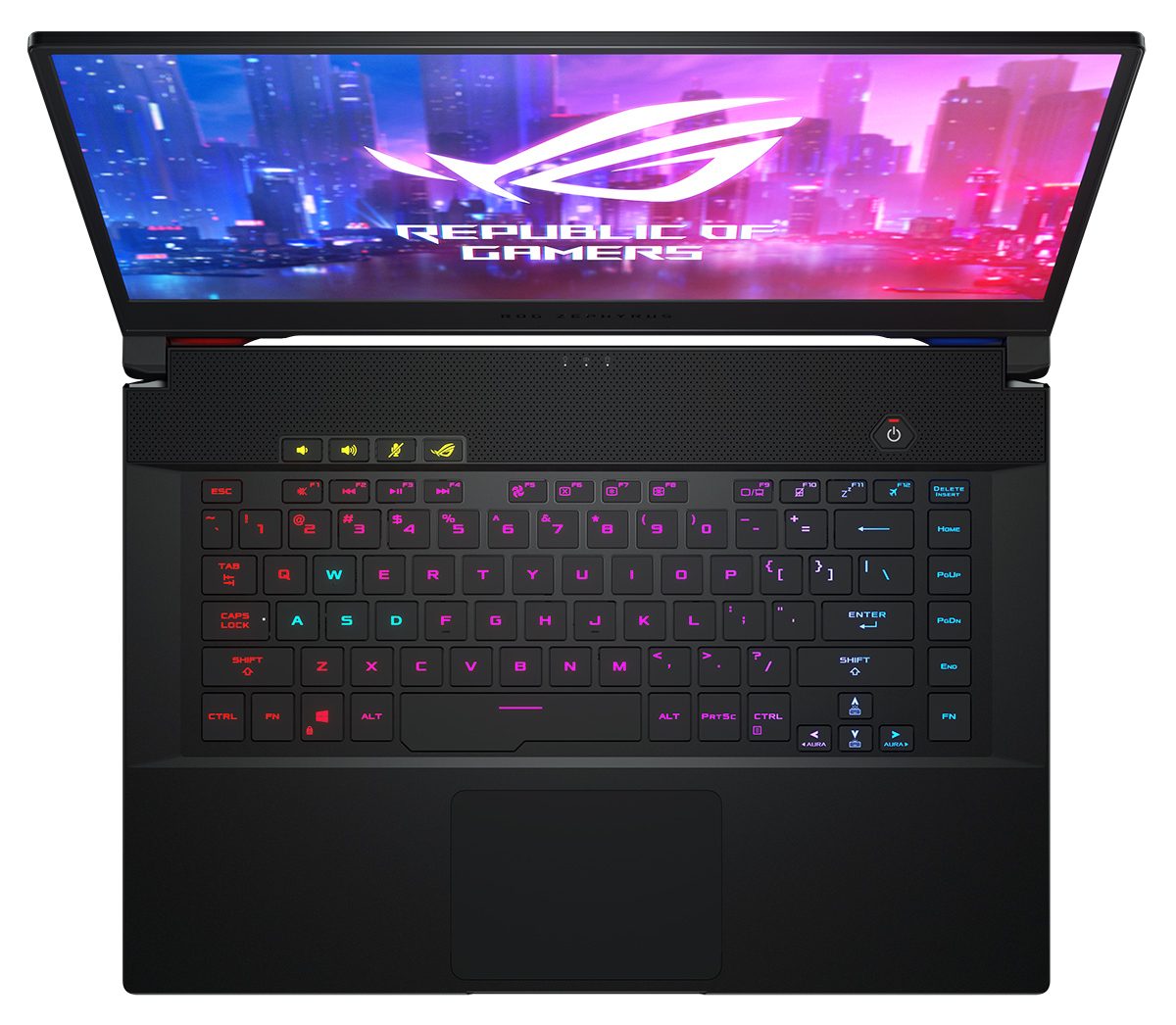
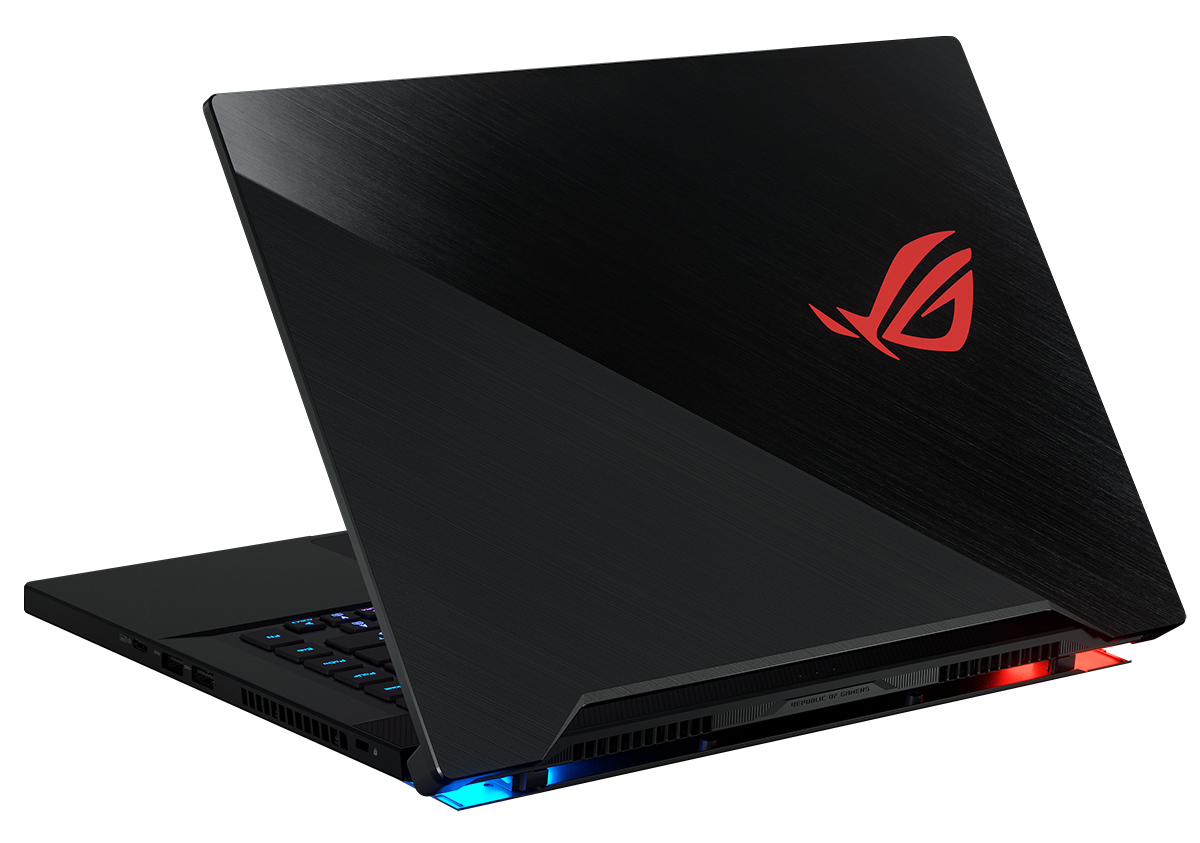

- Date Published: 13 Dec 2019
- Intel Core i7-9750H
- NVIDIA GeForce RTX 2060 (Laptop)
- 15.6”, Full HD (1920 x 1080), 144 Hz, IPS + G-Sync
- 512GB SSD
- 16GB DDR4, 2666 MHz
- 2.00 kg (4.4 lbs)
Review
ASUS Zephyrus S GX502 in-depth review
ASUS' ROG Zephyrus line-up is all-in thin and light gaming solutions. It was exactly the Zephyrus GX501 that started the niche of gaming ultrabooks. Now, the market is populated with the likes of Acer Predator Triton 500 and MSI GS65 Stealth, which have stolen the thunder of the ROG Zephyrus devices.Now, however, they return stronger than ever. Equipped with the latest 9th Generation Core i7-9750H and counting on NVIDIA's RTX 2060 and RTX 2070 to drive the beast. Well, you surely need something to display the content from these monster GPUs. In this case, you have the choice of a 144Hz IPS panel or a super-fast 240Hz IPS display - both support G-sync and ASUS state that both are Pantone Validated for maximum accuracy of the colors. You can count on us to check if that's true, of cours[...]
Read the full review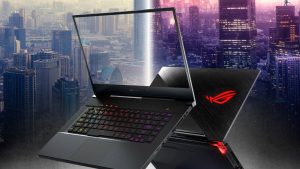
Pros
- Magnesium-alloy to keep the profile thin and the weight - low
- Packs a killer hardware in a sleek chassis
- Butter smooth 144Hz display and optional 240Hz one
- Per-key RGB backlight
- Great stereo speakers
Cons
- Uncomfortable keyboard for gaming
- Lacks Thunderbolt support
- Goes pretty warm during gaming
Disassembly, maintenance and upgrade options
As a super thin and light gaming laptop, it should have the downside of being ridiculously difficult to disassemble. Well, that's exactly what we thought on the first place, but in the end, it happened to be far easier to upgrade than the Acer Predator Triton 500 and the MSI GS65 Stealth.Check out all ASUS ROG Zephyrus S GX502 prices and configurations in our Specs System, or read our In-Depth review.1. Remove the bottom plate We should note, that despite it is not hard to get inside this laptop, it will surely take a little bit more time than usual. First, you need to unscrew f[...]
Read more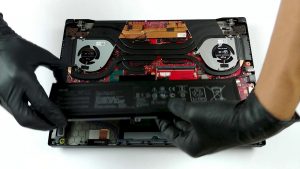


![[June 2026] Best-Selling Laptop Brands on Amazon Global – Apple’s Unrivaled Dominance in Units and Revenue](https://laptopmedia.com/wp-content/uploads/2026/07/GLOBAL-Best-Brands-400x225.jpg)
![[June 2026] Amazon Global: Top 10 Best-Selling Laptops – Apple’s New MacBook Neo Storms to #1, Reshaping the Market with Affordability](https://laptopmedia.com/wp-content/uploads/2026/07/Best-Selling-Laptops-GLOBAL-Top-10-400x225.jpg)
![[June 2026] Amazon Global: Top 10 Best-Selling Gaming Laptops – Acer’s Nitro V 16S AI Dominates Sales, While ASUS Leads Overall Revenue](https://laptopmedia.com/wp-content/uploads/2026/07/Best-Selling-Gaming-Laptops-GLOBAL-Top-10-400x225.jpg)
![[June 2026] Global Ranking of Best-Selling Laptop GPUs on Amazon – NVIDIA RTX 5060 is the Top-Selling Dedicated GPU](https://laptopmedia.com/wp-content/uploads/2026/07/Best-Selling-GPUs-GLOBAL-Top-10-400x225.jpg)
![[June 2026] Global Ranking of Best-Selling Laptop CPUs on Amazon – Apple M5 Dominates, AMD Ryzen 7 260 Gets Solid Premium Share](https://laptopmedia.com/wp-content/uploads/2026/07/Best-Selling-CPUs-GLOBAL-Top-10-400x225.jpg)
