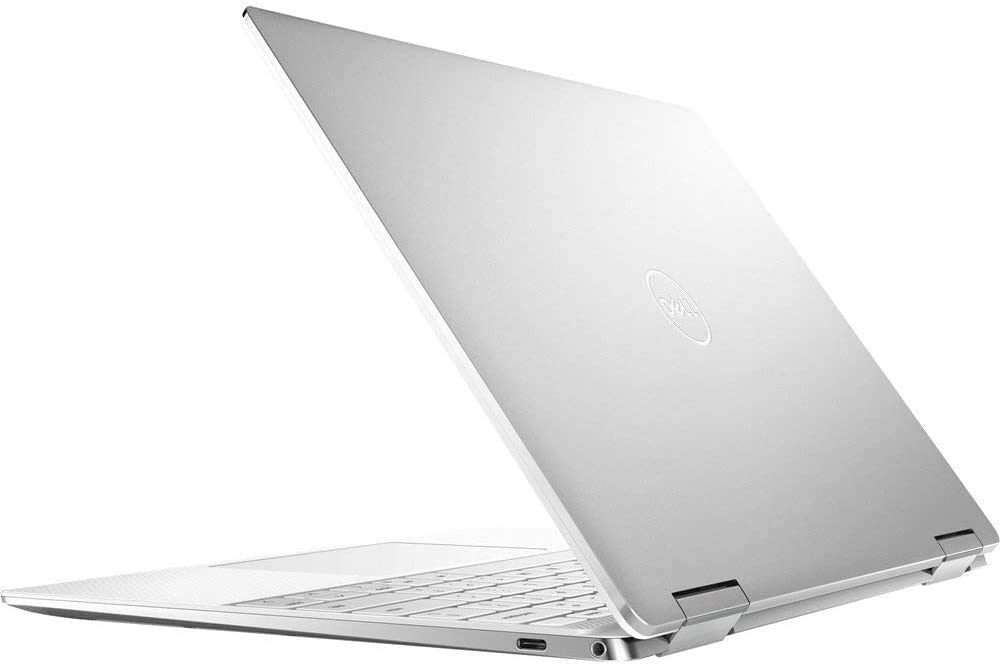
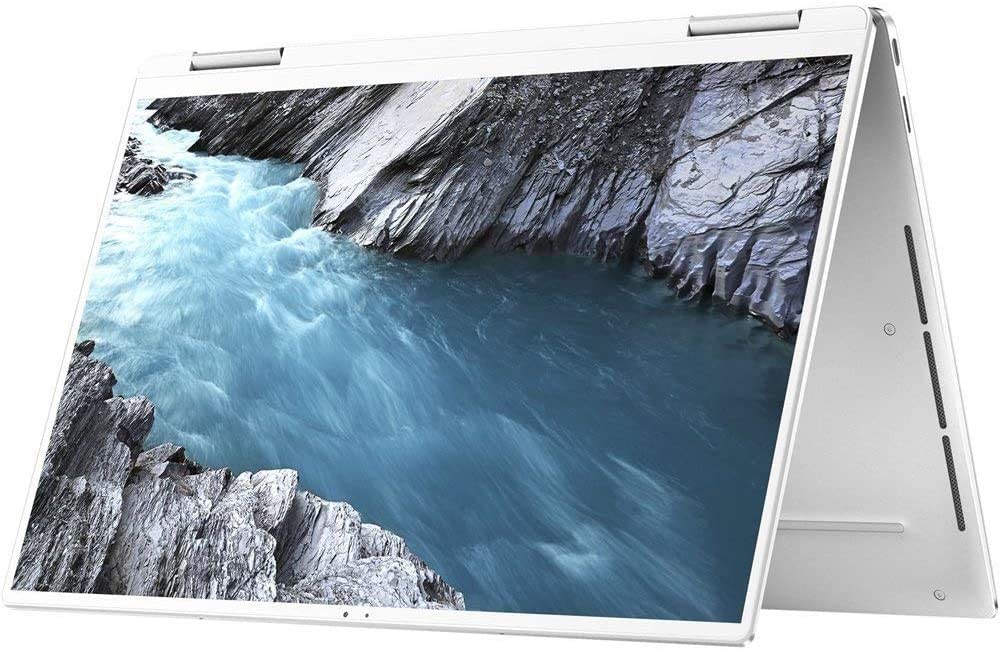
Dell XPS 9310 2-in-1
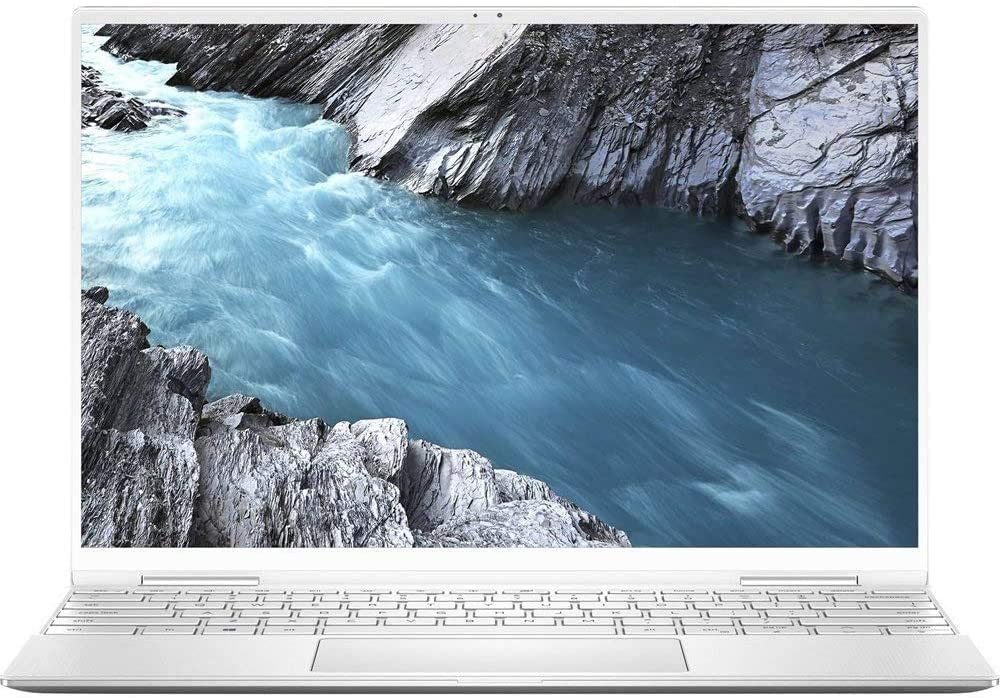
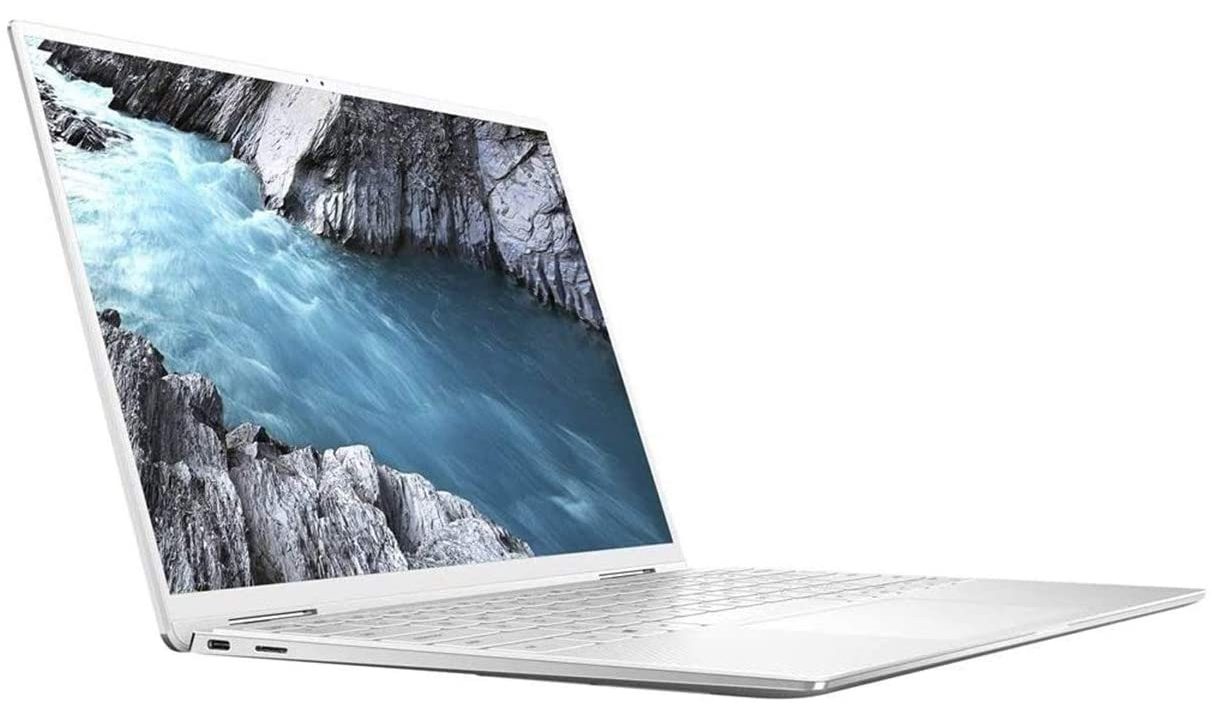
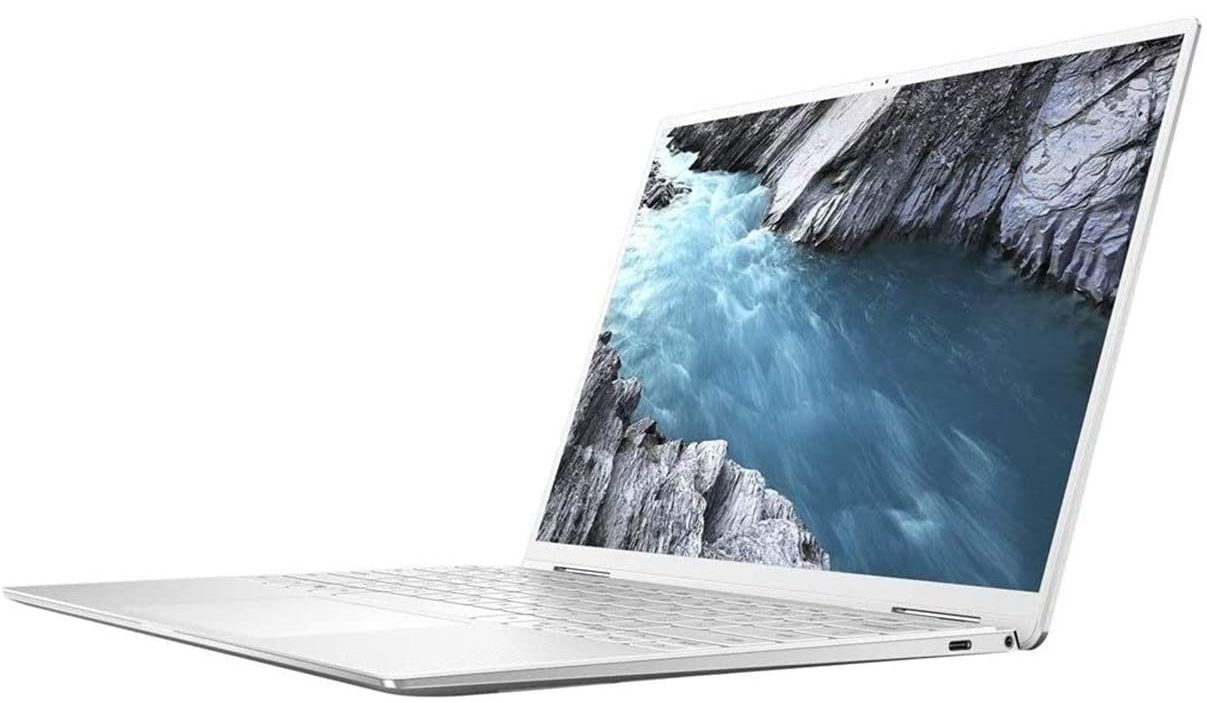
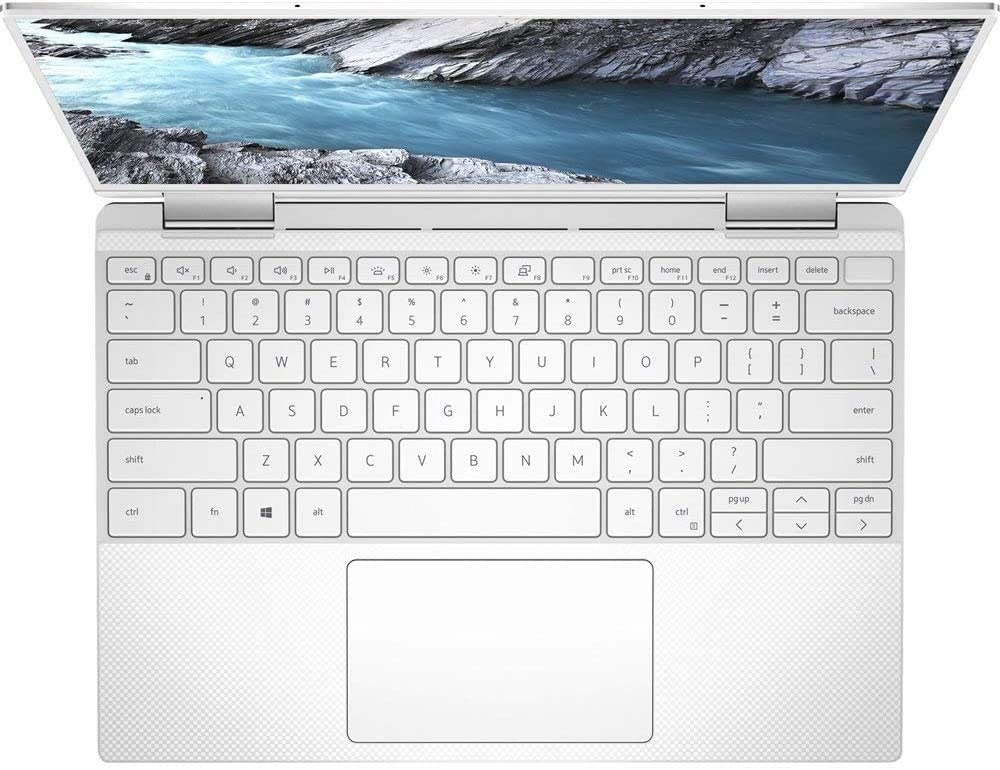
- Date Published: 05 Jul 2021
- Intel Core i7-1165G7
- Intel Iris Xe Graphics G7 (96EU)
- 13.4”, FHD+ (1920 x 1200), IPS
- 1000GB SSD
- 32GB LPDDR4x, 4266 MHz
- 1.32 kg (2.9 lbs)

Specs
- Display

- HDD/SSD
- 1TB SSD
- RAM
- 32GB LPDDR4x, 4266 MHz
- OS
- Windows 10 Pro
- Body Material
- Aluminum, Carbon
- Dimensions
- 297 x 207 x 14.3 mm (11.69" x 8.15" x 0.56")
- Weight
- 1.32 kg (2.9 lbs)
- Ports and connectivity
- 2x USB Type-C
- 3.2 Gen 2 (10 Gbps), Thunderbolt 3, Power Delivery (PD), DisplayPort
- Card Reader
- MicroSD
- Wi-Fi
- 802.11ax
- Bluetooth
- 5.1
- Audio jack
- 3.5 Combo Jack
- Features
- Fingerprint reader
- Web camera
- HD
- Backlit keyboard
- Microphone
- Dual Array Digital Microphones
- Speakers
- 2x 2W, Waves MaxxAudio Pro
- Optical drive
- Security Lock slot
Portability
Review
Dell XPS 9310 2-in-1 in-depth review
Some manufacturers are more invested in their gaming laptops than their other lineup. However, others, like Dell, actually want to be recognized for their premium business devices. This is why the XPS series are usually getting more attention than others.Today, we are going to show you the 2-in-1 iteration of the XPS 13 9310. It comes with a choice of Tiger Lake processors, an extremely thin profile, and according to Dell - a ton of performance.Before we start, we have to take into consideration the fact that like its clamshell brother, this laptop has a 16:10 display. This provides its users with more vertical working space. Ultimately, this makes working on image edits and spreadsheets a lot more comfortable.You can check the prices and configurations in our Specs System: ht[...]
Read the full review
Pros
- Premium build quality and materials
- Covers 94% of sRGB colors (Sharp GRNPP-LQ134N1)
- Very high color accuracy when Gaming and Web design profile is installed (Sharp GRNPP-LQ134N1)
- 12 hours of battery
- Fingerprint reader and optional IR face recognition systems
- Great speakers
Cons
- Limited I/O
- Uses PWM below 140 nits (our Health-Guard profile fixes the issue) (Sharp GRNPP-LQ134N1)
- Memory and storage are soldered to the motherboard
- Gets really warm on the outside
- Extremely short key travel
Disassembly, maintenance and upgrade options
For better or for worse, Dell has failed to do a good job regarding future upgrades.Check out all Dell XPS 13 9310 (2-in-1) prices and configurations in our Specs System or read more in our In-Depth review.1. Remove the bottom plate To get this device opened, you need to undo 8 Torx-head screws. After that, carefully pry the bottom panel with a plastic tool.2. Battery Here we see a battery with a 51Wh capacity.3. Мemory and storage Unfortunately, both the memory, and the storage here are soldered to the motherboard, so there is no way to upgrade your convertible XP[...]
Read more


![[June 2026] Best-Selling Laptop Brands on Amazon Global – Apple’s Unrivaled Dominance in Units and Revenue](https://laptopmedia.com/wp-content/uploads/2026/07/GLOBAL-Best-Brands-400x225.jpg)
![[June 2026] Amazon Global: Top 10 Best-Selling Laptops – Apple’s New MacBook Neo Storms to #1, Reshaping the Market with Affordability](https://laptopmedia.com/wp-content/uploads/2026/07/Best-Selling-Laptops-GLOBAL-Top-10-400x225.jpg)
![[June 2026] Amazon Global: Top 10 Best-Selling Gaming Laptops – Acer’s Nitro V 16S AI Dominates Sales, While ASUS Leads Overall Revenue](https://laptopmedia.com/wp-content/uploads/2026/07/Best-Selling-Gaming-Laptops-GLOBAL-Top-10-400x225.jpg)
![[June 2026] Global Ranking of Best-Selling Laptop GPUs on Amazon – NVIDIA RTX 5060 is the Top-Selling Dedicated GPU](https://laptopmedia.com/wp-content/uploads/2026/07/Best-Selling-GPUs-GLOBAL-Top-10-400x225.jpg)
![[June 2026] Global Ranking of Best-Selling Laptop CPUs on Amazon – Apple M5 Dominates, AMD Ryzen 7 260 Gets Solid Premium Share](https://laptopmedia.com/wp-content/uploads/2026/07/Best-Selling-CPUs-GLOBAL-Top-10-400x225.jpg)
