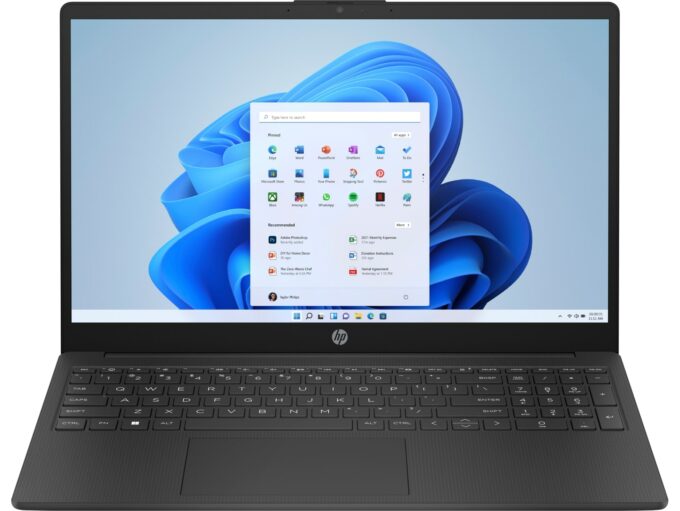
HP 250 G10 / 255 G10


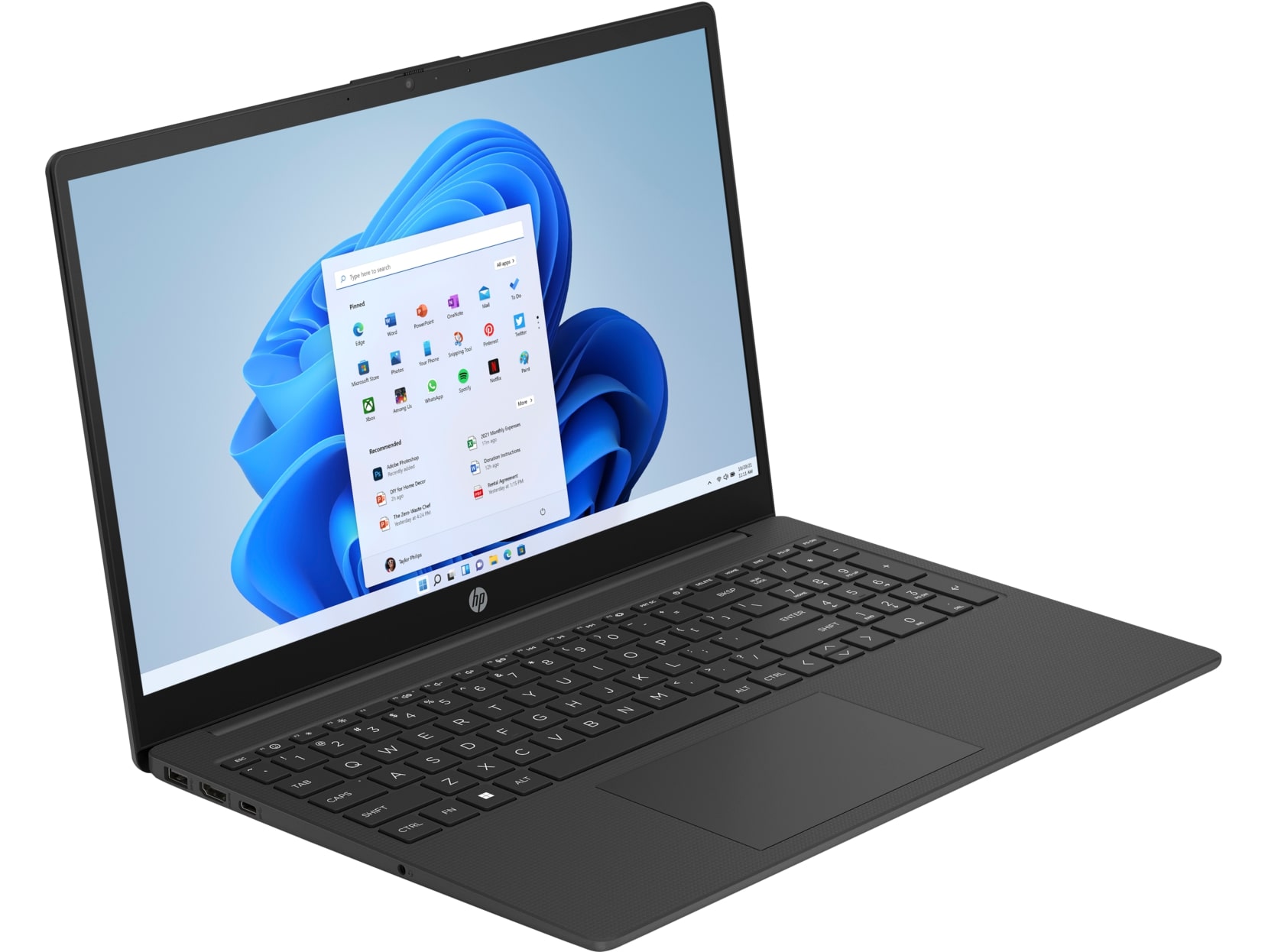
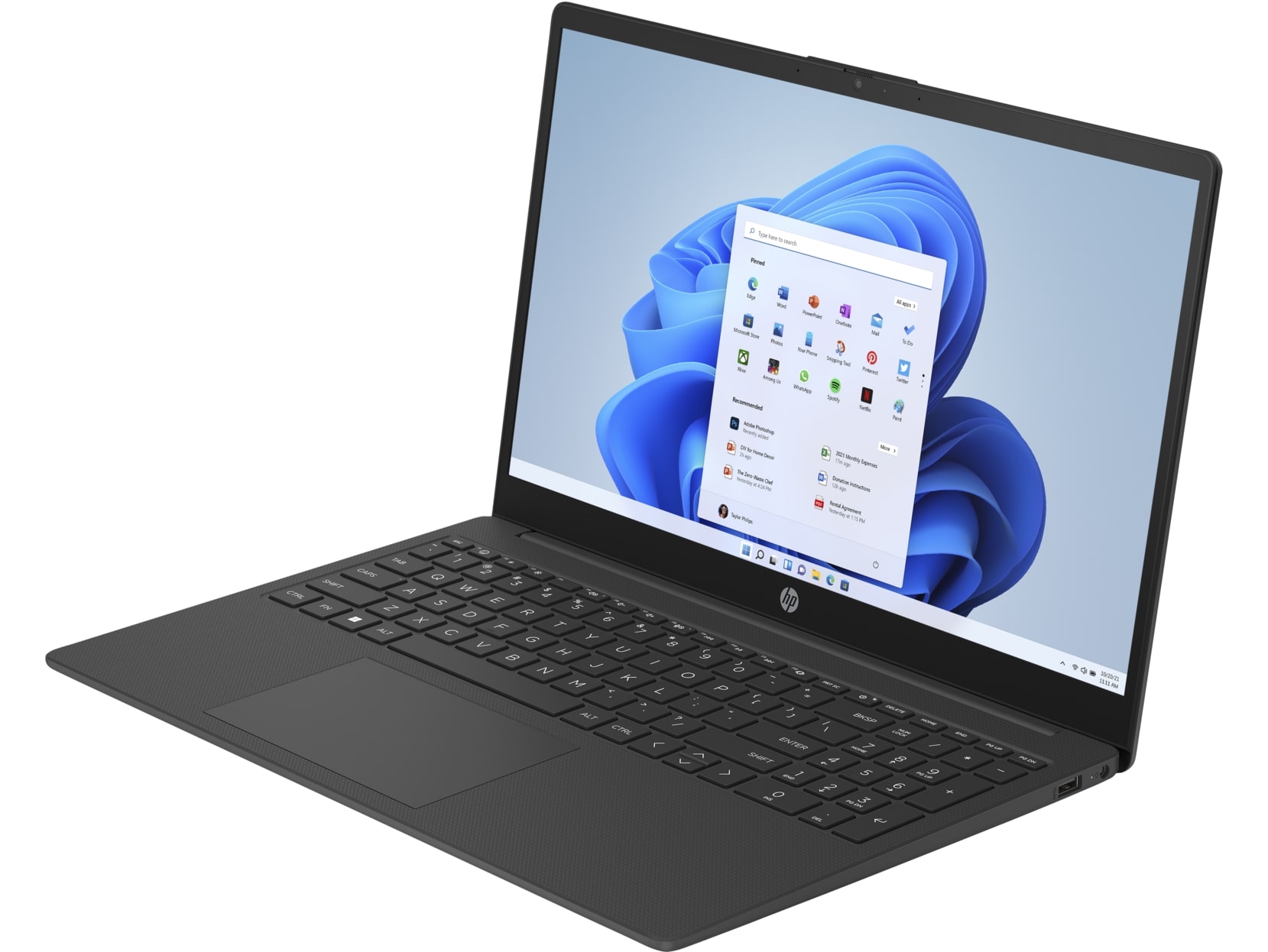
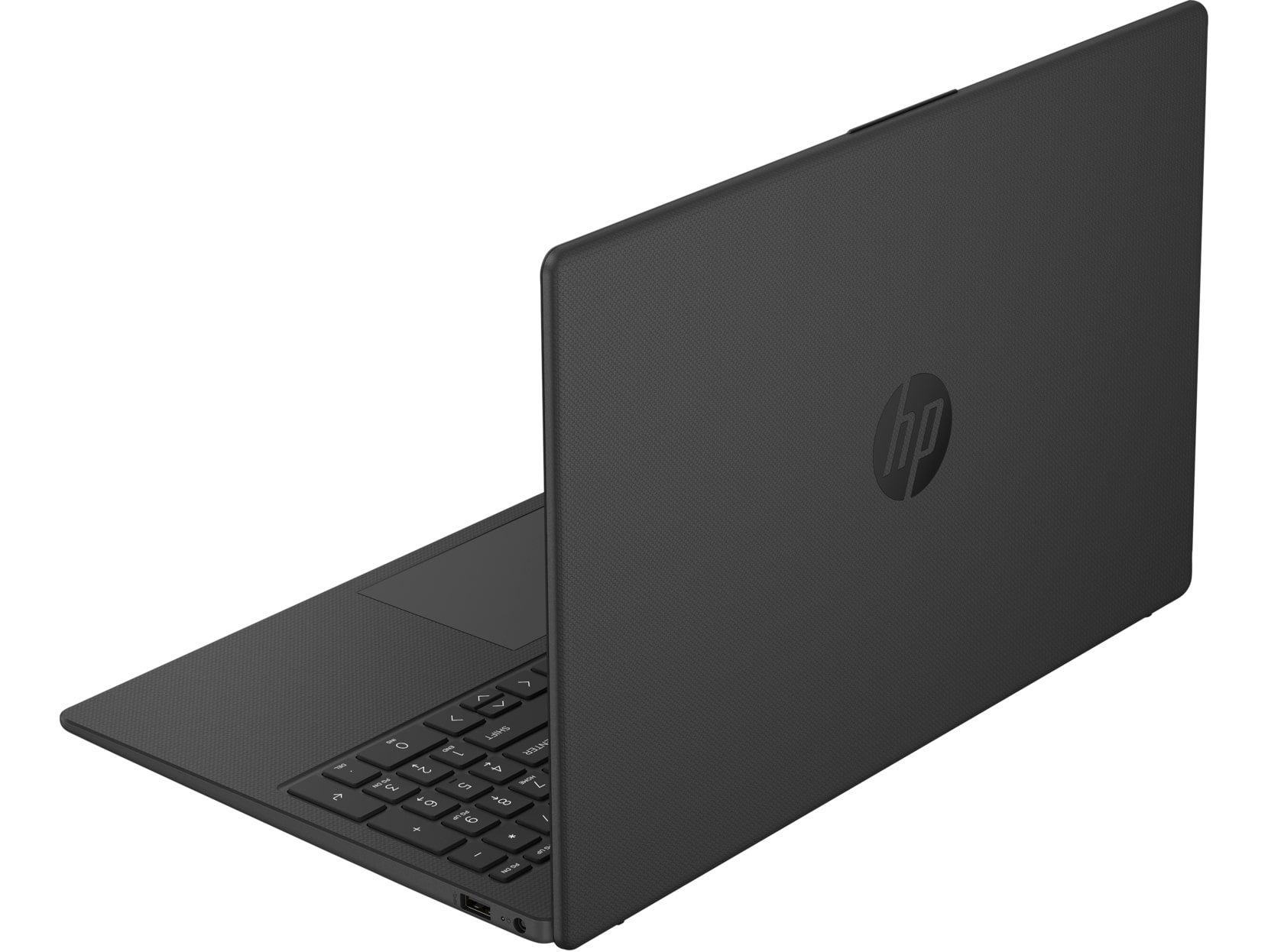
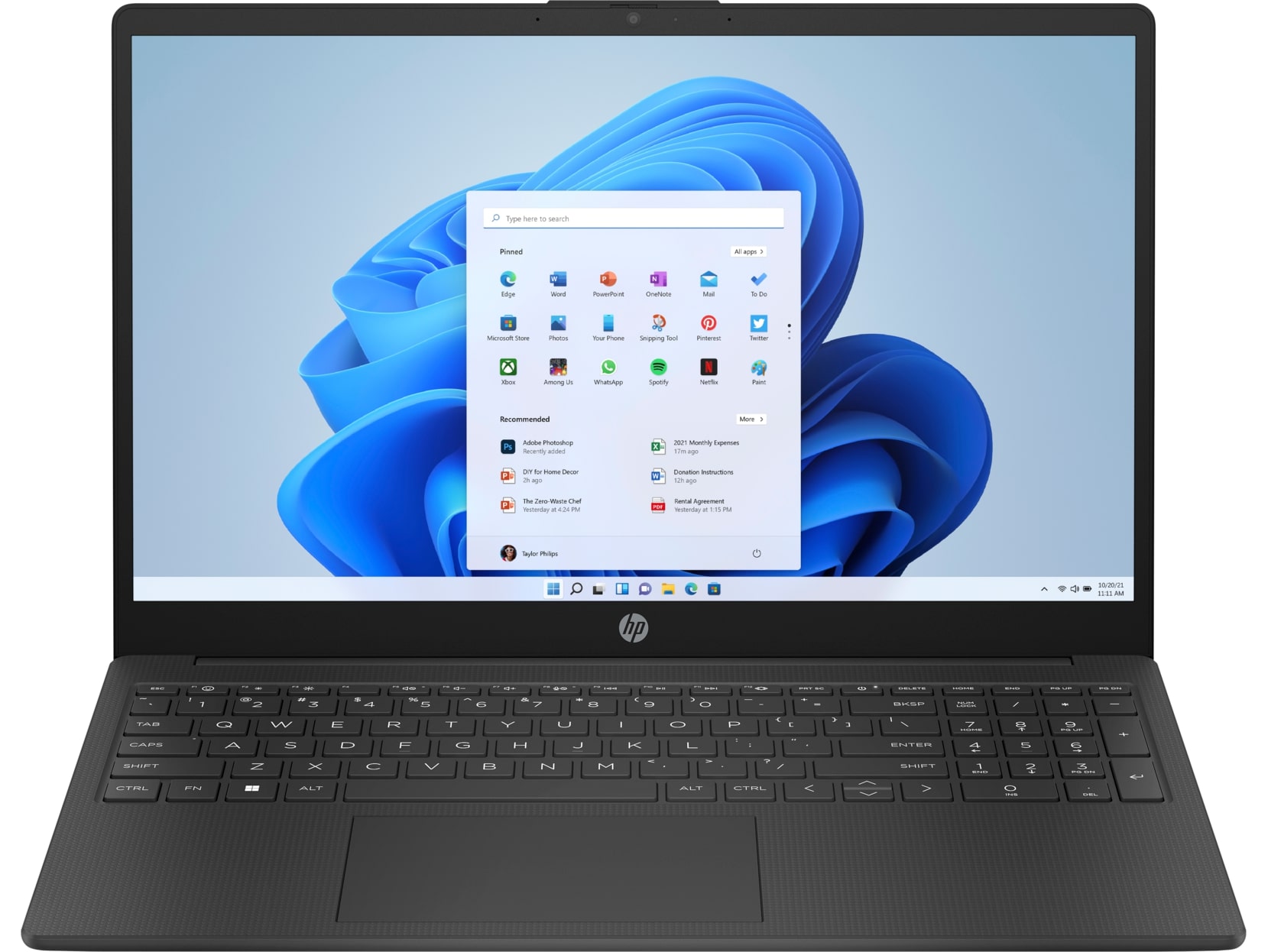
- Date Published: 30 Oct 2025
- AMD Ryzen 7 7730U
- AMD Radeon RX Vega 8 (R4000/5000, 15W)
- 15.6”, Full HD (1920 x 1080), IPS
- 2000GB SSD
- 64GB RAM
- 1.52 kg (3.4 lbs)
Specs

- HDD/SSD
- 2000GB SSD
- M.2 Slot
- 1x 2280 PCIe NVMe 4.0 x4 See photo
- RAM
- 64GB RAM
- OS
- Windows 11 Pro
- Body Material
- Plastic / Polycarbonate
- Dimensions
- 360 x 236 x 18.6 mm (14.17" x 9.29" x 0.73")
- Weight
- 1.52 kg (3.4 lbs)
- Ports and connectivity
- 2x USB Type-A
- 3.2 Gen 1 (5 Gbps)
- 1x USB Type-C
- 3.2 Gen 1 (5 Gbps)
- HDMI
- 1.4b
- Card Reader
- Ethernet LAN
- Wi-Fi
- 802.11ax
- Bluetooth
- 5.3
- Audio jack
- 3.5mm Combo Jack
- Features
- Fingerprint reader
- Web camera
- HD / FHD with Temporal Noise Reduction
- Backlit keyboard
- Microphone
- Speakers
- Stereo Speakers
- Security Lock slot
- Gifts
- Bluetooth Earbuds
- Gifts
- Electronic Cleaning Kit
- Gifts
- USB-C Hub
- Gifts
- 3-in-1 Charging Cable
- Gifts
- USB-C Charging Cable
Portability
Review
HP 250 G10 / 255 G10 in-depth review
Most people don't need super powerful and expensive laptops for daily or office usage. Nowadays, even most of the low-end CPUs are just fine for normal work if the notebook has a decent amount of RAM and an SSD. The HP 250 G10 is a typical workhorse. It can be configured with 13th Gen U and P-series processor options. There are some Celerons and Pentiums in the mix but we advise you to avoid them since they have just four cores. Most devices rely on an iGPU but if you need more power for graphics-heavy software, you can opt for the optional NVIDIA GeForce MX550.The machine has a full-sized keyboard with a NumberPad section that can be great for people who are making tons of calculations during the day (like accountants). Because that's a budget device, the backlight and the fingerprint[...]
Read the full review
Pros
- Comfortable input devices
- Light and thin for a 15-incher
- Comfortable viewing angles and Good contrast ratio and (BOE BOE0A17 (NE156FHM-N4K))
- PWM-free (BOE BOE0A17 (NE156FHM-N4K))
- 2x SODIMMs
- High CPU frequencies under any kind of load
- Good comfort under load
- Long battery life
- Optional fingerprint reader + privacy shutter for the Web camera
- Pleasant price
- Eight CPU options
Cons
- Covers only 53% of sRGB (BOE BOE0A17 (NE156FHM-N4K))
- Just one M.2 slot
- Flexible chassis
Disassembly, maintenance and upgrade options
Step 1: Accessing the Internal ComponentsEnsure the HP 250 G10 is powered off and placed on a soft, clean surface to prevent scratches or damage. Remove the four Phillips-head screws from the bottom of the laptop. Begin popping the bottom panel off, starting from the front, then continue working your way around the sides and the back.Hint: Proceed with caution to avoid damaging the internal clips or the laptop casing.Step 2: Removing the BatteryWear gloves to avoid short circuits and carefully disconnect the built-in battery connector. Remove the five Phill[...]
Read more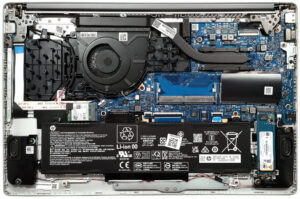


![[June 2026] Best-Selling Laptop Brands on Amazon Global – Apple’s Unrivaled Dominance in Units and Revenue](https://laptopmedia.com/wp-content/uploads/2026/07/GLOBAL-Best-Brands-400x225.jpg)
![[June 2026] Amazon Global: Top 10 Best-Selling Laptops – Apple’s New MacBook Neo Storms to #1, Reshaping the Market with Affordability](https://laptopmedia.com/wp-content/uploads/2026/07/Best-Selling-Laptops-GLOBAL-Top-10-400x225.jpg)
![[June 2026] Amazon Global: Top 10 Best-Selling Gaming Laptops – Acer’s Nitro V 16S AI Dominates Sales, While ASUS Leads Overall Revenue](https://laptopmedia.com/wp-content/uploads/2026/07/Best-Selling-Gaming-Laptops-GLOBAL-Top-10-400x225.jpg)
![[June 2026] Global Ranking of Best-Selling Laptop GPUs on Amazon – NVIDIA RTX 5060 is the Top-Selling Dedicated GPU](https://laptopmedia.com/wp-content/uploads/2026/07/Best-Selling-GPUs-GLOBAL-Top-10-400x225.jpg)
![[June 2026] Global Ranking of Best-Selling Laptop CPUs on Amazon – Apple M5 Dominates, AMD Ryzen 7 260 Gets Solid Premium Share](https://laptopmedia.com/wp-content/uploads/2026/07/Best-Selling-CPUs-GLOBAL-Top-10-400x225.jpg)

