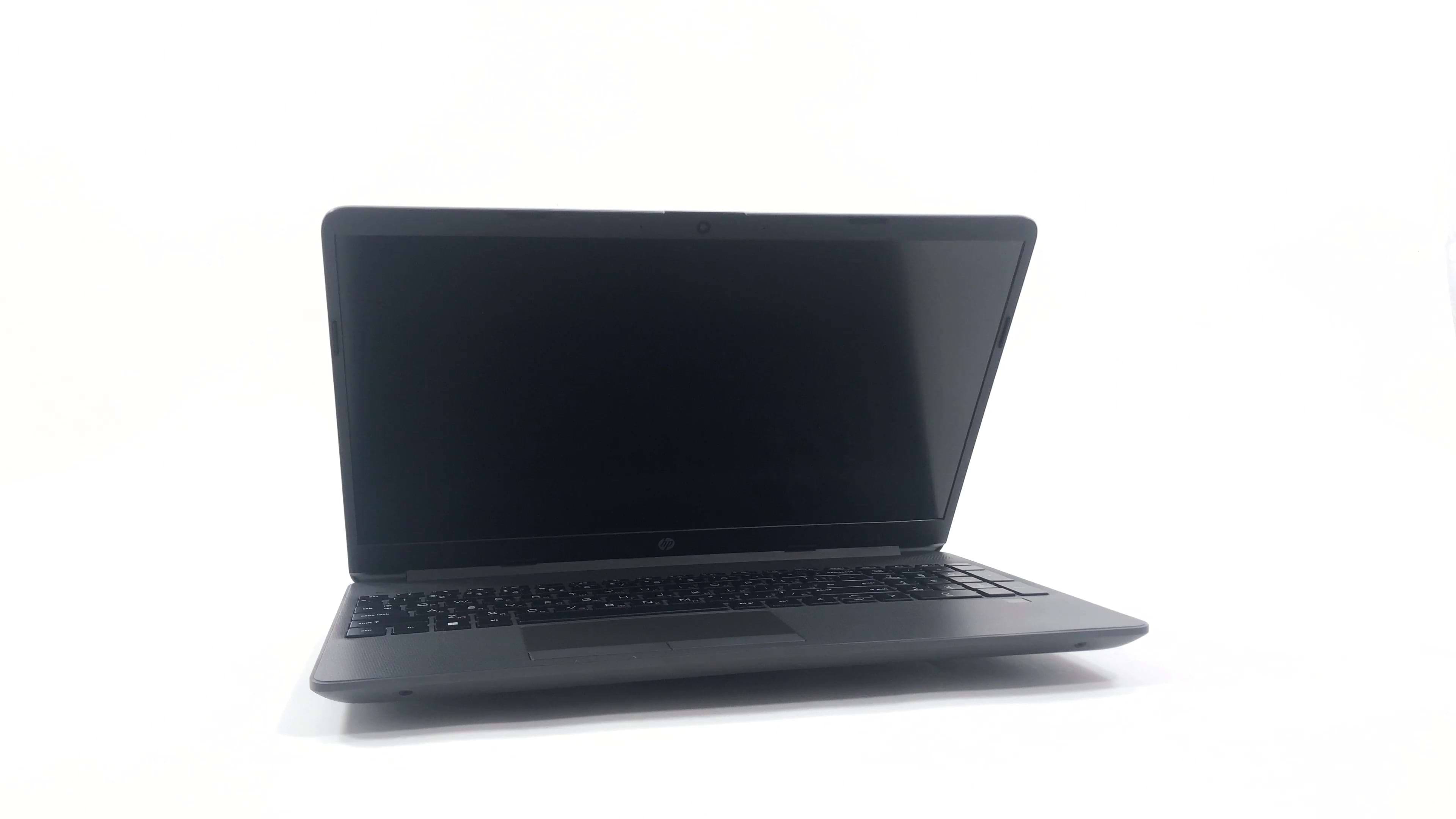
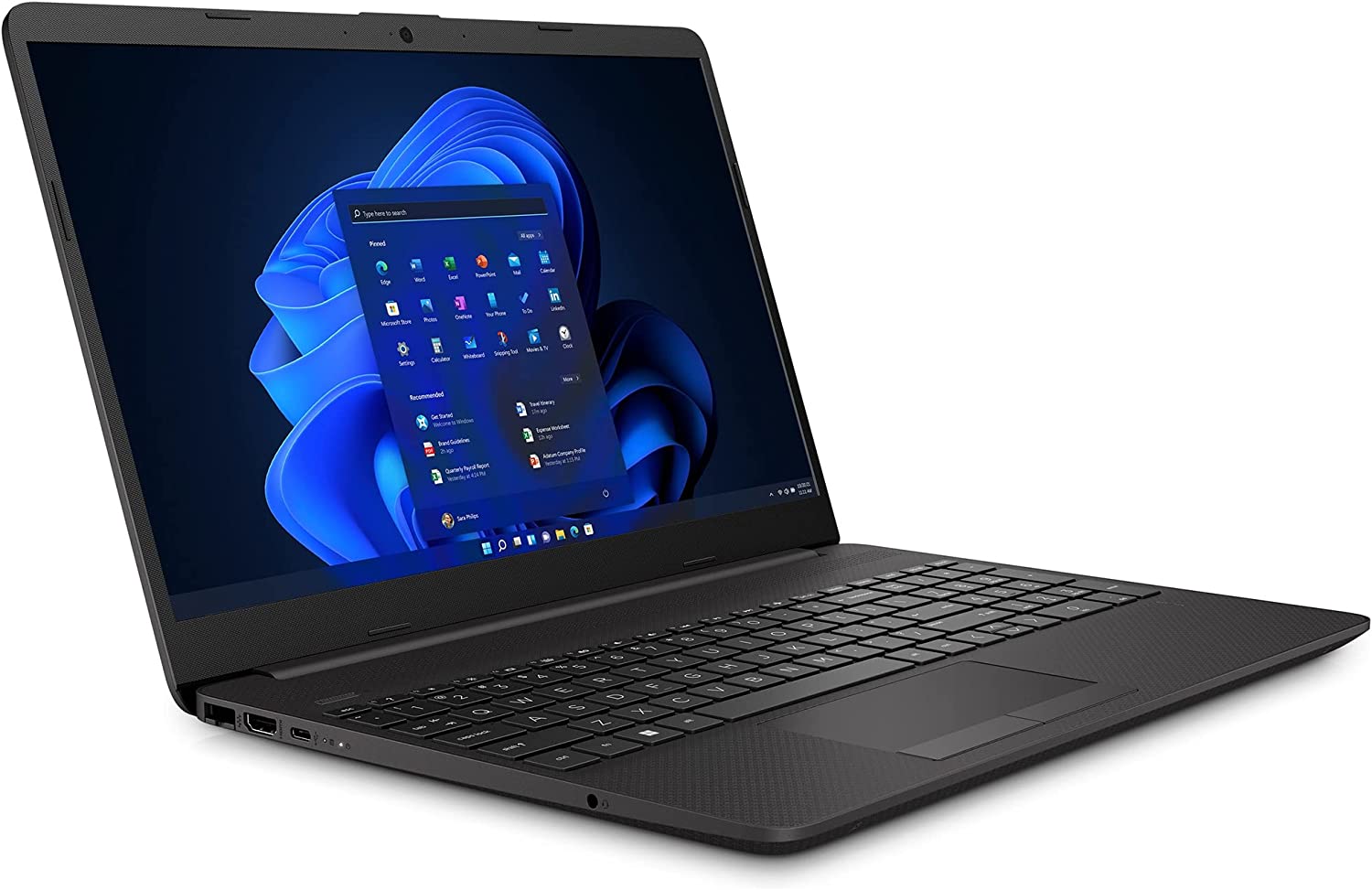
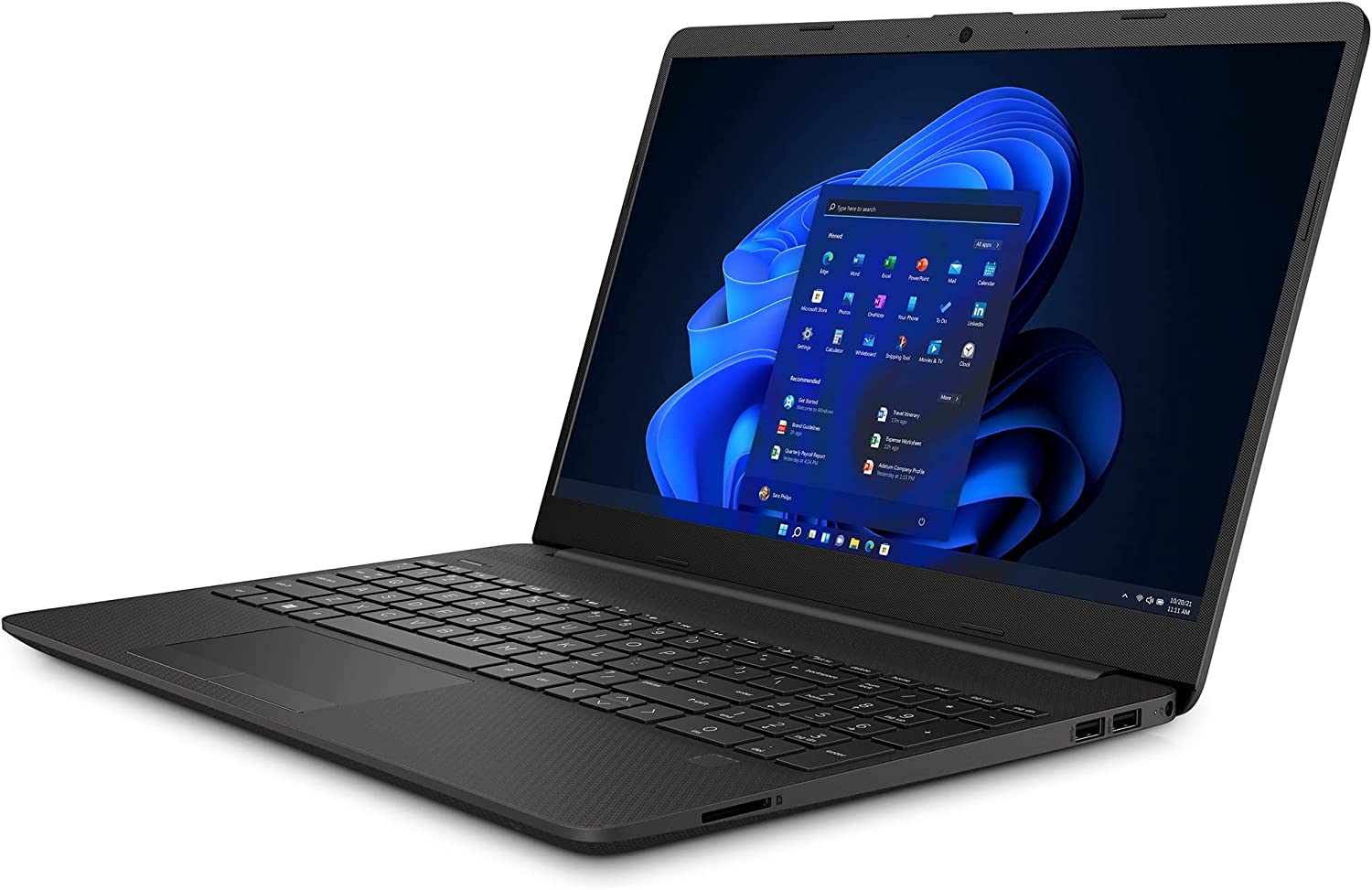
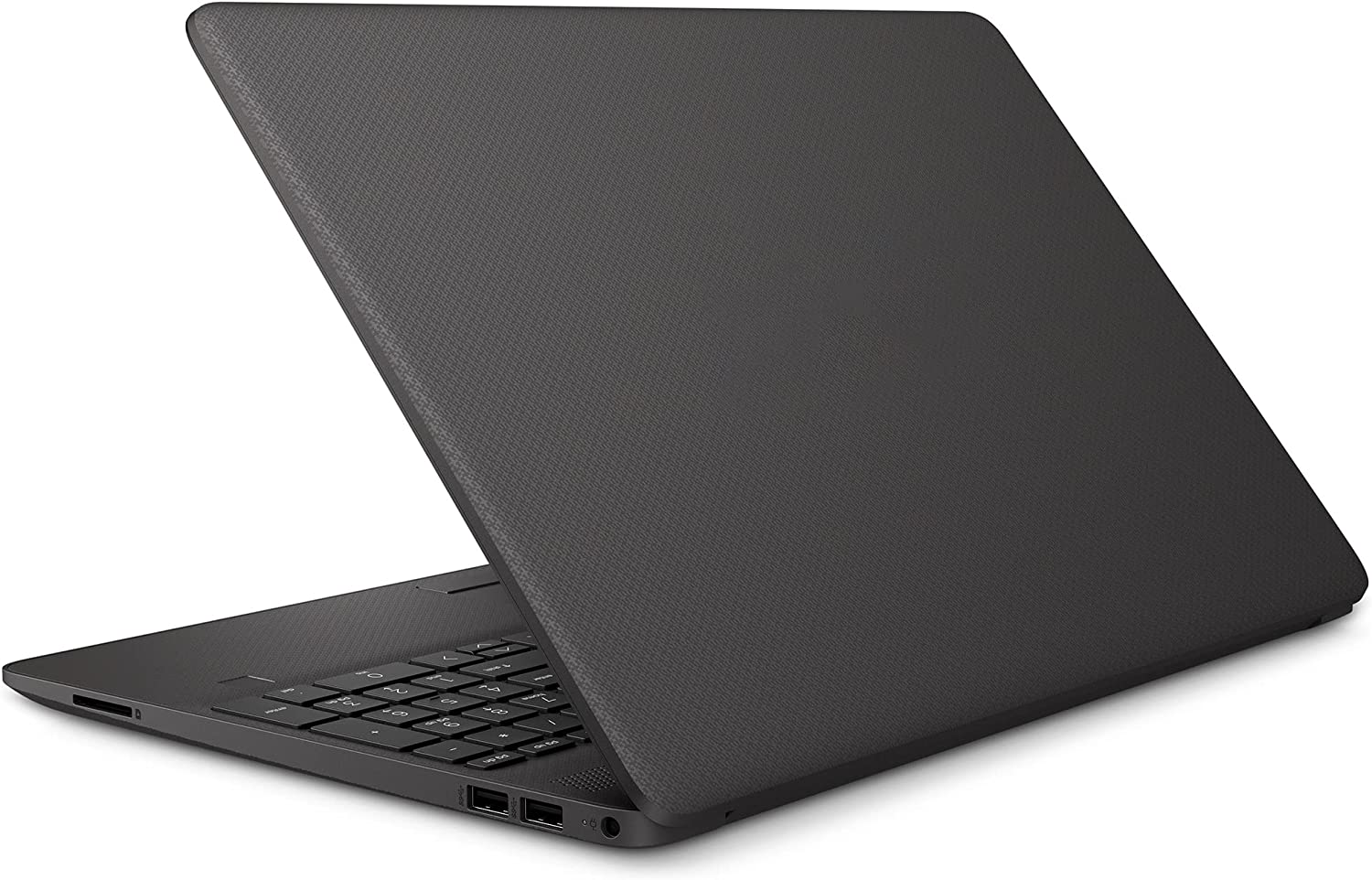
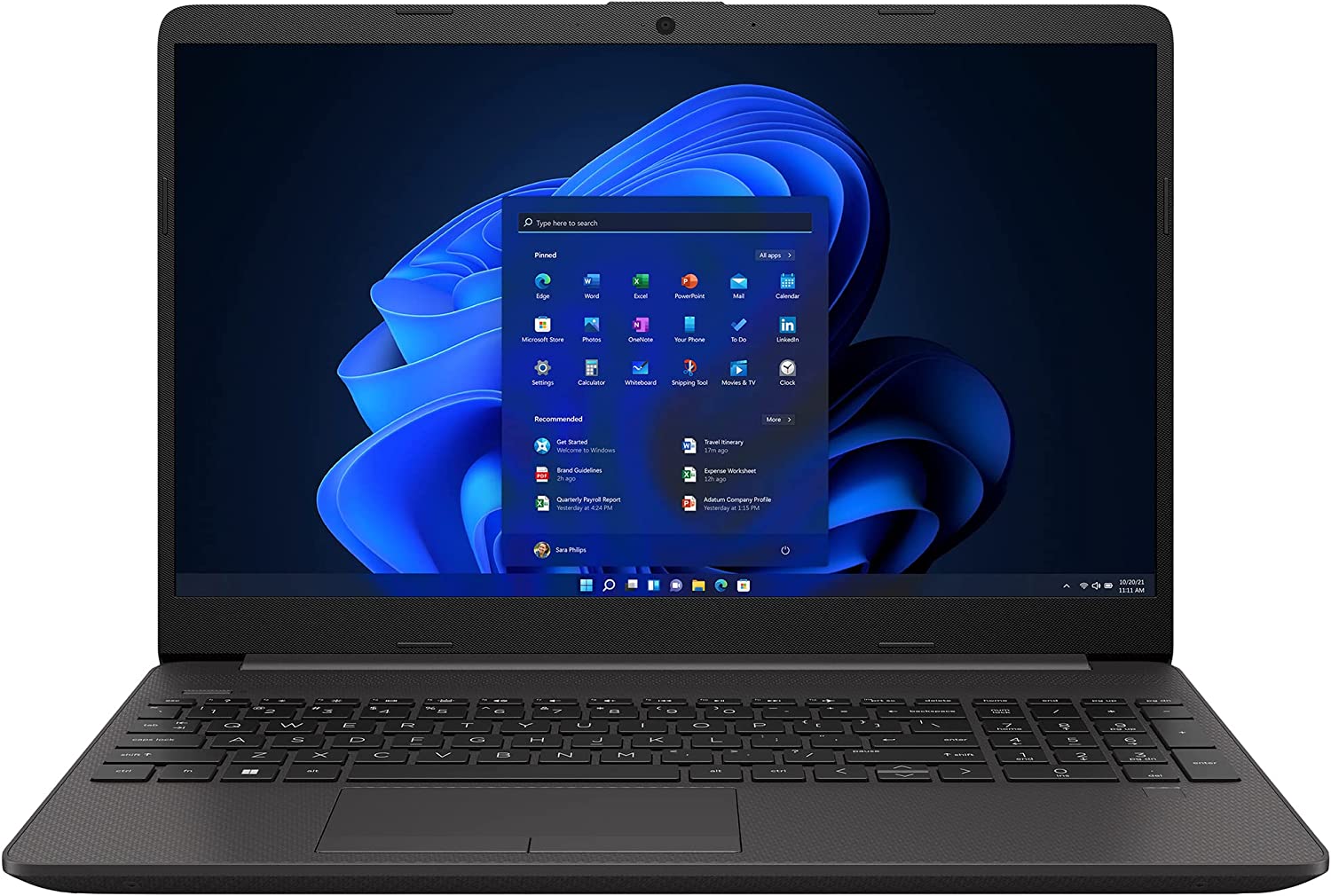
HP 250 G9 / 255 G9


- Date Published: 20 May 2026
- Intel Core i5-1235U
- Intel Iris Xe Graphics G7 (80EU)
- 15.6”, Full HD (1920 x 1080), IPS
- 4000GB SSD
- 64GB RAM
- 1.74 kg (3.8 lbs)

Review
HP 250 G9 / 255 G9 in-depth review
Hot out of the oven comes the HP 255 G9. It is a laptop suitable for the home and the office (or the home office), as it features pretty capable hardware at a price, which is almost unbeatable in its class.But what is its class? Well, it comprises notebooks like the Dell's Vostro 15 3525, Lenovo's V15, or Acer's Aspire 3. As a rule of thumb, budget-friendly devices require a lot of compromises, especially if you want to get decent-enough hardware.Of course, this is the case here. Knowing that AMD's RDNA2 graphics architecture will make the Ryzen 6000U processors more expensive, HP picked the Zen 3 refresh CPUs, that AMD released in the first quarter of this year (2022). This includes the Ryzen 3 5425U, Ryzen 5 5625U, and Ryzen 7 5825U.You should also expect to see a plastic bo[...]
Read the full review
Pros
- Low price
- 2x SODIMM + 1x M.2 PCIe x4 + 1x 2.5-inch SATA drive bay
- SD card slot
- No PWM (AUO AUO499F)
- Good cooling and power efficiency
- Comfortable keyboard
- Fingerprint reader
Cons
- Covers only 50% of sRGB (AUO AUO499F)
- Narrow viewing angles and low contrast ratio (AUO AUO499F)
- USB Type-C is only used for data transfer
- Plastic build
- Touchpad buttons are slightly uncomfortable
Disassembly, maintenance and upgrade options
As usual, this series is a bit hard to open, but you get quite the reward inside.Check out all HP 255 G9 prices and configurations in our Specs System or read more in our In-Depth review.1. Remove the bottom plate To access this notebook's internals, you need to undo two Phillips-head screws. Then, remove the two rubber feet and undo the rest of the Phillips-head screws. After that, open the lid and gently pop the bottom panel with a plastic tool.2. Battery Inside, you will see a very familiar 41Wh battery pack. It lasts for 10 hours and 30 minutes of Web browsing, or alm[...]
Read more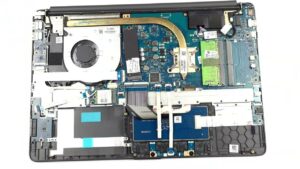


![[June 2026] Best-Selling Laptop Brands on Amazon Global – Apple’s Unrivaled Dominance in Units and Revenue](https://laptopmedia.com/wp-content/uploads/2026/07/GLOBAL-Best-Brands-400x225.jpg)
![[June 2026] Amazon Global: Top 10 Best-Selling Laptops – Apple’s New MacBook Neo Storms to #1, Reshaping the Market with Affordability](https://laptopmedia.com/wp-content/uploads/2026/07/Best-Selling-Laptops-GLOBAL-Top-10-400x225.jpg)
![[June 2026] Amazon Global: Top 10 Best-Selling Gaming Laptops – Acer’s Nitro V 16S AI Dominates Sales, While ASUS Leads Overall Revenue](https://laptopmedia.com/wp-content/uploads/2026/07/Best-Selling-Gaming-Laptops-GLOBAL-Top-10-400x225.jpg)
![[June 2026] Global Ranking of Best-Selling Laptop GPUs on Amazon – NVIDIA RTX 5060 is the Top-Selling Dedicated GPU](https://laptopmedia.com/wp-content/uploads/2026/07/Best-Selling-GPUs-GLOBAL-Top-10-400x225.jpg)
![[June 2026] Global Ranking of Best-Selling Laptop CPUs on Amazon – Apple M5 Dominates, AMD Ryzen 7 260 Gets Solid Premium Share](https://laptopmedia.com/wp-content/uploads/2026/07/Best-Selling-CPUs-GLOBAL-Top-10-400x225.jpg)
