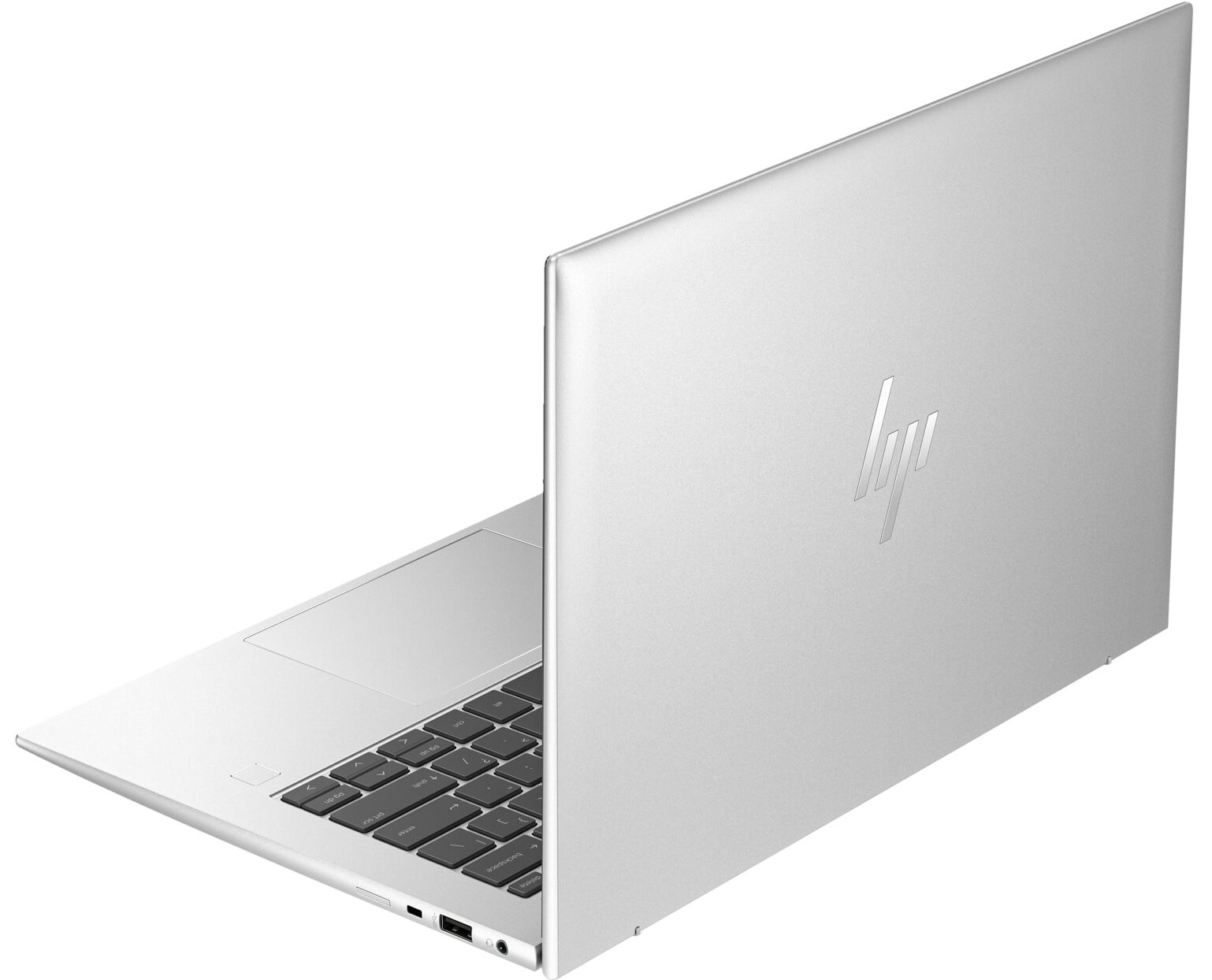
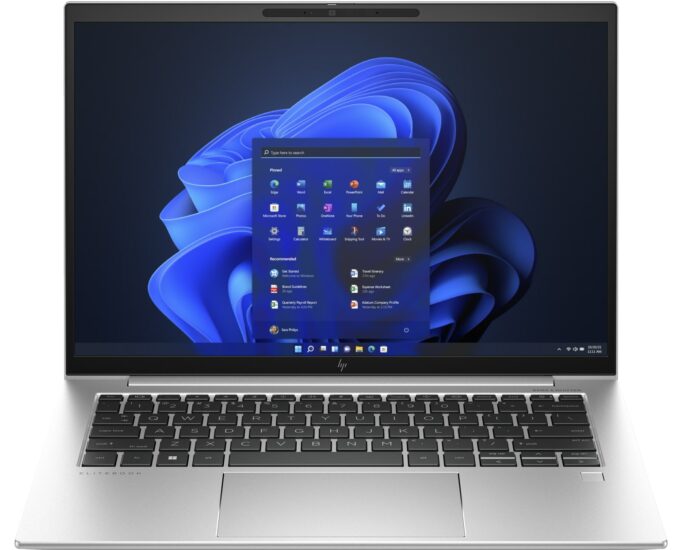
HP EliteBook 845 G10



- Date Published: 19 Jul 2023
- AMD Ryzen 7 PRO 7840HS
- AMD Radeon 780M
- 14.0”, WUXGA (1920 x 1200), IPS
- 2000GB SSD
- 64GB DDR5
- 1.38 kg (3 lbs)
Review
HP EliteBook 845 G10 in-depth review
At first glance, the HP EliteBook 845 G10 may look like a slightly different version of the EliteBook 640 G10, but the former is a more premium device that is based on the latest and greatest AMD Zen 4 CPUs. No matter the compact dimensions, the top processor option is the mighty Ryzen 9 PRO 7940HS. You can choose among seven CPU options including Zen 4 non-PRO and PRO chips (Phoenix-U / Phoenix-HS). No dGPUs here but the new-gen iGPUs are pretty snappy, especially the Radeon 780M.Display-wise, you can find this machine with four different 16:10 IPS panels. Three of them are 1200p units (including one touchscreen) and the most expensive variant is a 1600p model. We can hint that the upgradability is decent, and the I/O is up to date with its two Thunderbolt 4 ports. All devices rely on[...]
Read the full review
Pros
- Great battery life
- Metal build
- 2x SODIMMs for up to 64GB of DDR5-5600MHz memory in dual-channel mode
- Modern I/O with two Thunderbolt 4 / USB4 connectors
- Has an NFC sensor, Wi-Fi 6E, and Bluetooth 5.3
- No PWM (Innolux CMN1433)
- Good spill-resistant keyboard with optional backlight + smooth glass touchpad
- Optional 5MP IR Web camera with a privacy shutter
- Capable cooling solution
- Offers optional fingerprint scanner, Smartcard Reader, and LTE / 5G connectivity
- Zen 4 CPU options
Cons
- You can't open the lid with a single hand
- Low sRGB coverage and max brightness (Innolux CMN1433)
- Just one M.2 slot
Disassembly, maintenance and upgrade options
Step 1: Opening the HP EliteBook 845 G10Ensure the HP EliteBook 845 G10 is powered off and placed on a soft, clean surface to prevent scratches or damage. Remove the 5 captive Phillips-head screws from the bottom of the laptop. Gently raise the bottom panel near the top corners to create a small gap, then use a thin plastic tool to pry the panel starting from the back and working your way around.Hint: Be cautious when prying near ports and connectors to avoid damaging the chassis or internal components.Step 2: Removing the BatteryDisconnect the battery connect[...]
Read more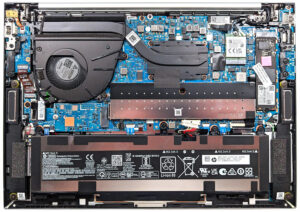
DISPLAY: 14.0-inch, 1920x1200, IPS
- Name
- Innolux CMN1433
- Diagonal
- 14.0"
- Pixel density
- 161.73 ppi
- Brightness
- 250 cd/m2
- sRGB
- 53%
- PWM frequency
- No PWM (Flicker-Free)
- Panel Type
- IPS
- Resolution
- 1920x1200
- Becomes "Retina" from
- 21 inches (54 cm)
- Contrast
- 1680:1
- dE Color Checker
- 5.9 3.6
- PWM Rating
- 10.0: (safe)

Buy our profiles for Innolux CMN1433
In addition to receiving efficient and health-friendly profiles, by buying LaptopMedia's products you also support the development of our labs, where we test devices in order to produce the most objective reviews possible.

Office Work
Office Work should be used mostly by users who spend most of the time looking at pieces of text, tables or just surfing. This profile aims to deliver better distinctness and clarity by keeping a flat gamma curve (2.20), native color temperature and perceptually accurate colors.

Design and Gaming
This profile is aimed at designers who work with colors professionally, and for games and movies as well. Design and Gaming takes display panels to their limits, making them as accurate as possible in the sRGB IEC61966-2-1 standard for Web and HDTV, at white point D65.

Health-Guard
Health-Guard eliminates the harmful Pulse-Width Modulation (PWM) and reduces the negative Blue Light which affects our eyes and body. Since it’s custom tailored for every panel, it manages to keep the colors perceptually accurate. Health-Guard simulates paper so the pressure on the eyes is greatly reduced.



![[June 2026] Best-Selling Laptop Brands on Amazon Global – Apple’s Unrivaled Dominance in Units and Revenue](https://laptopmedia.com/wp-content/uploads/2026/07/GLOBAL-Best-Brands-400x225.jpg)
![[June 2026] Amazon Global: Top 10 Best-Selling Laptops – Apple’s New MacBook Neo Storms to #1, Reshaping the Market with Affordability](https://laptopmedia.com/wp-content/uploads/2026/07/Best-Selling-Laptops-GLOBAL-Top-10-400x225.jpg)
![[June 2026] Amazon Global: Top 10 Best-Selling Gaming Laptops – Acer’s Nitro V 16S AI Dominates Sales, While ASUS Leads Overall Revenue](https://laptopmedia.com/wp-content/uploads/2026/07/Best-Selling-Gaming-Laptops-GLOBAL-Top-10-400x225.jpg)
![[June 2026] Global Ranking of Best-Selling Laptop GPUs on Amazon – NVIDIA RTX 5060 is the Top-Selling Dedicated GPU](https://laptopmedia.com/wp-content/uploads/2026/07/Best-Selling-GPUs-GLOBAL-Top-10-400x225.jpg)
![[June 2026] Global Ranking of Best-Selling Laptop CPUs on Amazon – Apple M5 Dominates, AMD Ryzen 7 260 Gets Solid Premium Share](https://laptopmedia.com/wp-content/uploads/2026/07/Best-Selling-CPUs-GLOBAL-Top-10-400x225.jpg)
