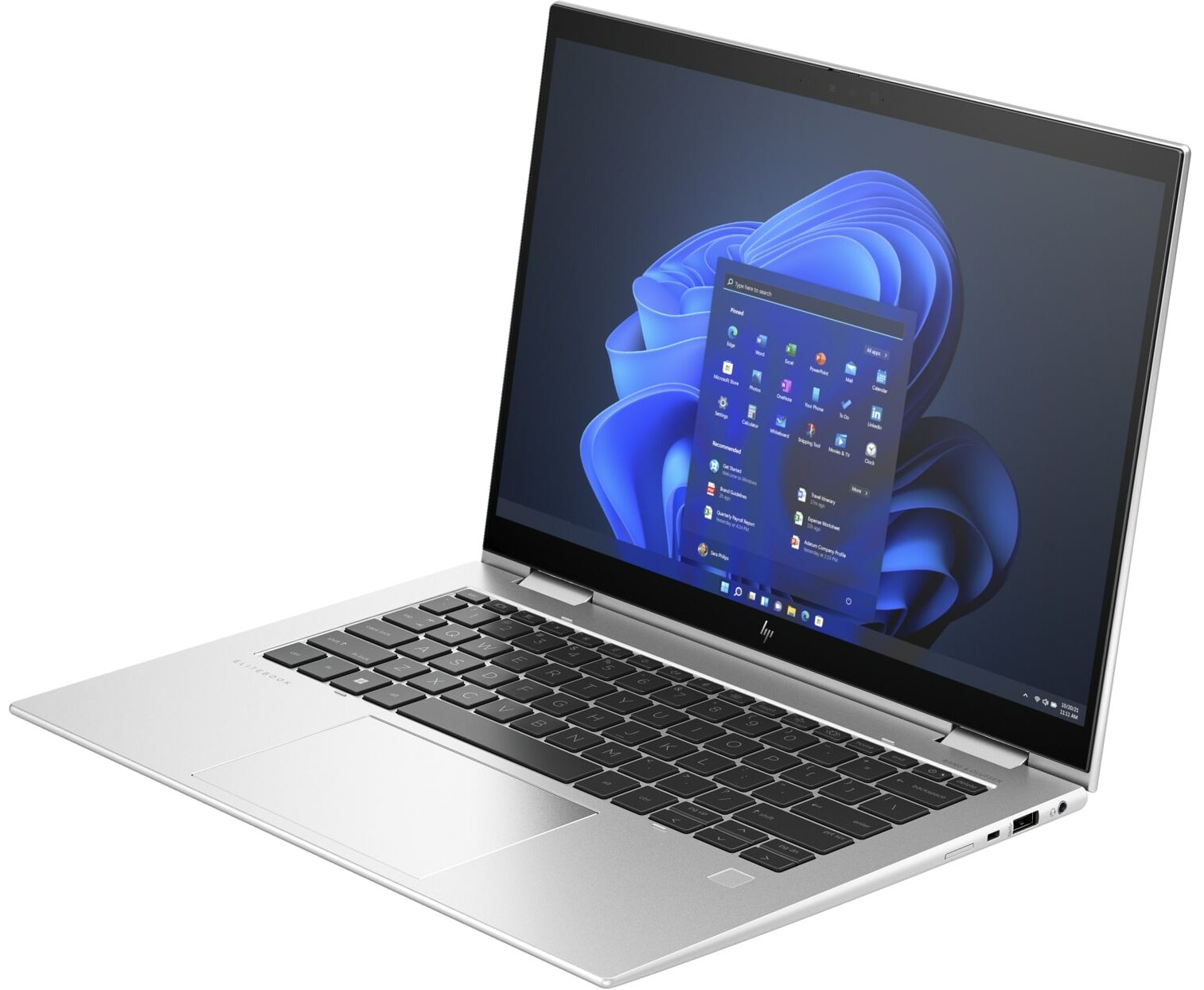
HP EliteBook x360 1040 G10




- Date Published: 06 May 2025
- Intel Core i7-1355U
- Intel Iris Xe Graphics G7 (96EU)
- 14.0”, WUXGA (1920 x 1200), IPS
- 1000GB SSD
- 16GB RAM
- 1.33 kg (2.9 lbs)
Specs
- Display

- HDD/SSD
- 1000GB SSD
- M.2 Slot
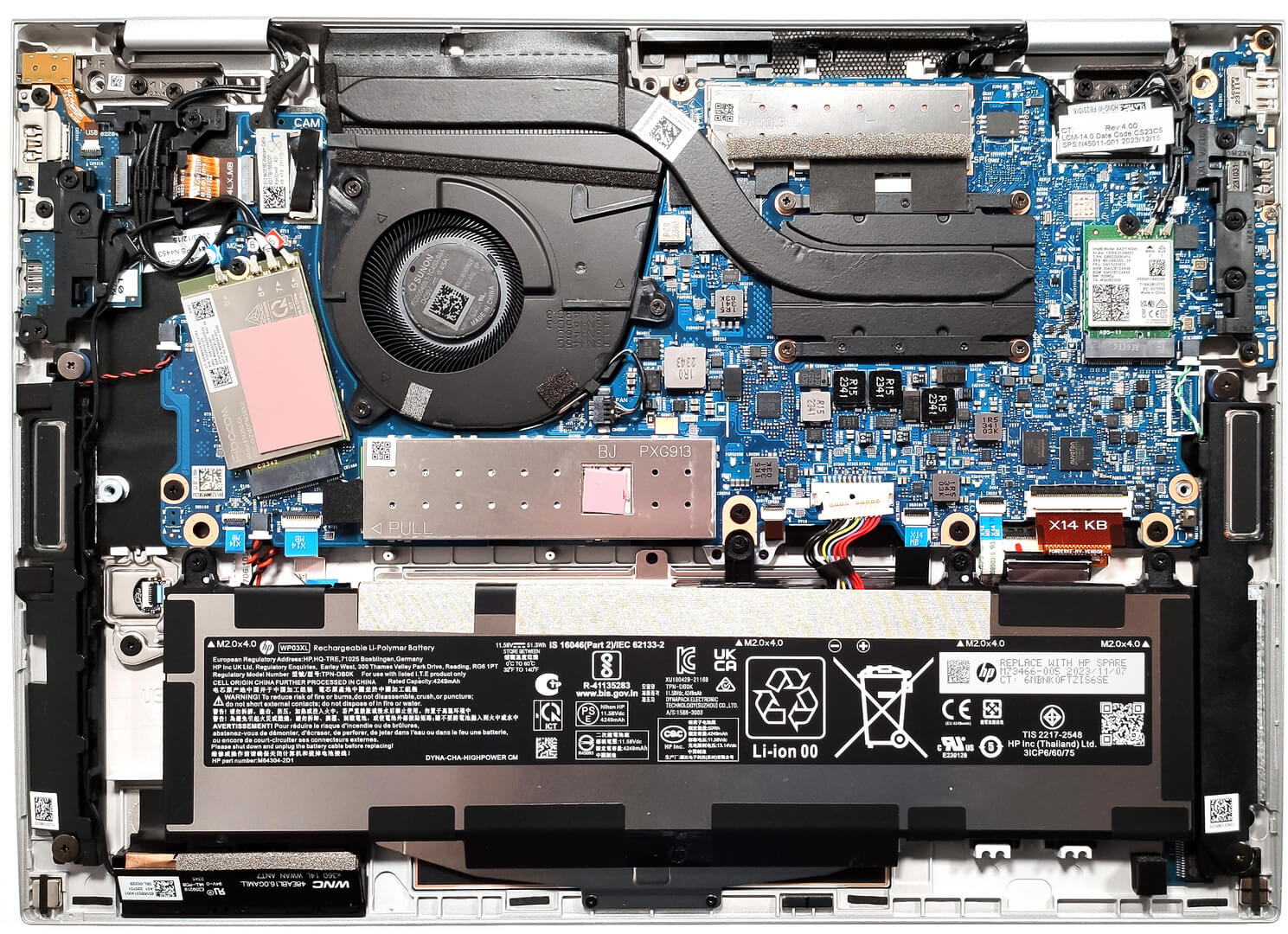
- 1x 2280 M.2 NVMe PCIe 4.0 x4 See photo
- RAM
- 16GB RAM
- OS
- Windows 11 Pro
- Body Material
- Magnesium alloy
- Dimensions
- 315.72 x 225.80 x 17.92 – 19.2 mm (12.43" x 8.89" x 0.71")
- Weight
- 1.33 kg (2.9 lbs)
- Ports and connectivity
- 1x USB Type-A
- 3.2 Gen 1 (5 Gbps)
- 1x USB Type-A
- 3.2 Gen 1 (5 Gbps), Sleep and Charge
- 2x USB Type-C
- 4.0, Thunderbolt 4, Power Delivery (PD), DisplayPort
- HDMI
- 2.1
- Card Reader
- Ethernet LAN
- Wi-Fi
- 802.11ax
- Bluetooth
- 5.3
- Audio jack
- 3.5mm Combo Jack
- Features
- Fingerprint reader
- Web camera
- 5MP Camera with HP Auto Frame and HP Dynamic Voice Leveling
- Backlit keyboard
- Microphone
- Dual Microphones with AI noise reduction
- Speakers
- Quad Speakers, Bang & Olufsen with discrete amplifier
- Security Lock slot
- Nano Lock
Portability
Review
HP EliteBook x360 1040 G10 in-depth review
HP states that the Elite x360 1040 G10 is designed for "Corporate executives who demand high performance, connectivity, and security". In this case, the performance is ensured by four Intel Raptor Lake U CPU options. The cooling may look modest but the thermal system is doing its job well and that's why our test device always feels snappy and responsive. For connectivity, you get Wi-Fi 6E + Bluetooth 5.3 - all look good here.Every device relies on an IR Web camera, a lock slot, self-healing BIOS, and a dTPM 2.0 chip. So, the base level of security features is okay. For an additional amount of money, you can get a fingerprint reader, NFC, LTE or 5G connectivity, and a backlight for the keyboard. Yep, some of the most mouthwatering extras for a business device are optional.As you may[...]
Read the full review
Pros
- Long battery life
- Solid magnesium chassis
- Comfortable keyboard and touchpad
- 5MP IR camera with a privacy shutter
- Wide viewing angles and very good contrast ratio (AUO AUO2BAB)
- PWM-free (AUO AUO2BAB)
- 100% sRGB coverage and accurate color representation thanks to our "Design and Gaming" profile (AUO AUO2BAB)
- Modern I/O with two Thunderbolt 4 ports + optional Smart card reader and SIM slot
- Three performance modes + "Smart Sense" preset in the HP Power Manager app
- High clocks even under full CPU load
- Good audio quality
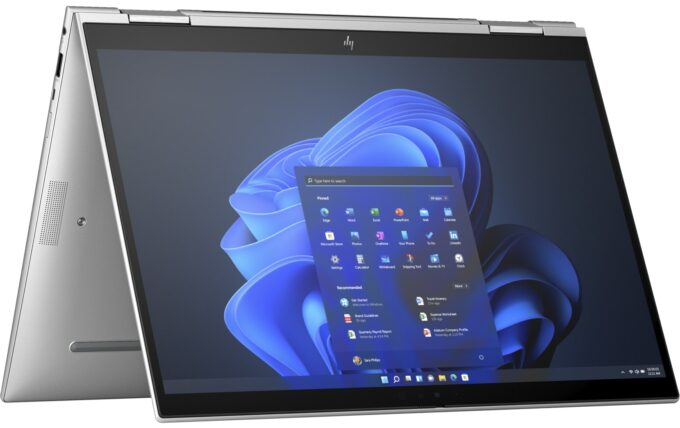
- 360-degree hinge
Cons
- Limited upgradability
- Too many optional features
Disassembly, maintenance and upgrade options
Step 1: Opening the HP Elite x360 1040 G10Ensure the HP Elite x360 1040 G10 is powered off and placed on a soft, protective surface to prevent scratches. Remove the five captive Phillips-head screws from the bottom of the laptop. Begin prying the bottom panel off using a thin plastic tool, starting from one of the top two corners, and continue prying the rear before moving to the sides and front.Step 2: Battery RemovalDisconnect the 51Wh battery by unplugging its connector from the motherboard. Unscrew the four Philips head screws and carefully lift the battery[...]
Read more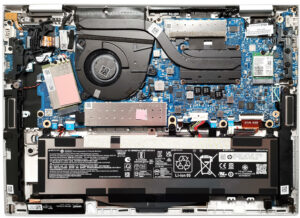


![[June 2026] Best-Selling Laptop Brands on Amazon Global – Apple’s Unrivaled Dominance in Units and Revenue](https://laptopmedia.com/wp-content/uploads/2026/07/GLOBAL-Best-Brands-400x225.jpg)
![[June 2026] Amazon Global: Top 10 Best-Selling Laptops – Apple’s New MacBook Neo Storms to #1, Reshaping the Market with Affordability](https://laptopmedia.com/wp-content/uploads/2026/07/Best-Selling-Laptops-GLOBAL-Top-10-400x225.jpg)
![[June 2026] Amazon Global: Top 10 Best-Selling Gaming Laptops – Acer’s Nitro V 16S AI Dominates Sales, While ASUS Leads Overall Revenue](https://laptopmedia.com/wp-content/uploads/2026/07/Best-Selling-Gaming-Laptops-GLOBAL-Top-10-400x225.jpg)
![[June 2026] Global Ranking of Best-Selling Laptop GPUs on Amazon – NVIDIA RTX 5060 is the Top-Selling Dedicated GPU](https://laptopmedia.com/wp-content/uploads/2026/07/Best-Selling-GPUs-GLOBAL-Top-10-400x225.jpg)
![[June 2026] Global Ranking of Best-Selling Laptop CPUs on Amazon – Apple M5 Dominates, AMD Ryzen 7 260 Gets Solid Premium Share](https://laptopmedia.com/wp-content/uploads/2026/07/Best-Selling-CPUs-GLOBAL-Top-10-400x225.jpg)