HP OmniBook Ultra Flip
- Date Published: 13 Dec 2025
- Intel Core Ultra 9 288V
- Intel Arc Graphics 140V
- 14.0″, 2.8K (2880 x 1800), 120 Hz, OLED
- 4000GB SSD
- 32GB RAM
- 1.34 kg (3 lbs)
Review
HP OmniBook Ultra Flip in-depth review
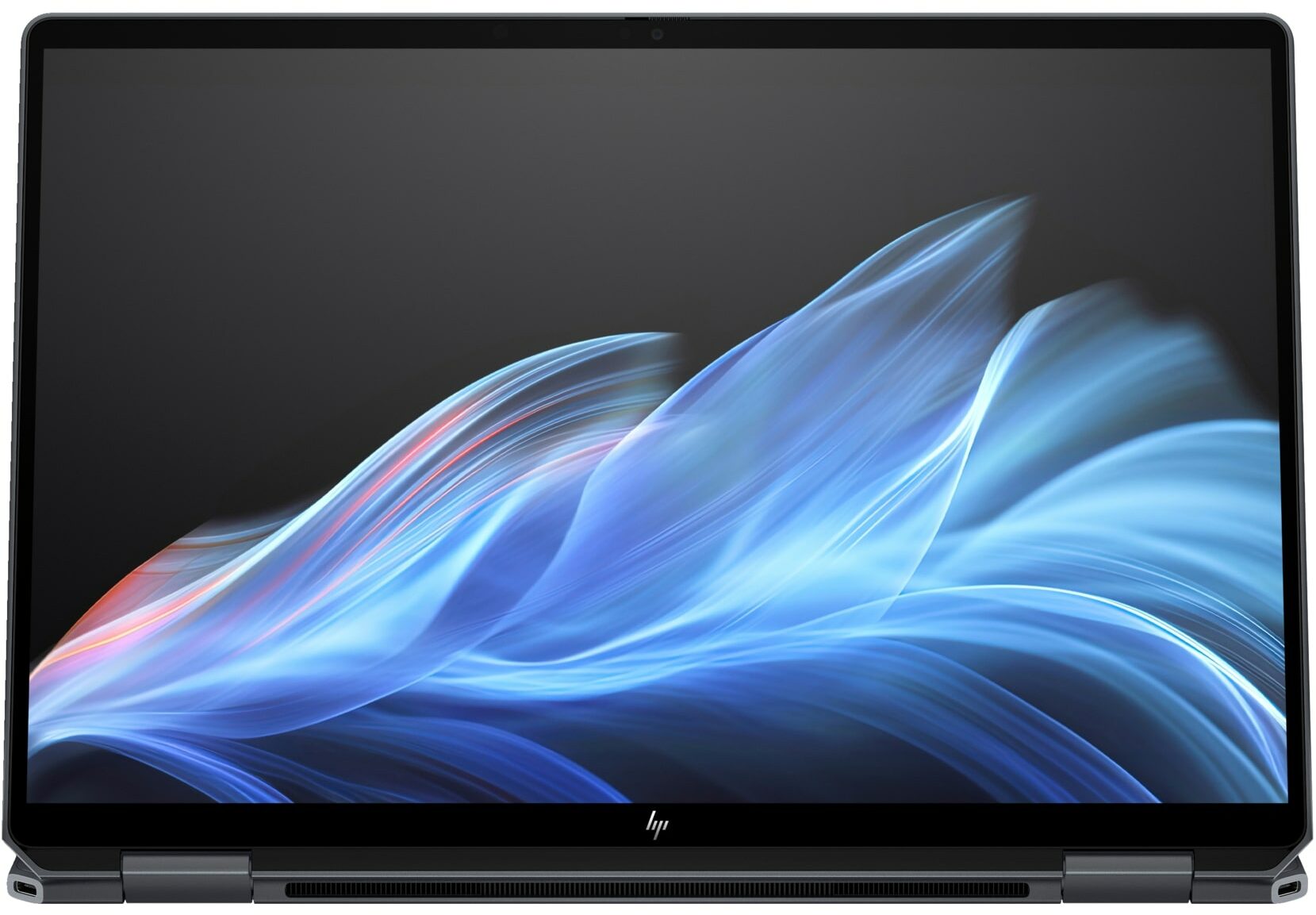
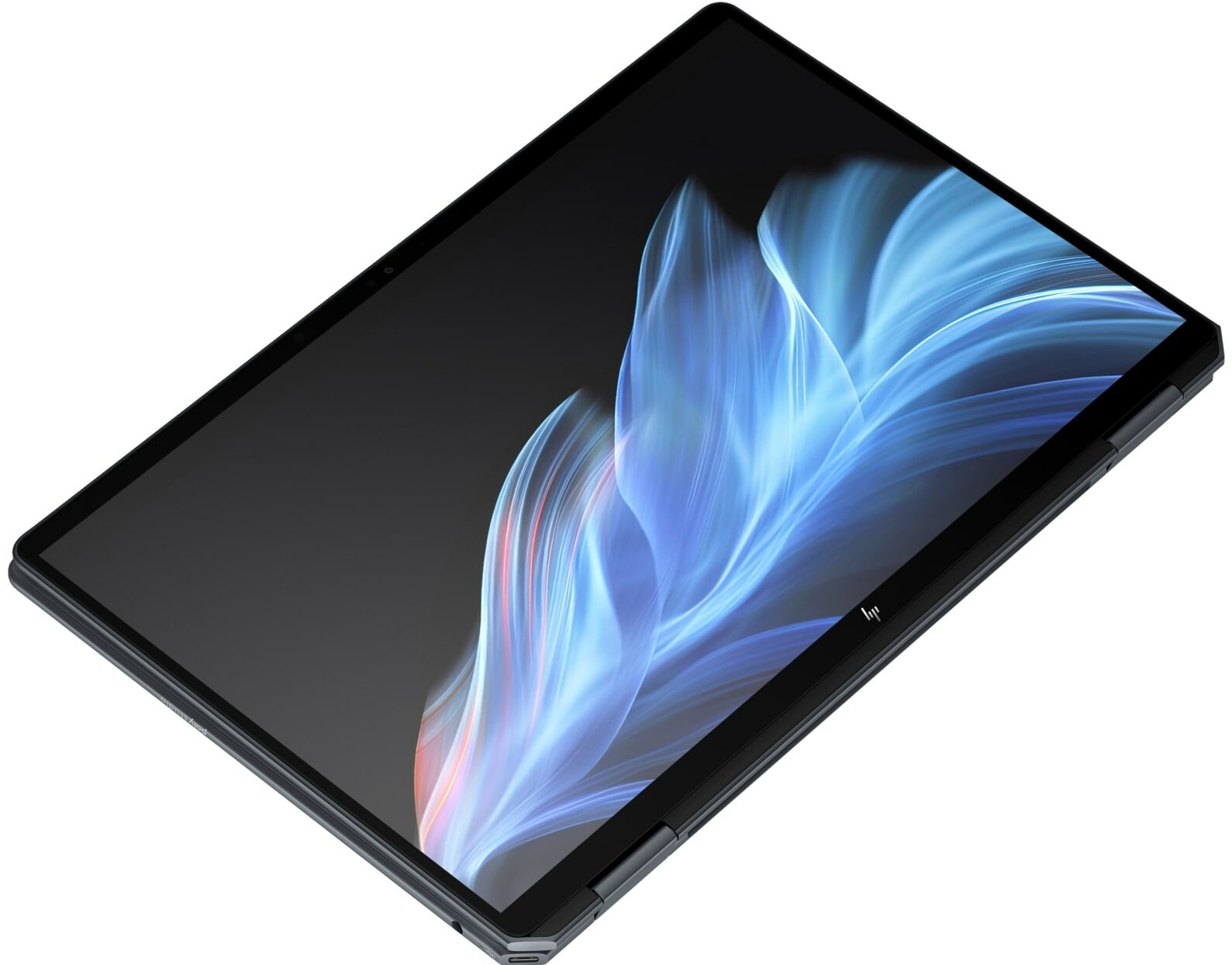
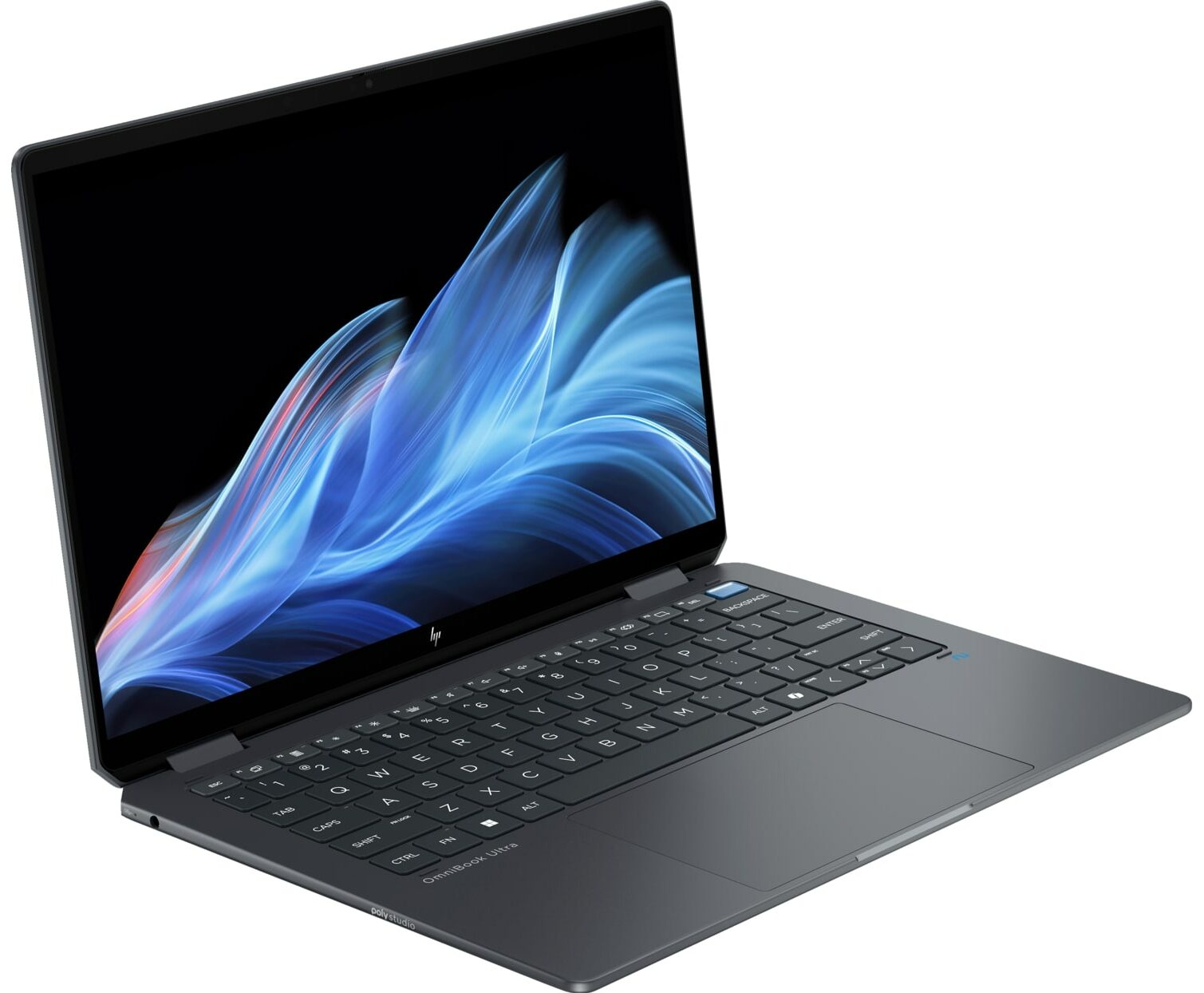
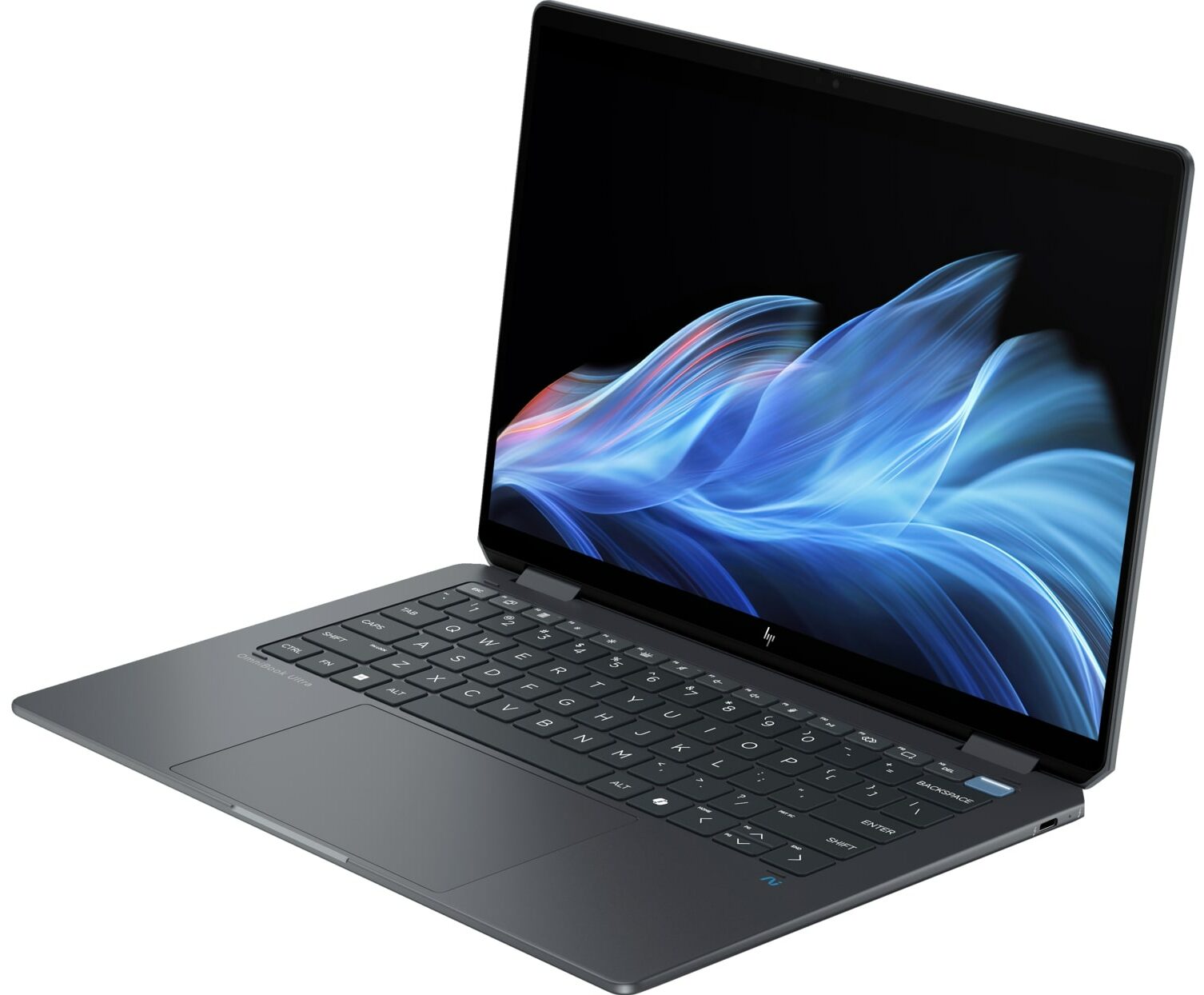
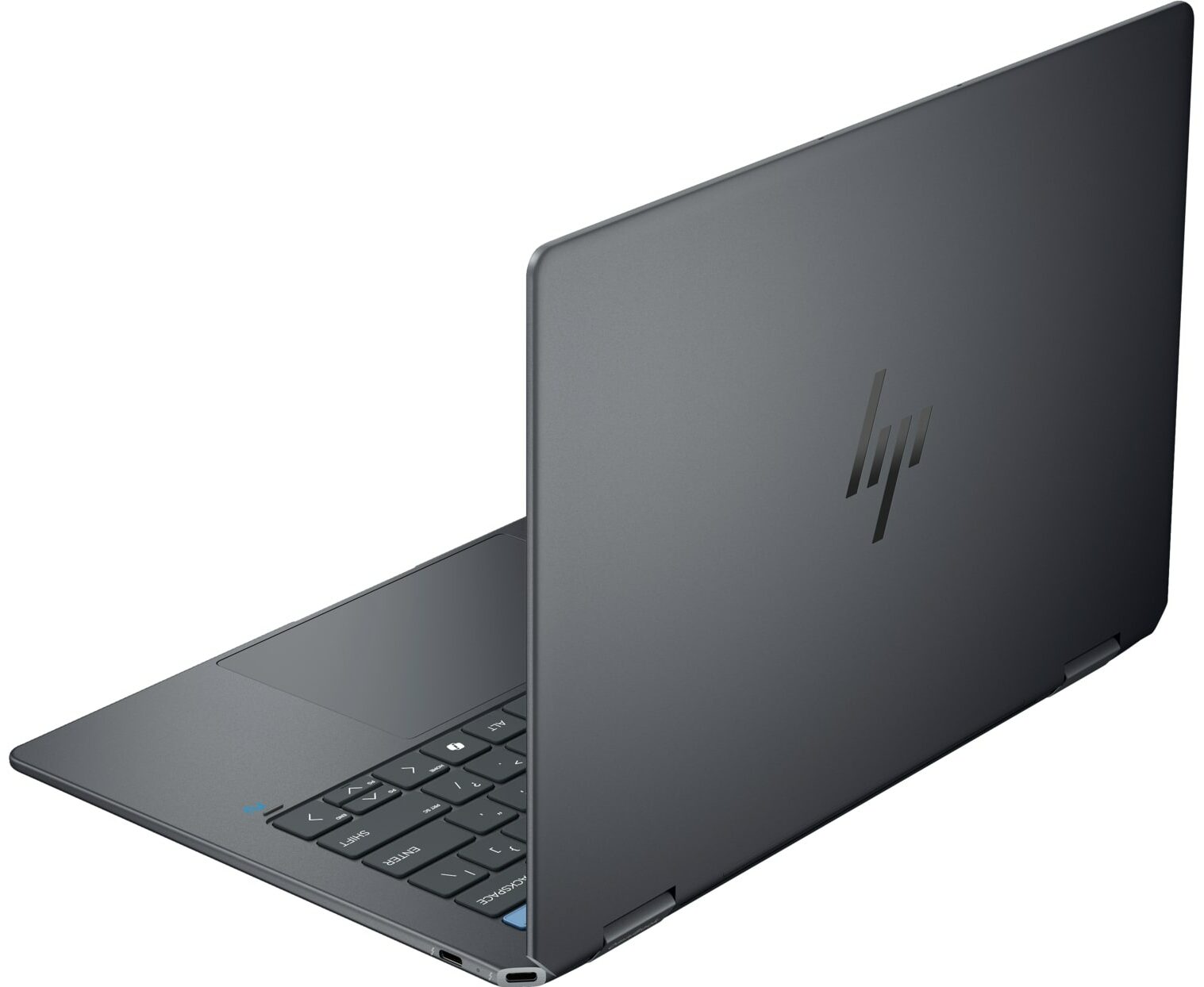
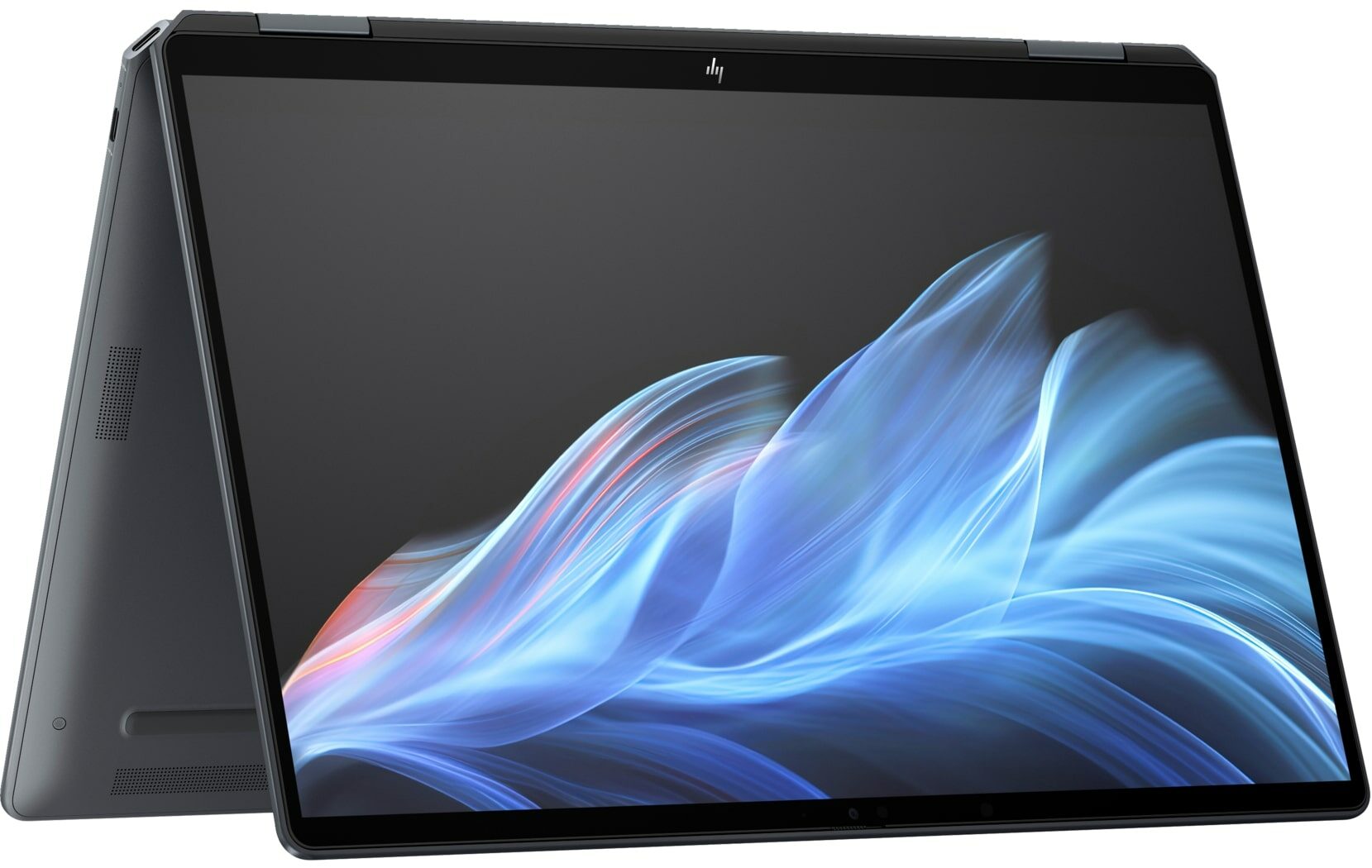
The HP OmniBook Ultra Flip arrives on the scene as a masterclass in premium design. From its stunning all-metal chassis to its vibrant 120Hz OLED screen, every inch of this 2-in-1 convertible screams luxury and thoughtful craftsmanship. It’s a device that aims to be the perfect portable companion for the modern professional who values style and versatility above all else. But as we discovered during our testing, this beautiful facade hides a critical, user-hostile compromise that fundamentally challenges its long-term value. Is this the ultimate convertible, or a gorgeous piece of tech with a built-in expiration date?You can check the prices and configurations in our Specs System: https://laptopmedia.com/series/hp-omnibook-ultra-flip-14-fh0000/Specs, Drivers, What's in th[...]
Read the full review
Pros
- Exceptional and elegant aluminium build quality
- Gorgeous 2.8K 120Hz OLED display with 100% DCI-P3 coverage
- Excellent battery life for a compact convertible
- Incredibly comfortable keyboard with massive keycaps
- Future-proof connectivity with two Thunderbolt 4 ports and Wi-Fi 7
- Great security features, including a physical camera shutter
Cons
- Soldered RAM with no upgrade options
- Significant performance throttling under sustained load
- Highly reflective glossy screen
- No USB-A ports, requiring dongles for legacy devices
Disassembly, maintenance and upgrade options
Before you start: Shut the laptop down, unplug the charger and peripherals, and hold the power button for a few seconds to discharge residual power. Work on a clean, non-conductive surface and, if possible, use an anti-static wrist strap. Opening the bottom panelPlace the laptop upside down with the hinge edge facing away from you. Using a Torx T5 screwdriver, undo the four screws that secure the bottom panel. Insert a thin plastic pry tool along one of the side edges between the panel and the chassis. Gently twist the tool to release the first cli[...]
Read more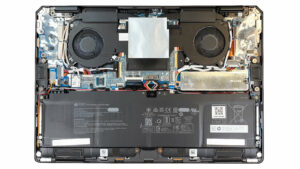


![[June 2026] Best-Selling Laptop Brands on Amazon Global – Apple’s Unrivaled Dominance in Units and Revenue](https://laptopmedia.com/wp-content/uploads/2026/07/GLOBAL-Best-Brands-400x225.jpg)
![[June 2026] Amazon Global: Top 10 Best-Selling Laptops – Apple’s New MacBook Neo Storms to #1, Reshaping the Market with Affordability](https://laptopmedia.com/wp-content/uploads/2026/07/Best-Selling-Laptops-GLOBAL-Top-10-400x225.jpg)
![[June 2026] Amazon Global: Top 10 Best-Selling Gaming Laptops – Acer’s Nitro V 16S AI Dominates Sales, While ASUS Leads Overall Revenue](https://laptopmedia.com/wp-content/uploads/2026/07/Best-Selling-Gaming-Laptops-GLOBAL-Top-10-400x225.jpg)
![[June 2026] Global Ranking of Best-Selling Laptop GPUs on Amazon – NVIDIA RTX 5060 is the Top-Selling Dedicated GPU](https://laptopmedia.com/wp-content/uploads/2026/07/Best-Selling-GPUs-GLOBAL-Top-10-400x225.jpg)
![[June 2026] Global Ranking of Best-Selling Laptop CPUs on Amazon – Apple M5 Dominates, AMD Ryzen 7 260 Gets Solid Premium Share](https://laptopmedia.com/wp-content/uploads/2026/07/Best-Selling-CPUs-GLOBAL-Top-10-400x225.jpg)
