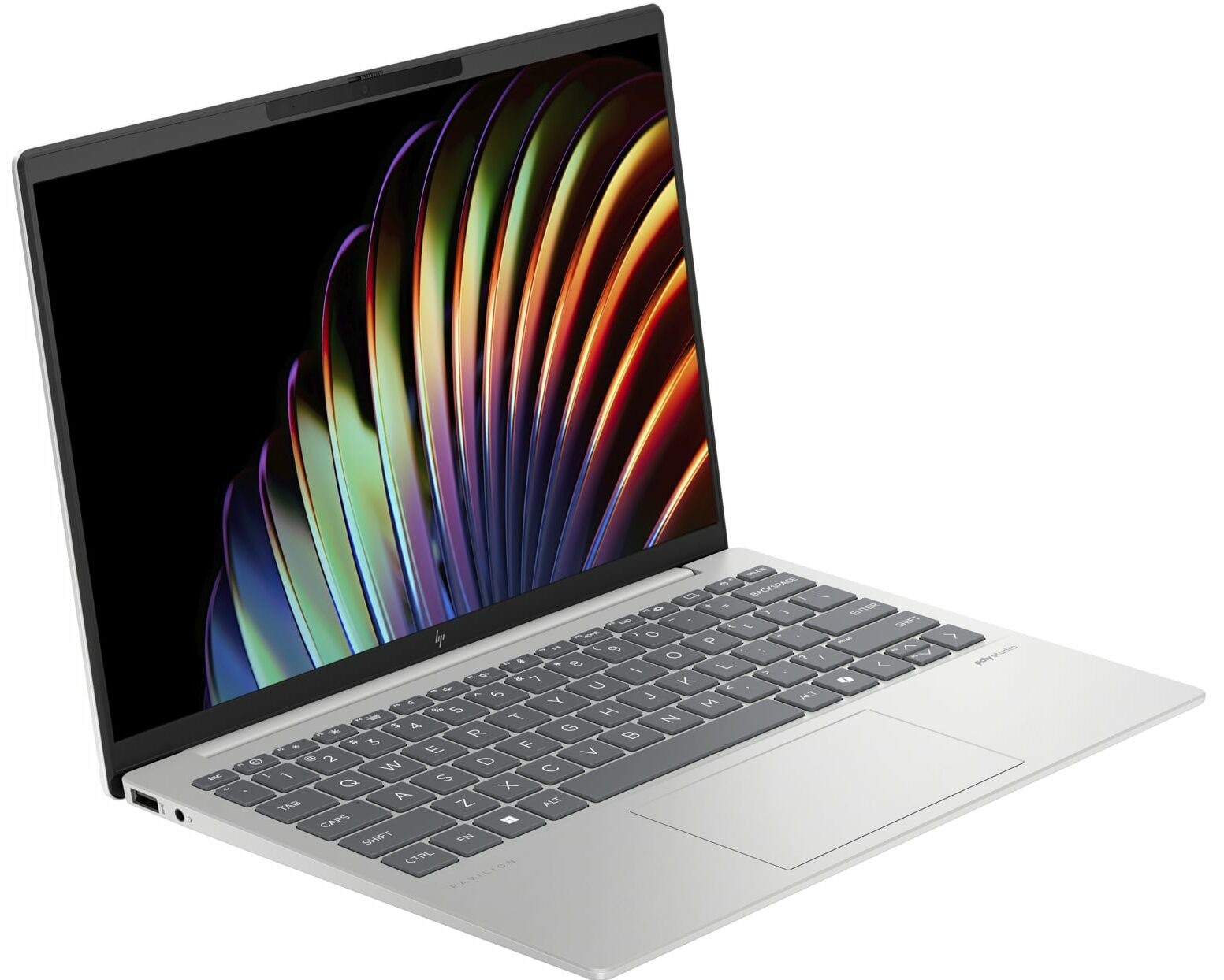
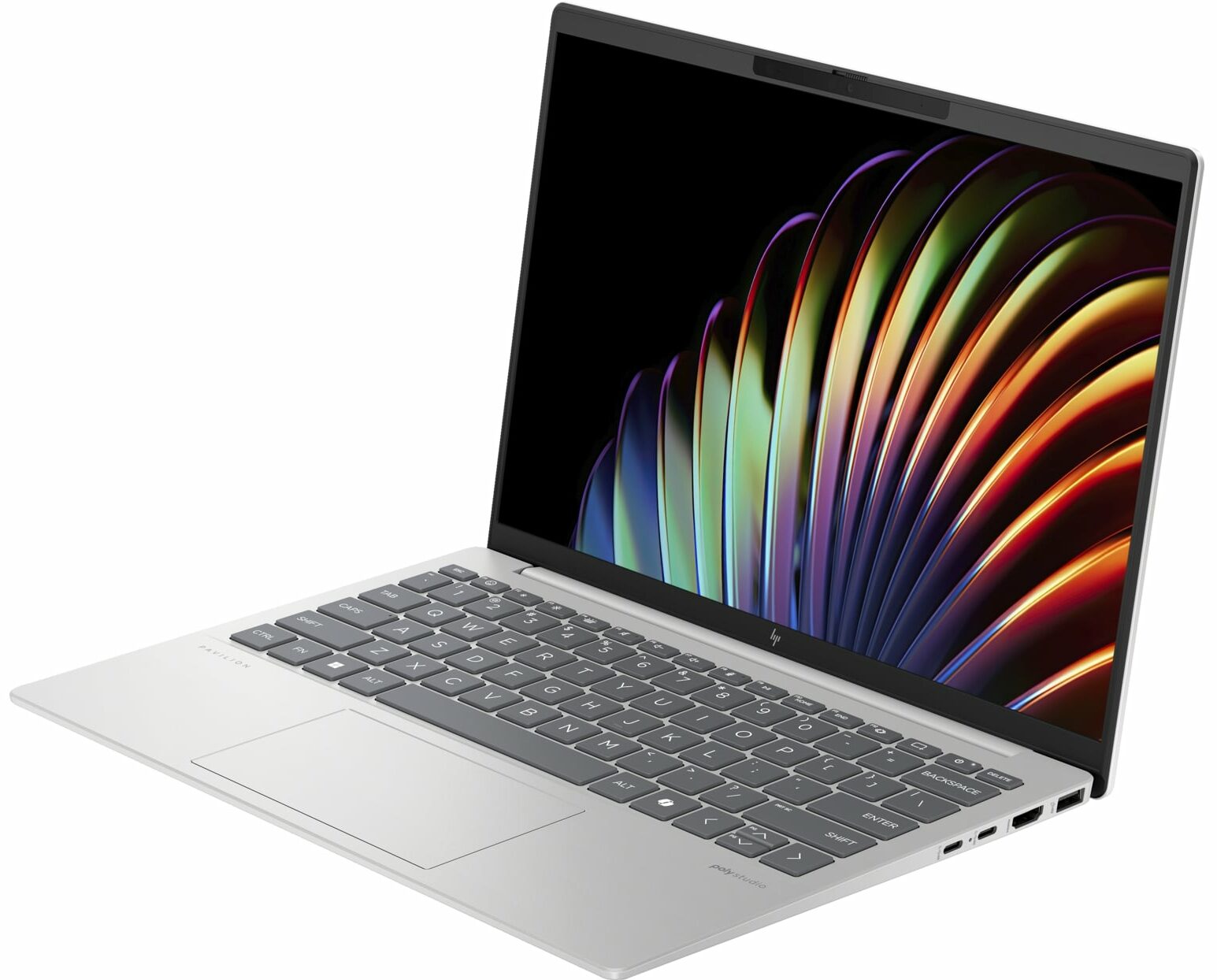
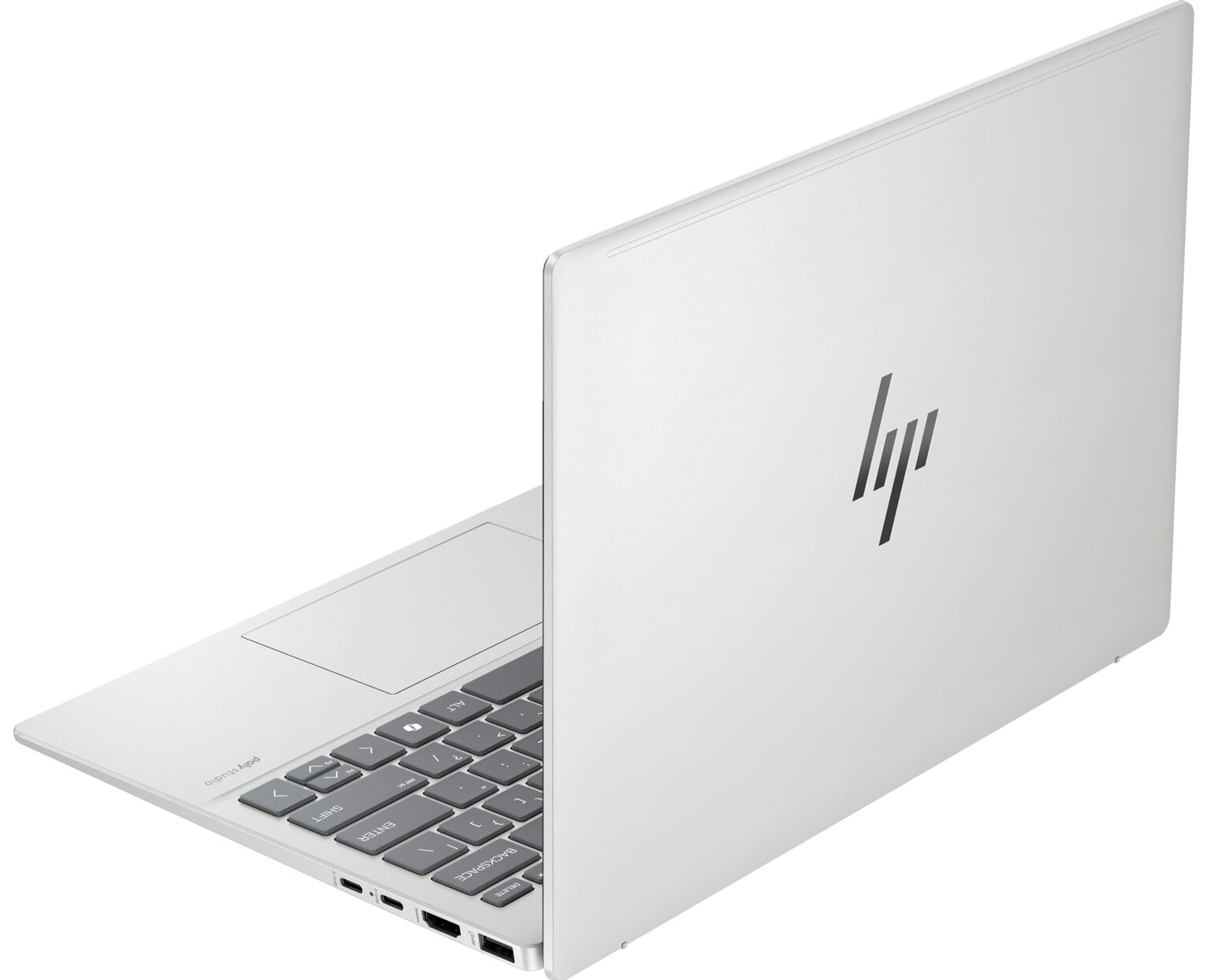
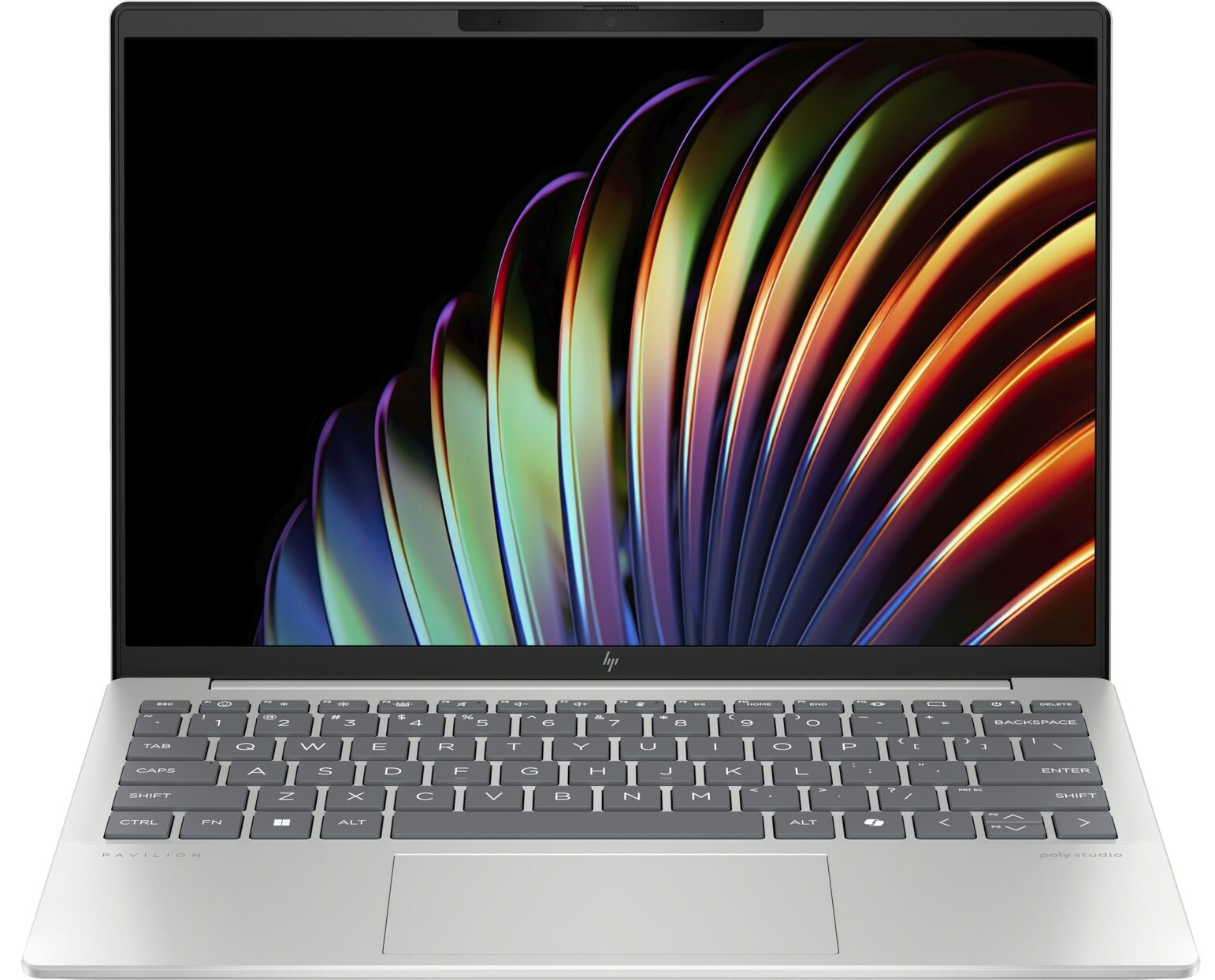
HP Pavilion Aero 13
- Date Published: 30 Oct 2025
- AMD Ryzen 7 8840U
- AMD Radeon 780M
- 13.3”, WUXGA (1920 x 1200), IPS
- 4000GB SSD
- 16GB RAM
- 0.99 kg (2.2 lbs)
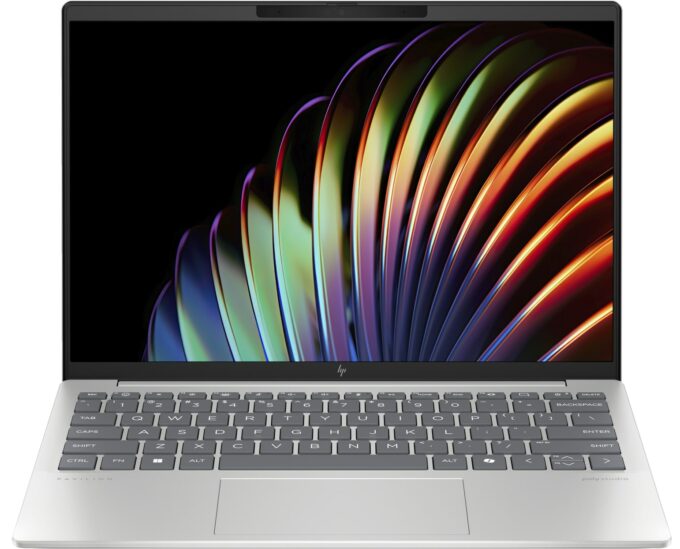
Specs
- Display
- HDD/SSD
- 4000GB SSD
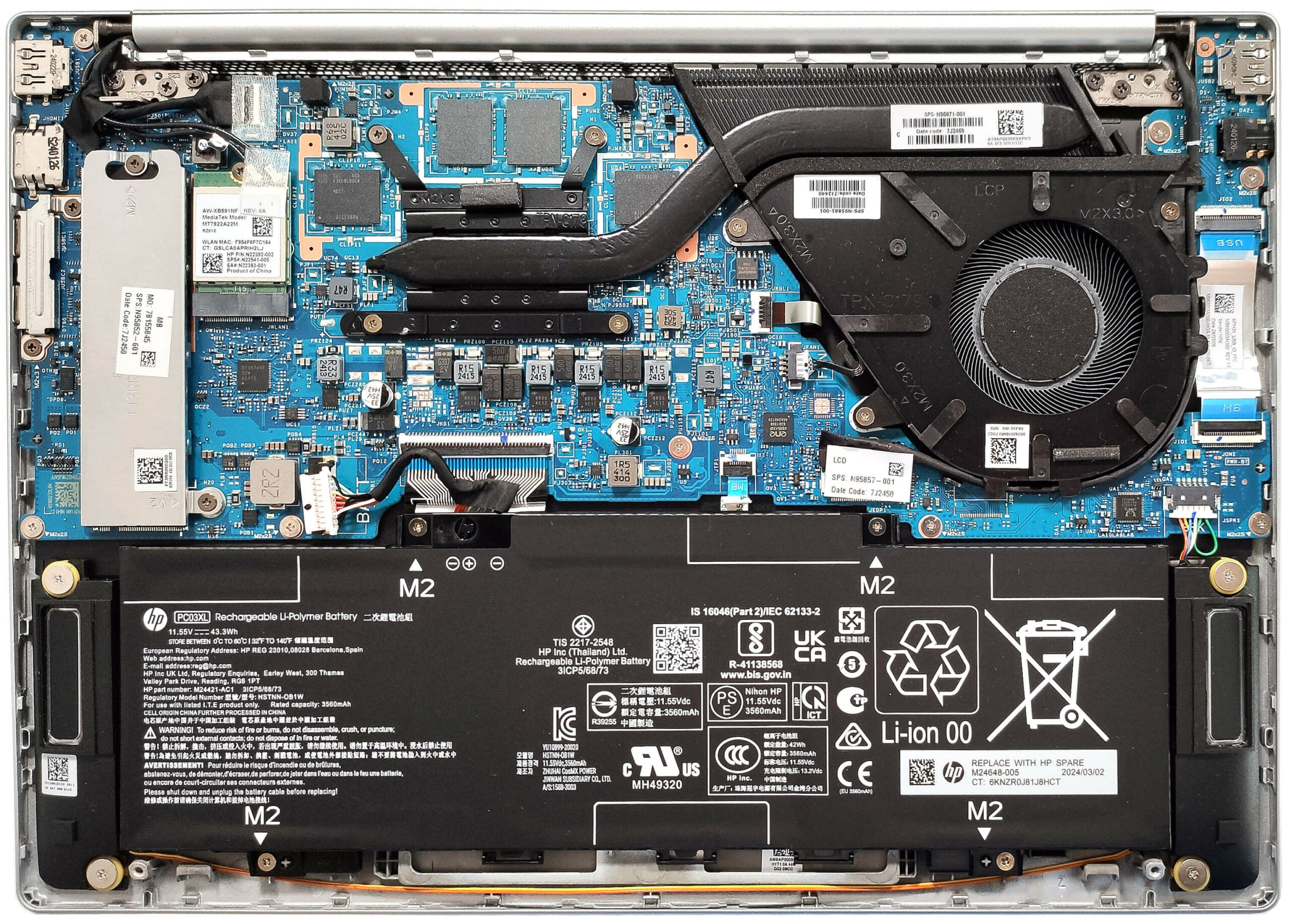
- M.2 Slot
- 1x 2280 M.2 NVMe PCIe 4.0 x4 See photo
- RAM
- 16GB RAM
- OS
- Windows 10 Home
- Body Material
- Plastic / Polycarbonate, Aluminum
- Dimensions
- 297.66 x 209.04 x 16.5 mm (11.72" x 8.23" x 0.65")
- Weight
- 0.99 kg (2.2 lbs)
- Ports and connectivity
- 1x USB Type-A
- 3.2 Gen 1 (5 Gbps)
- 1x USB Type-A
- 3.2 Gen 2 (10 Gbps)
- 2x USB Type-C
- 3.2 Gen 2 (10 Gbps), Power Delivery (PD), DisplayPort, Sleep and Charge
- HDMI
- 2.1
- Card Reader
- Ethernet LAN
- Wi-Fi
- Wi-Fi 6E
- Bluetooth
- 5.3
- Audio jack
- 3.5mm Combo Jack
- Features
- Fingerprint reader
- Web camera
- 5MP IR camera with temporal noise reduction
- Backlit keyboard
- Microphone
- Dual Array Digital Microphones
- Speakers
- Dual Speakers, HP Audio Boost, DTS:X Ultra, Poly Studio
- Security Lock slot
- Gifts
- 32GB USB Drive
Portability
Review
HP Pavilion Aero 13 in-depth review
It's almost unbelievable that an ultra-light laptop such as the HP Pavilion Aero 13 (13-bg0000) is powered by snappy Zen 4 CPUs with up to 8 cores and 45W default TDP. We decided to buy a machine with a 28W AMD Ryzen 7 8840U which will not stress the cooling system as much as the Ryzen 7 8840HS. The razor-thin profile comes at the cost of some missing functionalities such as a lack of SODIMMs and just one storage slot. Still, the port selection looks great for a 13-incher and you can easily open the bottom panel for servicing.The display department is represented by two IPS panels - one 1200p and the optional 1600p unit. We choose the latter but the ppi of the base screen is also good enough for work or browsing the Web. This machine may be small but it's full of useful features like a[...]
Read the full review
Pros
- Clean design
- Ultra-low weight and a thin profile even for a 13-incher (983 grams / 16.5 mm)
- Snappy performance for daily or normal office tasks
- Wide viewing angles and a high max brightness of 443 nits (LGD0715)
- 98% sRGB coverage + accurate colors with our "Design and gaming profile" (LGD0715)
- 1600p PWM-free panel (LGD0715)
- Comfortable backlit keyboard
- 2x Type-A + 2x Type-C ports
- The fan isn't noisy in "Performance" mode
- Long battery battery life given the 1600p display and the small 43Wh capacity (more than 9 hours of video playback)
- Has a 5MP IR Web camera with a privacy shutter
- Decently snappy NVMe (1TB SAMSUNG MZVL41T0HBLB-00BH1)
- Lid with a lever design
- Solid base
Cons
- The optional Ryzen 7 8840U can't reach its official base clock even in short loads
- Lacks a fingerprint reader
- Soldered memory and just one M.2 slot
Disassembly, maintenance and upgrade options
Opening the DeviceUndo the 4 Phillips-head screws securing the bottom panel. Raise the two zones close to the top two corners behind the hinge cover to create gaps in these sections. Fully pry the sides and the front. The rear side should be pried last.More info: Here's how the bottom plate looks on the inside.Battery RemovalUnplug the battery connector from the mainboard. Undo the 4 Phillips-head screws securing the battery. Lift the battery to remove it from the device.Note: The laptop uses a 43Wh battery, providing approximately 9.5 hours of v[...]
Read more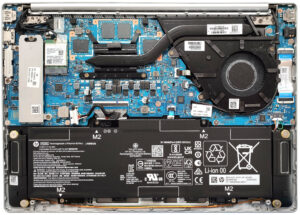


![[June 2026] Best-Selling Laptop Brands on Amazon Global – Apple’s Unrivaled Dominance in Units and Revenue](https://laptopmedia.com/wp-content/uploads/2026/07/GLOBAL-Best-Brands-400x225.jpg)
![[June 2026] Amazon Global: Top 10 Best-Selling Laptops – Apple’s New MacBook Neo Storms to #1, Reshaping the Market with Affordability](https://laptopmedia.com/wp-content/uploads/2026/07/Best-Selling-Laptops-GLOBAL-Top-10-400x225.jpg)
![[June 2026] Amazon Global: Top 10 Best-Selling Gaming Laptops – Acer’s Nitro V 16S AI Dominates Sales, While ASUS Leads Overall Revenue](https://laptopmedia.com/wp-content/uploads/2026/07/Best-Selling-Gaming-Laptops-GLOBAL-Top-10-400x225.jpg)
![[June 2026] Global Ranking of Best-Selling Laptop GPUs on Amazon – NVIDIA RTX 5060 is the Top-Selling Dedicated GPU](https://laptopmedia.com/wp-content/uploads/2026/07/Best-Selling-GPUs-GLOBAL-Top-10-400x225.jpg)
![[June 2026] Global Ranking of Best-Selling Laptop CPUs on Amazon – Apple M5 Dominates, AMD Ryzen 7 260 Gets Solid Premium Share](https://laptopmedia.com/wp-content/uploads/2026/07/Best-Selling-CPUs-GLOBAL-Top-10-400x225.jpg)