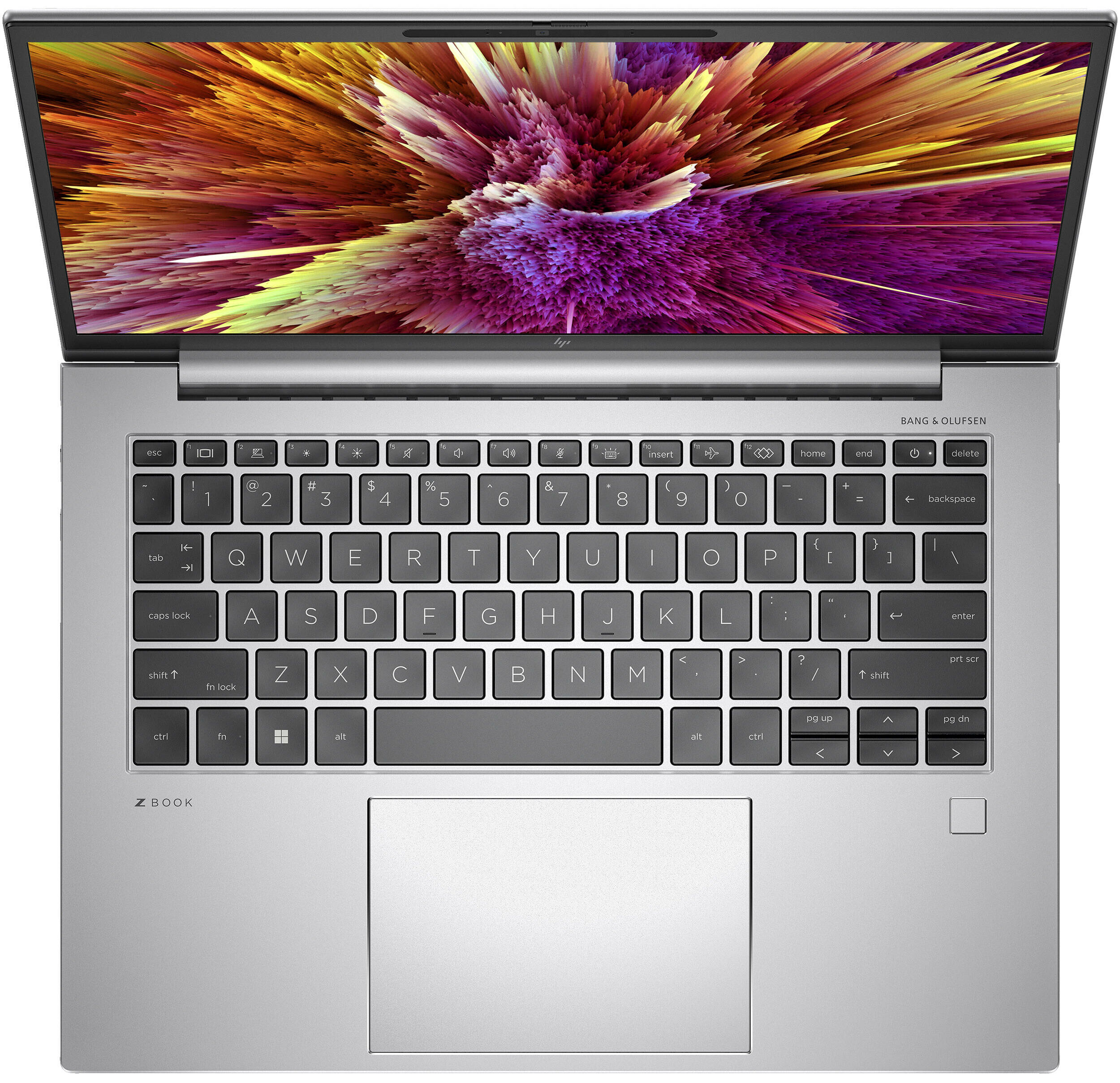
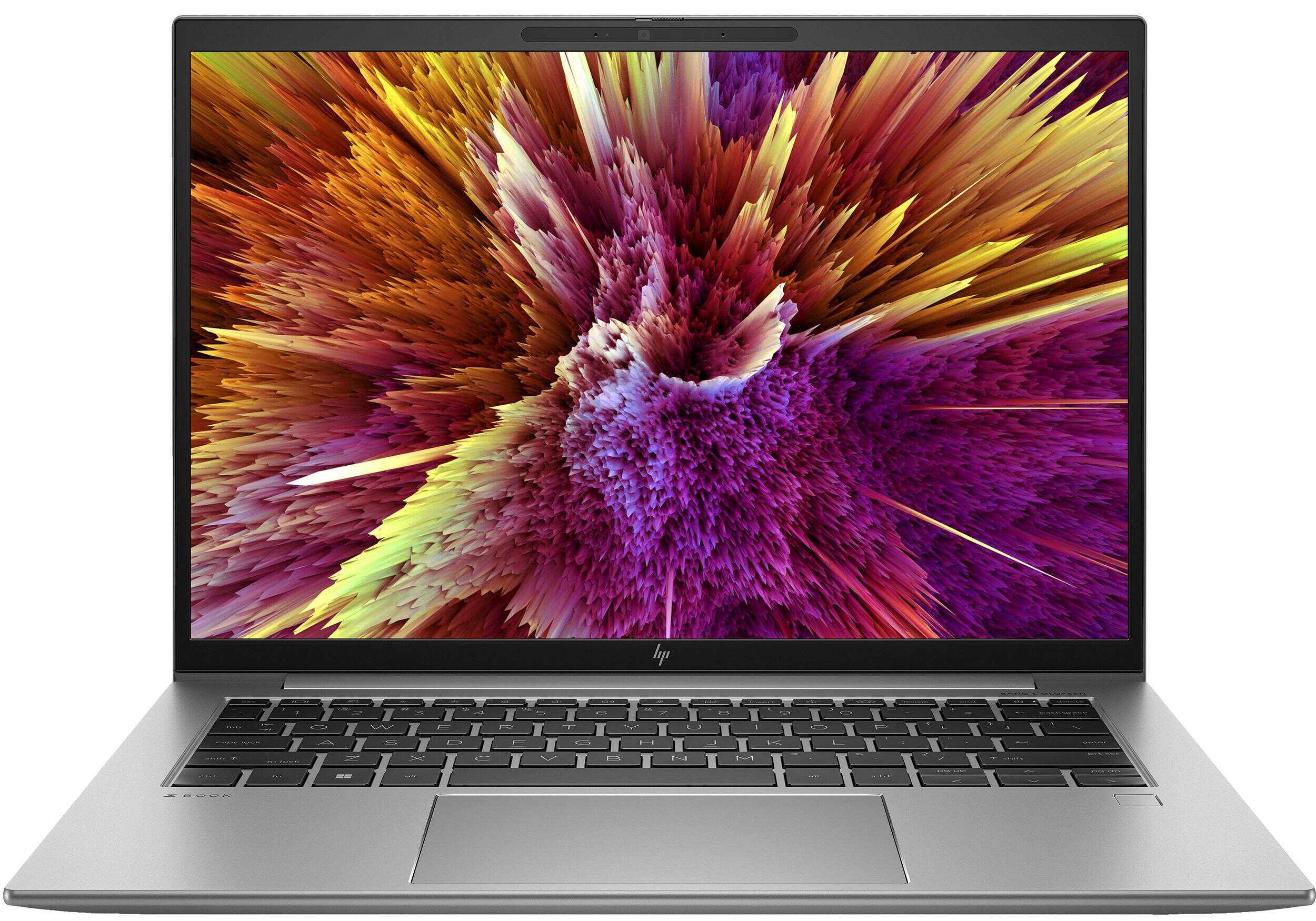
HP ZBook Firefly 14 G10


- Date Published: 08 Oct 2024
- Intel Core i7-1355U
- NVIDIA RTX A500 (Laptop, 30W)
- 14.0”, WUXGA (1920 x 1200), IPS
- 2000GB SSD
- 64GB RAM
- 1.45 kg (3.2 lbs)
Specs
- Display

- HDD/SSD
- 2000GB SSD
- M.2 Slot
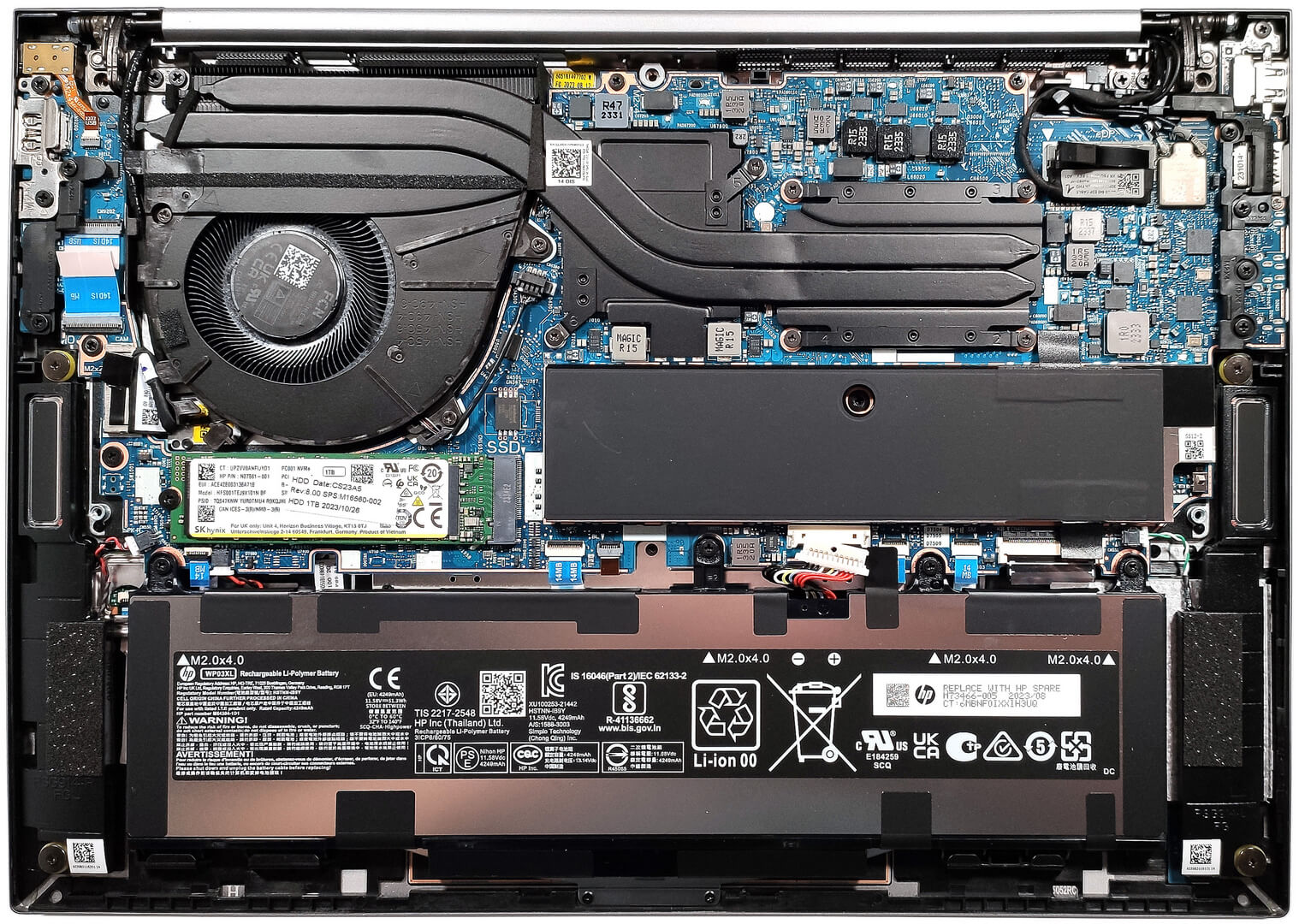
- 1x 2280 M.2 NVMe PCIe 4.0 x4 See photo
- RAM
- 64GB RAM
- OS
- Windows 11 Pro
- Body Material
- Aluminum
- Dimensions
- 315.6 x 224.3 x 19.2 mm (12.43" x 8.83" x 0.76")
- Weight
- 1.45 kg (3.2 lbs)
- Ports and connectivity
- 1x USB Type-A
- 3.2 Gen 1 (5 Gbps)
- 1x USB Type-A
- 3.2 Gen 1 (5 Gbps), Sleep and Charge
- 2x USB Type-C
- 4.0, Thunderbolt 4, Power Delivery (PD), DisplayPort, Sleep and Charge
- HDMI
- 2.0b
- Card Reader
- Ethernet LAN
- Wi-Fi
- 802.11ax
- Bluetooth
- 5.3
- Audio jack
- 3.5mm Combo Jack
- Features
- Fingerprint reader
- Web camera
- 5MP Webcam
- Backlit keyboard
- Microphone
- World Facing dual array digital microphones
- Speakers
- 2x Stereo Speakers, Bang & Olufsen
- Security Lock slot
Portability
Review
HP ZBook Firefly 14 G10 in-depth review
Nowadays, the mobile workstations can be found in many different sizes. This includes even 14-inch machines like the HP ZBook Firefly 14 G10. This little fella looks like an impressive device, at least on paper. You can choose among eight Raptor Lake CPU options. If you prefer longer battery life, you can pick a laptop with a 15W U-series chip. For those who need extra processing power, there are some 25W P variants in the mix. Speaking of performance, you can opt for an optional NVIDIA RTX GPU if you want more graphics power.Display-wise, there are many 16:10 IPS variants and the top one is a 1600p panel with a 120Hz refresh rate (it's called HP DreamColor Display). The other units offer a 1200p resolution. We can spot a touchscreen model as well as an HP Sure View Reflect-enabled var[...]
Read the full review
Pros
- Tons of CPU and display options
- PWM-free (AUO AUO2BAB)
- Comfortable spill-resistant keyboard
- Wi-Fi 6E and optional LTE / 5G support plus optional fingerprint reader and IR Web camera
- Modern I/O with two Thunderbolt 4 ports
- Compact and light
- Type-C charging
- 98% sRGB coverage + wide viewing angles and high maximum brightness (AUO AUO2BAB)
- Good comfort under load
- Accurate color representation thanks to our "Design and Gaming" profile (AUO AUO2BAB)
- High P and E core clock even in long periods of CPU stress
- Long battery life
- 2x SODIMM slots
Cons
- Pricey
- Flexy lid
- Only one M.2 slot
Disassembly, maintenance and upgrade options
Step 1: Accessing the Internal ComponentsEnsure the HP ZBook Firefly 14 G10 is powered off and placed on a soft, clean surface to prevent scratches or damage. Remove the 5 captive Phillips-head screws from the laptop's bottom panel. Use a pry tool to gently lift the bottom panel off, starting from the back.Hint: Be gentle when prying to avoid damaging the internal clips or the laptop casing.Step 2: Removing the BatteryDisconnect the battery by unplugging its connector from the motherboard. Remove the four Phillips-head screws securing the battery to the lap[...]
Read more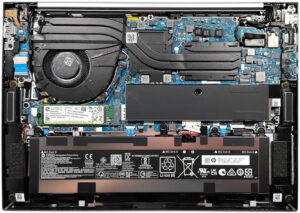


![[June 2026] Best-Selling Laptop Brands on Amazon Global – Apple’s Unrivaled Dominance in Units and Revenue](https://laptopmedia.com/wp-content/uploads/2026/07/GLOBAL-Best-Brands-400x225.jpg)
![[June 2026] Amazon Global: Top 10 Best-Selling Laptops – Apple’s New MacBook Neo Storms to #1, Reshaping the Market with Affordability](https://laptopmedia.com/wp-content/uploads/2026/07/Best-Selling-Laptops-GLOBAL-Top-10-400x225.jpg)
![[June 2026] Amazon Global: Top 10 Best-Selling Gaming Laptops – Acer’s Nitro V 16S AI Dominates Sales, While ASUS Leads Overall Revenue](https://laptopmedia.com/wp-content/uploads/2026/07/Best-Selling-Gaming-Laptops-GLOBAL-Top-10-400x225.jpg)
![[June 2026] Global Ranking of Best-Selling Laptop GPUs on Amazon – NVIDIA RTX 5060 is the Top-Selling Dedicated GPU](https://laptopmedia.com/wp-content/uploads/2026/07/Best-Selling-GPUs-GLOBAL-Top-10-400x225.jpg)
![[June 2026] Global Ranking of Best-Selling Laptop CPUs on Amazon – Apple M5 Dominates, AMD Ryzen 7 260 Gets Solid Premium Share](https://laptopmedia.com/wp-content/uploads/2026/07/Best-Selling-CPUs-GLOBAL-Top-10-400x225.jpg)