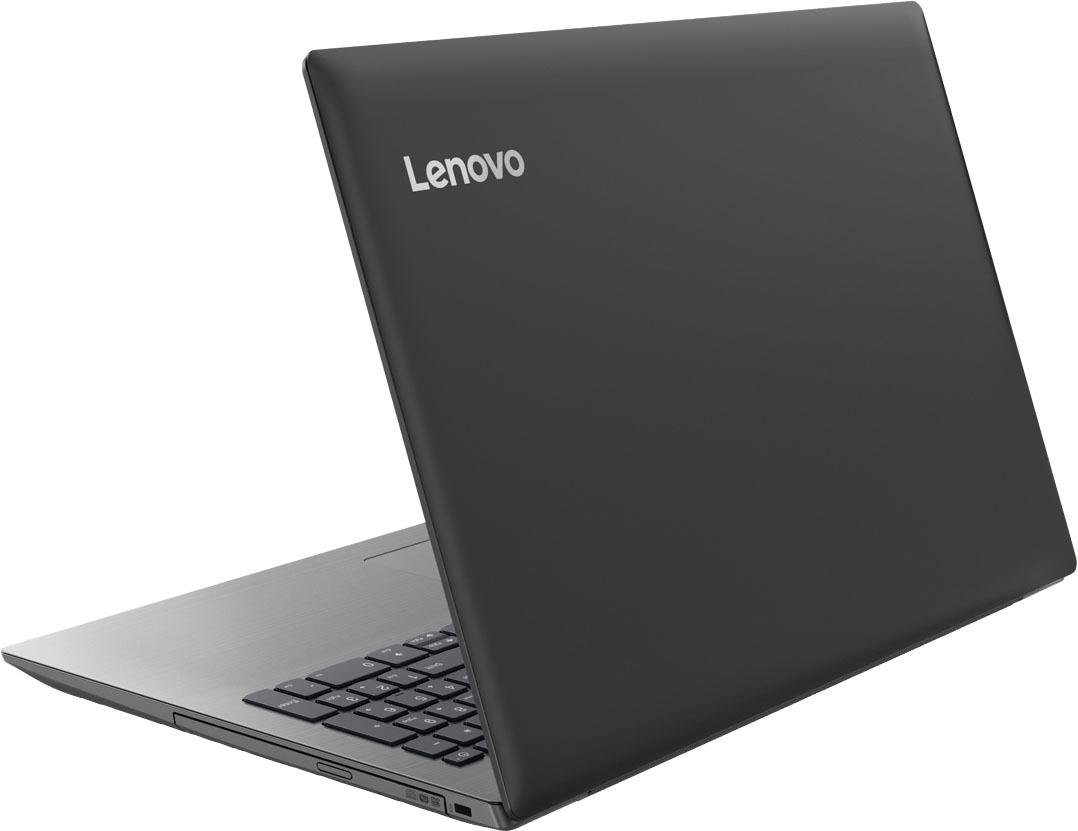
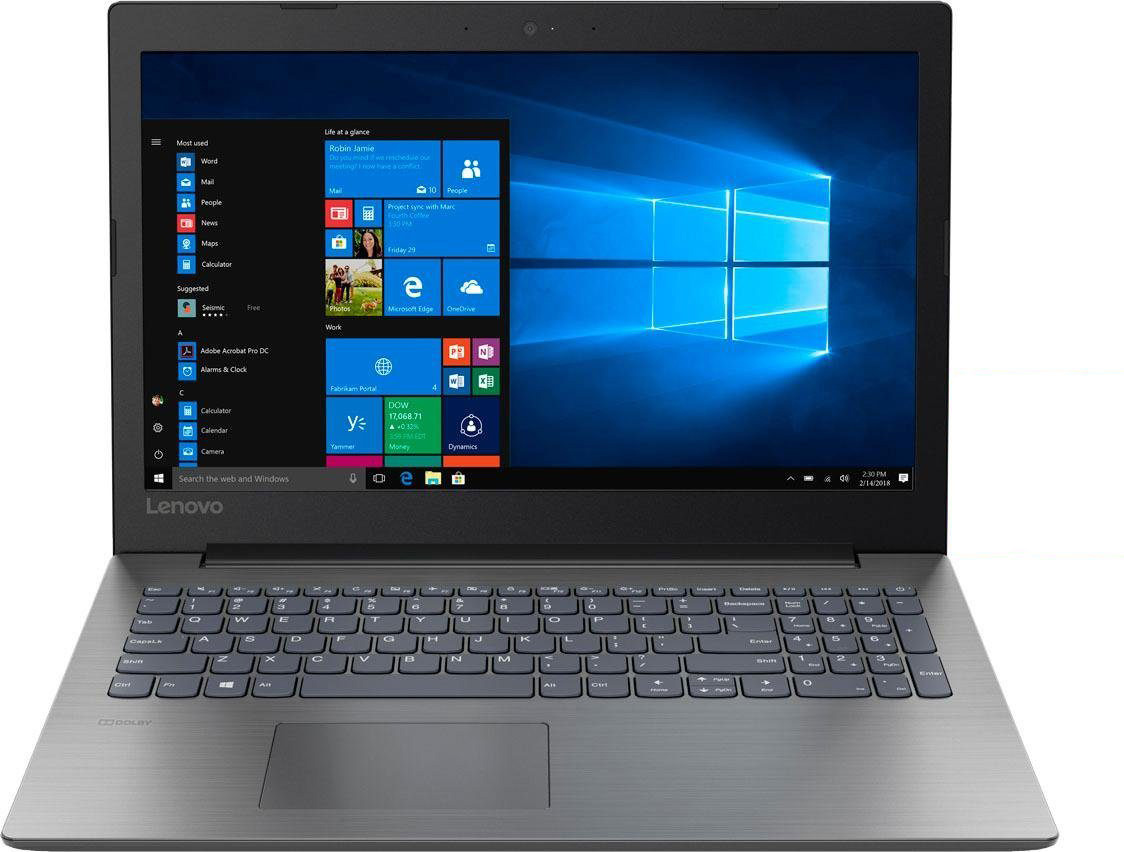
Lenovo ideapad 330 15″

- Date Published: 06 Aug 2018
- Intel Core i5-8300H
- NVIDIA GeForce GTX 1050 (4GB GDDR5)
- 15.6”, Full HD (1920 x 1080), TN
- 240GB SSD
- 12GB DDR4, 2400 MHz
- 2.20 kg (4.9 lbs)
Specs
- Display

- HDD/SSD
- 240GB SSD PCIe NVMe
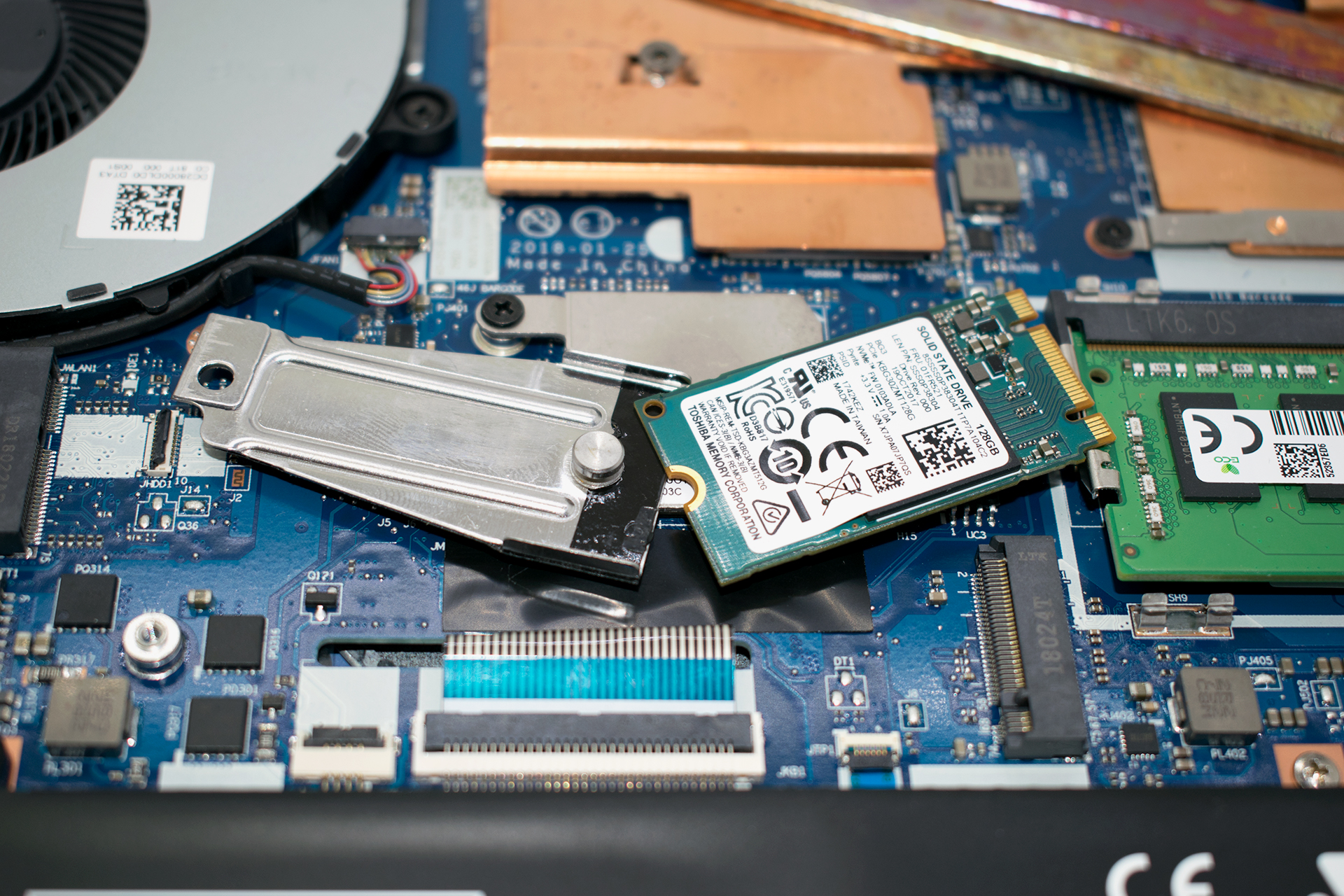
- M.2 Slot
- 1x 2280 M.2 NVMe slot See photo
- RAM
- 12GB DDR4, 2400 MHz
- OS
- Windows 10 Home
- Body Material
- Plastic / Polycarbonate
- Dimensions
- 378 x 260 x 22.9 mm (14.88" x 10.24" x 0.90")
- Weight
- 2.20 kg (4.9 lbs)
- Ports and connectivity
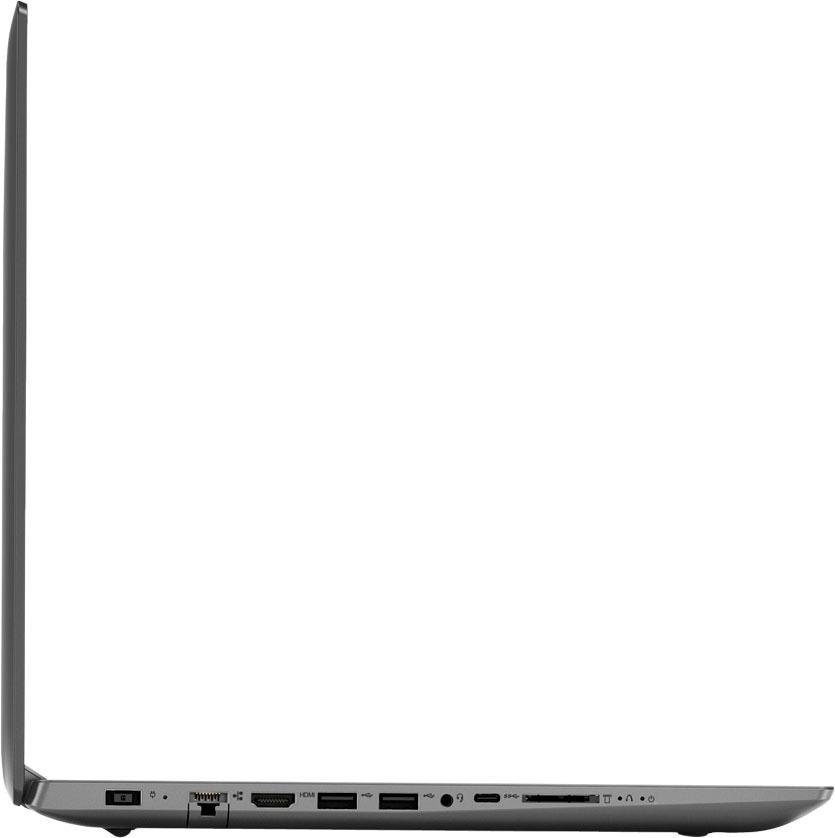
- 2x USB Type-A
- 3.2 Gen 1 (5 Gbps)
- 1x USB Type-C
- 3.2 Gen 1 (5 Gbps)
- HDMI
- 1.4a
- Card Reader
- SD, SDHC, SDXC
- Ethernet LAN
- Wi-Fi
- Bluetooth
- 4.1
- Audio jack
- combo audio / microphone jack
- Features
- Web camera
- Microphone
- Speakers
- 2x 1.5W
- Optical drive
- Security Lock slot
Portability
Review
Lenovo ideapad 330 15″ in-depth review
Lenovo IdeaPad 330 15 is a budget mobile assistant which offers you a wide variety of hardware configurations. The unit we got our hands on today is called IdeaPad 330 15-ICH. It features the most powerful hardware offered for this device - an Intel Core i7-8750H processor as well as the budget low-mid level GPU GeForce GTX 1050 with 4GB of memory. However, you can get it with an integrated Intel Graphics HD620 or the energy efficient NVIDIA GeForce MX150.It is one of the cheapest devices to feature such hardware inside. Of course, in order to cut the costs, Lenovo had to sacrifice some features. Probably the most noticeable of them are the build quality and use of TN panel. However, in order to check if it is worth to pay a lower price for a gaming device we have to take a deeper loo[...]
Read the full review
Pros
- Adequately priced
- The screen doesn't use harmful PWM for brightness adjustment (Innolux N156HGA-EAB)
- Good keyboard
Cons
- Bad viewing angles and contrast ratio (Innolux N156HGA-EAB)
- Weird CPU thermal policy
- All-plastic build
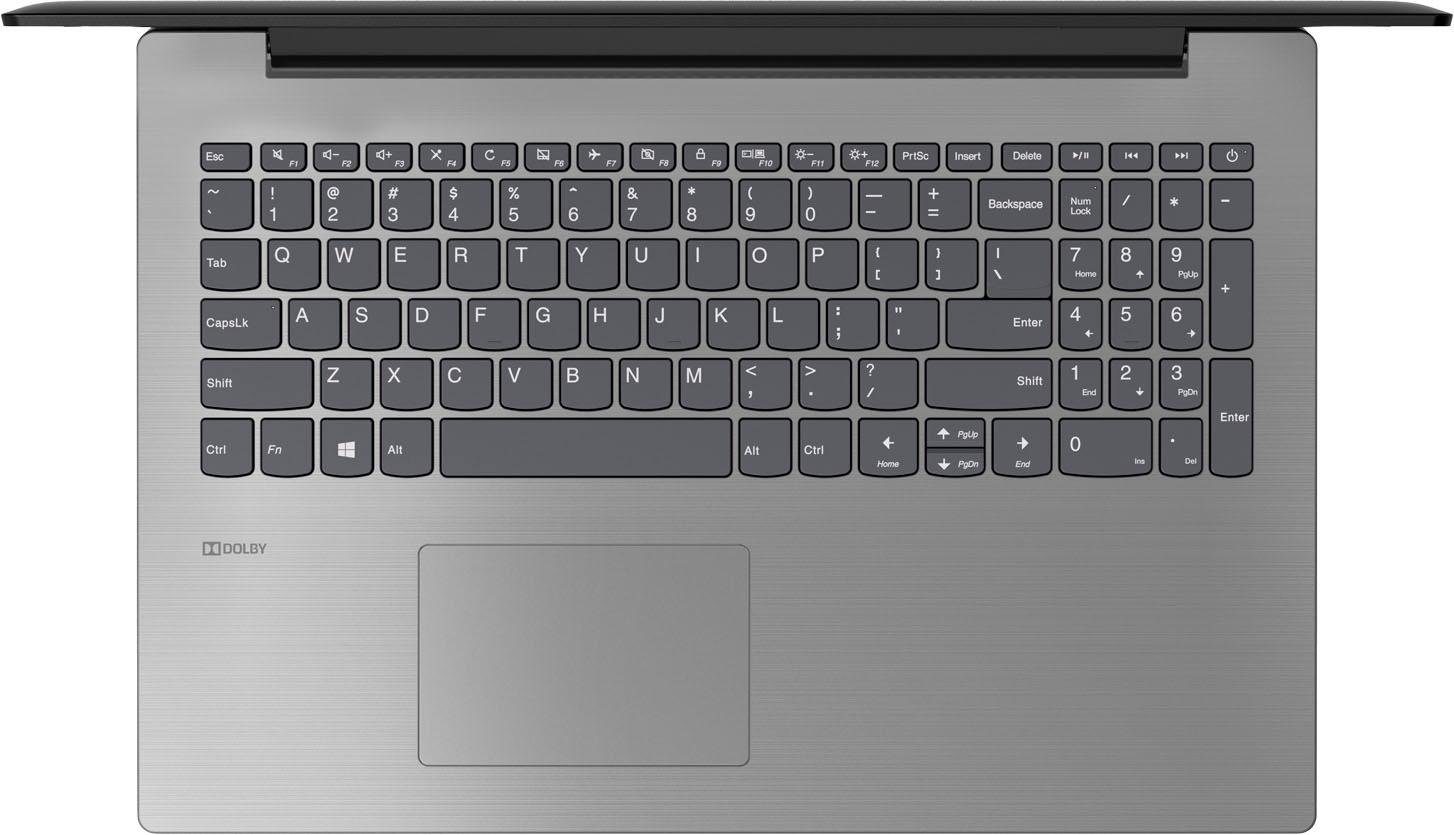
- Keyboard lacks backlight


![[June 2026] Best-Selling Laptop Brands on Amazon Global – Apple’s Unrivaled Dominance in Units and Revenue](https://laptopmedia.com/wp-content/uploads/2026/07/GLOBAL-Best-Brands-400x225.jpg)
![[June 2026] Amazon Global: Top 10 Best-Selling Laptops – Apple’s New MacBook Neo Storms to #1, Reshaping the Market with Affordability](https://laptopmedia.com/wp-content/uploads/2026/07/Best-Selling-Laptops-GLOBAL-Top-10-400x225.jpg)
![[June 2026] Amazon Global: Top 10 Best-Selling Gaming Laptops – Acer’s Nitro V 16S AI Dominates Sales, While ASUS Leads Overall Revenue](https://laptopmedia.com/wp-content/uploads/2026/07/Best-Selling-Gaming-Laptops-GLOBAL-Top-10-400x225.jpg)
![[June 2026] Global Ranking of Best-Selling Laptop GPUs on Amazon – NVIDIA RTX 5060 is the Top-Selling Dedicated GPU](https://laptopmedia.com/wp-content/uploads/2026/07/Best-Selling-GPUs-GLOBAL-Top-10-400x225.jpg)
![[June 2026] Global Ranking of Best-Selling Laptop CPUs on Amazon – Apple M5 Dominates, AMD Ryzen 7 260 Gets Solid Premium Share](https://laptopmedia.com/wp-content/uploads/2026/07/Best-Selling-CPUs-GLOBAL-Top-10-400x225.jpg)