Lenovo IdeaPad Flex 5
- Date Published: 04 Nov 2025
- Intel Core i3-1115G4
- Intel UHD Graphics Xe G4 (48EU)
- 14.0”, Full HD (1920 x 1080), IPS
- 4000GB SSD
- 4GB RAM
- 1.50 kg (3.3 lbs)
Review
Lenovo IdeaPad Flex 5 in-depth review
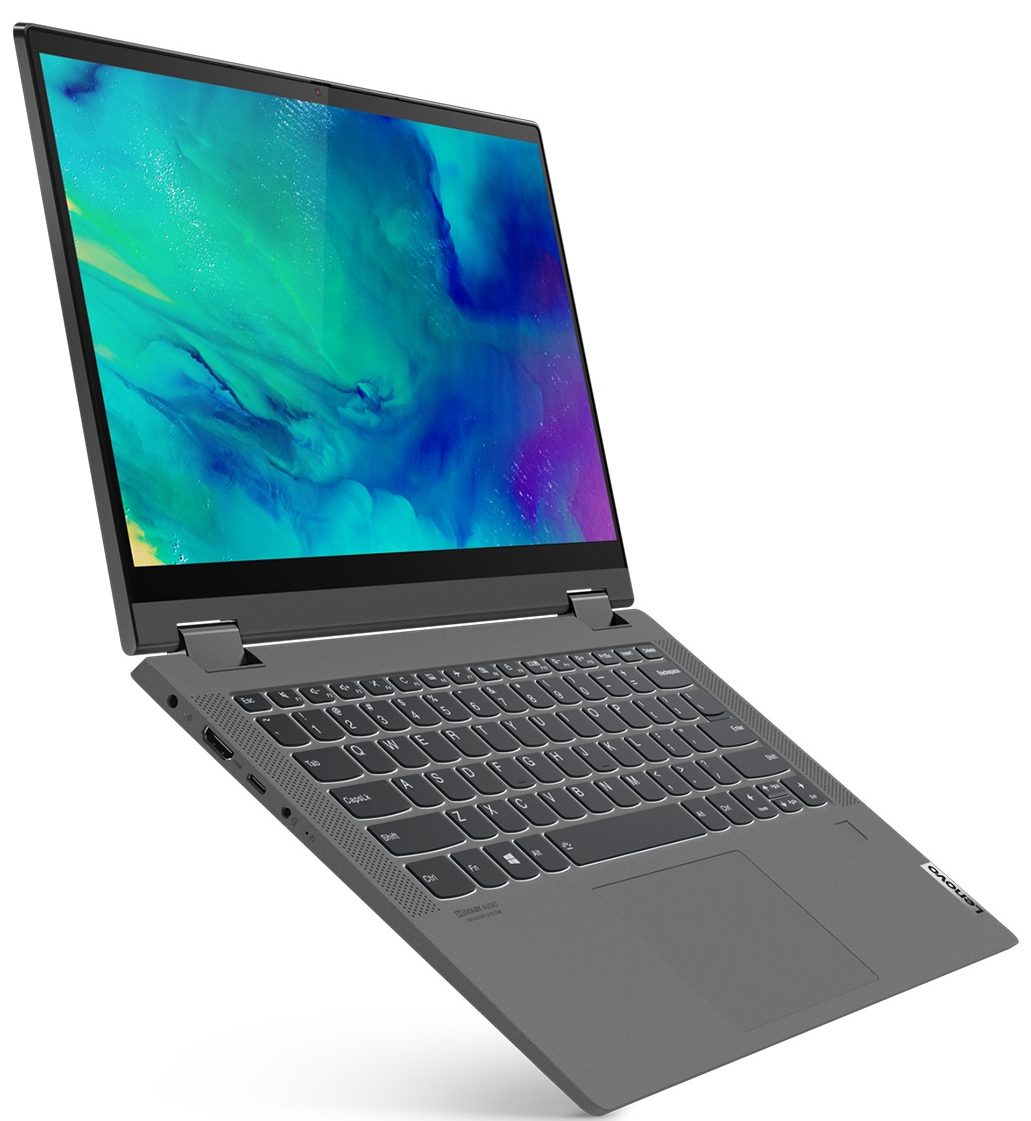
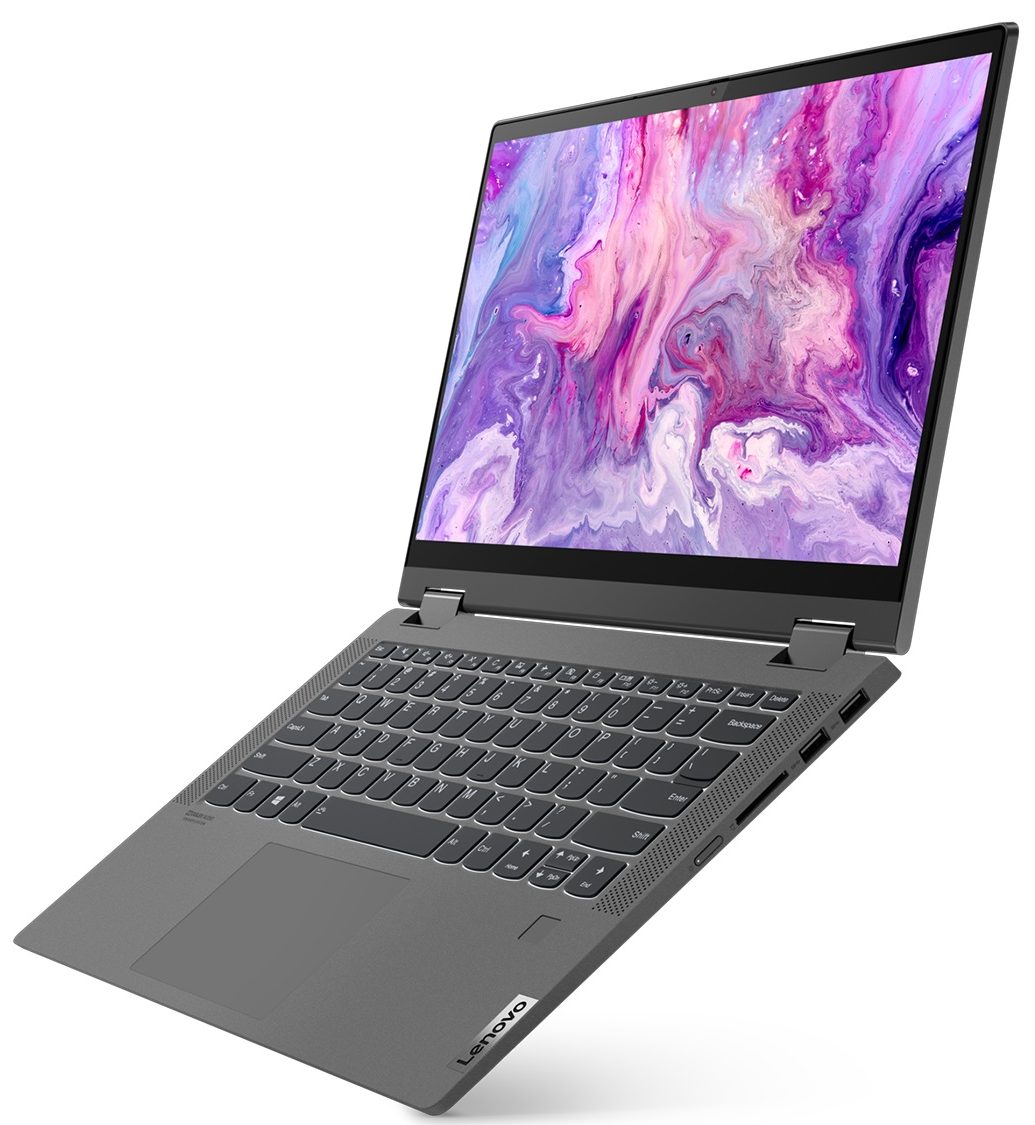
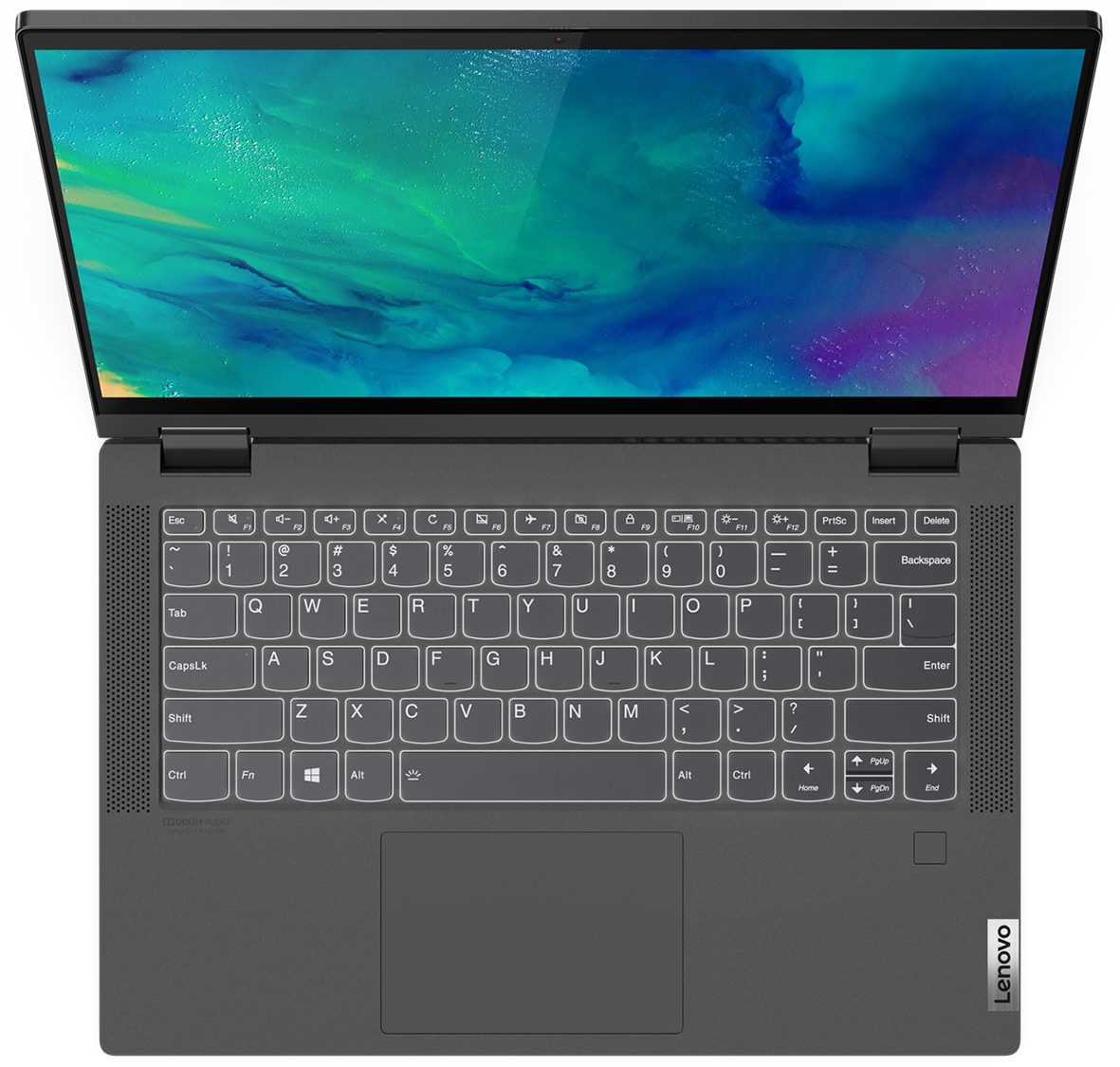
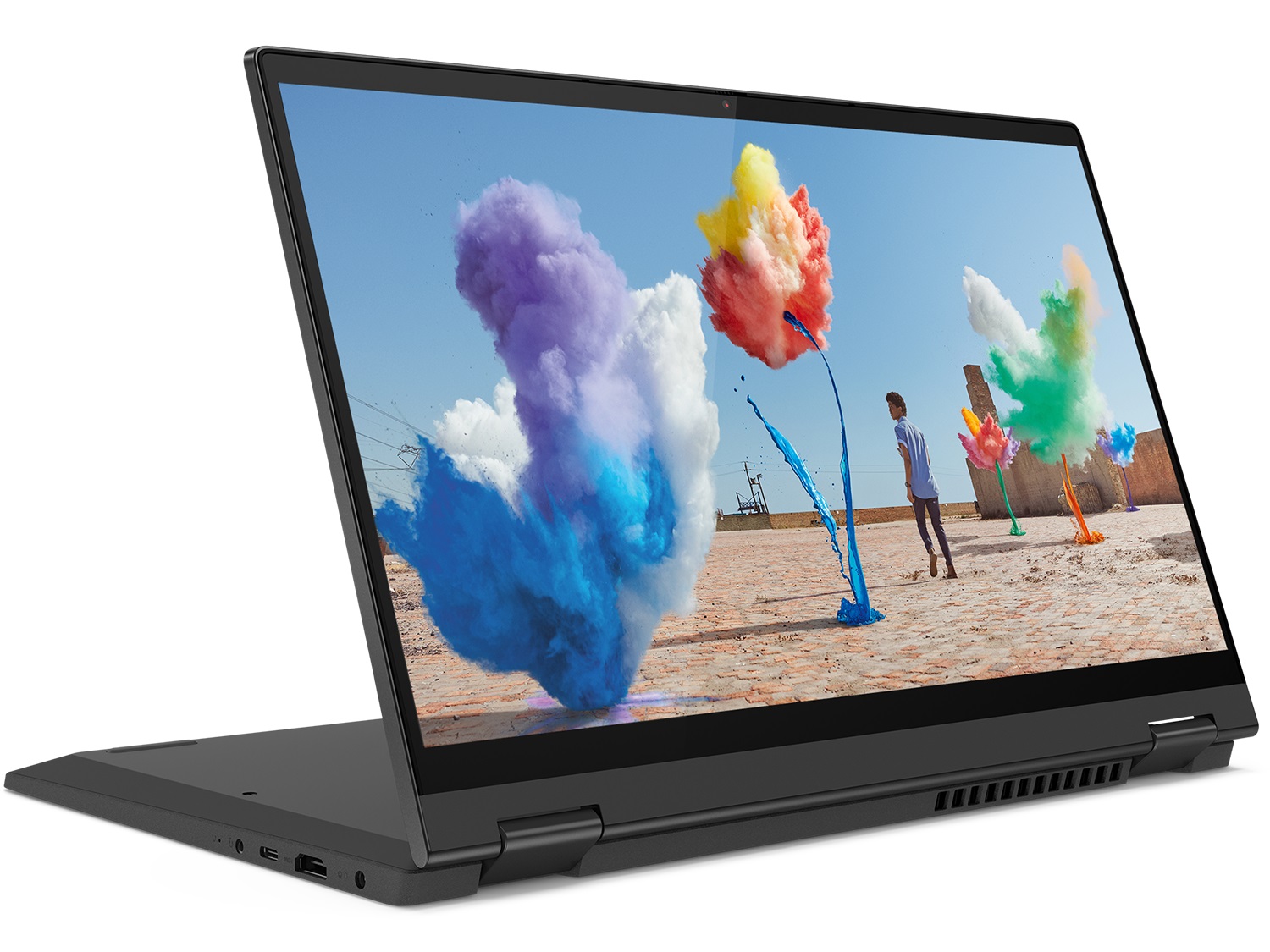
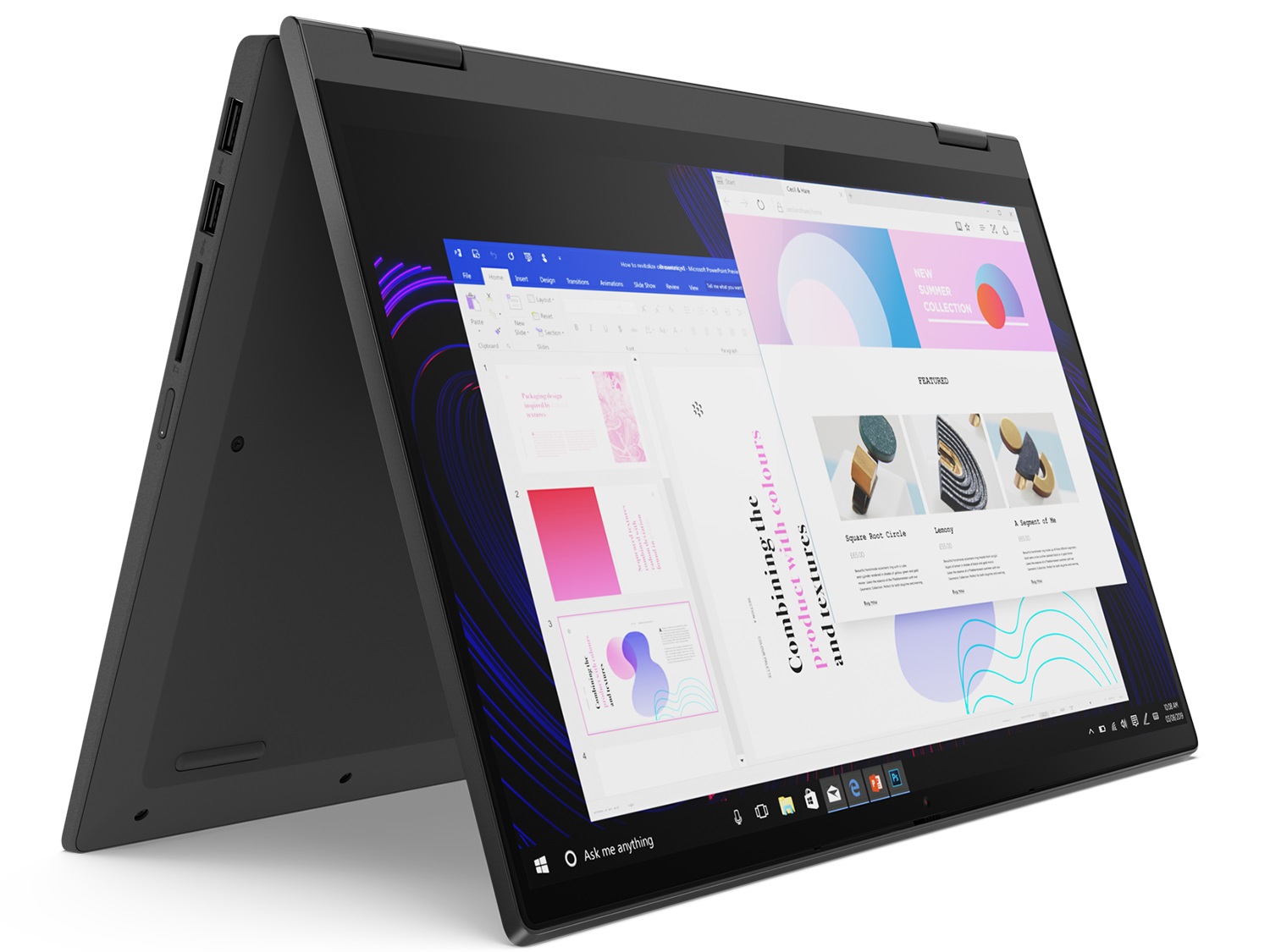
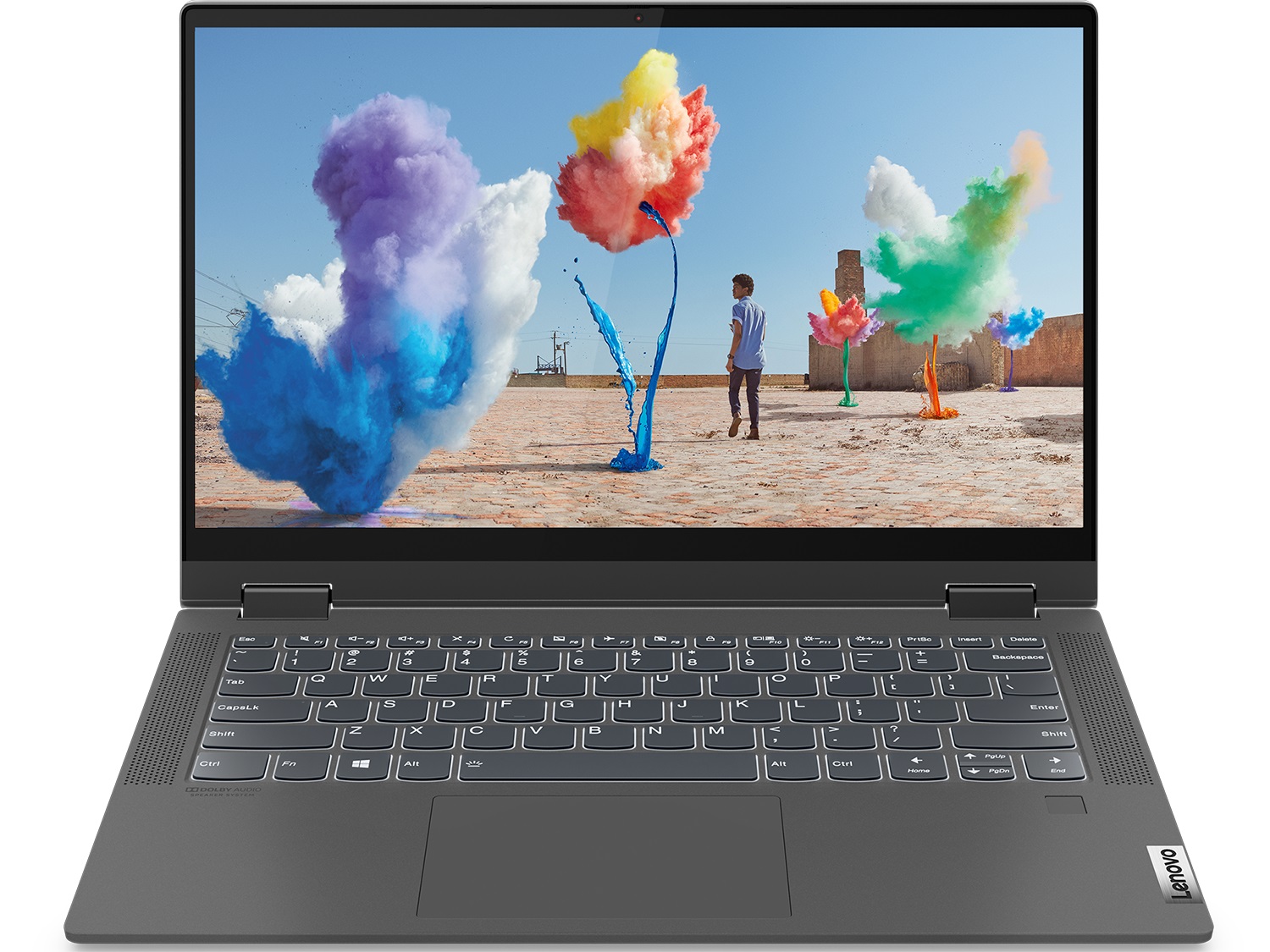
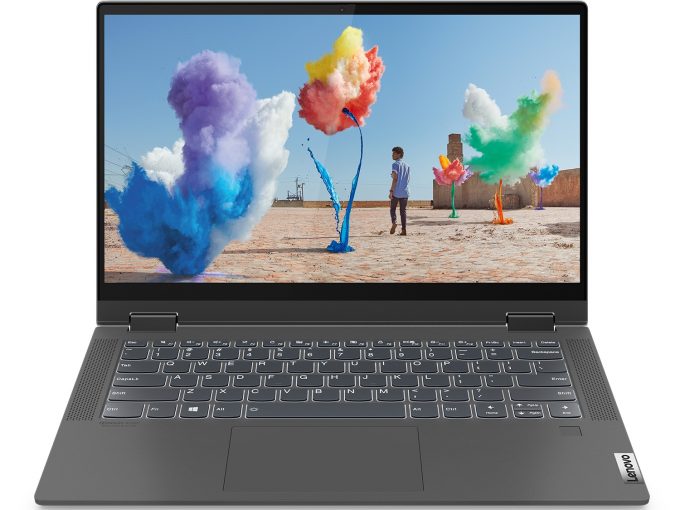
Today, we have the brand new Lenovo Ideapad Flex 5 (14). Its a stylish little 2-in-1, which should be good for work, light gaming, and, of course, be used as a table. Or, at least that's what Lenovo wants you to think. From what we see in the official specs sheet, we see only two display options, both of which are 1080p panels, but one of them is an IPS one, while the other is a TN.We're definitely going to investigate the prowess of the IPS panel (as we got that one). Before that, we have to tell you that the Ideapad Flex 5 (14) comes in two major iterations - an Intel one and an AMD one. Ultimately, the former utilizes Intel's Ice Lake processors (the one we have), while the latter goes for the Ryzen 4000U processors, which are extremely potent. However, Lenovo is only offering opti[...]
Read the full review
Pros
- Versatile and stable hinges
- Good battery life
- SD card slot and Wi-Fi 6 support
- Doesn't use aggressive PWM (LP140WFA-SPMB)
- Optional fingerprint reader
Cons
- No RAM upgradability post-purchase
- Extremely hot under load (Intel + NVIDIA combo)
- Covers only half of the colors in the sRGB gamut (LP140WFA-SPMB)
Disassembly, maintenance and upgrade options
Despite being a good prospect with its great price and wide functionality, the Ideapad Flex 5 (14) is not something we would consider as ideal for professionals.Check out all Lenovo Ideapad Flex 5 (14) prices and configurations in our Specs System or read more in our In-Depth review.1. Remove the bottom plate In order to get to this notebook's internals, you need to undo 9 Torx-head screws. After that, pry the bottom panel away with a plastic tool, and you should be able to see everything inside.2. Battery In terms of battery, this laptop is equipped with a 52.5Wh pack. [...]
Read more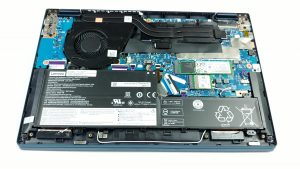


![[June 2026] Best-Selling Laptop Brands on Amazon Global – Apple’s Unrivaled Dominance in Units and Revenue](https://laptopmedia.com/wp-content/uploads/2026/07/GLOBAL-Best-Brands-400x225.jpg)
![[June 2026] Amazon Global: Top 10 Best-Selling Laptops – Apple’s New MacBook Neo Storms to #1, Reshaping the Market with Affordability](https://laptopmedia.com/wp-content/uploads/2026/07/Best-Selling-Laptops-GLOBAL-Top-10-400x225.jpg)
![[June 2026] Amazon Global: Top 10 Best-Selling Gaming Laptops – Acer’s Nitro V 16S AI Dominates Sales, While ASUS Leads Overall Revenue](https://laptopmedia.com/wp-content/uploads/2026/07/Best-Selling-Gaming-Laptops-GLOBAL-Top-10-400x225.jpg)
![[June 2026] Global Ranking of Best-Selling Laptop GPUs on Amazon – NVIDIA RTX 5060 is the Top-Selling Dedicated GPU](https://laptopmedia.com/wp-content/uploads/2026/07/Best-Selling-GPUs-GLOBAL-Top-10-400x225.jpg)
![[June 2026] Global Ranking of Best-Selling Laptop CPUs on Amazon – Apple M5 Dominates, AMD Ryzen 7 260 Gets Solid Premium Share](https://laptopmedia.com/wp-content/uploads/2026/07/Best-Selling-CPUs-GLOBAL-Top-10-400x225.jpg)
