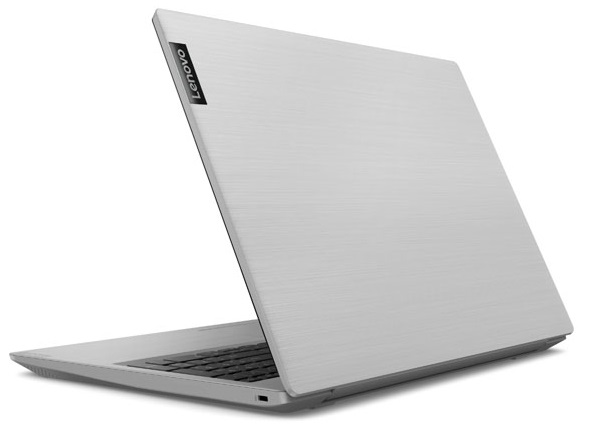
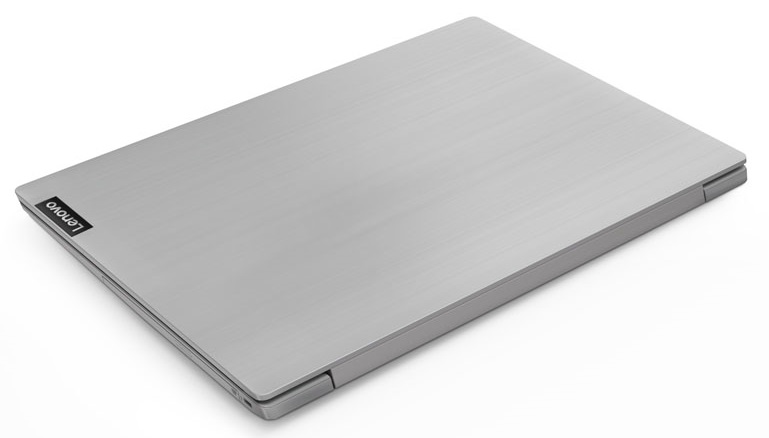
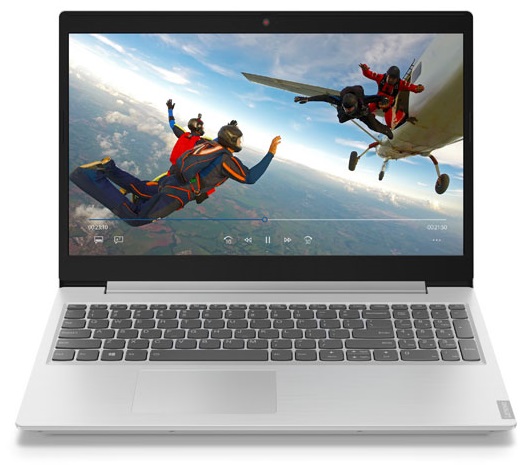
Lenovo IdeaPad L340 15
- Date Published: 04 Nov 2019
- AMD Ryzen 3 3200U
- AMD Radeon RX Vega 3
- 15.6”, Full HD (1920 x 1080), TN
- 512GB SSD + 1000GB HDD
- 12GB DDR4
- 2.20 kg (4.9 lbs)
Specs
- Display

- HDD/SSD
- 512GB SSD + 1TB HDD
- M.2 Slot
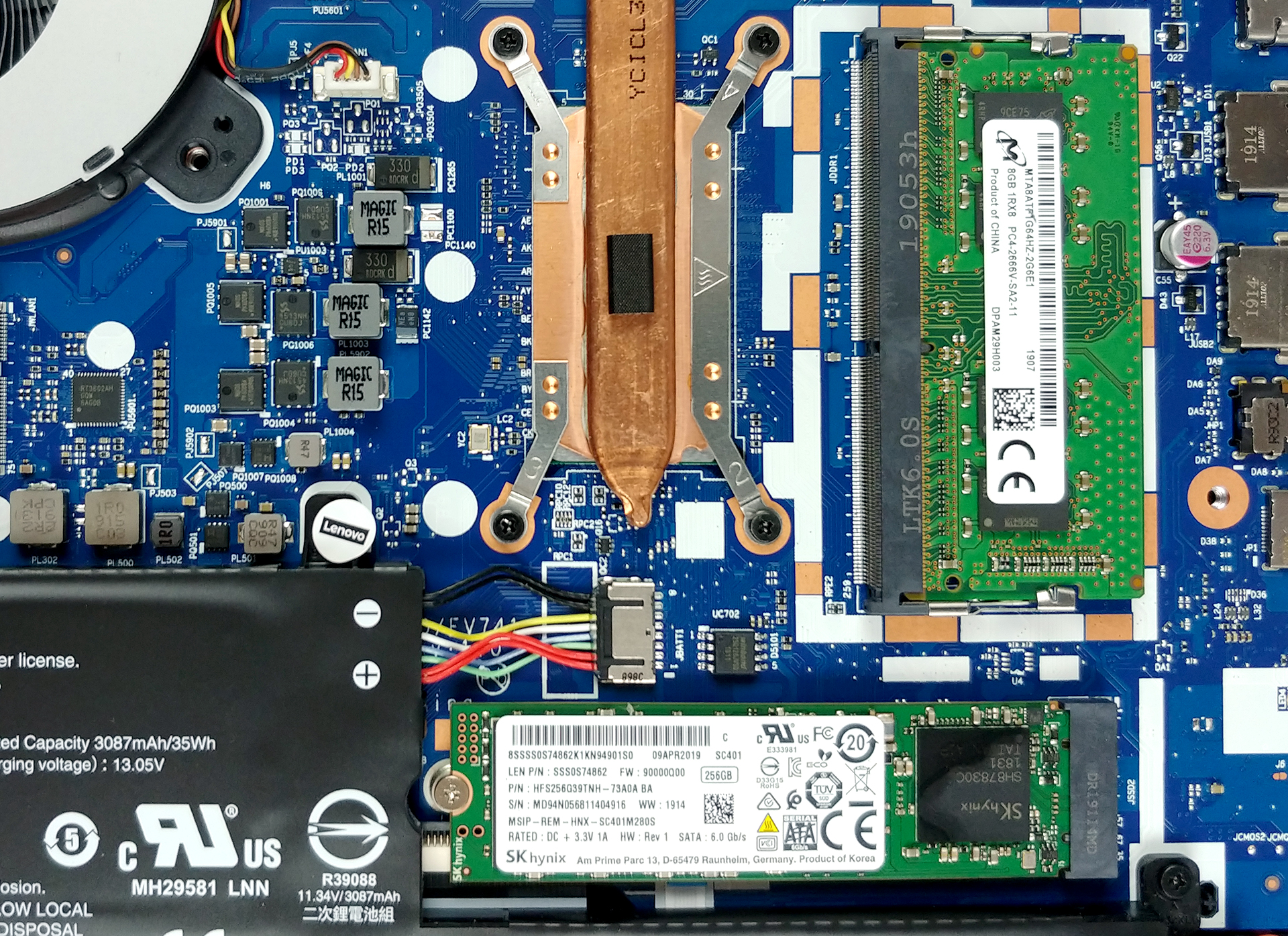
- 1x 2280 M.2 NVMe slot See photo
- RAM
- 12GB DDR4
- OS
- Windows 10 Home
- Body Material
- Plastic / Polycarbonate
- Dimensions
- 363 x 254.6 x 22.9 mm (14.29" x 10.02" x 0.90")
- Weight
- 2.20 kg (4.9 lbs)
- Ports and connectivity
- 1x USB Type-C
- 3.2 Gen 1 (5 Gbps)
- 2x USB Type-A
- 3.2 Gen 1 (5 Gbps)
- HDMI
- 1.4b
- Ethernet LAN
- 10/100/1000 Mbit/s
- Wi-Fi
- 802.11ac
- Bluetooth
- 4.2
- Audio jack
- 3.5 mm combo
- Features
- Web camera
- HD
- Microphone
- Monaural Microphone
- Speakers
- 2x 1.5W, Dolby Audio
- Security Lock slot
Portability
Review
Lenovo IdeaPad L340 15 in-depth review
So, perhaps you need an all-rounder notebook - build for office work, student stuff and multimedia, while at the same time being capable of doing some minor gaming. Moreover, your budget is very strict and you can't afford to throw more than 1000 bucks for your every-day driver. Well, in this case, the Ideapad L340 (15") might just be the right laptop for you.It comes in two major configurations - one with AMD processors and one with Intel CPUs. Let's disclose that we have tested the Intel-equipped version, so you might see a difference in some of the results if you own an AMD model. Nevertheless, in terms of a display, the top-end model goes with a Full HD TN panel, which is a bummer.You can check the prices and configurations in our Specs System: https://laptopmedia.com/series/l[...]
Read the full review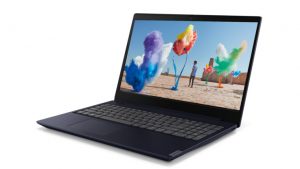
Pros
- Stylish design
- Great cooling capacity
- Energy efficient
- DVD-RW drive on board
- It doesn't use PWM to adjust its brightness levels, and has fast reaction times (BOE NT156FHM-N61 (BOE0812))
Cons
- Uncomfortable keyboard
- All-plastic build
- Conservative approach towards performance
- No IPS panel options
- Its display has uncomfortable viewing angles and contrast ratio (BOE NT156FHM-N61 (BOE0812))
- The colors of the screen are way off (our Gaming and Web design profile fixes that) (BOE NT156FHM-N61 (BOE0812))
Disassembly, maintenance and upgrade options
Lenovo Ideapad L340 (15") is the direct successor to the Ideapad 330 - one of Lenovo's best selling laptops. Let's see what Lenovo has done in order to keep the price low, and what type of compromises had to be made.Check out all Lenovo Ideapad L340 (15") prices and configurations in our Specs System, or read our In-Depth review.1. Remove the bottom plate The first thing you need to do, as this is one of the few laptops that still feature an optical drive - is to remove it. It is held in place by a single screw (check the video we made for reference) and after you remove it you [...]
Read more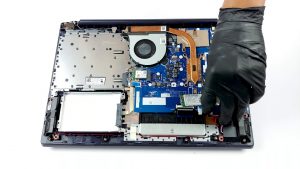


![[June 2026] Best-Selling Laptop Brands on Amazon Global – Apple’s Unrivaled Dominance in Units and Revenue](https://laptopmedia.com/wp-content/uploads/2026/07/GLOBAL-Best-Brands-400x225.jpg)
![[June 2026] Amazon Global: Top 10 Best-Selling Laptops – Apple’s New MacBook Neo Storms to #1, Reshaping the Market with Affordability](https://laptopmedia.com/wp-content/uploads/2026/07/Best-Selling-Laptops-GLOBAL-Top-10-400x225.jpg)
![[June 2026] Amazon Global: Top 10 Best-Selling Gaming Laptops – Acer’s Nitro V 16S AI Dominates Sales, While ASUS Leads Overall Revenue](https://laptopmedia.com/wp-content/uploads/2026/07/Best-Selling-Gaming-Laptops-GLOBAL-Top-10-400x225.jpg)
![[June 2026] Global Ranking of Best-Selling Laptop GPUs on Amazon – NVIDIA RTX 5060 is the Top-Selling Dedicated GPU](https://laptopmedia.com/wp-content/uploads/2026/07/Best-Selling-GPUs-GLOBAL-Top-10-400x225.jpg)
![[June 2026] Global Ranking of Best-Selling Laptop CPUs on Amazon – Apple M5 Dominates, AMD Ryzen 7 260 Gets Solid Premium Share](https://laptopmedia.com/wp-content/uploads/2026/07/Best-Selling-CPUs-GLOBAL-Top-10-400x225.jpg)