Lenovo IdeaPad Slim 5i
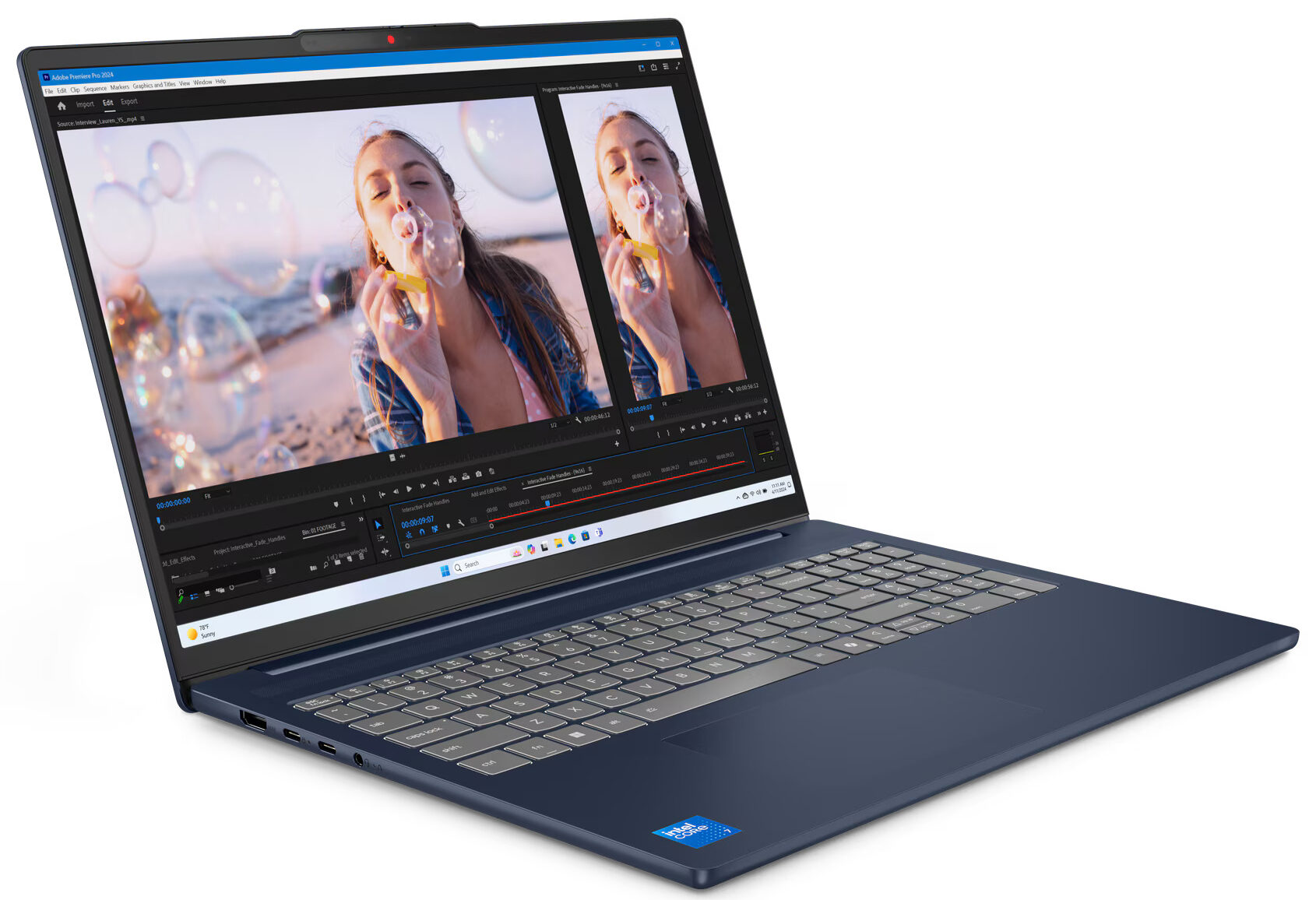
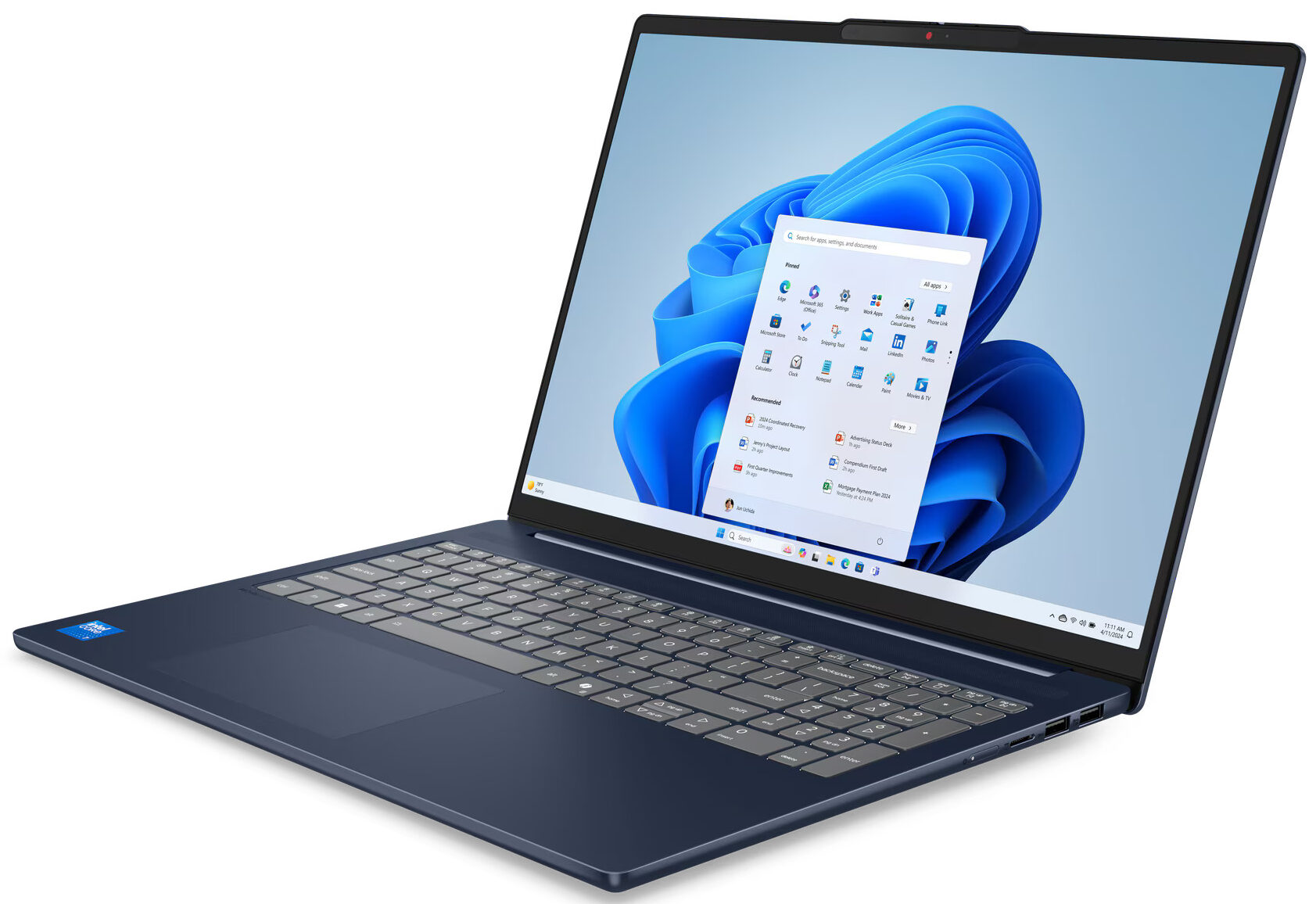
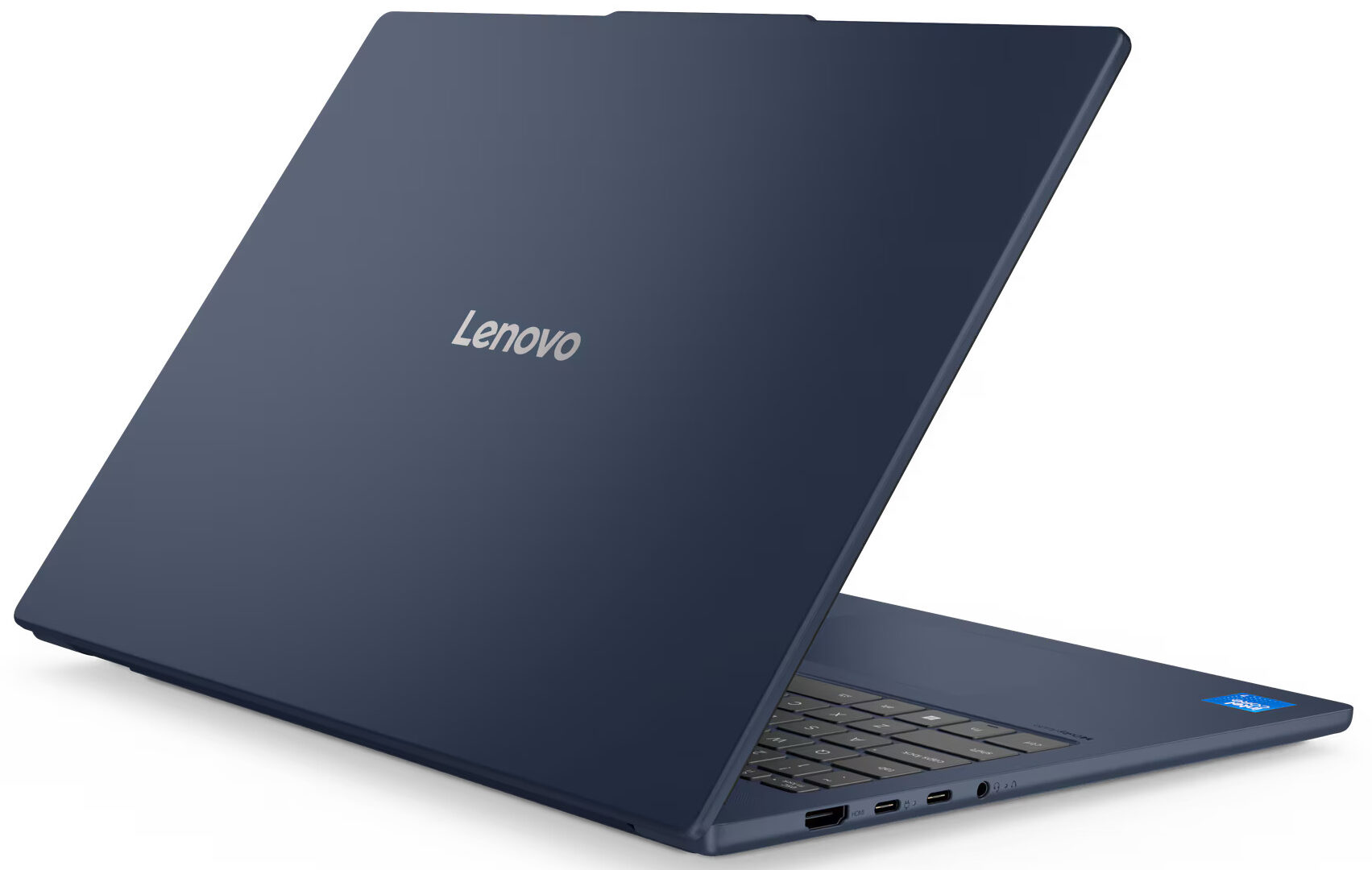
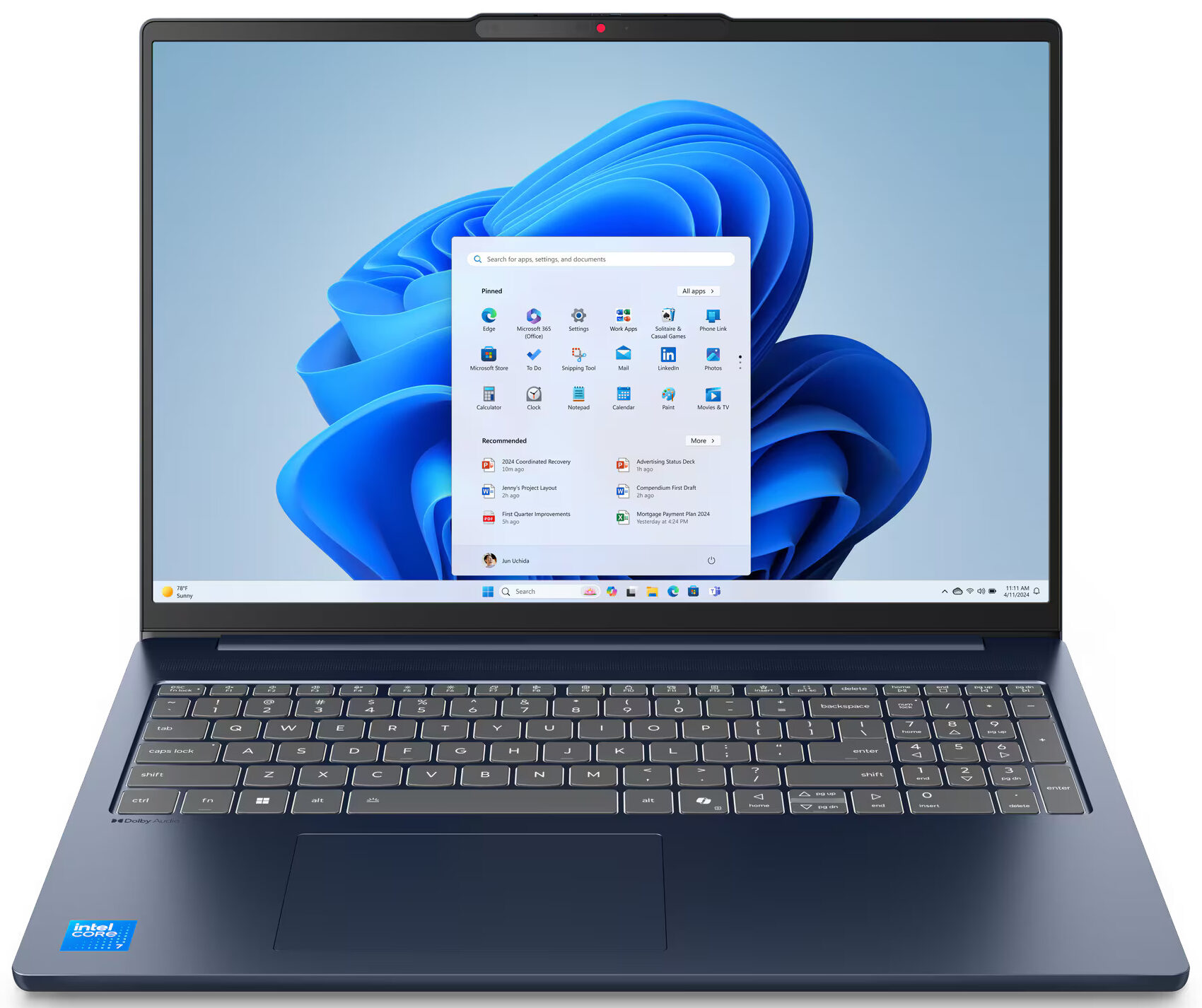
- Date Published: 18 Dec 2025
- Intel Core 7 240H
- Intel UHD Graphics (Alder Lake, 64EU)
- 16.0”, WUXGA (1920 x 1200), IPS
- 2000GB SSD
- 32GB RAM
- 1.65 kg (3.6 lbs)
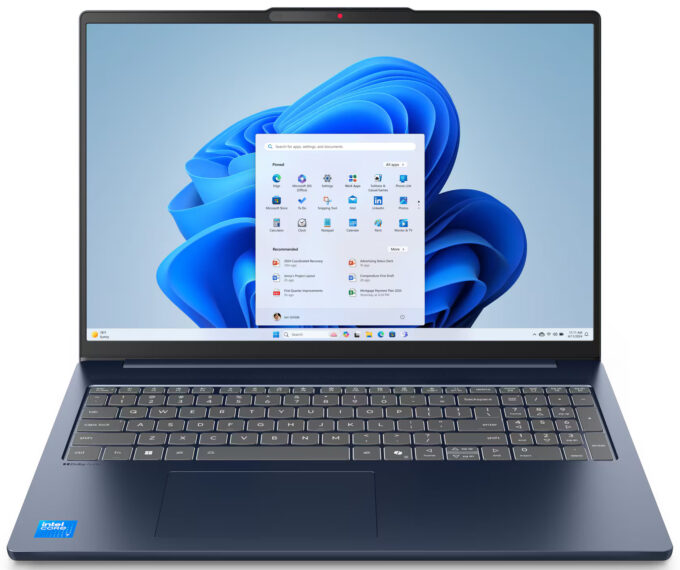
Review
Lenovo IdeaPad Slim 5i in-depth review
The Lenovo IdeaPad Slim 5i (16", Gen 10) looks and feels like a premium machine far above its starting price. Its all-metal chassis is elegant and sturdy, and its internal design offers a level of upgradeability that's almost unheard of in a slim laptop today. But this excellent foundation can be paired with some deeply disappointing components. Our review unit, the base model, reveals a story of stark contrasts - a beautiful shell housing a dull screen and a processor that struggles with heat. It’s a laptop that has the potential to be fantastic, but only if you choose your configuration very, very carefully.You can check the prices and configurations in our Specs System: https://laptopmedia.com/series/lenovo-ideapad-slim-5-16irh10r/Specs, Drivers, What's in the boxD[...]
Read the full review
Pros
- Excellent and elegant all-aluminium construction
- Fantastic upgradeability with two RAM and two M.2 slots
- Comfortable keyboard with a dedicated NumPad
- Good selection of practical ports
- PWM-free display ensures eye comfort
- IR camera with a physical privacy shutter
Cons
- Base model display has extremely poor color coverage
- CPU runs hot under load
- Base model performance is weak for heavy tasks
- Mediocre sound quality
Disassembly, maintenance and upgrade options
Step 1: Opening the Lenovo IdeaPad Slim 5i (16", Gen 10)Power off the laptop and place it on a flat surface. Undo the six Torx T5 screws securing the bottom plate. Use a plastic pry tool to release the clips. Start from one corner and work your way around until the panel lifts off.Battery RemovalThis model has a 60Wh lithium-ion battery. Detach the connector from the motherboard. Undo the two Phillips-head screws that secure the battery, then lift it out.Memory UpgradeThe notebook has two DDR5 SO-DIMM slots, located next to the fan shroud. The[...]
Read more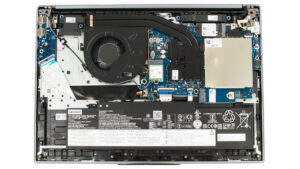


![[June 2026] Best-Selling Laptop Brands on Amazon Global – Apple’s Unrivaled Dominance in Units and Revenue](https://laptopmedia.com/wp-content/uploads/2026/07/GLOBAL-Best-Brands-400x225.jpg)
![[June 2026] Amazon Global: Top 10 Best-Selling Laptops – Apple’s New MacBook Neo Storms to #1, Reshaping the Market with Affordability](https://laptopmedia.com/wp-content/uploads/2026/07/Best-Selling-Laptops-GLOBAL-Top-10-400x225.jpg)
![[June 2026] Amazon Global: Top 10 Best-Selling Gaming Laptops – Acer’s Nitro V 16S AI Dominates Sales, While ASUS Leads Overall Revenue](https://laptopmedia.com/wp-content/uploads/2026/07/Best-Selling-Gaming-Laptops-GLOBAL-Top-10-400x225.jpg)
![[June 2026] Global Ranking of Best-Selling Laptop GPUs on Amazon – NVIDIA RTX 5060 is the Top-Selling Dedicated GPU](https://laptopmedia.com/wp-content/uploads/2026/07/Best-Selling-GPUs-GLOBAL-Top-10-400x225.jpg)
![[June 2026] Global Ranking of Best-Selling Laptop CPUs on Amazon – Apple M5 Dominates, AMD Ryzen 7 260 Gets Solid Premium Share](https://laptopmedia.com/wp-content/uploads/2026/07/Best-Selling-CPUs-GLOBAL-Top-10-400x225.jpg)
