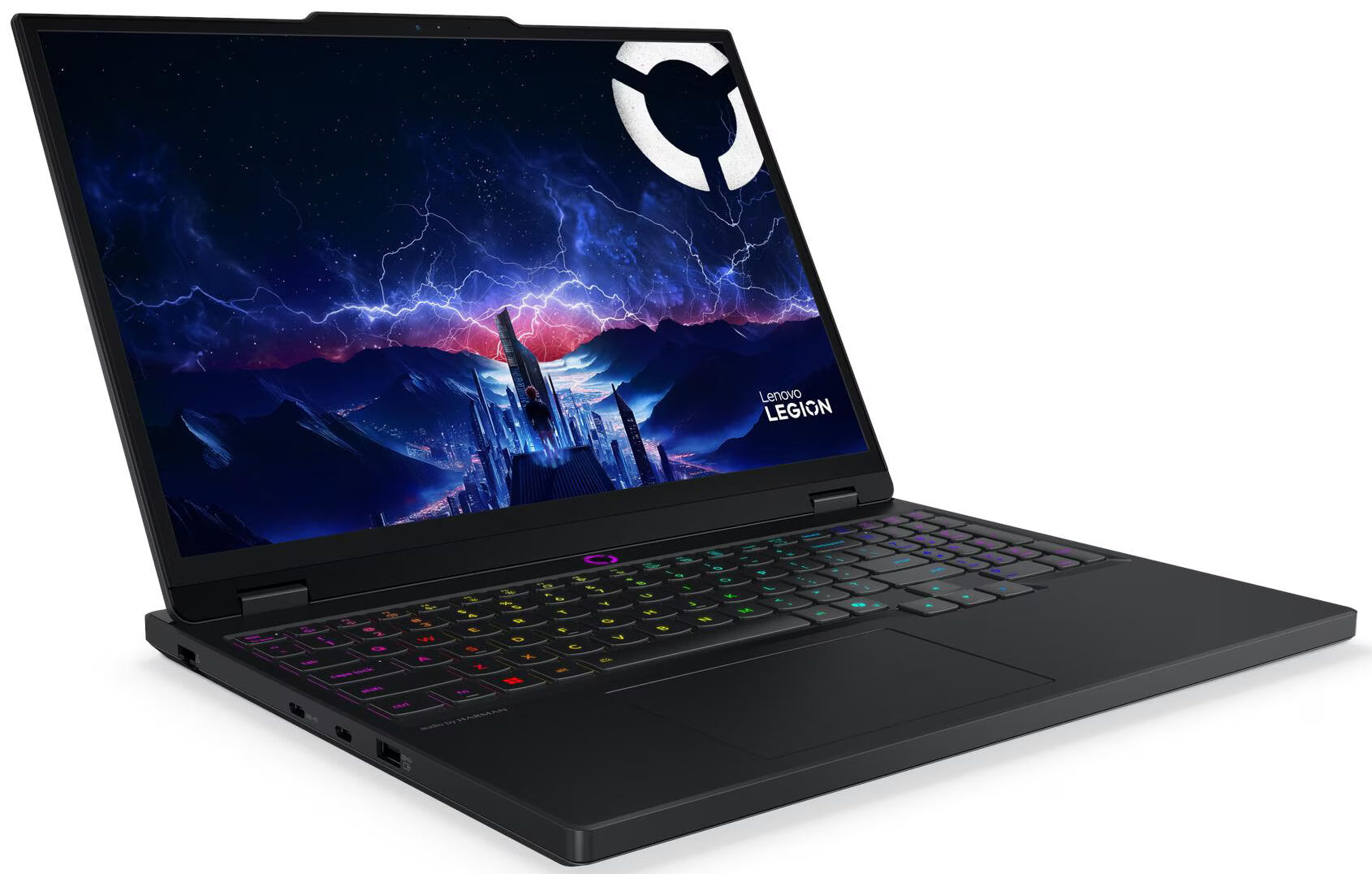
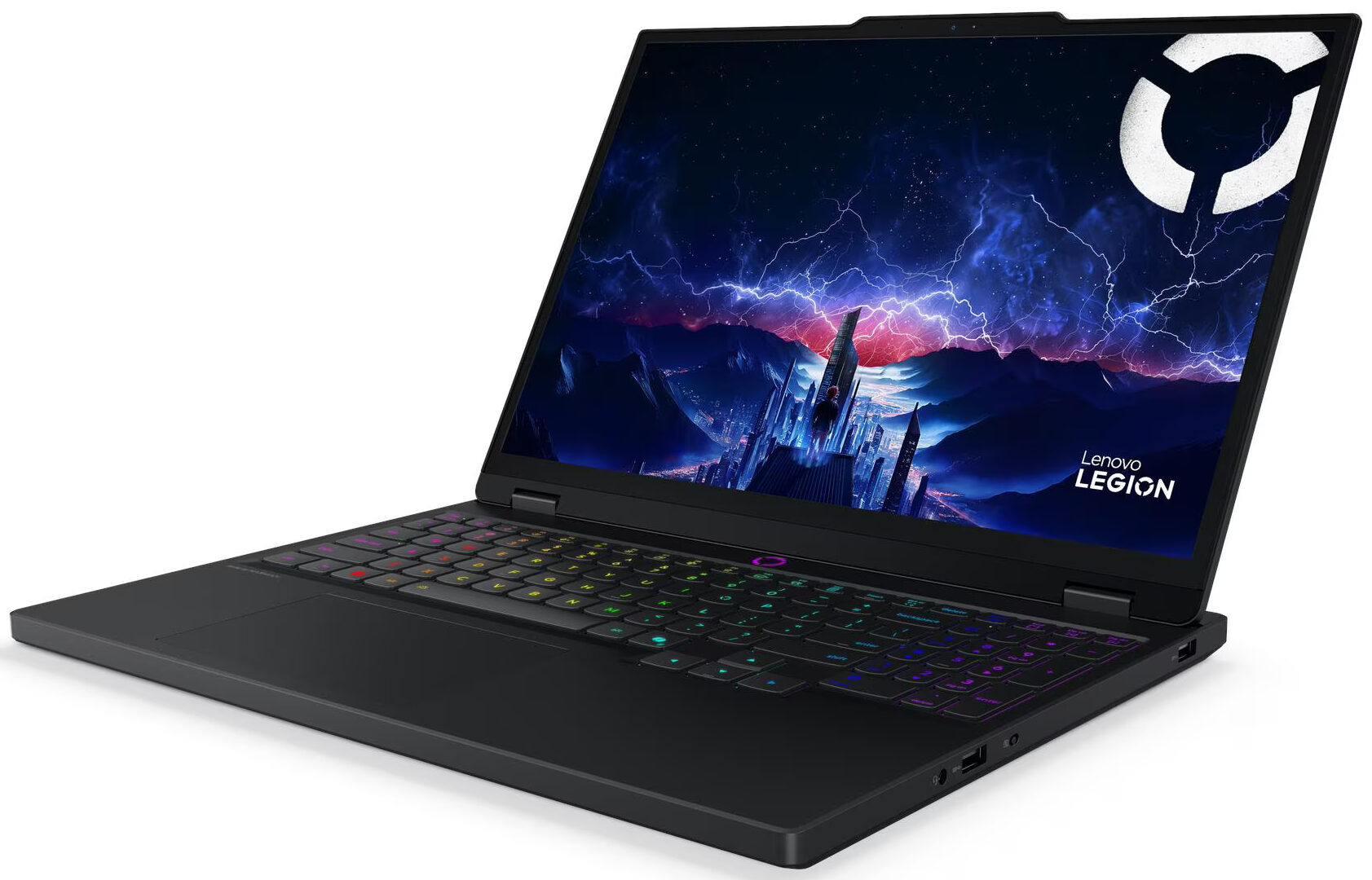
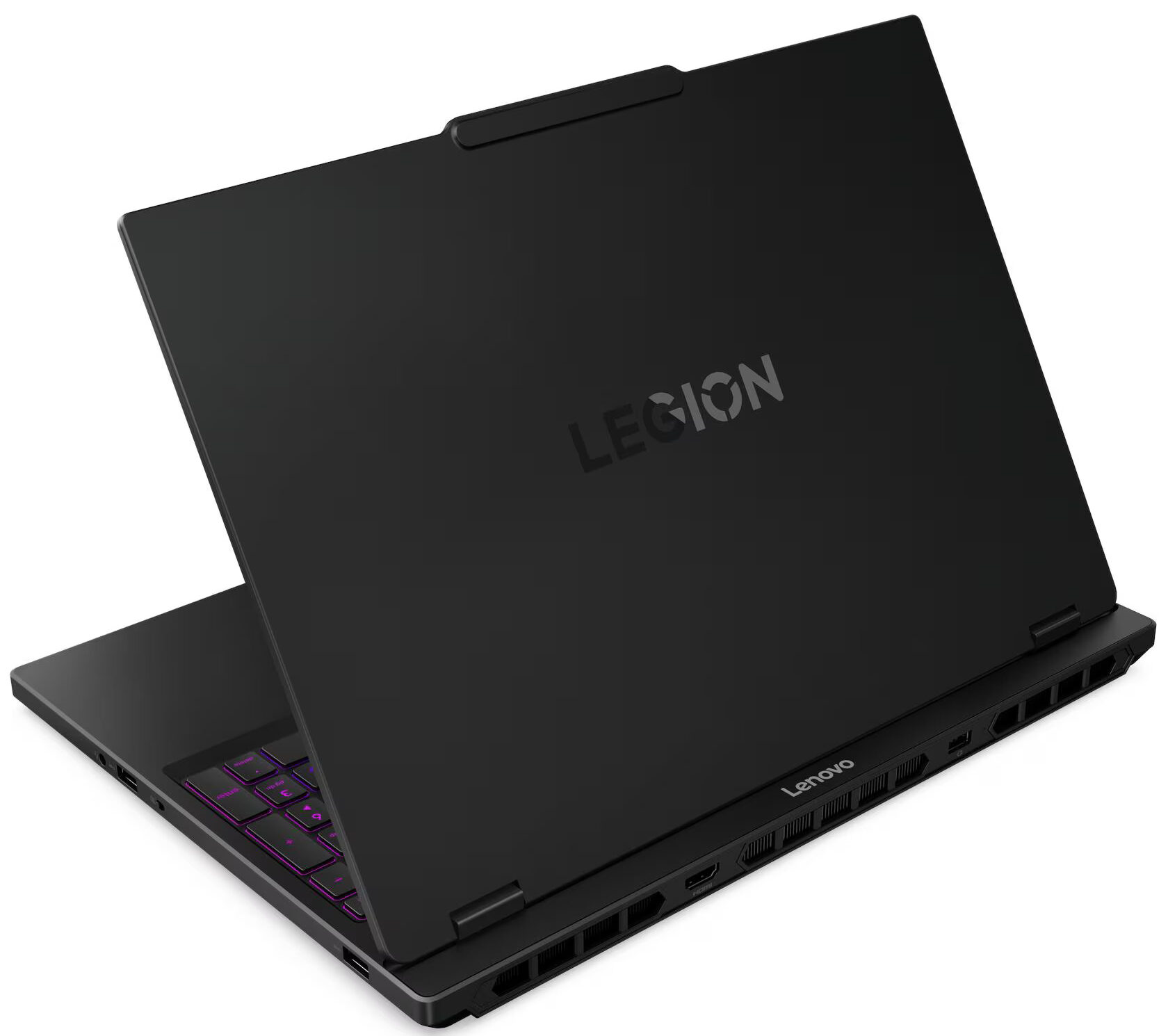
Lenovo Legion 5i
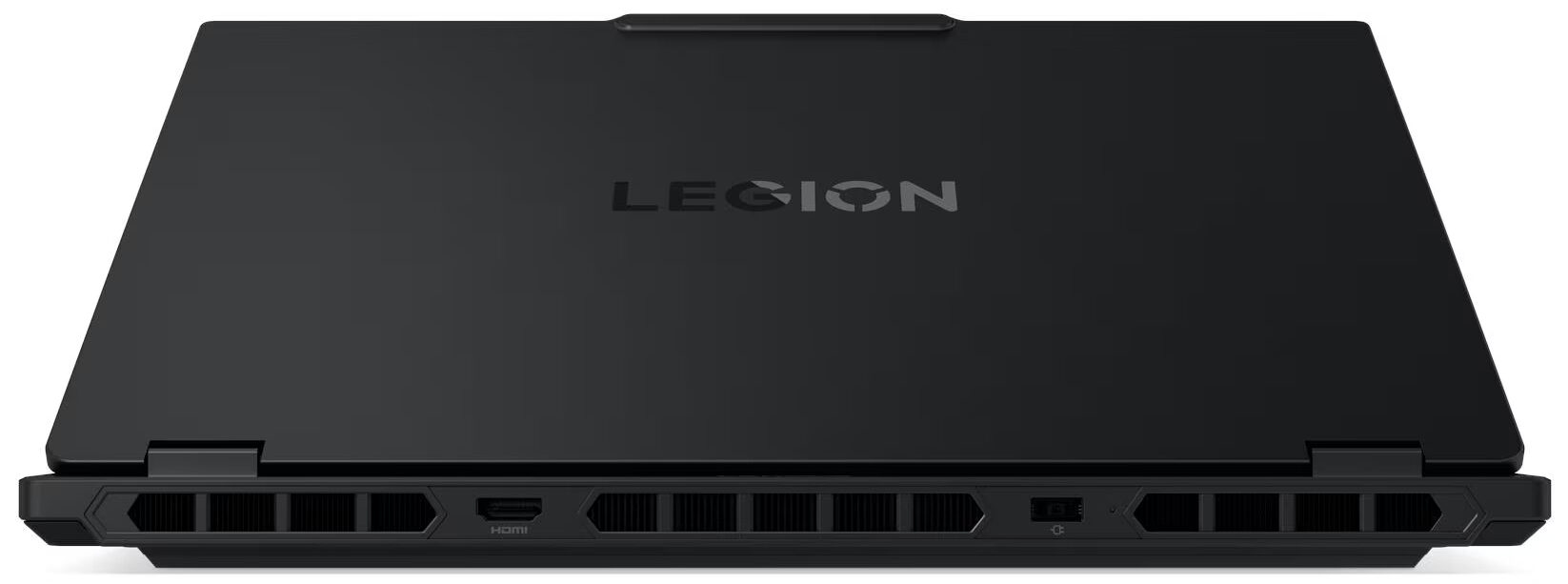
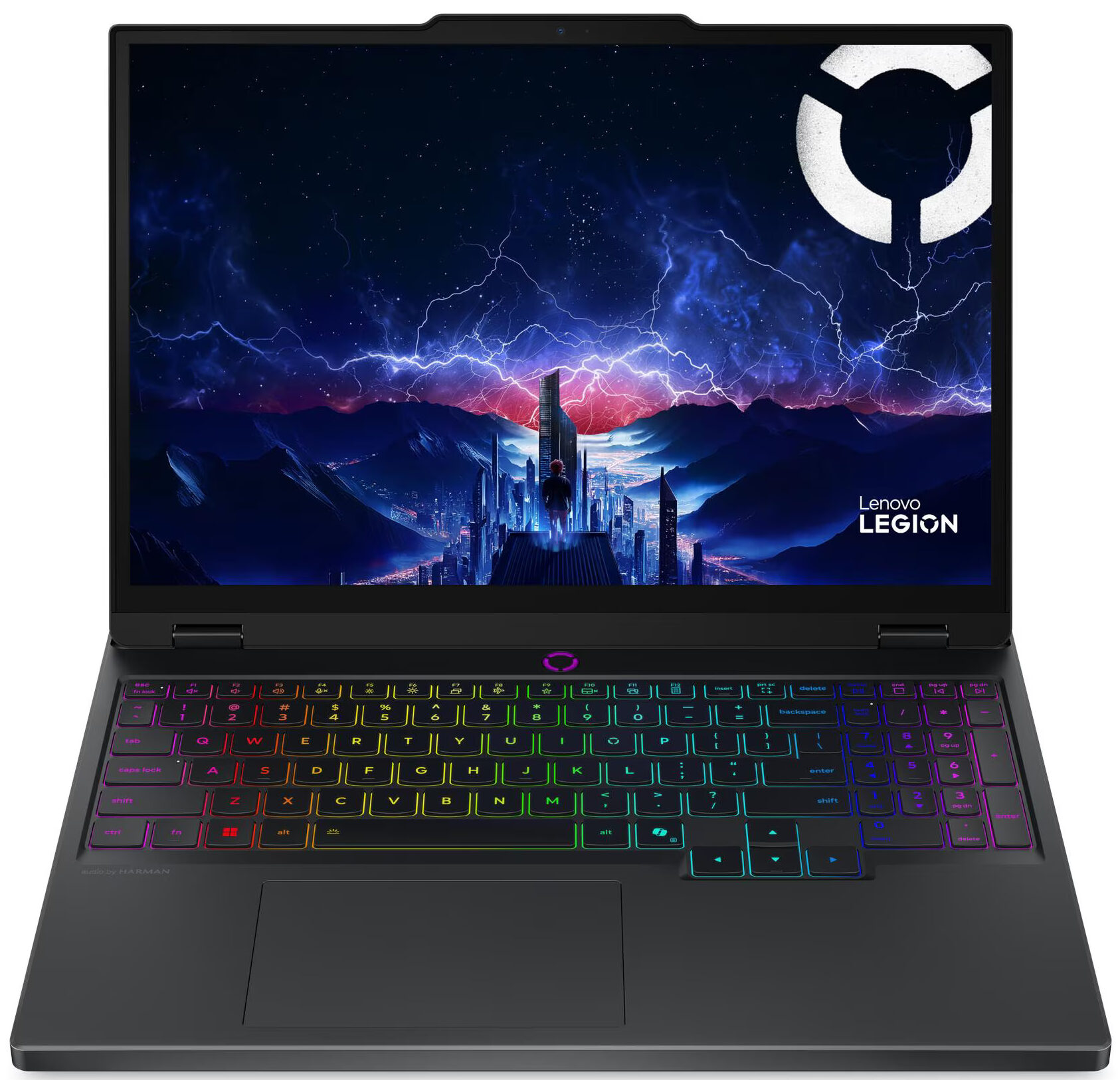
- Date Published: 08 Oct 2025
- Intel Core i7-14700HX
- NVIDIA GeForce RTX 5060 (Laptop)
- 15", WQXGA (2560 x 1600), 165 Hz, OLED
- 8000GB SSD
- 64GB RAM
- 1.90 kg (4.2 lbs)
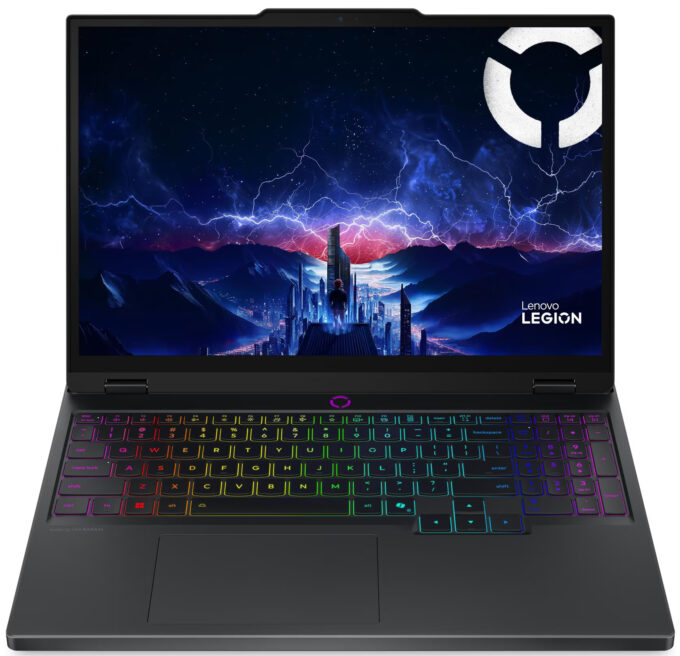
Review
Lenovo Legion 5i in-depth review
The Lenovo Legion 5i (15", Gen 10) looks like a refined productivity machine that would blend perfectly into any office. But don't let the modest exterior fool you; beneath the hood lies a ferocious gaming engine. In our testing, this laptop didn't just perform well - it shattered expectations, clocking in as the fastest RTX 5070 laptop we have ever reviewed. However, this unchecked power comes with a significant trade-off that tethers it to the wall. Is raw, record-breaking speed enough to justify the compromise in endurance?You can check the prices and configurations in our Specs System: https://laptopmedia.com/series/lenovo-legion-5i-15-gen-10/Specs, Drivers, What's in the boxDrivers All drivers and utilities for this notebook can be found here: https://pcsupport.[...]
Read the full review
Pros
- Chart-topping GPU performance (fastest RTX 5070 clocks tested)
- Excellent thermal management for the GPU
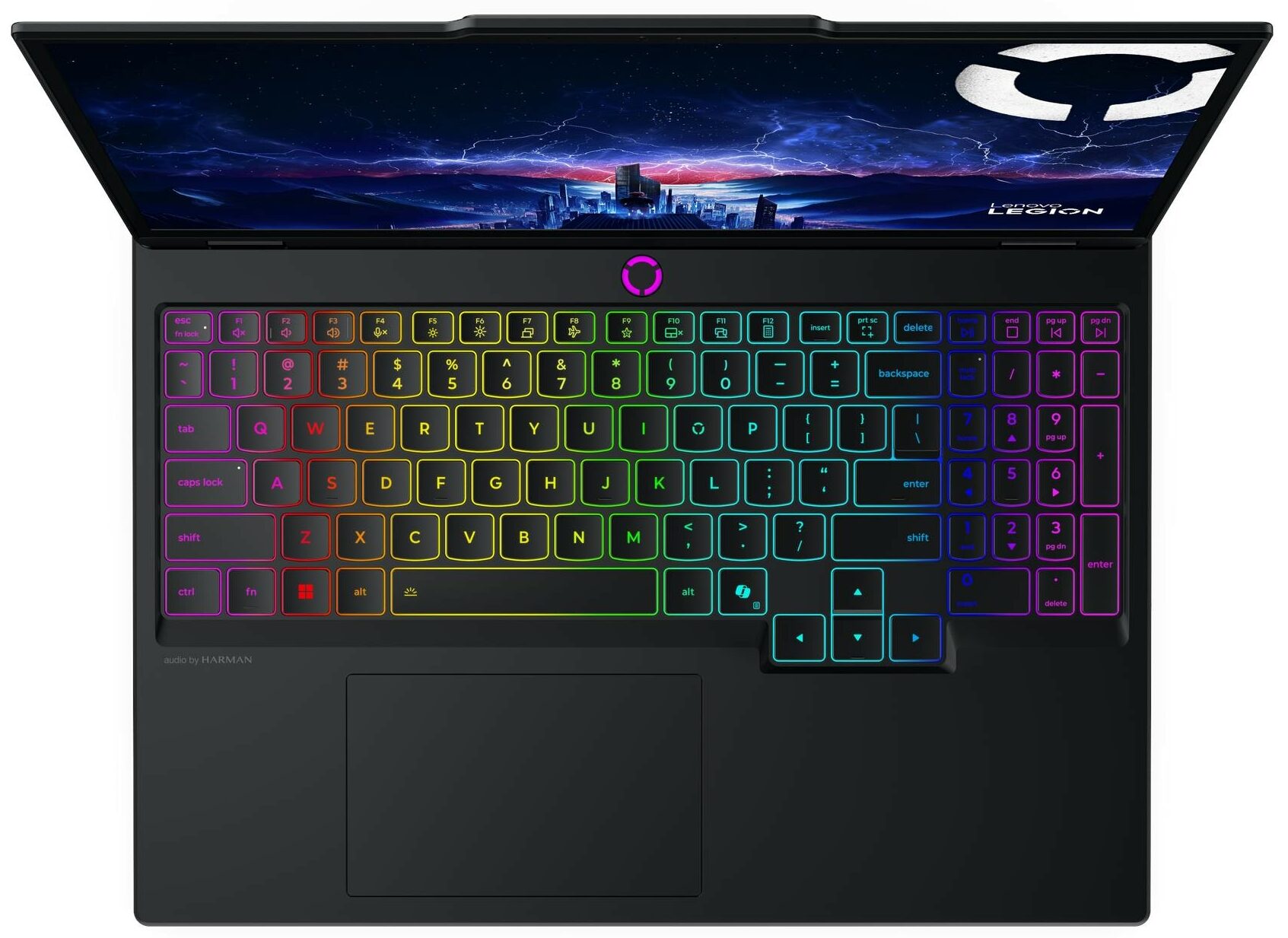
- Great keyboard layout with full-sized arrow keys
- PWM-free display with potential for high color accuracy
- Fantastic upgradeability with two RAM and two M.2 slots
- Robust build quality and professional design
Cons
- Very poor battery life (approx. 3 hours)
- No biometric login options
Disassembly, maintenance and upgrade options
Step 1: Opening the Lenovo Legion 5i (15″, 15IRHX10, Gen 10)Power off the laptop and place it on a soft, clean surface. Undo the 10 screws securing the bottom panel. Keep in mind that 4 of them are shorter, so it is a good idea to note their original positions before reassembly. Use a thin plastic pry tool to carefully release the clips around the edges of the panel. Lift the cover away from the chassis to access the internals.More info: The internal layout is clean and practical, with the battery at the front, a shielded service area in the middle, and the c[...]
Read more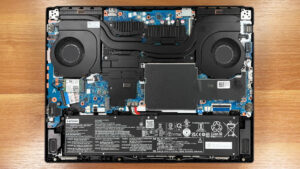


![[June 2026] Best-Selling Laptop Brands on Amazon Global – Apple’s Unrivaled Dominance in Units and Revenue](https://laptopmedia.com/wp-content/uploads/2026/07/GLOBAL-Best-Brands-400x225.jpg)
![[June 2026] Amazon Global: Top 10 Best-Selling Laptops – Apple’s New MacBook Neo Storms to #1, Reshaping the Market with Affordability](https://laptopmedia.com/wp-content/uploads/2026/07/Best-Selling-Laptops-GLOBAL-Top-10-400x225.jpg)
![[June 2026] Amazon Global: Top 10 Best-Selling Gaming Laptops – Acer’s Nitro V 16S AI Dominates Sales, While ASUS Leads Overall Revenue](https://laptopmedia.com/wp-content/uploads/2026/07/Best-Selling-Gaming-Laptops-GLOBAL-Top-10-400x225.jpg)
![[June 2026] Global Ranking of Best-Selling Laptop GPUs on Amazon – NVIDIA RTX 5060 is the Top-Selling Dedicated GPU](https://laptopmedia.com/wp-content/uploads/2026/07/Best-Selling-GPUs-GLOBAL-Top-10-400x225.jpg)
![[June 2026] Global Ranking of Best-Selling Laptop CPUs on Amazon – Apple M5 Dominates, AMD Ryzen 7 260 Gets Solid Premium Share](https://laptopmedia.com/wp-content/uploads/2026/07/Best-Selling-CPUs-GLOBAL-Top-10-400x225.jpg)
