Lenovo ThinkBook 14 2-in-1 Gen 4
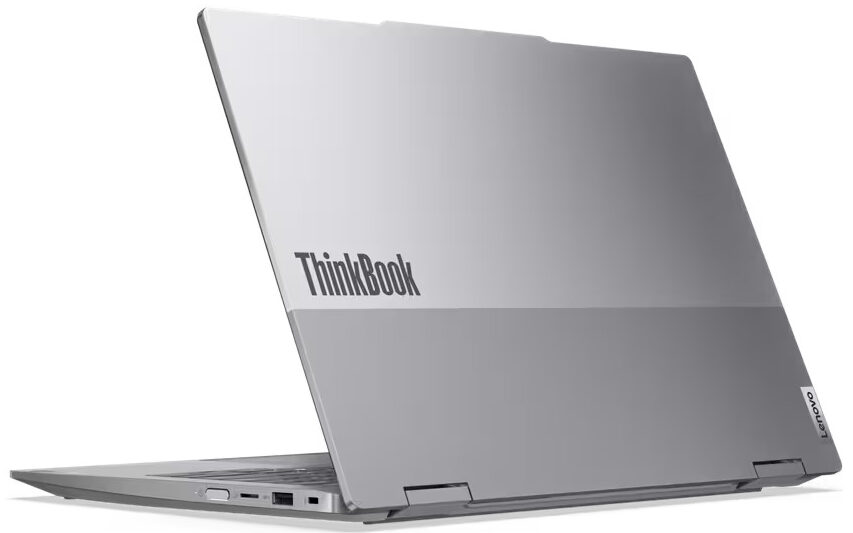
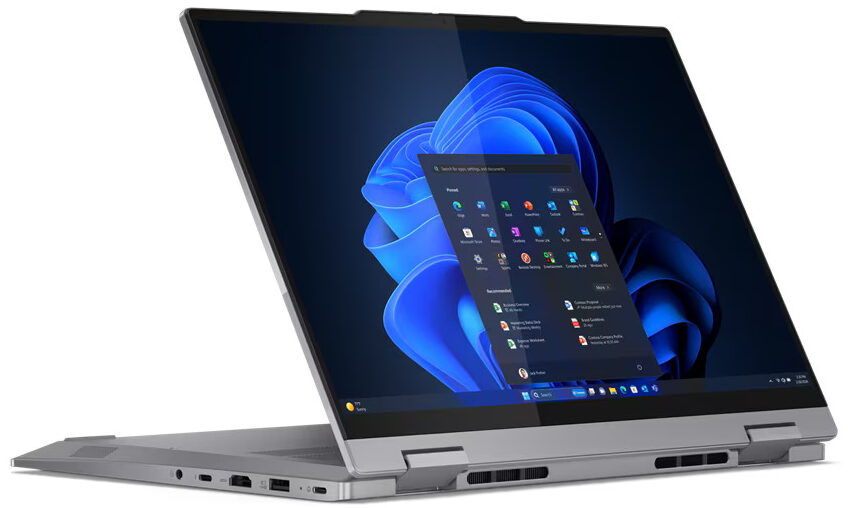
- Date Published: 19 Jun 2025
- Intel Core Ultra 7 155U
- Intel Graphics (4-Cores)
- 14.0”, WUXGA (1920 x 1200), IPS
- 4000GB SSD
- 64GB RAM
- 1.64 kg (3.6 lbs)
Specs
- Display

- HDD/SSD
- 4000GB SSD
- M.2 Slot
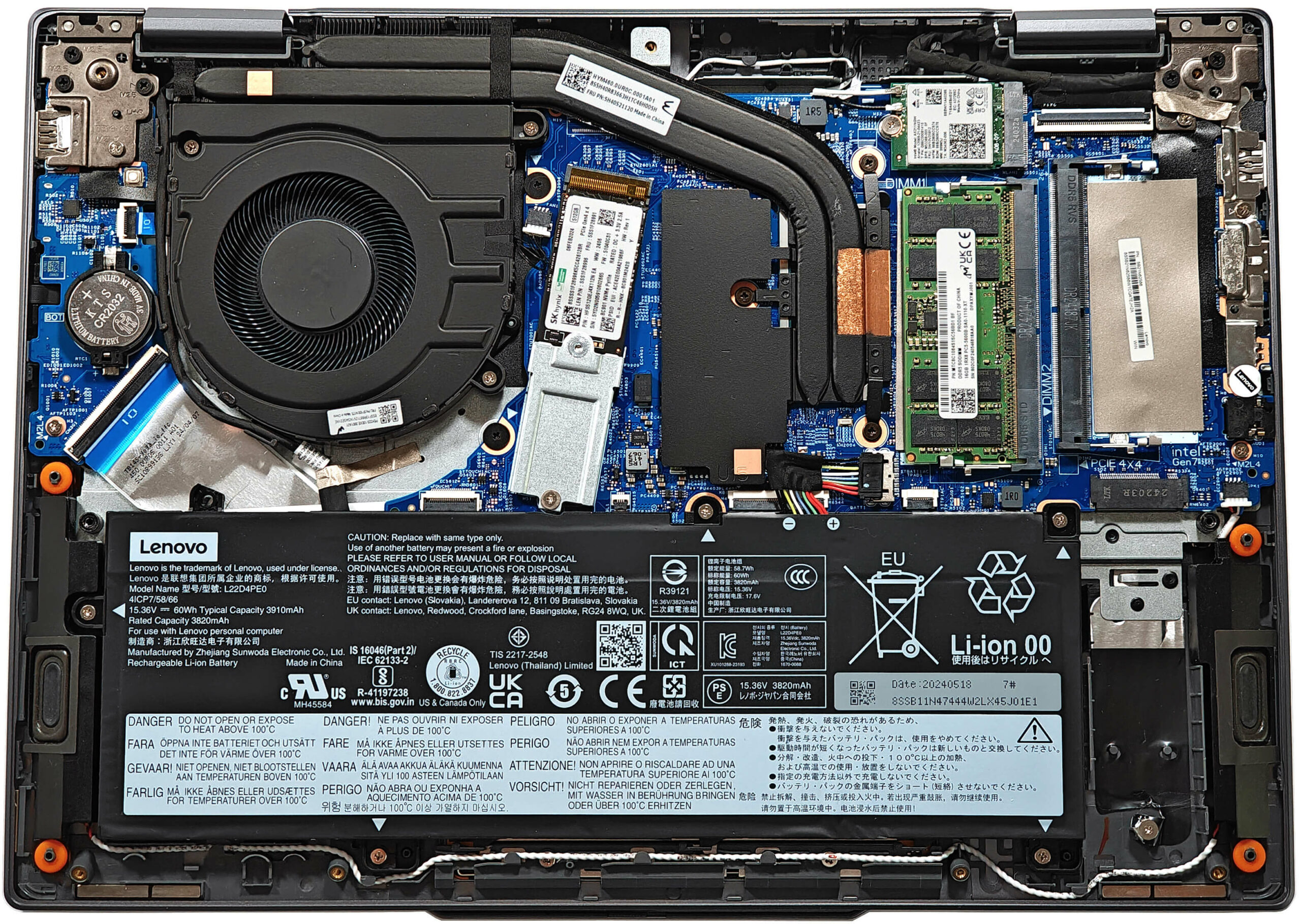
- 2x 2242 / 2280 M.2 NVMe PCIe 4.0 x4 See photo
- RAM
- 64GB RAM
- OS
- Windows 11 Pro
- Body Material
- Aluminum
- Dimensions
- 313 x 224 x 16.9 - 18.5 mm (12.32" x 8.82" x 0.67")
- Weight
- 1.64 kg (3.6 lbs)
- Ports and connectivity
- 1x USB Type-A
- 3.2 Gen 1 (5 Gbps)
- 1x USB Type-A
- 3.2 Gen 1 (5 Gbps), Sleep and Charge
- 1x USB Type-C
- 3.2 Gen 2 (10 Gbps), Power Delivery (PD), DisplayPort
- 1x USB Type-C
- 4.0, Thunderbolt 4, Power Delivery (PD), DisplayPort
- HDMI
- 2.1 (4K@60Hz)
- Card Reader
- microSD (microSD, microSDHC, microSDXC)
- Ethernet LAN
- Wi-Fi
- Wi-Fi 6E
- Bluetooth
- 5.3
- Audio jack
- 3.5mm Combo Jack
- Features
- Fingerprint reader
- Web camera
- FHD 1080p + IR hybrid, with privacy shutter, fixed focus
- Backlit keyboard
- Microphone
- Dual-microphone array with smart noise-cancelling
- Speakers
- 2x 2W Stereo Speakers, Dolby Atmos, audio by HARMAN
- Security Lock slot
- Kensington Nano Lock
- Gifts
- 32GB USB Drive
Portability
Review
Lenovo ThinkBook 14 2-in-1 Gen 4 in-depth review
The Lenovo ThinkBook 14 2-in-1 Gen 4 is a compact business transformer that offers surprisingly good upgradability and port selection. A Meteor Lake-U CPU is hidden under the bonnet. The 15W chip doesn't require significant cooling and it's not thirsty. That's why the battery life is good.It's nice to see that most of the features are standard. This applies to the backlight, the fingerprint reader, the dTPM 2.o chip, and the self-healing BIOS. If you want a Web camera with facial recognition, you have to pay more for this extra.There is just one display variant. It's a 1200p IPS touchscreen with a 60Hz refresh rate and Dolby Vision support. The audio department is represented by two 2W Dolby Atmos speakers.You can check the prices and configurations in our Specs System: https:/[...]
Read the full review
Pros
- The fan is almost quiet during max CPU stress in "Performance" mode
- Compact for a transformer with good upgradability (1.64 kg / 16.9 - 18.5 mm)
- Very good overall performance, especially for a 2-in-1 14-incher
- 2x SODIMMs + 2x M.2 Gen 4 slots
- PWM-free touchscreen (LEN81A2)
- 16:10 aspect ratio and wide viewing angles (LEN81A2)
- 97% sRGB coverage + accurate colors with our "Design and Gaming" profile (LEN81A2)
- Solid aluminum chassis
- Optional IR Web camera
- Privacy shutter + fingerprint reader
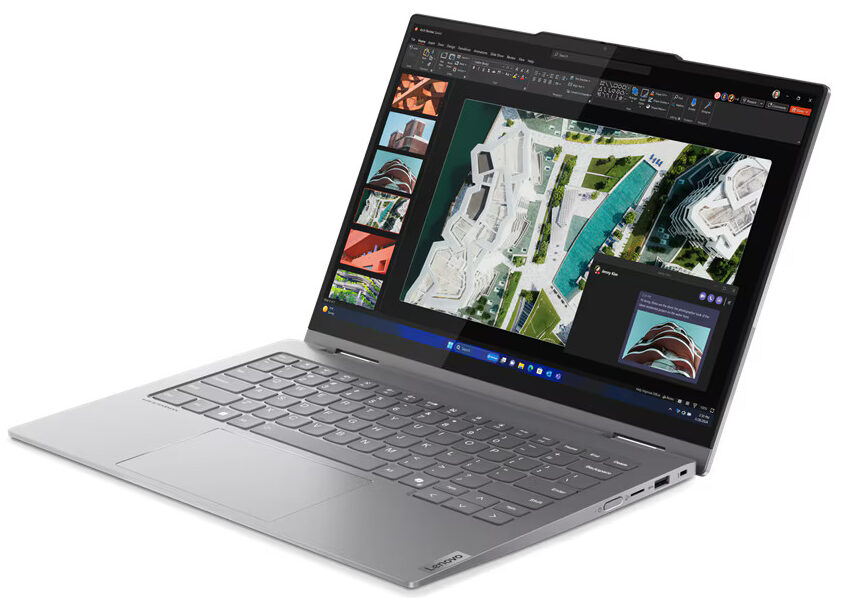
- Comfortable spill-resistant backlit keyboard
- Smooth and accurate touchpad
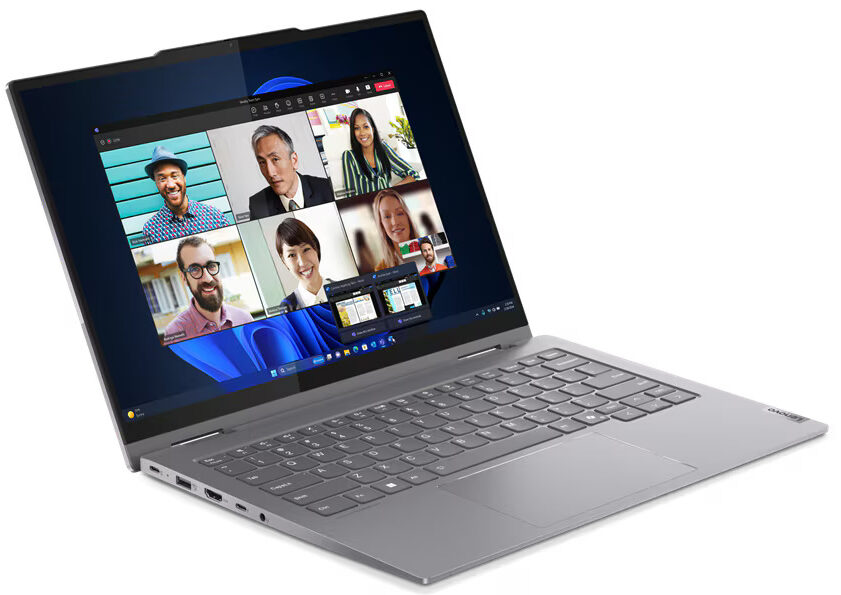
- Modern port selection with 2x Type-C and 2x Type-A ports
- The Core Ultra 5 125U can sustain a 2.75 GHz / 2.20 GHz P and E-core frequency in long loads
- Very long battery life (~13 hours of videos)
- Fast SSD for a 512GB 2242 unit (SK Hynix HFS512GEJ4X112)
- Quality audio by HARMAN
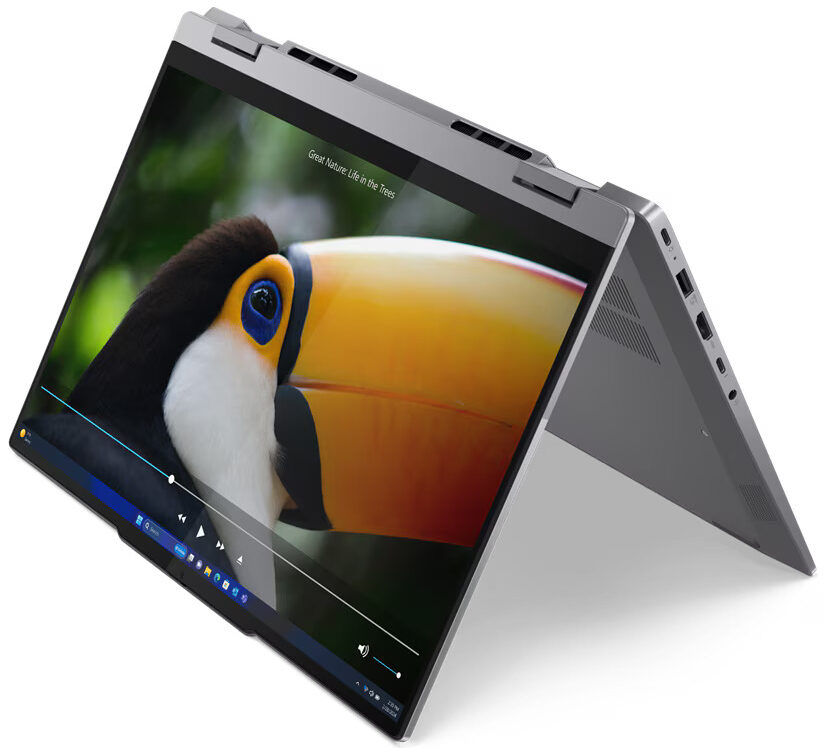
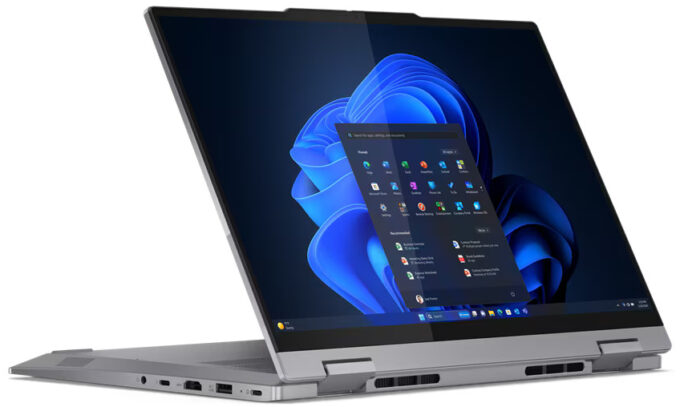
- Support laptop, tent, stand, and tablet modes
Cons
- 290 nits of max brightness (LEN81A2)
- No high-res or OLED display options
- 90°C CPU temperature in medium loads
Disassembly, maintenance and upgrade options
Opening the Device Hint: Ensure the laptop is powered off and disconnected from any power source before starting.Undo the nine Phillips-head screws on the bottom panel of the laptop. Note that the bottom screws are not captive. Use a lever tool to pop the two zones behind the hinges. Fully pop the rear panel using a thin plastic tool. Pry the sides and the front of the laptop to fully remove the back cover.More info: The inside of the bottom plate features a large cooling pad for the WWAN slot, enhancing thermal management and supporting optional 5G or 4G LTE conn[...]
Read more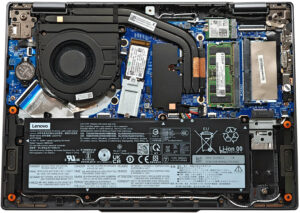


![[June 2026] Best-Selling Laptop Brands on Amazon Global – Apple’s Unrivaled Dominance in Units and Revenue](https://laptopmedia.com/wp-content/uploads/2026/07/GLOBAL-Best-Brands-400x225.jpg)
![[June 2026] Amazon Global: Top 10 Best-Selling Laptops – Apple’s New MacBook Neo Storms to #1, Reshaping the Market with Affordability](https://laptopmedia.com/wp-content/uploads/2026/07/Best-Selling-Laptops-GLOBAL-Top-10-400x225.jpg)
![[June 2026] Amazon Global: Top 10 Best-Selling Gaming Laptops – Acer’s Nitro V 16S AI Dominates Sales, While ASUS Leads Overall Revenue](https://laptopmedia.com/wp-content/uploads/2026/07/Best-Selling-Gaming-Laptops-GLOBAL-Top-10-400x225.jpg)
![[June 2026] Global Ranking of Best-Selling Laptop GPUs on Amazon – NVIDIA RTX 5060 is the Top-Selling Dedicated GPU](https://laptopmedia.com/wp-content/uploads/2026/07/Best-Selling-GPUs-GLOBAL-Top-10-400x225.jpg)
![[June 2026] Global Ranking of Best-Selling Laptop CPUs on Amazon – Apple M5 Dominates, AMD Ryzen 7 260 Gets Solid Premium Share](https://laptopmedia.com/wp-content/uploads/2026/07/Best-Selling-CPUs-GLOBAL-Top-10-400x225.jpg)