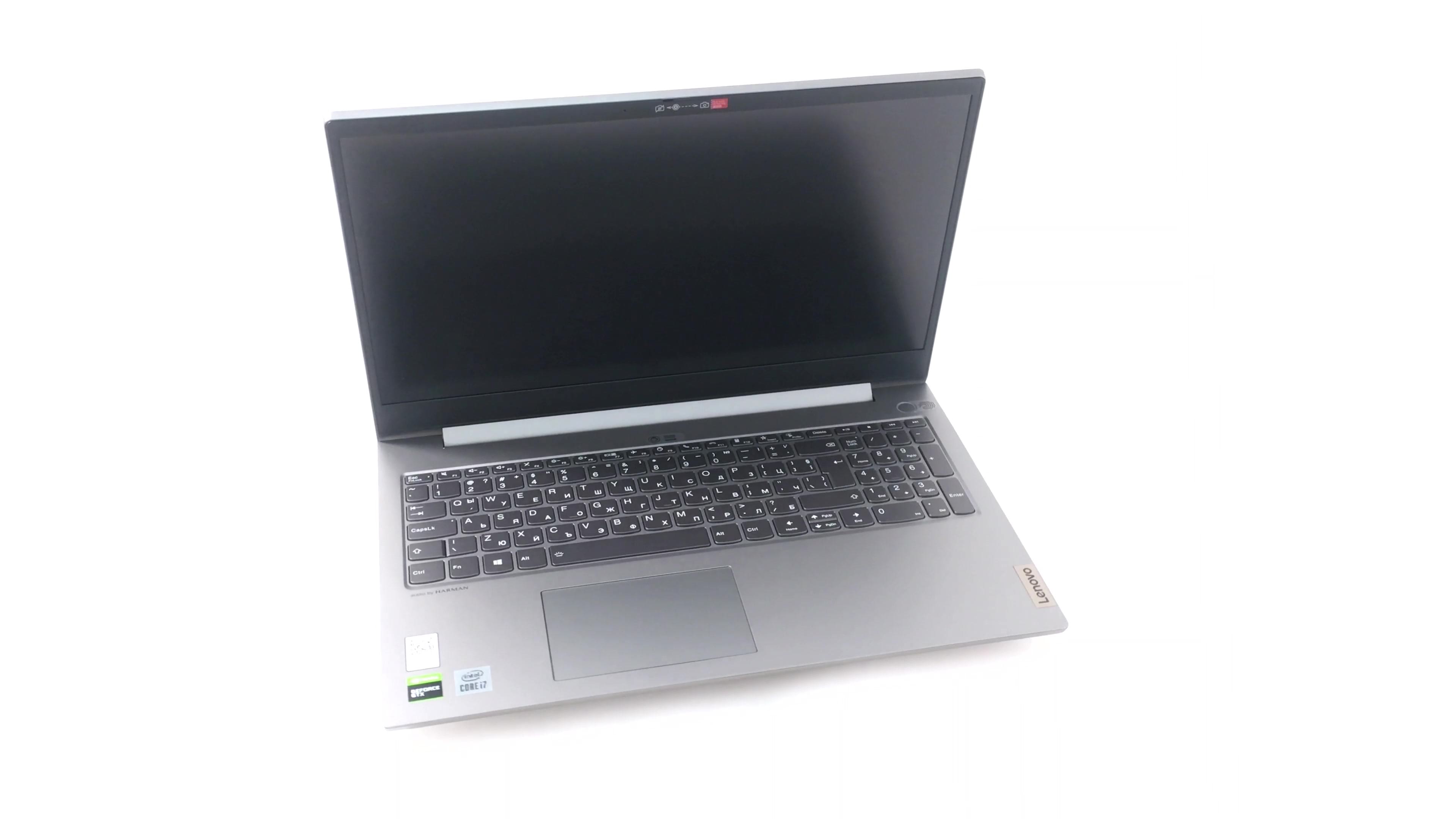
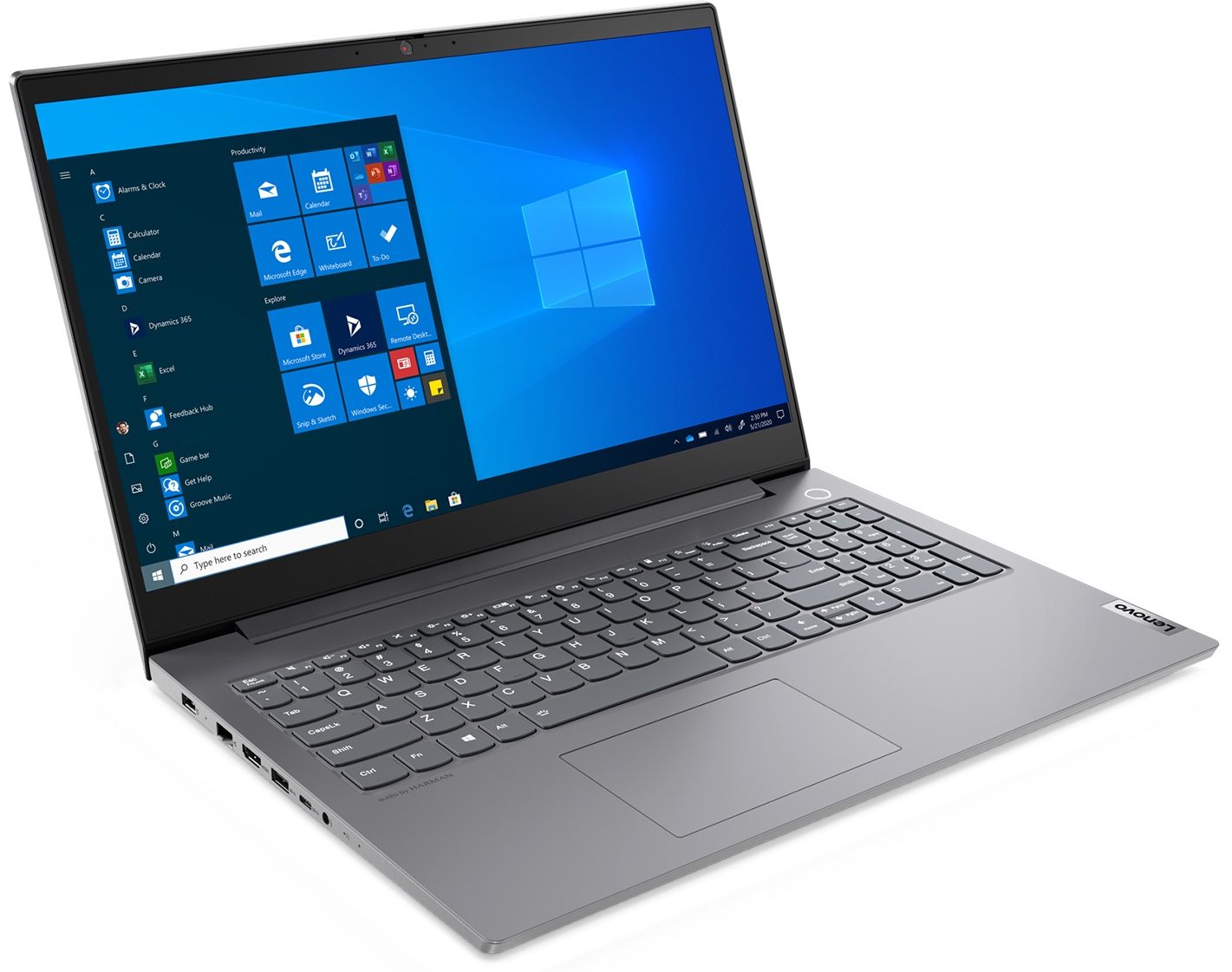
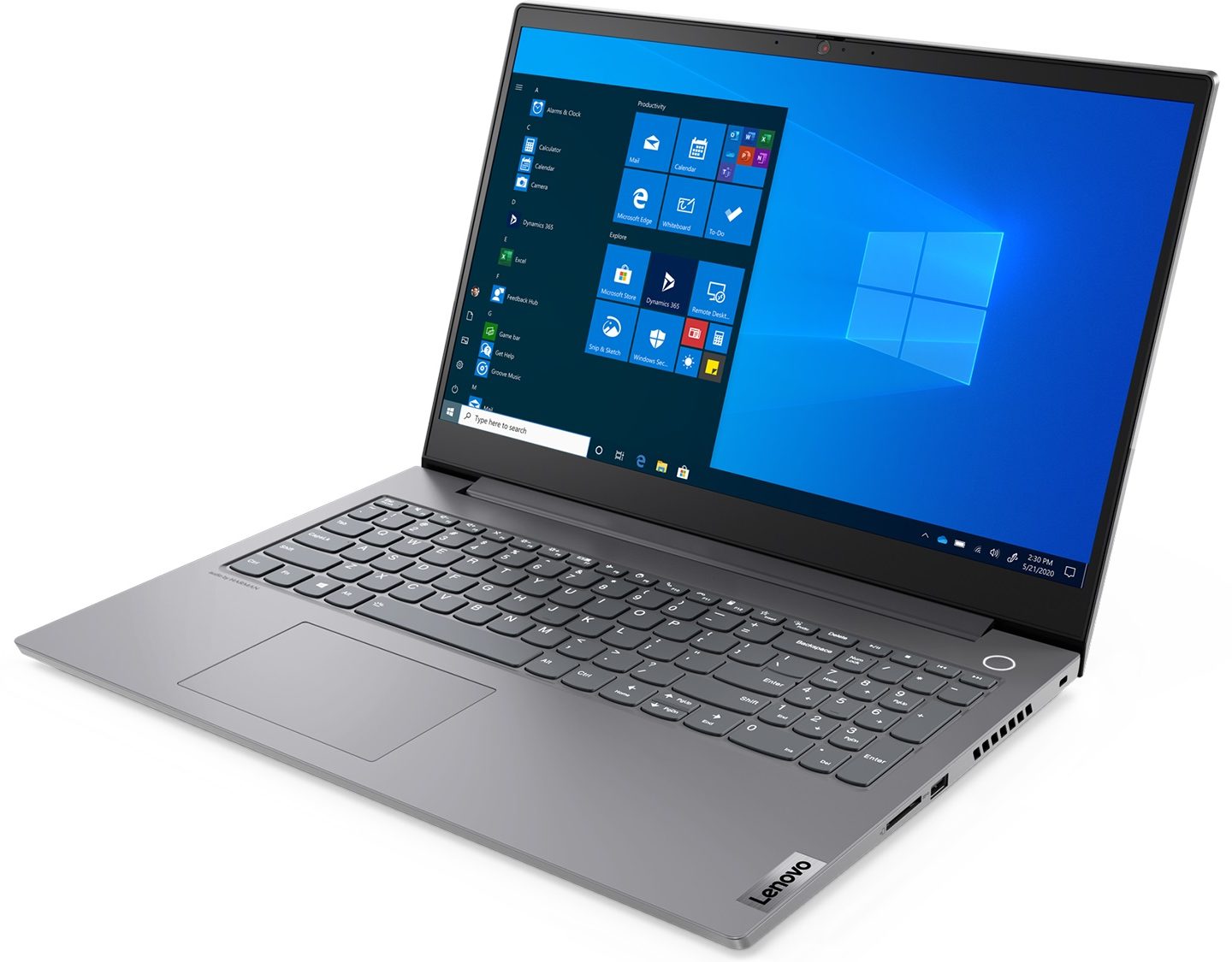
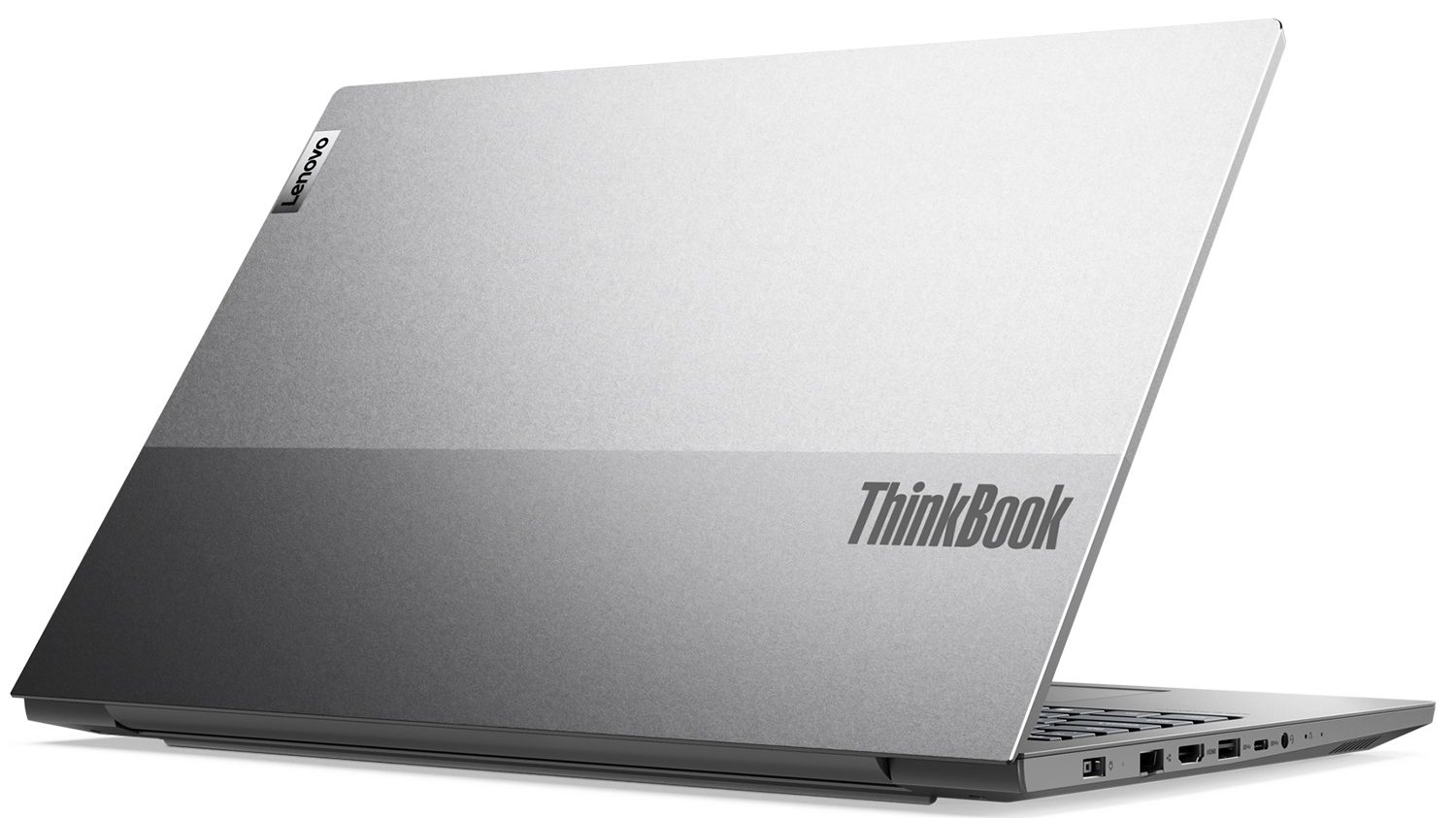
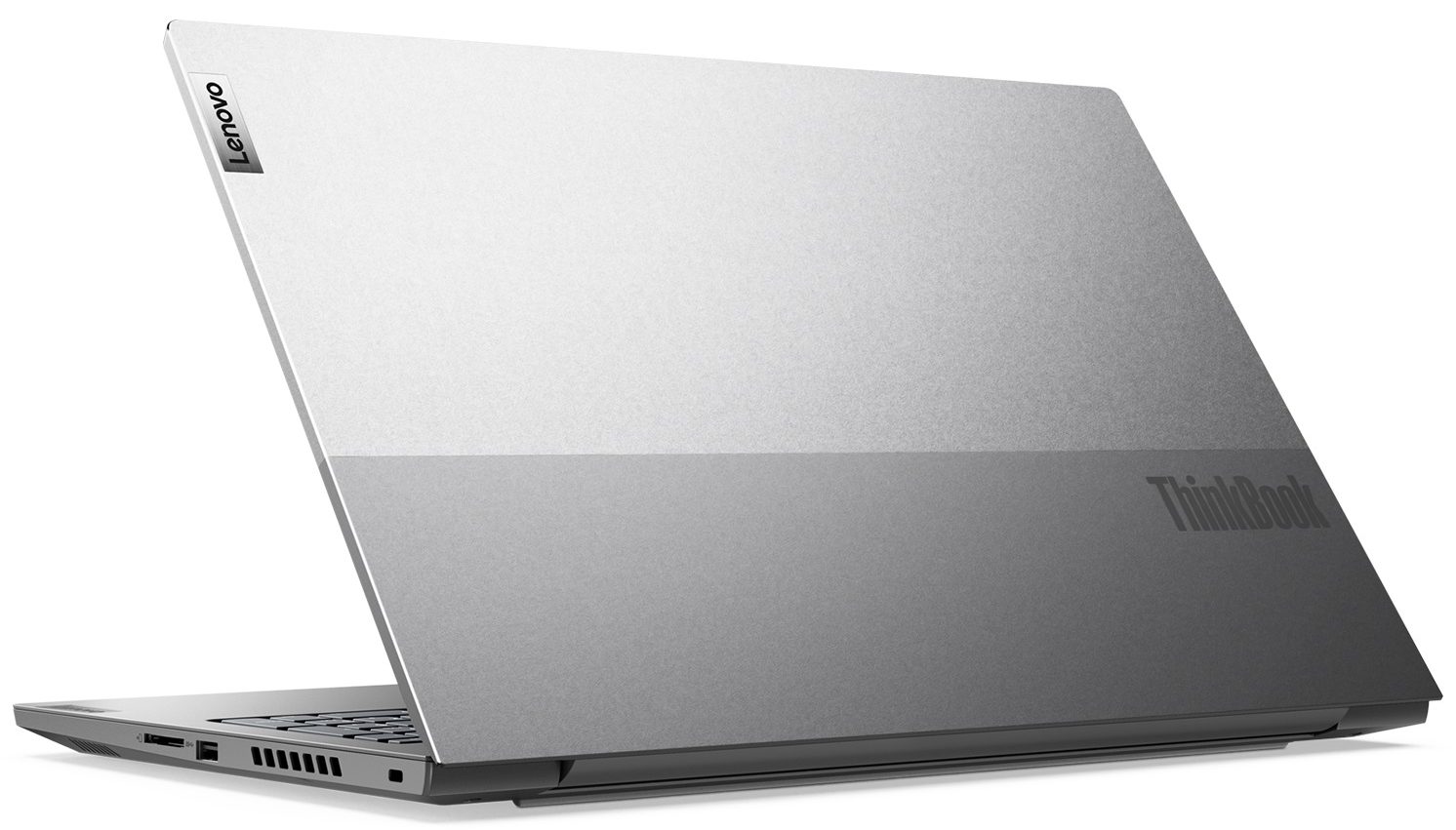
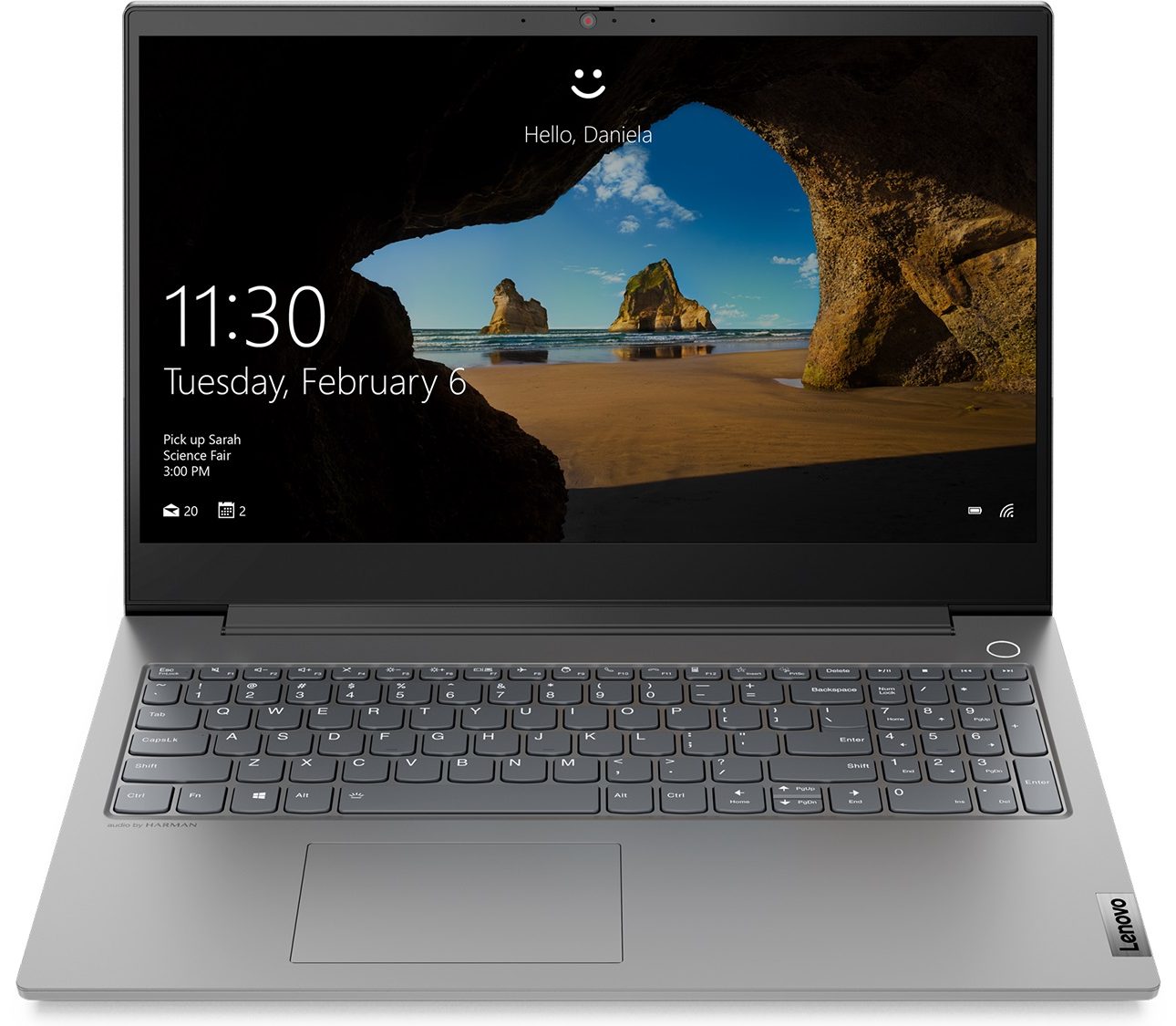
Lenovo ThinkBook 15p


- Date Published: 04 Jul 2025
- Intel Core i7-10750H
- NVIDIA GeForce GTX 1650 Ti Max-Q (50W)
- 15.6”, Full HD (1920 x 1080), IPS
- 512GB SSD
- 16GB RAM
- 1.90 kg (4.2 lbs)
Review
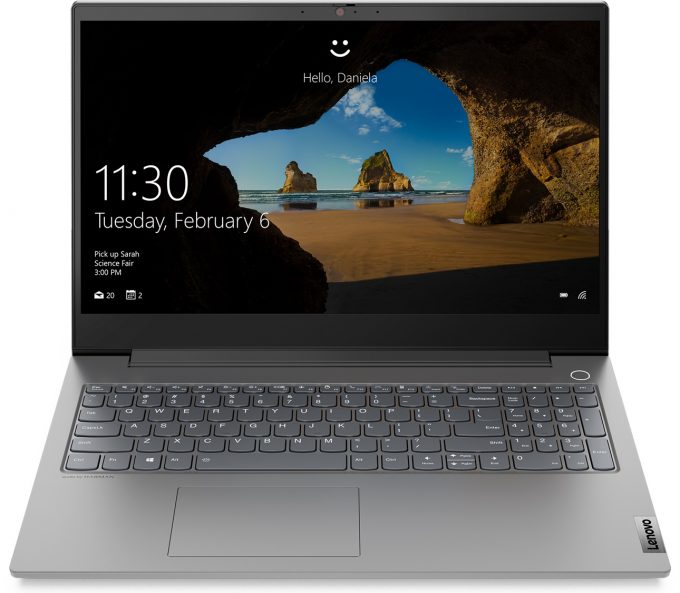
Lenovo ThinkBook 15p in-depth review
If business laptops had Max-P versions, the ThinkBook 15p would be one of them. It is far more capable than its genuine ThinkBook 15 brother in terms of getting the job done. This, respectively, is because of an overhaul of the hardware, and the cooling solution.Lenovo says, that this notebook falls not only in the business category, but it's also meant to appeal to content creators. In order to satisfy this growing, and ever-demanding target group, they offer 45W processors, maxing out with the Core i7-10870H, while the graphics are handled by the Max-Q versions of the GTX 1650, and GTX 1650 Ti.So far so good - it is nothing way too powerful, so we think that you won't get an uncomfortably loud notebook. And it is very important to have sleek looks, instead of the aggressive vibe[...]
Read the full review
Pros
- Takes up to 32GB of DDR4 memory and has two M.2 slots
- 4K IPS panel option with 91% of DCI-P3 coverage (MNF601EA1-1 (CSO1500))
- Doesn't use PWM for brightness adjustment (MNF601EA1-1 (CSO1500))
- HDR 500 support (MNF601EA1-1 (CSO1500))
- Capable hardware within a sleek, portable chassis
- Fingerprint reader + Wi-Fi 6 support
- Features an SD card reader
- Packs good security features
Cons
- Doesn't have a Thunderbolt connection, and the USB Type-C port can only be used for data transfer
- Bendy lid
Disassembly, maintenance and upgrade options
Have you ever needed a ton of power inside a business machine? Well, the ThinkBook 15p is all pumped up to deliver and looks super sleek.Check out all Lenovo ThinkBook 15p prices and configurations in our Specs System or read more in our In-Depth review.1. Remove the bottom plate To get inside this notebook, you need to undo all 10 Phillips-head screws. Then carefully pry your way around the bottom panel, starting from the back.2. Battery As for the battery, this device is equipped with a 57Wh package, which can be charged from 0-80% for just one hour.3. Memory and [...]
Read more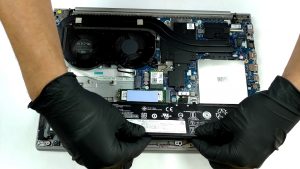


![[June 2026] Best-Selling Laptop Brands on Amazon Global – Apple’s Unrivaled Dominance in Units and Revenue](https://laptopmedia.com/wp-content/uploads/2026/07/GLOBAL-Best-Brands-400x225.jpg)
![[June 2026] Amazon Global: Top 10 Best-Selling Laptops – Apple’s New MacBook Neo Storms to #1, Reshaping the Market with Affordability](https://laptopmedia.com/wp-content/uploads/2026/07/Best-Selling-Laptops-GLOBAL-Top-10-400x225.jpg)
![[June 2026] Amazon Global: Top 10 Best-Selling Gaming Laptops – Acer’s Nitro V 16S AI Dominates Sales, While ASUS Leads Overall Revenue](https://laptopmedia.com/wp-content/uploads/2026/07/Best-Selling-Gaming-Laptops-GLOBAL-Top-10-400x225.jpg)
![[June 2026] Global Ranking of Best-Selling Laptop GPUs on Amazon – NVIDIA RTX 5060 is the Top-Selling Dedicated GPU](https://laptopmedia.com/wp-content/uploads/2026/07/Best-Selling-GPUs-GLOBAL-Top-10-400x225.jpg)
![[June 2026] Global Ranking of Best-Selling Laptop CPUs on Amazon – Apple M5 Dominates, AMD Ryzen 7 260 Gets Solid Premium Share](https://laptopmedia.com/wp-content/uploads/2026/07/Best-Selling-CPUs-GLOBAL-Top-10-400x225.jpg)
