Lenovo ThinkPad L14 Gen 4
_000050.jpg)

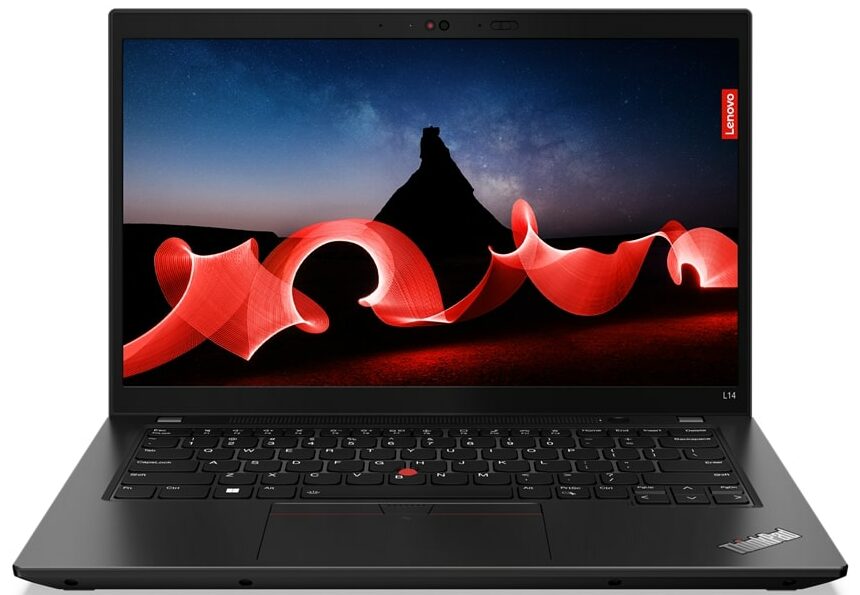
- Date Published: 06 Jul 2026
- Intel Core i7-1365U
- Intel Iris Xe Graphics G7 (96EU)
- 14.0”, Full HD (1920 x 1080), IPS
- 2000GB SSD
- 64GB RAM
- 1.49 kg (3.3 lbs)

Specs

- HDD/SSD
- 2000GB SSD
- M.2 Slot
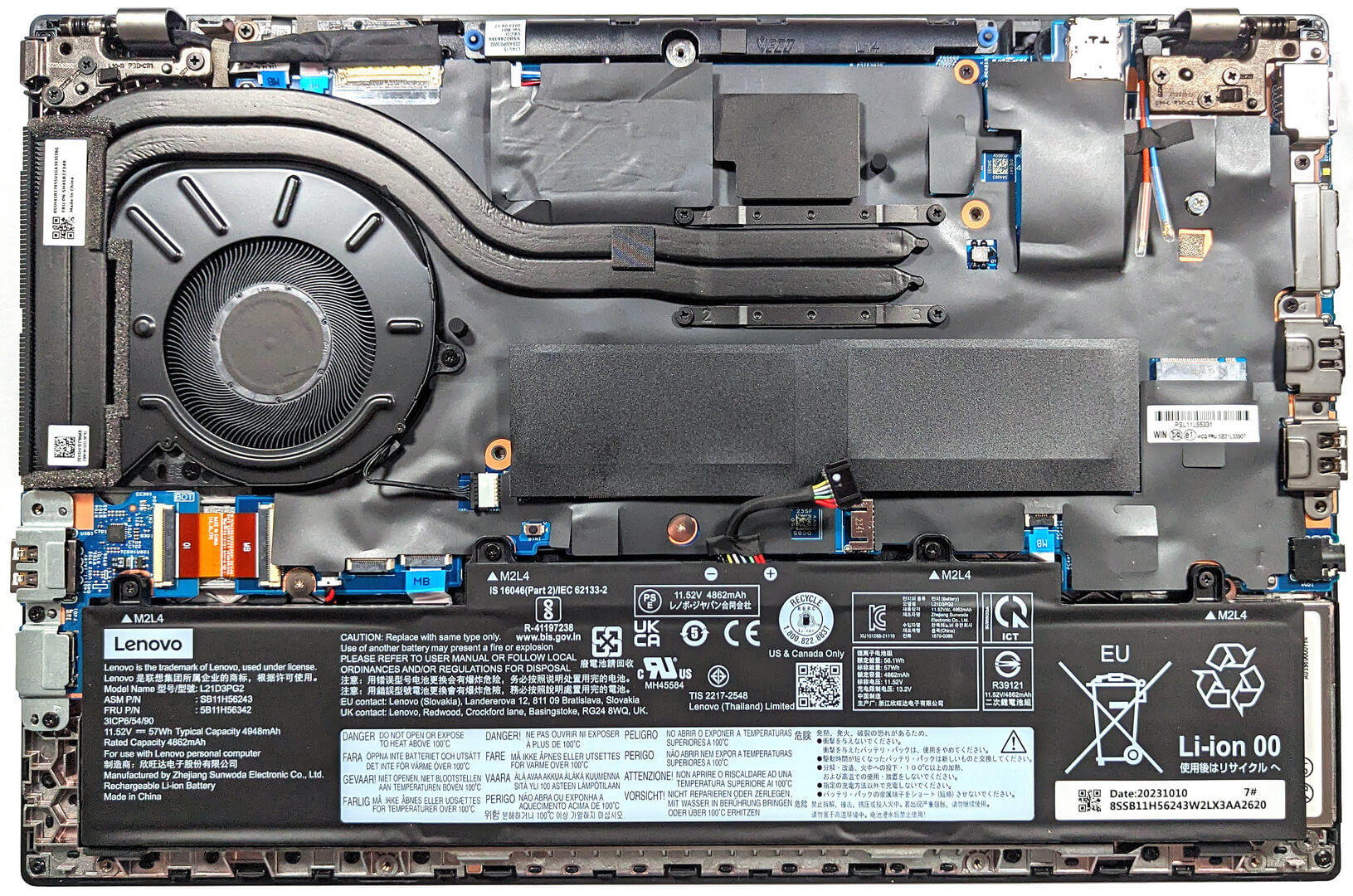
- 1x 2230 M.2 NVMe PCIe 4.0 x4 See photo
- RAM
- 64GB RAM
- OS
- Windows 10 Pro
- Dimensions
- 325.4 x 217 x 18.73 - 19.83 mm (12.81" x 8.54" x 0.74")
- Weight
- 1.49 kg (3.3 lbs)
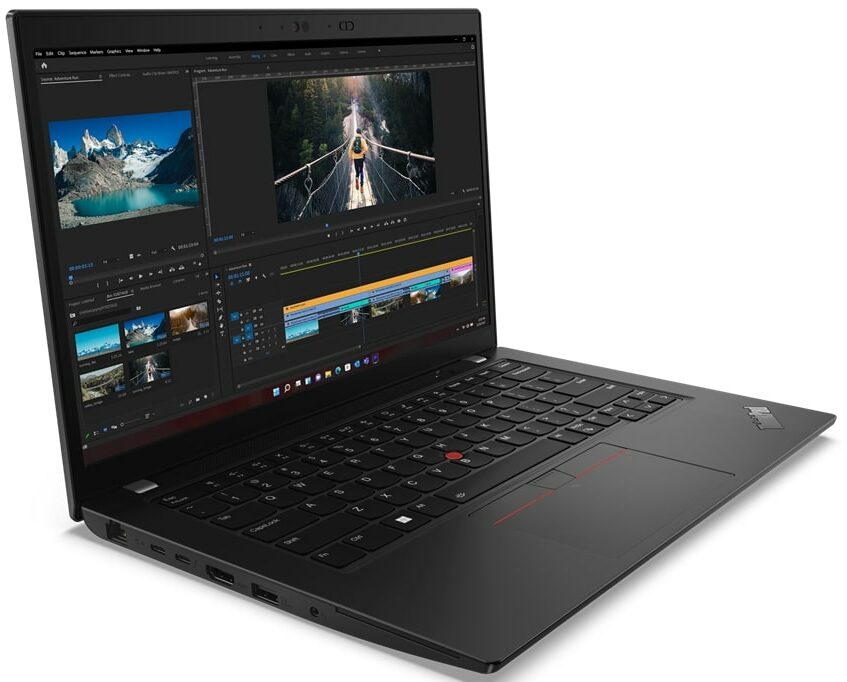
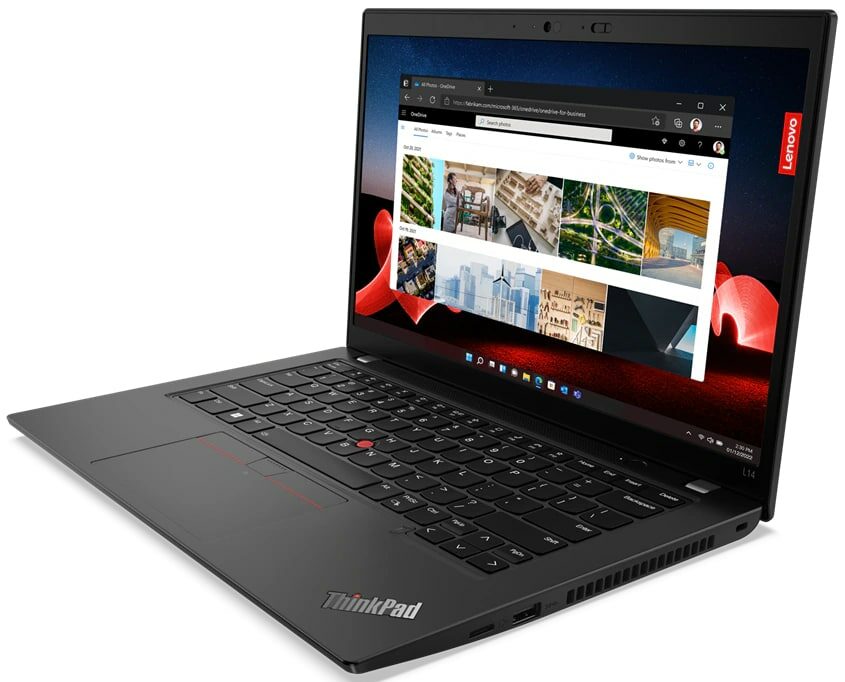
- Ports and connectivity
- 1x USB Type-A
- 3.2 Gen 1 (5 Gbps)
- 1x USB Type-A
- 3.2 Gen 1 (5 Gbps), Sleep and Charge
- 1x USB Type-C
- 3.2 Gen 2 (10 Gbps), Power Delivery (PD), DisplayPort
- 1x USB Type-C
- 4.0, Thunderbolt 4, Power Delivery (PD)
- HDMI
- 2.1
- Card Reader
- microSD (microSD, microSDHC, microSDXC)
- Ethernet LAN
- 10, 100, 1000 Mbit/s
- Wi-Fi
- 802.11ax
- Bluetooth
- 5.1
- Audio jack
- 3.5mm Combo Jack
- Features
- Fingerprint reader
- Web camera
- HD / FHD with Privacy Shutter, Fixed Focus
- Backlit keyboard
- Microphone
- Dual-microphone array, far-field, Dolby Voice
- Speakers
- 2x 2W Stereo Speakers, Dolby Audio
- Security Lock slot
- Kensington Nano Lock
- Gifts
- 32GB USB Drive
Portability
Review
Lenovo ThinkPad L14 Gen 4 in-depth review
The Lenovo's L-series lineup offers many devices that aren't crazy expensive but they are full of useful features at a reasonable price. The Lenovo ThinkPad L14 Gen 4 (Intel) is a 14-incher that isn't expensive if you don't want all the optional extras. As always, many functions aren't standard for all machines of the series. This includes the fingerprint reader, the IR Web camera, the 4G connectivity, the Smart Card reader, and the backlight for the keyboard.The notebook may be small but it can be configured with Intel 13th Gen 15W U-series CPUs or with the more powerful but thirstier 28W P processors. The top dog is the Core i7-1360P with four P cores and eight E cores - not too shabby for such a light machine. For the gamers in the office, there is an optional GeForce MX video card.[...]
Read the full review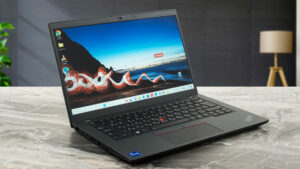
Pros
- The CPU can sustain high clocks no matter the load
- PWM-free display (BOE NV140FHM-N4U (LEN40A9; BOE08D6))
- Spill-resistant keyboard with long travel, clicky feedback, and an optional backlight
- Very good port selection with Thunderbolt 4 / USB4, MicroSD card reader, and optional 4G support
- Good comfort under load
- Optional 1080p IR Web camera and a fingerprint reader
- Compact light device
Cons
- The overall rigidity is average
- 53% sRGB coverage (BOE NV140FHM-N4U (LEN40A9; BOE08D6))
- The NVMe reaches 70°C during benchmarking
Disassembly, maintenance and upgrade options
Step 1: Opening the LaptopEnsure the Lenovo ThinkPad L14 Gen 4 (Intel) is powered off and placed on a soft, clean surface to prevent scratches or damage. Remove the 11 Phillips-head screws from the bottom of the laptop. Note that the screws on the bottom are captive, which will slightly raise the panel. Eject the SIM card tray before prying the bottom panel. Use a plastic tool to gently work your way around the sides and the back to remove the panel.Hint: Proceed with caution to avoid damaging the internal clips or the laptop casing.Step 2: Removing the Battery [...]
Read more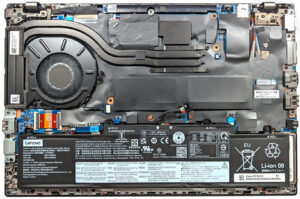


![[June 2026] Best-Selling Laptop Brands on Amazon Global – Apple’s Unrivaled Dominance in Units and Revenue](https://laptopmedia.com/wp-content/uploads/2026/07/GLOBAL-Best-Brands-400x225.jpg)
![[June 2026] Amazon Global: Top 10 Best-Selling Laptops – Apple’s New MacBook Neo Storms to #1, Reshaping the Market with Affordability](https://laptopmedia.com/wp-content/uploads/2026/07/Best-Selling-Laptops-GLOBAL-Top-10-400x225.jpg)
![[June 2026] Amazon Global: Top 10 Best-Selling Gaming Laptops – Acer’s Nitro V 16S AI Dominates Sales, While ASUS Leads Overall Revenue](https://laptopmedia.com/wp-content/uploads/2026/07/Best-Selling-Gaming-Laptops-GLOBAL-Top-10-400x225.jpg)
![[June 2026] Global Ranking of Best-Selling Laptop GPUs on Amazon – NVIDIA RTX 5060 is the Top-Selling Dedicated GPU](https://laptopmedia.com/wp-content/uploads/2026/07/Best-Selling-GPUs-GLOBAL-Top-10-400x225.jpg)
![[June 2026] Global Ranking of Best-Selling Laptop CPUs on Amazon – Apple M5 Dominates, AMD Ryzen 7 260 Gets Solid Premium Share](https://laptopmedia.com/wp-content/uploads/2026/07/Best-Selling-CPUs-GLOBAL-Top-10-400x225.jpg)