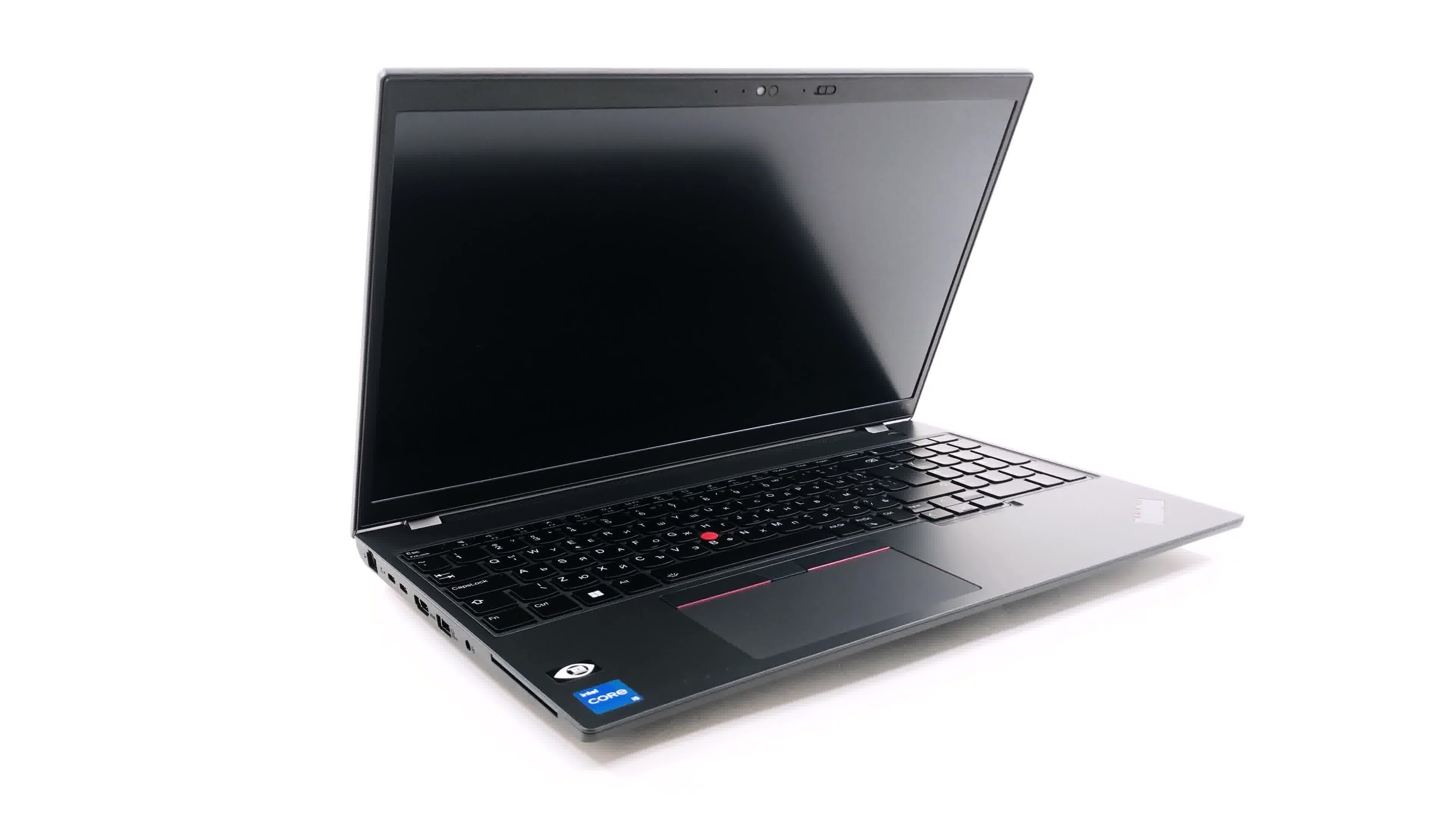
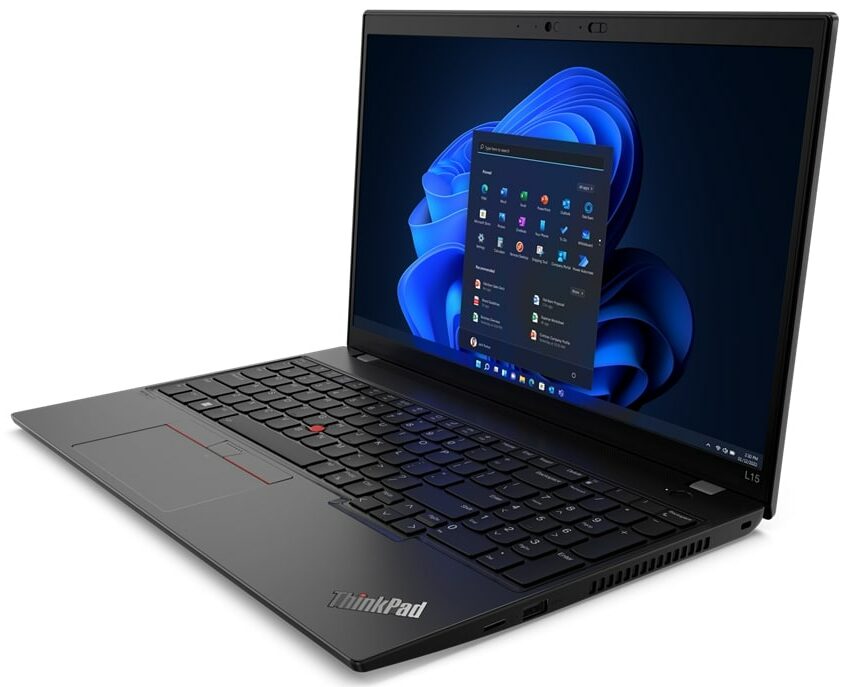
Lenovo ThinkPad L15 Gen 3


- Date Published: 24 Jul 2025
- Intel Core i7-1260P
- Intel UHD Graphics Xe G4 (48EU)
- 15.6”, Full HD (1920 x 1080), IPS
- 1000GB SSD
- 32GB RAM
- 1.76 kg (3.9 lbs)
Specs

- HDD/SSD
- 1000GB SSD
- M.2 Slot
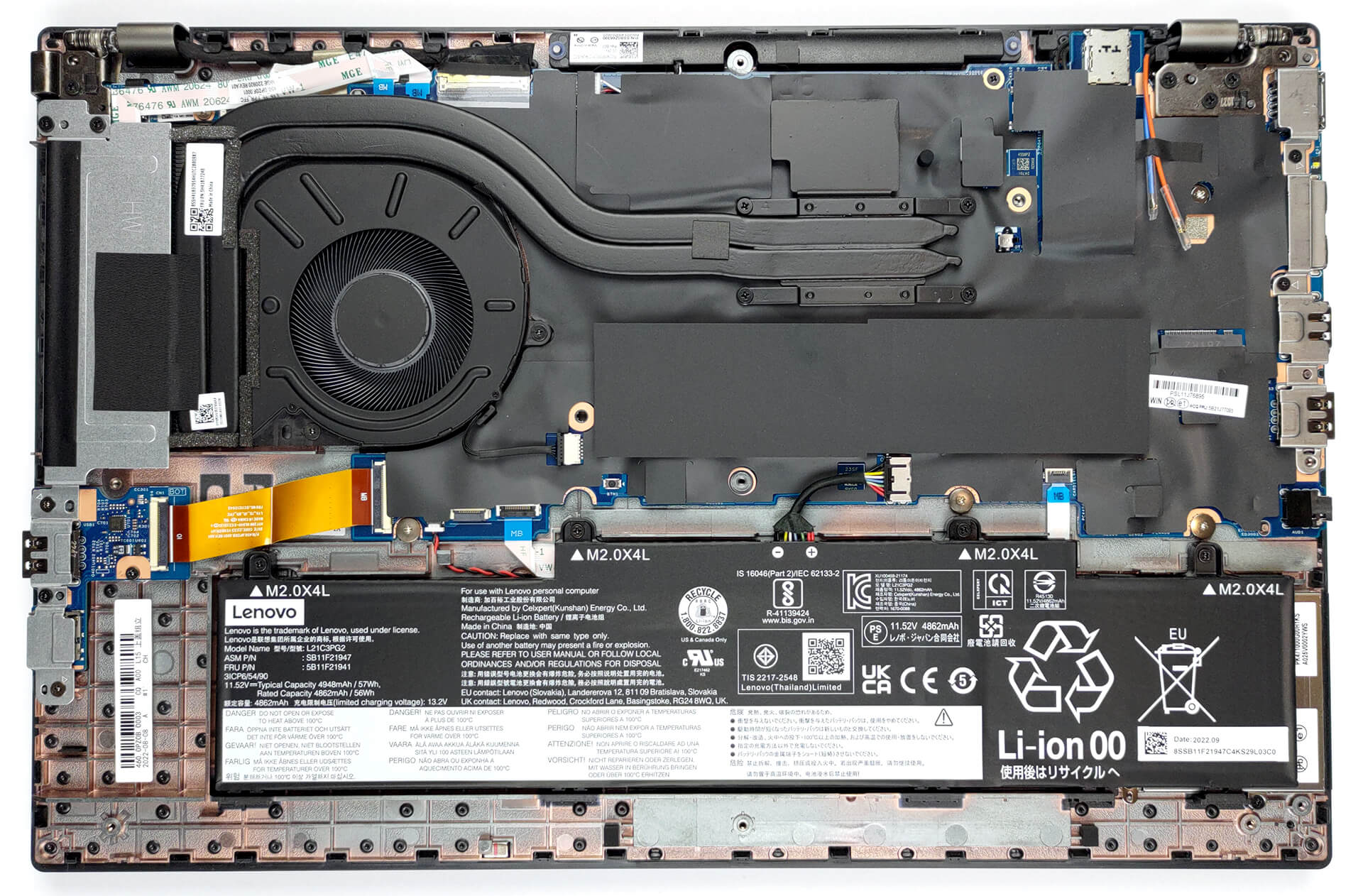
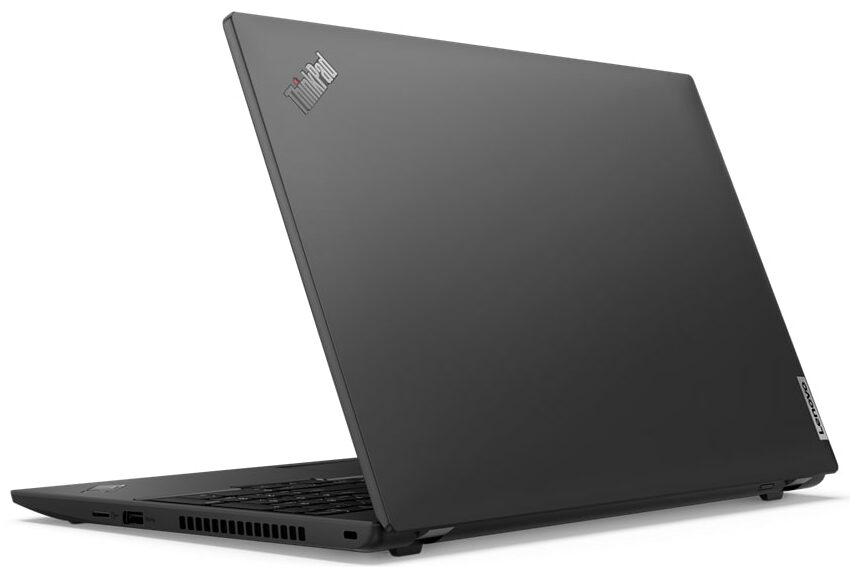
- 1x 2242 M.2 PCIe 4.0 x4 See photo
- RAM
- 32GB RAM
- OS
- Windows 11 Pro
- Body Material
- Plastic / Polycarbonate
- Dimensions
- 360.2 x 237 x 19.93 mm (14.18" x 9.33" x 0.78")
- Weight
- 1.76 kg (3.9 lbs)
- Ports and connectivity
- 1x USB Type-A
- 3.2 Gen 1 (5 Gbps)
- 1x USB Type-A
- 3.2 Gen 1 (5 Gbps), Sleep and Charge
- 1x USB Type-C
- 3.2 Gen 1 (5 Gbps), Power Delivery (PD), DisplayPort
- 1x USB Type-C
- 4.0, Thunderbolt 4, Power Delivery (PD), DisplayPort
- HDMI
- 2.0
- Card Reader
- MicroSD
- Ethernet LAN
- 10, 100, 1000 Mbit/s
- Wi-Fi
- 802.11ax
- Bluetooth
- 5.2
- Audio jack
- 3.5mm Combo Jack
- Features
- Fingerprint reader
- Web camera
- HD / FHD
- Backlit keyboard
- Microphone
- Dual Array Microphone, far-field, Dolby Voice
- Speakers
- 2x 2W Stereo Speakers, Dolby Audio
- Security Lock slot
- Kensington Nano Lock
- Gifts
- 32GB USB Drive
Portability
Review
Lenovo ThinkPad L15 Gen 3 in-depth review
Sitting uncomfortably away from the affordable pricing, the ThinkPad L15 Gen 3 sets the expectations bar really high. In fact, our latest review (as of the time of writing this one), covered the Fujitsu LifeBook U7512. A significantly less popular notebook, that is super exciting in terms of features.So, In order to compete, the Thinkpad L15 Gen 3 must comply with some requirements. First and foremost - it needs to have excellent security. Then, it has to be able to give its users the performance they need on demand while lasting for an entire day on a single battery charge.Before we start with the physical aspect of the notebook, we want to tell you about its hardware properties. This device can be paired with everything in between the Intel Pentium Gold 8505 and the Core i7-1260[...]
Read the full review
Pros
- Quiet under extreme load
- 2x SODIMM + 1x M.2 PCIe slot
- PWM-free display (Innolux N156HCA-E5B (LEN40BA))
- IR face recognition + Fingerprint reader + TPM
- Great spill-resistant keyboard
- Thunderbolt 4 + MicroSD card slot + optional LTE support
Cons
- No 5G support
- Plastic body
- Covers only 54% of the sRGB color gamut (Innolux N156HCA-E5B (LEN40BA))
Disassembly, maintenance and upgrade options
Business laptops are usually good with upgradeability. So is the ThinkPad L15 Gen 3. Also, the captive screws on the bottom panel make it harder to lose them.Check out all Lenovo ThinkPad L15 Gen 3 prices and configurations in our Specs System, or read more in our In-Depth review.1. Remove the bottom plate To access this notebook's internals, undo the 10 Phillips-head screws, holding the bottom panel in place. Then remove the SIM card tray and pry the panel with a plastic tool, and lift it away from the chassis.2. Remove the battery Inside, we find a 57Wh battery pack. To[...]
Read more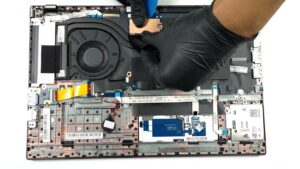


![[June 2026] Best-Selling Laptop Brands on Amazon Global – Apple’s Unrivaled Dominance in Units and Revenue](https://laptopmedia.com/wp-content/uploads/2026/07/GLOBAL-Best-Brands-400x225.jpg)
![[June 2026] Amazon Global: Top 10 Best-Selling Laptops – Apple’s New MacBook Neo Storms to #1, Reshaping the Market with Affordability](https://laptopmedia.com/wp-content/uploads/2026/07/Best-Selling-Laptops-GLOBAL-Top-10-400x225.jpg)
![[June 2026] Amazon Global: Top 10 Best-Selling Gaming Laptops – Acer’s Nitro V 16S AI Dominates Sales, While ASUS Leads Overall Revenue](https://laptopmedia.com/wp-content/uploads/2026/07/Best-Selling-Gaming-Laptops-GLOBAL-Top-10-400x225.jpg)
![[June 2026] Global Ranking of Best-Selling Laptop GPUs on Amazon – NVIDIA RTX 5060 is the Top-Selling Dedicated GPU](https://laptopmedia.com/wp-content/uploads/2026/07/Best-Selling-GPUs-GLOBAL-Top-10-400x225.jpg)
![[June 2026] Global Ranking of Best-Selling Laptop CPUs on Amazon – Apple M5 Dominates, AMD Ryzen 7 260 Gets Solid Premium Share](https://laptopmedia.com/wp-content/uploads/2026/07/Best-Selling-CPUs-GLOBAL-Top-10-400x225.jpg)