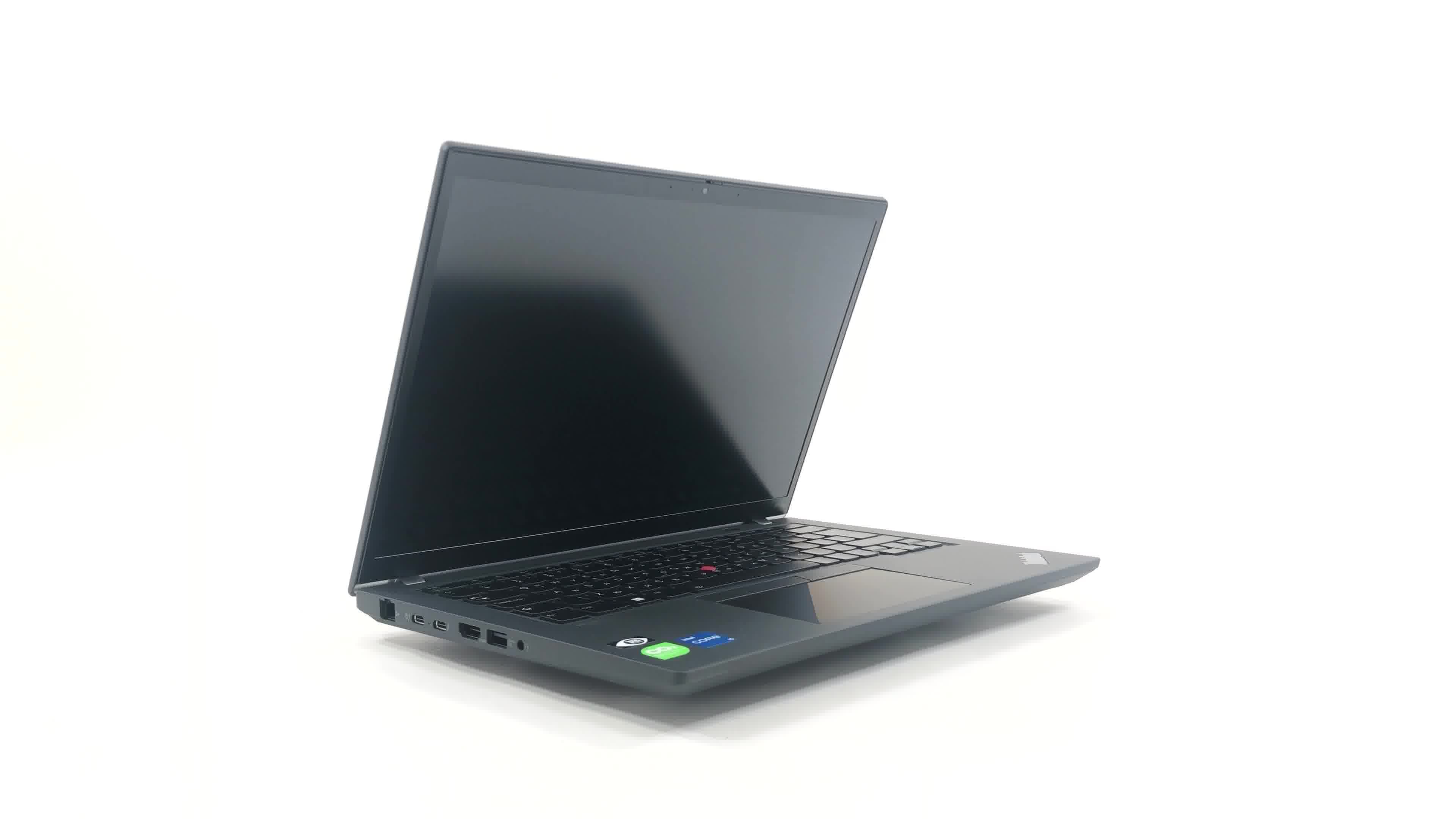
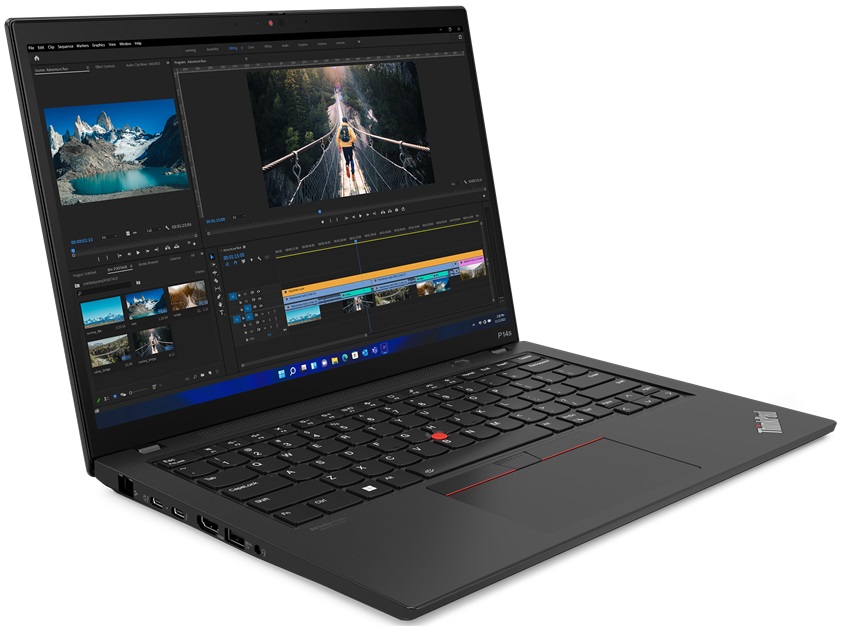
Lenovo ThinkPad P14s Gen 3

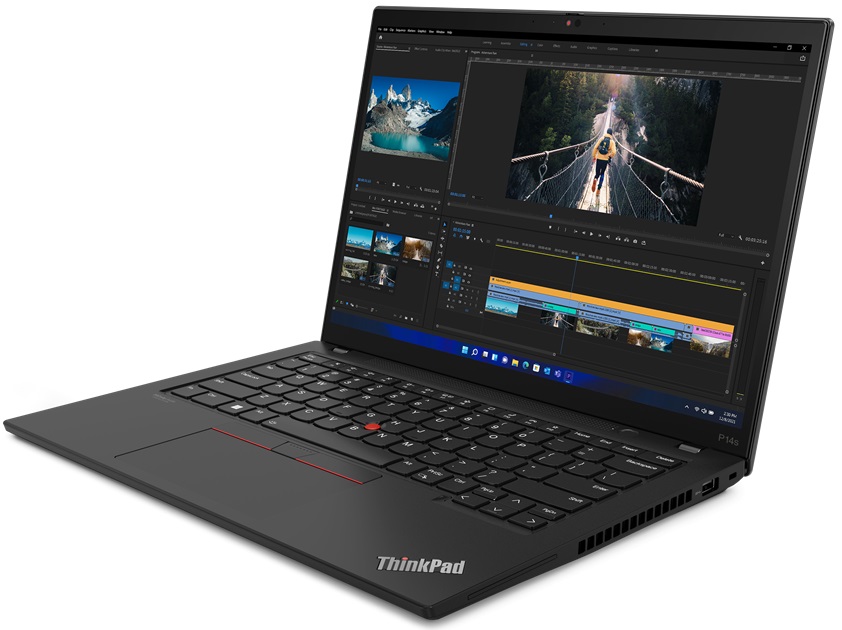
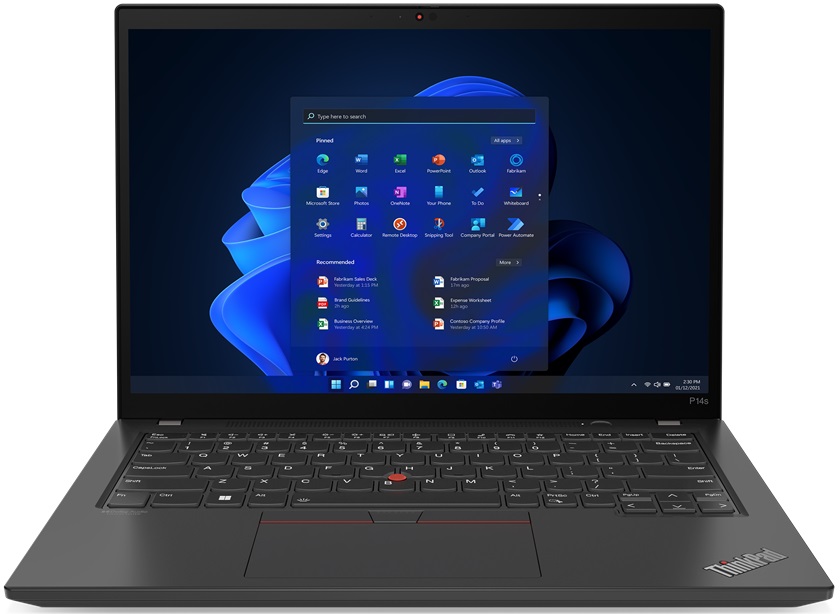
- Date Published: 09 Dec 2024
- Intel Core i7-1260P
- NVIDIA T550
- 14.0”, WUXGA (1920 x 1200), IPS
- 512GB SSD
- 16GB RAM
- 1.24 kg (2.7 lbs)
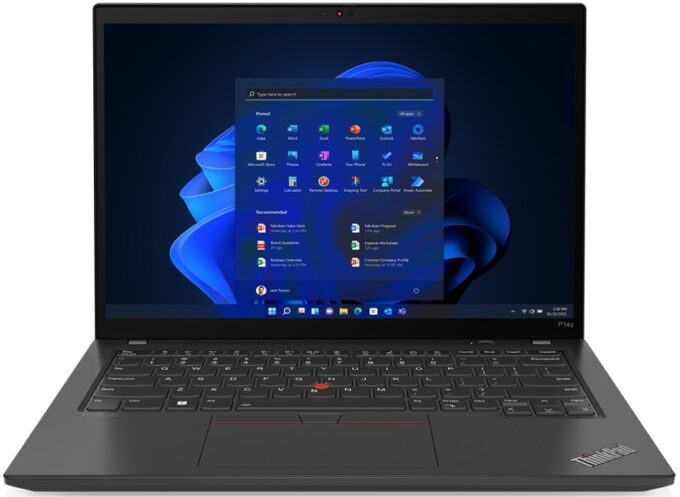
Specs
- Display

- HDD/SSD
- 512GB SSD
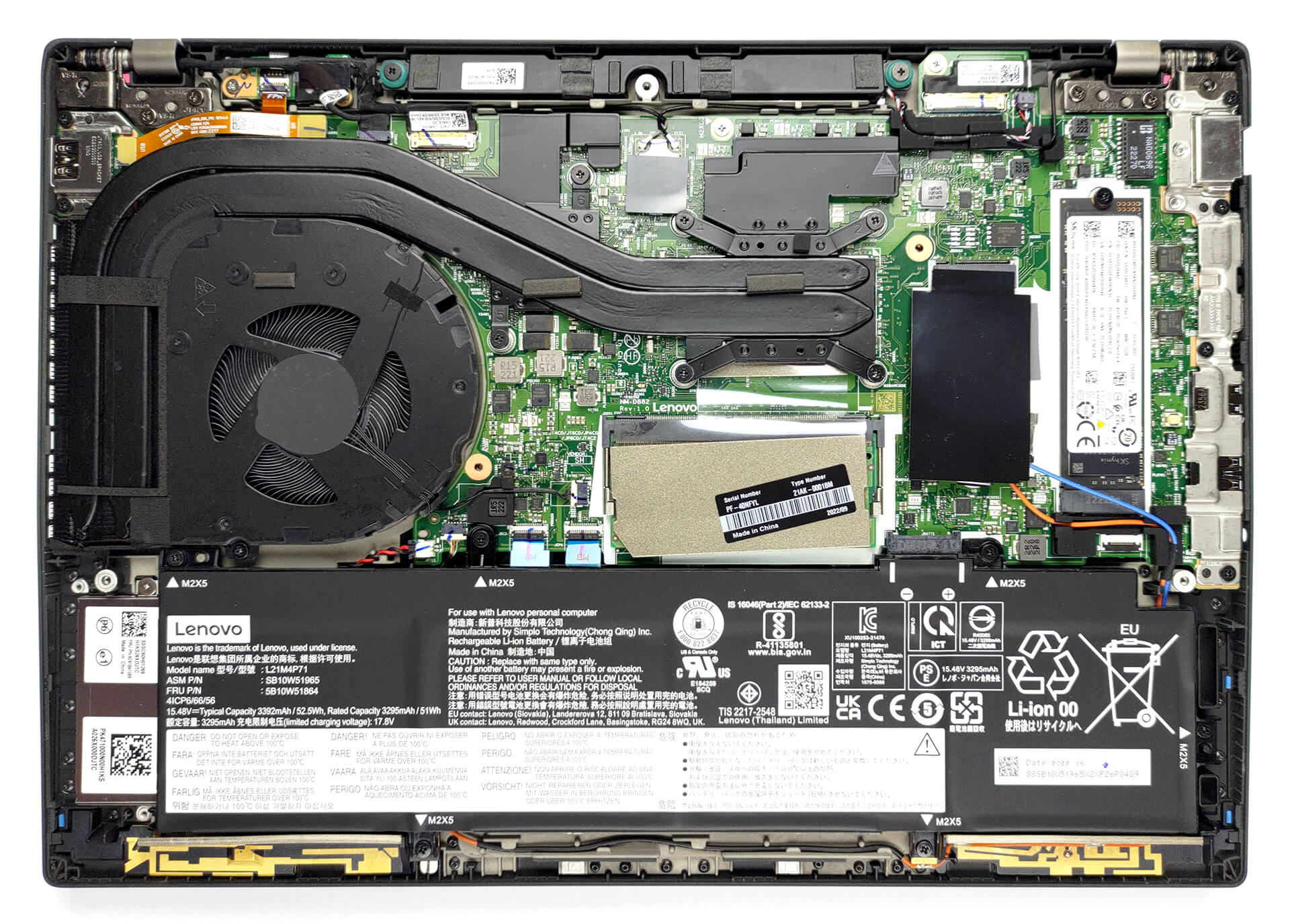
- M.2 Slot
- 1x 2280 PCIe NVMe 4.0 x4 See photo
- RAM
- 16GB RAM
- OS
- Windows 11 Home
- Body Material
- Plastic / Polycarbonate, Aluminum, Carbon, Glass Fiber
- Dimensions
- 317.7 x 227.36 x 17.9 - 17.95 mm (12.51" x 8.95" x 0.70")
- Weight
- 1.24 kg (2.7 lbs)
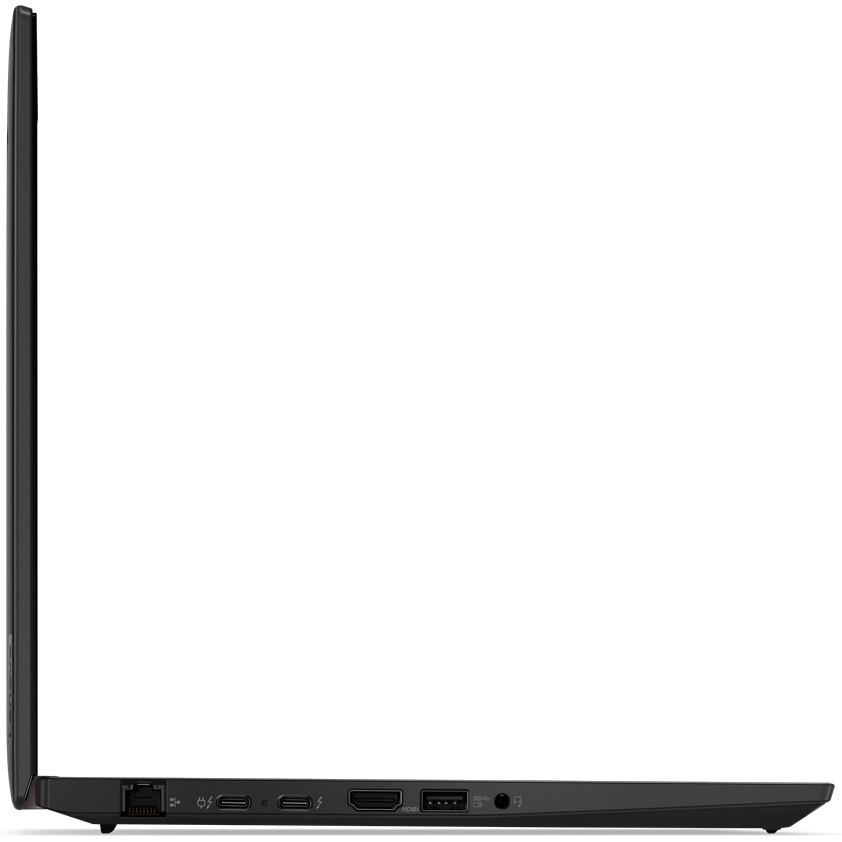
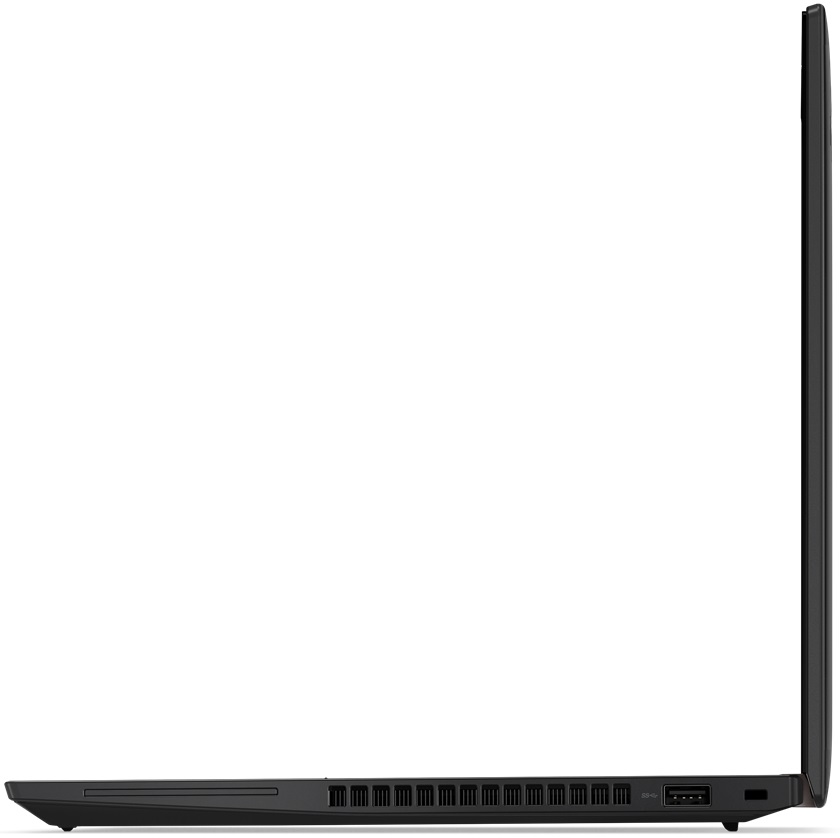
- Ports and connectivity
- 1x USB Type-A
- 3.2 Gen 1 (5 Gbps)
- 1x USB Type-A
- 3.2 Gen 1 (5 Gbps), Sleep and Charge
- 2x USB Type-C
- 4.0, Thunderbolt 4, Power Delivery (PD), DisplayPort
- HDMI
- 2.0
- Card Reader
- Ethernet LAN
- 10, 100, 1000 Mbit/s
- Wi-Fi
- 802.11ax
- Bluetooth
- 5.1
- Audio jack
- 3.5mm Combo Jack
- Features
- Fingerprint reader
- Web camera
- HD / FHD / IR with privacy shutter, fixed focus
- Backlit keyboard
- Microphone
- Dual Microphone Array, far-field, Dolby Voice
- Speakers
- Stereo Speakers with Dolby Audio
- Security Lock slot
- Kensington Lock
Portability
Review
Lenovo ThinkPad P14s Gen 3 in-depth review
Thanks to laptops like the Dell XPS, mobile workstations get a bit more attention than before. Lenovo ThinkPad P14s Gen 3 is not among the most popular devices on the market, but it is special in its own kind.You see, it looks like an ordinary business laptop. More so because of its ThinkPad heritage - testified by the pretty boring boxy design. However, Lenovo has paired it with Alder Lake-P series processors, and an optional NVIDIA T550 graphics card.If you are into this stuff, you should know the T550. However, if you are not acquaintanced with workstations, you will be thinking "what the hell is this?".Your confusion is purely understandable, as the graphics card doesn't bear anything particular in its name that would denote its workstation-esque capabilities. In the past,[...]
Read the full review
Pros
- No PWM (AUO B140UAN03.2 (LEN403D))
- The spill-resistant keyboard is great for typing
- Wi-Fi 6 and LTE support plus optional super-fast fingerprint reader and IR face recognition systems
- Well-populated I/O with 2x Thunderbolt 4 ports
- Decent battery life
Cons
- 56% sRGB coverage (AUO B140UAN03.2 (LEN403D))
- The price gets very high when you go for the highest specs
- The touchpad is not very responsive
Disassembly, maintenance and upgrade options
Mobile workstation? Why not? But it has to meet some standards. Upgrade options are one of the prerequisites, and we can say that it is pretty fine in this aspect.Check out all Lenovo ThinkPad P14s Gen 3 prices and configurations in our Specs System, or read more in our In-Depth review.1. Remove the bottom plate To get inside this device, you only need to undo 7 captive Phillips-head screws. Then, pry the bottom panel with a plastic tool and remove it from the chassis.2. Remove the battery Battery-wise, you get a 52.5Wh unit. It lasts for nearly 12 hours of Web browsing, [...]
Read more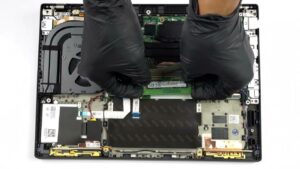


![[June 2026] Best-Selling Laptop Brands on Amazon Global – Apple’s Unrivaled Dominance in Units and Revenue](https://laptopmedia.com/wp-content/uploads/2026/07/GLOBAL-Best-Brands-400x225.jpg)
![[June 2026] Amazon Global: Top 10 Best-Selling Laptops – Apple’s New MacBook Neo Storms to #1, Reshaping the Market with Affordability](https://laptopmedia.com/wp-content/uploads/2026/07/Best-Selling-Laptops-GLOBAL-Top-10-400x225.jpg)
![[June 2026] Amazon Global: Top 10 Best-Selling Gaming Laptops – Acer’s Nitro V 16S AI Dominates Sales, While ASUS Leads Overall Revenue](https://laptopmedia.com/wp-content/uploads/2026/07/Best-Selling-Gaming-Laptops-GLOBAL-Top-10-400x225.jpg)
![[June 2026] Global Ranking of Best-Selling Laptop GPUs on Amazon – NVIDIA RTX 5060 is the Top-Selling Dedicated GPU](https://laptopmedia.com/wp-content/uploads/2026/07/Best-Selling-GPUs-GLOBAL-Top-10-400x225.jpg)
![[June 2026] Global Ranking of Best-Selling Laptop CPUs on Amazon – Apple M5 Dominates, AMD Ryzen 7 260 Gets Solid Premium Share](https://laptopmedia.com/wp-content/uploads/2026/07/Best-Selling-CPUs-GLOBAL-Top-10-400x225.jpg)