Lenovo ThinkPad X13s Gen 1
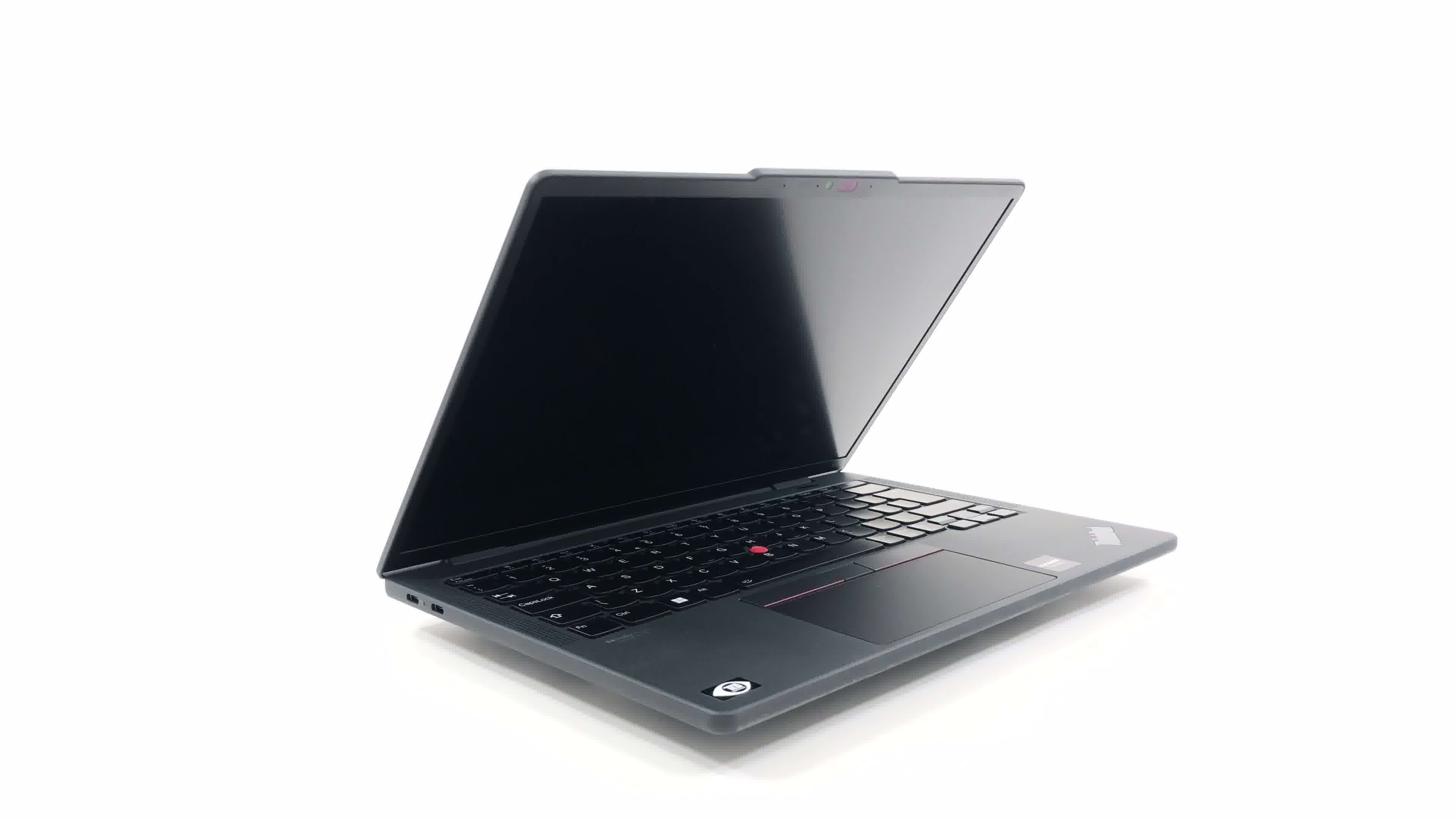

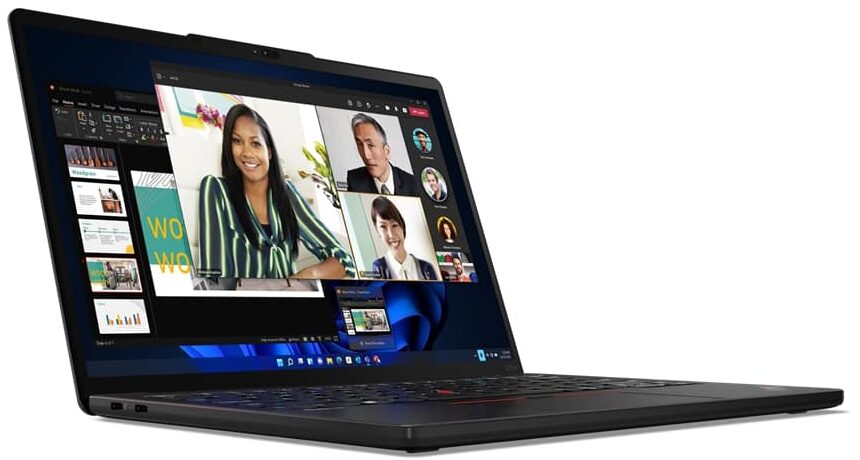
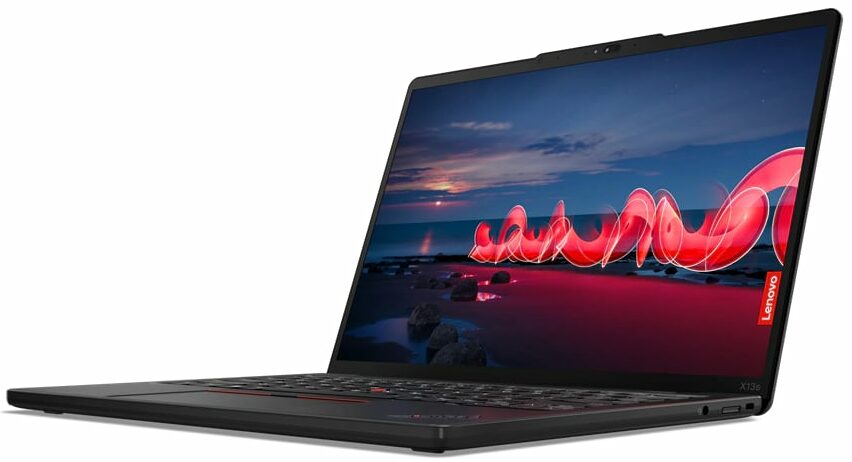

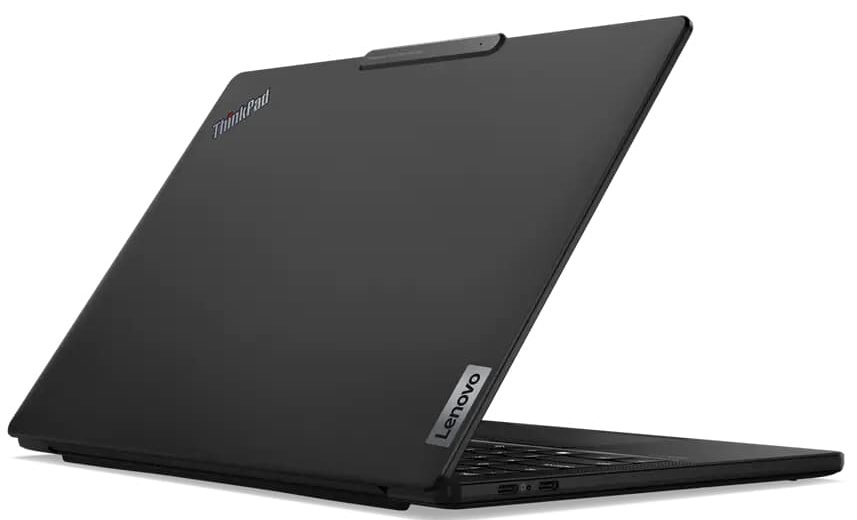
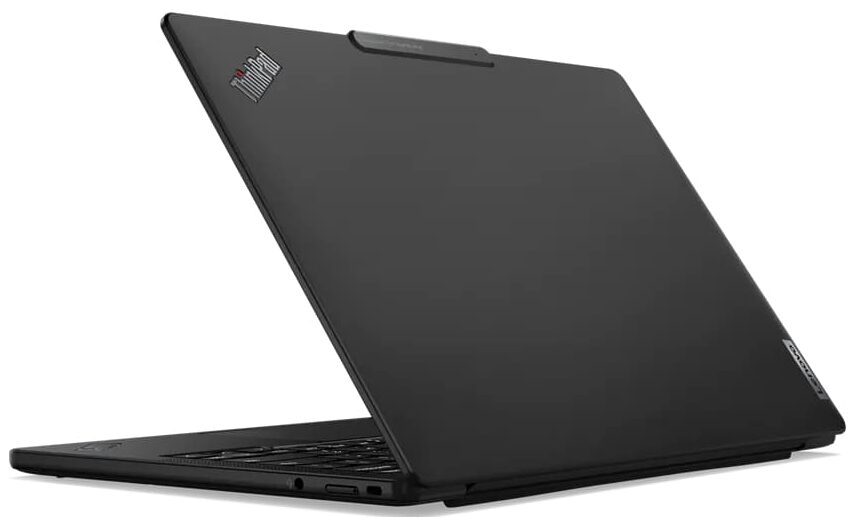
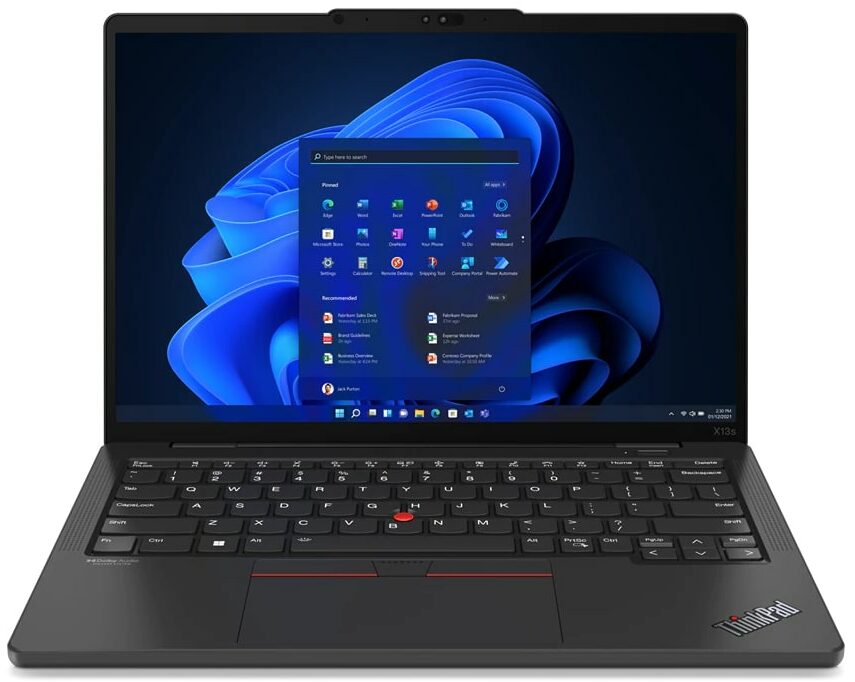
- Date Published: 14 Jun 2023
- Qualcomm Snapdragon 8cx Gen2
- Qualcomm Adreno 680
- 13.3”, WUXGA (1920 x 1200), IPS
- 256GB SSD
- 16GB LPDDR4x
- 1.06 kg (2.3 lbs)
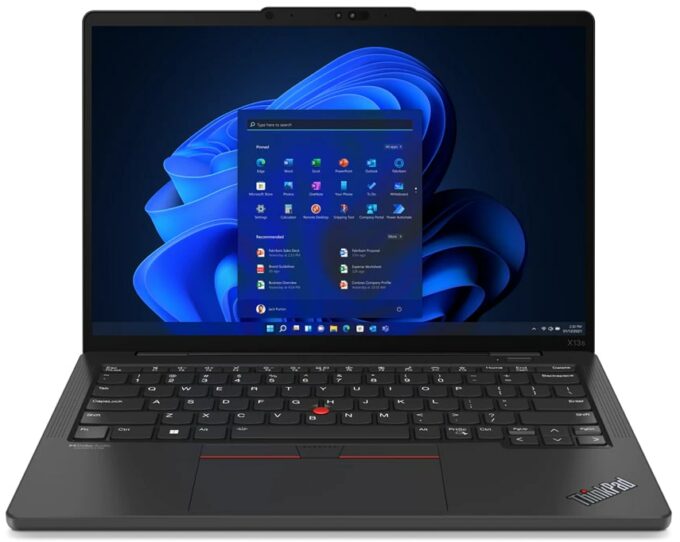
Specs
- Display

- HDD/SSD
- 256GB SSD
- M.2 Slot
- 1x 2242 M.2 NVMe slot
- RAM
- 16GB LPDDR4x
- OS
- Windows 11 Pro
- Body Material
- Plastic / Polycarbonate, Aluminum, Glass Fiber, Magnesium alloy
- Dimensions
- 298.7 x 206.4 x 13.4 mm (11.76" x 8.13" x 0.53")
- Weight
- 1.06 kg (2.3 lbs)
- Ports and connectivity
- 2x USB Type-C
- 3.2 Gen 2 (10 Gbps), Power Delivery (PD), DisplayPort
- HDMI
- Card Reader
- Ethernet LAN
- Wi-Fi
- 802.11ax
- Bluetooth
- 5.1
- Audio jack
- 3.5mm Combo Jack
- 5G support
- Features
- Fingerprint reader
- Web camera
- 5.0MP with E-camera shutter, fixed focus
- Backlit keyboard
- Microphone
- Triple Array Microphone, far-field
- Speakers
- 2x 2W Stereo Speakers, Dolby Audio
- Optical drive
- Security Lock slot
- Kensington Nano Lock
Portability
Review
Lenovo ThinkPad X13s Gen 1 in-depth review
We honestly didn't think that Lenovo would come with a more interesting laptop than its ThinkPad Z-series for this year. However, we were wrong. We got our hands on a ThinkPad X13s Gen 1.What's so special about it? Well, as Lenovo puts it in its own words - it provides a smartphone experience with PC performance. The reason for that is the ARM-based Qualcomm Snapdragon 8cx Gen 3 SoC on the inside.This changes every perspective of the laptop - the battery life, and the device's chassis. Even the cooling setup is now completely silent. This is because the Snapdragon 8cx Gen 3 has a TDP of only 7W.What makes this possible, however, is the ARM integration within Windows 11. It has finally matured enough to be offered with a high-profile business machine like the ThinkPad X13s Gen [...]
Read the full review
Pros
- Super slim and strong chassis
- Blazingly quick user experience
- Turns on immediately
- 100% sRGB coverage and accurate color output (AUO B133UAN02.1 (LEN41A6))
- No PWM (AUO B133UAN02.1 (LEN41A6))
- Fantastic battery life
- Great keyboard and touchpad
- Wi-Fi 6, and optional 5G support
- Completely silent under any load
Cons
- Poor upgradeability
- Limited port selection
- Very warm under heavy load
- Windows is still not optimized for ARM
Disassembly, maintenance and upgrade options
To be honest, we were surprised that you even get an M.2 PCIe x4 slot for storage, and it's not soldered to the motherboard.Check out all Lenovo ThinkPad X13s Gen 1 prices and configurations in our Specs System, or read more in our In-Depth review.1. Remove the bottom plate There are 6 captive Phillips-head screws you need to undo to get inside this device. Also, you have to pry the bottom panel with a plastic tool.2. Remove the battery This laptop sports a 49.5Wh battery pack. It lasts for 14 hours of Web browsing, or 21 hours of video playback on a single charge. To tak[...]
Read more


![[June 2026] Best-Selling Laptop Brands on Amazon Global – Apple’s Unrivaled Dominance in Units and Revenue](https://laptopmedia.com/wp-content/uploads/2026/07/GLOBAL-Best-Brands-400x225.jpg)
![[June 2026] Amazon Global: Top 10 Best-Selling Laptops – Apple’s New MacBook Neo Storms to #1, Reshaping the Market with Affordability](https://laptopmedia.com/wp-content/uploads/2026/07/Best-Selling-Laptops-GLOBAL-Top-10-400x225.jpg)
![[June 2026] Amazon Global: Top 10 Best-Selling Gaming Laptops – Acer’s Nitro V 16S AI Dominates Sales, While ASUS Leads Overall Revenue](https://laptopmedia.com/wp-content/uploads/2026/07/Best-Selling-Gaming-Laptops-GLOBAL-Top-10-400x225.jpg)
![[June 2026] Global Ranking of Best-Selling Laptop GPUs on Amazon – NVIDIA RTX 5060 is the Top-Selling Dedicated GPU](https://laptopmedia.com/wp-content/uploads/2026/07/Best-Selling-GPUs-GLOBAL-Top-10-400x225.jpg)
![[June 2026] Global Ranking of Best-Selling Laptop CPUs on Amazon – Apple M5 Dominates, AMD Ryzen 7 260 Gets Solid Premium Share](https://laptopmedia.com/wp-content/uploads/2026/07/Best-Selling-CPUs-GLOBAL-Top-10-400x225.jpg)
