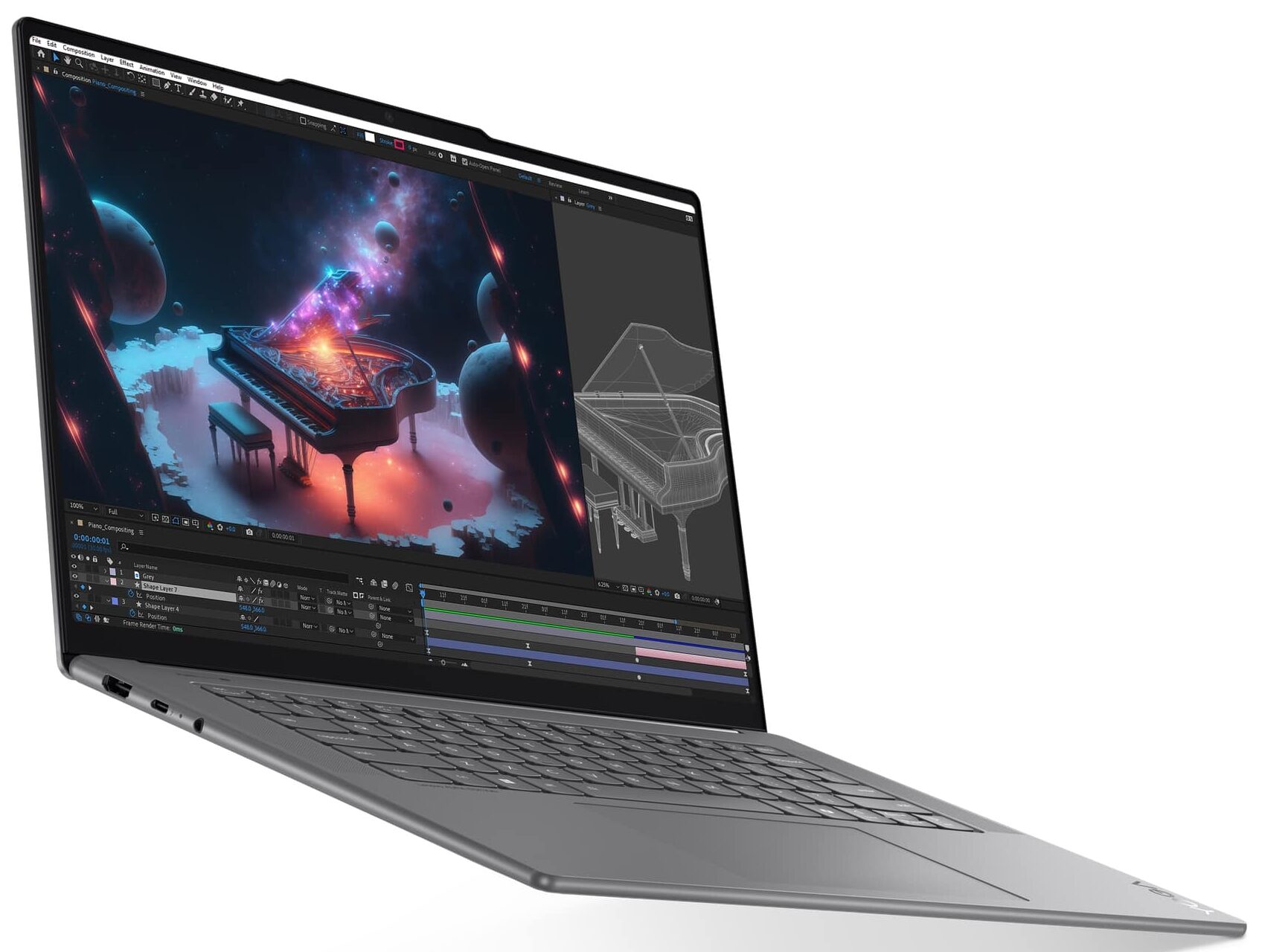
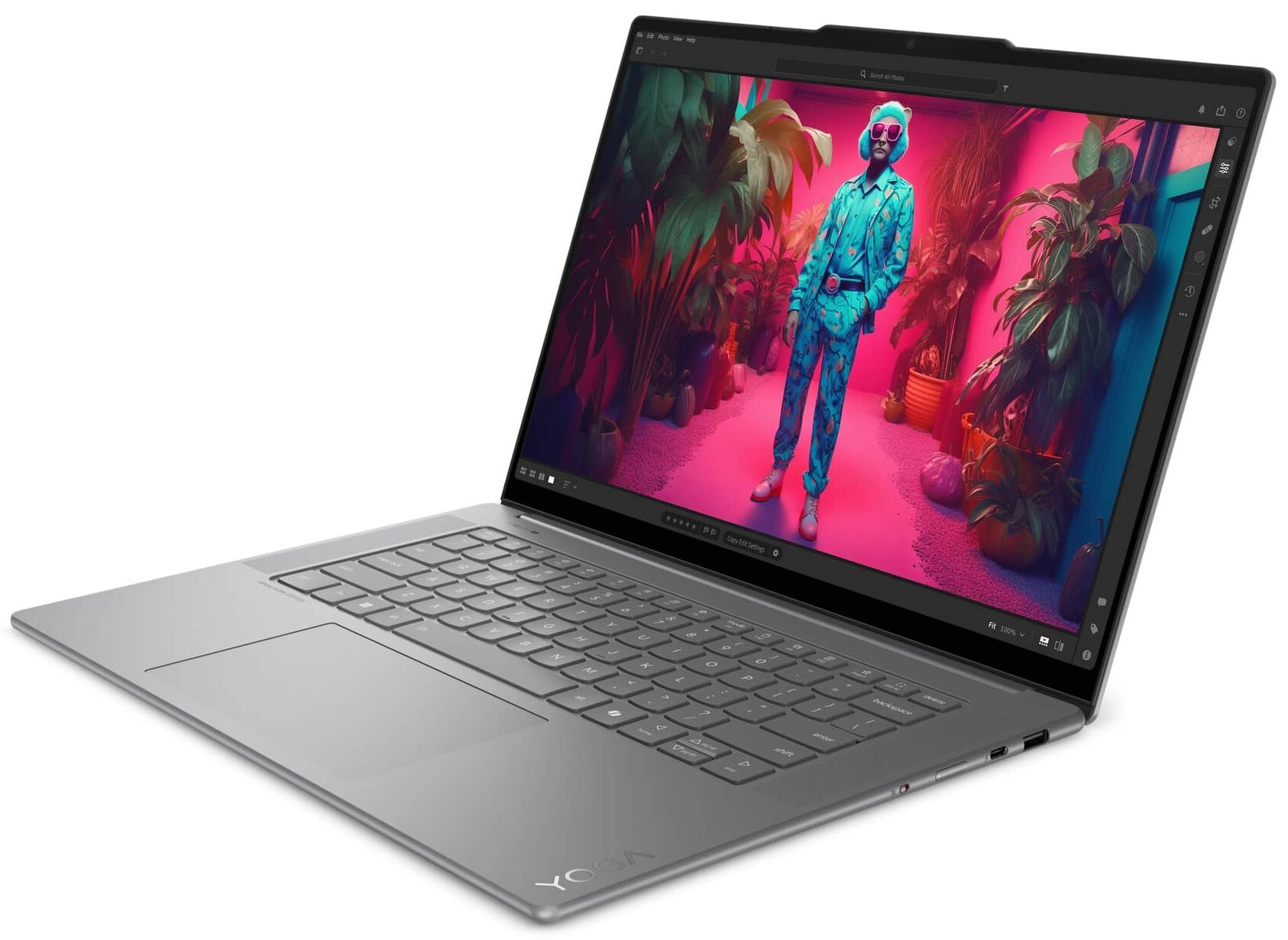
Lenovo Yoga Slim 7 Aura Edition
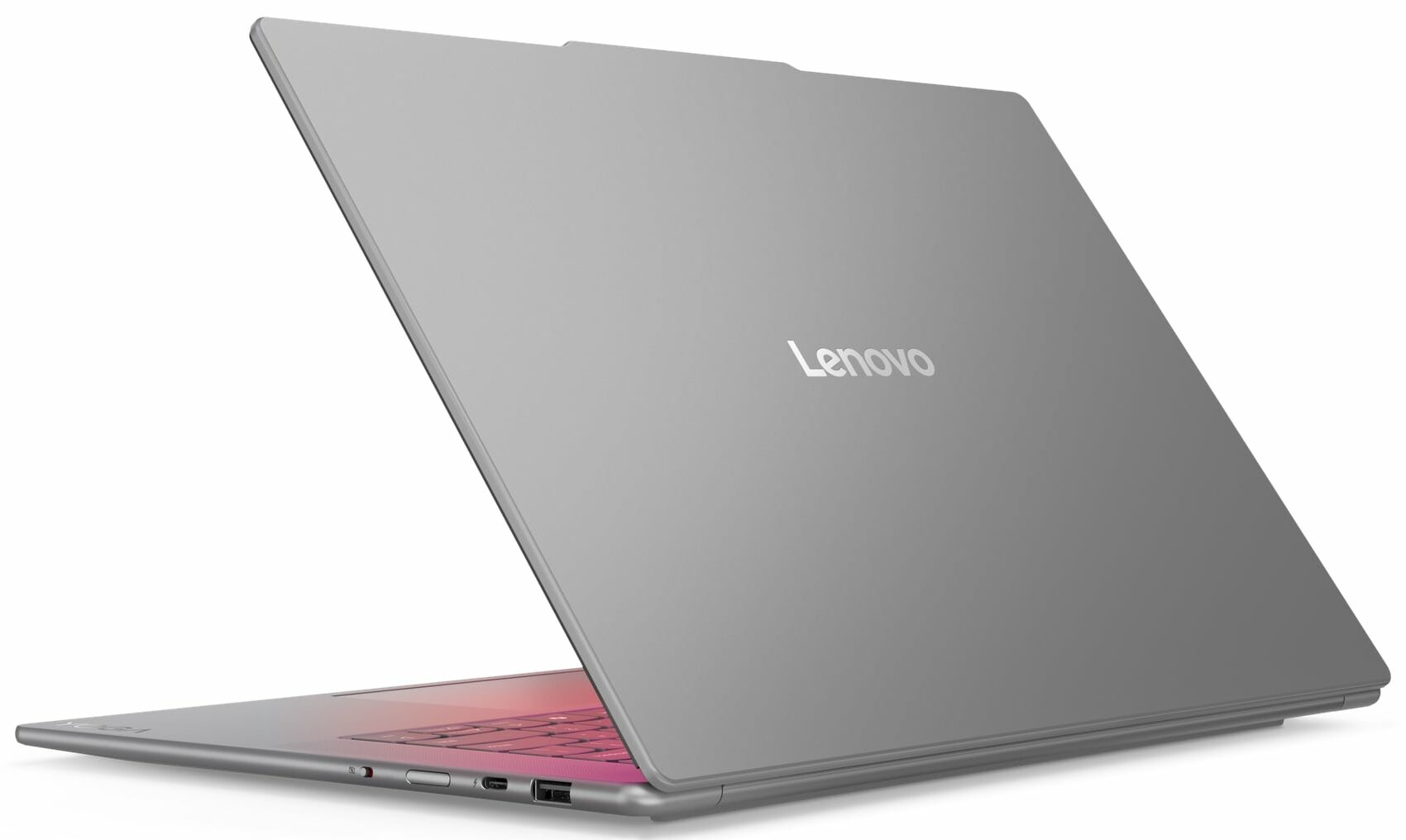
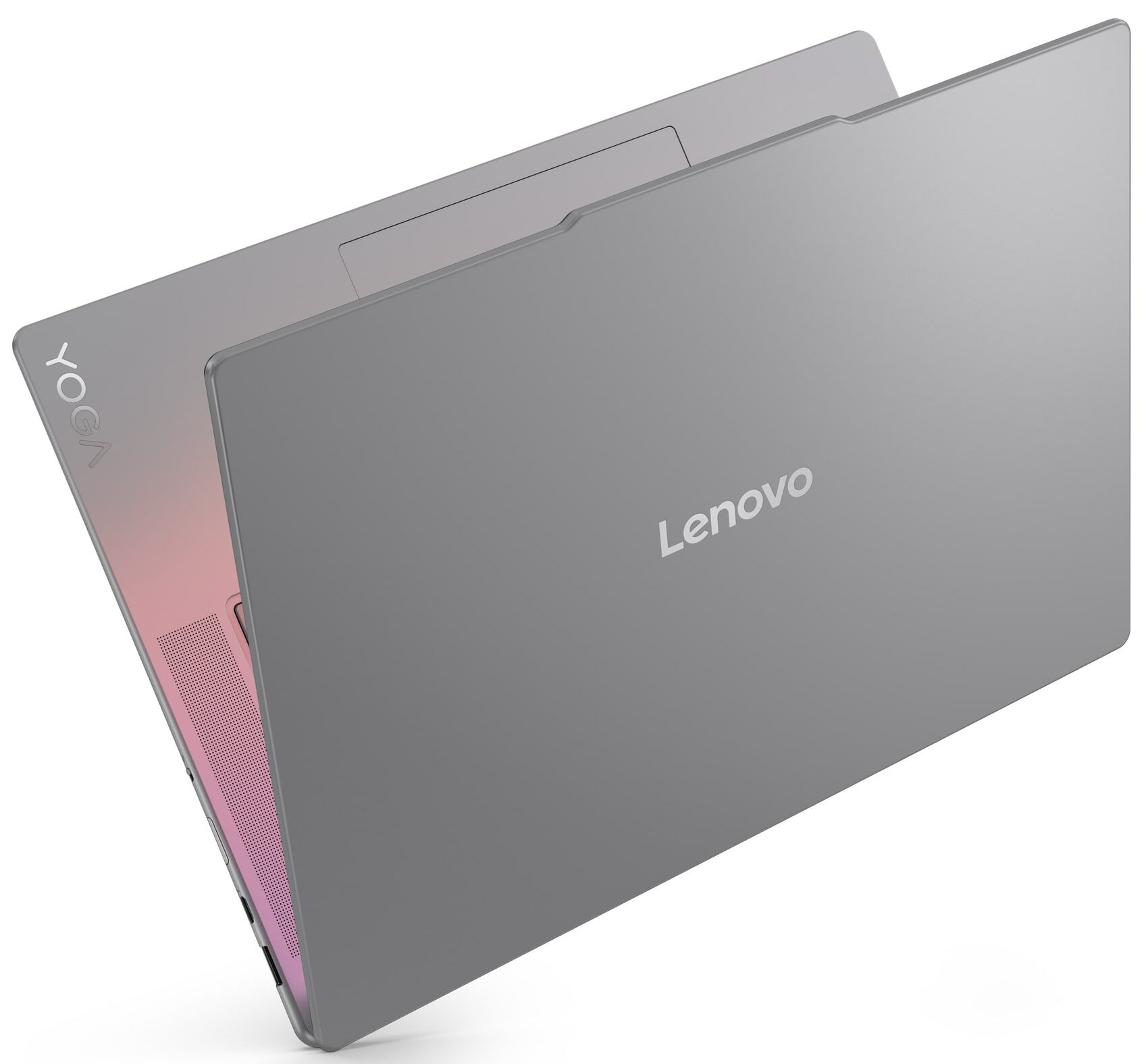
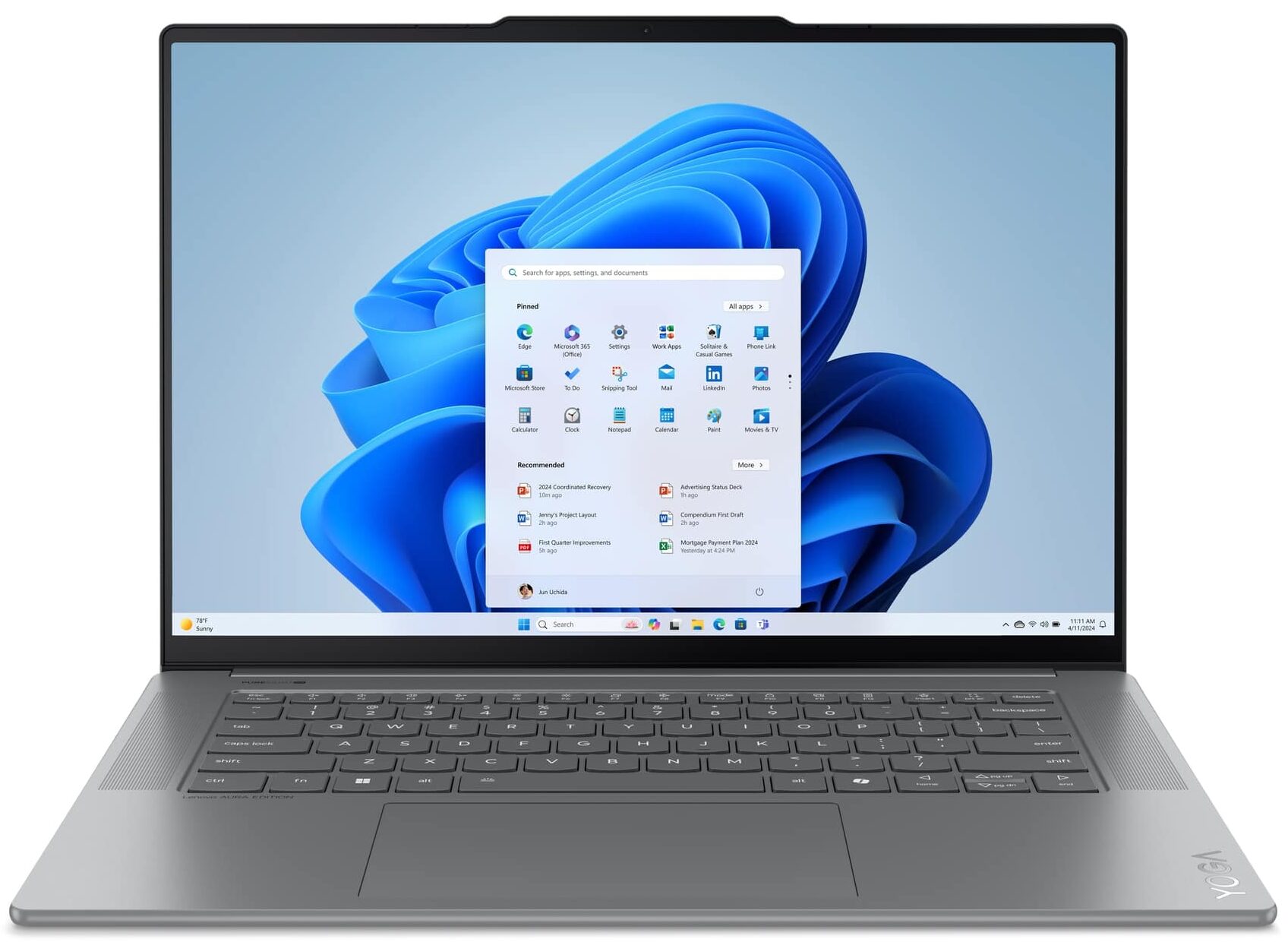
- Date Published: 01 Jul 2026
- Intel Core Ultra 7 258V
- Intel Arc Graphics 140V
- 15.3”, 2.8K (2880 x 1800), 120 Hz, IPS
- 2000GB SSD
- 32GB RAM
- 1.53 kg (3.4 lbs)
Specs

- HDD/SSD
- 2000GB SSD
- M.2 Slot
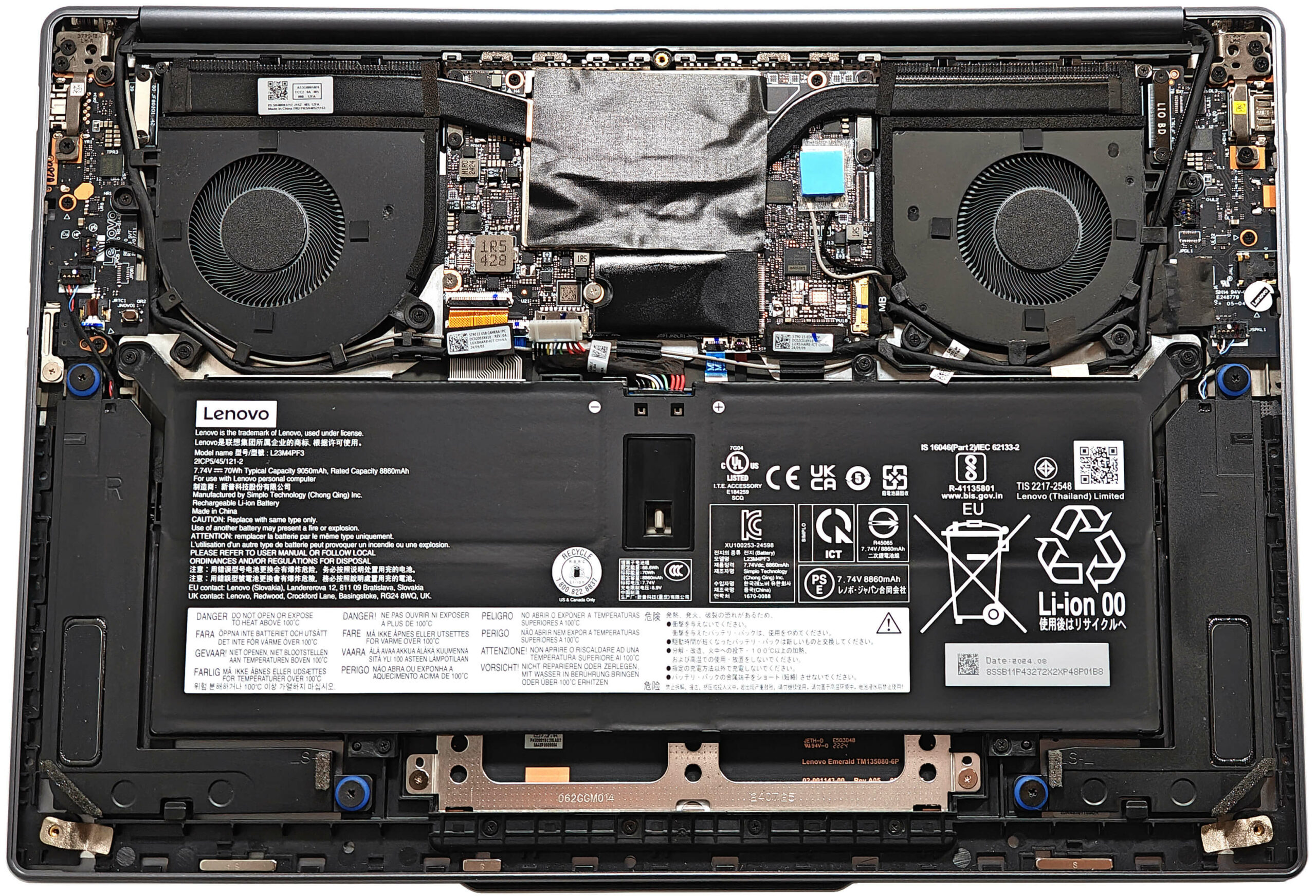
- 1x 2242 M.2 NVMe PCIe 4.0 x4 See photo
- RAM
- 32GB RAM
- OS
- Windows 11 Pro
- Body Material
- Aluminum
- Dimensions
- 343.8 x 235.4 x 13.9 mm (13.54" x 9.27" x 0.55")
- Weight
- 1.53 kg (3.4 lbs)
- Ports and connectivity
- 1x USB Type-A
- 3.2 Gen 1 (5 Gbps)
- 2x USB Type-C
- Thunderbolt 4, Power Delivery (PD), DisplayPort
- HDMI
- 2.1 (4K@60Hz)
- Card Reader
- Ethernet LAN
- Wi-Fi
- 802.11be
- Bluetooth
- 5.4
- Audio jack
- 3.5mm Combo Jack
- Features
- Fingerprint reader
- Web camera
- FHD IR with E-shutter, fixed focus, ToF sensor
- Backlit keyboard
- Microphone
- Quad Microphone Array
- Speakers
- 4 stereo speakers, 2W x2 (woofers), 2W x2 (tweeters), optimized with Dolby Atmos, Smart Amplifier (AMP)
- Security Lock slot
- Gifts
- DKZ USB Port Expander (Authorized Dockztorm Portable USB Hub)
Portability
Review
Lenovo Yoga Slim 7 Aura Edition in-depth review
The Lenovo Yoga Slim 7 (Gen 9, 15ILL9) is a thin Copilot+ PC paired with efficient 17W Intel Lunar Lake processor options. These chips are also suitable for AI productivity because of the powerful NPU. This premium compact device is full of useful tech such as Intel Evo certification (which boosts the battery life), an IR Web camera, Wi-Fi 7, and a Microsoft Pluton TPM 2.0 security chip. Interestingly, there is no fingerprint reader, which is strange.The impressive 2880x1800 120Hz IPS display can be found with or without touch capabilities. The panel also offers Dolby Vision and HDR functionality. For audiophiles, there is a quad-speaker setup optimized with Dolby Atmos.The upgradability is almost non-existent, which is kind of normal for this kind of laptop. When you pop the b[...]
Read the full review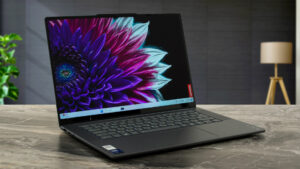
Pros
- Quiet fans during max CPU stress in "Extreme Performance" mode
- Compact for a 15-incher (1.53 kg / 13.9 mm)
- Very good overall performance
- PWM-free touchscreen (LEN8BAA)
- 120Hz refresh rate and 2880x1800 resolution (LEN8BAA)
- 100% sRGB and 99% DCI-P3 coverage + incredibly accurate colors with our "Design and Gaming" profile (LEN8BAA)
- Above 510 nits of max brightness in SDR and HDR mode
- Solid aluminum chassis
- 1080p IR Web camera with an E-Shutter
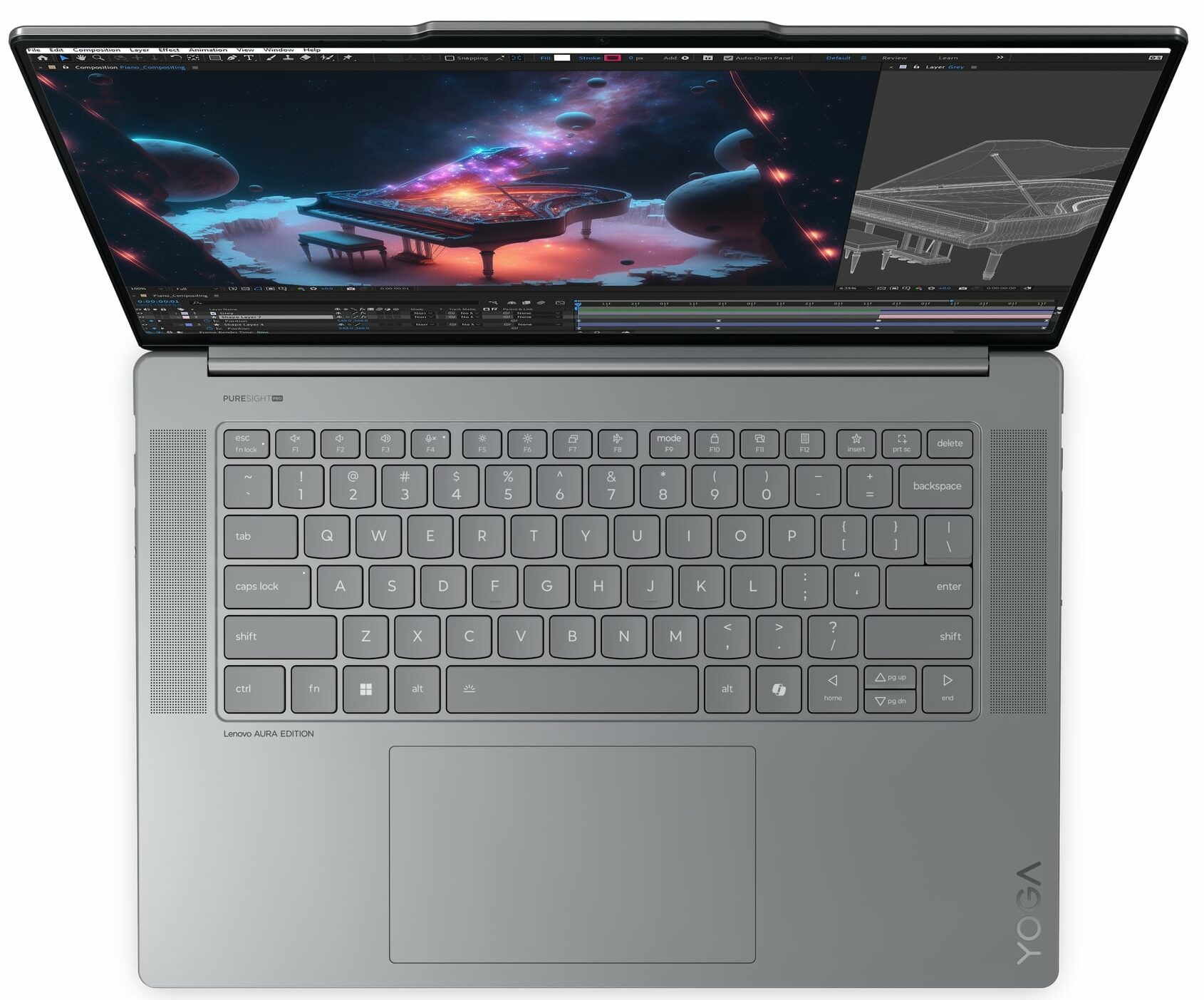
- Comfortable backlit keyboard
- Smooth and accurate touchpad
- Modern port selection with 2x Type-C and 1x Type-A ports
- Type-C charging
- The Core Ultra 7 258V can sustain a 2.82 GHz / 3.31 GHz P and LP E-core frequency in long loads
- Very long battery life (~13 hours of videos)
- Fast SSD (SAMSUNG PM9C1a)
- Quality quad-speaker setup
- Good comfort during full loads
- Up to 32GB of LPDDR5x RAM
- Wi-Fi 7 + Bluetooth 5.4
- Intel Evo certification
- 180-degree hinge
- Great iGPU performance
Cons
- You can't open the lid with one hand
- Soldered RAM + one M.2 slot
- No fingerprint reader
- You can rely on just two USBs when the charger is plugged in
- The power presets are only accessible via the BIOS
Disassembly, maintenance and upgrade options
Opening the Lenovo Yoga Slim 7 (Gen 9, 15ILL9) Hint: Ensure the laptop is powered off and unplugged before beginning.Undo the five Torx-head screws securing the bottom panel of the laptop. Use a thin plastic tool to carefully pry open the back panel, starting with the top two edges. Work your way around the sides and the front to fully release the internal clips and remove the panel.More info: The bottom plate features a thermal pad for the SSD and a large SMD power inductor on the motherboard.Battery Removal Caution: Handle the battery with care to avoid dama[...]
Read more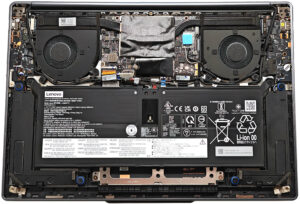


![[June 2026] Best-Selling Laptop Brands on Amazon Global – Apple’s Unrivaled Dominance in Units and Revenue](https://laptopmedia.com/wp-content/uploads/2026/07/GLOBAL-Best-Brands-400x225.jpg)
![[June 2026] Amazon Global: Top 10 Best-Selling Laptops – Apple’s New MacBook Neo Storms to #1, Reshaping the Market with Affordability](https://laptopmedia.com/wp-content/uploads/2026/07/Best-Selling-Laptops-GLOBAL-Top-10-400x225.jpg)
![[June 2026] Amazon Global: Top 10 Best-Selling Gaming Laptops – Acer’s Nitro V 16S AI Dominates Sales, While ASUS Leads Overall Revenue](https://laptopmedia.com/wp-content/uploads/2026/07/Best-Selling-Gaming-Laptops-GLOBAL-Top-10-400x225.jpg)
![[June 2026] Global Ranking of Best-Selling Laptop GPUs on Amazon – NVIDIA RTX 5060 is the Top-Selling Dedicated GPU](https://laptopmedia.com/wp-content/uploads/2026/07/Best-Selling-GPUs-GLOBAL-Top-10-400x225.jpg)
![[June 2026] Global Ranking of Best-Selling Laptop CPUs on Amazon – Apple M5 Dominates, AMD Ryzen 7 260 Gets Solid Premium Share](https://laptopmedia.com/wp-content/uploads/2026/07/Best-Selling-CPUs-GLOBAL-Top-10-400x225.jpg)