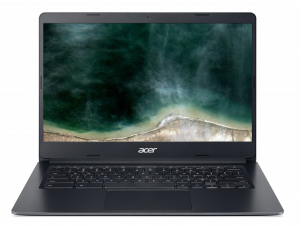
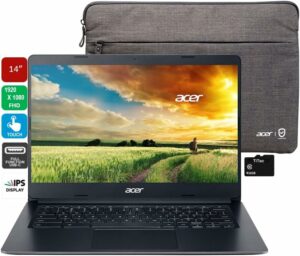
Acer Chromebook 314 (C933)
Acer Chromebook 314 (C933) - Specs
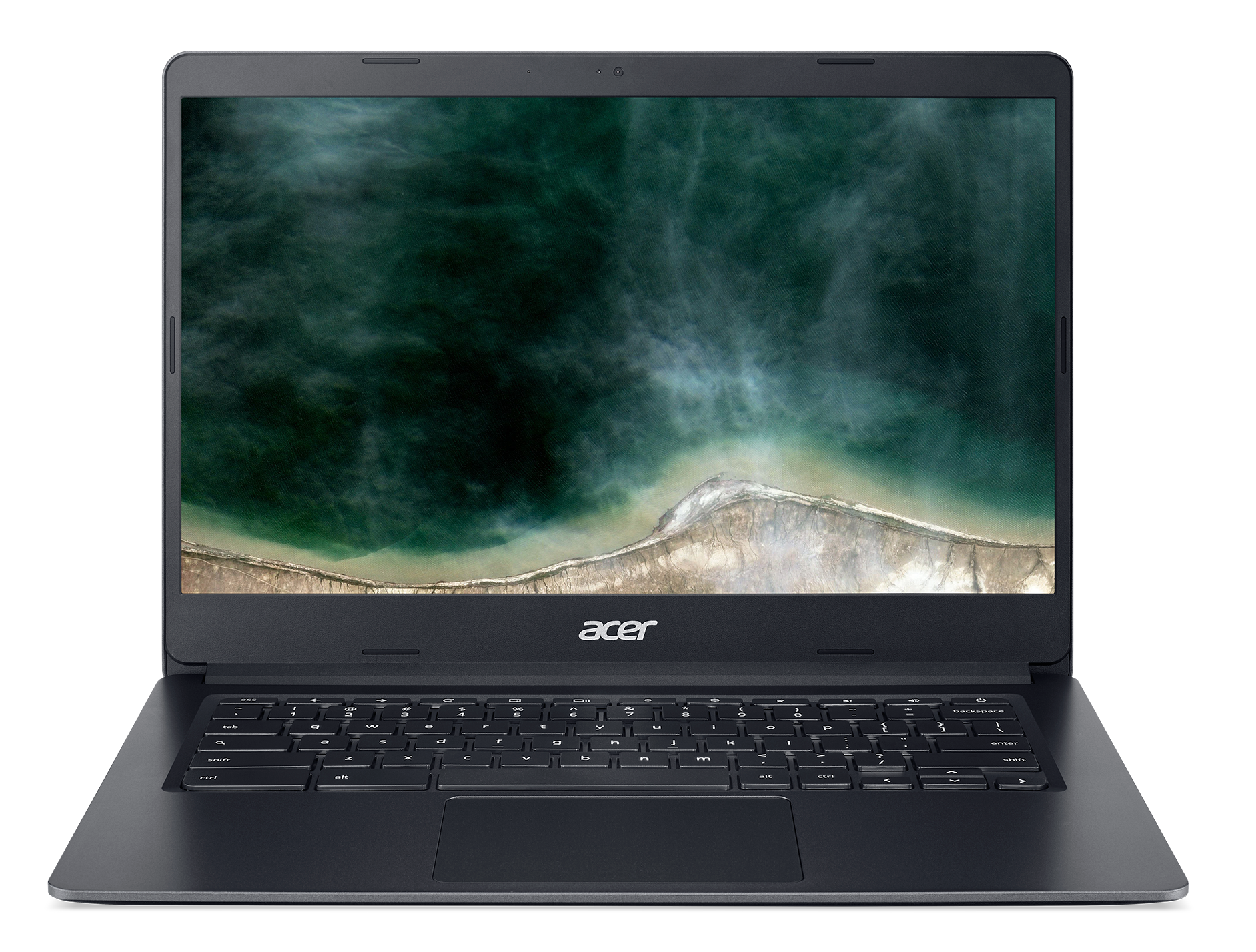
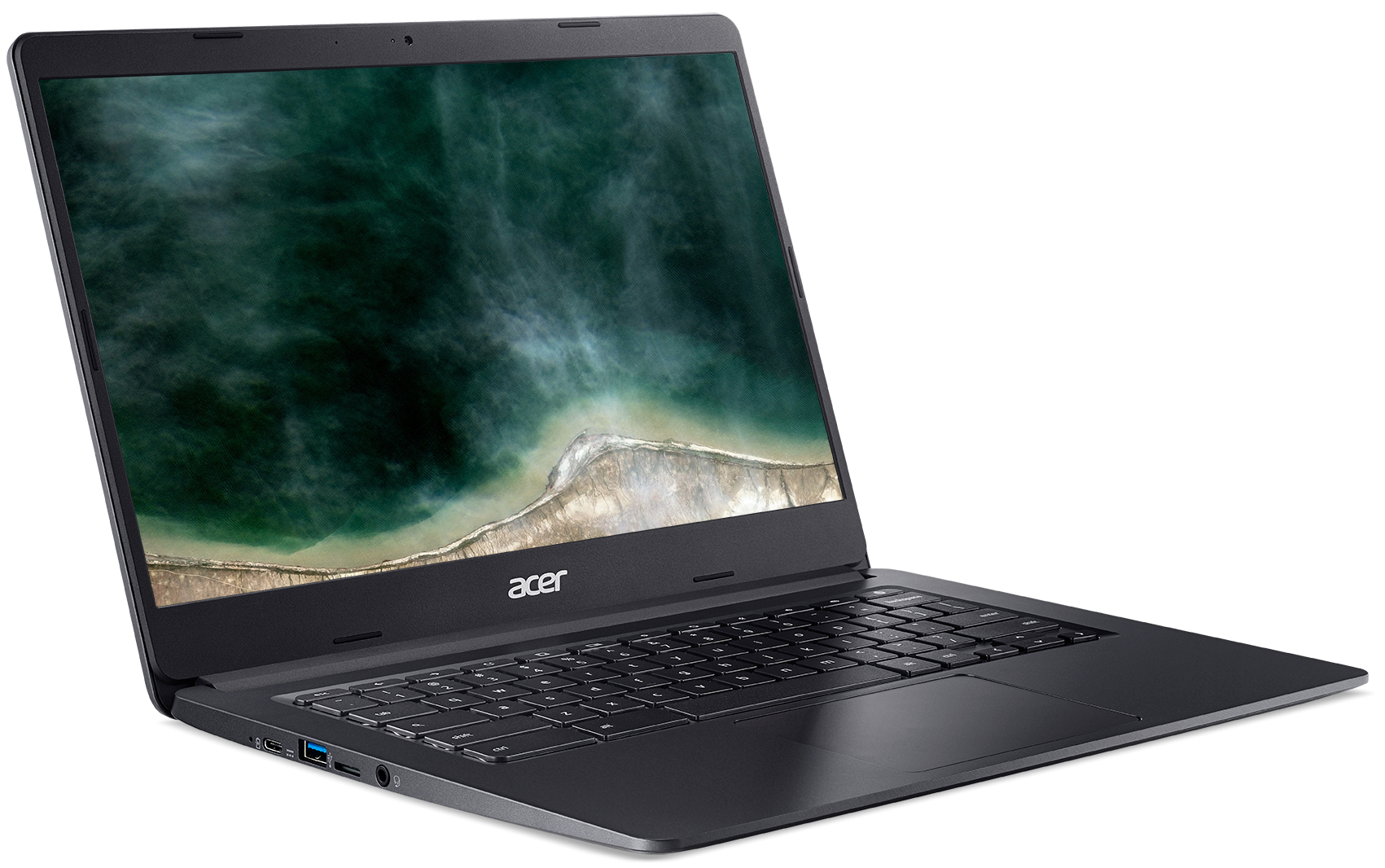
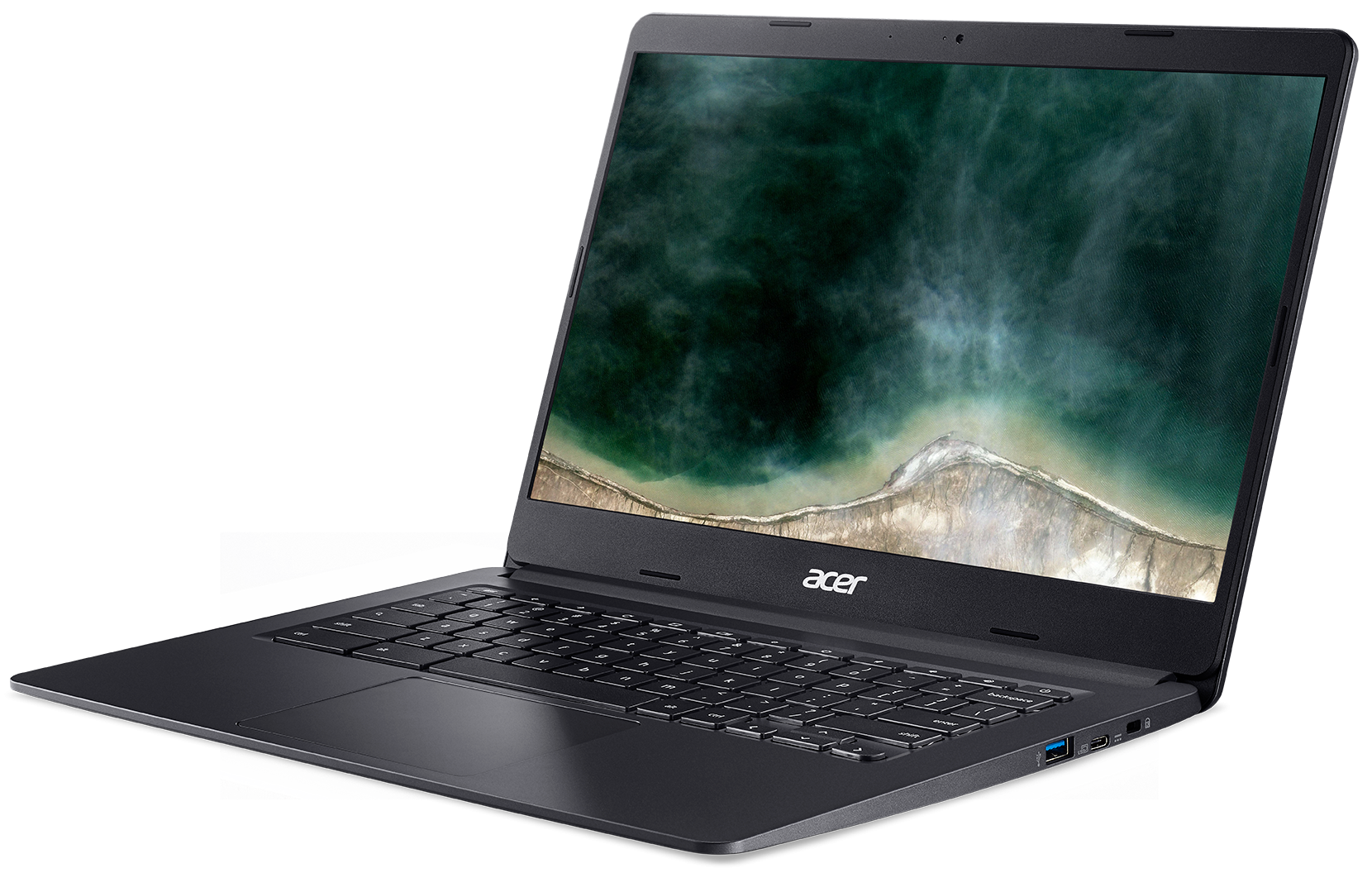
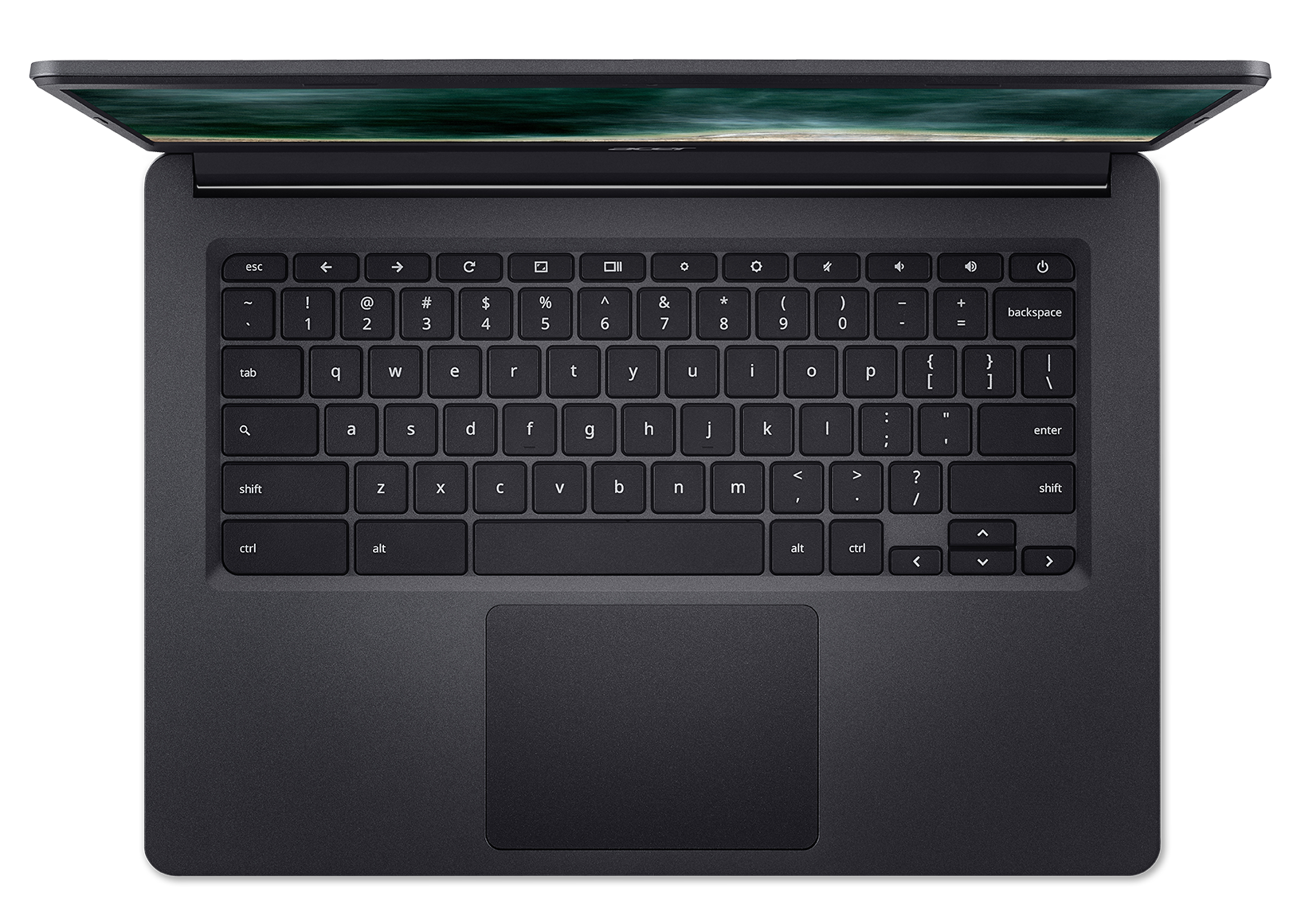
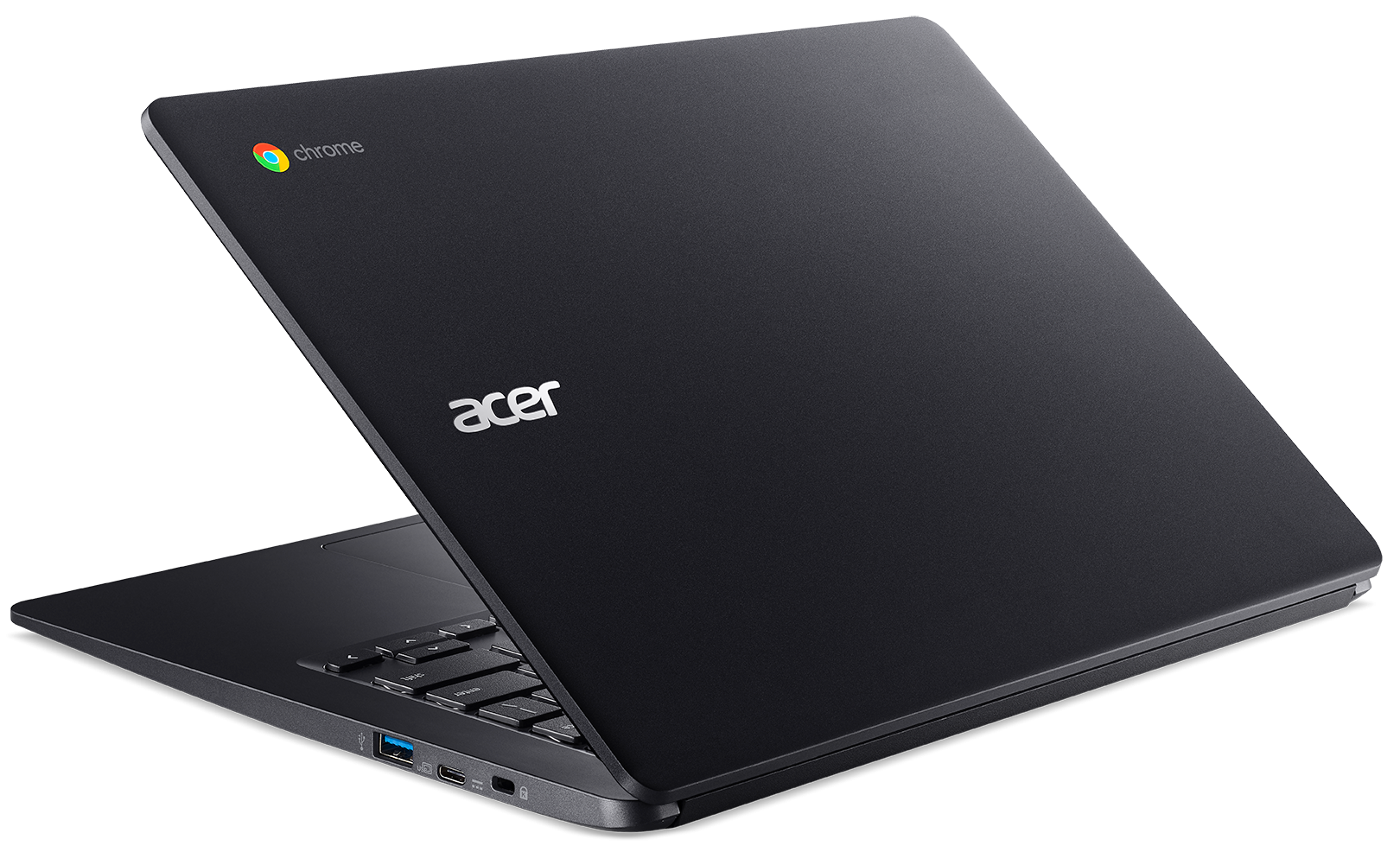
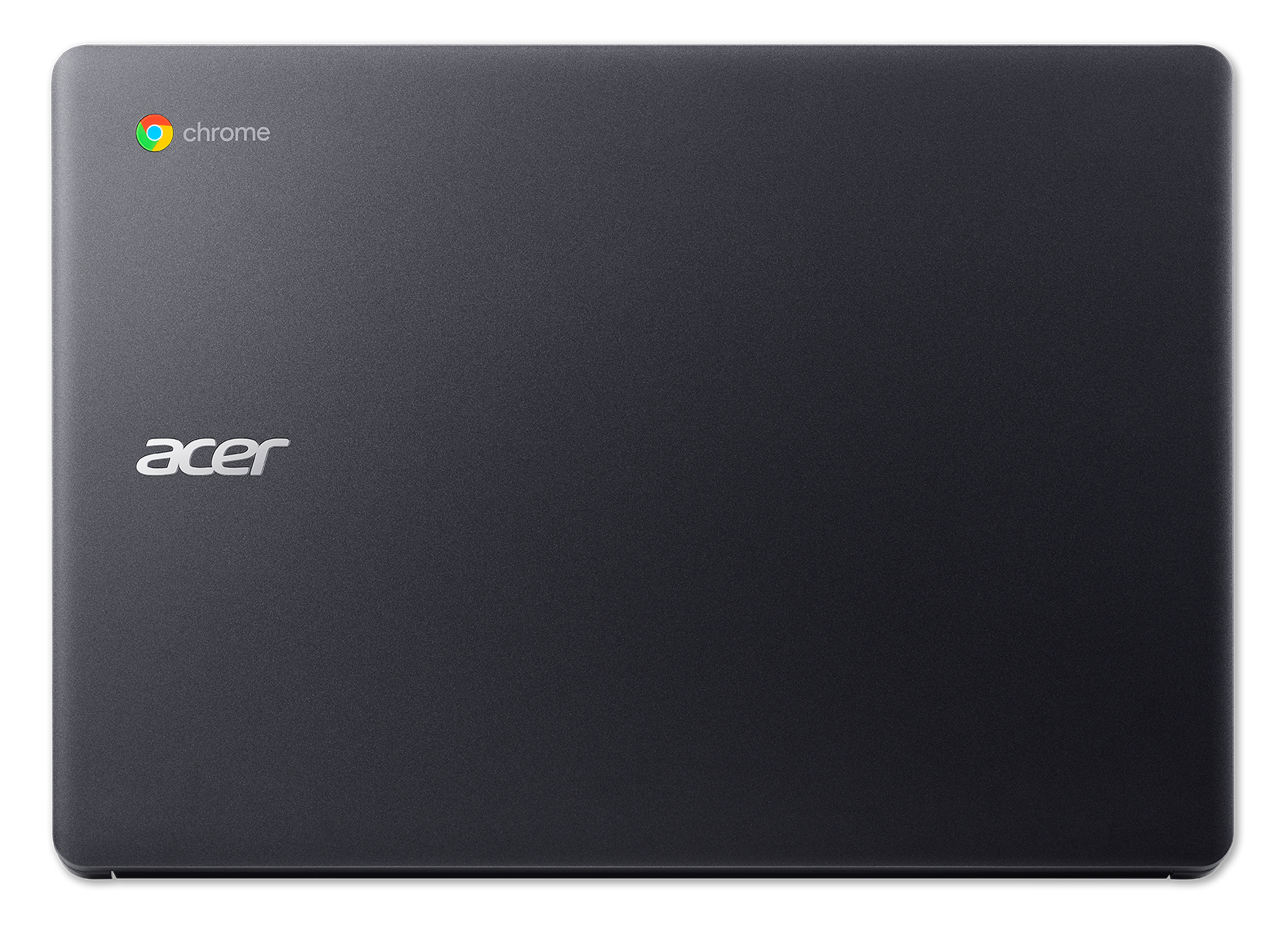
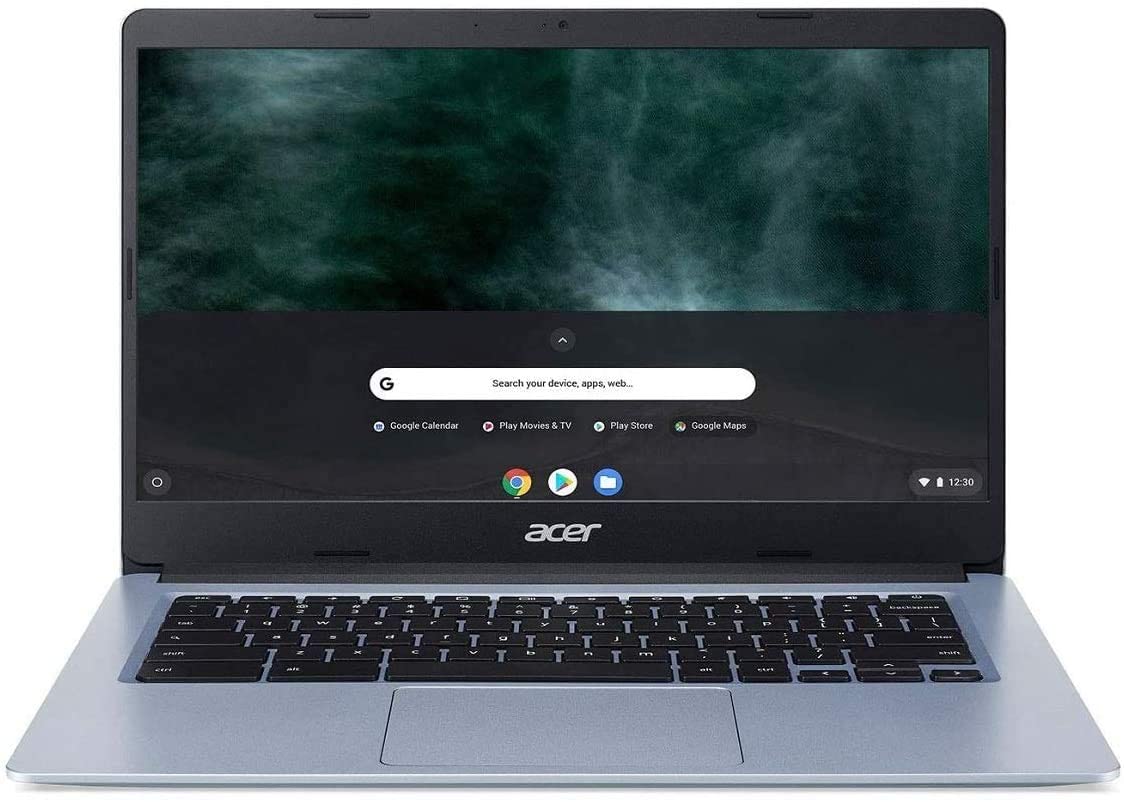
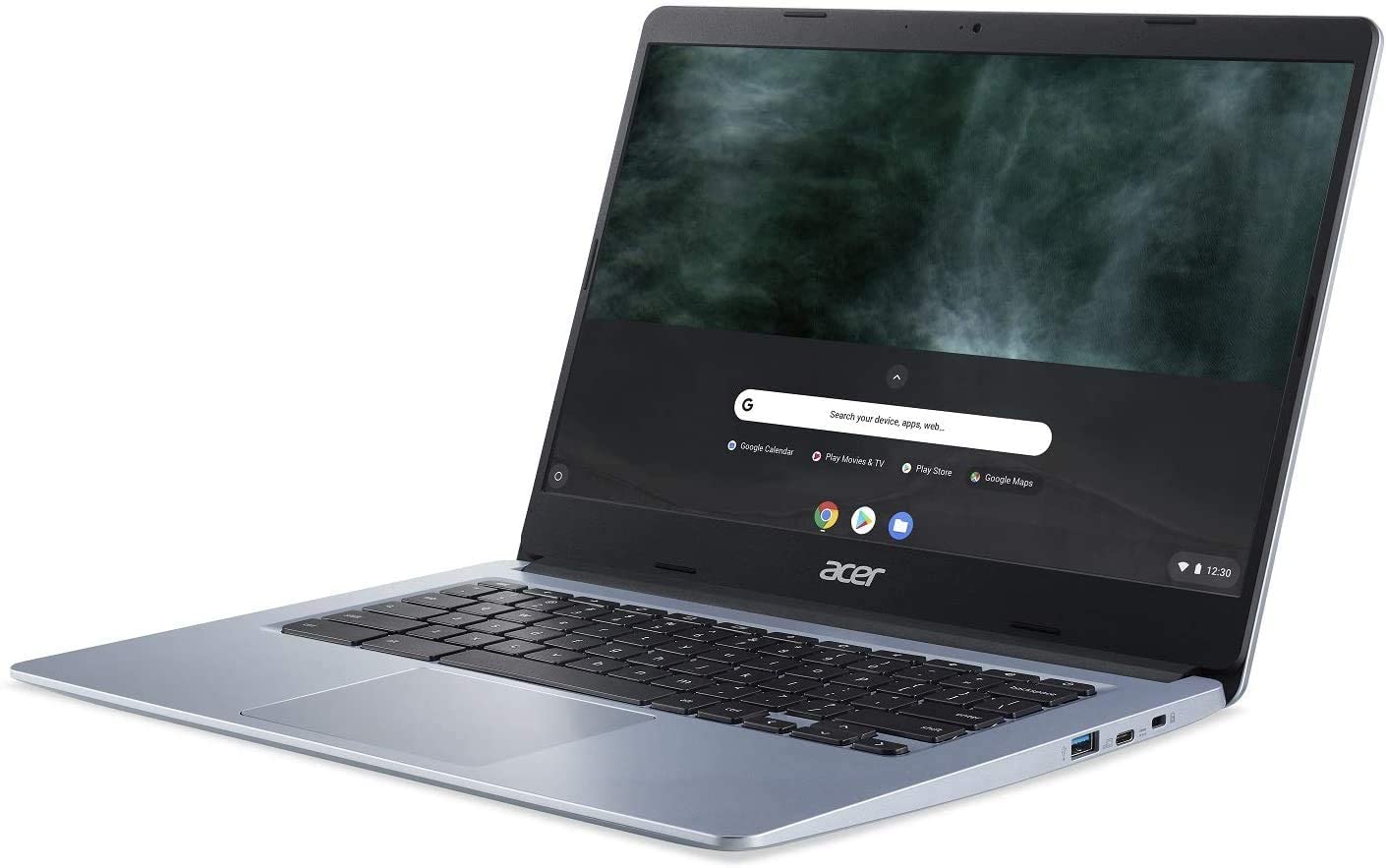

- HDD/SSD
- up to 128GB SSD
- RAM
- up to 8GB
- OS
- Chrome OS, Windows 10 Home
- Battery
- 48Wh, 3-cell, 48Wh, 4-cell, 45Wh, 3-cell, 3-cell, 4-cell
- Dimensions
- 325.1 x 231.1 x 19.8 mm (12.80" x 9.10" x 0.78")
- Weight
- 1.70 kg (3.7 lbs)
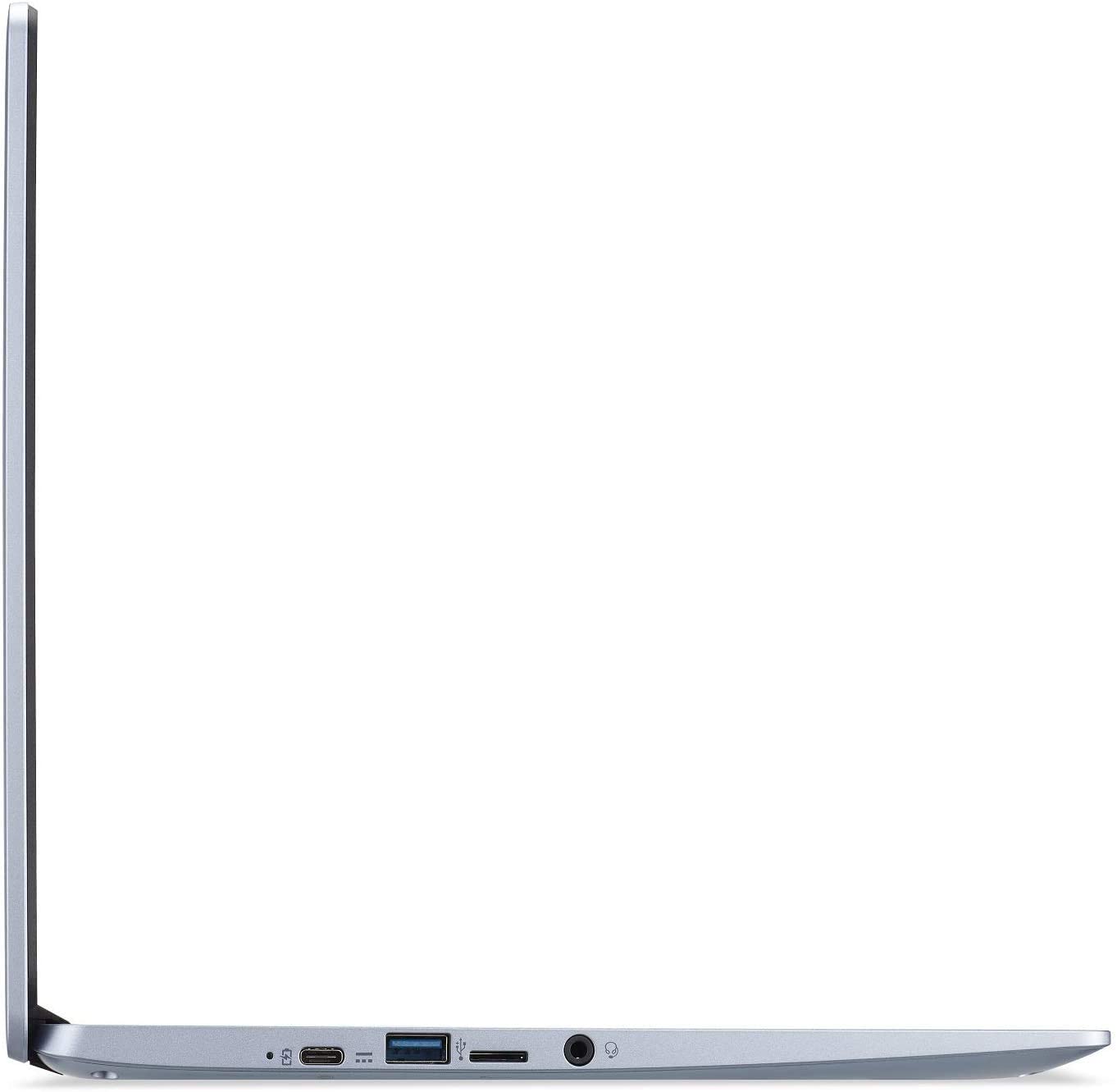
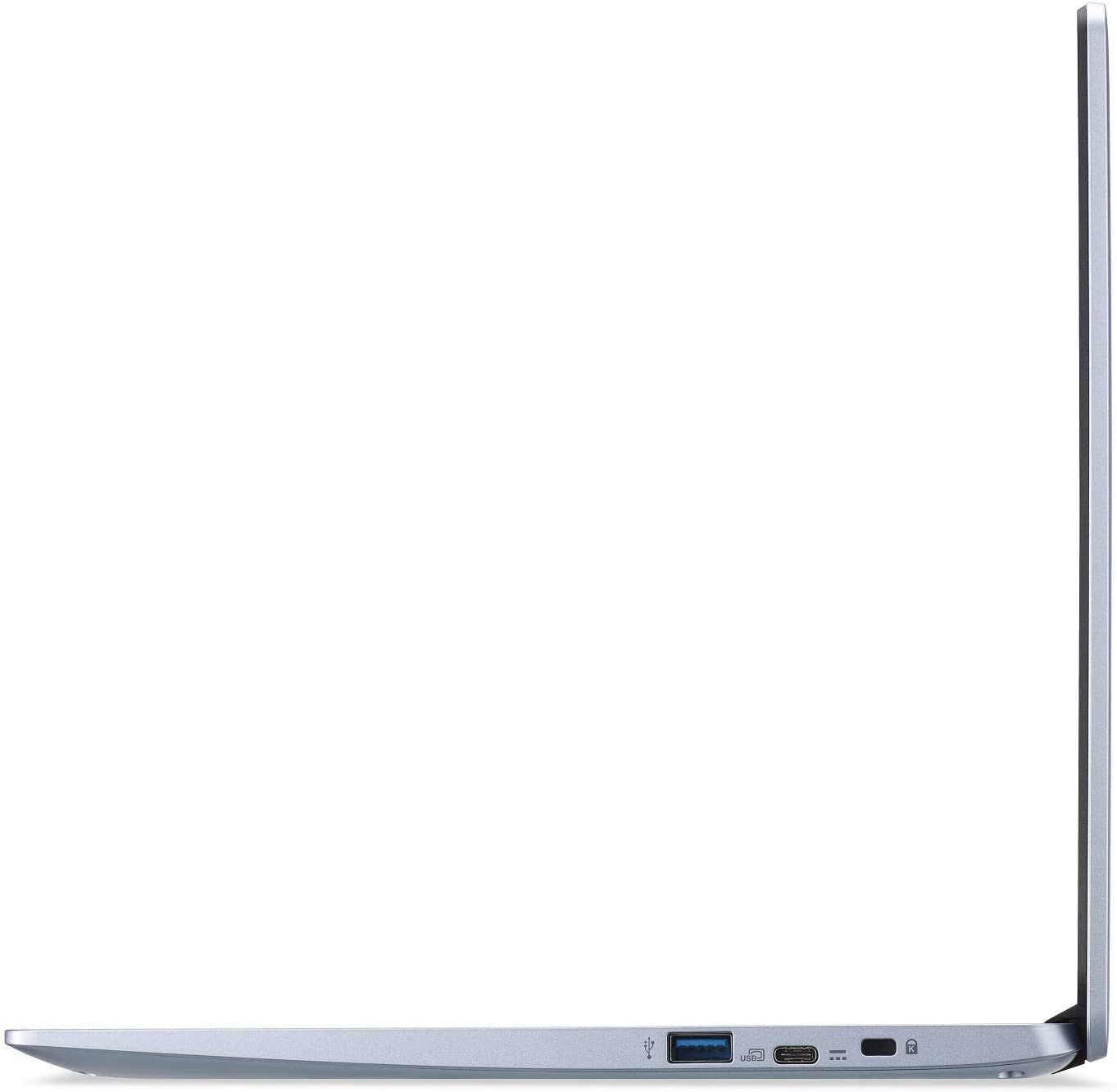
- Ports and connectivity
- 2x USB Type-A
- 3.2 Gen 1 (5 Gbps)
- 2x USB Type-C
- 3.2 Gen 1 (5 Gbps), DisplayPort
- Card reader
- MicroSD
- Wi-Fi
- 802.11ac
- Bluetooth
- 5.0
- Audio jack
- 3.5 mm combo
- Features
- Fingerprint reader
- Web camera
- Backlit keyboard
- optional
- Microphone
- Speakers
- 2 Stereo Speakers
- Optical drive
- Security Lock slot
All Acer Chromebook 314 (C933) configurations
CPU performance
Here you can find the price/performance difference between all the CPUs that come in the Acer Chromebook 314 (C933) series.
Results are from the Cinebench R23 CPU test (the higher the score, the better)
GPU performance
Here you can find the price/performance difference between all the GPUs that come in the Acer Chromebook 314 (C933) series.
The results are from 3DMark Time Spy (Graphics). Higher is better.
Acer Chromebook 314 (C933) in-depth review
A Chromebook meant for working inside the office and out (at home as well). As a 14-inch laptop, the Acer Chromebook 314 (C933) has a big competition in the business market. Most of it comes from Windows-equipped devices, of course, but how exactly does the Chrome OS benefit (or hurt) its usability.Essentially, you won't be able to use the full-fledged Adobe Suit, nor any sophisticated 3D modeling software, but honestly, this is not what the Chromebook 314 (C933) is about. Even if you had the OS support for these programs, the low-power Intel Pentium Silver N5030 simply doesn't have the p[...]

Pros
- Quick through the menu
- The OS loads in an instant
- Two USB Type-C ports that charge the laptop and can output DisplayPort
- Its display has comfortable viewing angles and good contrast ratio (BOE BOE07A0)
- Doesn't use PWM to adjust screen brightness (BOE BOE07A0)
- MicroSD card storage expansion and LTE connectivity
Cons
- Touchpad feels weird
- Covers only 50% of sRGB
- Memory and storage are soldered to the motherboard


![[October 2026] Best-Selling Laptop Brands on Amazon Global – Apple Dominates Revenue Despite HP Leading in Model Variety](https://laptopmedia.com/wp-content/uploads/2026/11/GLOBAL-Best-Brands-400x225.jpg)
![[October 2026] Amazon Global: Top 10 Best-Selling Laptops – Apple Dominates the Global Market as the M5-Powered MacBook Air 13 Claims the #1 Spot](https://laptopmedia.com/wp-content/uploads/2026/11/Best-Selling-Laptops-GLOBAL-Top-10-400x225.jpg)
![[October 2026] Amazon Global: Top 10 Best-Selling Gaming Laptops – HP Victus 15 Claims the Crown as Budget-Friendly Configurations Dominate Global Sales](https://laptopmedia.com/wp-content/uploads/2026/11/Best-Selling-Gaming-Laptops-GLOBAL-Top-10-400x225.jpg)
![[October 2026] Global Ranking of Best-Selling Laptop GPUs on Amazon – Apple M5 Dominates as NVIDIA’s RTX 5060 Leads Dedicated GPUs in October 2026](https://laptopmedia.com/wp-content/uploads/2026/11/Best-Selling-GPUs-GLOBAL-Top-10-400x225.jpg)
![[October 2026] Global Ranking of Best-Selling Laptop CPUs on Amazon – Apple’s M5 Dominates as Intel and AMD Battle for Scraps](https://laptopmedia.com/wp-content/uploads/2026/11/Best-Selling-CPUs-GLOBAL-Top-10-400x225.jpg)
