Lenovo V14
Lenovo V14 - Specs
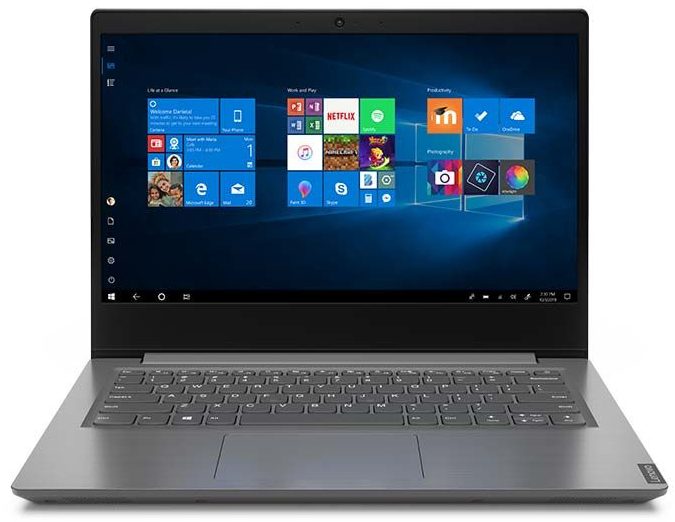
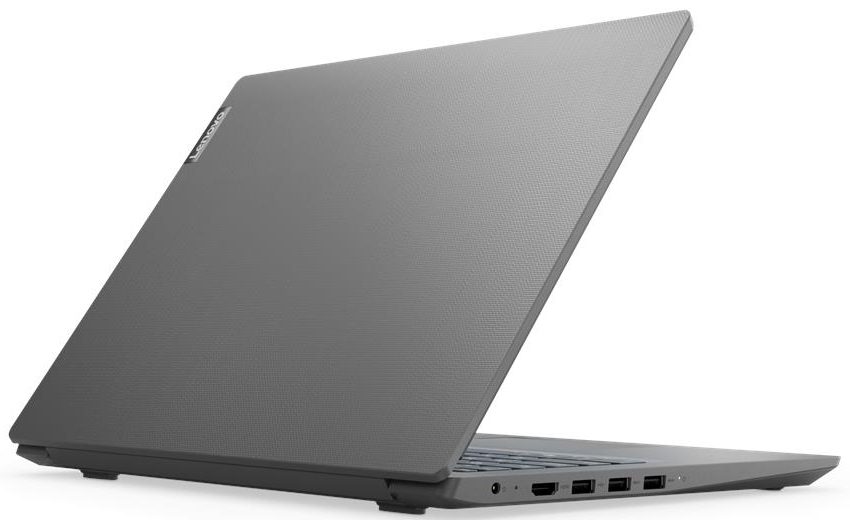
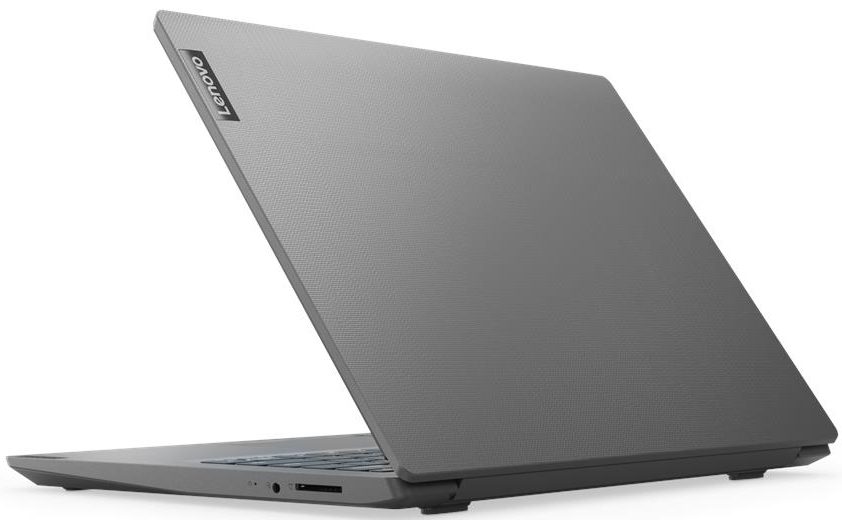

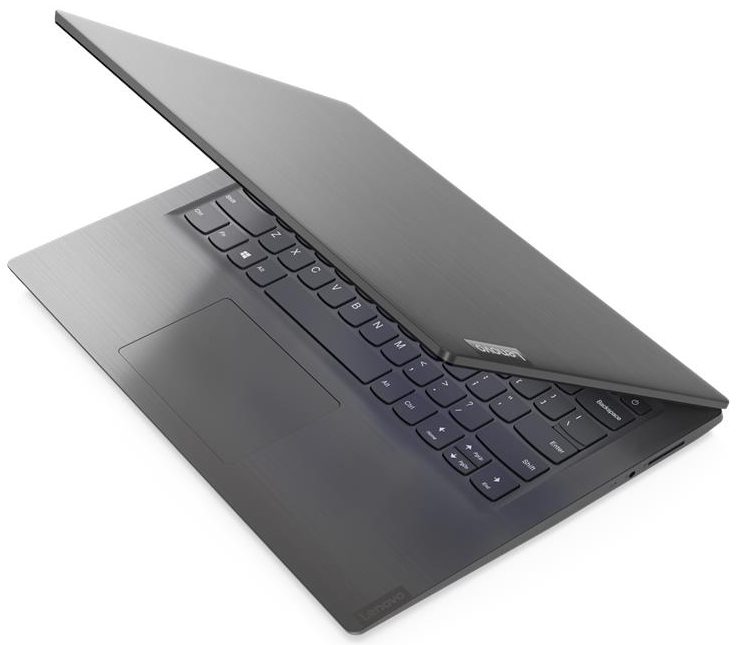
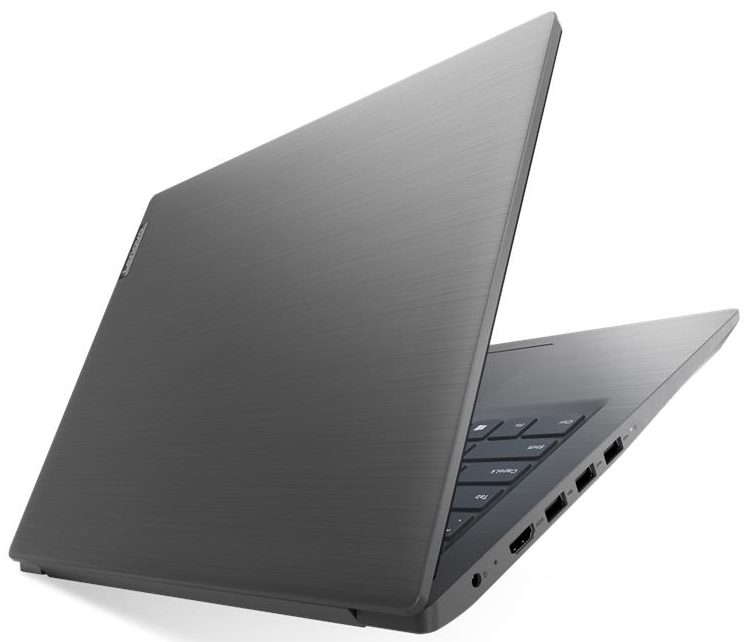
- CPU
- Intel Core i3-1005G1 #217 in Top CPUsIntel Pentium Gold 5405U Intel Core i7-8565U Intel Core i7-1065G7 Intel Core i5-8265U Intel Core i5-8250U Intel Core i5-1035G4 Intel Core i5-1035G1 Intel Core i3-8145U Intel Core i3-8130U Intel Core i3-10110U Intel Celeron N4020 AMD Ryzen 7 4700U AMD Ryzen 5 4500U AMD Ryzen 3 3250U AMD Ryzen 3 2200U AMD Athlon Gold 3150U AMD 3020e
- GPU
- NVIDIA GeForce MX110 (2GB GDDR5) #336 in Top GPUs Intel UHD Graphics G1 #346 in Top GPUs Intel UHD Graphics 620 #343 in Top GPUs Intel UHD Graphics 600 #367 in Top GPUs Intel UHD Graphics #365 in Top GPUs Intel Iris Plus Graphics G7 #341 in Top GPUs Intel HD Graphics 610 #363 in Top GPUs AMD Radeon RX Vega 7 (R4000/5000, 15W) #322 in Top GPUs AMD Radeon RX Vega 6 (R4000/5000, 15W) #330 in Top GPUs AMD Radeon RX Vega 3 #335 in Top GPUsIntel Iris Plus Graphics G4

- HDD/SSD
- up to 2000GB SSD + up to 1000GB HDD
- M.2 Slot
- 1x 2280 PCIe NVMe 3.0 x4
- RAM
- up to 20GB
- OS
- Windows 10 Pro, Windows 11 Pro, DOS, No OS, Windows 11 Home, Windows 10 Home
- Battery
- 35Wh, 30Wh, 2-cell, 30Wh, 35Wh, 2-cell, 35Wh
- Body material
- Plastic / Polycarbonate
- Dimensions
- 327 x 241 x 19.9 mm (12.87" x 9.49" x 0.78")
- Weight
- 1.60 kg (3.5 lbs)
- Ports and connectivity
- 2x USB Type-A
- 3.2 Gen 1 (5 Gbps)
- 1x USB Type-A
- 2.0
- HDMI
- 1.4b
- Card reader
- MMC, SD, SDHC, SDXC
- Wi-Fi
- 802.11ac
- Bluetooth
- 4.2
- Audio jack
- 3.5 mm combo
- Features
- Fingerprint reader
- Web camera
- HD
- Backlit keyboard
- Microphone
- Monaural Microphone
- Speakers
- 2x 1.5W, Dolby Audio
- Optical drive
- Security Lock slot
All Lenovo V14 configurations
CPU performance
Here you can find the price/performance difference between all the CPUs that come in the Lenovo V14 series.
Results are from the Cinebench R23 CPU test (the higher the score, the better)
GPU performance
Here you can find the price/performance difference between all the GPUs that come in the Lenovo V14 series.
The results are from 3DMark Time Spy (Graphics). Higher is better.
Lenovo V14 in-depth review
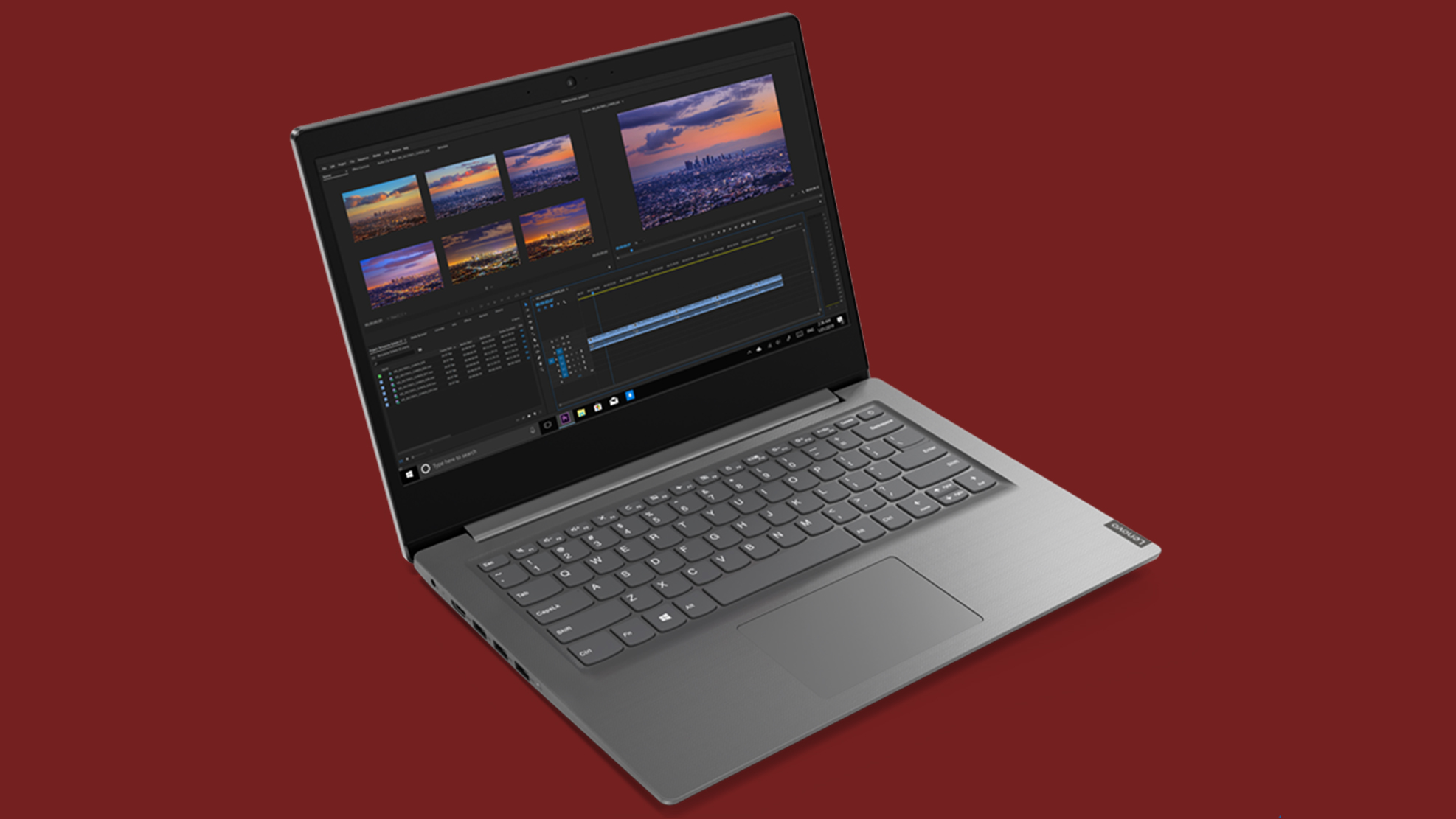
Well, obviously some of Lenovo's small-to-medium business laptops are overlaying each other. Today we are looking at another one of them. This time, it is a 14-incher which is unanimously named - the Lenovo V14. It is designed in a way that it both doesn't cost a pretty penny, but also helps you en route to your business endeavors.Nevertheless, it can be purchased equipped with a lot of processor options. Some of them feature the Whiskey Lake CPU lineup, while others boast the Ice Lake 10nm devices. Since we own the V14-IWL model, we can't really tell anything about the performance of the[...]
Pros
- Appealing price tag
- Decent battery life
- Features an SD card reader
- Comfortable keyboard
- Doesn't use PWM for brightness adjustment (AUO203D)
Cons
- No Type-C port and RJ-45 connector
- The TN panel has naturally poor viewing angles and mediocre contrast ratio (AUO203D)
- Covers only 50% of sRGB (AUO203D)
- Uncomfortable touchpad
Games you can play on this laptop series









Resolution: 1920 x 1080 (Full HD) |
MIN |
MED |
MAX |
|---|---|---|---|
 | 39 FPS PLAY VIDEO | 26 FPS PLAY VIDEO | 18 FPS PLAY VIDEO |
| AMD Radeon RX Vega 6 (R4000/5000, 15W) | 33 FPS | 25 FPS | 18 FPS |

Resolution: 1920 x 1080 (Full HD) |
HIGH PERF |
HIGH QLT |
|---|---|---|
| 117 FPS PLAY VIDEO | 42 FPS PLAY VIDEO |
| Intel UHD Graphics G1 | 64 FPS PLAY VIDEO | 28 FPS PLAY VIDEO |
| Intel Iris Plus Graphics G7 | 53 FPS PLAY VIDEO | 21 FPS PLAY VIDEO |


![[September 2026] Best-Selling Laptop Brands on Amazon Global – Apple Dominates the Market with Over 70% Revenue Share](https://laptopmedia.com/wp-content/uploads/2026/10/GLOBAL-Best-Brands-400x225.jpg)
![[September 2026] Amazon Global: Top 10 Best-Selling Laptops – Apple’s MacBook Neo Claims the #1 Spot as Budget and Premium Devices Dominate](https://laptopmedia.com/wp-content/uploads/2026/10/Best-Selling-Laptops-GLOBAL-Top-10-400x225.jpg)
![[September 2026] Amazon Global: Top 10 Best-Selling Gaming Laptops – ASUS ROG Strix G16 Dominates the Market with Record-Breaking Unit Sales](https://laptopmedia.com/wp-content/uploads/2026/10/Best-Selling-Gaming-Laptops-GLOBAL-Top-10-400x225.jpg)
![[September 2026] Global Ranking of Best-Selling Laptop GPUs on Amazon – Apple’s M5 Chip Obliterates NVIDIA in Premium Laptops, But the RTX 5060 Is the Only Dedicated GPU to Crack the Top 10](https://laptopmedia.com/wp-content/uploads/2026/10/Best-Selling-GPUs-GLOBAL-Top-10-400x225.jpg)
![[September 2026] Global Ranking of Best-Selling Laptop CPUs on Amazon – Apple’s M5 Crushes Intel as Premium Market Becomes a One-Horse Race](https://laptopmedia.com/wp-content/uploads/2026/10/Best-Selling-CPUs-GLOBAL-Top-10-400x225.jpg)
