Inside HP Pavilion x360 15 (15-er0000) – disassembly and upgrade options
HP could have definitely made our job easier here, but instead, they once again hid the screws away from plain sight.
Check out all HP Pavilion x360 15 (15-er0000) prices and configurations in our Specs System or read more in our In-Depth review.
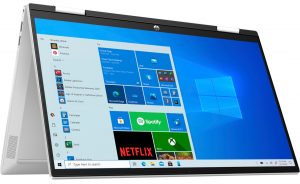
1. Remove the bottom plate
Once again, all of the screws of this laptop are hidden beneath the rubber feet. Keep in mind that the feet are rather thin, so be gentle when you remove them. After that, undo all 7 Phillips-head screws, and pry the bottom panel with a plastic tool.

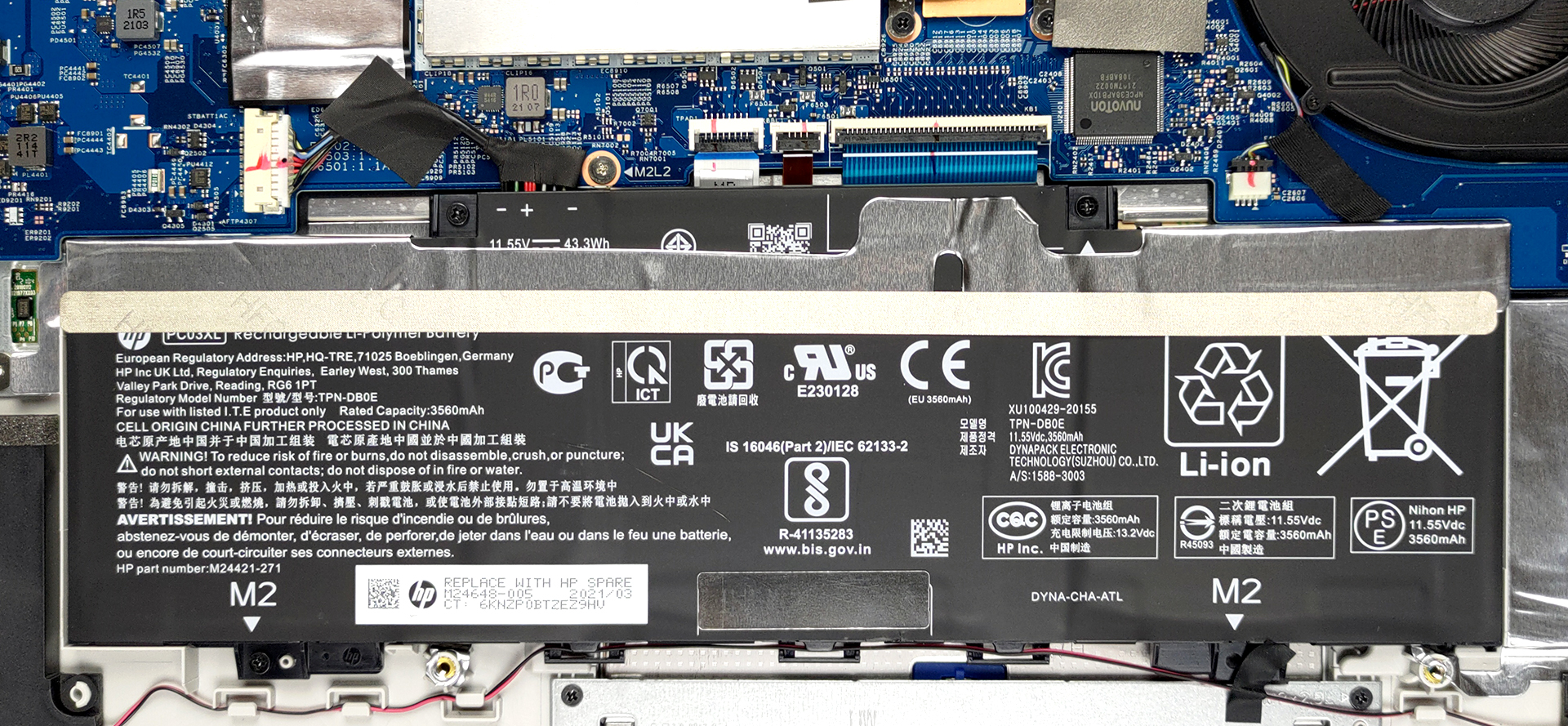
2. Battery
Inside, you will find a 43Wh battery pack.
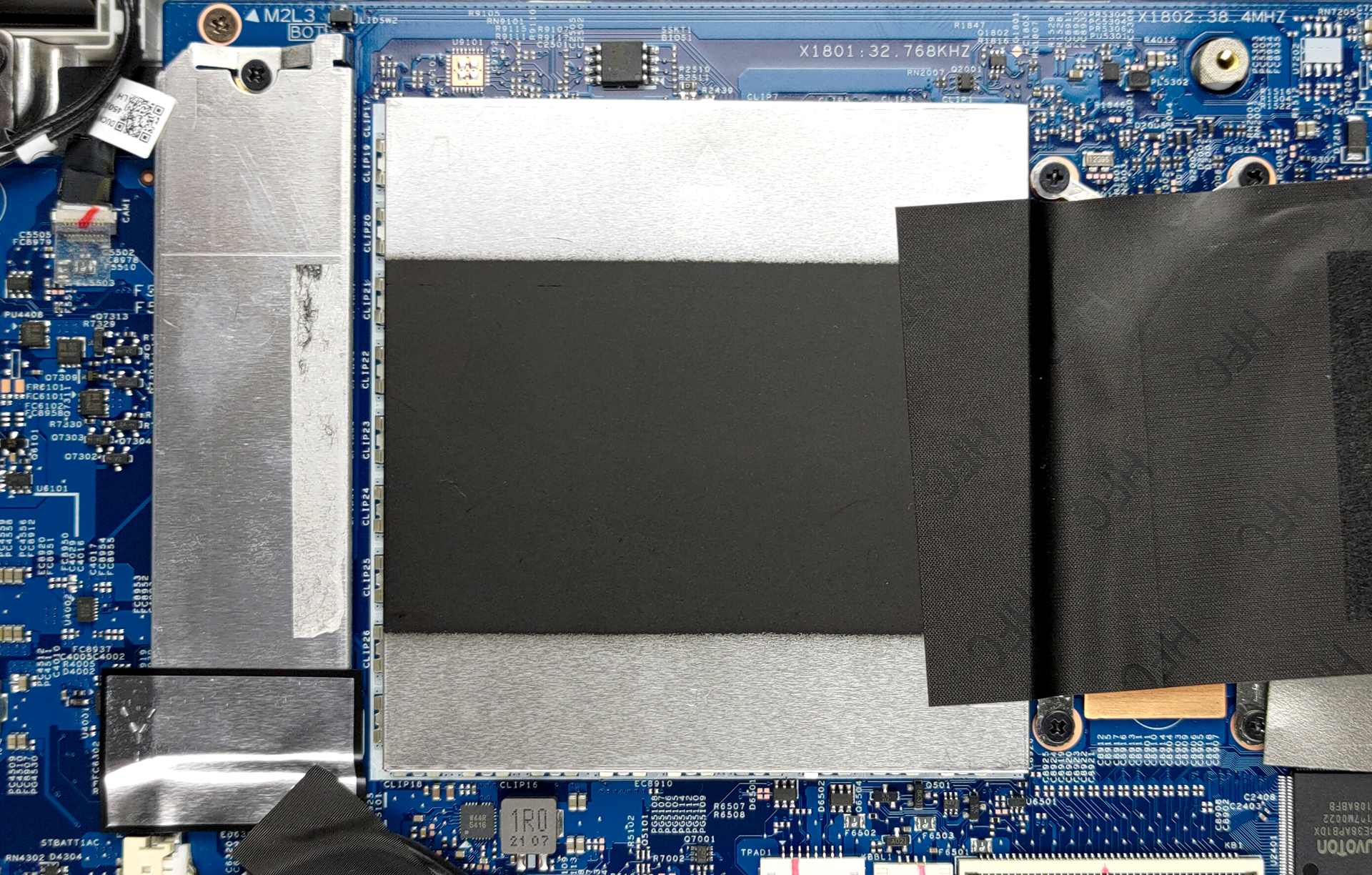
3. Мemory and storage
Once you get to the upgrade options, you will see more hide-and-seek adventures. First, remove the metal bracket next to the processor, to reveal the two SODIMM slots for memory upgrades. The maximum supported RAM here is 32GB. Storage-wise, there is one M.2 NVMe slot.
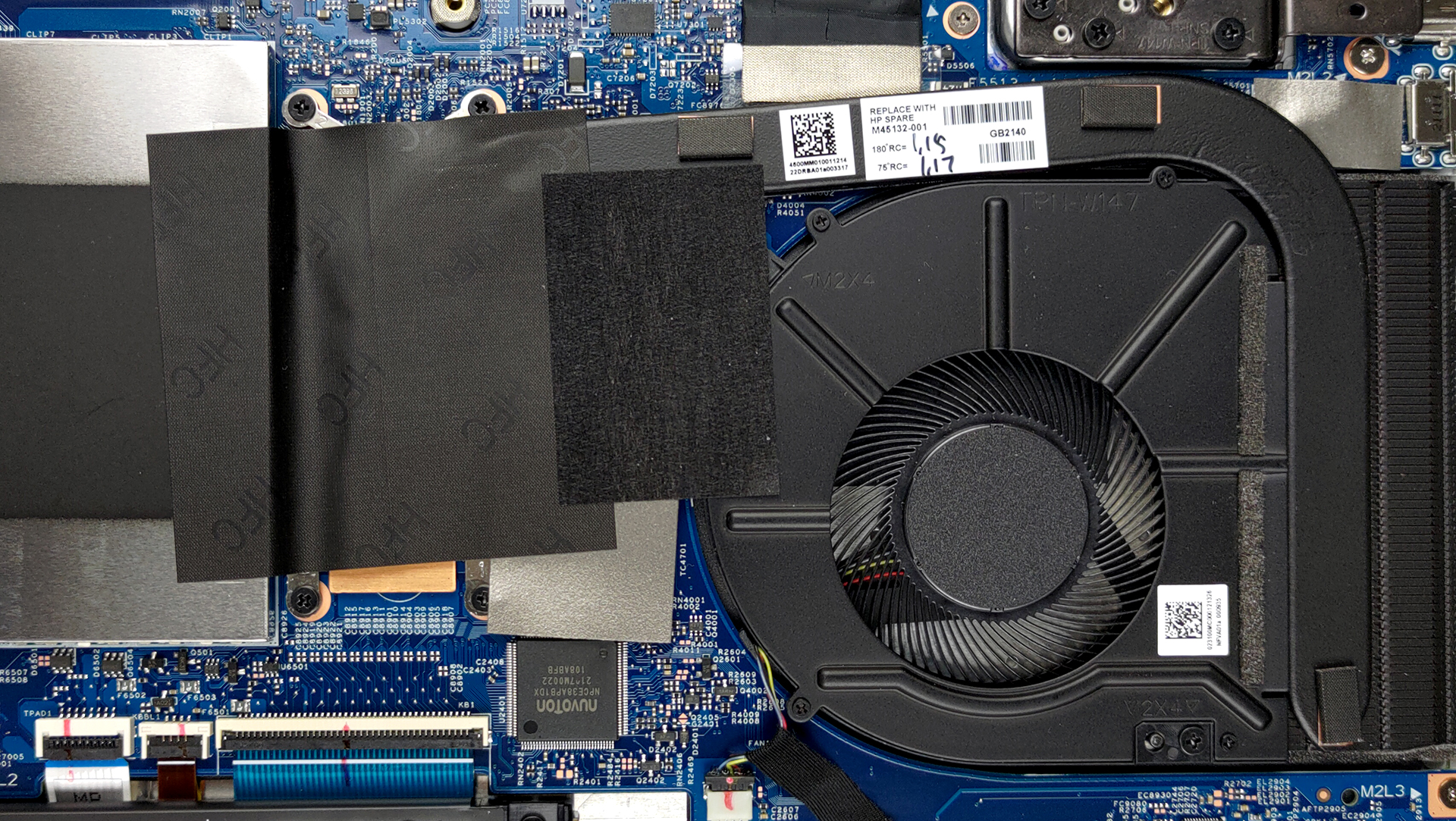
4. Cooling system
As for the cooling, there is one heat pipe, and medium-sized heat sink, and a fan.
Check out all HP Pavilion x360 15 (15-er0000) prices and configurations in our Specs System or read more in our In-Depth review.
HP Pavilion x360 15 (15-er0000, er1000) derinlemesine inceleme
What HP is doing with their Spectre and Envy brands is delivering high-quality products with a lot of features. Well, not everyone has the budget for that, unfortunately. This is why devices like the Pavilion x360 15 (15-er0000) exist. They should present the ultimate balance between price and performance while keeping the compromises to a minimum.Looking at the specs sheet, we see a reason to be optimistic. The laptop comes equipped with a brand new Tiger Lake U processor. Well, you can pick the Pentium 7505 Silver, if you don't need the performance of the Core iX devices.Additionall[...]
Artıları
- Fine upgradeability
- MicroSD card slot
- Appetizing price tag
- Can be configured with capable hardware
- No PWM (Innolux CMN1512)
- Extremely comfortable input devices
- Stylus inside the box
Eksileri
- No Thunderbolt
- Questionable build quality
- Covers only 55% of sRGB (Innolux CMN1512)
 Author: Alex Iliev

![[Haziran 2026] Amazon Global’de En Çok Satan Dizüstü Bilgisayar Markaları – Apple’ın Satış Adedi ve Gelir Açısından Rakipsiz Hakimiyeti](https://laptopmedia.com/wp-content/uploads/2026/07/GLOBAL-Best-Brands-400x225.jpg)
![[Haziran 2026] Amazon Global: En Çok Satan 10 Dizüstü Bilgisayar – Apple’ın Yeni MacBook Neo, 1. Sıraya Fırtına Gibi Yükseldi; Uygun Fiyatıyla Pazarı Yeniden Şekillendiriyor](https://laptopmedia.com/wp-content/uploads/2026/07/Best-Selling-Laptops-GLOBAL-Top-10-400x225.jpg)
![[Haziran 2026] Amazon Global: En Çok Satan 10 Oyun Dizüstü Bilgisayarı – Acer’ın Nitro V 16S AI modeli satışlarda başı çekerken, ASUS toplam gelirde lider konumda](https://laptopmedia.com/wp-content/uploads/2026/07/Best-Selling-Gaming-Laptops-GLOBAL-Top-10-400x225.jpg)
![[Haziran 2026] Amazon’da En Çok Satan Dizüstü Bilgisayar GPU’larının Küresel Sıralaması – NVIDIA RTX 5060, en çok satan özel amaçlı GPU’dur](https://laptopmedia.com/wp-content/uploads/2026/07/Best-Selling-GPUs-GLOBAL-Top-10-400x225.jpg)
![[Haziran 2026] Amazon’da En Çok Satan Dizüstü Bilgisayar İşlemcilerinin Küresel Sıralaması – Apple M5 Liderlik Yapıyor, AMD Ryzen 7 260 Üst Sınıf Segmentte Sağlam Bir Pay Elde Ediyor](https://laptopmedia.com/wp-content/uploads/2026/07/Best-Selling-CPUs-GLOBAL-Top-10-400x225.jpg)

where do i buy the screen with its cover replacements when it is broken?