Top 5 reasons to BUY or NOT to buy the GIGABYTE AORUS 15G (RTX 30)
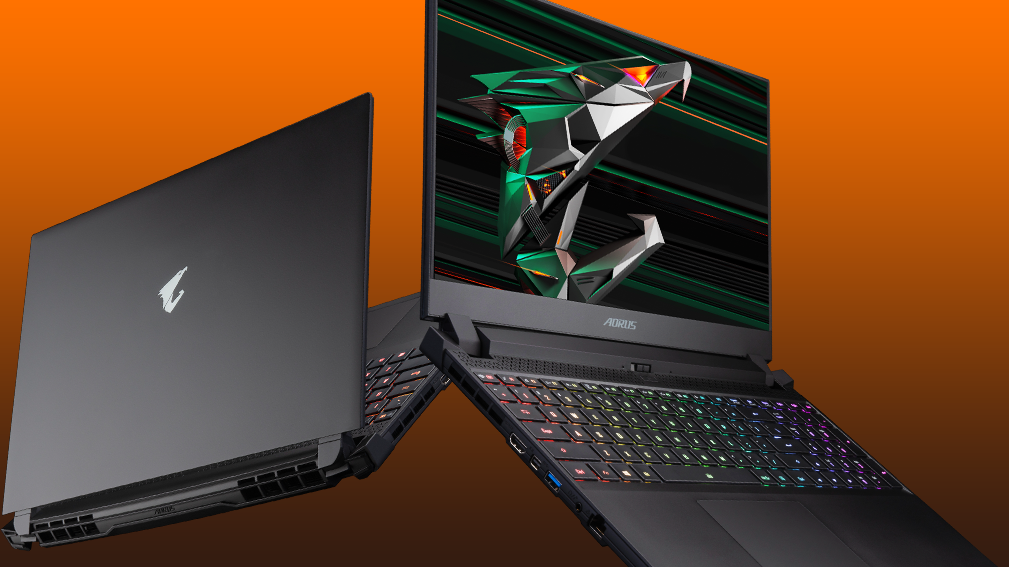 The AORUS brand from GIGABYTE is synonymous with gaming, so we expect a lot from the 15G, which is their latest gaming laptop that features the newest technology from NVIDIA (RTX Ampere).
However, it seems that they have skipped out on the new CPU trend, which is Tiger Lake, deciding to stick to the tried and true Core i7-10870H, which might not have the highest computational performance and benchmark scores, but does wonders when it comes to gaming.
Today we are presenting you with LaptopMedia’s top 5 picks about the GIGABYTE AORUS 15G (RTX 30).
GIGABYTE AORUS 15G (RTX 30): Full Specs / In-depth Review

4 reasons to BUY the GIGABYTE AORUS 15G (RTX 30)
1. Display quality
When thinking of what this laptop could be fantastic at, creativity certainly wasn’t one of them. However, this display is just fantastic. The 15.6-inch Full HD IPS unit provides excellent viewing angles, 310 nits of max brightness in the middle of the panel, 288 nits as an average for the entire display area, and a maximum deviation of 10%. The laptop performs well in a uniform perspective and has a contrast ratio of 1120:1.
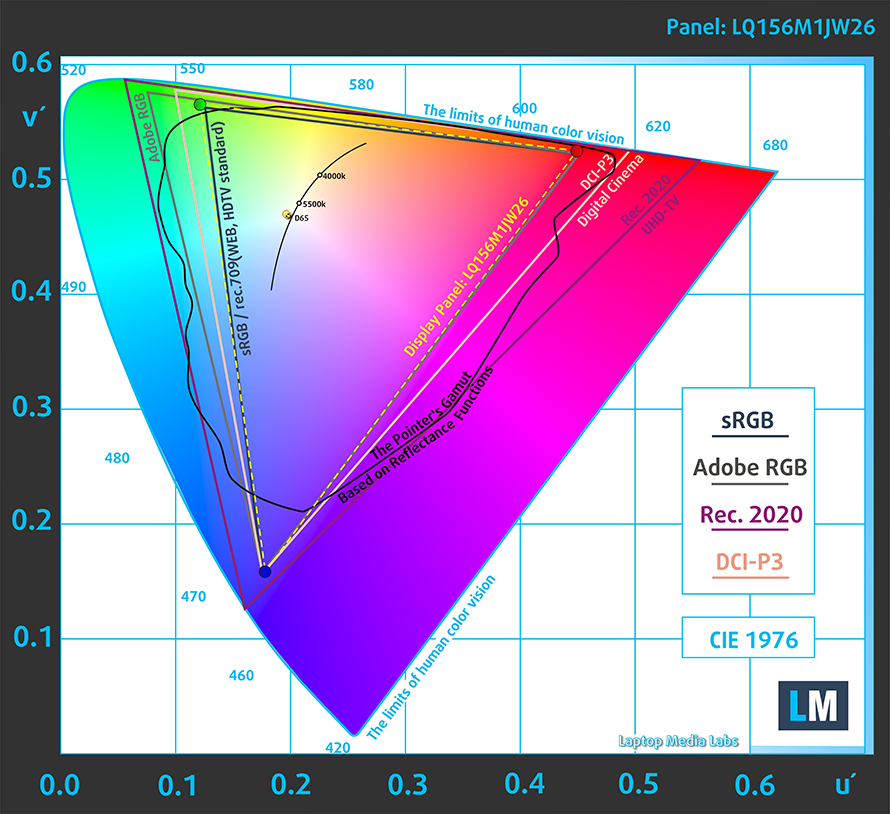
Furthermore, you get 99% sRGB coverage.
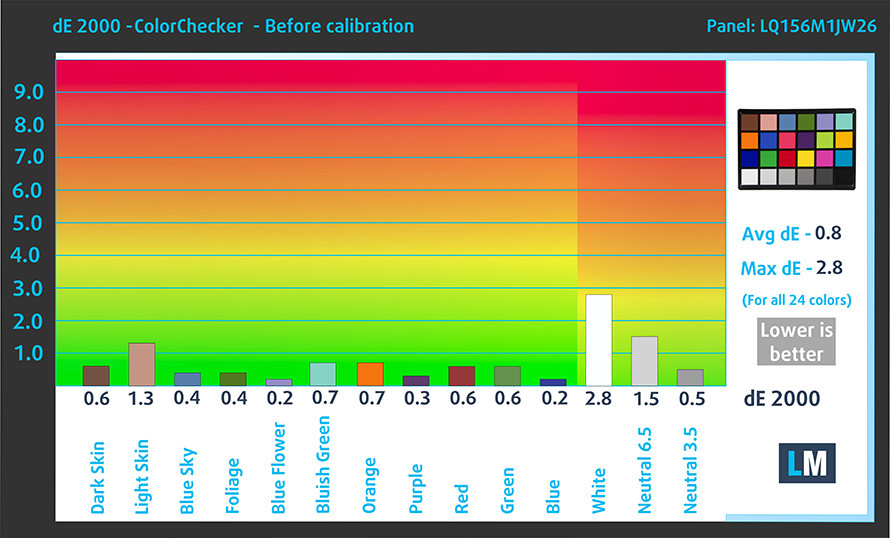
The color accuracy was also fantastic straight out of the box, with our test showing a dE value of 0.8. That didn’t stop us however from applying our Design and Gaming profile, which brought it down further to 0.5. Below you can compare the results with both the factory settings (left) and with our Design and Gaming profile (right).

Buy our profiles
Since our profiles are tailored for each display model, this article and its respective profile package are meant for GIGABYTE AORUS 15G configurations with 15.6″ FHD IPS Sharp LQ156M1JW26 (SHP1532).
*Should you have problems with downloading the purchased file, try using a different browser to open the link you’ll receive via e-mail. If the download target is a .php file instead of an archive, change the file extension to .zip or contact us at [email protected].
Read more about the profiles HERE.
Verimli ve sağlık dostu profiller almanın yanı sıra, LaptopMedia'nın ürünlerini satın alarak, mümkün olan en objektif incelemeleri üretmek için cihazları test ettiğimiz laboratuvarlarımızın gelişimini de desteklemiş olursunuz.

Ofis Çalışması
Ofis Çalışması, çoğunlukla metinlere, tablolara bakan veya sadece gezinen kullanıcılar tarafından kullanılmalıdır. Bu profil, düz bir gama eğrisi (2.20), doğal renk sıcaklığı ve algısal olarak doğru renkler tutarak daha iyi ayırt edilebilirlik ve netlik sunmayı amaçlamaktadır.

Tasarım ve Oyun
Bu profil, renklerle profesyonel olarak çalışan tasarımcılara ve aynı zamanda oyunlara ve filmlere yöneliktir. Tasarım ve Oyun, ekran panellerini sınırlarına kadar zorlayarak Web ve HDTV için sRGB IEC61966-2-1 standardında, D65 beyaz noktasında mümkün olduğunca doğru olmalarını sağlar.

Health-Guard
Health-Guard, zararlı Darbe Genişlik Modülasyonunu (PWM) ortadan kaldırır ve gözlerimizi ve vücudumuzu etkileyen negatif Mavi Işığı azaltır. Her panel için özel olarak uyarlandığından, renkleri algısal olarak doğru tutmayı başarır. Health-Guard kağıdı simüle eder, böylece gözlerdeki baskı büyük ölçüde azalır.
3 profili de %33 indirimle alın

2. Upgradeability
Being a gaming laptop, the AORUS 15G offers fantastic upgradeability, with there being two SODIMM RAM slots, which can handle up to 64GB of DDR4 RAM in dual-channel mode, and two M.2 PCIe x4 slots.
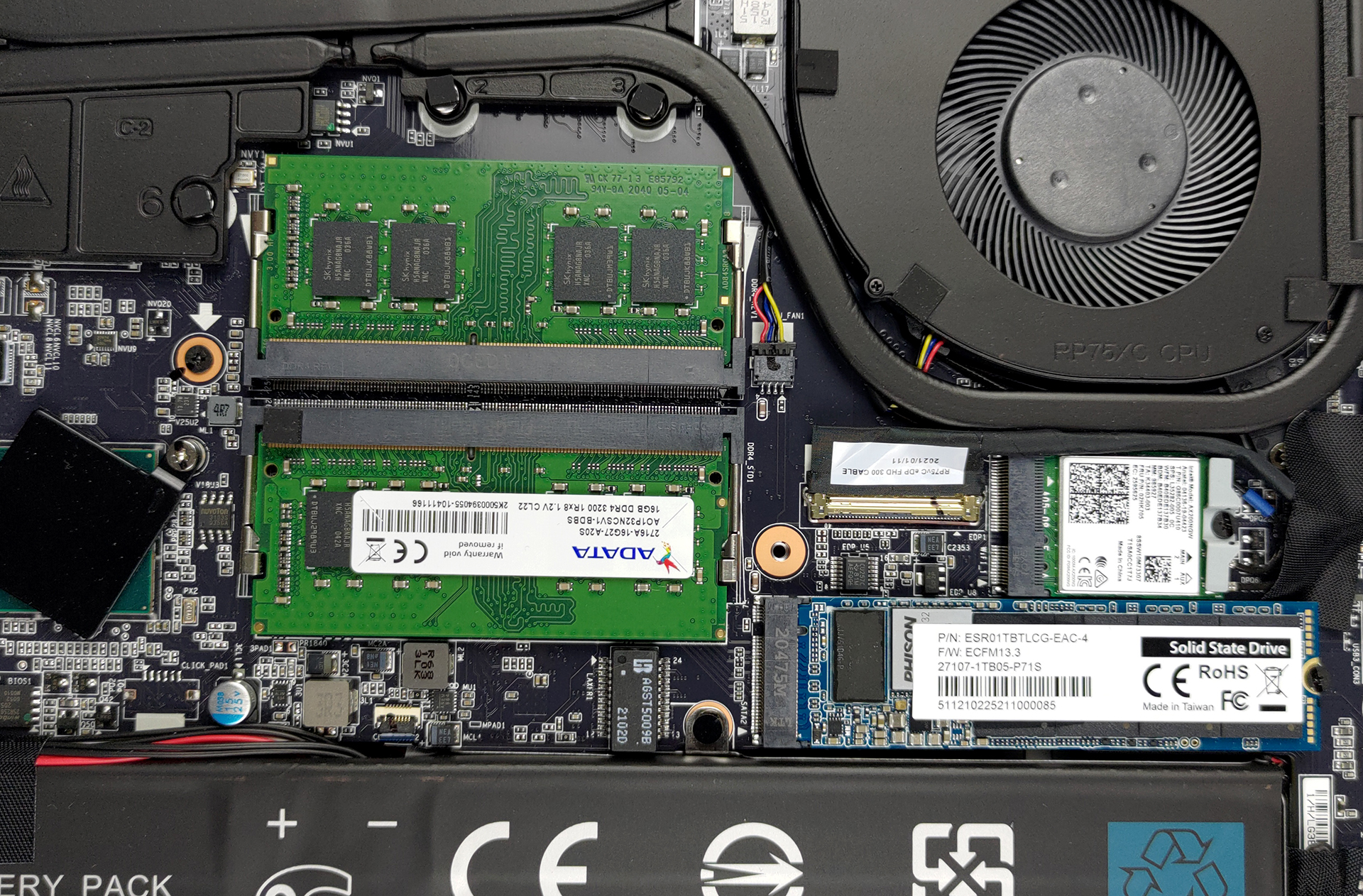
Here is our detailed teardown video, which shows exactly how to access both the RAM and SSD slots.
3. Input devices
You get a great keyboard with fantastic qualities. Yes, it is not perfect by any stretch of the imagination, but still offers long key travel and clicky feedback. It also has a per-key RGB backlight. Now, the keys are smaller than we would have loved, and the arrow keys are pretty stuffed between next to the NumPad, making accidental presses inevitable. The touchpad doesn’t come with dedicated physical buttons, but the clicking mechanism inside seems to work well. The pad itself offered accurate tracking.

4. I/O
The I/O features a variety of ports, including a total of three USB Type-A 3.2 (Gen. 1) ports, one USB Type-C 3.2 (Gen. 1) port, a Mini DisplayPort 1.4, an HDMI 2.1 connector, a 3.5mm audio jack, an RJ-45 connector, and an SD card reader. The laptop does lack Thunderbolt 3 support, which is a bummer.


1 reason NOT to buy the GIGABYTE AORUS 15G (RTX 30)
1. Design and build quality
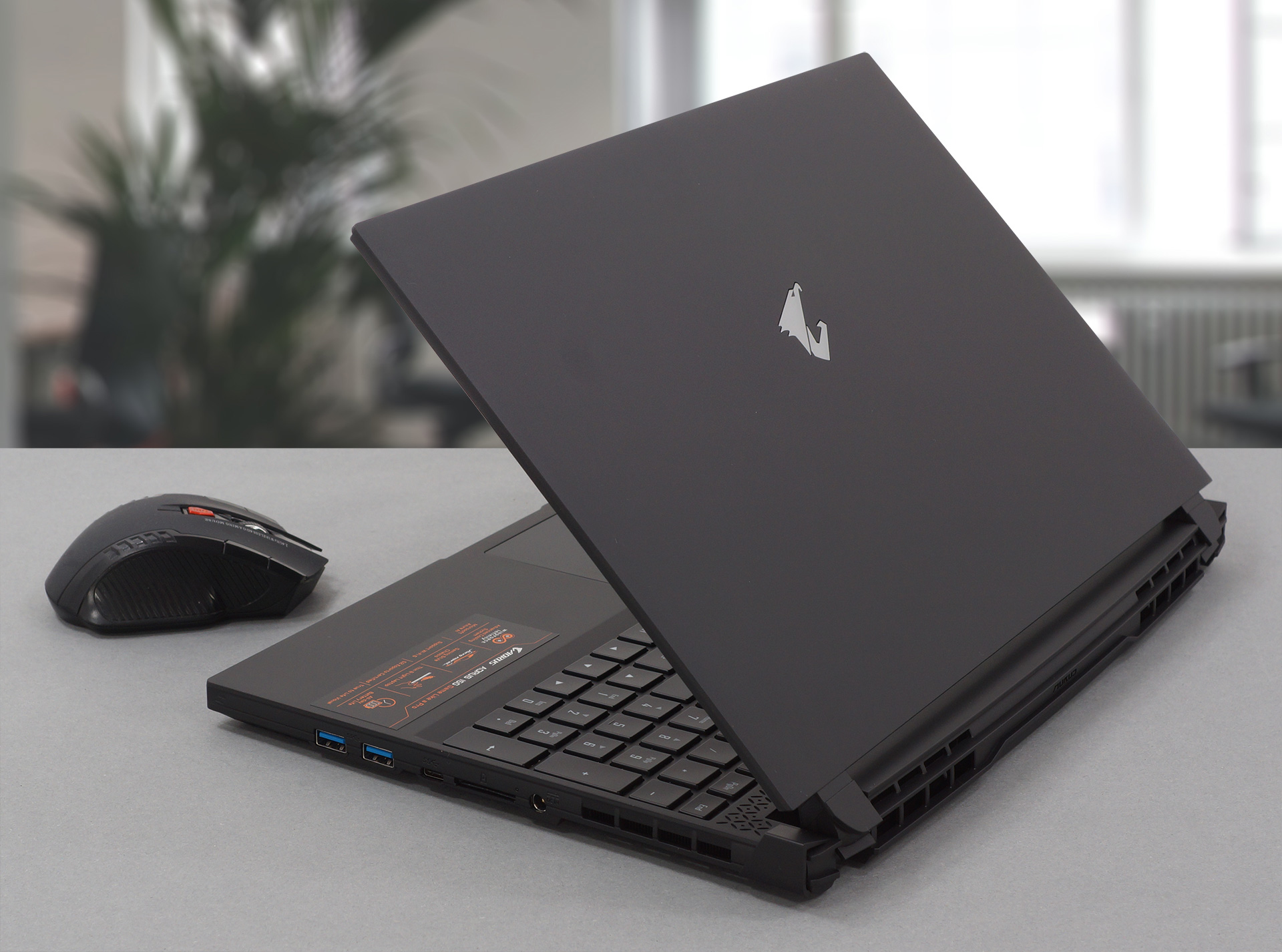
The design is okay, but the entirely plastic body just doesn’t sit right with a laptop that costs that much. You get a sleek front, with an aggressive rear, which is becoming the standard with gaming laptops, mimicking the design culture of sports cars. The entire laptop has a boxy shape, with aggressive heat vents, and a metallic AORUS eagle logo on the lid. In terms of weight and height, this machine is pretty portable, especially considering the hardware inside and the cooling that has to keep it in check. The laptop weighs 2.00 kg while being 23 mm tall.
All GIGABYTE AORUS 15G (RTX 30) configurations:
 Author: Severin Kolakov

![[Haziran 2026] Amazon Global’de En Çok Satan Dizüstü Bilgisayar Markaları – Apple’ın Satış Adedi ve Gelir Açısından Rakipsiz Hakimiyeti](https://laptopmedia.com/wp-content/uploads/2026/07/GLOBAL-Best-Brands-400x225.jpg)
![[Haziran 2026] Amazon Global: En Çok Satan 10 Dizüstü Bilgisayar – Apple’ın Yeni MacBook Neo, 1. Sıraya Fırtına Gibi Yükseldi; Uygun Fiyatıyla Pazarı Yeniden Şekillendiriyor](https://laptopmedia.com/wp-content/uploads/2026/07/Best-Selling-Laptops-GLOBAL-Top-10-400x225.jpg)
![[Haziran 2026] Amazon Global: En Çok Satan 10 Oyun Dizüstü Bilgisayarı – Acer’ın Nitro V 16S AI modeli satışlarda başı çekerken, ASUS toplam gelirde lider konumda](https://laptopmedia.com/wp-content/uploads/2026/07/Best-Selling-Gaming-Laptops-GLOBAL-Top-10-400x225.jpg)
![[Haziran 2026] Amazon’da En Çok Satan Dizüstü Bilgisayar GPU’larının Küresel Sıralaması – NVIDIA RTX 5060, en çok satan özel amaçlı GPU’dur](https://laptopmedia.com/wp-content/uploads/2026/07/Best-Selling-GPUs-GLOBAL-Top-10-400x225.jpg)
![[Haziran 2026] Amazon’da En Çok Satan Dizüstü Bilgisayar İşlemcilerinin Küresel Sıralaması – Apple M5 Liderlik Yapıyor, AMD Ryzen 7 260 Üst Sınıf Segmentte Sağlam Bir Pay Elde Ediyor](https://laptopmedia.com/wp-content/uploads/2026/07/Best-Selling-CPUs-GLOBAL-Top-10-400x225.jpg)
