How to open MSI Prestige 13 AI+ Evo A2VM – disassembly and upgrade options
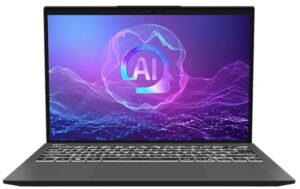
Step 1: Opening the MSI Prestige 13 AI+ Evo A2VM
- Power off the laptop and place it on a stable, static-free surface.
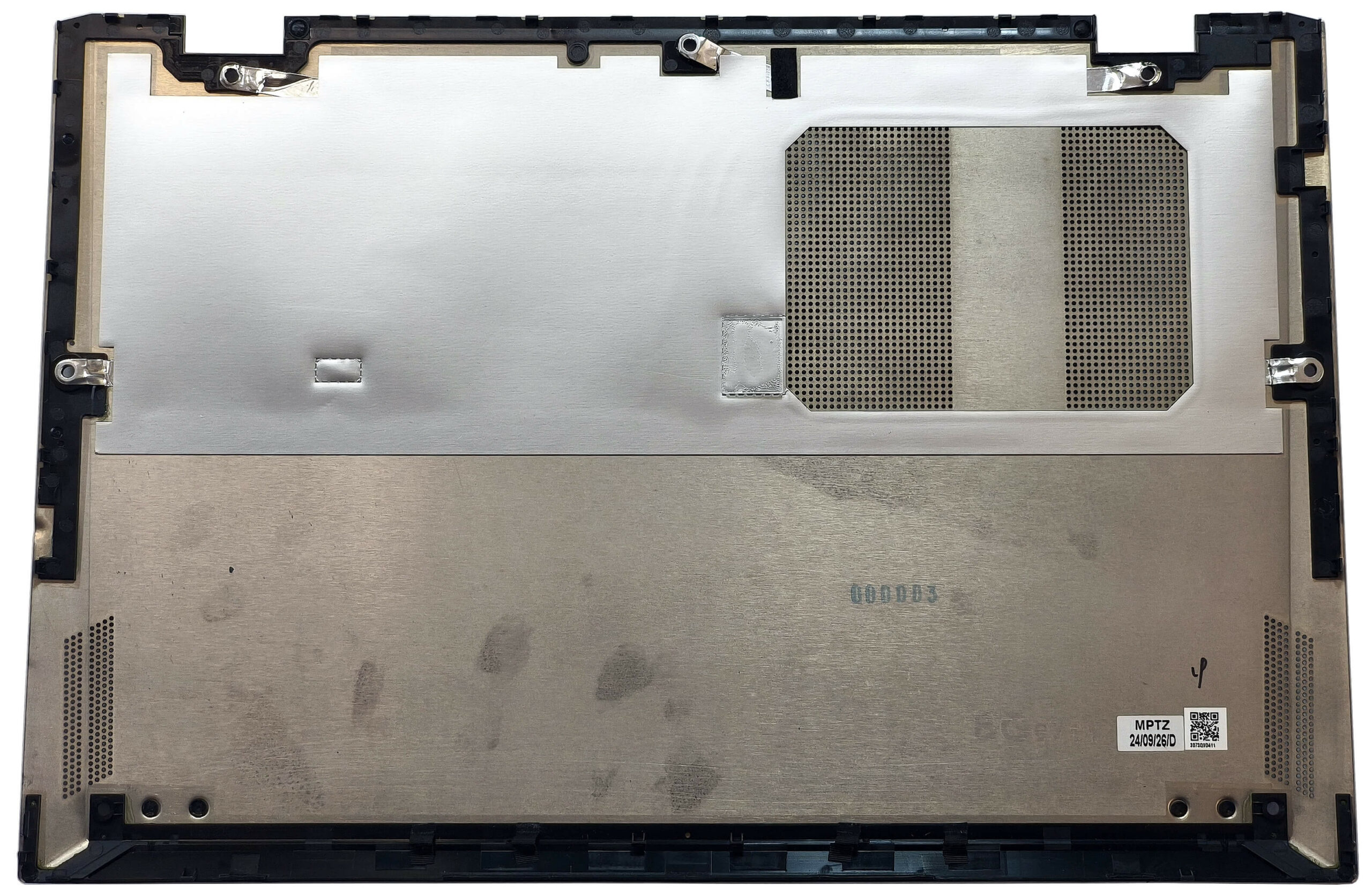
- Undo the seven Phillips-head screws securing the bottom plate.
- Using a lever tool, pop the two areas behind the hinges to create an initial gap.
- Pry the top edges and the rear of the bottom panel with a thin plastic tool.
- Finish by prying the sides and the front, then carefully lift the bottom plate away from the chassis.
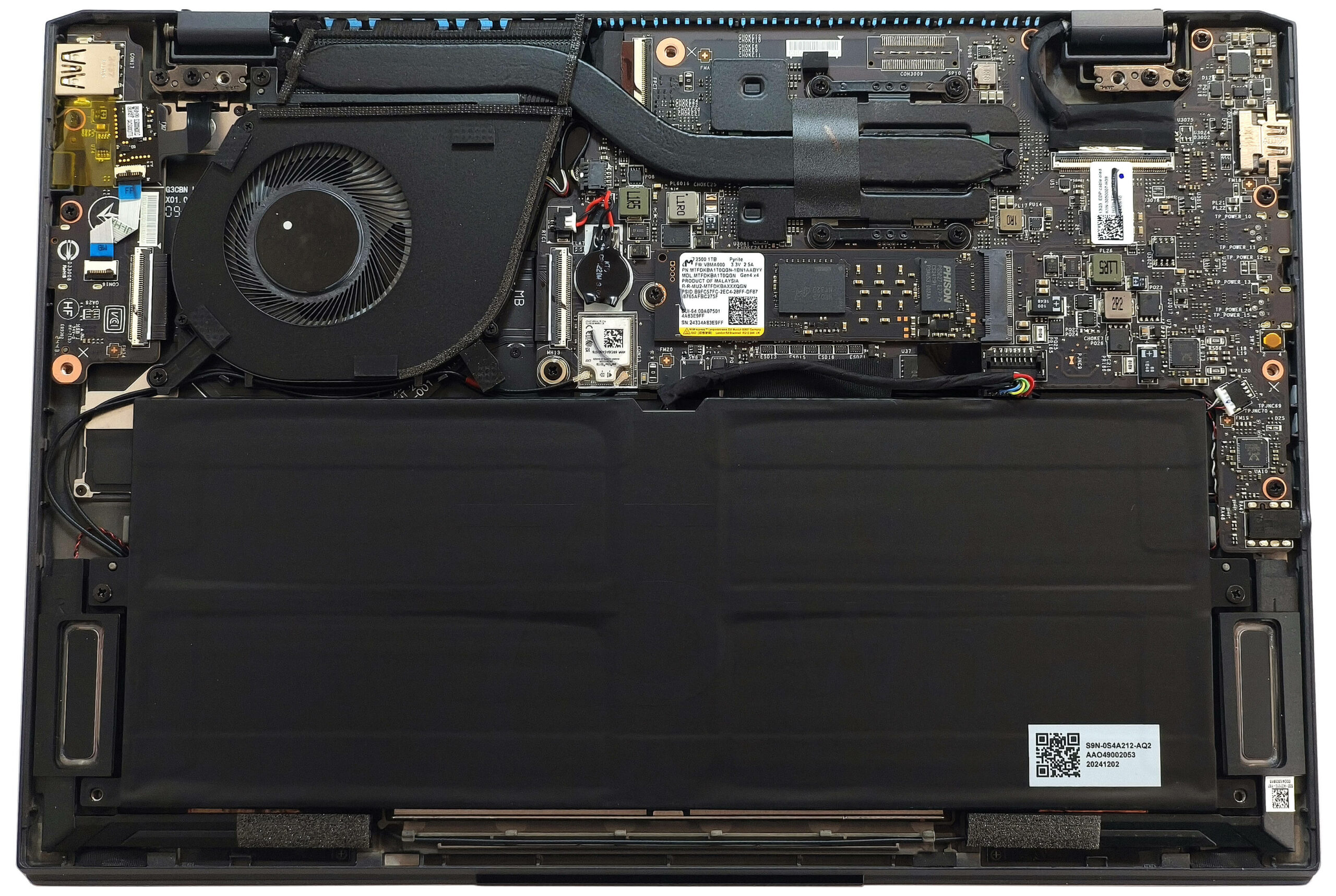
More info: The bottom panel design keeps internal components secure and minimizes flex, which is important for an ultra-light laptop like this.
Battery Removal and Replacement
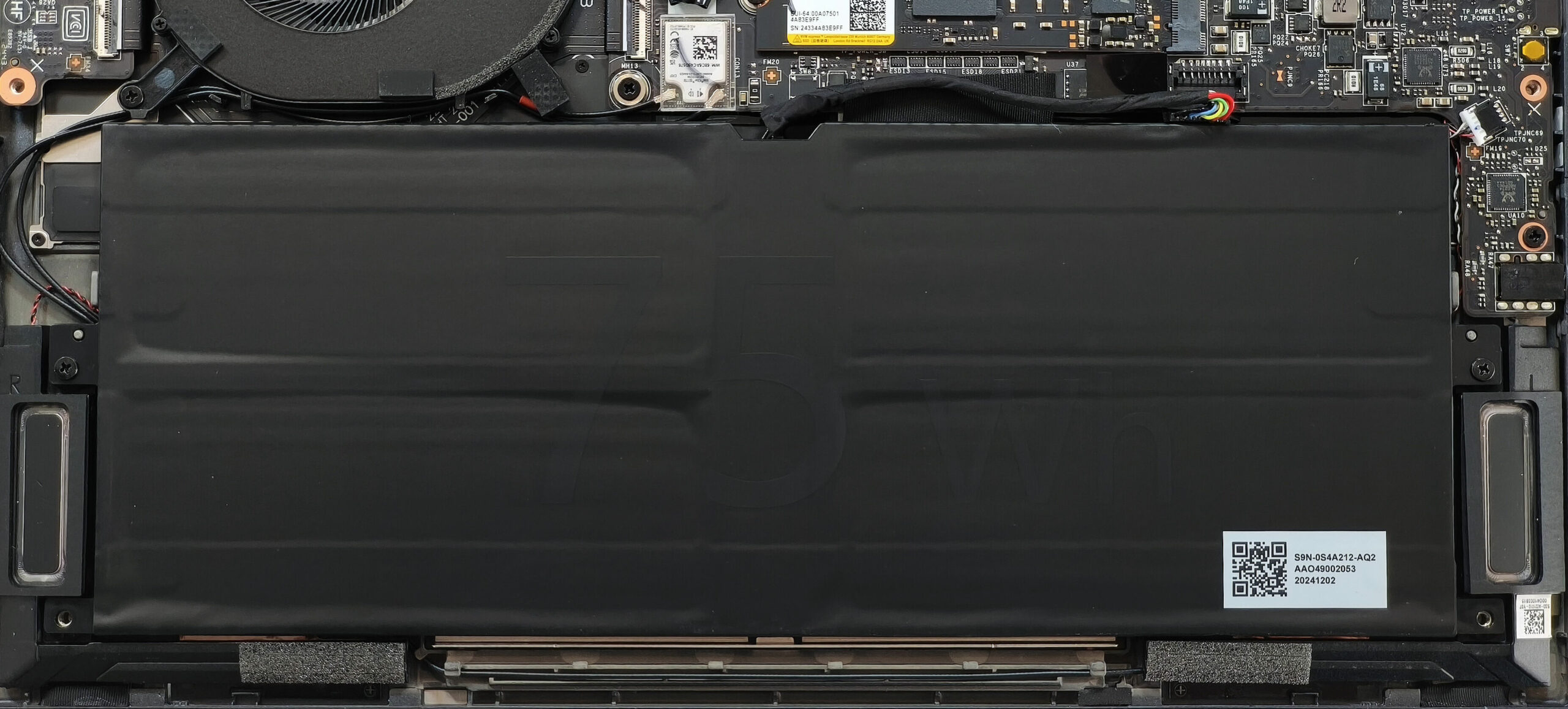
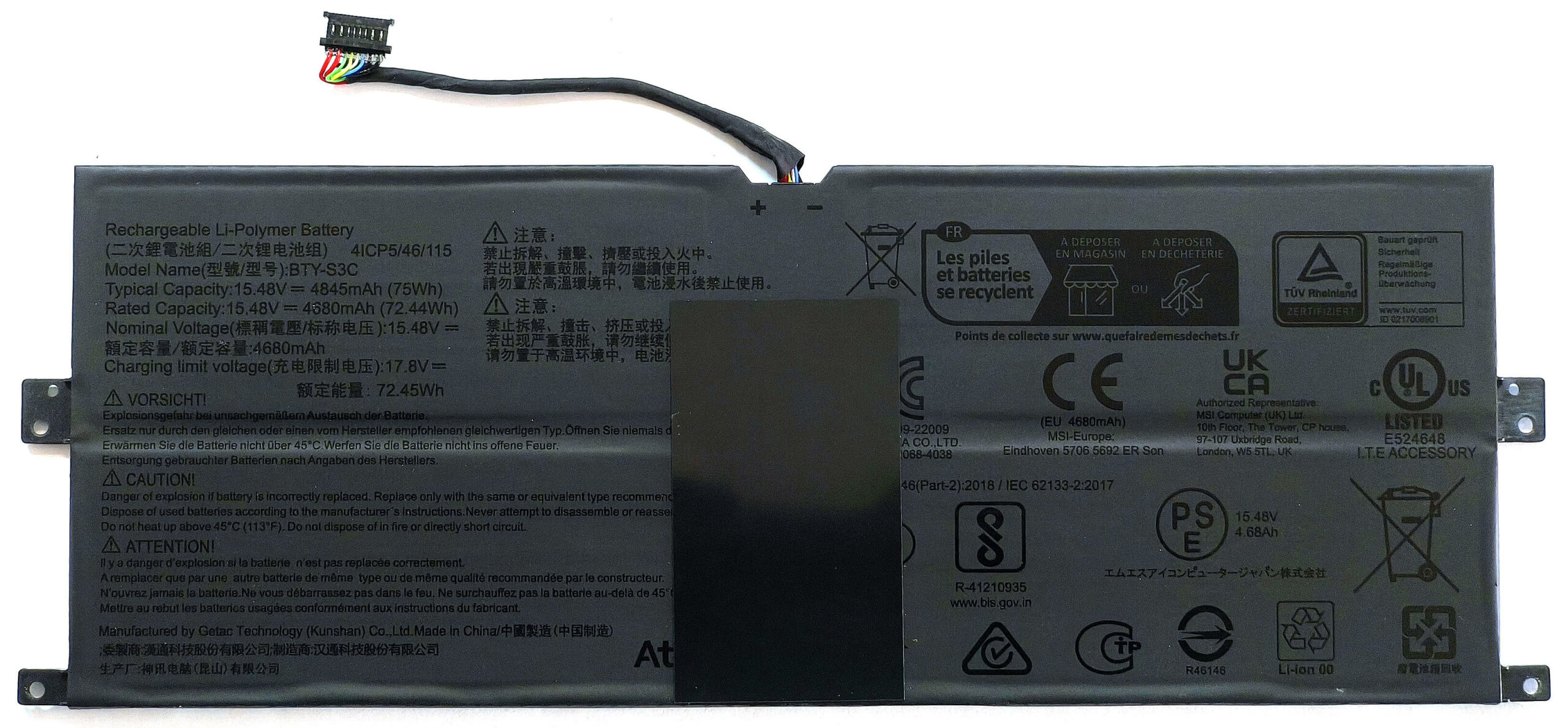
- This model uses a 75Wh battery.
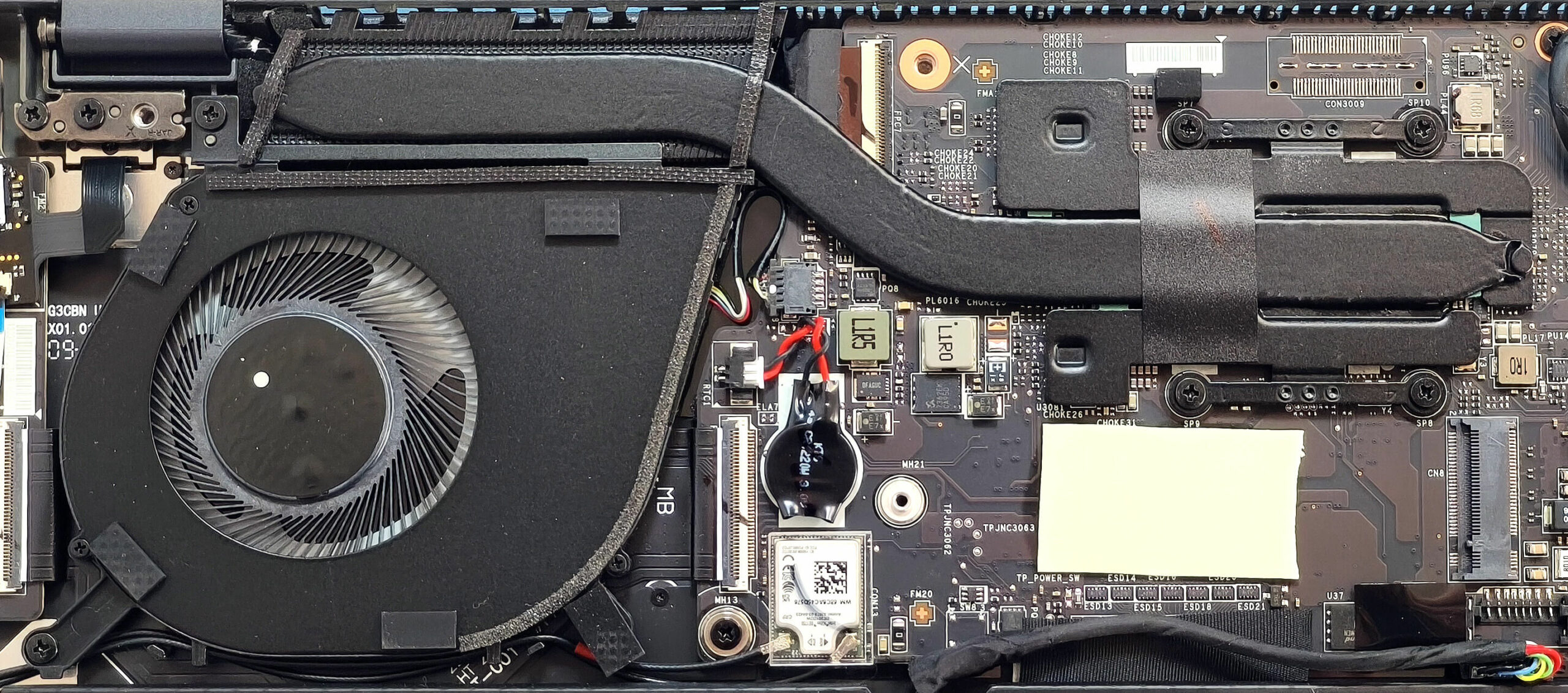
- To detach it, pop the front of the battery connector and gently push it toward the SSD slot.
- Undo the two Phillips-head screws securing the battery, then lift it away from the base.
- The battery provides up to approximately 17 hours of video playback on a single charge.
Memory Upgrade
- The RAM is soldered to the motherboard, which is typical for thin Copilot+ PCs.
- However, you can configure this laptop with up to 32GB of LPDDR5x-8533 MHz memory in dual-channel mode, offering solid multitasking performance for most users.
Storage Upgrade
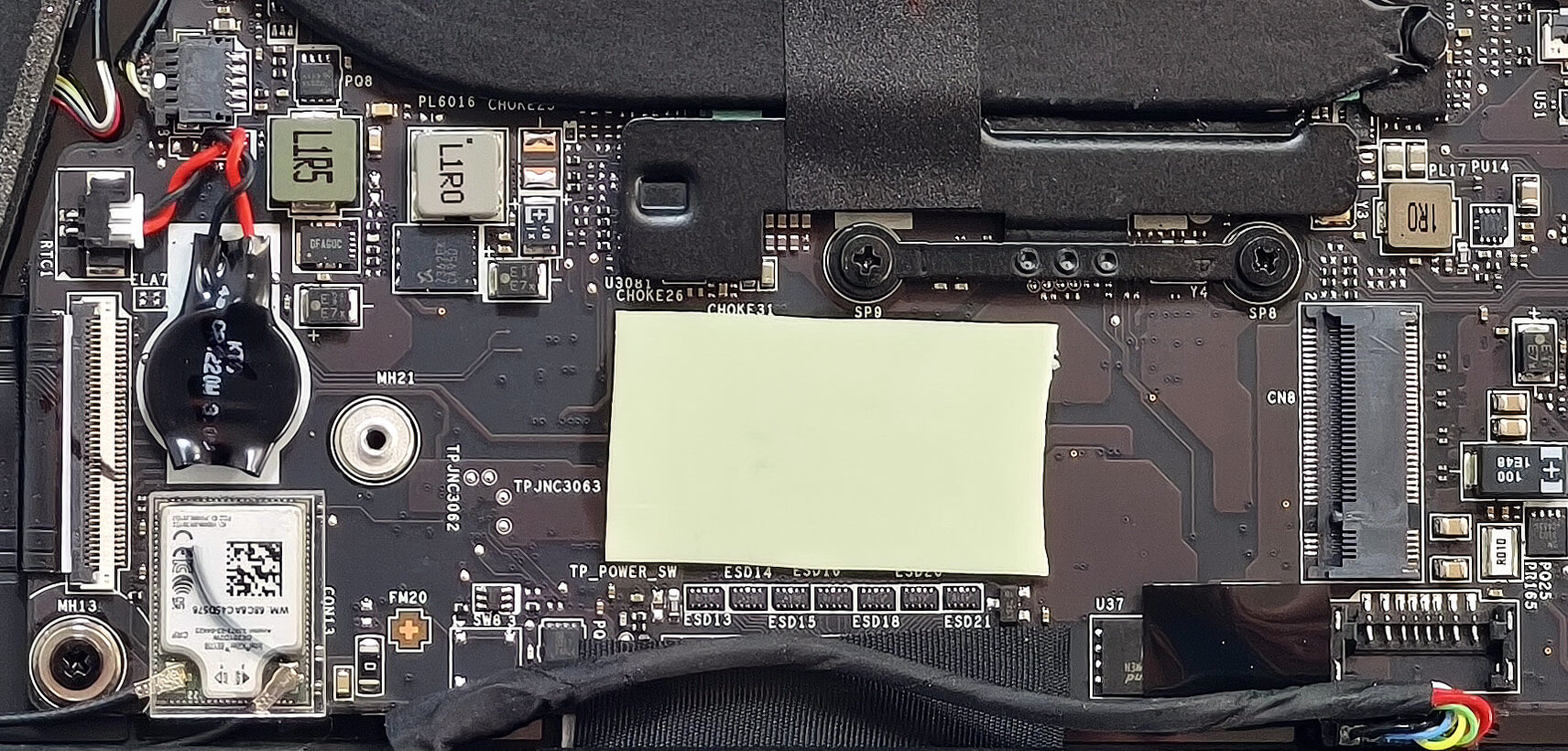
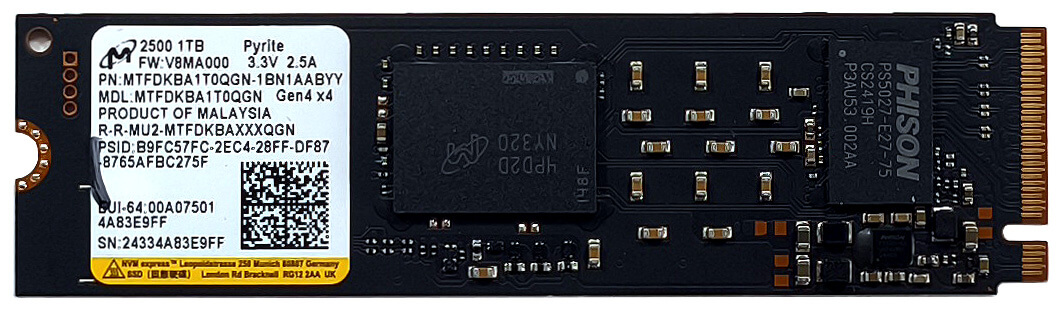
- There is a single M.2 slot compatible with 2280 Gen 4 NVMe SSDs.
- A thermal pad beneath the SSD slot helps manage temperatures during heavy disk activity.
Hint: Don’t forget to check out our Top M.2 SSDs Performance Rankings for insights on the best storage options available.
You can buy Gen 4 NVMe SSDs here: Buy from Amazon.com.au (#CommissionsEarned)
Wireless Module
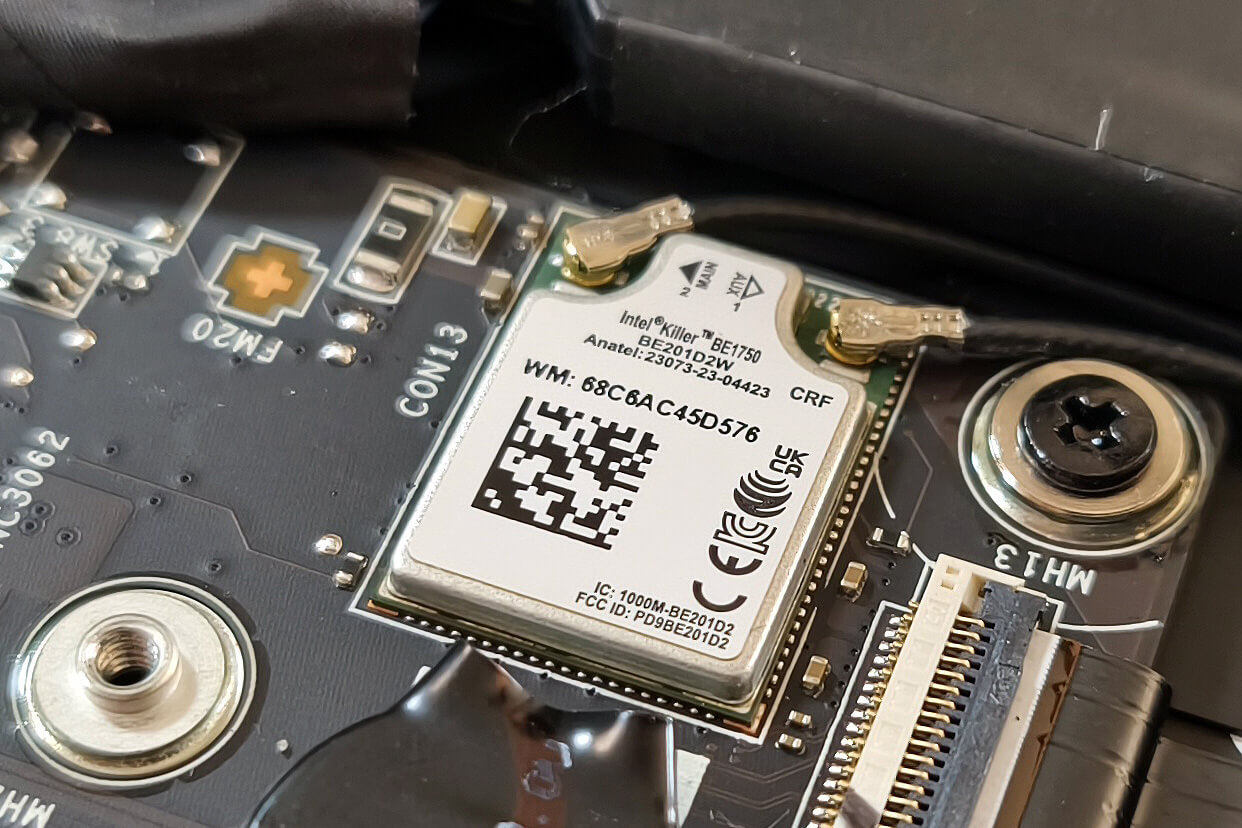
- The Wi-Fi 7 card is soldered to the motherboard, making upgrades impossible.
Cooling System Overview
- The cooling solution consists of a decently sized single fan, one heat pipe, a heat sink, and a heat spreader. While modest, it should be adequate for the laptop’s efficient Copilot+ platform.
MSI Prestige 13 AI+ Evo (A2VMx) in-depth review
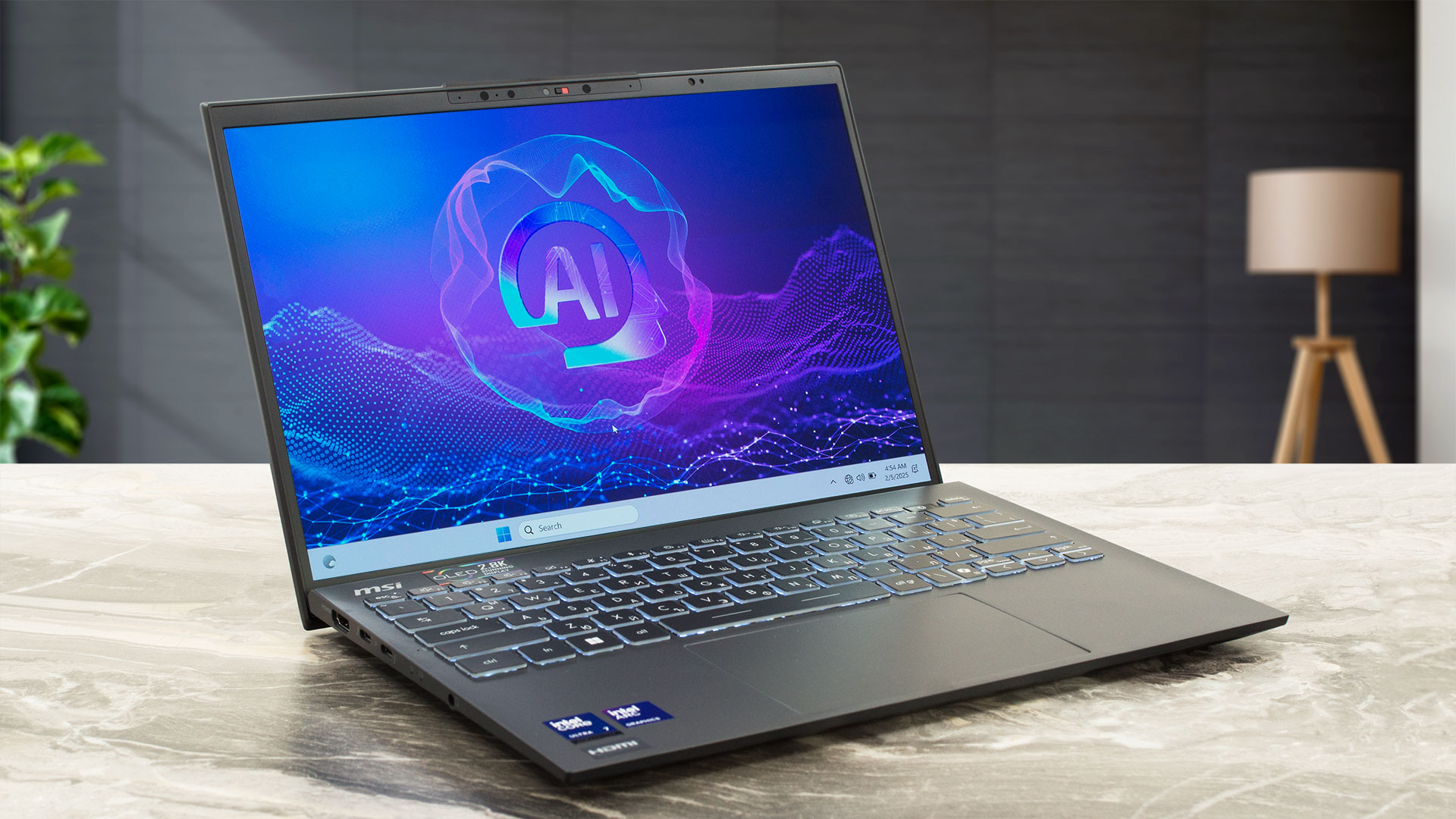
The MSI Prestige 13 AI+ Evo A2VM is not just a Copilot+ PC for AI tasks. Despite its super light chassis, this small device is a multipurpose machine that is suitable even for entry-level gaming. Lunar Lake CPU is hidden under the hood alongside the potent Intel Arc Graphics 140V which scored 62FPS in Gears 5 on Medium details. The connectivity is the latest and greatest Wi-Fi 7 + Bluetooth 5.4 and you also get a pair of Thunderbolt 4 ports. Considering the processor platform and the size of this laptop, perhaps you already guessed that the upgradability is as limited as it gets.The defaul[...]
Pros
- Good overall performance for a tiny 13-inch machine
- Up to 32GB LPDDR5x
- Infinite contrast ratio + wide viewing angles (SDC41A8)
- 100% DCI-P3 coverage + accurate color with our "Design and Office" profile (SDC41A8)
- ~ 400 nits of max brightness in SDR and 618 nits in HDR mode (SDC41A8)
- 2880x1800p resolution (SDC41A8)
- Relatively good keyboard
- Smooth and accurate touchpad
- Solid magnesium-aluminum chassis
- The Core Ultra 7 258V maintains a 2.74 GHz / 3.21 GHz P and LP-E core clock in long loads
- The MSI Center offers plenty of customizations
- 2x Thunderbolt 4s
- MicroSD Card reader
- 5MP IR Web camera
- Fingerprint reader (option)
- dTPM 2.0, fTPM 2.0, Lock Slot, privacy shutter
- The fan isn't too intrusive in "Extreme Performance" mode
- Fast SSD (Micron 2500 MTFDKBA1T0QG)
- 75Wh battery that lasts for around 17 hours of videos on a single charge
- Intel Evo-certified laptop
- Wi-Fi 7 + Bluetooth 5.4
- Light and thin (0.99 kg / 16.9 mm)
- Great iGPU performance
- The "Balanced" preset offers almost the same clocks as the "Extreme Performance" mode but the noise is lower with the former
Cons
- Pricey
- Limited upgradability
- The lid wobbles during typing
- PWM usage (SDC41A8)
 Author: Dimitar Stalev

![[June 2026] Best-Selling Laptop Brands on Amazon Global – Apple’s Unrivaled Dominance in Units and Revenue](https://laptopmedia.com/wp-content/uploads/2026/07/GLOBAL-Best-Brands-400x225.jpg)
![[June 2026] Amazon Global: Top 10 Best-Selling Laptops – Apple’s New MacBook Neo Storms to #1, Reshaping the Market with Affordability](https://laptopmedia.com/wp-content/uploads/2026/07/Best-Selling-Laptops-GLOBAL-Top-10-400x225.jpg)
![[June 2026] Amazon Global: Top 10 Best-Selling Gaming Laptops – Acer’s Nitro V 16S AI Dominates Sales, While ASUS Leads Overall Revenue](https://laptopmedia.com/wp-content/uploads/2026/07/Best-Selling-Gaming-Laptops-GLOBAL-Top-10-400x225.jpg)
![[June 2026] Global Ranking of Best-Selling Laptop GPUs on Amazon – NVIDIA RTX 5060 is the Top-Selling Dedicated GPU](https://laptopmedia.com/wp-content/uploads/2026/07/Best-Selling-GPUs-GLOBAL-Top-10-400x225.jpg)
![[June 2026] Global Ranking of Best-Selling Laptop CPUs on Amazon – Apple M5 Dominates, AMD Ryzen 7 260 Gets Solid Premium Share](https://laptopmedia.com/wp-content/uploads/2026/07/Best-Selling-CPUs-GLOBAL-Top-10-400x225.jpg)
