Top 5 reasons to BUY or NOT to buy the Dell Vostro 15 3501
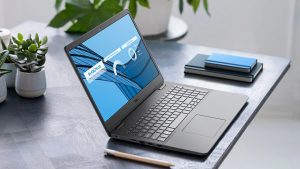 Dell offers devices for every niche and every market out there. While we like to check out the premium and expensive devices, we shouldn’t neglect the more budget-friendly options that are out there, such as the Dell Vostro 15 3501. While it has its shortcomings, it provides a great foundation for new businesses and beginner entrepreneurs who are just starting out.
You can read more about the Dell Vostro 15 3501 in our in-depth review here.
You can check the prices and configurations in our Specs System: https://laptopmedia.com/series/dell-vostro-15-3501/
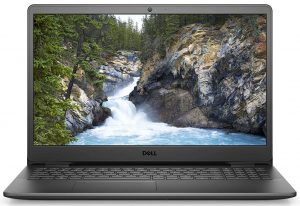
3 reasons to BUY the Dell Vostro 15 3501
1. The Upgradeability
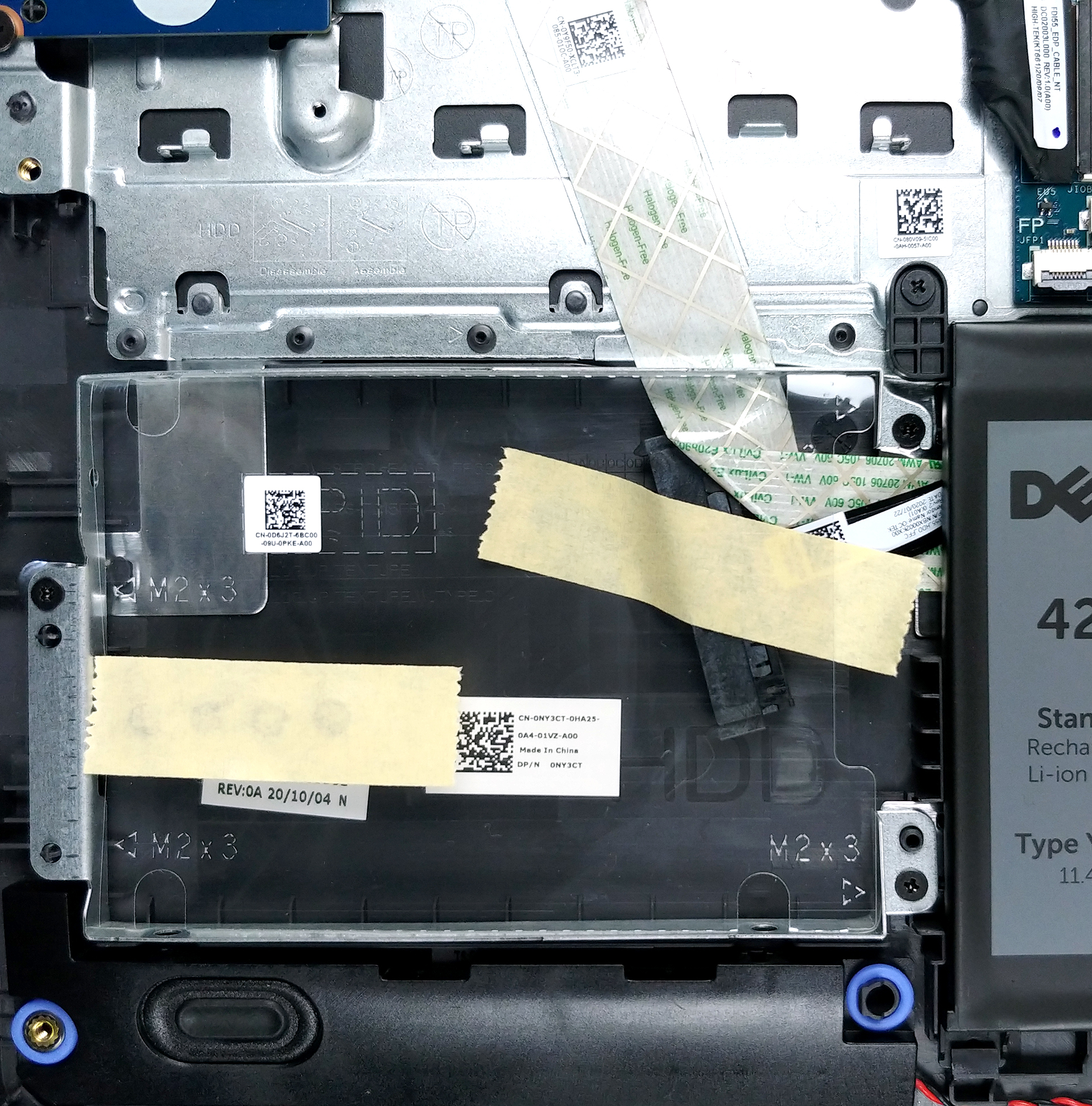
Business devices have always delivered when it comes to upgradability. We are happy to say that the Dell Vostro 15 3501 is held up to the same standard as it features two SODIMM slots with support of up to 32GB of RAM. As for the storage, there is one M.2 PCIe x4 slot with an additional 2.5-inch SATA drive bay. What is great is that the device comes with the SATA connector, even though there is no SATA drive found in it.

2. The Battery life
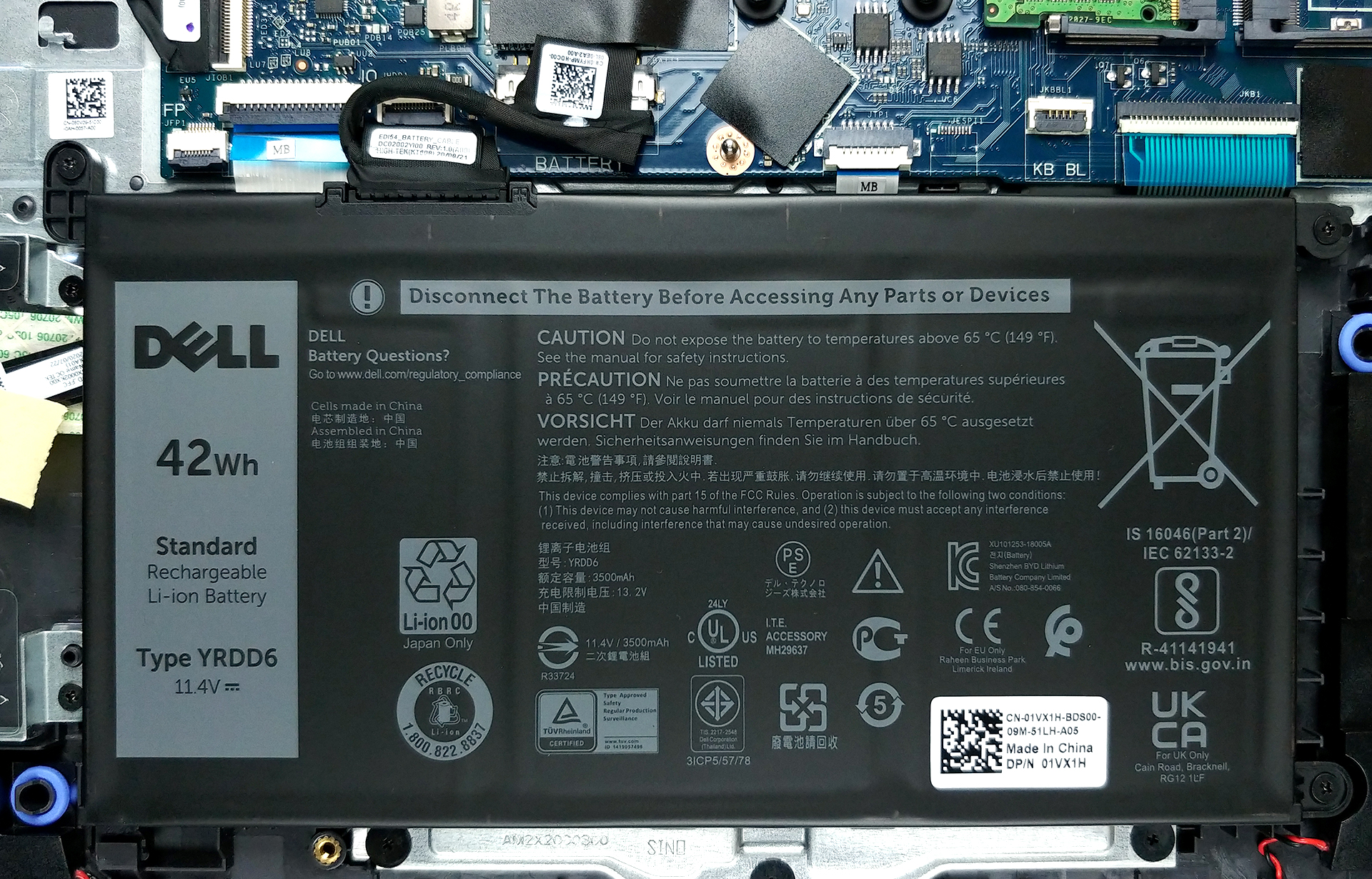
The battery life, while not being the best, deserves some praise, considering the price of the device. In our tests, its relatively small 42Wh battery managed to deliver 8 hours and 20 minutes of Web browsing and 9 hours and 3 minutes of video playback, which is not bad at all.
3. The good part of the display
The display is a bit of a mixed bag for us, but we’ll save its bad qualities for later in the article. The Vostro 15’s display is 15.6 inches in diameter and features a resolution of 1080p. What is great about it is the viewing angles and the contrast ratio that surprised us in a good way. Below are pictures that show off the device’s viewing angles.

2 reasons NOT to buy the Dell Vostro 15 3501
1. The Build quality
With a device of this price, there are often sacrifices that are made in the design and build quality department, to provide more resources for the internal components and other features that directly impact the user experience of a device. This Vostro 15 uses plastic for all of its body, and while it makes the device able to twist, Dell has tried to implement a nice stripy pattern on the lid and base, which kind of liven up the laptop.

2. The bad part of the display
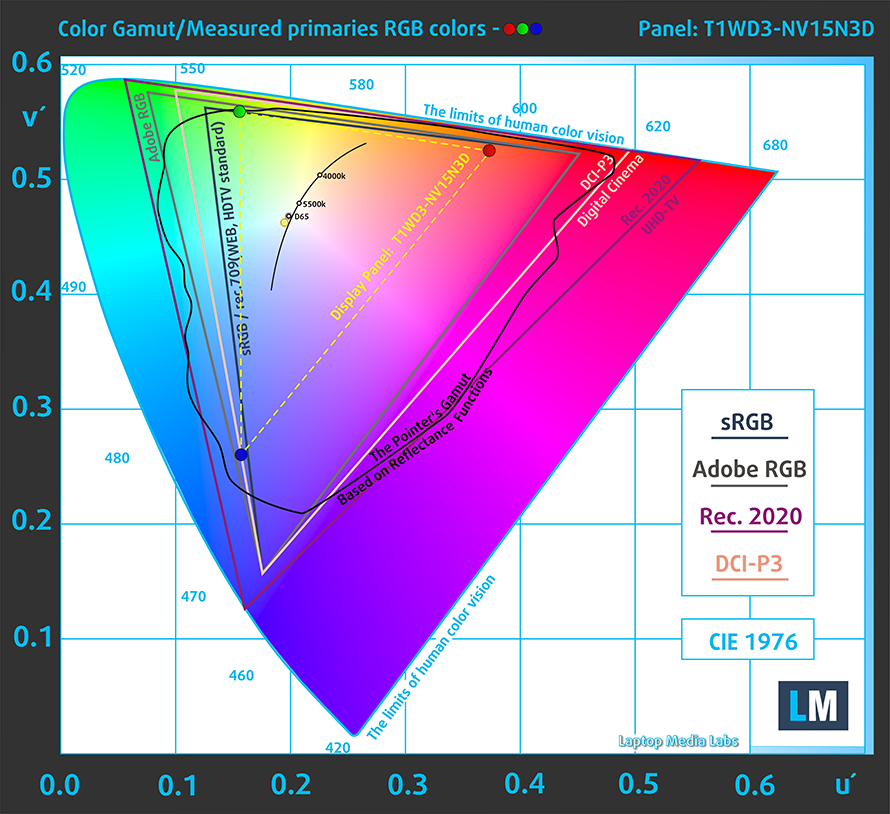
We’ll get straight to it, the color coverage on the device is really poor, covering only 50% of the sRGB color gamut. Additionally, the device makes heavy use of PWM, which is really bad for your eyesight, if you use the device for prolonged periods of time. We have a detailed article on PWM, which you can read here. Thankfully, our Health-Guard profile completely eliminates this issue.
Buy our profiles
Since our profiles are tailored for each individual display model, this article and its respective profile package are meant for Dell Vostro 15 3501 configurations with 15.6″ FHD IPS BOE T1WD3-NV15N3D (BOE0819).
*Should you have problems with downloading the purchased file, try using a different browser to open the link you’ll receive via e-mail. If the download target is a .php file instead of an archive, change the file extension to .zip or contact us at [email protected].
Read more about the profiles HERE.
除了获得高效且有益健康的配置文件外,购买 LaptopMedia 的产品也是对我们实验室发展的支持,我们在实验室中测试设备,以提供最客观的评测。

办公工作
Office Work 主要适用于大部分时间在查看文本、表格或上网的用户。此配置文件旨在通过保持平坦的伽马曲线 (2.20)、原始色温和感知上准确的颜色来提供更好的清晰度。

设计和游戏
此配置文件适用于专业处理色彩的设计师,以及游戏和电影。Design and Gaming 将显示面板推向极限,使其在 Web 和 HDTV 的 sRGB IEC61966-2-1 标准中尽可能准确,白点为 D65。

以 33% 的折扣获取所有 3 个配置文件

 Author: Severin Kolakov

![[2026年6月] 亚马逊全球畅销笔记本电脑品牌——苹果在销量和营收方面均占据无可匹敌的统治地位](https://laptopmedia.com/wp-content/uploads/2026/07/GLOBAL-Best-Brands-400x225.jpg)
![[2026年6月] 亚马逊全球:笔记本电脑销量前十名——苹果新款MacBook Neo强势登顶,以亲民价格重塑市场格局](https://laptopmedia.com/wp-content/uploads/2026/07/Best-Selling-Laptops-GLOBAL-Top-10-400x225.jpg)
![[2026年6月] 亚马逊全球:十大畅销游戏笔记本电脑——宏碁Nitro V 16S AI销量领跑,华硕总营收居首](https://laptopmedia.com/wp-content/uploads/2026/07/Best-Selling-Gaming-Laptops-GLOBAL-Top-10-400x225.jpg)
![[2026年6月] 亚马逊全球畅销笔记本电脑显卡排行榜——NVIDIA RTX 5060 位居专用显卡销量榜首](https://laptopmedia.com/wp-content/uploads/2026/07/Best-Selling-GPUs-GLOBAL-Top-10-400x225.jpg)
![[2026年6月] 亚马逊全球畅销笔记本电脑CPU排行榜——苹果M5占据主导地位,AMD锐龙7 260在高端市场占据稳固份额](https://laptopmedia.com/wp-content/uploads/2026/07/Best-Selling-CPUs-GLOBAL-Top-10-400x225.jpg)
