Лаптопите с Най-Добри Екрани в България – Ноември 2025
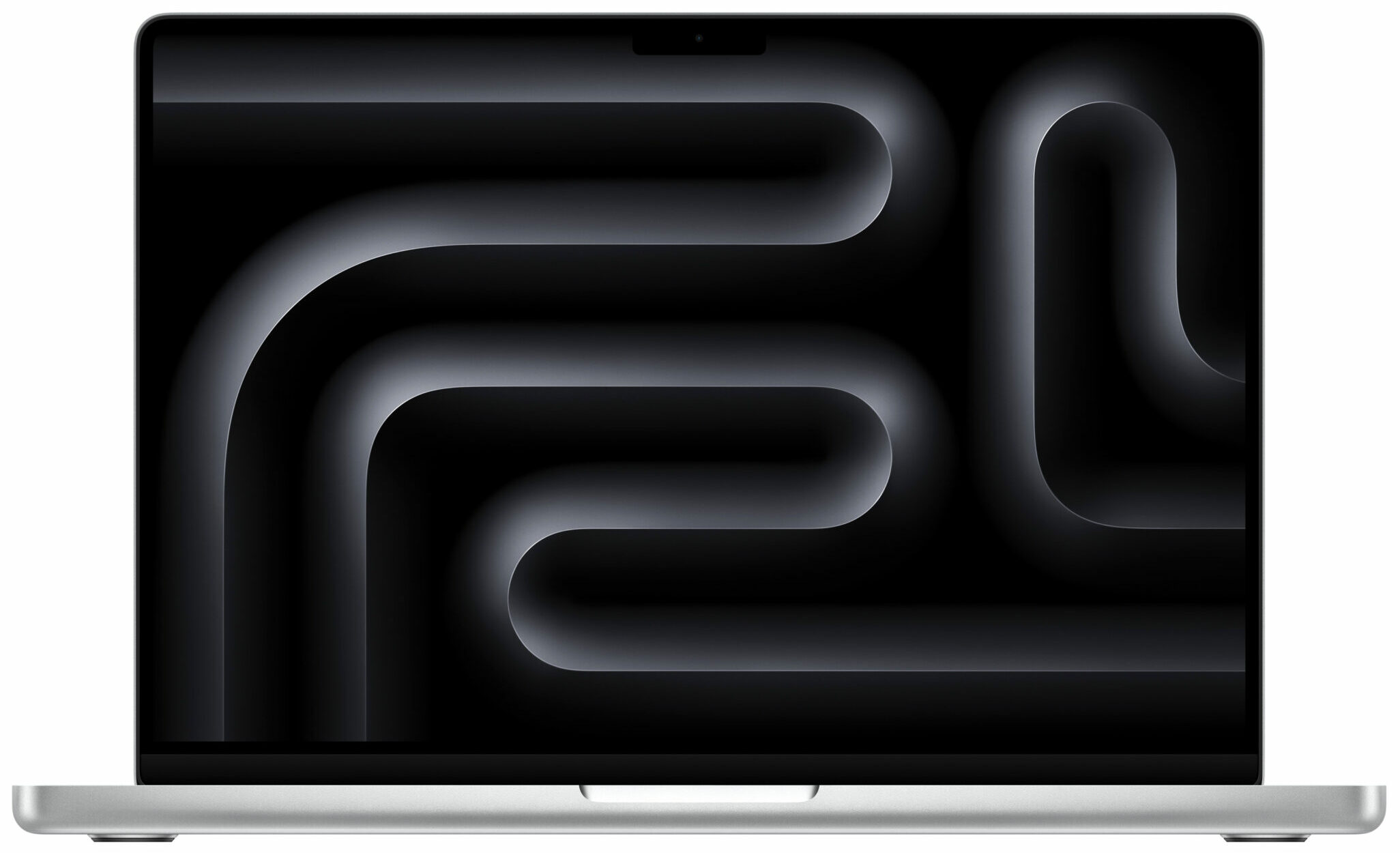 И този месец класацията на LaptopMedia за Топ 100 лаптопи с най-добри екрани в България, подредени според реалните лабораторни резултати (яркост, контраст, цветова точност, DCI-P3 покритие, отражаемост и безопасност за очите), показва убедително лидерство на Apple и Lenovo в челото, следвани от ASUS, докато HP, Acer, MSI и Dell оформят основата на списъка с добре балансирани дисплеи. Но нека я разгледаме по-подробно.
Ключови изводи
— Apple заема първите две позиции със своите MacBook Pro 14 и 16 (Late 2024) – IPS панели с до 1600 нита пикова яркост, ∞:1 контраст, 100% DCI-P3 и изключително ниски стойности на DeltaE. Това ги поставя на практика като „референт“ за HDR и професионална работа с цветове.
— Lenovo доминира по брой модели в Топ 10 и в класацията като цяло – сериите ThinkPad, Yoga, Legion и IdeaPad Pro комбинират OLED и висококачествени IPS панели, висока яркост (над 1000 нита при част от моделите) и пълно или почти пълно DCI-P3 покритие. В комбинация с липса или силно редуцирано PWM трептене това ги прави много подходящи за дълги работни сесии.
— ASUS се позиционира силно в горната част на списъка с модели като ROG Strix G16, Vivobook Pro и Zenbook с 2.5K/2.8K/3K панели, често с висока честота на опресняване и добър баланс между гейминг и креативна работа.
— HP участва с OmniBook, EliteBook и Omen конфигурации, при които виждаме ярки IPS панели с приличен контраст и добре контролирани отражения, насочени основно към бизнес и професионални потребители.
— Acer и MSI запълват „сладкото място“ между гейминг и работа – Swift, Nitro, Predator и Prestige/Vector/Stealth серии с QHD и 16:10 панели, често с висока честота на опресняване и добро цветово покритие.
— Dell, Razer и Gigabyte присъстват по-скромно, но предимно с по-премиум решения – висока резолюция, Mini LED/OLED панели и насоченост към взискателни професионалисти.
Пълната класация: LaptopMedia – Топ 100 лаптопи с най-добри екрани
Присъствие в Топ 10
Към момента първите десет позиции показват следното разпределение по марки:
— Apple: 2 модела (позиции #1 и #2)
— Lenovo: 7 модела (позиции #3, #4, #5, #6, #7, #8, #9)
— ASUS: 1 модел (позиция #10)
С други думи, Apple задава абсолютния „потолок“ при качеството на картината, а Lenovo печели по ширина на присъствието си в челото, включително с няколко доста достъпни за класa си конфигурации.
Топ 3 лаптопа с най-добри екрани в България
🥉 Lenovo ThinkPad X9-15 Gen 1
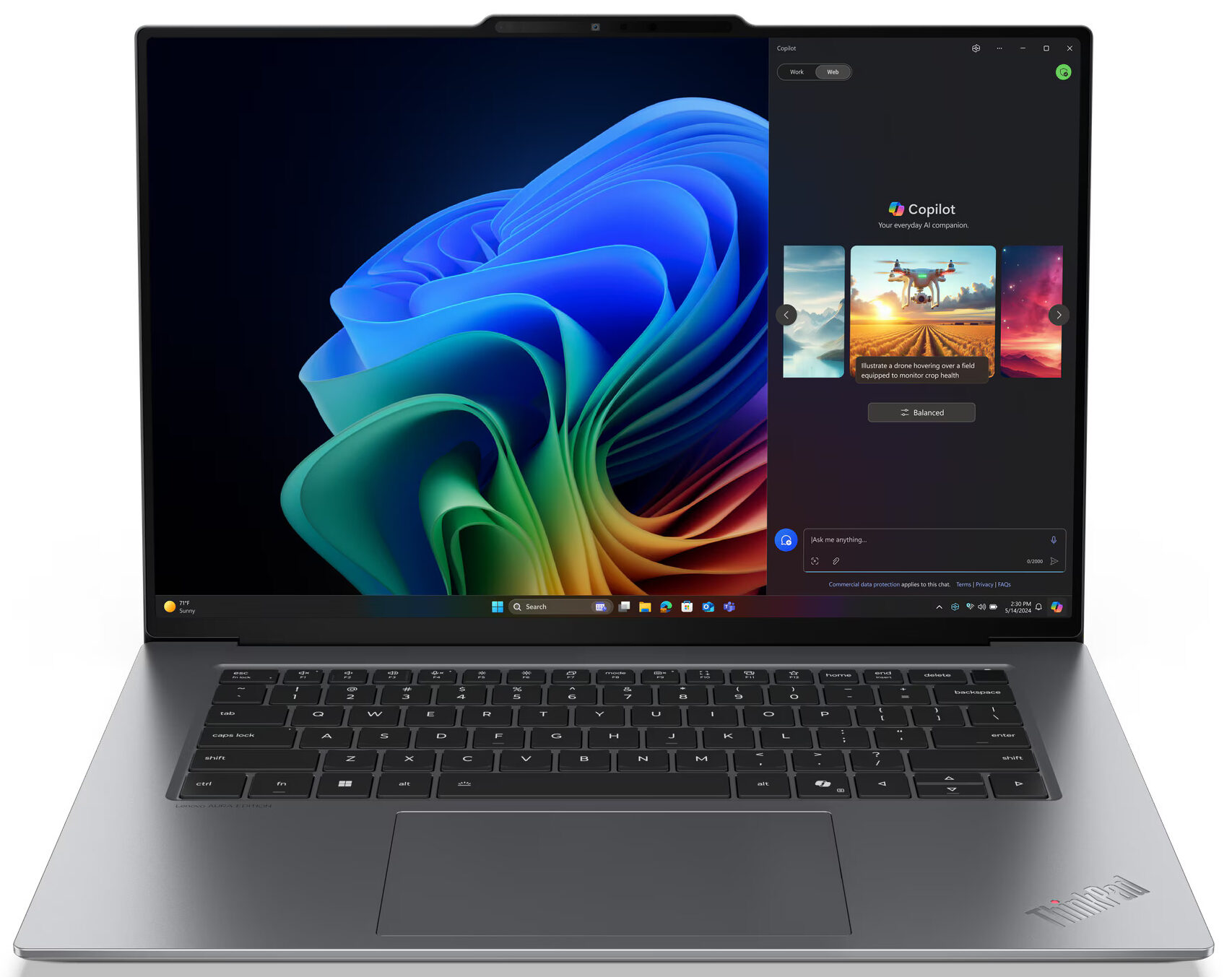
Третото място е за Lenovo ThinkPad X9-15 Gen 1 – 15.3-инчов OLED панел с резолюция 2880 x 1800, 100% DCI-P3 покритие и ∞:1 контраст. Максималната яркост, измерена в лабораторията, достига около 1100 нита, а комбинацията от перфектно черно, наситени цветове и много добра точност го прави чудесен избор за фото и видео обработка, както и за потребители, които ценят високата четимост на открито. В България моделът започва от 3799 лв., което го позиционира в премиум бизнес класа, но с изключително сериозен дисплеен потенциал и налични профили за допълнително калибриране.
Всички Lenovo ThinkPad X9-15 Gen 1 конфигурации, сортирани по цена:
Lenovo ThinkPad X9-15 Gen 1 in-depth review
If you thought the 14-inch ThinkPad X9 was a design marvel, prepare to be even more impressed by its 15-inch sibling. The Lenovo ThinkPad X9-15 Gen 1 isn't just a laptop; it’s a design statement, a sliver of "Thunder Grey" aluminum that feels as robust as it is impossibly thin – we're talking barely half an inch thick! It’s the kind of machine that makes you wonder how Lenovo's engineers managed to fit anything inside, let alone components capable of breaking records.And break records it does. Lenovo has somehow packed in what isn't just a beautiful 15.3-inch 2.8K OLED screen, but on[...]
Pros
- Stunning, futuristic, and incredibly robust all-aluminum design
- Exceptionally thin and lightweight for a 15-inch laptop
- Phenomenal 15.3-inch 2.8K 120Hz VRR OLED display
- Full DCI-P3 color coverage and excellent factory color accuracy
- Outstanding, world-leading battery life (21+ hours)
- Strong performance from Intel® Core™ Ultra processors and Arc graphics
- Excellent thermal management under sustained load
- Fast NVMe SSD storage
- Modern connectivity with dual Thunderbolt 4, HDMI 2.1, and Wi-Fi 7
- Large and comfortable trackpad
- Virtually PWM-free display backlight
- Fingerprint-resistant finish
- Very compact 65W power adapter
Cons
- Minimalist port selection (only one USB-A, no Ethernet)
- Keyboard offers short key travel due to thinness
- No dedicated NumPad
- Single M.2 2242 slot limits internal storage expansion
🥈 Apple MacBook Pro 16 (Late 2024)
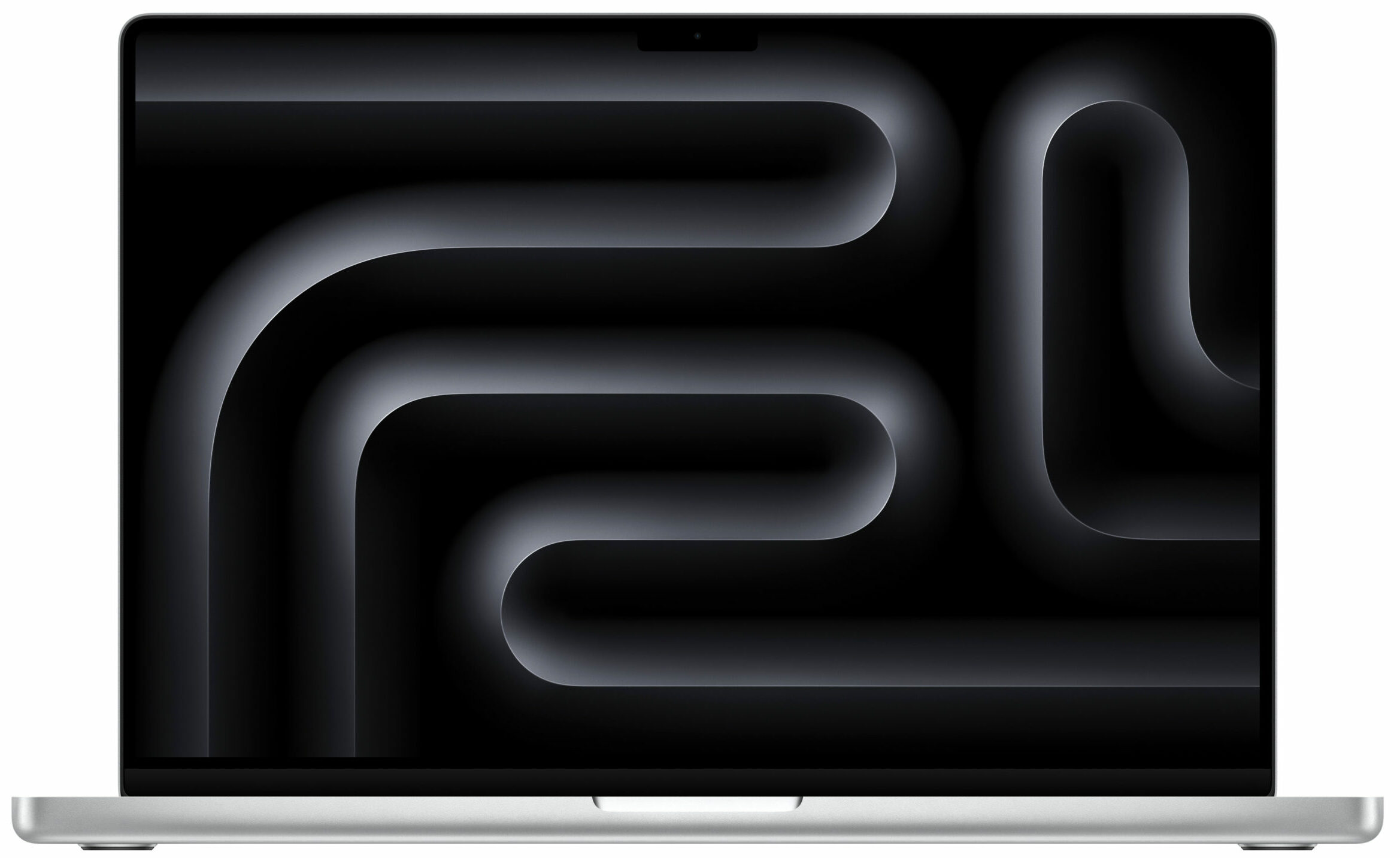
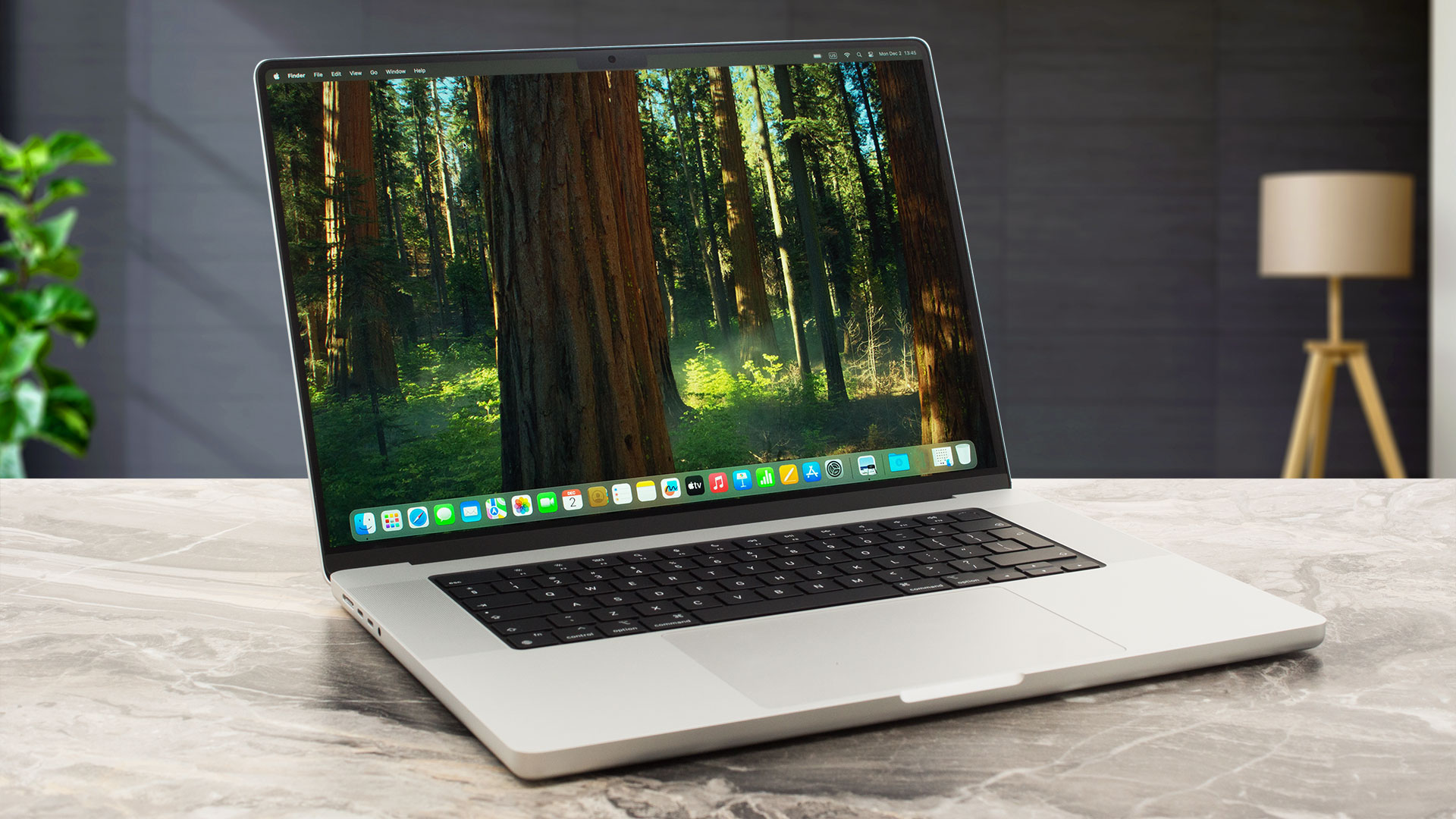
На второ място е Apple MacBook Pro 16 (Late 2024) с 16.2-инчов IPS панел (3456 x 2234), достигащ до 1600 нита в HDR сценарии, ∞:1 контраст и 100% DCI-P3. Това е един от най-впечатляващите дисплеи за работа с видео съдържание, HDR графика и професионален монтаж. Измерената цветова точност е изключително добра, а субективното усещане е за „референтен“ екран. В България цените стартират от 5419 лв., което го прави продукт за сериозни професионалисти и ентусиасти, които искат максимум качество без компромис.
Всички Apple MacBook Pro 16 (Late 2024) конфигурации, сортирани по цена:

Apple MacBook Pro 16 (Late 2024) in-depth review
The Apple MacBook Pro 16 with its full-blown M4 Pro/Max SoC already hit the market. This time around, you get a 14-core processor (with 10 performance and 4 efficiency cores) and a 20-core graphics card, or 14 to 16-core M4 Max CPU with 32/40-core GPU, respectively. Compared to the base configuration of the 14-inch sibling (12-core CPU / 16-core GPU), the 16-incher provides more punch in heavy loads but this could be beneficial mainly for professionals and power users. It's hard to spot any performance difference between the two "cousins" in terms of daily tasks and multimedia consumption.[...]
Pros
- The 14-core CPU maintains 3.85 GHz / 2.59 GHz for the P and E cores even in long-stress scenarios
- Superb sustained performance
- The fans are quiet in light and medium loads
- Mini-LED display with 120Hz refresh rate and 613 nits of max brightness
- Full sRGB and DCI-P3 coverage
- Color-accurate panel
- The optional Nano-texture display handles the reflections like a boss
- Great CPU and GPU performance
- The metal chassis is very solid
- Very long battery life (~ 17 hours of videos)
- Great sound quality
- Mag Safe charging port
- 3x Thunderbolt 5 / USB4 ports
- Comfortable keyboard
- Enormous and super smooth touchpad
- Snappy 512GB NVMe drive
- The keyboard doesn't feel hot during heavy loads
- Nice multicore performance bump compared to the 12-core version of the M4 SoC
- 24GB of unified memory as standard
- Up to 48GB RAM
- Up to 4TB of storage
- Thin for a powerful 16-incher (16.8 mm)
Cons
- High price, especially if you want to add more memory or storage
- Soldered memory and SSD
- High processor temperatures during long loads
- Clearly audible fans in long 100% CPU stress
- No Wi-Fi 7
🥇 Apple MacBook Pro 14 (M4 Pro / M4 Max, Late 2024)
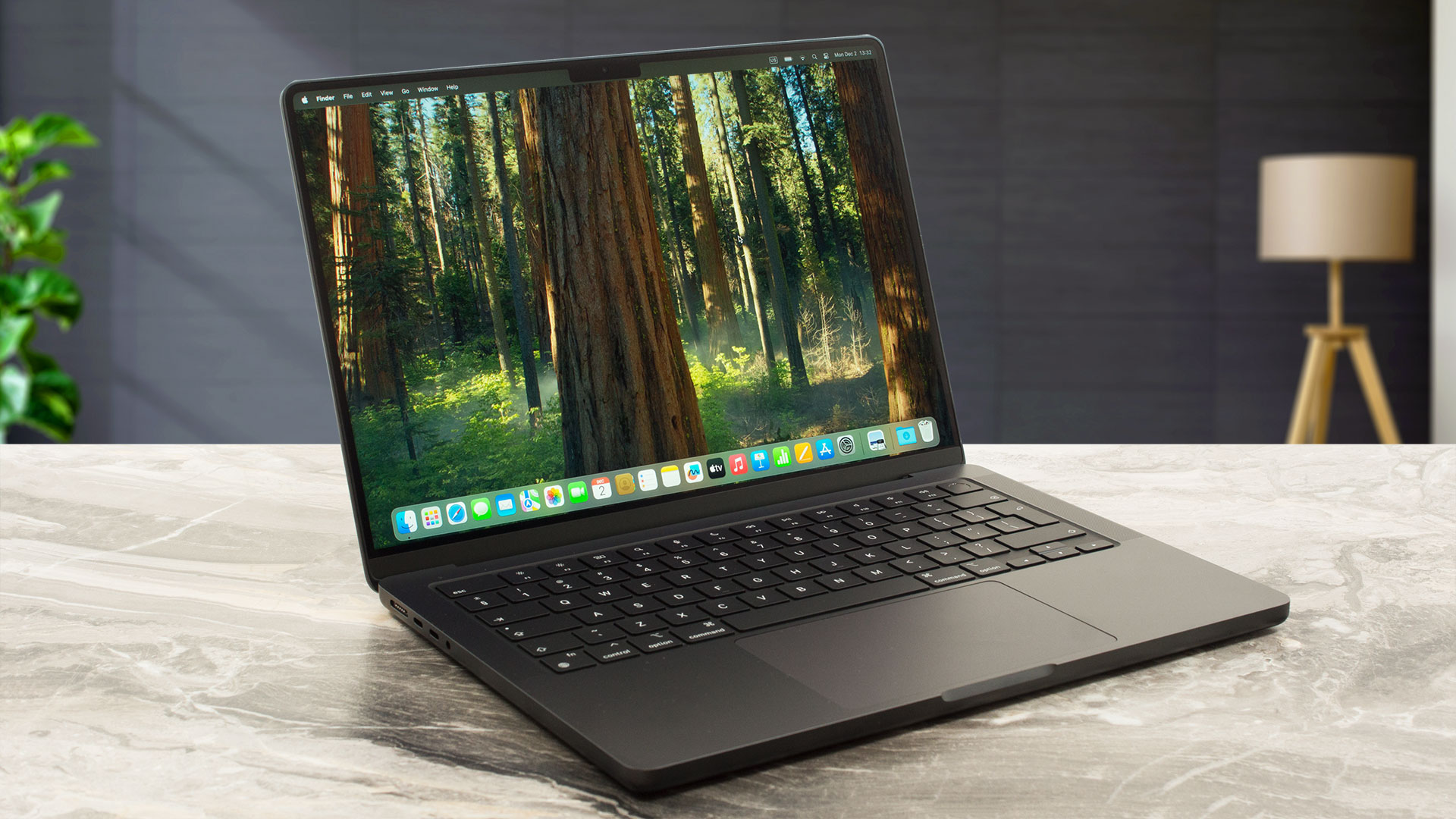
Първото място в класацията заема Apple MacBook Pro 14 (M4 Pro / M4 Max, Late 2024) с 14.2-инчов IPS дисплей (3024 x 1964), до 1600 нита пикова яркост, ∞:1 контраст, 100% DCI-P3 и почти перфектна цветова точност (DeltaE около 1.1). Това е екран, който комбинира компактна форма, висока детайлност и професионално ниво на калибрация, подходящ както за мобилни креативни специалисти, така и за потребители, които искат най-доброто възможно качество на картината в 14-инчов форм-фактор. В Laptop.bg моделът започва от 4399 лв, което го прави по-достъпен от 16-инчовата версия, без компромис в качеството.
Всички Apple MacBook Pro 14 (Late 2024) конфигурации, сортирани по цена:

Apple MacBook Pro 14 (M4 Pro / M4 Max, Late 2024) in-depth review
With the 2024 model of Apple's MacBook Pro 14 you can choose between a 12-core or 14-core M4 Pro processor with a 16 or 20-core GPU respectively, or a 16-core M4 Max with 32-core GPU. As always, the bigger memory and storage options are pricey. However, the base iteration of this machine comes with 24GB of unified RAM. If you aren't a power user, this amount should be sufficient for daily tasks or normal work. If your wallet is wide enough, you could pick a machine with double the memory.The default 512GB SSD seems enough if you don't store too much of photos and videos on it. If you need [...]
Pros
- The 12-core CPU sustains 3.92 GHz / 2.59 GHz for the P and E cores during any kind of load
- Great sustained performance for such a compact form factor
- The fans are quiet in light loads
- Mini-LED display with 120Hz refresh rate and 605 nits of max brightness
- Full sRGB and DCI-P3 coverage
- Color-accurate panel
- The optional Nano-texture display handles the reflections like a champ
- Great overall performance
- Solid metal chassis
- Very long battery life (~ 16 hours of videos)
- Great sound quality
- Mag Safe charging port
- 3x Thunderbolt 5 / USB4 ports
- Comfortable keyboard + smooth touchpad
- Snappy 512GB NVMe drive
- The keyboard doesn't feel hot to the touch during heavy loads
- Optional 14-core CPU and 20-core GPU
- 24GB unified memory as standard
- Up to 48GB RAM
- Up to 4TB SSD
- Optional 96W USB-C Power Adapter with fast charging
Cons
- Pricey
- Soldered memory and NVMe
- High processor temperatures under medium and long stress
- Loud fans in long 100% CPU stress scenarios
- No Wi-Fi 7
➡️ Към пълната класация: LaptopMedia – Топ 100 лаптопи с най-добри екрани
 Author: Simeon NikolovEditor-in-Chief at LaptopMedia.com with 20+ years of experience in testing and analyzing laptops and mobile devices.

![[June 2026] Best-Selling Laptop Brands on Amazon Global – Apple’s Unrivaled Dominance in Units and Revenue](https://laptopmedia.com/wp-content/uploads/2026/07/GLOBAL-Best-Brands-400x225.jpg)
![[June 2026] Amazon Global: Top 10 Best-Selling Laptops – Apple’s New MacBook Neo Storms to #1, Reshaping the Market with Affordability](https://laptopmedia.com/wp-content/uploads/2026/07/Best-Selling-Laptops-GLOBAL-Top-10-400x225.jpg)
![[June 2026] Amazon Global: Top 10 Best-Selling Gaming Laptops – Acer’s Nitro V 16S AI Dominates Sales, While ASUS Leads Overall Revenue](https://laptopmedia.com/wp-content/uploads/2026/07/Best-Selling-Gaming-Laptops-GLOBAL-Top-10-400x225.jpg)
![[June 2026] Global Ranking of Best-Selling Laptop GPUs on Amazon – NVIDIA RTX 5060 is the Top-Selling Dedicated GPU](https://laptopmedia.com/wp-content/uploads/2026/07/Best-Selling-GPUs-GLOBAL-Top-10-400x225.jpg)
![[June 2026] Global Ranking of Best-Selling Laptop CPUs on Amazon – Apple M5 Dominates, AMD Ryzen 7 260 Gets Solid Premium Share](https://laptopmedia.com/wp-content/uploads/2026/07/Best-Selling-CPUs-GLOBAL-Top-10-400x225.jpg)
