Acer Nitro 16
_000049.jpg)

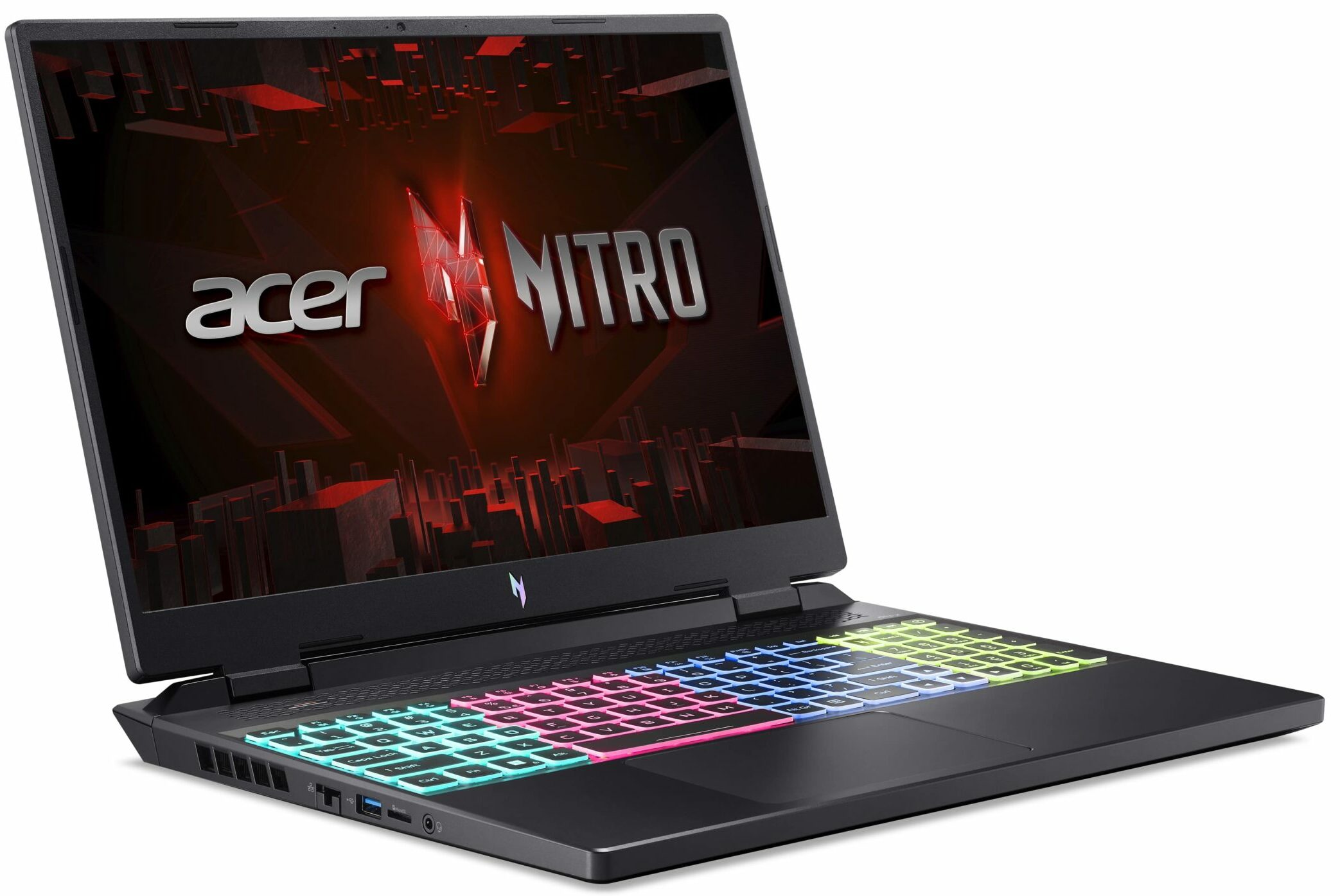
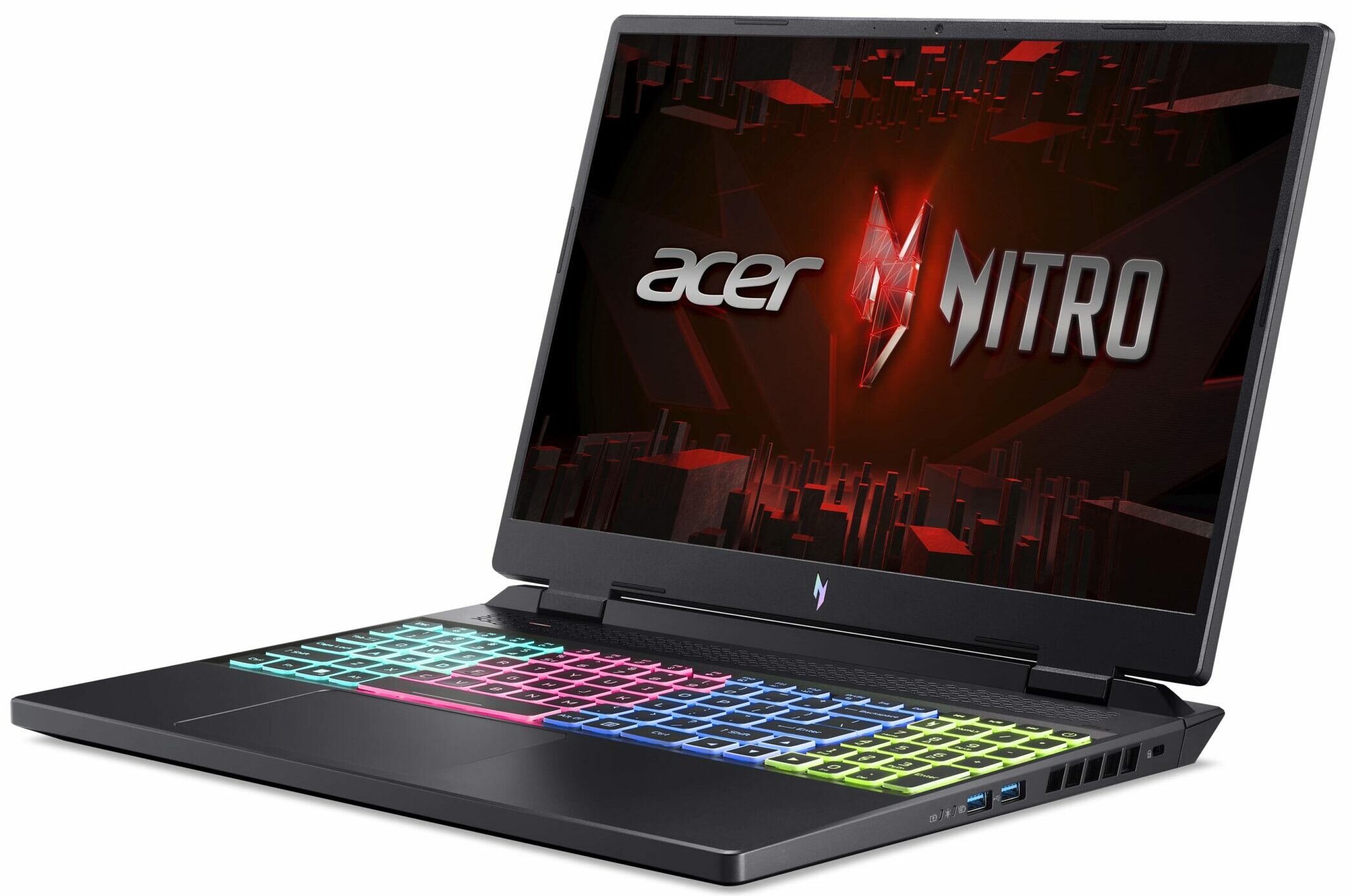
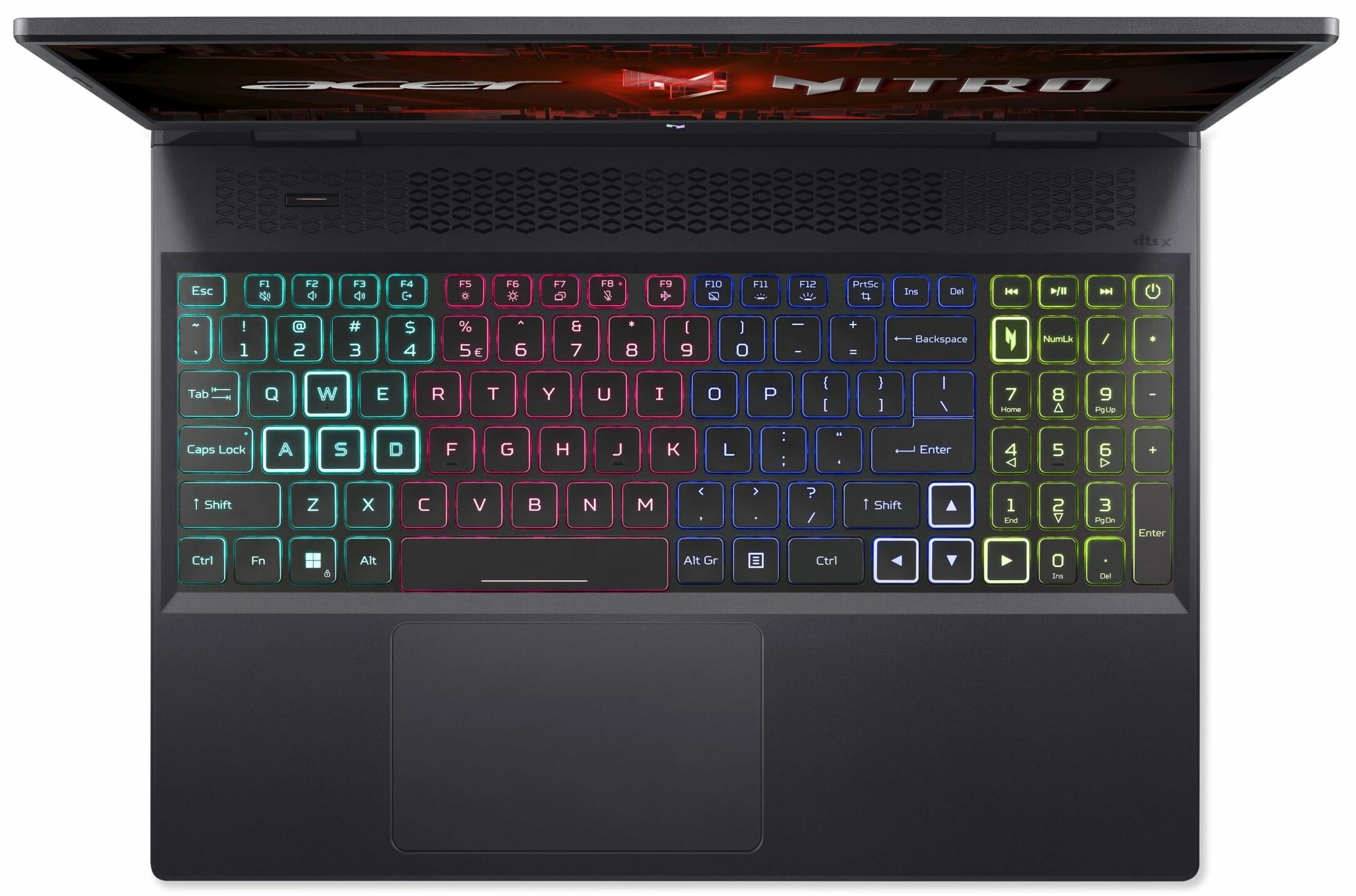

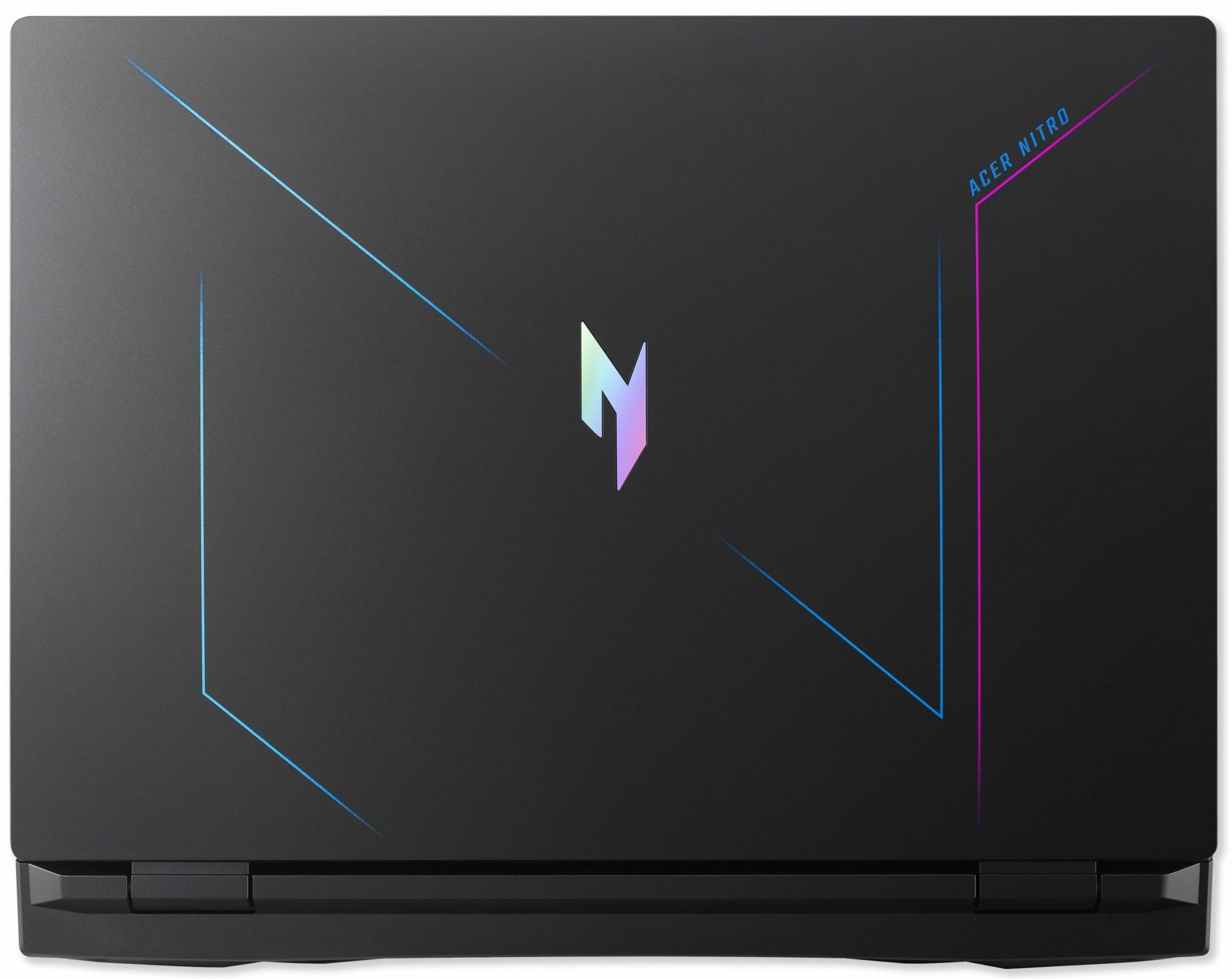
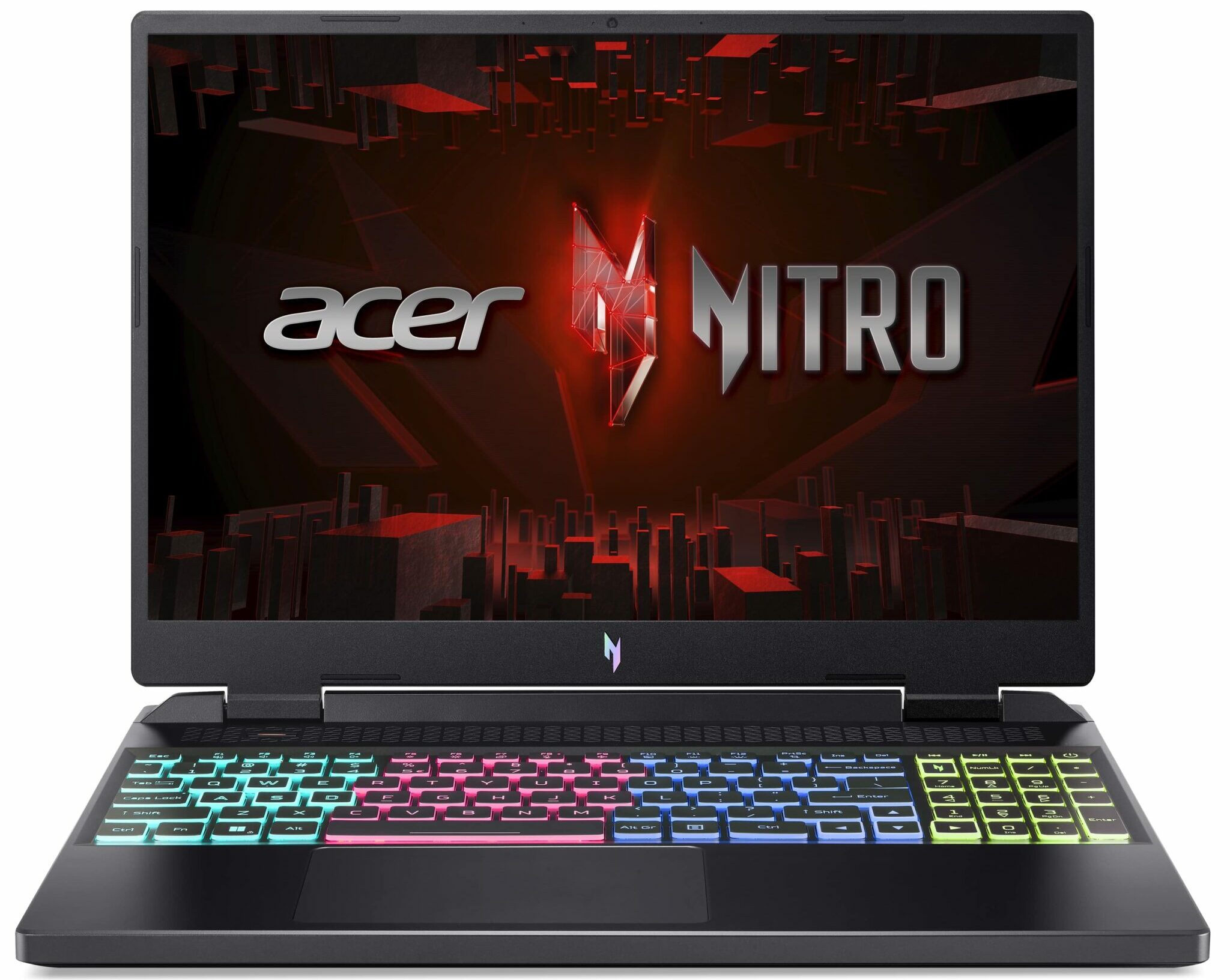
- Date Published: 23 Aug 2023
- Intel Core i7-13700H
- NVIDIA GeForce RTX 4050 (Laptop, 140W)
- 16.0″, WUXGA (1920 x 1200), 165 Hz, IPS
- 2000GB SSD
- 64GB DDR5
- 2.60 kg (5.7 lbs)

Review
Acer Nitro 16 in-depth review
The popularity of the Acer Nitro devices is undeniable. In most cases, they offer good performance combined with a pleasant price. In the last few years, we can see that some Nitro laptops are getting a bit of premium treatment with the aid of good display options and high-end hardware.This accurately describes the Acer Nitro 16 (AN16-51). It's a laptop that doesn't cost a whole fortune, but it can be configured with powerful Intel Raptor Lake-H CPU options and NVIDIA RTX 3000 / 4000 video cards. The display variants include three IPS 16:10 high refresh rate displays - two 1200p and one 1600p. Nvidia Advanced Optimus is part of the package - yes, this laptop has a MUX switch.The design is a bit different compared to last year's device but more on that later. The notebook impresses [...]
Read the full review
Pros
- 2x M.2 PCIe x4 Gen 4 slots, 2x DDR5 RAM SODIMM slots in dual channel
- Covers 96% of the sRGB color gamut and has accurate color representation with our "Gaming and Web design profile" (BOE NE160QDM-NY1 (BOE0A2C))
- Snappy panel with quick response times (BOE NE160QDM-NY1 (BOE0A2C))
- No PWM (BOE NE160QDM-NY1 (BOE0A2C))
- G-Sync support + MUX switch
- Wide port selection
- Good keyboard and touchpad
- Good battery life for a gaming laptop
- Stable base
- High CPU and GPU performance
Cons
- Flexible lid
- Noisy in Turbo mode
- The Performance mode has a strange temperature hysteresis
Disassembly, maintenance and upgrade options
Step 1: Accessing the Acer Nitro 16 (AN16-51) InternalsEnsure the Acer Nitro 16 (AN16-51) is powered off and placed on a soft, clean surface to prevent scratches or damage. Remove the 11 Phillips-head screws from the bottom of the laptop. Carefully raise the bottom panel by holding the two plastic vents on the back to pop up the plate.Hint: Be gentle when detaching the bottom panel to avoid damaging the internal components or the clips holding the panel in place.Step 2: Battery RemovalDisconnect the battery by unplugging its connector from the motherboard. [...]
Read more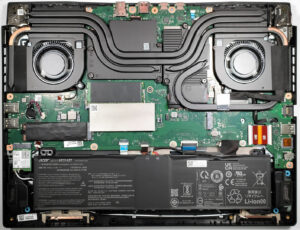


![[June 2026] Best-Selling Laptop Brands on Amazon Global – Apple’s Unrivaled Dominance in Units and Revenue](https://laptopmedia.com/wp-content/uploads/2026/07/GLOBAL-Best-Brands-400x225.jpg)
![[June 2026] Amazon Global: Top 10 Best-Selling Laptops – Apple’s New MacBook Neo Storms to #1, Reshaping the Market with Affordability](https://laptopmedia.com/wp-content/uploads/2026/07/Best-Selling-Laptops-GLOBAL-Top-10-400x225.jpg)
![[June 2026] Amazon Global: Top 10 Best-Selling Gaming Laptops – Acer’s Nitro V 16S AI Dominates Sales, While ASUS Leads Overall Revenue](https://laptopmedia.com/wp-content/uploads/2026/07/Best-Selling-Gaming-Laptops-GLOBAL-Top-10-400x225.jpg)
![[June 2026] Global Ranking of Best-Selling Laptop GPUs on Amazon – NVIDIA RTX 5060 is the Top-Selling Dedicated GPU](https://laptopmedia.com/wp-content/uploads/2026/07/Best-Selling-GPUs-GLOBAL-Top-10-400x225.jpg)
![[June 2026] Global Ranking of Best-Selling Laptop CPUs on Amazon – Apple M5 Dominates, AMD Ryzen 7 260 Gets Solid Premium Share](https://laptopmedia.com/wp-content/uploads/2026/07/Best-Selling-CPUs-GLOBAL-Top-10-400x225.jpg)
