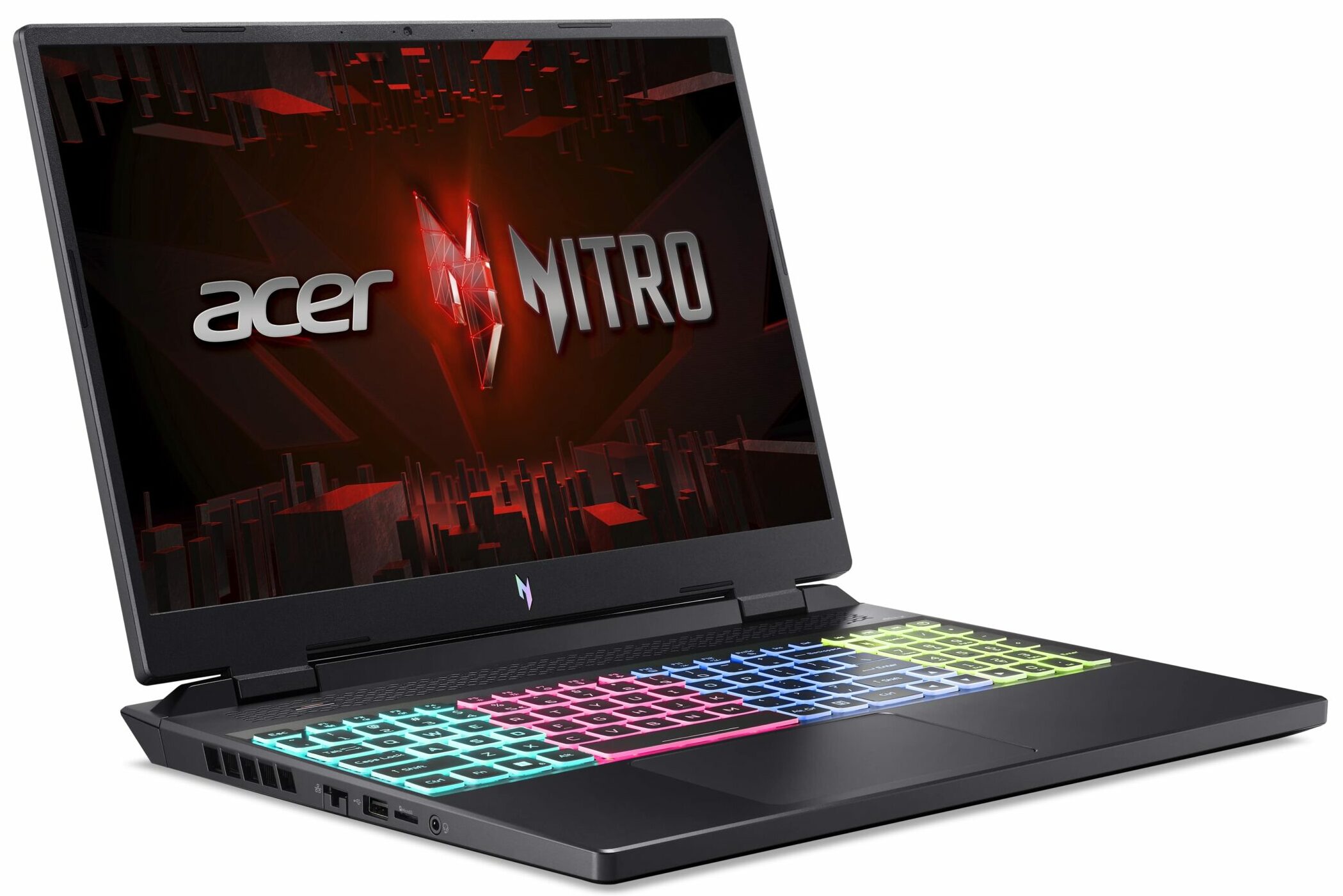
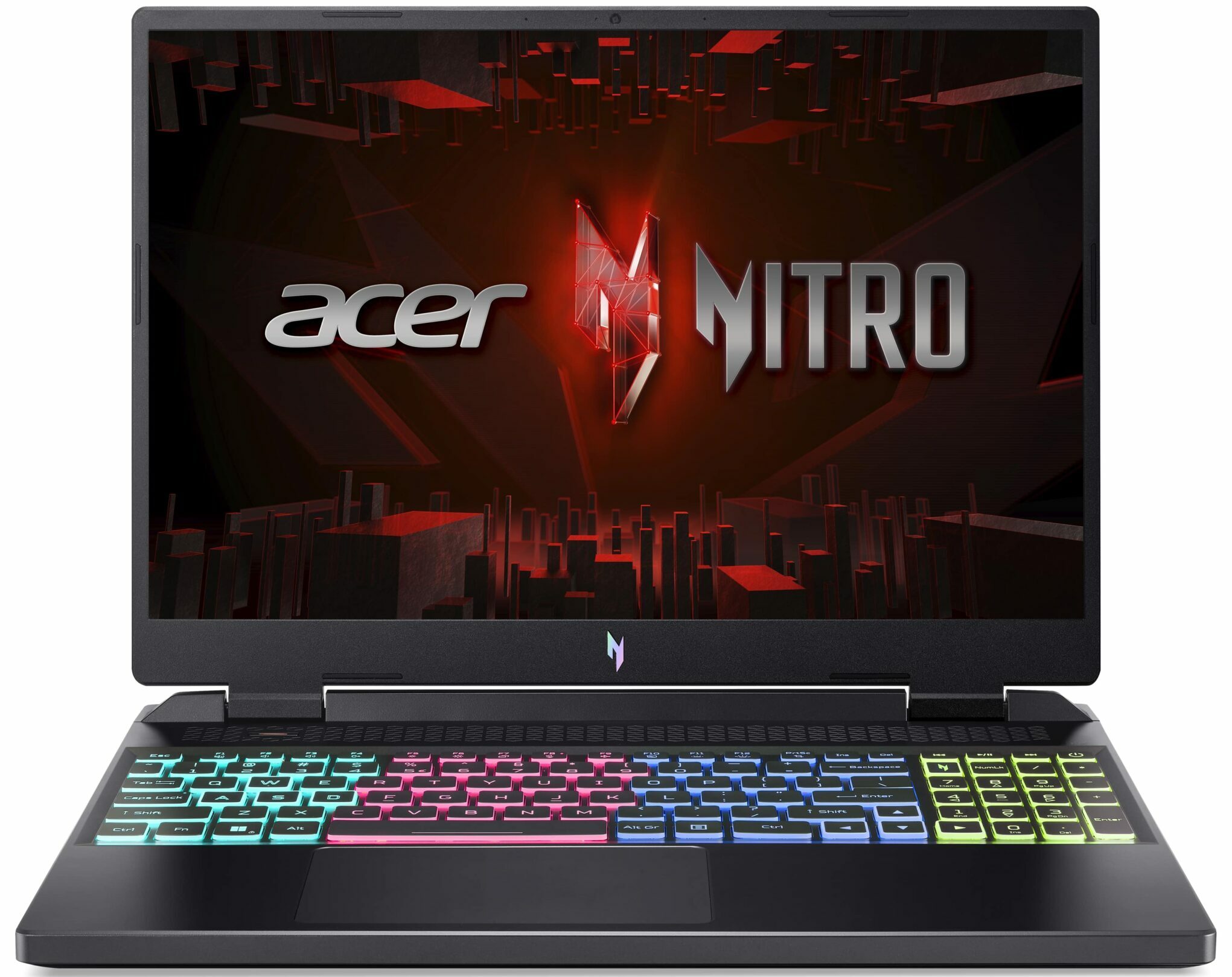
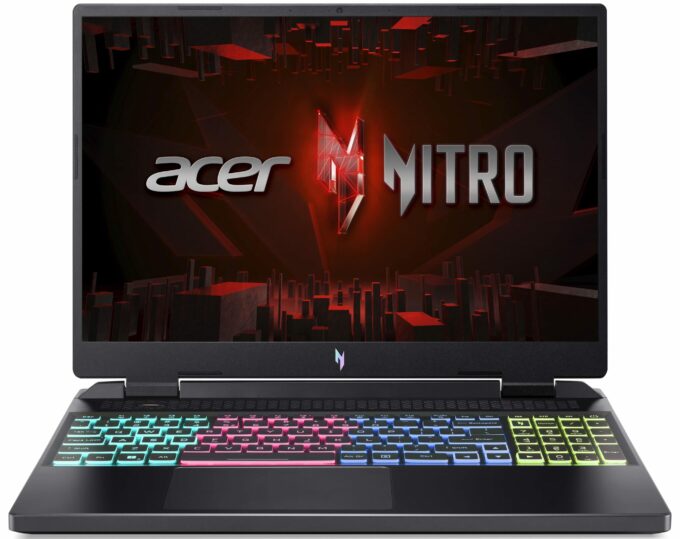
Acer Nitro 16



- Date Published: 25 Jun 2024
- AMD Ryzen 5 7640HS
- NVIDIA GeForce RTX 4050 (Laptop, 140W)
- 16.0″, WUXGA (1920 x 1200), 165 Hz, IPS
- 4000GB SSD
- 8GB RAM
- 2.70 kg (6 lbs)
Specs

- HDD/SSD
- 4000GB SSD
- M.2 Slot
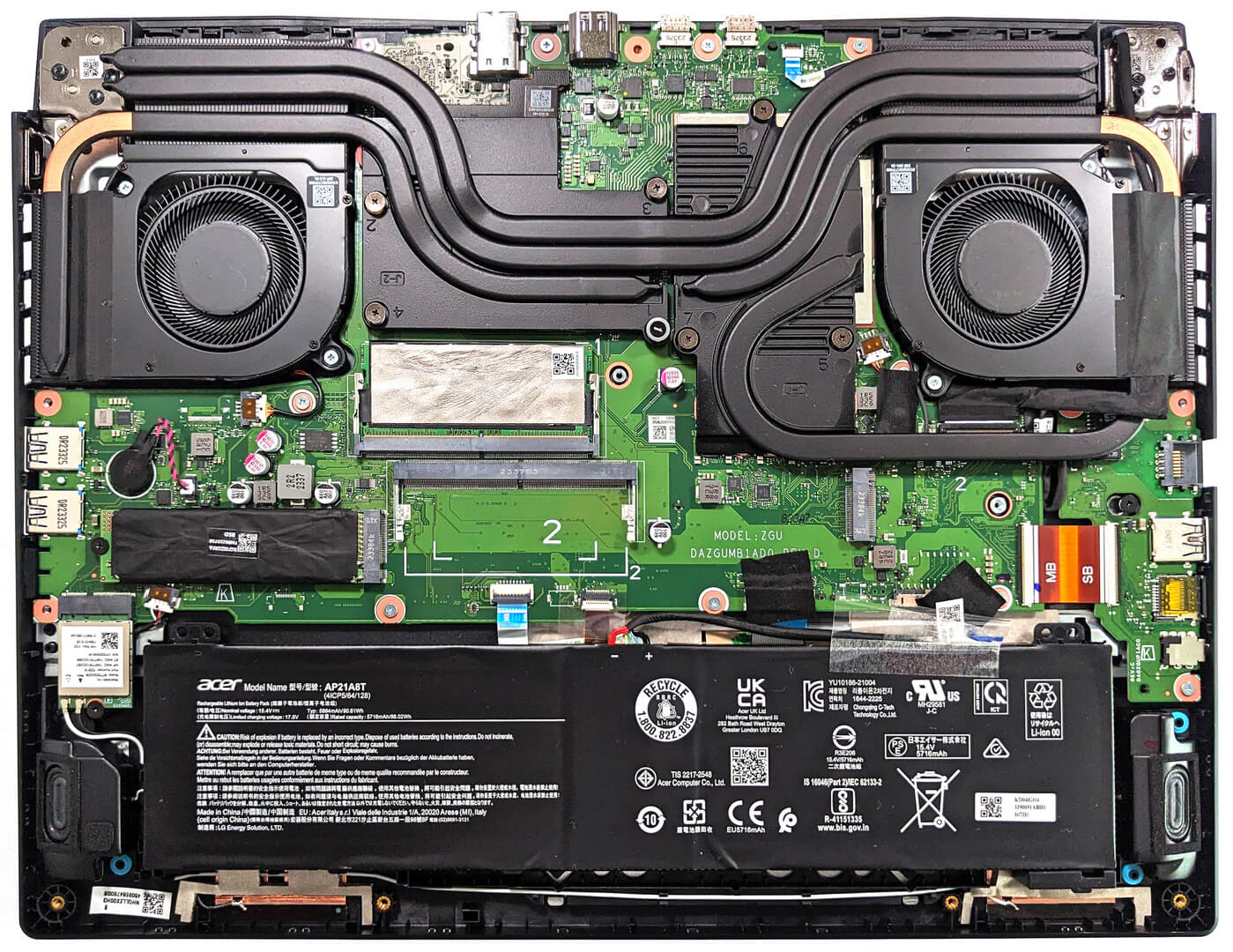
- 2x 2280 PCIe NVMe 4.0 x4 See photo
- RAM
- 8GB RAM
- OS
- Windows 11 Home
- Body Material
- Plastic / Polycarbonate
- Dimensions
- 360.1 x 279.9 x 25.9 - 27.9 mm (14.18" x 11.02" x 1.02")
- Weight
- 2.70 kg (6 lbs)
- Ports and connectivity
- 1x USB Type-A
- 2.0
- 1x USB Type-A
- 3.2 Gen 2 (10 Gbps)
- 1x USB Type-A
- 3.2 Gen 2 (10 Gbps), Sleep and Charge
- 1x USB Type-C
- Power Delivery (PD), Sleep and Charge
- 1x USB Type-C
- 3.2 Gen 2 (10 Gbps), Power Delivery (PD), Sleep and Charge
- HDMI
- 2.1
- Card Reader
- microSD (microSD, microSDHC, microSDXC)
- Ethernet LAN
- 10, 100, 1000 Mbit/s
- Wi-Fi
- 802.11ax
- Bluetooth
- 5.1
- Audio jack
- 3.5mm Combo Jack
- Features
- Fingerprint reader
- Web camera
- HD with Temporal Noise Reduction
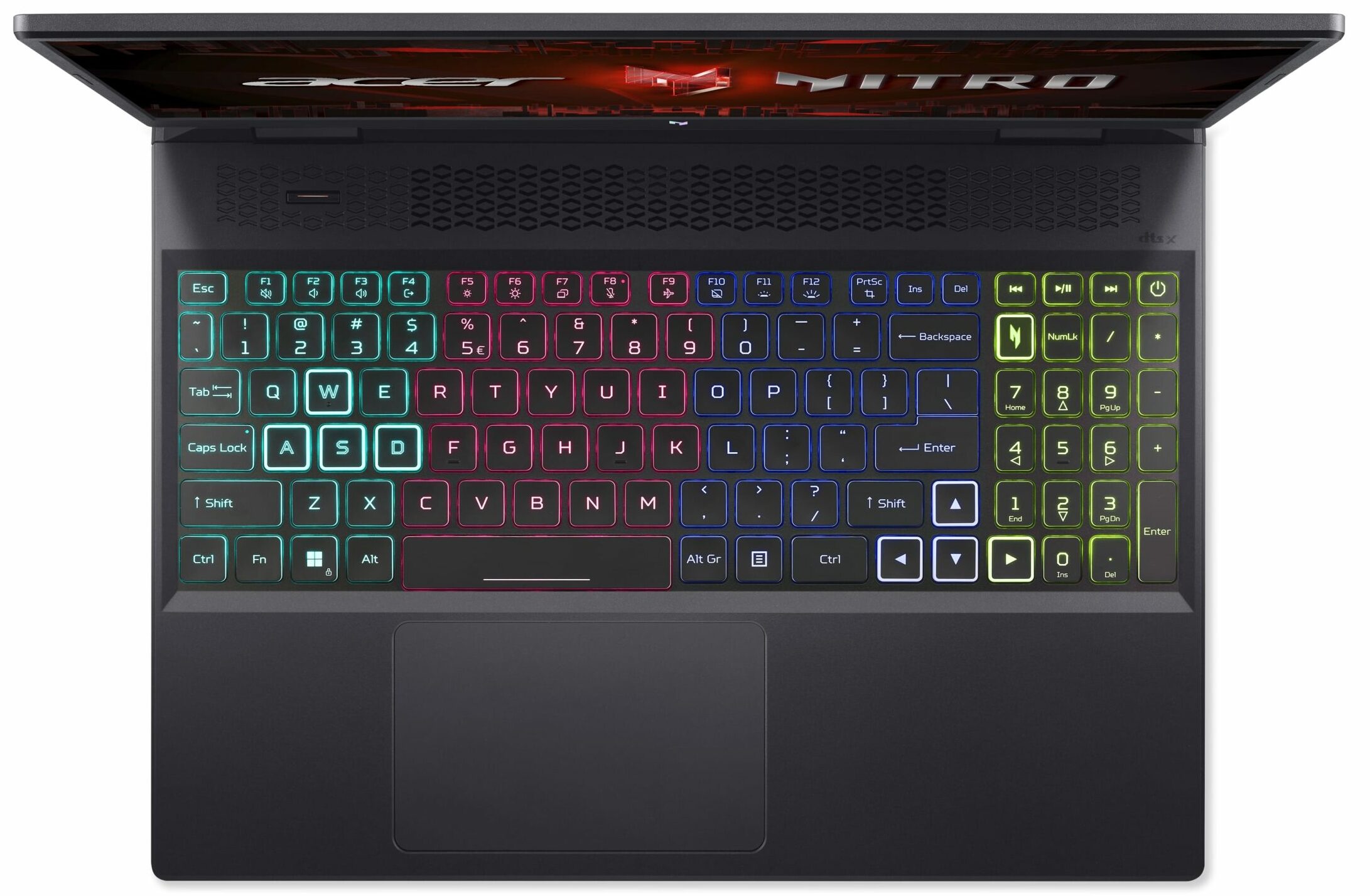
- Backlit keyboard
- Microphone
- Dual Microphones with Acer Purified Voice
- Speakers
- Stereo Speakers, DTS X:Ultra Audio
- Security Lock slot
- Kensington Lock
Portability
Review
Acer Nitro 16 in-depth review
You can already find a lot of Zen 4-based laptops in different form factors. One of the iterations is the Acer Nitro 16 (AN16-41). Over the years, the Nitro lineup evolved and now some of these devices are close to the performance levels of the more premium Predator machines. The AN16-41 model boats some pretty mouthwatering specs like NVIDIA Ada Lovelace GPU options with hefty TGPs and Zen 4 or refreshed Zen 3+ CPU variants. The top processor model is the AMD Ryzen 9 7940HS. Here, we have a 16" 16:10 display so yes, the screen is taller. You can choose between two 165Hz panels - one 1200p and one 1600p. The notebook also brings goodies to the table such as Nvidia Advanced Optimus, G-Sync, and a MUX switch. Just like many other Nitro devices, the upgradability is good and the same applies[...]
Read the full review
Pros
- 2x M.2 Gen 4 slots + 2x DDR5 RAM SODIMMs
- Covers 98% of the sRGB color gamut and has accurate color representation with our "Design and Gaming" profile (BOE NV160WUM-NY2 (BOE0B72))
- Fast panel with quick response times (BOE NV160WUM-NY2 (BOE0B72))
- No PWM (BOE NV160WUM-NY2 (BOE0B72))
- G-Sync support + MUX switch
- Good I/O
- Comfortable input devices
- Great battery life for a gaming laptop
- Solid base
- The CPU and the GPU can maintain high frequencies during full load
Cons
- Flexy lid
- Noisy fans in "Turbo" mode
- The NVMe gets hot during benchmarking
Disassembly, maintenance and upgrade options
Step 1: Accessing the InternalsEnsure the Acer Nitro 16 (AN16-41) is powered off and placed on a soft, clean surface to prevent scratches or damage. Remove the 11 Phillips-head screws from the bottom of the laptop. Carefully lift the bottom panel by holding the two plastic exhausts firmly on the back to pop it open.Hint: Be gentle during this process to avoid damaging the internal clips or the laptop casing.Step 2: Removing the BatteryDetach the battery connector from the motherboard to disconnect the power. Lift the 90.61Wh battery away from the chassis. N[...]
Read more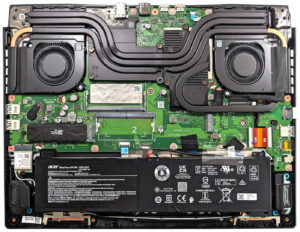


![[June 2026] Best-Selling Laptop Brands on Amazon Global – Apple’s Unrivaled Dominance in Units and Revenue](https://laptopmedia.com/wp-content/uploads/2026/07/GLOBAL-Best-Brands-400x225.jpg)
![[June 2026] Amazon Global: Top 10 Best-Selling Laptops – Apple’s New MacBook Neo Storms to #1, Reshaping the Market with Affordability](https://laptopmedia.com/wp-content/uploads/2026/07/Best-Selling-Laptops-GLOBAL-Top-10-400x225.jpg)
![[June 2026] Amazon Global: Top 10 Best-Selling Gaming Laptops – Acer’s Nitro V 16S AI Dominates Sales, While ASUS Leads Overall Revenue](https://laptopmedia.com/wp-content/uploads/2026/07/Best-Selling-Gaming-Laptops-GLOBAL-Top-10-400x225.jpg)
![[June 2026] Global Ranking of Best-Selling Laptop GPUs on Amazon – NVIDIA RTX 5060 is the Top-Selling Dedicated GPU](https://laptopmedia.com/wp-content/uploads/2026/07/Best-Selling-GPUs-GLOBAL-Top-10-400x225.jpg)
![[June 2026] Global Ranking of Best-Selling Laptop CPUs on Amazon – Apple M5 Dominates, AMD Ryzen 7 260 Gets Solid Premium Share](https://laptopmedia.com/wp-content/uploads/2026/07/Best-Selling-CPUs-GLOBAL-Top-10-400x225.jpg)