Acer Nitro 5
 50.jpg)

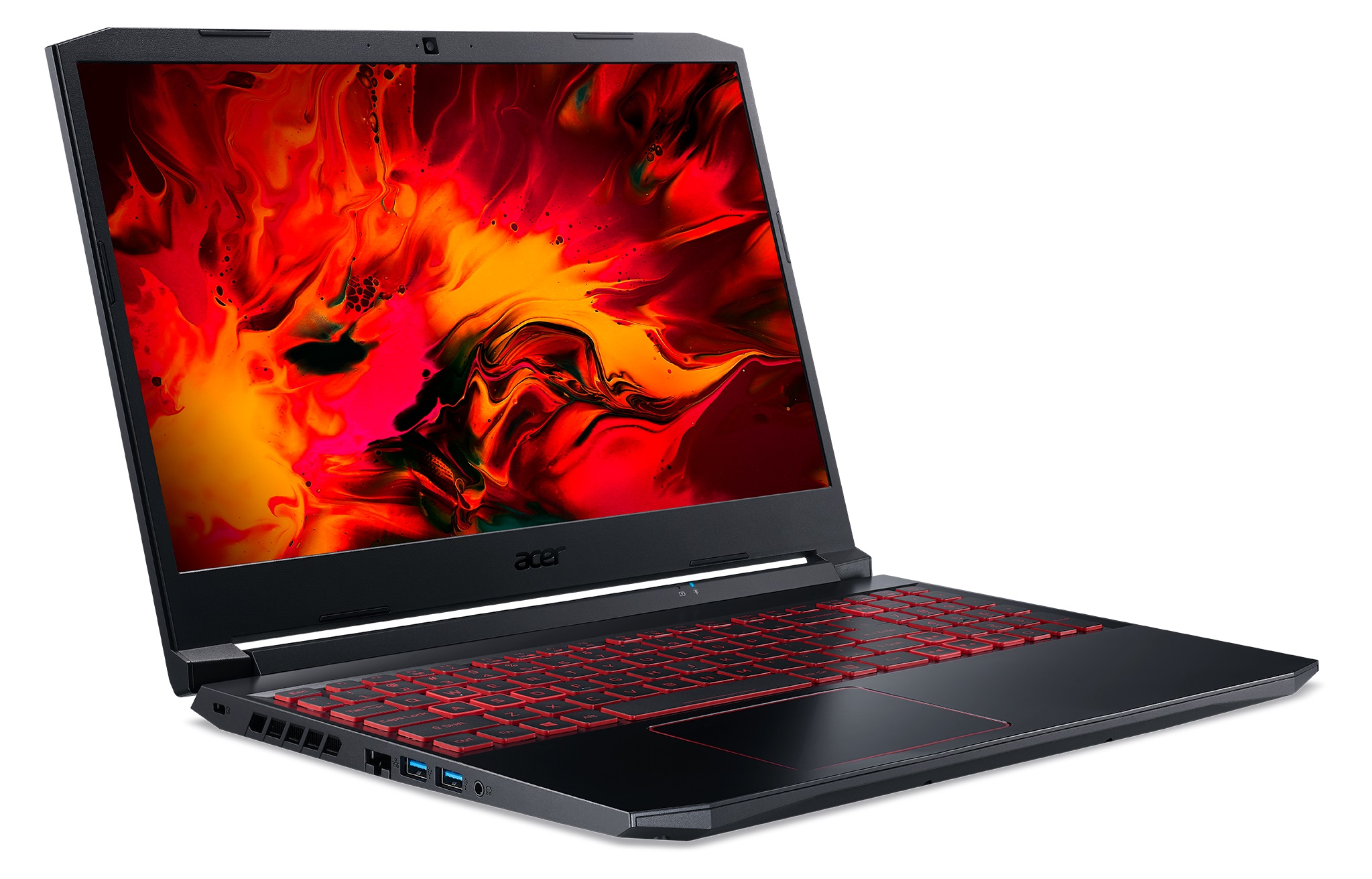
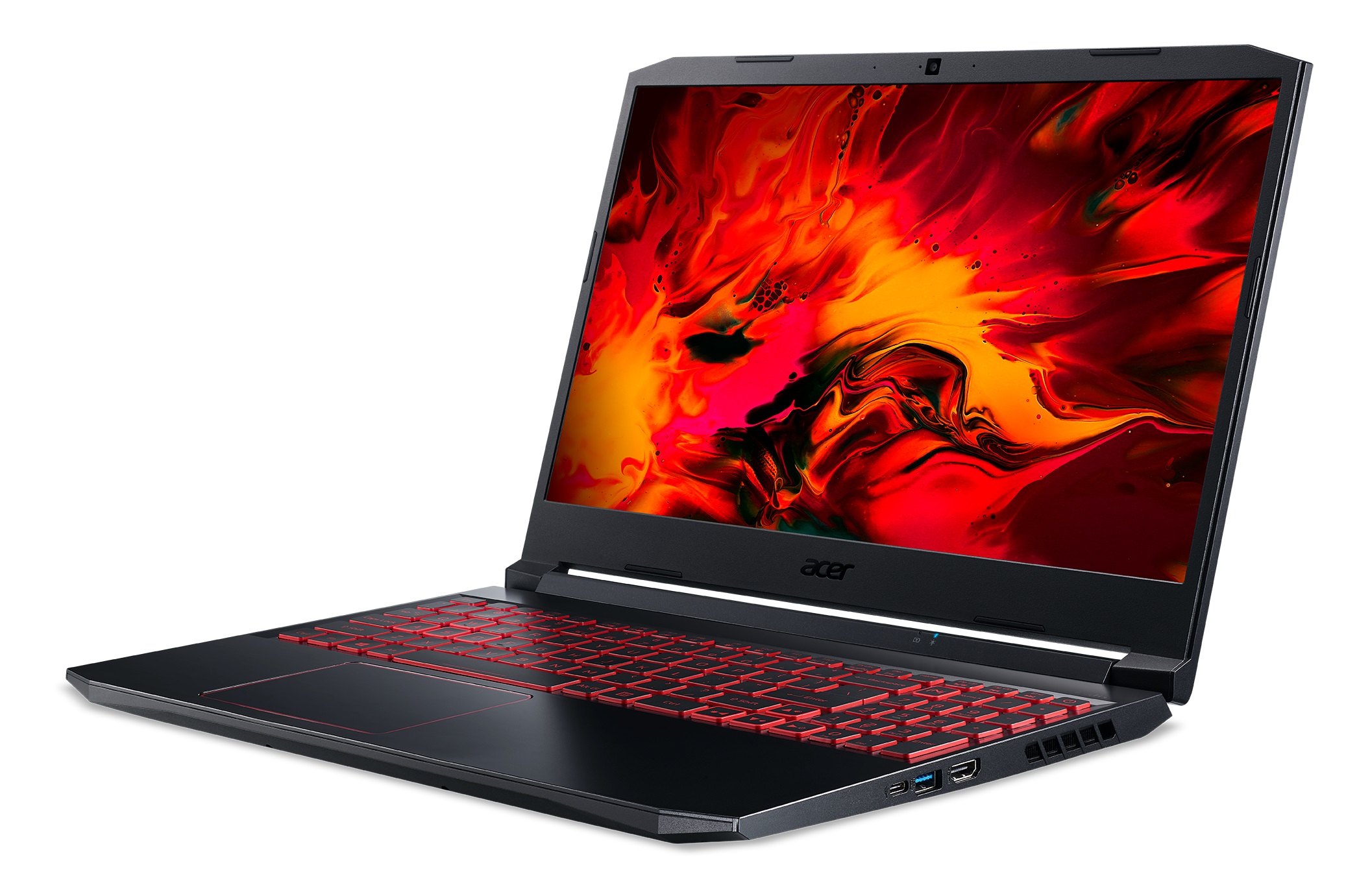
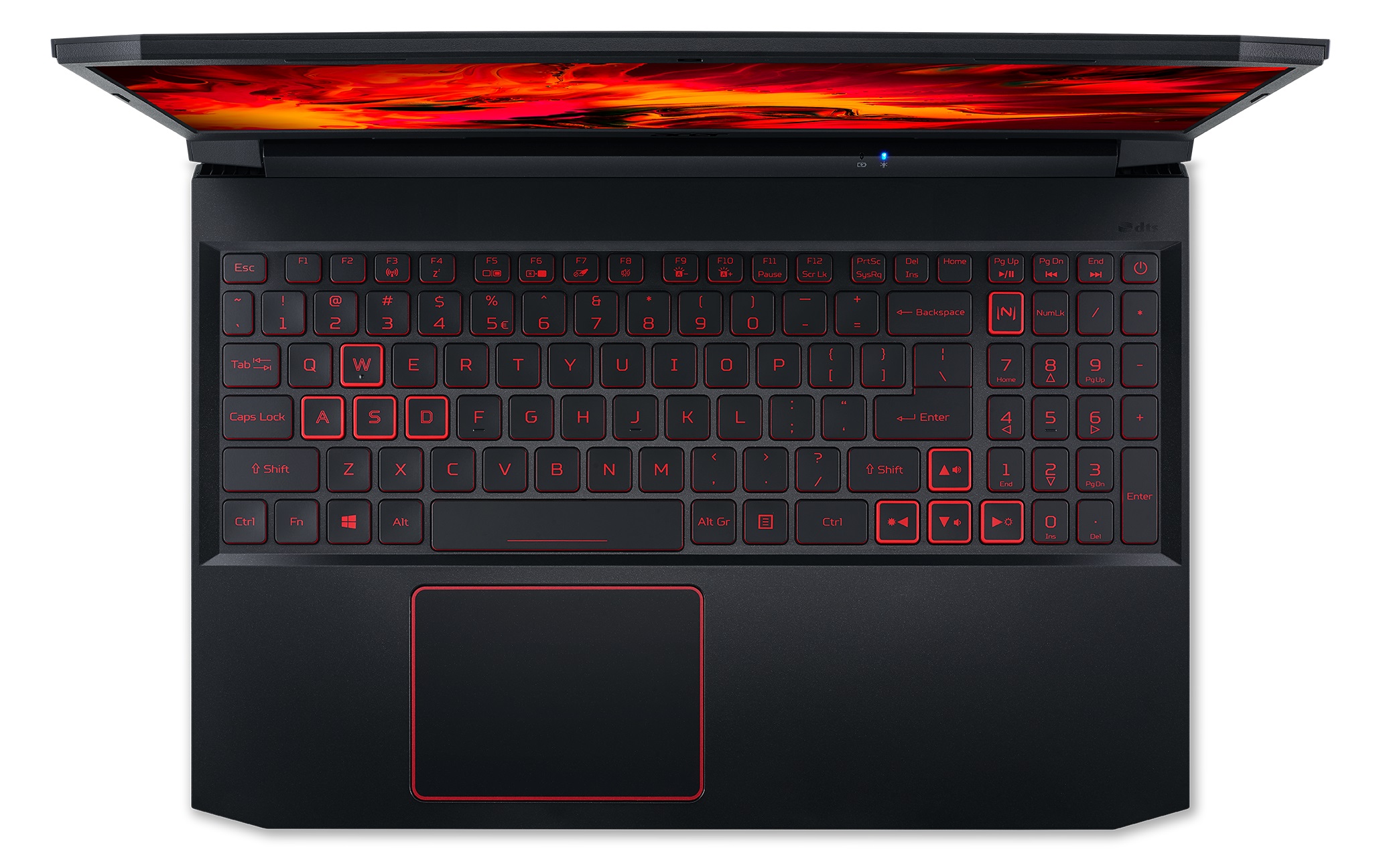
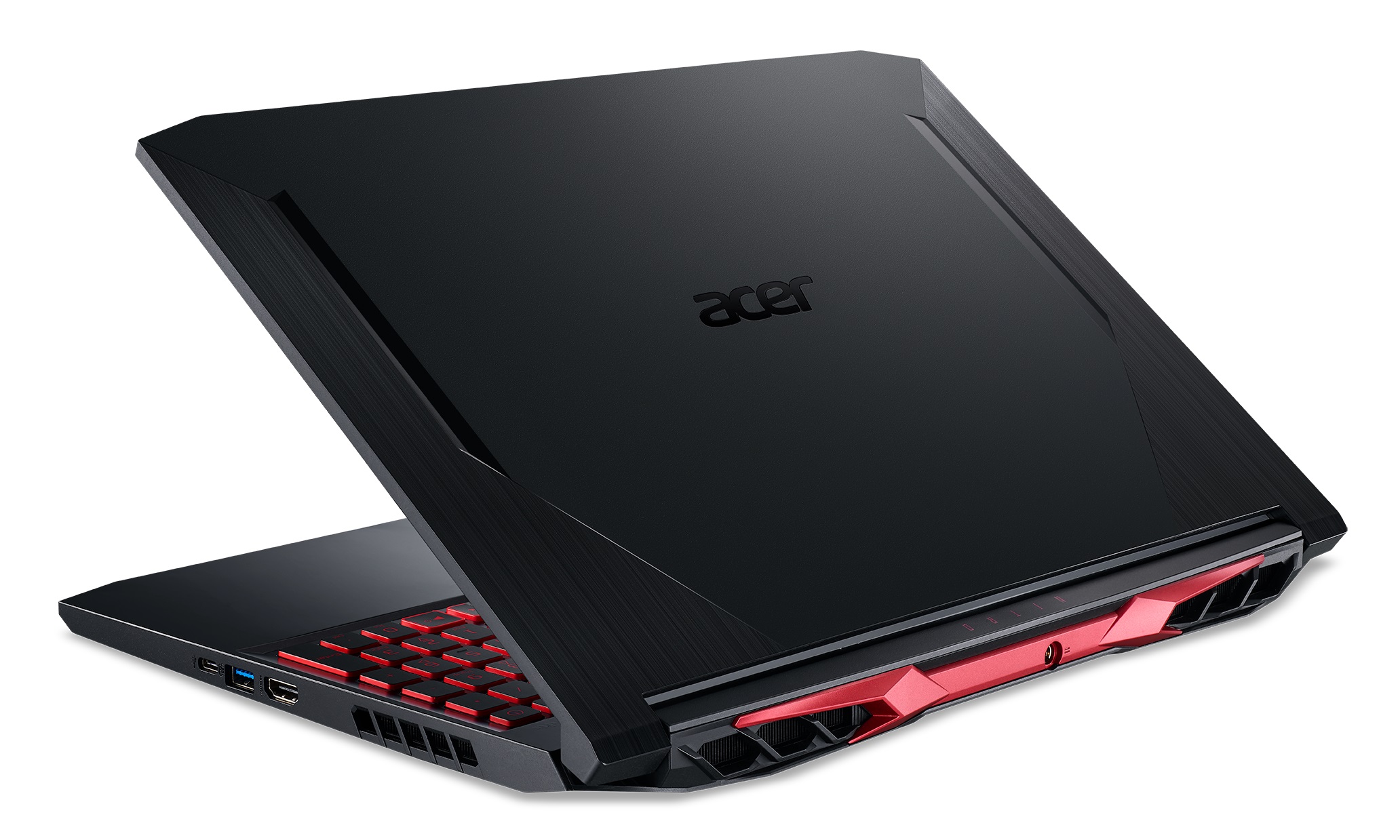
- Date Published: 22 May 2023
- AMD Ryzen 5 4600H
- NVIDIA GeForce GTX 1650 (Laptop, 50W)
- 15.6”, Full HD (1920 x 1080), 144 Hz, IPS
- 512GB SSD
- 12GB DDR4
- 2.40 kg (5.3 lbs)
Review
Acer Nitro 5 in-depth review
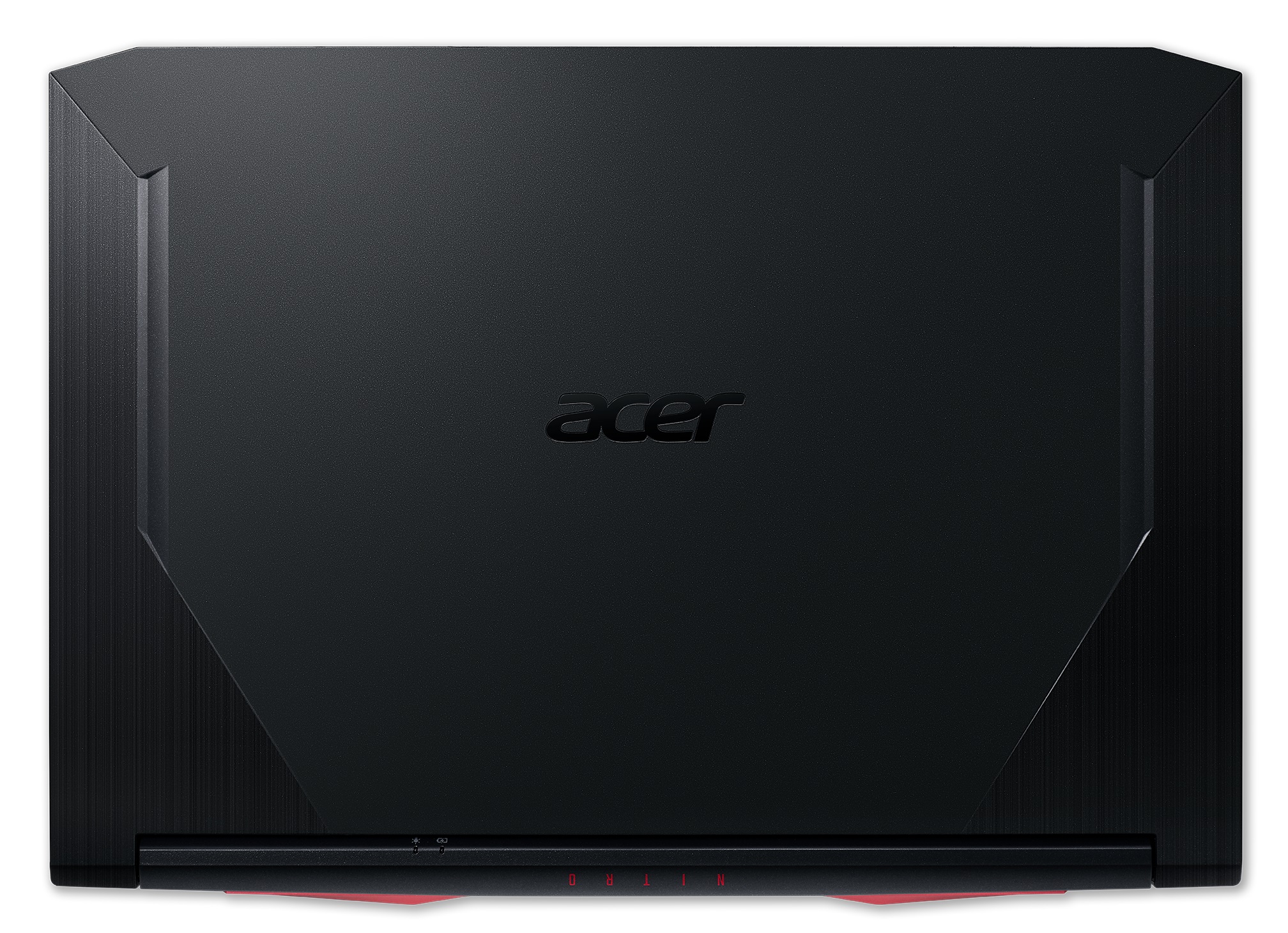
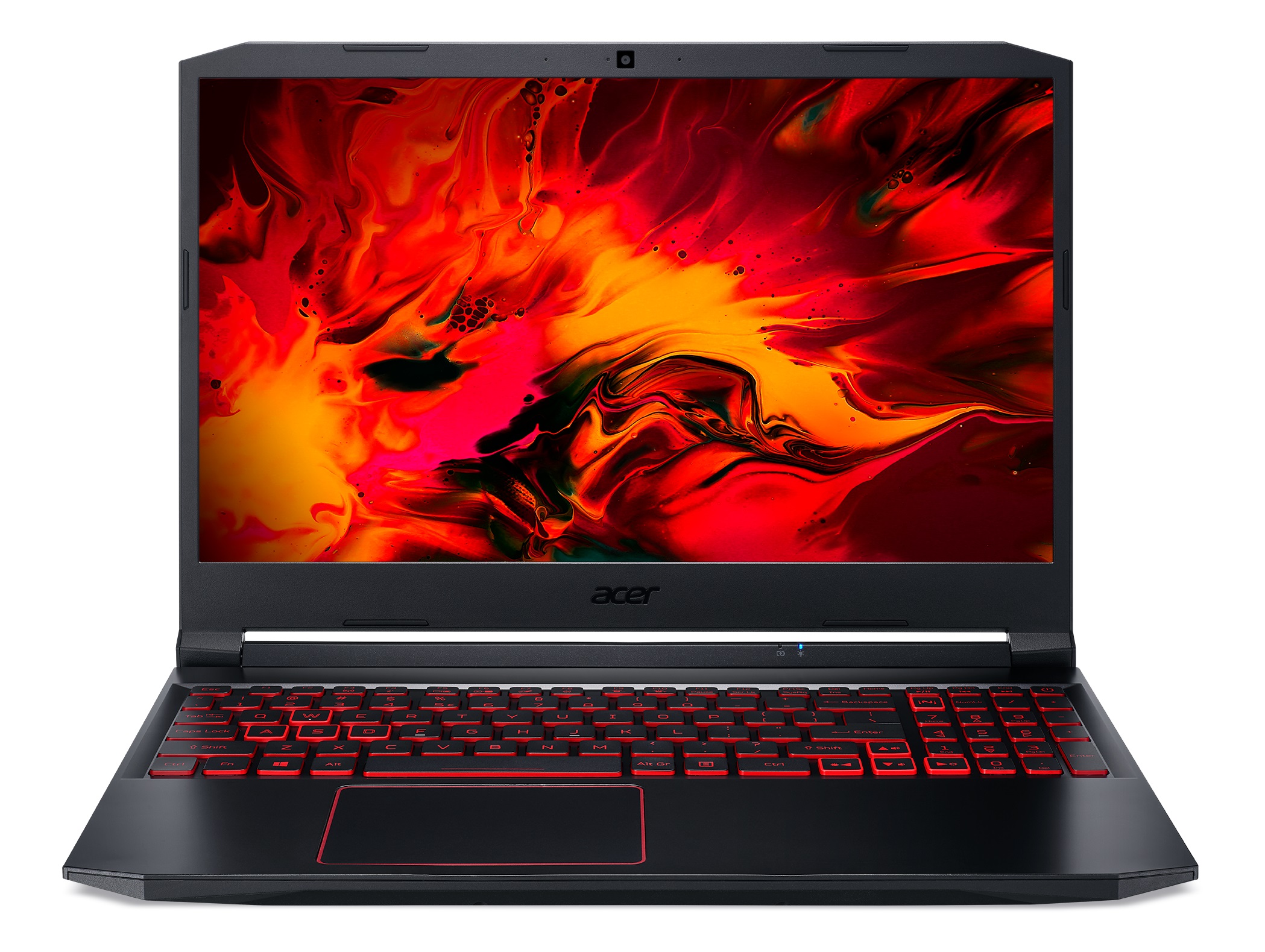
Today we have one of the most desirable laptops in the budget gaming sphere - the Nitro 5. More precisely, we are talking about the AN515-44 model, which features AMD's Ryzen 4000H processors, combined with mid-entry level GeForce graphics cards.Ultimately, Acer is reusing the chassis and the body of the Nitro 5 (AN515-55), which has Intel processors, onboard, by redesigning the motherboard. Interestingly, there are a lot of people that still prefer the Intel CPUs, because of their higher clocks and therefore bigger potential in games.However, not many realize that even the quad-core Core i5-10300H is more expensive than the six-core Ryzen 5 4600H while providing a fraction of the performance.Nevertheless, the laptop still features the RAID 0 support via its two M.2 slots, and[...]
Read the full review
Pros
- Incredible price for what you get
- Good keyboard with decent travel, clicky feedback, and an optional RGB backlight
- Two M.2 slots with RAID 0 support
- Wi-Fi 6 support
- 144Hz display option
Cons
- Lacks an SD card reader and Thunderbolt support
- Covers only 51% of sRGB (BOE NV156FHM-N48)
- Uses aggressive PWM for brightness adjustment (our Health-Guard profile fixes the issue) (BOE NV156FHM-N48)
Disassembly, maintenance and upgrade options
Despite putting an AMD CPU instead of the Intel one, Acer has decided to keep the cooling solution of the Nitro 5 (AN515-55).Check out all Acer Nitro 5 (AN515-44) prices and configurations in our Specs System or read more in our In-Depth review.1. Remove the bottom plate Taking this device apart is nothing out of the ordinary. Undo all 11 Phillips-head screws, and then pry the bottom panel with a plastic tool, starting from the front corners.2. Battery When it comes to the battery, Acer has put a 57.5Wh unit in this device.3. Memory and storage In terms of upgradab[...]
Read more


![[June 2026] Best-Selling Laptop Brands on Amazon Global – Apple’s Unrivaled Dominance in Units and Revenue](https://laptopmedia.com/wp-content/uploads/2026/07/GLOBAL-Best-Brands-400x225.jpg)
![[June 2026] Amazon Global: Top 10 Best-Selling Laptops – Apple’s New MacBook Neo Storms to #1, Reshaping the Market with Affordability](https://laptopmedia.com/wp-content/uploads/2026/07/Best-Selling-Laptops-GLOBAL-Top-10-400x225.jpg)
![[June 2026] Amazon Global: Top 10 Best-Selling Gaming Laptops – Acer’s Nitro V 16S AI Dominates Sales, While ASUS Leads Overall Revenue](https://laptopmedia.com/wp-content/uploads/2026/07/Best-Selling-Gaming-Laptops-GLOBAL-Top-10-400x225.jpg)
![[June 2026] Global Ranking of Best-Selling Laptop GPUs on Amazon – NVIDIA RTX 5060 is the Top-Selling Dedicated GPU](https://laptopmedia.com/wp-content/uploads/2026/07/Best-Selling-GPUs-GLOBAL-Top-10-400x225.jpg)
![[June 2026] Global Ranking of Best-Selling Laptop CPUs on Amazon – Apple M5 Dominates, AMD Ryzen 7 260 Gets Solid Premium Share](https://laptopmedia.com/wp-content/uploads/2026/07/Best-Selling-CPUs-GLOBAL-Top-10-400x225.jpg)
