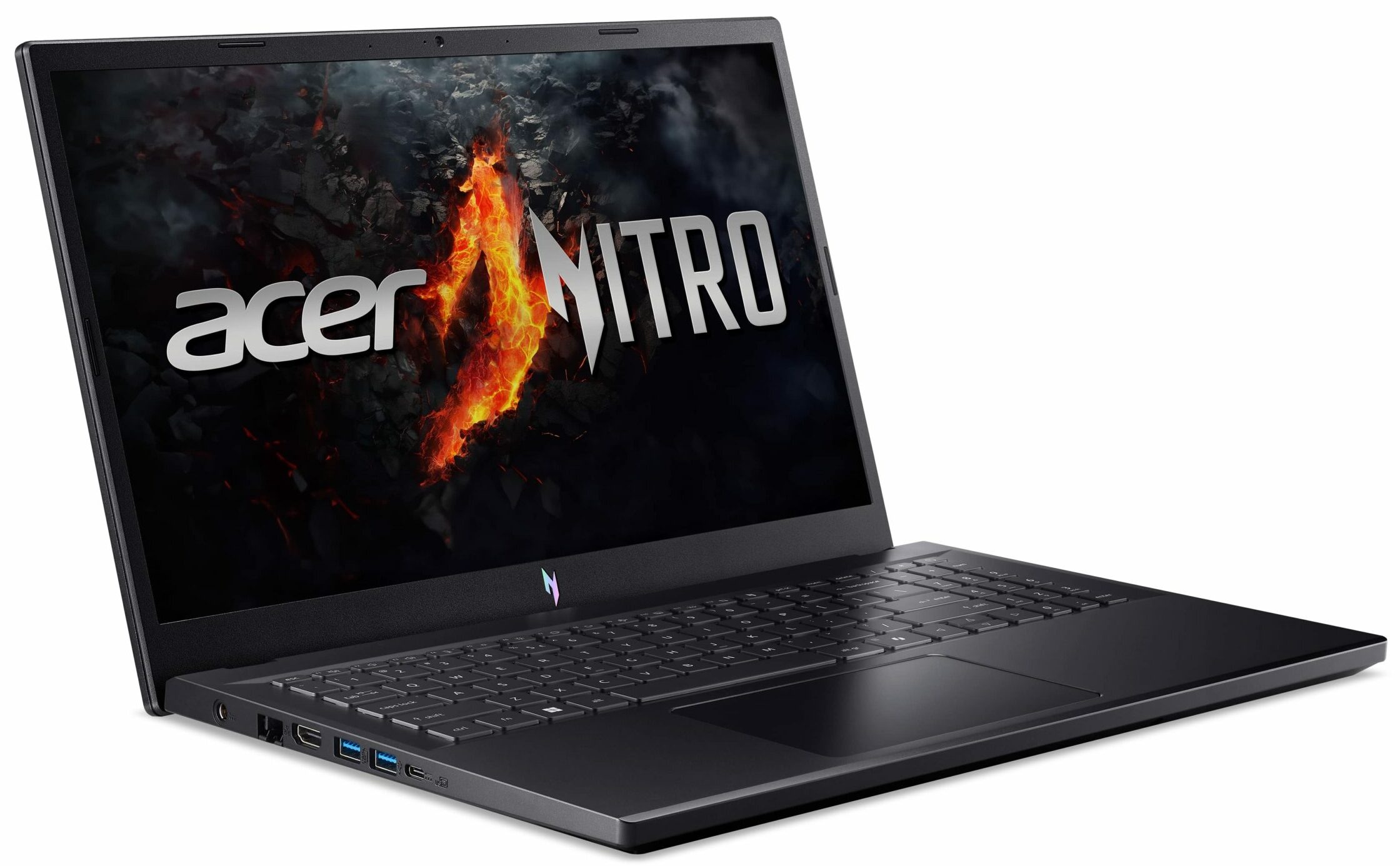
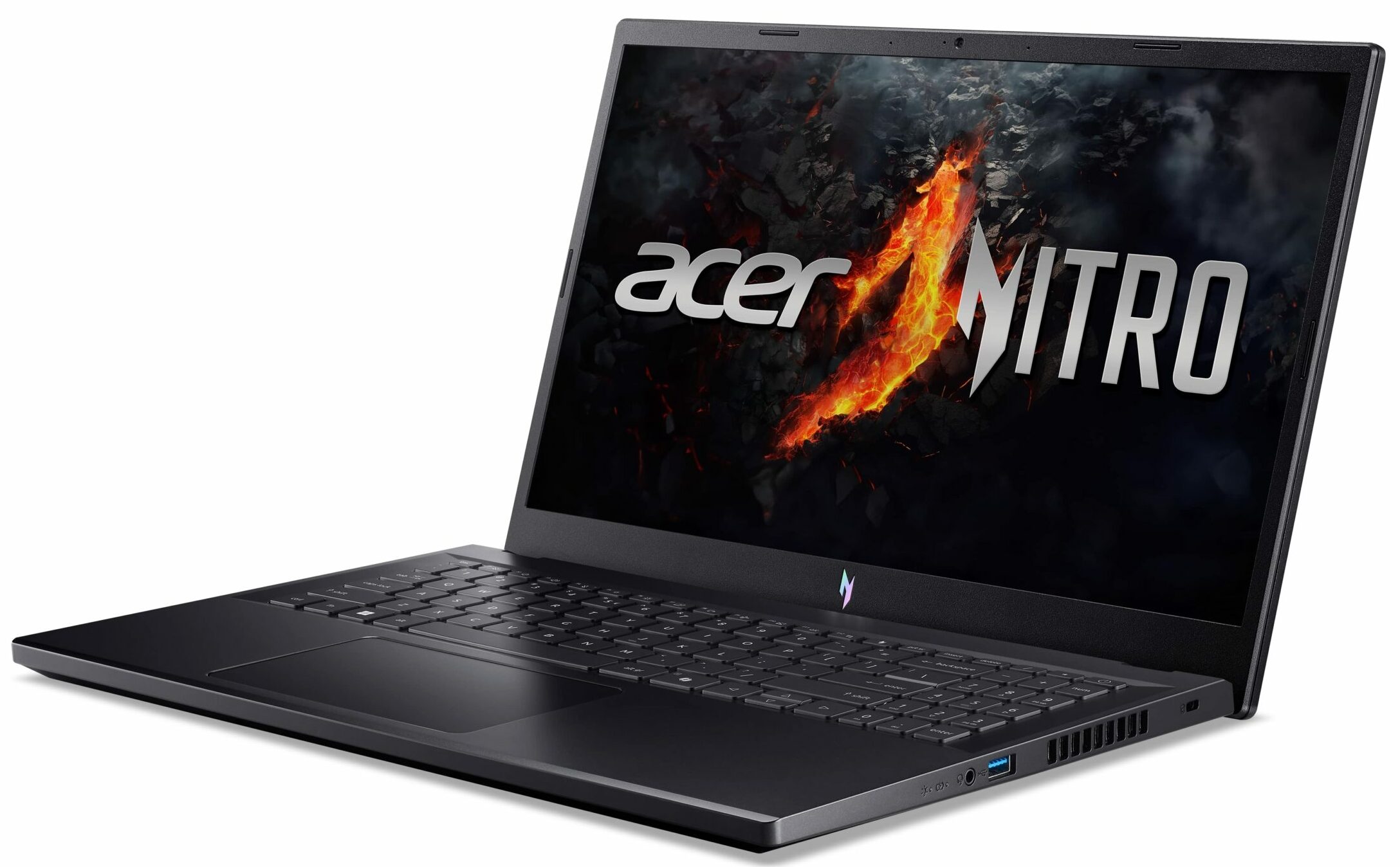
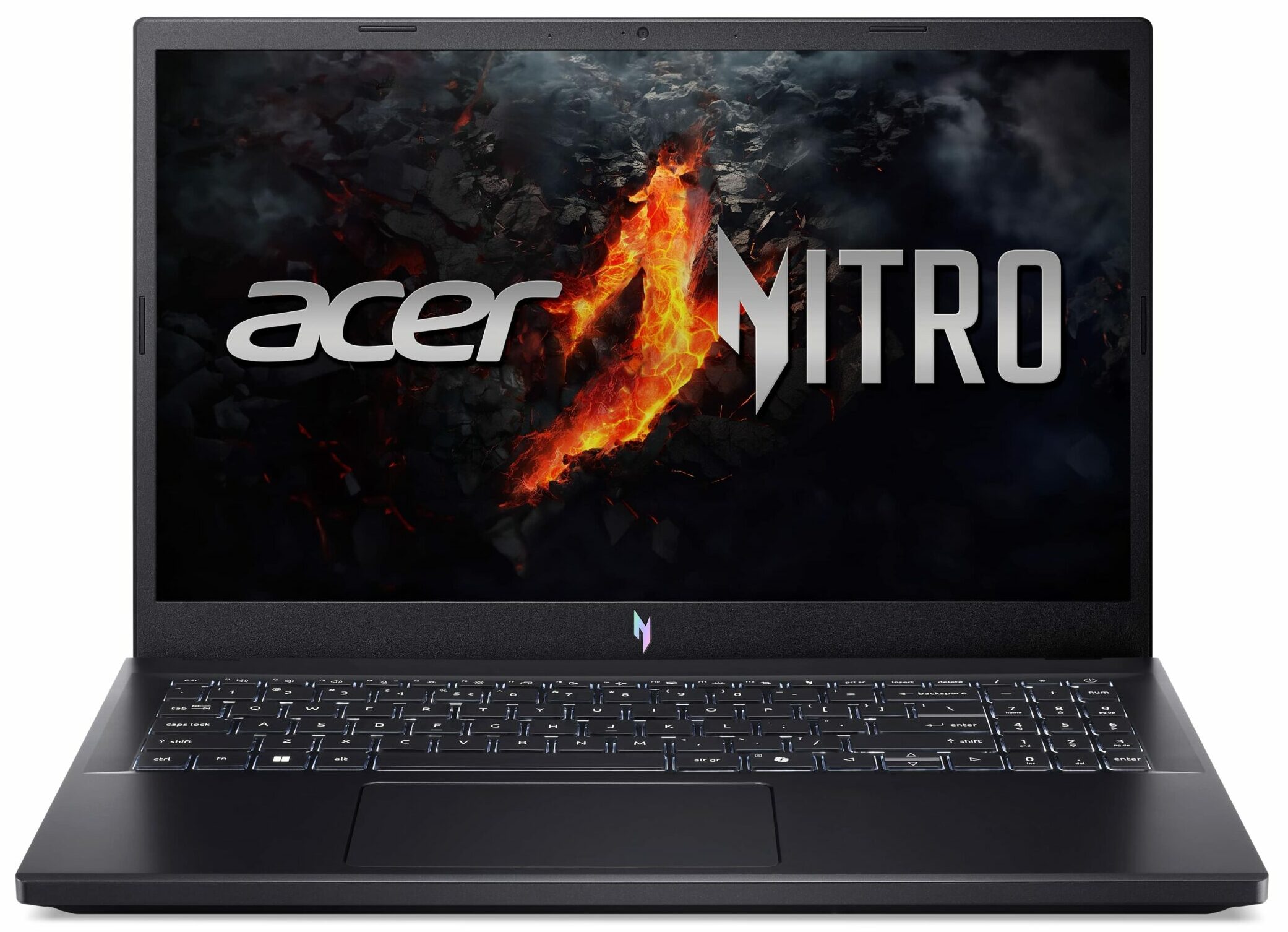
Acer Nitro V 15
- Date Published: 12 Mar 2025
- AMD Ryzen 5 7535HS
- NVIDIA GeForce RTX 4050 (Laptop, 75W)
- 15.6”, Full HD (1920 x 1080), 144 Hz, IPS
- 512GB SSD
- 16GB RAM
- 2.10 kg (4.6 lbs)
Review
Acer Nitro V 15 in-depth review
The Acer Nitro V 15 (ANV15-41) is meant for budget-conscious gamers who want to play their favorite titles without breaking the bank. This laptop isn't a powerhouse but it's offered with decently snappy AMD Zen 3+ CPUs (Rembrandt-HS Refresh) and with a plethora of different GPUs including NVIDIA RTX 2000, 3000, and 4000 chips. The upgradability is surprisingly good for the class as well as the port selection with its 4 USB connectors.The capabilities of the two-fan cooling are enhanced thanks to the lid with a lever design and the inlet keyboard. There are no high-res displays here so you have to settle for a 1080p screen which sounds fine for this kind of price tag. Two IPS panels are available - one 144Hz and one 165Hz. We chose the latter since the manufacturer promises good sRGB co[...]
Read the full review
Pros
- Good performance for the class
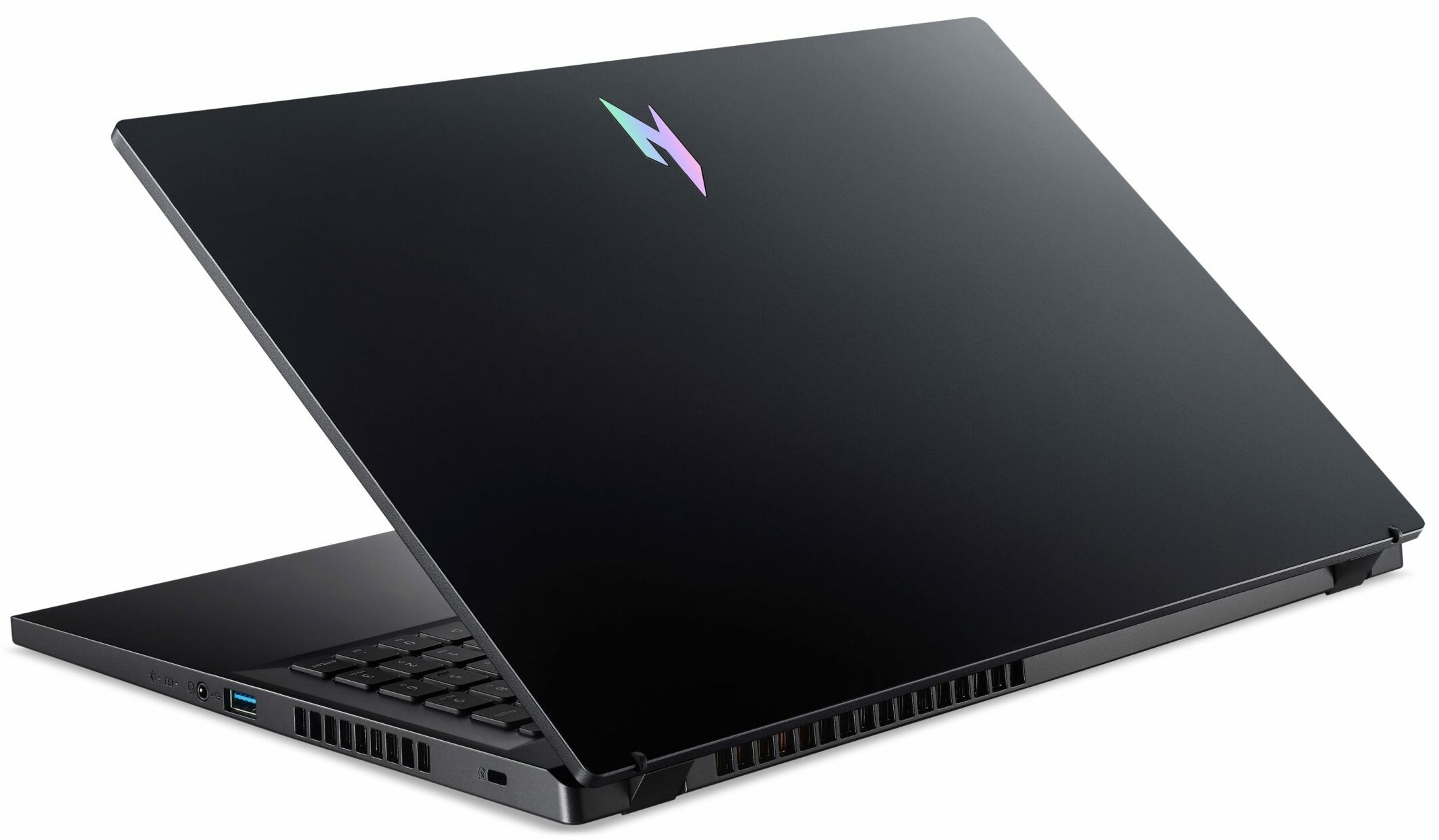
- Decent build quality
- 2x M.2 slots, 2x DDR5 RAM SODIMMs + Wi-Fi 6
- 165Hz refresh rate and wide viewing angles (AUOE2A7)
- PWM-free (AUOE2A7)
- 97% sRGB coverage alongside accurate colors with our "Design and Gaming" profile (AUOE2A7)
- 6.8 ms pixel response times + 341 nits max brightness (AUOE2A7)
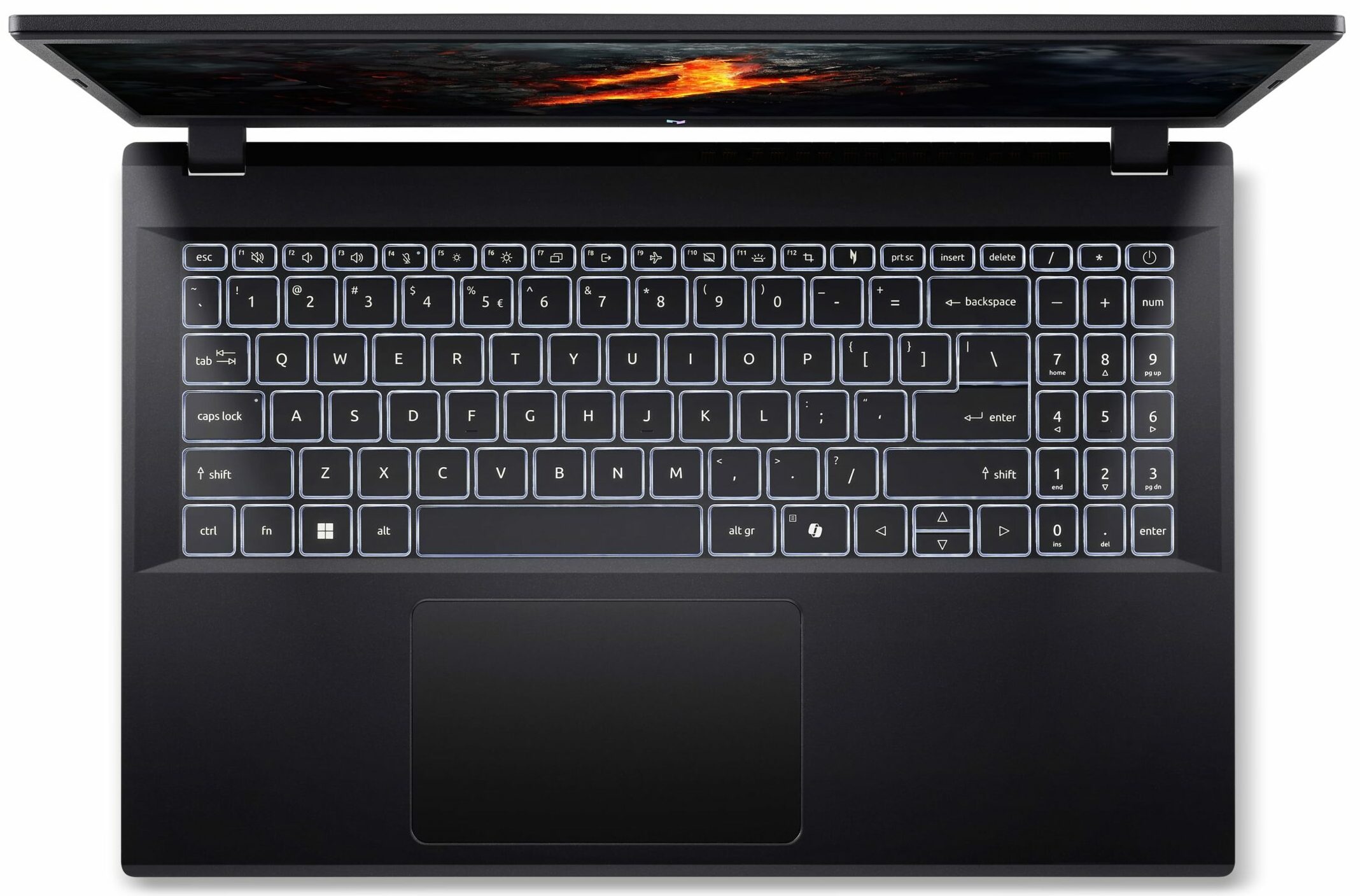
- Decent input devices
- The keyboard remains cool after long gaming sessions
- Acceptable noise levels during gaming
- Long battery life given the small 57Wh capacity = 9 hours of videos
- Capable cooling solution
- High CPU clocks and power limits during any kind of load
- The Acer Nitro Sence app offers a good amount of customization including 3 performance presets and a custom fan curve
- Great "Quiet" preset - 3.30 GHz CPU clock + low noise
Cons
- All-plastic build
- Loud fans in CPU-intensive tasks
- One of the M.2 slots is for Gen 3 SSDs
- 92°C CPU temperature in long loads
- The SSD also gets hot during benchmarking
Disassembly, maintenance and upgrade options
Opening the DeviceUndo the 11 Phillips-head screws securing the bottom panel. Pop the zones behind the hinges with a lever tool. Pry the sides and the front, leaving the rear for last.More info: Under the hood, this laptop resembles the Acer Aspire 7 (A715-76G).Battery RemovalThe battery is not secured with screws, as there is a dedicated socket for it on the inside of the bottom panel that keeps it in place. Detach the connector from the motherboard. Lift the battery unit away from the base.Note: The laptop has a 57Wh battery, providing approxim[...]
Read more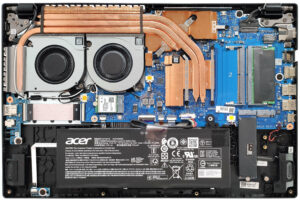


![[June 2026] Best-Selling Laptop Brands on Amazon Global – Apple’s Unrivaled Dominance in Units and Revenue](https://laptopmedia.com/wp-content/uploads/2026/07/GLOBAL-Best-Brands-400x225.jpg)
![[June 2026] Amazon Global: Top 10 Best-Selling Laptops – Apple’s New MacBook Neo Storms to #1, Reshaping the Market with Affordability](https://laptopmedia.com/wp-content/uploads/2026/07/Best-Selling-Laptops-GLOBAL-Top-10-400x225.jpg)
![[June 2026] Amazon Global: Top 10 Best-Selling Gaming Laptops – Acer’s Nitro V 16S AI Dominates Sales, While ASUS Leads Overall Revenue](https://laptopmedia.com/wp-content/uploads/2026/07/Best-Selling-Gaming-Laptops-GLOBAL-Top-10-400x225.jpg)
![[June 2026] Global Ranking of Best-Selling Laptop GPUs on Amazon – NVIDIA RTX 5060 is the Top-Selling Dedicated GPU](https://laptopmedia.com/wp-content/uploads/2026/07/Best-Selling-GPUs-GLOBAL-Top-10-400x225.jpg)
![[June 2026] Global Ranking of Best-Selling Laptop CPUs on Amazon – Apple M5 Dominates, AMD Ryzen 7 260 Gets Solid Premium Share](https://laptopmedia.com/wp-content/uploads/2026/07/Best-Selling-CPUs-GLOBAL-Top-10-400x225.jpg)
