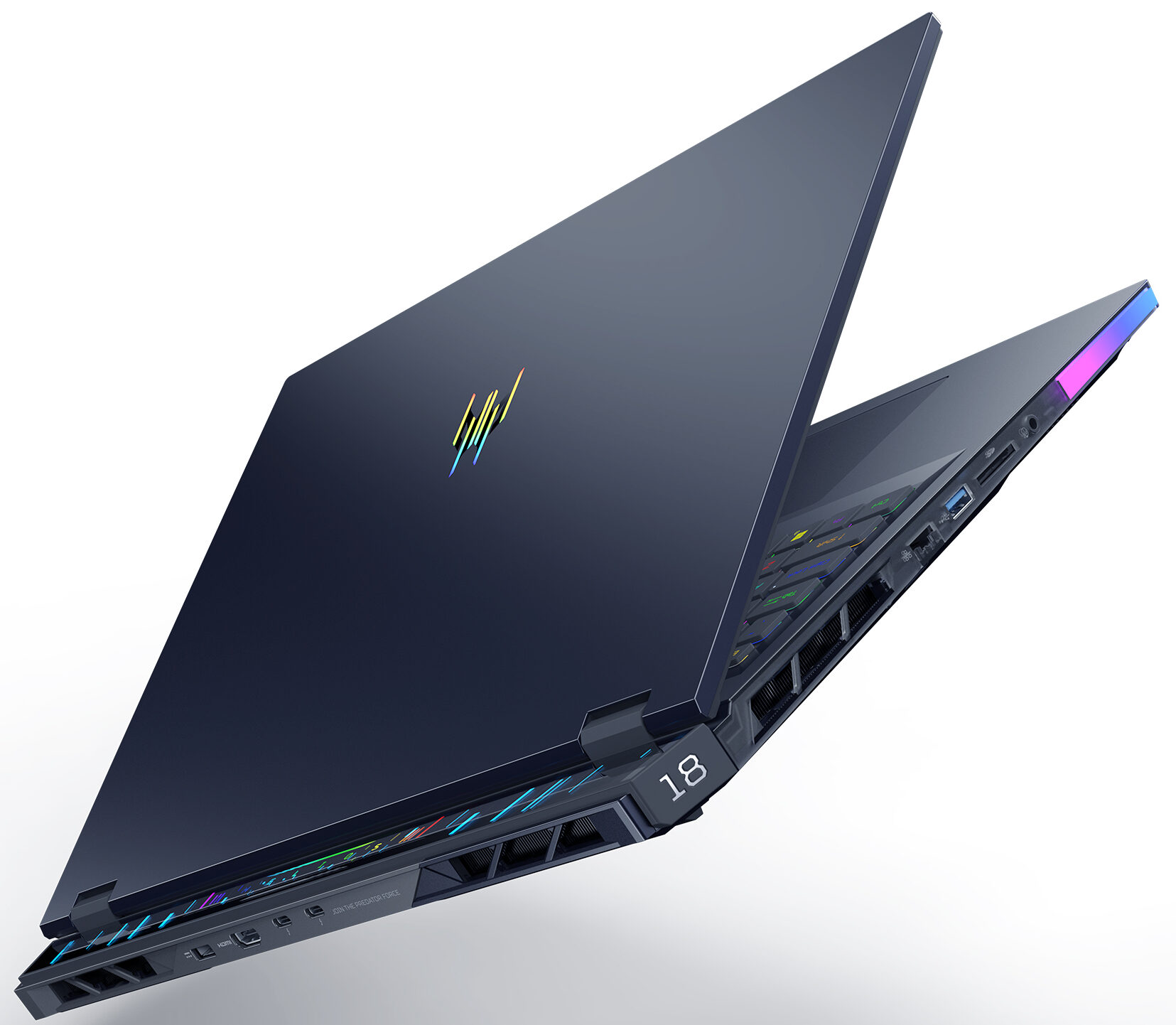
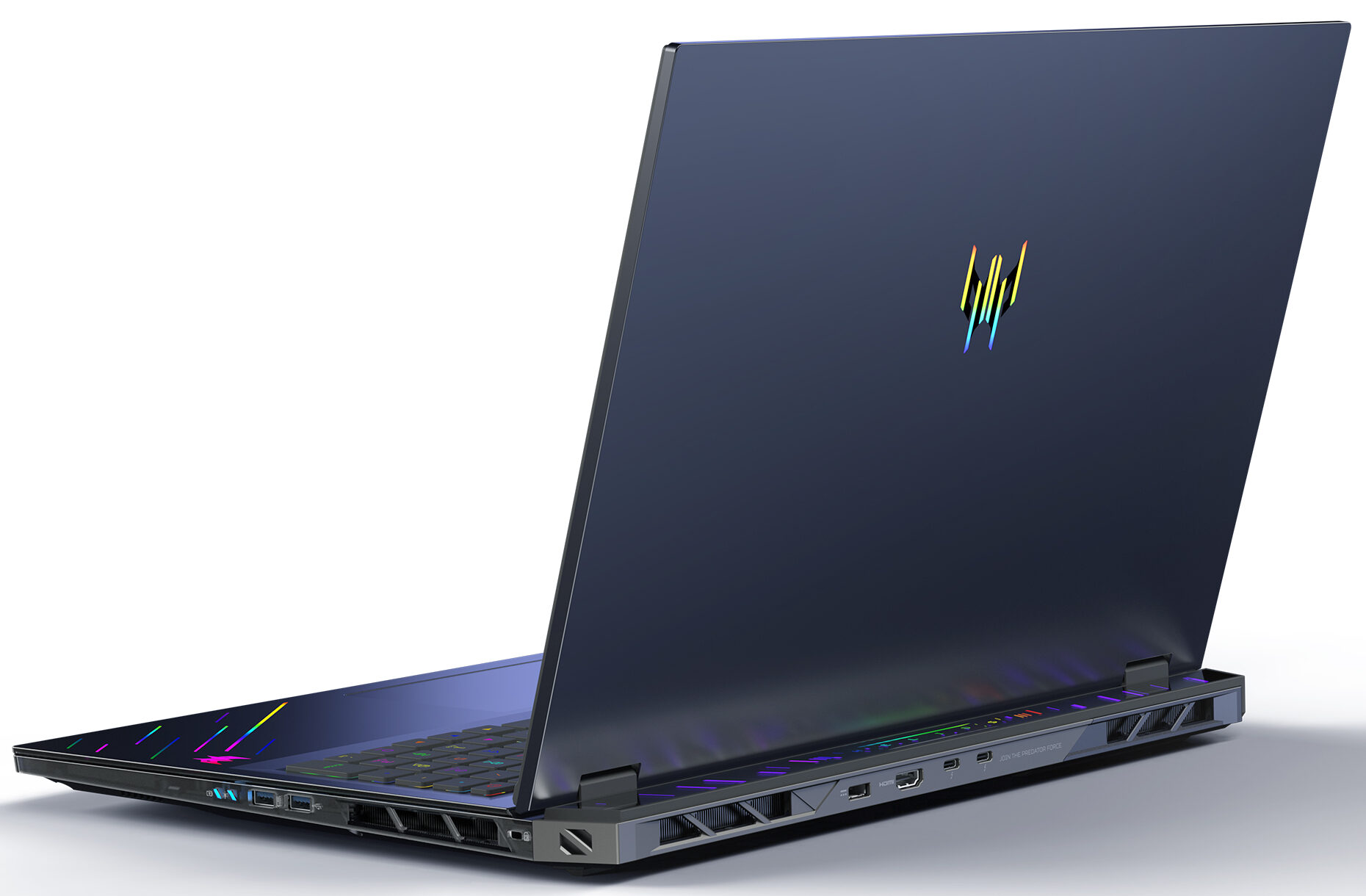
Acer Predator Helios 18 AI

- Date Published: 18 Dec 2025
- Intel Core Ultra 9 275HX
- NVIDIA GeForce RTX 5080 (Laptop)
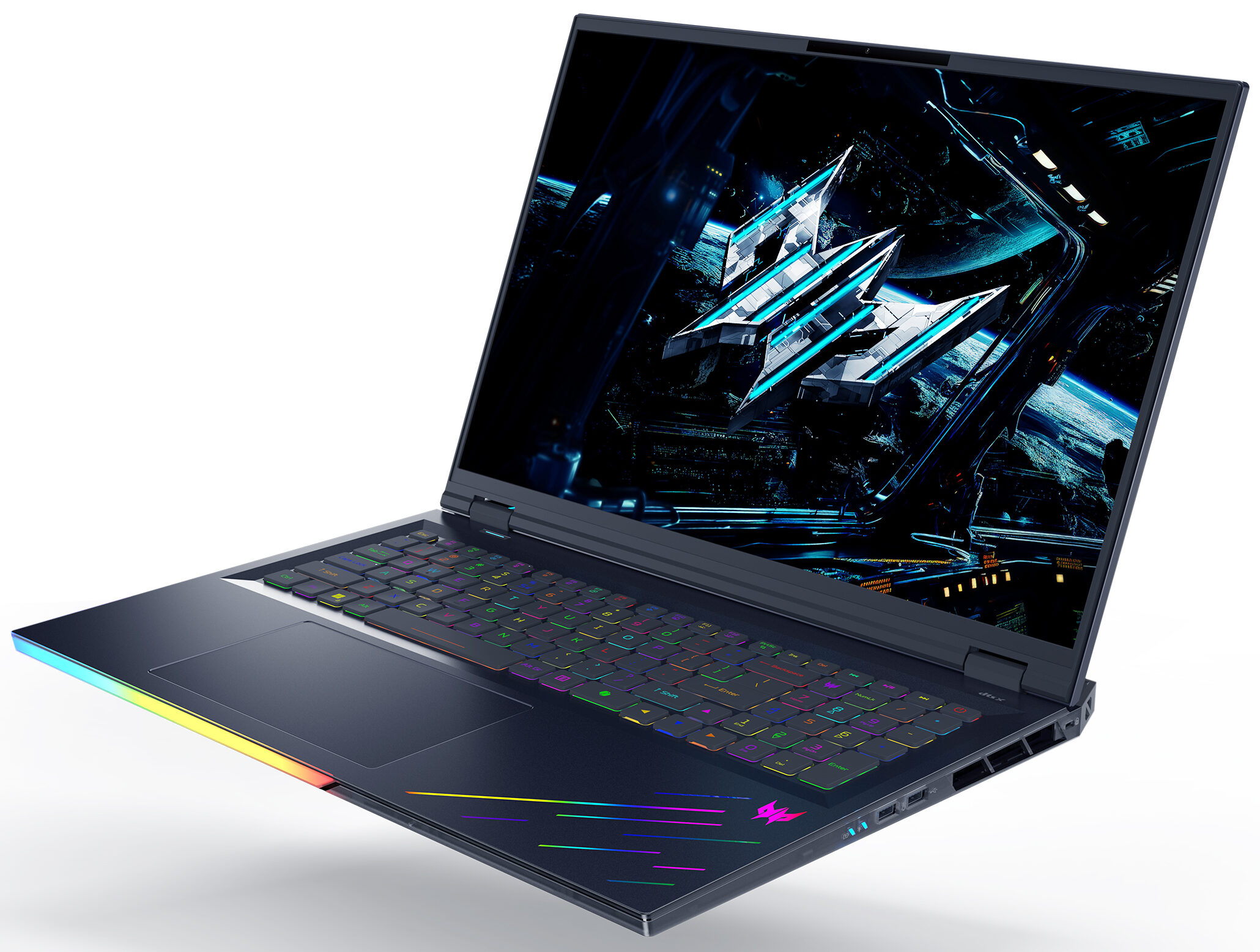
- 18.0″, WQXGA (2560 x 1600), 250 Hz, Mini LED
- 4000GB SSD
- 64GB RAM
- 3.20 kg (7.1 lbs)
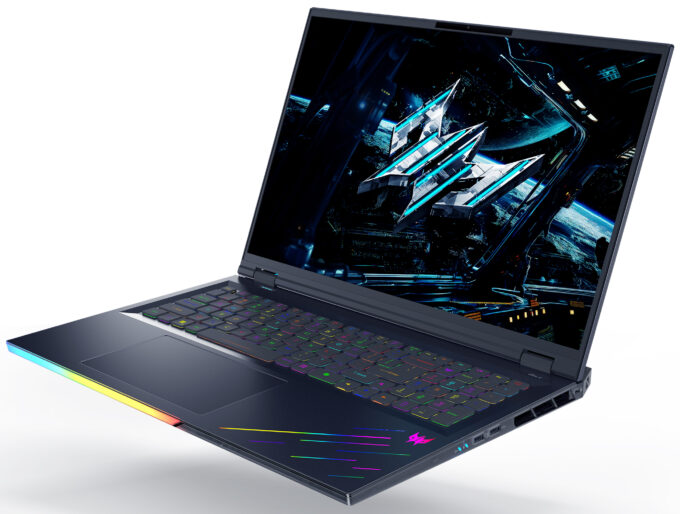
Specs

- HDD/SSD
- 4000GB SSD
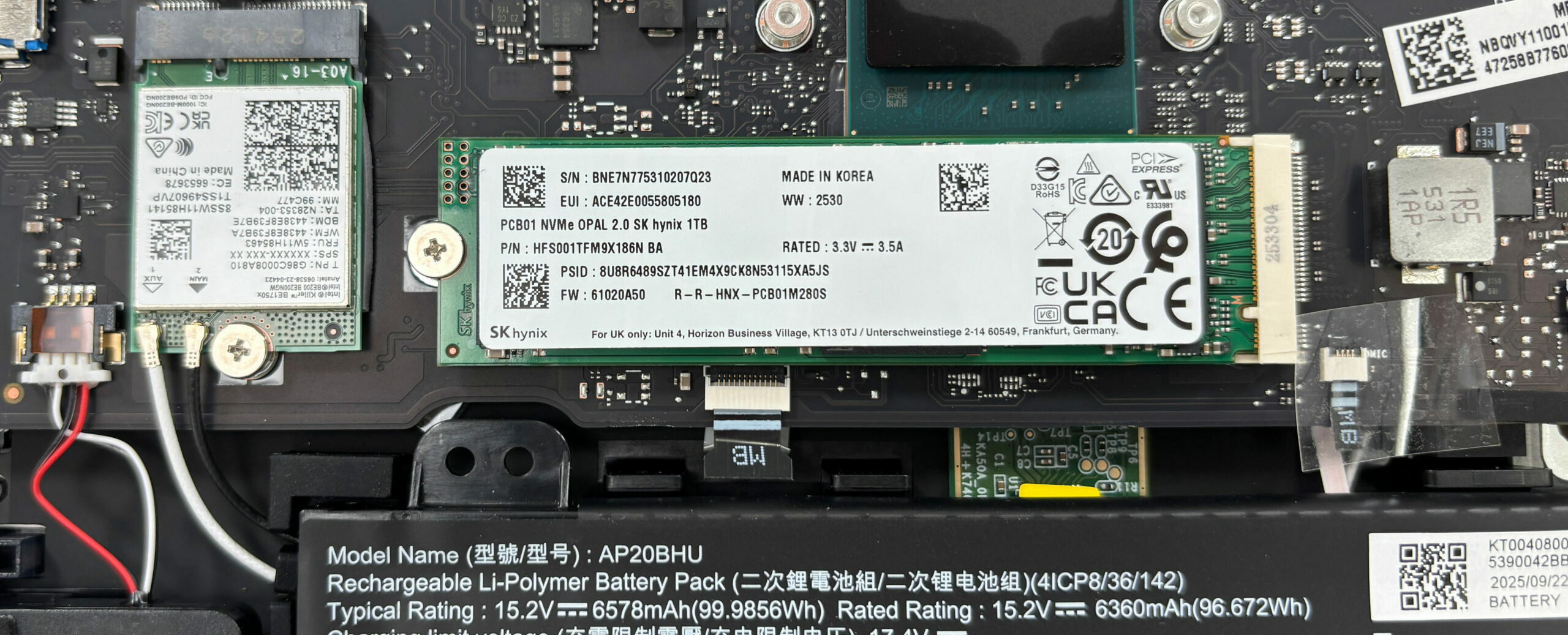
- M.2 Slot
- 2x 2280 M.2 NVMe PCIe 4.0 x4 + 1x 2280 M.2 NVMe PCIe 5.0 x4 See photo
- RAM
- 64GB RAM
- OS
- Windows 11 Pro
- Body Material
- Plastic / Polycarbonate, Aluminum
- Dimensions
- 400.96 x 307.9 x 17.3 - 29.55 mm (15.79" x 12.12" x 0.68")
- Weight
- 3.20 kg (7.1 lbs)
- Ports and connectivity
- 3x USB Type-A
- 3.2 Gen 2 (10 Gbps)
- 2x USB Type-C
- Thunderbolt 5
- HDMI
- Card Reader
- microSD (microSD, microSDHC, microSDXC)
- Ethernet LAN
- Wi-Fi
- Wi-Fi 7
- Bluetooth
- 5.3
- Audio jack
- 3.5mm Combo Jack
- Features
- Fingerprint reader
- Web camera
- FHD IR
- Backlit keyboard
- Microphone
- Speakers
- 6x Stereo Speakers, DTS:X Ultra
- Security Lock slot
- Gifts
- Dockztorm Portable USB Hub
Portability
Review
Acer Predator Helios 18 AI in-depth review
The Acer Predator Helios 18 AI (PH18-73) isn't just a laptop; it's a declaration of dominance. Built for the gamer who believes that "too much is never enough," this 18-inch behemoth packs a staggering array of features into its massive chassis. From a blindingly bright Mini LED display to dual Thunderbolt 5 ports and enough upgrade slots to rival a desktop PC, it checks every box on the enthusiast's wish list. But with great power comes great heat, and in our testing, we pushed this titan to its limits to see if its cooling system can tame the beast within. Is this the ultimate portable battle station, or does it fly too close to the sun?You can check the prices and configurations in our Specs System: https://laptopmedia.com/series/acer-predator-helios-18-ai-ph18-73/Spec[...]
Read the full review
Pros
- Unmatched upgradeability with 4x RAM slots and 3x M.2 slots (1x Gen 5)
- Stunning and super-bright 250Hz Mini LED display
- Dual Thunderbolt 5 ports and Wi-Fi 7 for future-proofing
- Excellent keyboard with deep travel and swappable keys
- High sustained CPU and GPU performance
- Good battery life for an 18-inch desktop replacement
Cons
- CPU runs extremely hot (100°C+) under sustained load
- Aggressive PWM flickering on the Mini LED screen
Disassembly, maintenance and upgrade options
Step 1: Opening the Acer Predator Helios 18 AI (PH18-73)Power off the laptop and place it on a soft, clean surface. Undo the 10 Torx T6 screws that secure the bottom panel. Use a thin plastic pry tool to release the clips around the edges. Lift the bottom cover away from the chassis.More info: Once the panel is off, the internal layout is very accessible, which makes upgrades and routine maintenance easy for a machine in this class.\ Step 2: Battery RemovalDisconnect the battery connector from the motherboard before touching any other int[...]
Read more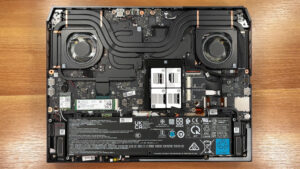


![[June 2026] Best-Selling Laptop Brands on Amazon Global – Apple’s Unrivaled Dominance in Units and Revenue](https://laptopmedia.com/wp-content/uploads/2026/07/GLOBAL-Best-Brands-400x225.jpg)
![[June 2026] Amazon Global: Top 10 Best-Selling Laptops – Apple’s New MacBook Neo Storms to #1, Reshaping the Market with Affordability](https://laptopmedia.com/wp-content/uploads/2026/07/Best-Selling-Laptops-GLOBAL-Top-10-400x225.jpg)
![[June 2026] Amazon Global: Top 10 Best-Selling Gaming Laptops – Acer’s Nitro V 16S AI Dominates Sales, While ASUS Leads Overall Revenue](https://laptopmedia.com/wp-content/uploads/2026/07/Best-Selling-Gaming-Laptops-GLOBAL-Top-10-400x225.jpg)
![[June 2026] Global Ranking of Best-Selling Laptop GPUs on Amazon – NVIDIA RTX 5060 is the Top-Selling Dedicated GPU](https://laptopmedia.com/wp-content/uploads/2026/07/Best-Selling-GPUs-GLOBAL-Top-10-400x225.jpg)
![[June 2026] Global Ranking of Best-Selling Laptop CPUs on Amazon – Apple M5 Dominates, AMD Ryzen 7 260 Gets Solid Premium Share](https://laptopmedia.com/wp-content/uploads/2026/07/Best-Selling-CPUs-GLOBAL-Top-10-400x225.jpg)