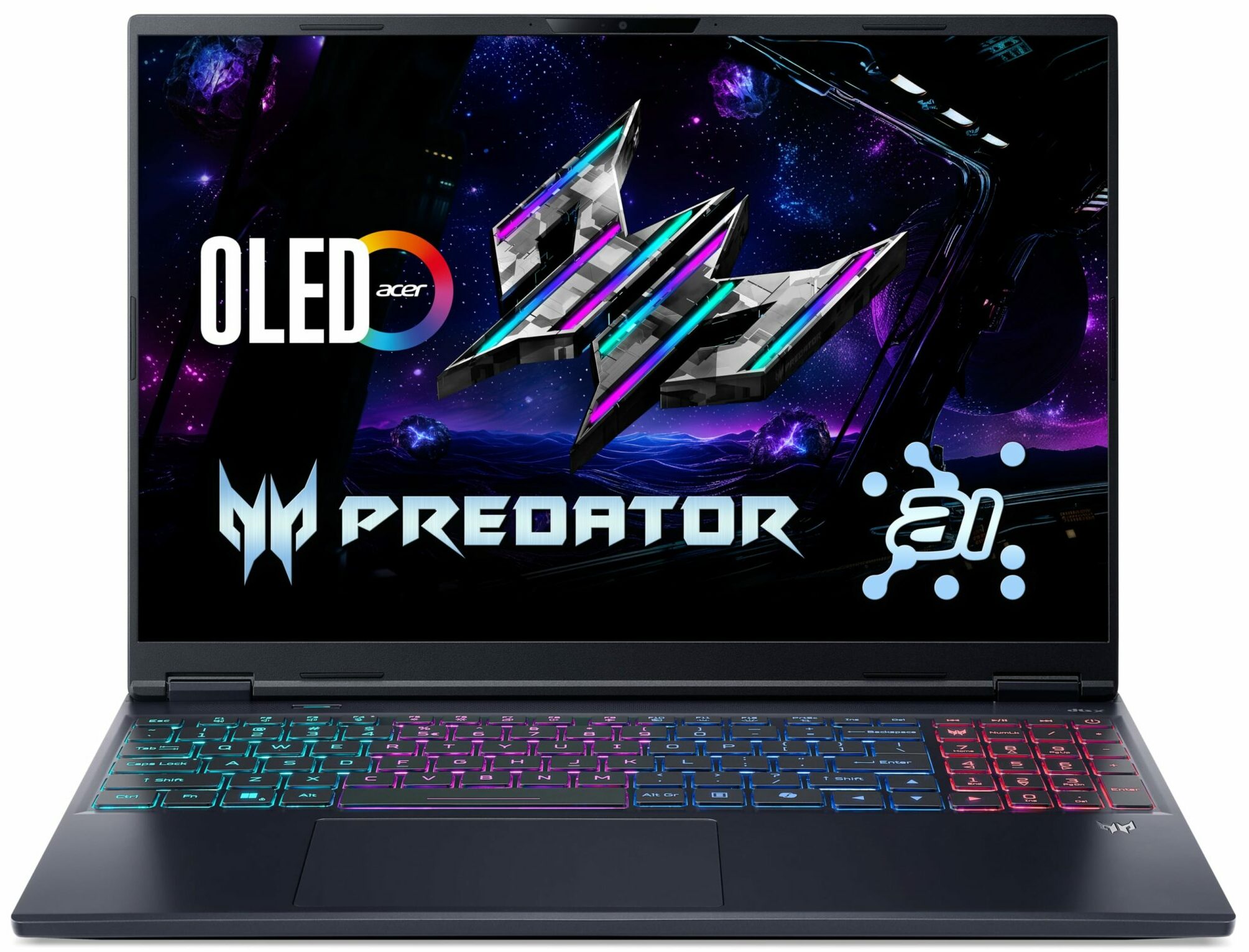
Acer Predator Helios Neo 16S AI
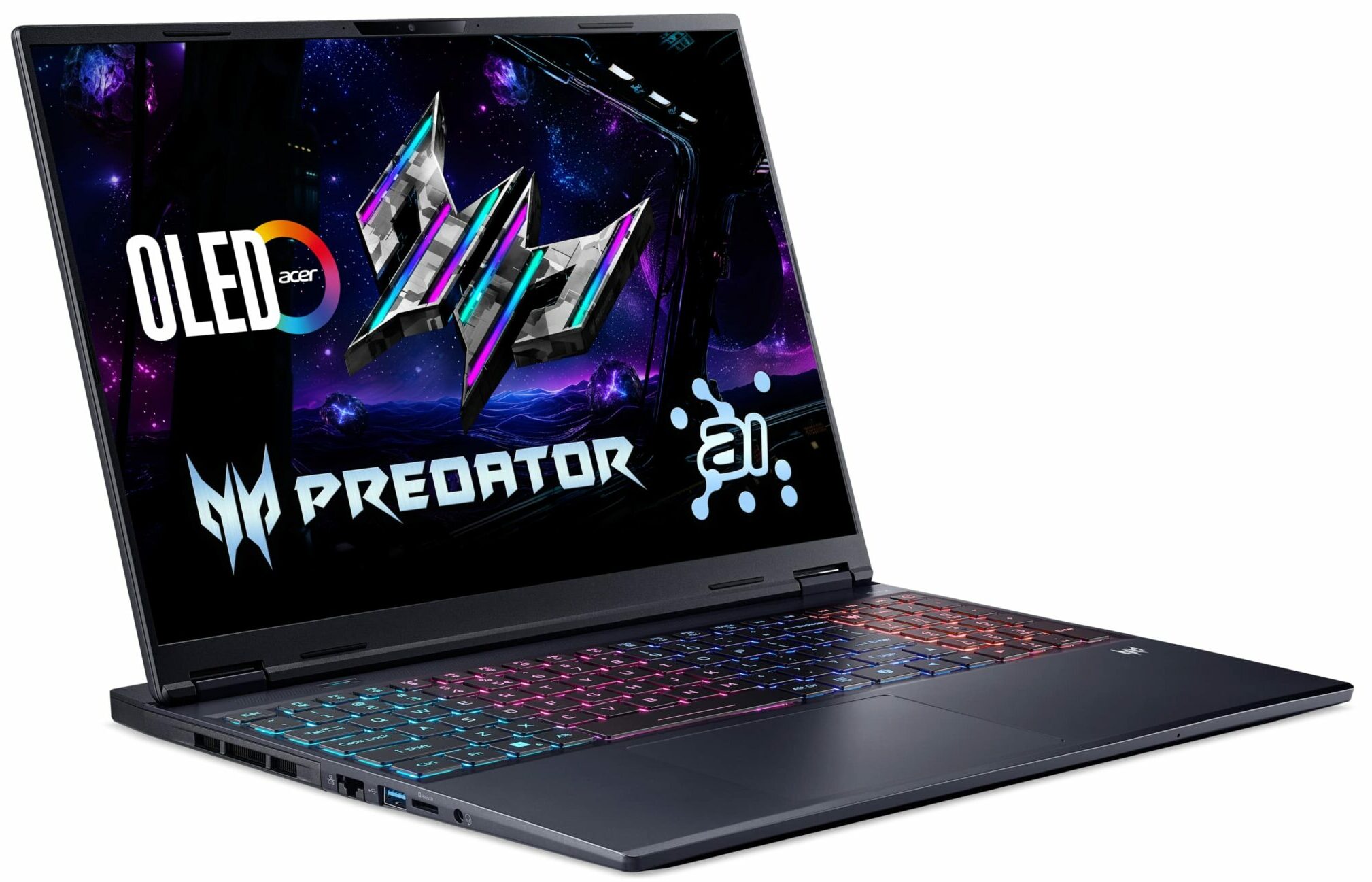
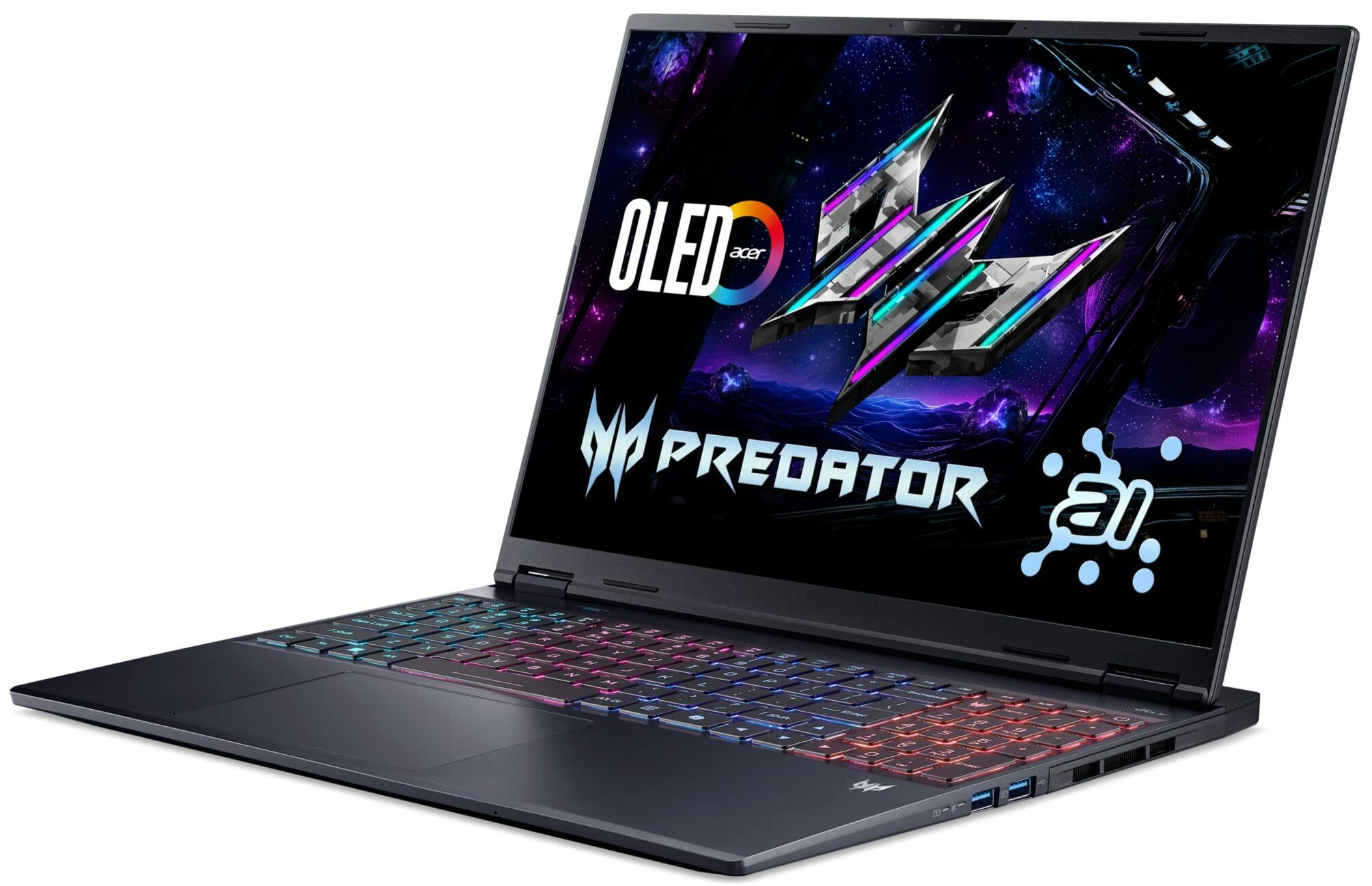
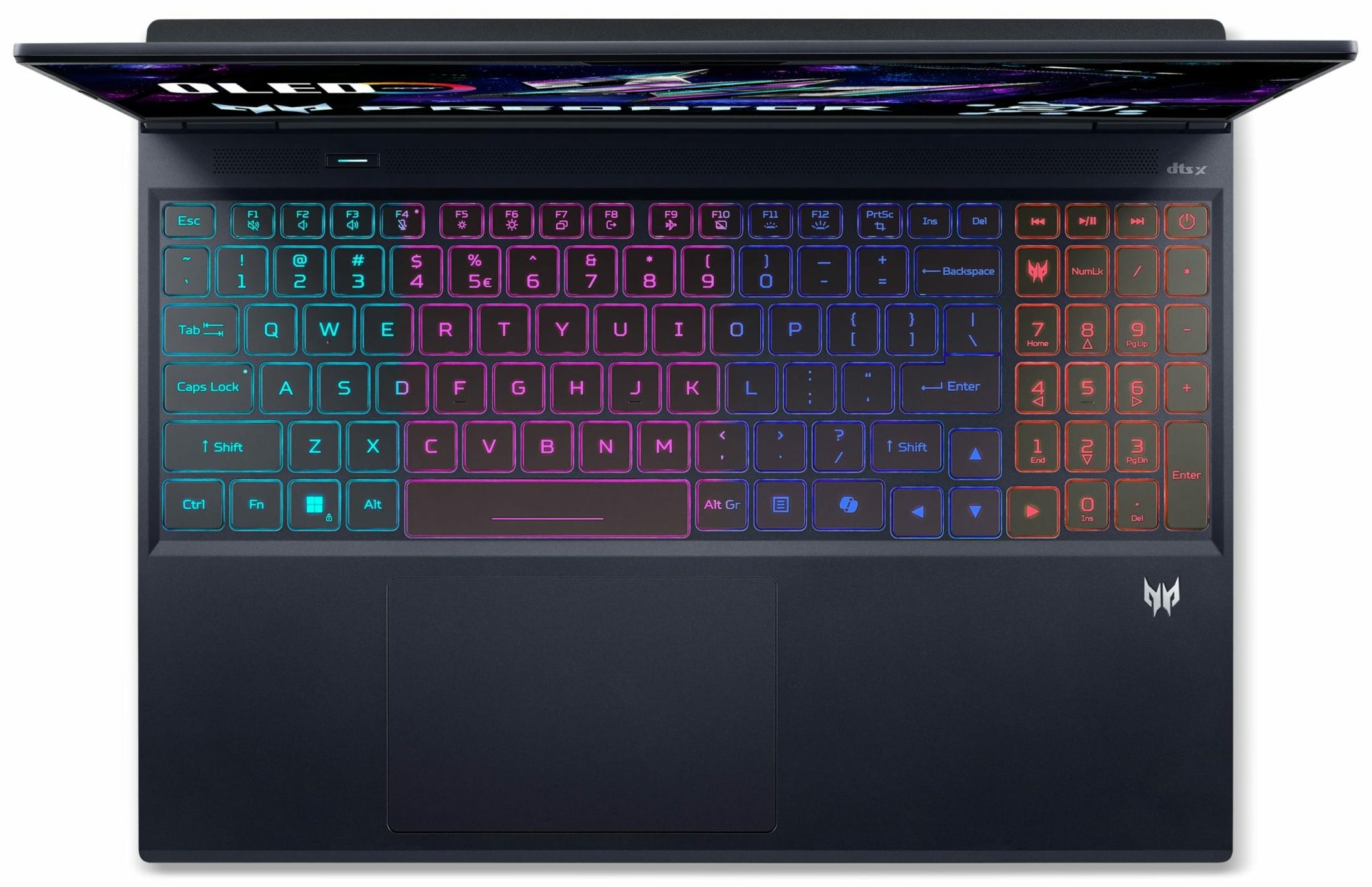
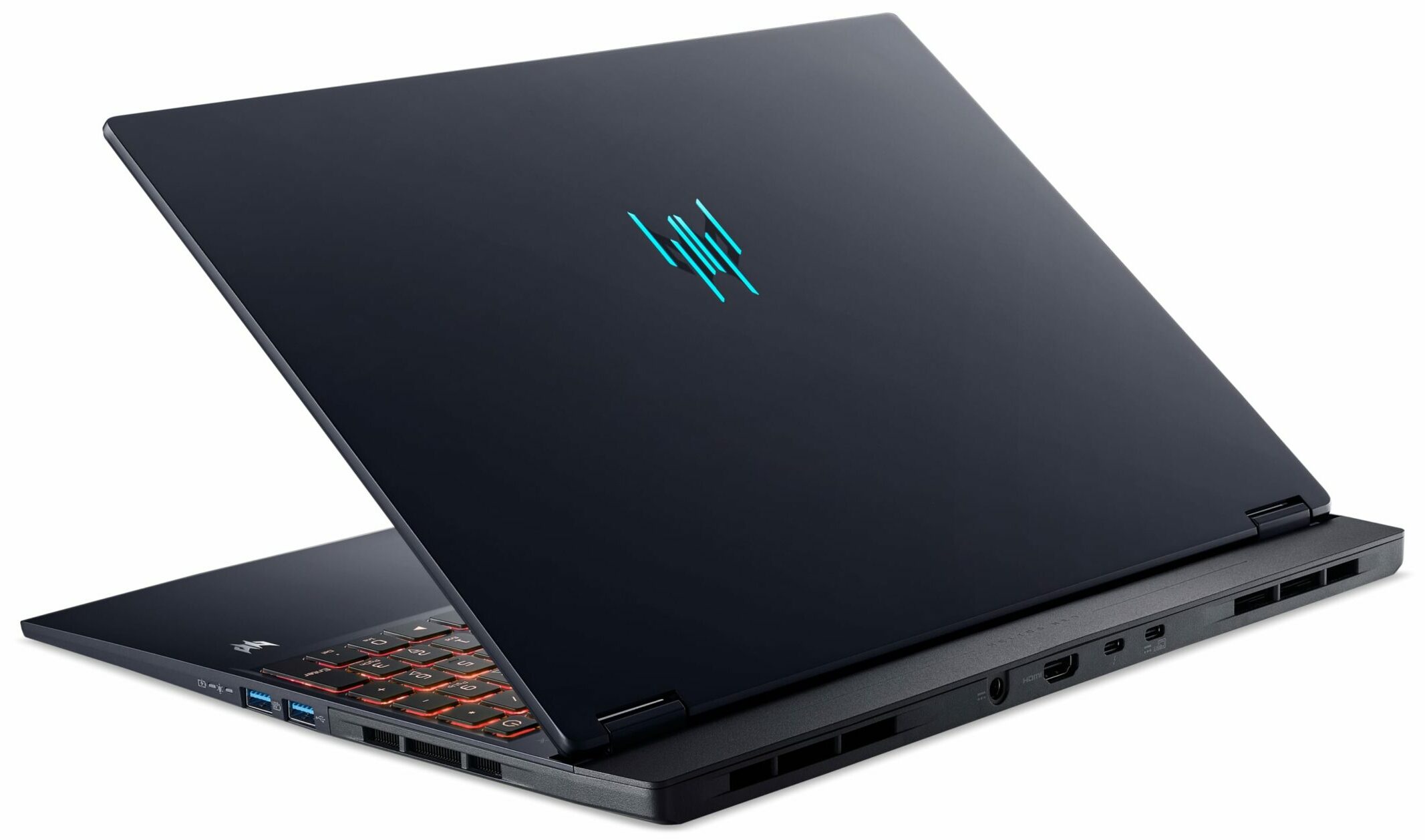
- Date Published: 08 Jul 2026
- Intel Core Ultra 9 275HX
- NVIDIA GeForce RTX 5070 Ti (Laptop)
- 16.0", WQXGA (2560 x 1600), 240 Hz, OLED
- 4000GB SSD
- 64GB RAM
- 2.70 kg (6 lbs)
Review
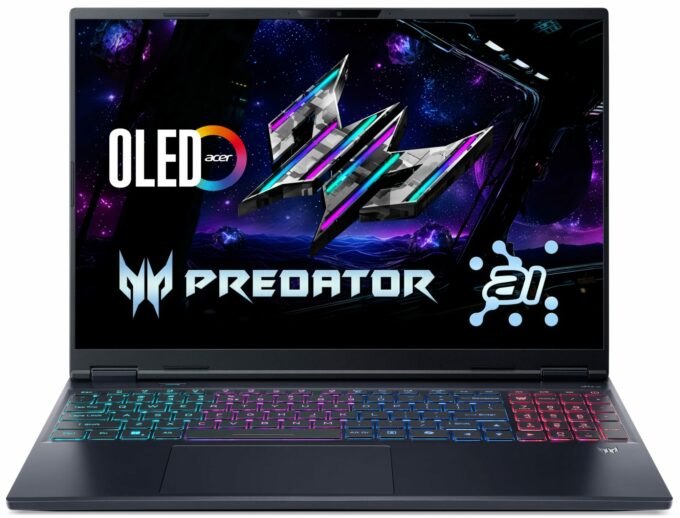
Acer Predator Helios Neo 16S AI in-depth review
The Acer Predator Helios Neo 16S AI isn't playing the same game as its rivals. Instead of chasing the highest benchmark scores, Acer has made a bold choice: to prioritize a stunning visual experience and a sleek, portable design above all else. The result is a laptop with one of the most breathtaking OLED displays on the market, wrapped in a chassis that’s impressively thin and light. But this elegance comes at a direct cost to performance, with hardware that's intentionally reined in. So, is this a brilliant new direction for gaming laptops, or a beautiful machine that's ultimately held back by its own design philosophy?You can check the prices and configurations in our Specs System: https://laptopmedia.com/series/acer-predator-helios-neo-16s-ai-ph16s-71/Specs, Drivers, [...]
Read the full review
Pros
- Stunning 240Hz OLED display with 100% DCI-P3 coverage
- Incredibly thin and light design for a gaming laptop
- Excellent port selection including Thunderbolt 4 and 2.5GbE LAN
- Comfortable keyboard with a full-sized NumPad
- User-upgradeable RAM with two SODIMM slots
- Good thermal management keeps components within safe limits
Cons
- Throttled CPU and GPU performance compared to competitors
- Highly reflective glossy screen
- Uses PWM for brightness control, which may affect sensitive users
Disassembly, maintenance and upgrade options
Step 1: Opening the Acer Predator Helios Neo 16S AI (PHN16S-71)Power off the laptop and place it on a stable surface. Undo the ten Torx-T6 screws securing the bottom panel. Use a thin plastic tool to pry around the perimeter until all clips release, then lift the panel away.Battery RemovalThe 76Wh four-cell Li-Ion battery is held in place only by friction and its connector cable—no screws. Disconnect the plug from the motherboard and lift the unit out to remove it. Memory UpgradeThe device has two DDR5 SO-DIMM slots, supporting up to 64GB o[...]
Read more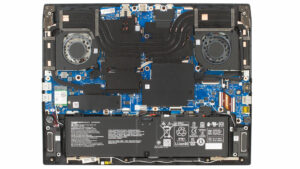


![[June 2026] Best-Selling Laptop Brands on Amazon Global – Apple’s Unrivaled Dominance in Units and Revenue](https://laptopmedia.com/wp-content/uploads/2026/07/GLOBAL-Best-Brands-400x225.jpg)
![[June 2026] Amazon Global: Top 10 Best-Selling Laptops – Apple’s New MacBook Neo Storms to #1, Reshaping the Market with Affordability](https://laptopmedia.com/wp-content/uploads/2026/07/Best-Selling-Laptops-GLOBAL-Top-10-400x225.jpg)
![[June 2026] Amazon Global: Top 10 Best-Selling Gaming Laptops – Acer’s Nitro V 16S AI Dominates Sales, While ASUS Leads Overall Revenue](https://laptopmedia.com/wp-content/uploads/2026/07/Best-Selling-Gaming-Laptops-GLOBAL-Top-10-400x225.jpg)
![[June 2026] Global Ranking of Best-Selling Laptop GPUs on Amazon – NVIDIA RTX 5060 is the Top-Selling Dedicated GPU](https://laptopmedia.com/wp-content/uploads/2026/07/Best-Selling-GPUs-GLOBAL-Top-10-400x225.jpg)
![[June 2026] Global Ranking of Best-Selling Laptop CPUs on Amazon – Apple M5 Dominates, AMD Ryzen 7 260 Gets Solid Premium Share](https://laptopmedia.com/wp-content/uploads/2026/07/Best-Selling-CPUs-GLOBAL-Top-10-400x225.jpg)
