Acer TravelMate Spin P4

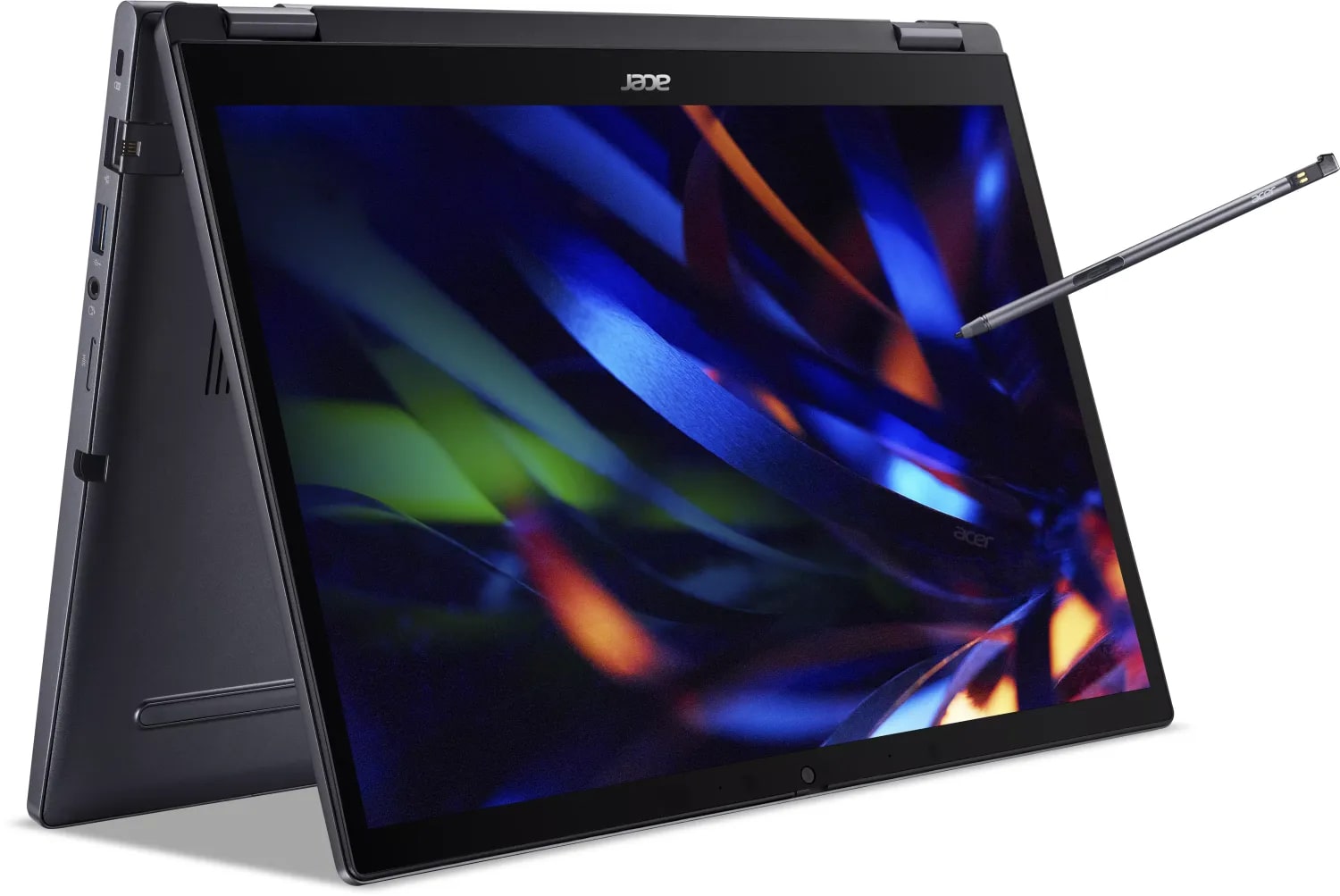
- Date Published: 04 Apr 2025
- Intel Core i3-1315U
- Intel UHD Graphics (Alder Lake, 64EU)
- 14.0”, WUXGA (1920 x 1200), IPS
- 512GB SSD
- 8GB RAM
- 1.49 kg (3.3 lbs)
Specs
- Display

- HDD/SSD
- 512GB SSD
- M.2 Slot
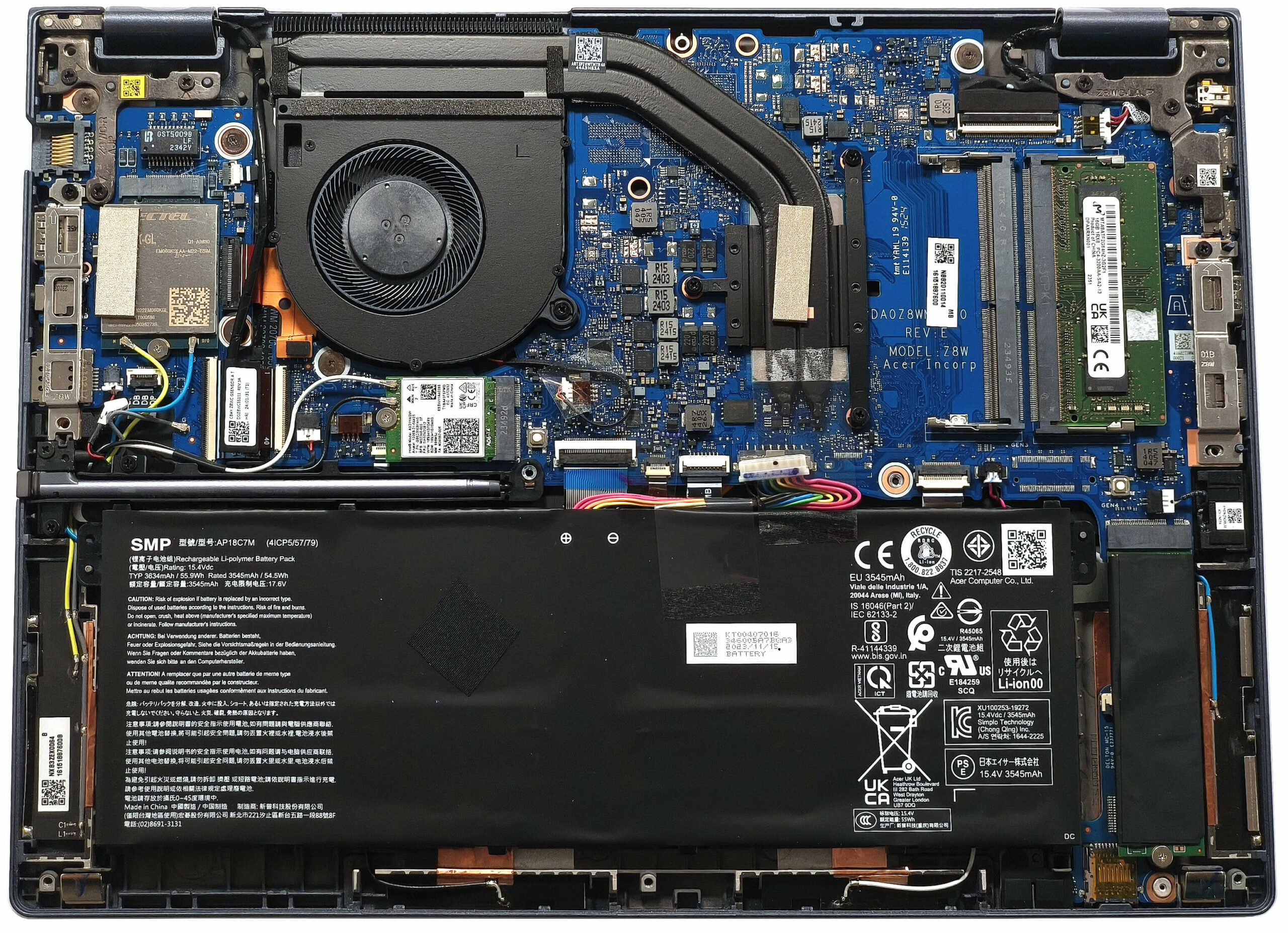
- 1x 2280 M.2 NVMe PCIe 4.0 x4 See photo
- RAM
- 8GB RAM
- OS
- Windows 10 Pro
- Body Material
- Plastic / Polycarbonate, Aluminum
- Dimensions
- 319 x 229 x 18.9 mm (12.56" x 9.02" x 0.74")
- Weight
- 1.49 kg (3.3 lbs)
- Ports and connectivity
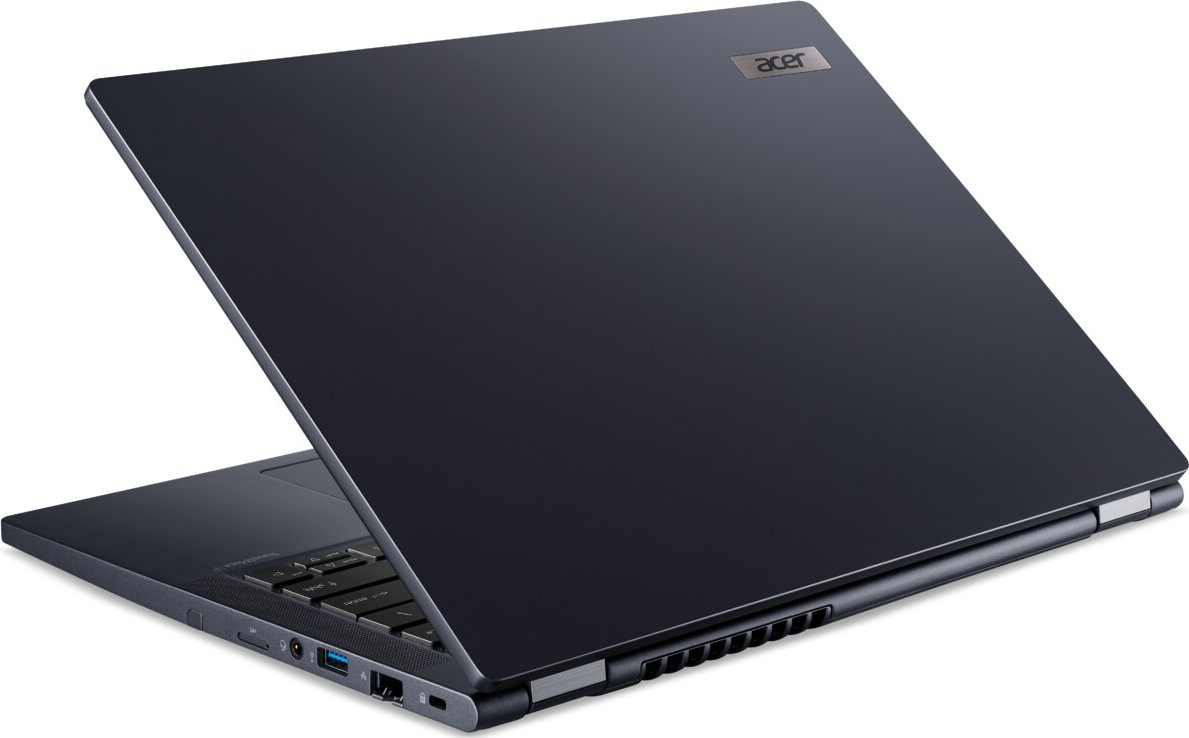
- 1x USB Type-A
- 3.2 Gen 1 (5 Gbps)
- 1x USB Type-A
- 3.2 Gen 1 (5 Gbps), Sleep and Charge
- 1x USB Type-C
- 4.0, Thunderbolt 4, Power Delivery (PD)
- 1x USB Type-C
- 4.0, Thunderbolt 4, Power Delivery (PD), DisplayPort
- HDMI
- 2.1
- Card Reader
- microSD (microSD, microSDHC, microSDXC)
- Ethernet LAN
- 10, 100, 1000 Mbit/s
- Wi-Fi
- 802.11ax
- Bluetooth
- 5.3
- Audio jack
- 3.5mm Combo Jack
- Features
- Fingerprint reader
- Web camera
- FHD IR
- Backlit keyboard
- Microphone
- Speakers
- 2x Stereo Speakers
- Security Lock slot
- Kensington Lock
Portability
Review
Acer TravelMate Spin P4 in-depth review
The Acer TravelMate P4 Spin (TMP414RN-53) could impress future buyers with its pleasant price and a good amount of features. This compact 2-in-1 14-inch machine is offered with 15W Intel Raptor Lake-U processors. Yep, these ones lack a dedicated NPU for accelerated AI productivity which can be a dealbreaker for people who need such functionality. On the other hand, the 3D rendering power of the 13th gen chips isn't too far behind the Meteor Lake-U successors.The manufacturer has to cut corners here and there to lower the end price. That's why this fella relies on DDR4 RAM. On the bright side, you get two SODIMMs for future upgrades which is great. The Wi-Fi card and the optional WWAN unit aren't soldered as well.The display options are limited to two 1200p IPS touchscreens with di[...]
Read the full review
Pros
- Solid built quality
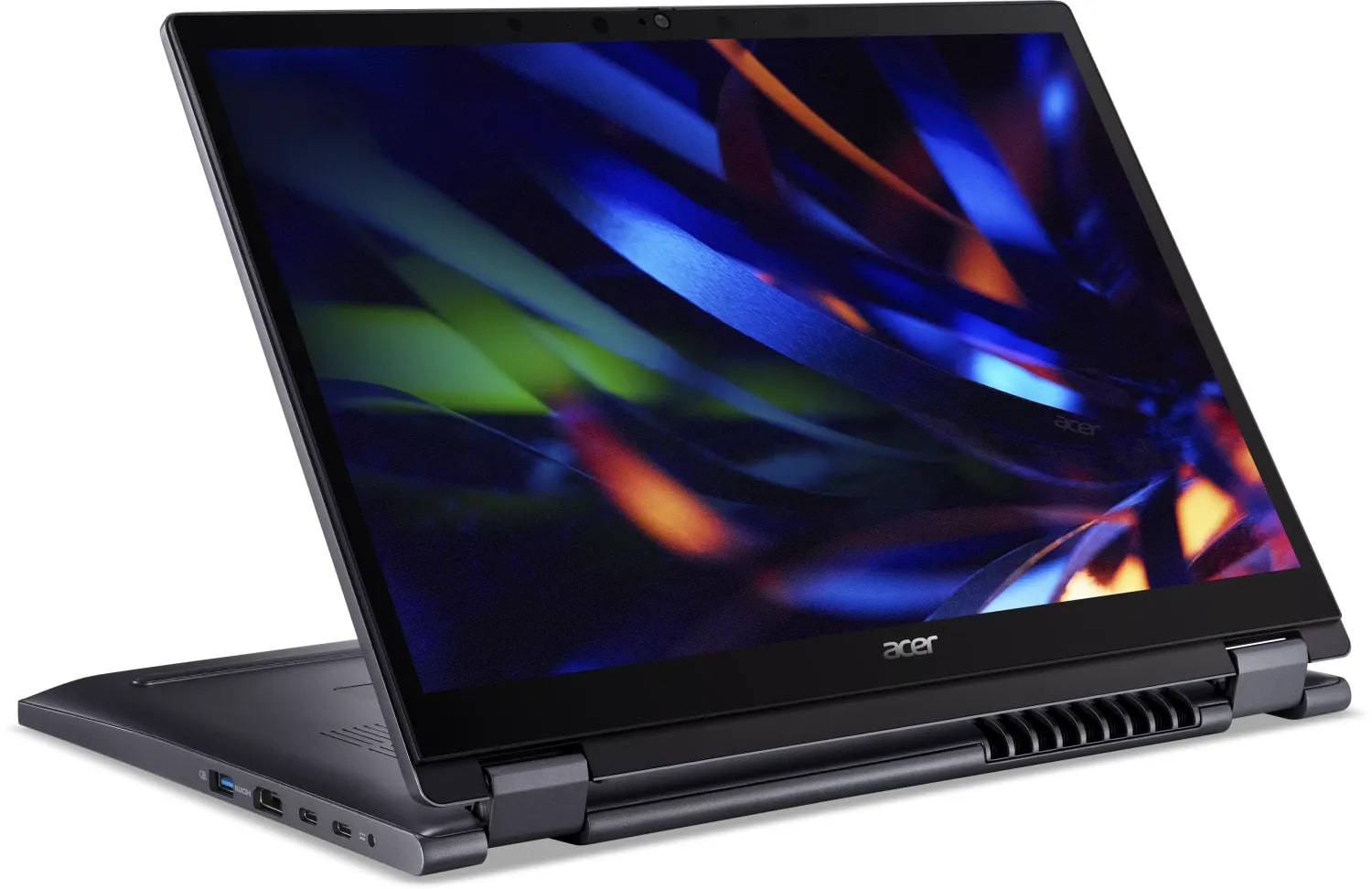
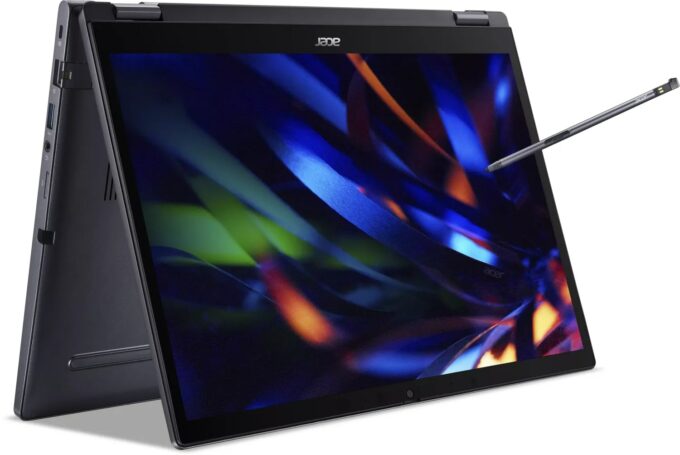
- 360-degree hinge - laptop, tent, and tablet modes are supported
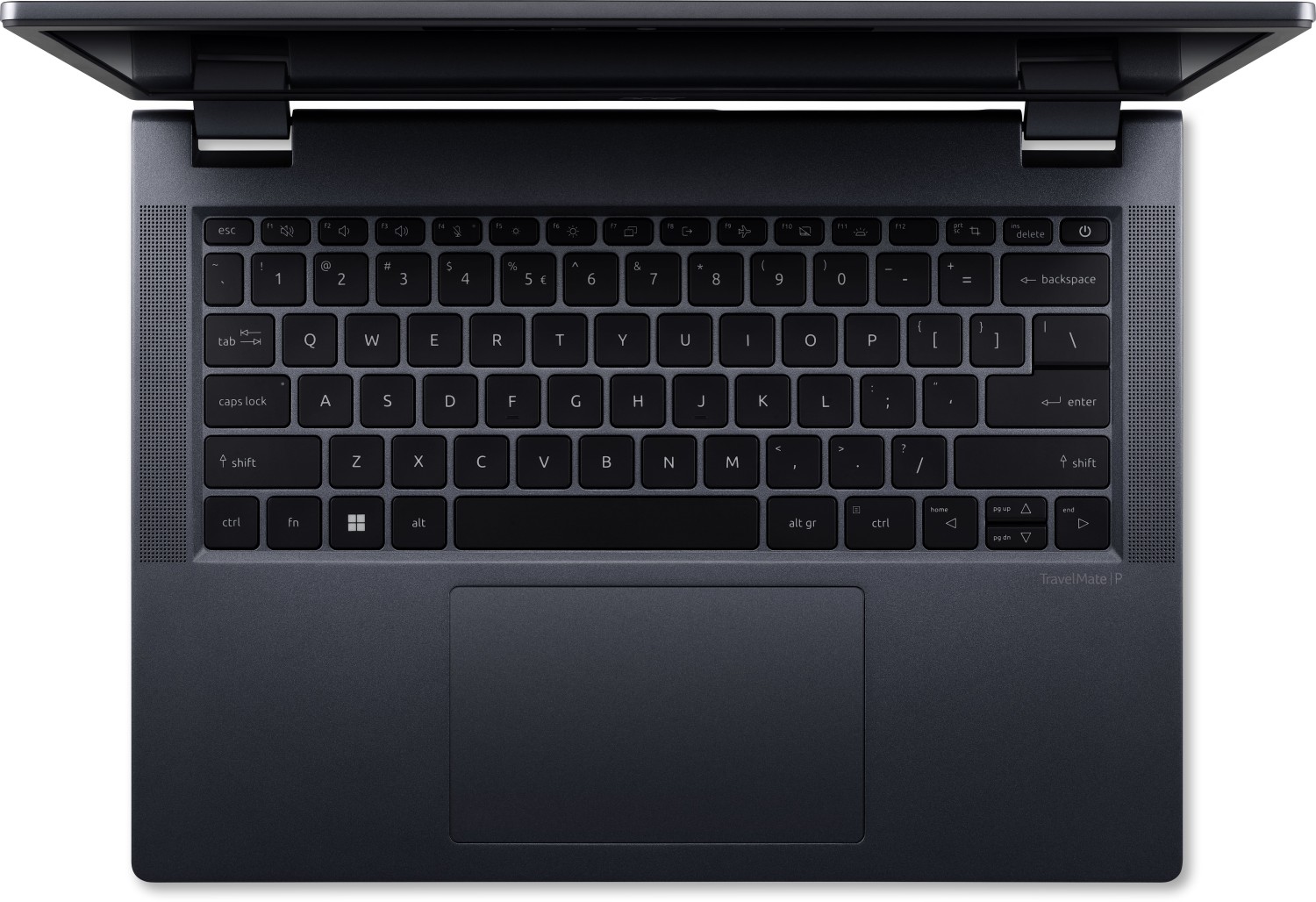
- Comfortable spill-resistant backlit keyboard
- Smooth glass touchpad
- Almost quiet fan during heavy CPU stress in “Best performance” mode
- PWM-free (BOE0AE8)
- 16:10 aspect ratio and wide viewing angles (BOE0AE8)
- Relatively light for a 14-inch 2-in-1 machine (1.491 kg)
- Fingerprint reader, privacy shutter, dTPM 2.0 chip, Lock slot
- Optional 1080p@60FPS IR Web camera
- 2x Thunderbolt 4 ports + MicroSD card reader + 2x Type-As
- Optional Smart Card reader, LTE connectivity, and stylus
- Replaceable Wi-Fi and WWAN cards
- 2x SODIMMs
- Decently fast SSD (SK Hynix HFS001TEJ9X110N)
- The overall performance is enough for normal daily or office tasks
- Not expensive
- Long battery life (~ 10 hours of videos)
- Dust Defender system
- Good sound quality
- Metal lid
Cons
- 1x M.2 slot
- 97°C CPU temperatures in long loads
- 79°C NVMe temperatures during benchmarking
- You can't open the lid with one hand
- Low sRGB coverage and max brightness (BOE0AE8)
- The bottom display bezel gets hot when the CPU is doing the heavy lifting
Disassembly, maintenance and upgrade options
Opening the Acer TravelMate P4 Spin Hint: Ensure the laptop is powered off and unplugged before starting.Undo the 10 Torx-head screws securing the bottom panel of the laptop. Use a lever tool to pop the areas behind the hinges to begin loosening the panel. Fully pry the back with a thin plastic tool, then carefully work your way around the other three sides to release the internal clips. While the stylus can be removed for convenience, it is not necessary for disassembly.More info: The bottom panel provides access to key components, including a dedicated socket fo[...]
Read more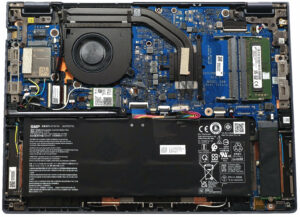


![[June 2026] Best-Selling Laptop Brands on Amazon Global – Apple’s Unrivaled Dominance in Units and Revenue](https://laptopmedia.com/wp-content/uploads/2026/07/GLOBAL-Best-Brands-400x225.jpg)
![[June 2026] Amazon Global: Top 10 Best-Selling Laptops – Apple’s New MacBook Neo Storms to #1, Reshaping the Market with Affordability](https://laptopmedia.com/wp-content/uploads/2026/07/Best-Selling-Laptops-GLOBAL-Top-10-400x225.jpg)
![[June 2026] Amazon Global: Top 10 Best-Selling Gaming Laptops – Acer’s Nitro V 16S AI Dominates Sales, While ASUS Leads Overall Revenue](https://laptopmedia.com/wp-content/uploads/2026/07/Best-Selling-Gaming-Laptops-GLOBAL-Top-10-400x225.jpg)
![[June 2026] Global Ranking of Best-Selling Laptop GPUs on Amazon – NVIDIA RTX 5060 is the Top-Selling Dedicated GPU](https://laptopmedia.com/wp-content/uploads/2026/07/Best-Selling-GPUs-GLOBAL-Top-10-400x225.jpg)
![[June 2026] Global Ranking of Best-Selling Laptop CPUs on Amazon – Apple M5 Dominates, AMD Ryzen 7 260 Gets Solid Premium Share](https://laptopmedia.com/wp-content/uploads/2026/07/Best-Selling-CPUs-GLOBAL-Top-10-400x225.jpg)