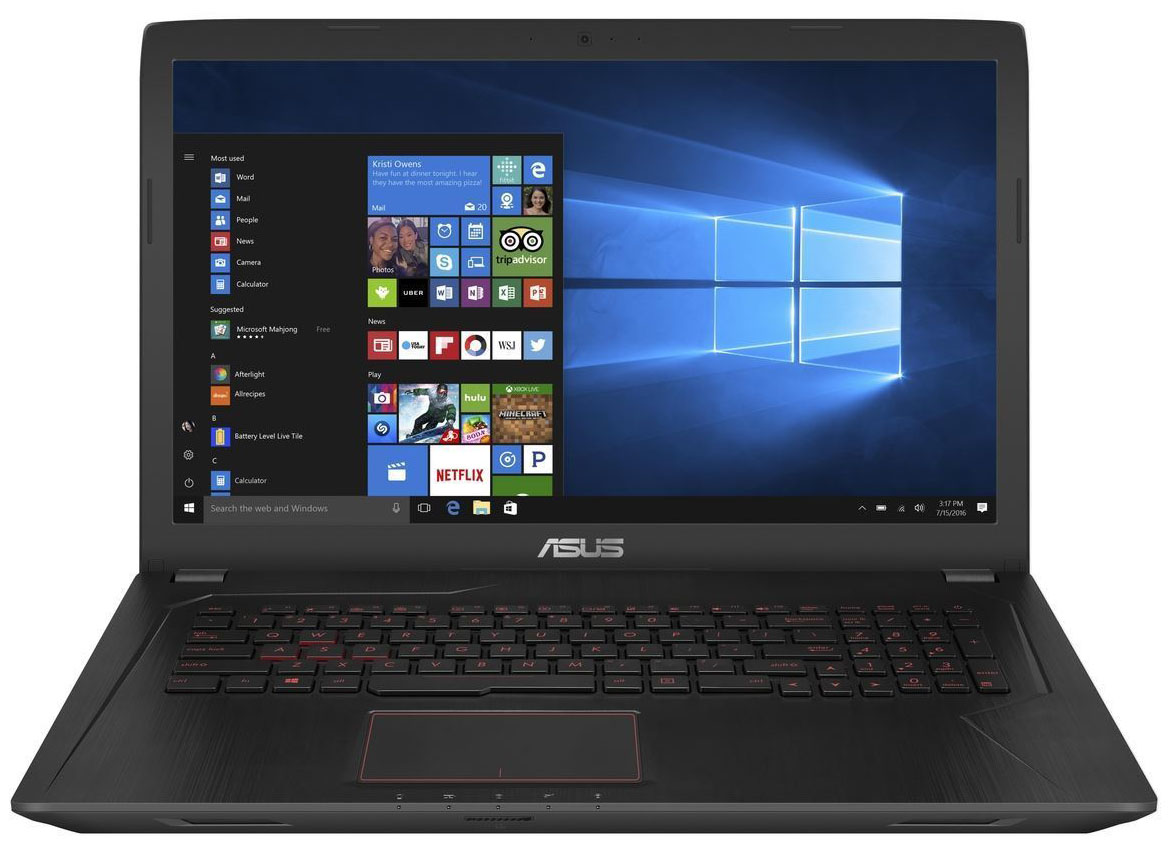
ASUS FX753
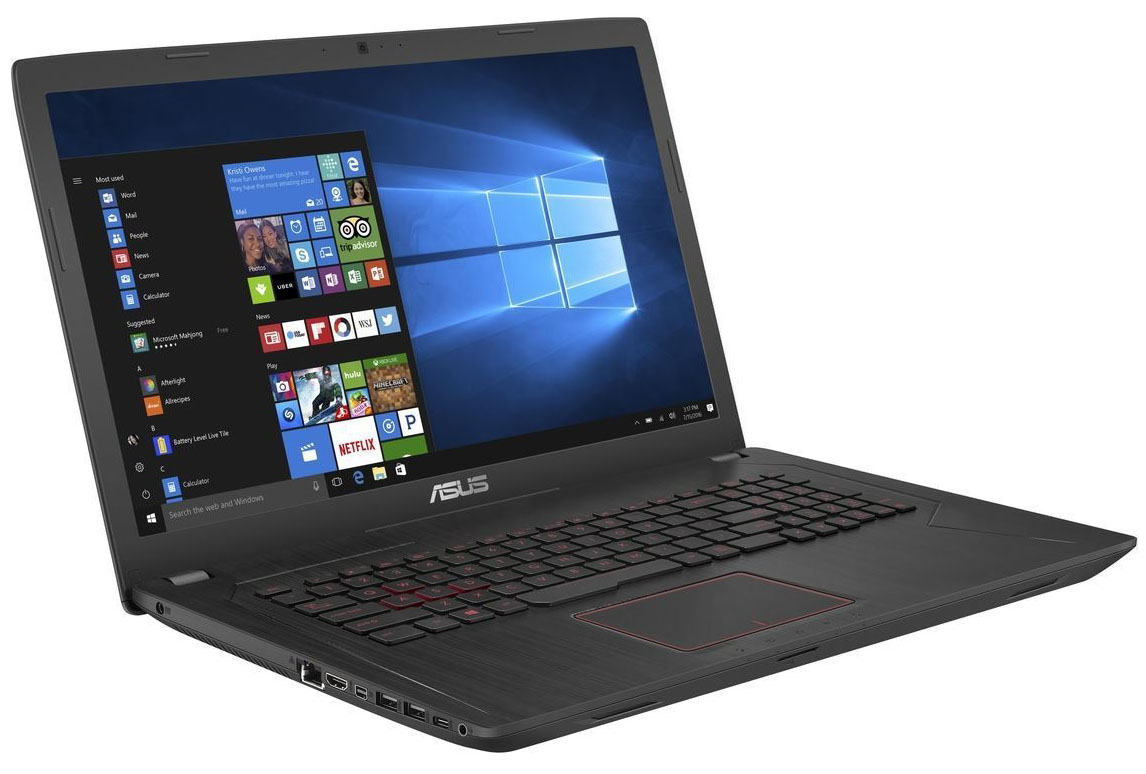
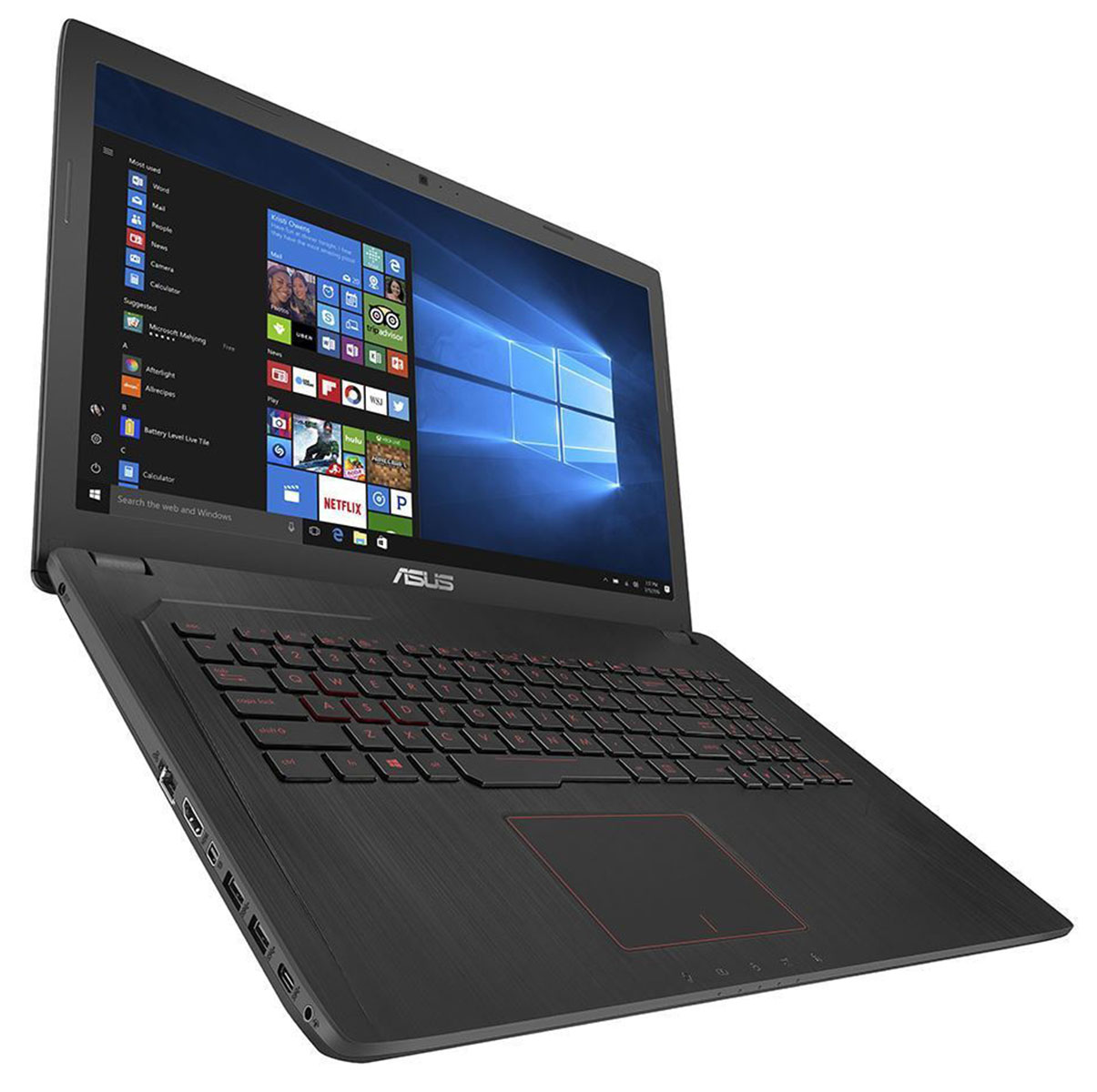
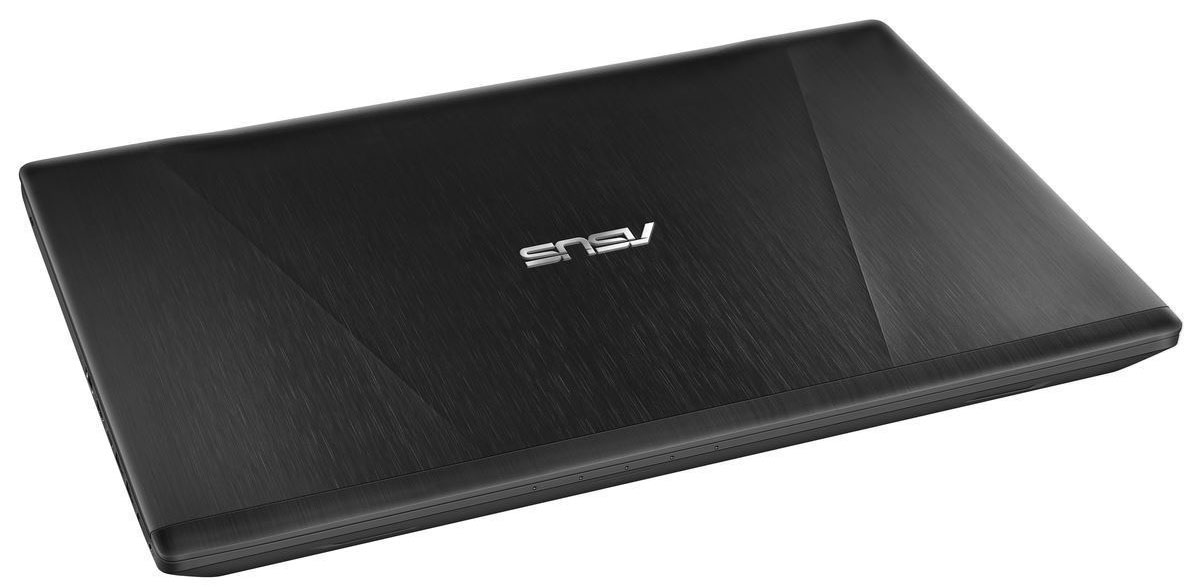
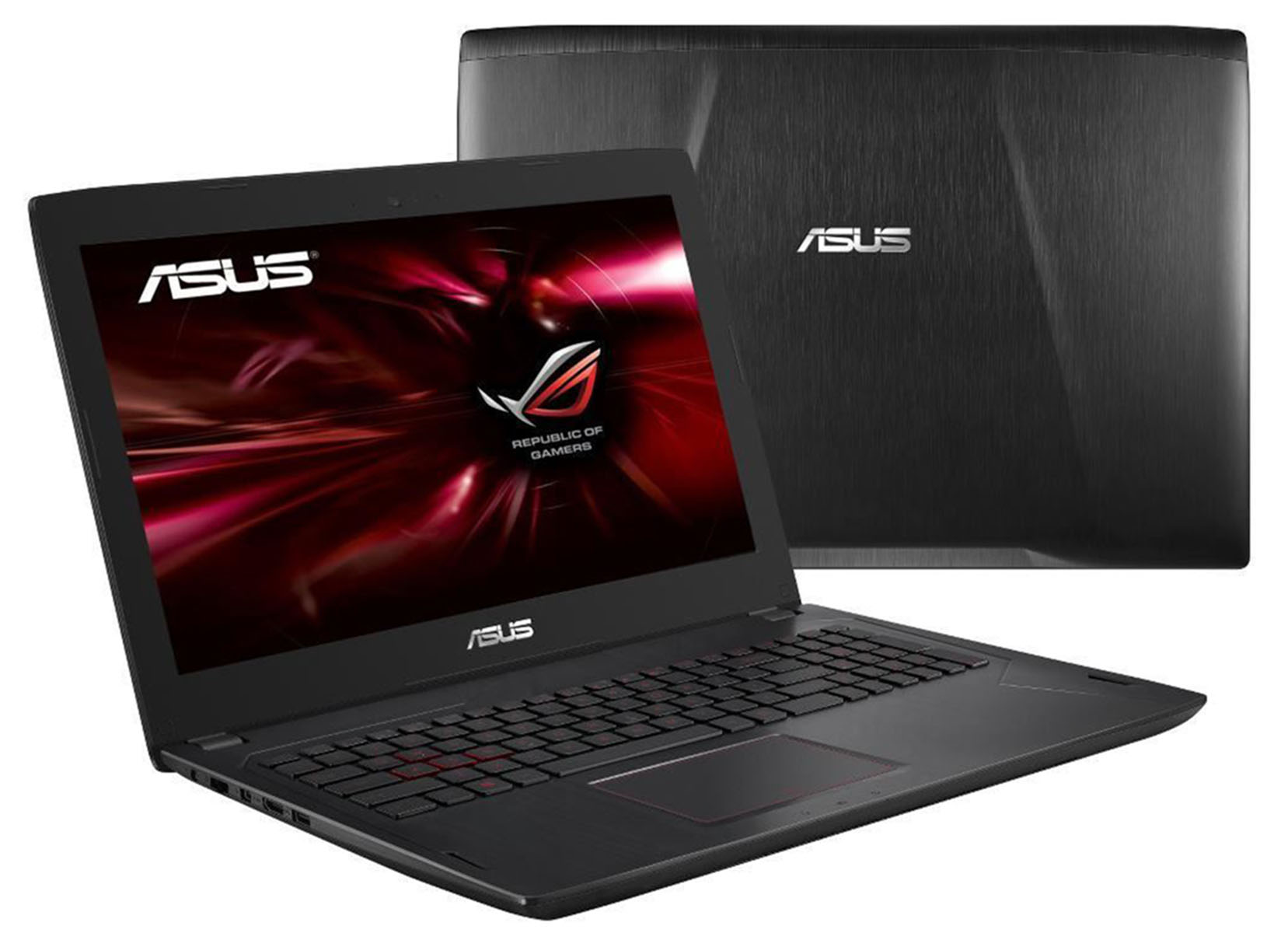
- Date Published: 16 Nov 2017
- Intel Core i7-7700HQ
- NVIDIA GeForce GTX 1050 Ti (4GB GDDR5)
- 17.3”, Full HD (1920 x 1080), IPS
- 1000GB SSD + 2000GB HDD
- 8GB DDR4
- 2.80 kg (6.2 lbs)
Specs
- HDD/SSD
- 1TB SSD + 2TB HDD
- RAM
- 8GB DDR4
- OS
- Windows 10 Pro
- Body Material
- Aluminum, Plastic
- Dimensions
- 418 x 255 x 30 mm (16.46" x 10.04" x 1.18")
- Weight
- 2.80 kg (6.2 lbs)
- Ports and connectivity
- 3x USB Type-A
- 3.2 Gen 1 (5 Gbps)
- 1x USB Type-A
- 2.0
- 1x USB Type-C
- 3.2 Gen 1 (5 Gbps)
- HDMI
- 1
- Card Reader
- Multi-format card reader
- Ethernet LAN
- 10, 100, 1000 Mbit/s
- Wi-Fi
- 802.11ac
- Bluetooth
- 4.0
- Audio jack
- combo audio/microphone jack
- Features
- Web camera
- HD webcam
- Backlit keyboard
- Microphone
- Speakers
- Optical drive
- Security Lock slot
Portability
Review
ASUS FX753 in-depth review
The ASUS FX753VD or you can also call it the ROG Strix GL753VD (more on that later) is what appears to be one of the most affordable 17-inch GTX 1050-powered laptops. The GL753VE is another commonly found configuration with GTX 1050 Ti that we reviewed a couple of months ago. In any case, our opinion of the notebook isn't deviating too much from our initial thoughts on the ASUS ROG Strix GL553VE (15-inch version) and the GL753VE. It offers excellent keyboard, good IPS panel for a little bit extra cash compared to its competitors and a bit disappointing build quality. We are starting to get worried because it's becoming a trend for ASUS' ROG gaming lineup while the similarly-priced competitors impress with above average build quality. Take the Lenovo Legion Y520 and Dell's Inspiron 7567[...]
Read the full review
Pros
- Excellent keyboard
- Extra I/O
- Bright IPS panel with high contrast, wide sRGB coverage and good color accuracy out of the box
- The panel doesn't use PWM for regulating screen brightness
- The chassis remains cool even under heavy workload
Cons
- A bit hefty
- The internals get a bit hot during heavy workload
- Wobbly and jumpy touchpad
- Unsatisfactory build quality in some key areas


![[June 2026] Best-Selling Laptop Brands on Amazon Global – Apple’s Unrivaled Dominance in Units and Revenue](https://laptopmedia.com/wp-content/uploads/2026/07/GLOBAL-Best-Brands-400x225.jpg)
![[June 2026] Amazon Global: Top 10 Best-Selling Laptops – Apple’s New MacBook Neo Storms to #1, Reshaping the Market with Affordability](https://laptopmedia.com/wp-content/uploads/2026/07/Best-Selling-Laptops-GLOBAL-Top-10-400x225.jpg)
![[June 2026] Amazon Global: Top 10 Best-Selling Gaming Laptops – Acer’s Nitro V 16S AI Dominates Sales, While ASUS Leads Overall Revenue](https://laptopmedia.com/wp-content/uploads/2026/07/Best-Selling-Gaming-Laptops-GLOBAL-Top-10-400x225.jpg)
![[June 2026] Global Ranking of Best-Selling Laptop GPUs on Amazon – NVIDIA RTX 5060 is the Top-Selling Dedicated GPU](https://laptopmedia.com/wp-content/uploads/2026/07/Best-Selling-GPUs-GLOBAL-Top-10-400x225.jpg)
![[June 2026] Global Ranking of Best-Selling Laptop CPUs on Amazon – Apple M5 Dominates, AMD Ryzen 7 260 Gets Solid Premium Share](https://laptopmedia.com/wp-content/uploads/2026/07/Best-Selling-CPUs-GLOBAL-Top-10-400x225.jpg)
