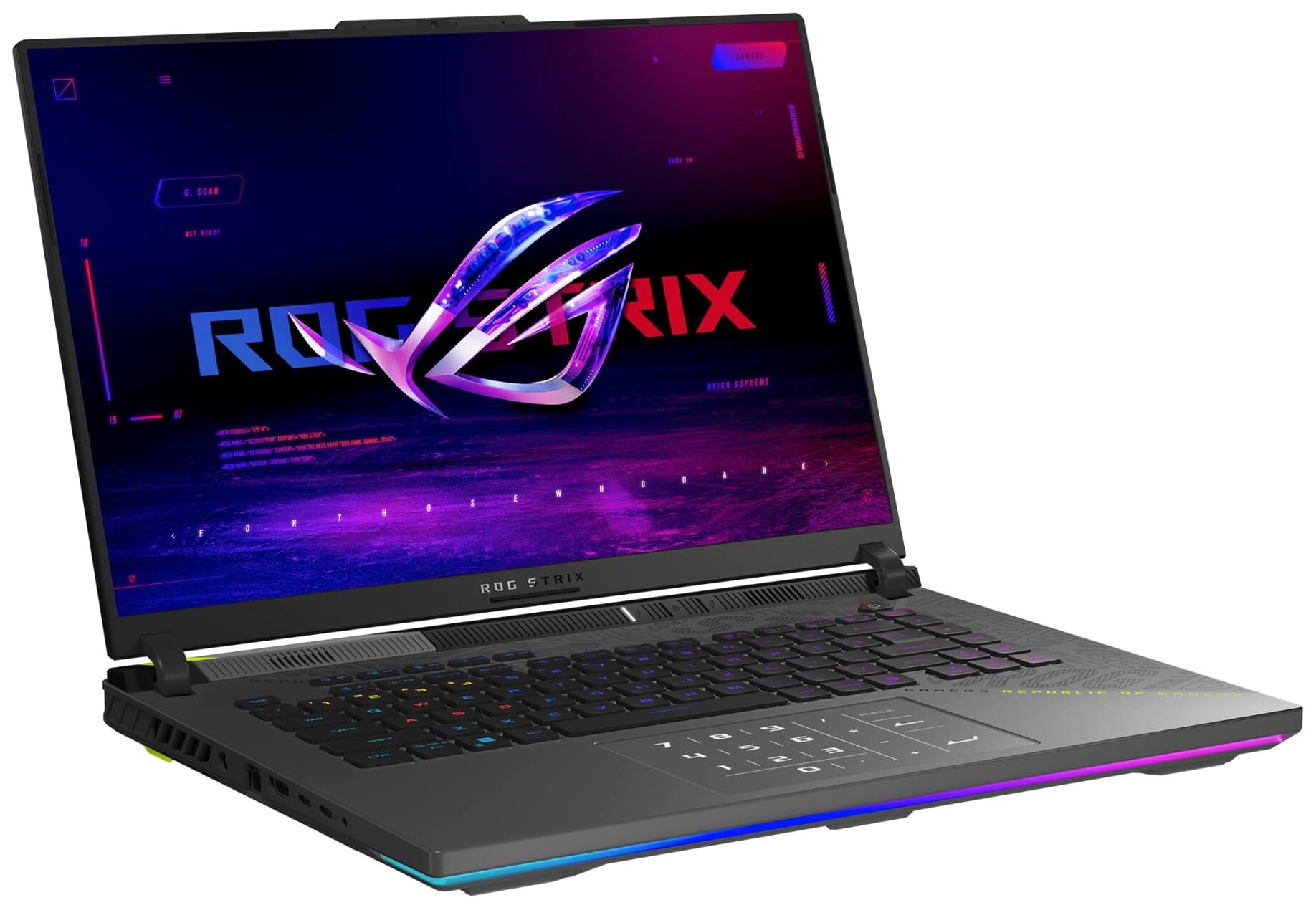
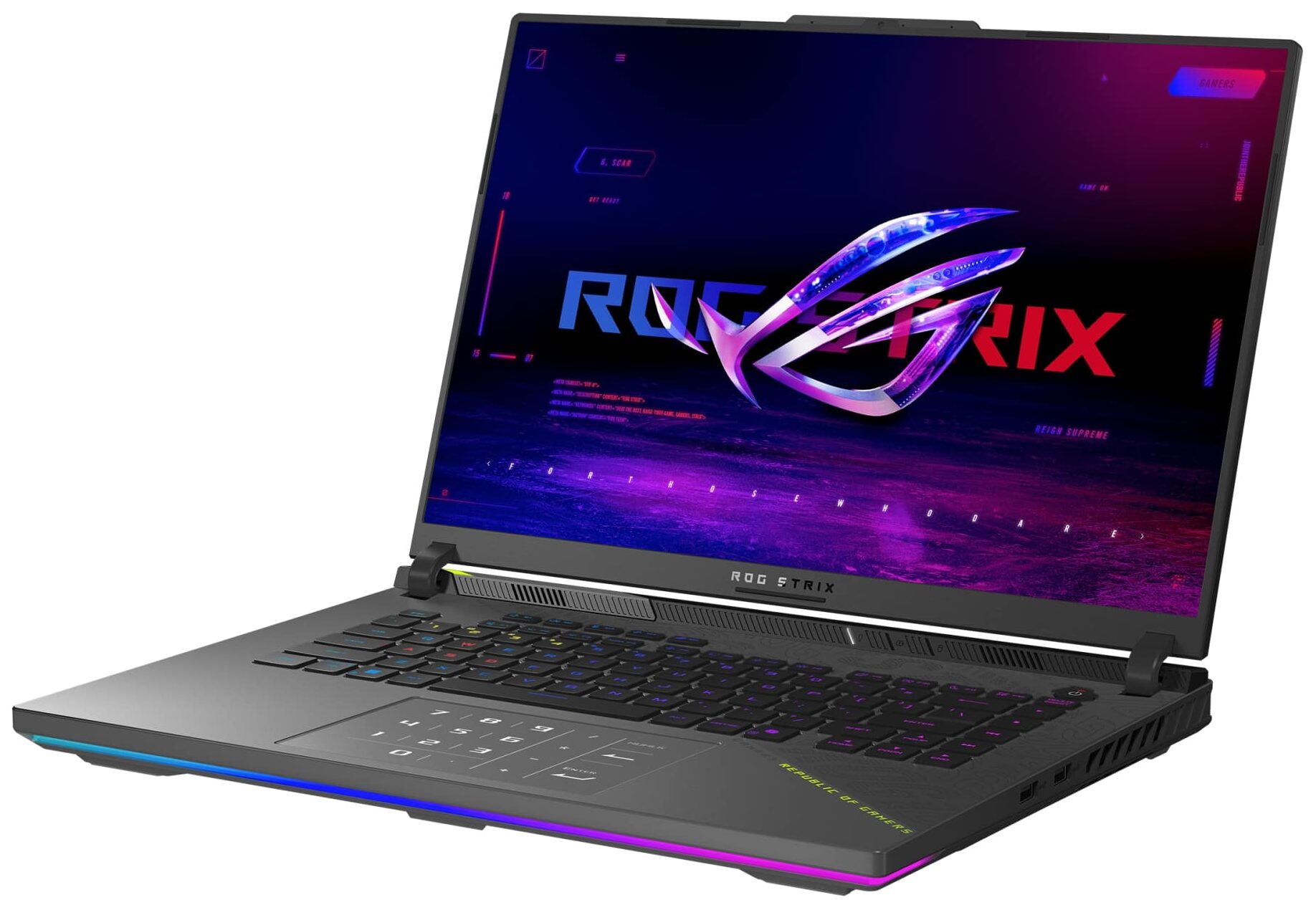
ASUS ROG Strix G16
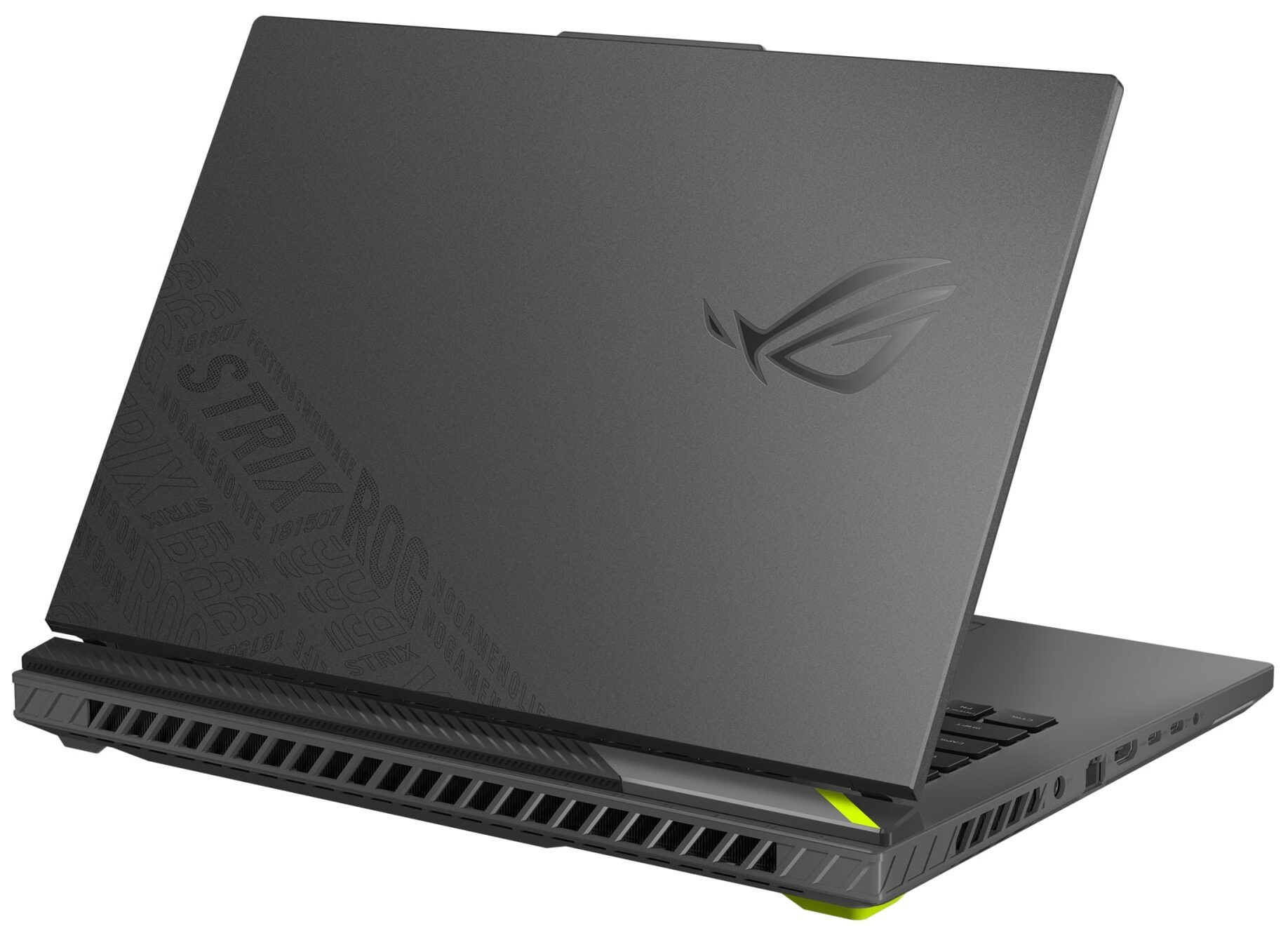
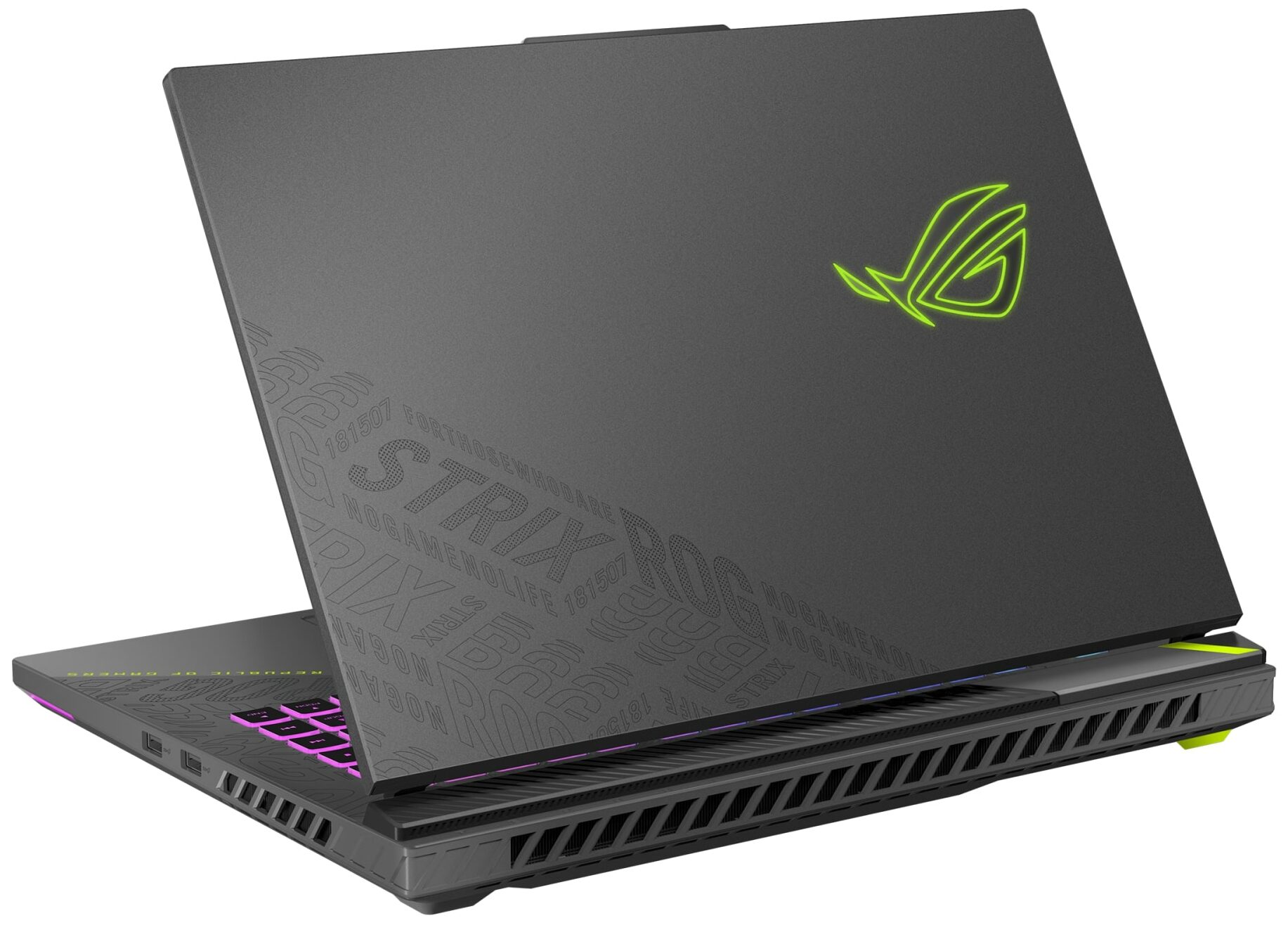
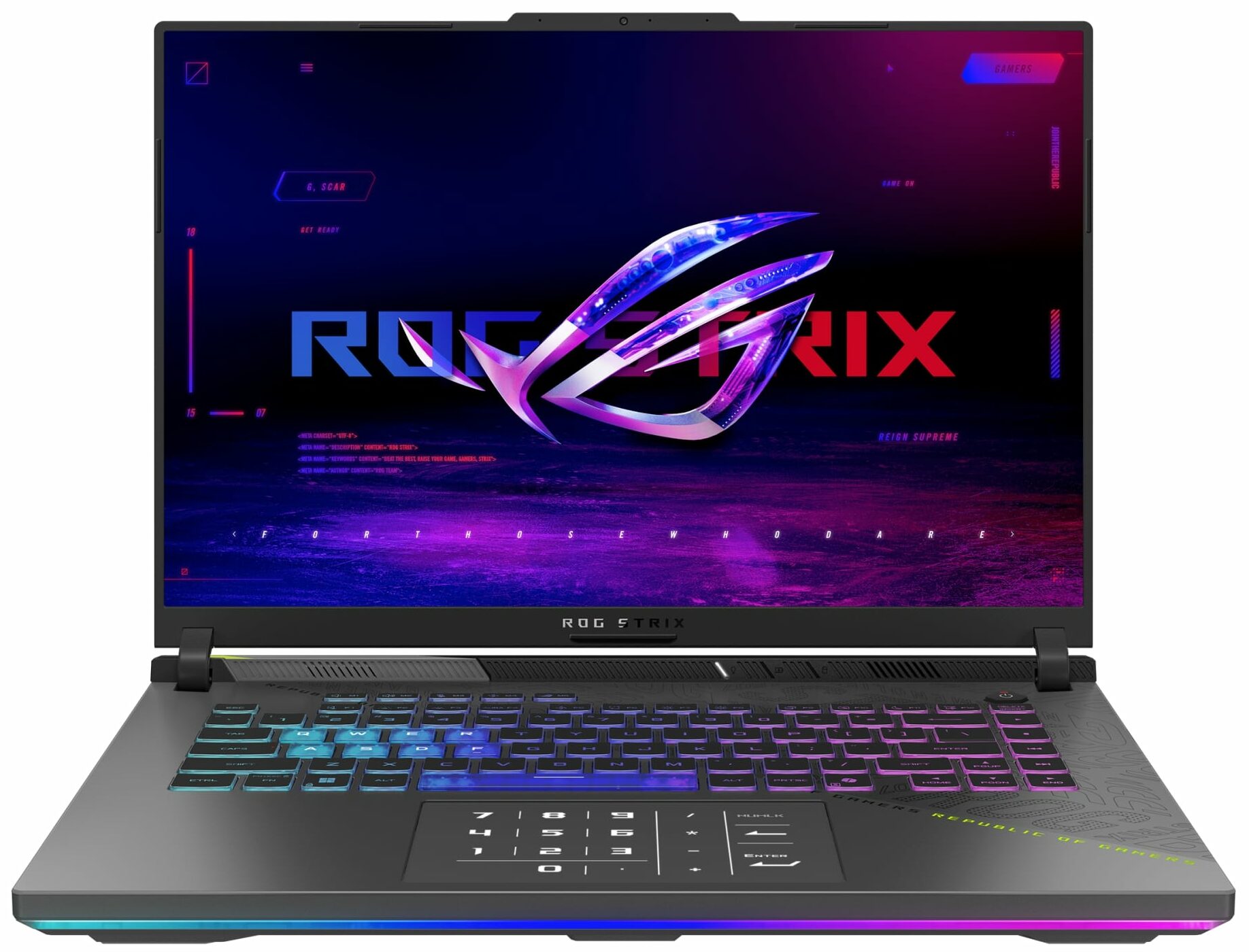
- Date Published: 07 Oct 2025
- AMD Ryzen 9 8940HX
- NVIDIA GeForce RTX 5070 Ti (Laptop)
- 16.0″, WUXGA (1920 x 1200), 165 Hz, IPS
- 2000GB SSD
- 48GB RAM
- 2.50 kg (5.5 lbs)
Specs
- HDD/SSD
- 2000GB SSD
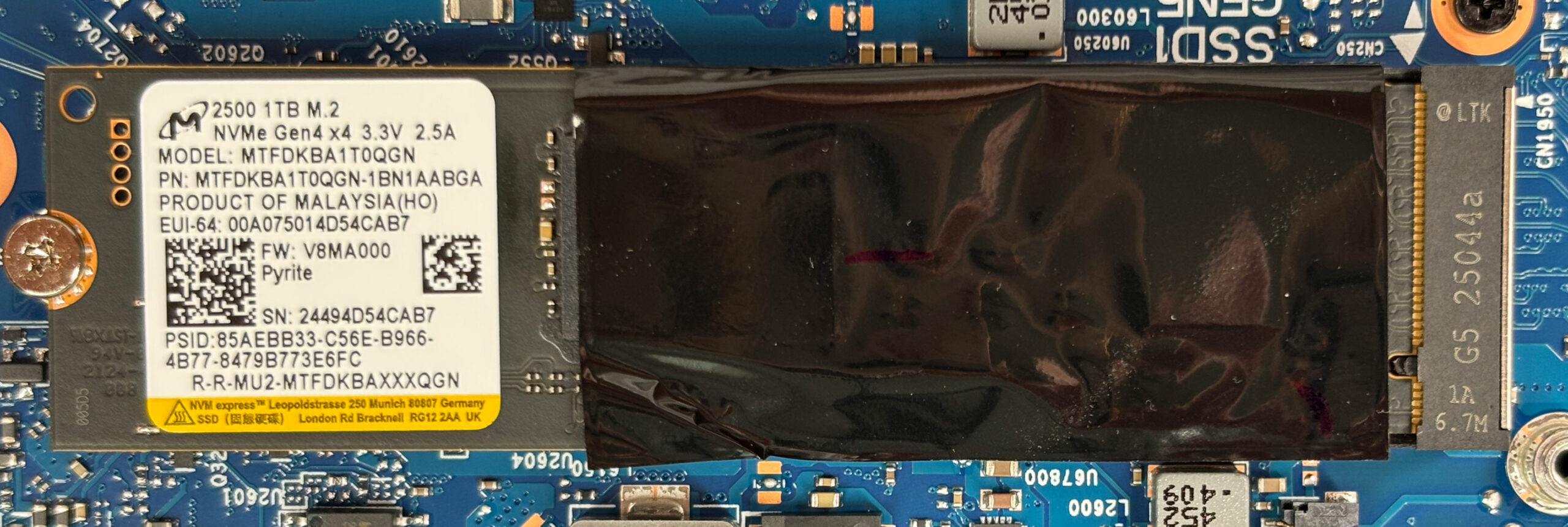
- M.2 Slot
- 1x 2280 M.2 NVMe PCIe 4.0 x4 See photo
- RAM
- 48GB RAM
- OS
- Windows 11 Pro
- Body Material
- Plastic / Polycarbonate, Aluminum
- Dimensions
- 354 x 264 x 22.6 - 30.4 mm (13.94" x 10.39" x 0.89")
- Weight
- 2.50 kg (5.5 lbs)
- Ports and connectivity
- 2x USB Type-A
- 3.2 Gen 2 (10 Gbps)
- 1x USB Type-C
- 4.0, DisplayPort
- 1x USB Type-C
- 4.0, Power Delivery (PD), DisplayPort
- HDMI
- 2.1
- Card Reader
- Ethernet LAN
- 10, 100, 1000 Mbit/s
- Wi-Fi
- Wi-Fi 6E
- Bluetooth
- 5.3
- Audio jack
- 3.5mm Combo Jack
- Features
- Fingerprint reader
- Web camera
- FHD
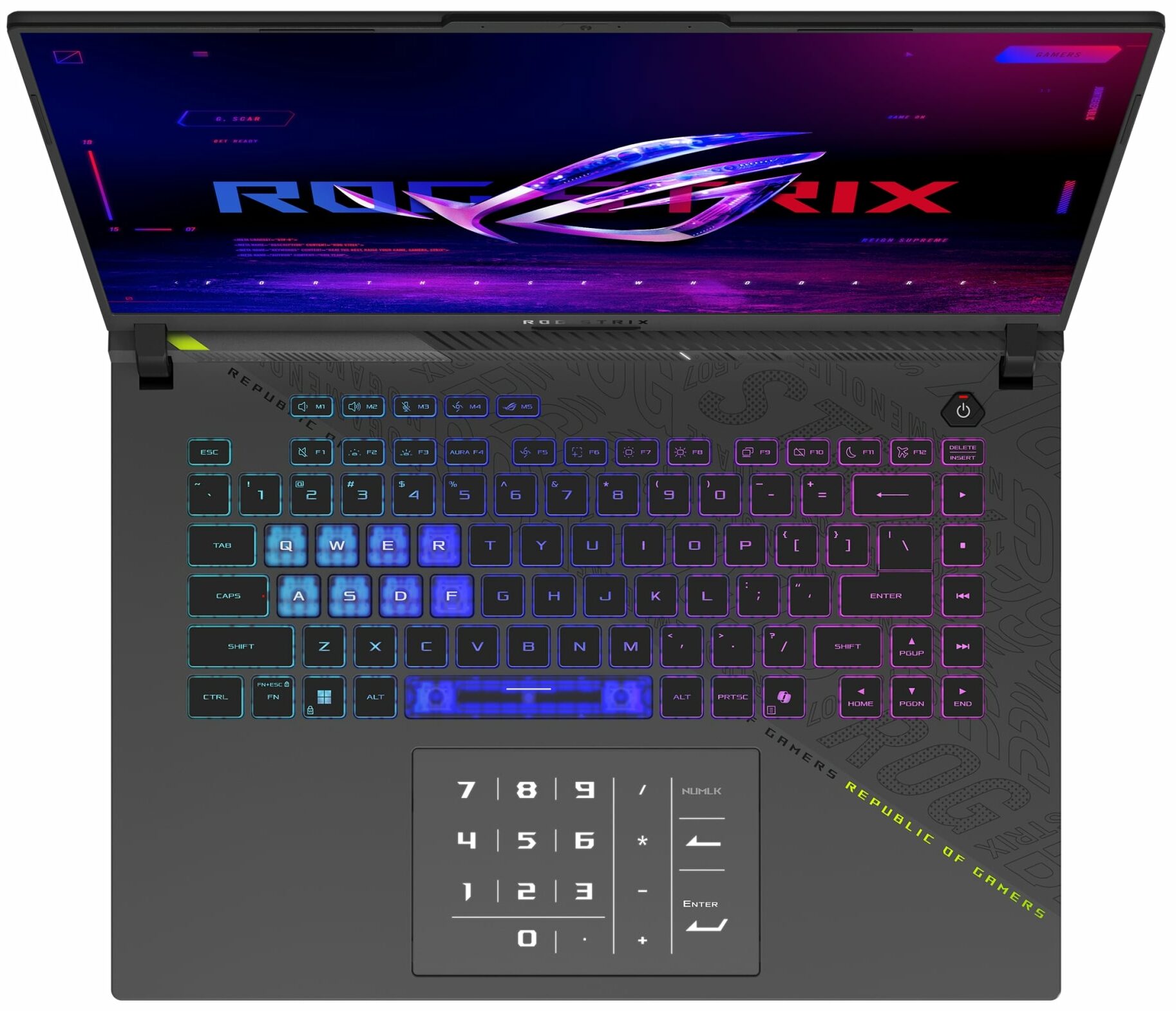
- Backlit keyboard
- Microphone
- Array Microphone with AI noise-canceling technology
- Speakers
- 2x Stereo Speakers, Smart Amp, Dolby Atmos
- Security Lock slot
Portability
Review
ASUS ROG Strix G16 in-depth review
In a market crowded with powerful contenders, it's rare to find a machine that feels like a true champion. The ASUS ROG Strix G16 (G614, 2025) is one of those rare machines. By pairing AMD's most powerful mobile CPU with a top-tier NVIDIA GPU and backing it with a masterclass in thermal engineering, ASUS hasn't just built a fast laptop; they've crafted one of the most balanced and complete gaming packages we've ever tested. It's a device that gets so much right - from its performance to its display to its battery life, that our review process became less about finding its strengths and more about searching for any meaningful weakness. The question isn't if it's good, but if it's truly the new king of the hill.You can check the prices and configurations in our Specs System: https://[...]
Read the full review
Pros
- Class-leading CPU and GPU performance, the fastest in its category
- Excellent thermal management allows for high, stable clock speeds
- Superb QHD+ 240Hz display with great colors and low glare
- Completely PWM-free screen is fantastic for eye comfort
- Great battery life for a high-performance gaming laptop
- Fantastic upgradeability with two RAM and two M.2 slots
Cons
- No physical privacy shutter for the webcam
- No biometric login options (fingerprint or IR camera)
- CPU still runs hot under sustained heavy load
Disassembly, maintenance and upgrade options
How to open the bottom panelShut down the laptop completely and unplug the charger and all peripherals. Place the device upside down on a soft, clean surface to avoid scratching the lid. Undo the eleven Phillips-head screws securing the bottom panel.One of the screws near the hinge is captive and stays attached to the panel.Insert a thin plastic pry tool between the bottom cover and the chassis near the hinge area and gently release the plastic clips around the perimeter. Work slowly along all sides to avoid bending the panel. Lift the bottom panel away from [...]
Read more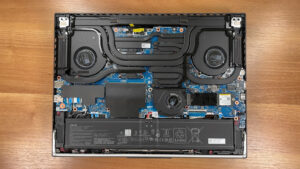


![[June 2026] Best-Selling Laptop Brands on Amazon Global – Apple’s Unrivaled Dominance in Units and Revenue](https://laptopmedia.com/wp-content/uploads/2026/07/GLOBAL-Best-Brands-400x225.jpg)
![[June 2026] Amazon Global: Top 10 Best-Selling Laptops – Apple’s New MacBook Neo Storms to #1, Reshaping the Market with Affordability](https://laptopmedia.com/wp-content/uploads/2026/07/Best-Selling-Laptops-GLOBAL-Top-10-400x225.jpg)
![[June 2026] Amazon Global: Top 10 Best-Selling Gaming Laptops – Acer’s Nitro V 16S AI Dominates Sales, While ASUS Leads Overall Revenue](https://laptopmedia.com/wp-content/uploads/2026/07/Best-Selling-Gaming-Laptops-GLOBAL-Top-10-400x225.jpg)
![[June 2026] Global Ranking of Best-Selling Laptop GPUs on Amazon – NVIDIA RTX 5060 is the Top-Selling Dedicated GPU](https://laptopmedia.com/wp-content/uploads/2026/07/Best-Selling-GPUs-GLOBAL-Top-10-400x225.jpg)
![[June 2026] Global Ranking of Best-Selling Laptop CPUs on Amazon – Apple M5 Dominates, AMD Ryzen 7 260 Gets Solid Premium Share](https://laptopmedia.com/wp-content/uploads/2026/07/Best-Selling-CPUs-GLOBAL-Top-10-400x225.jpg)