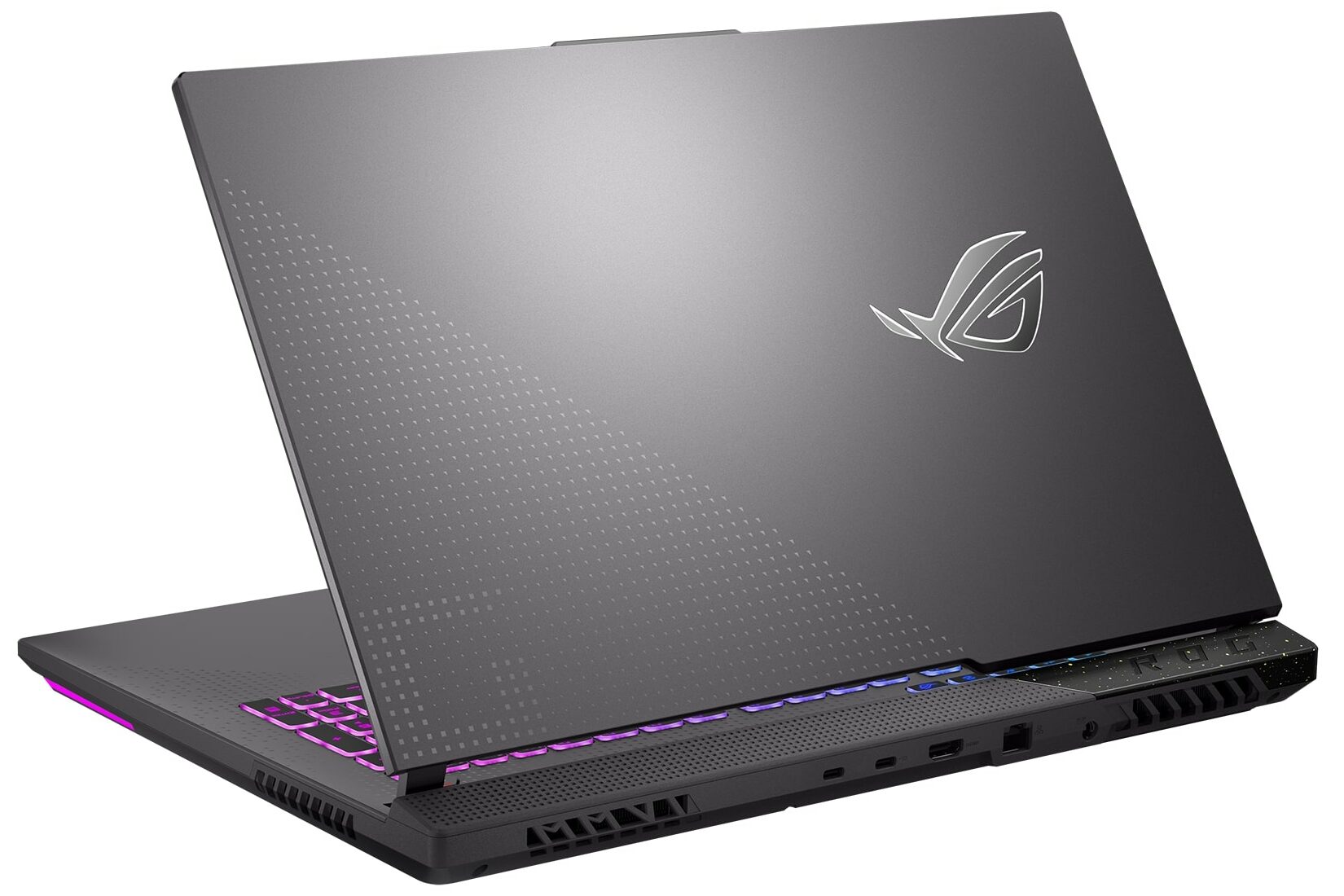
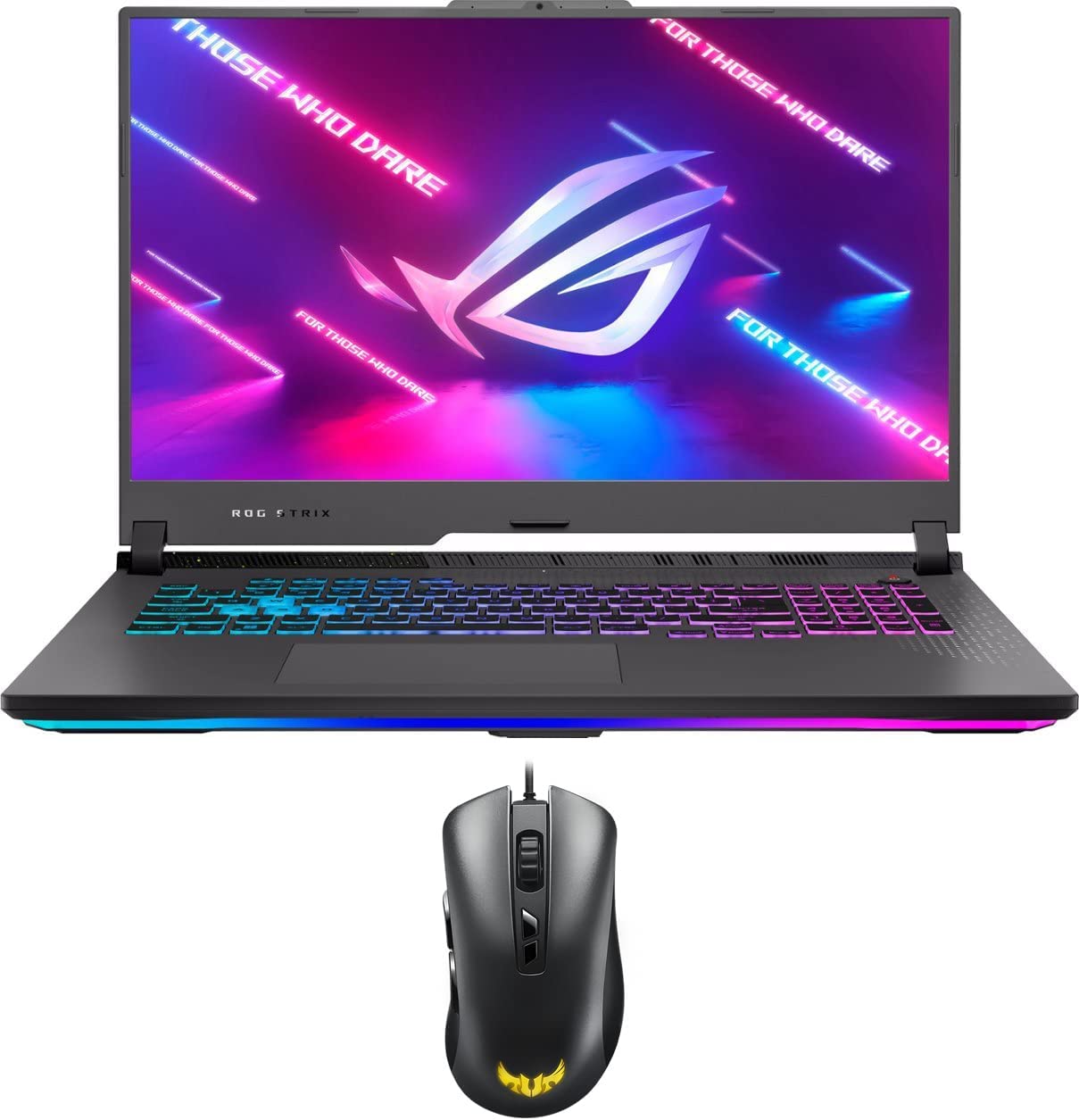
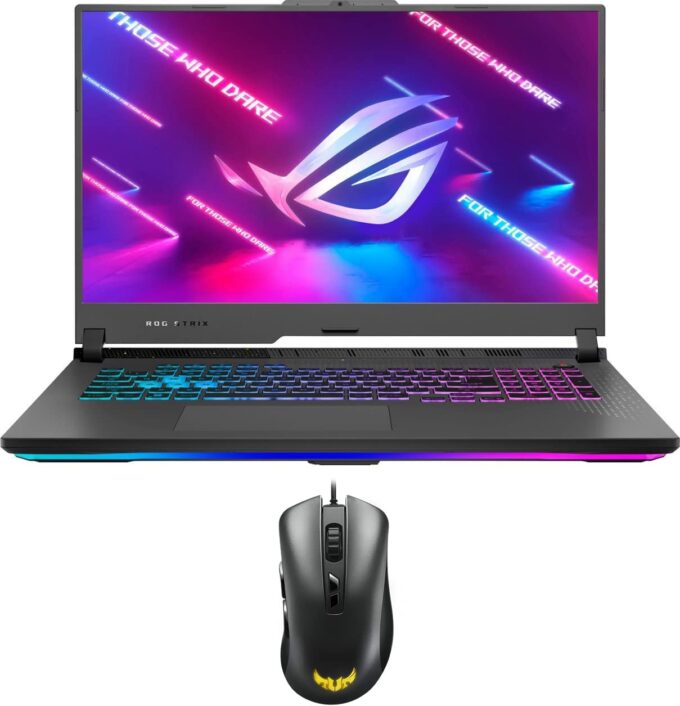
ASUS ROG Strix G17
_000047.jpg)

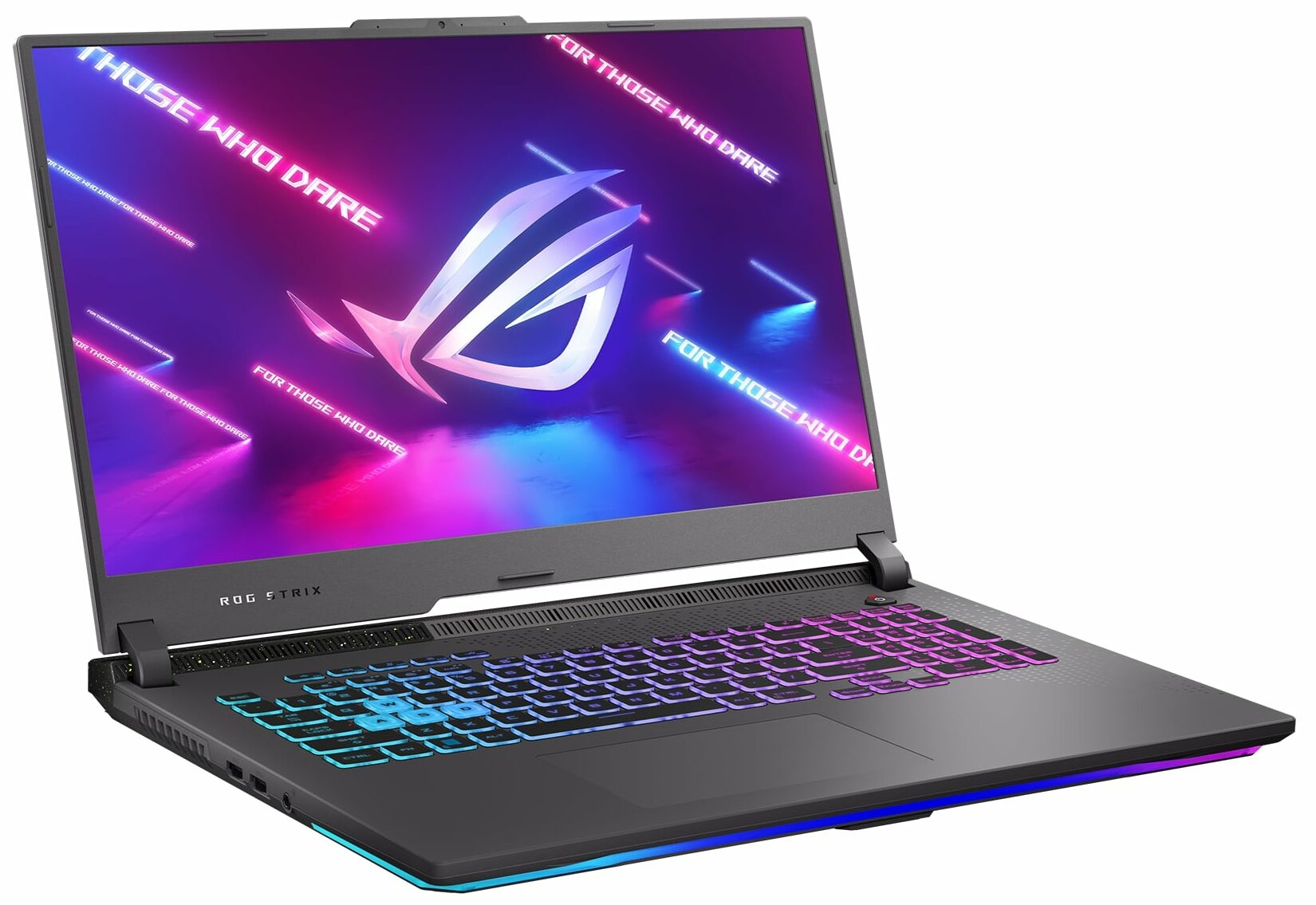
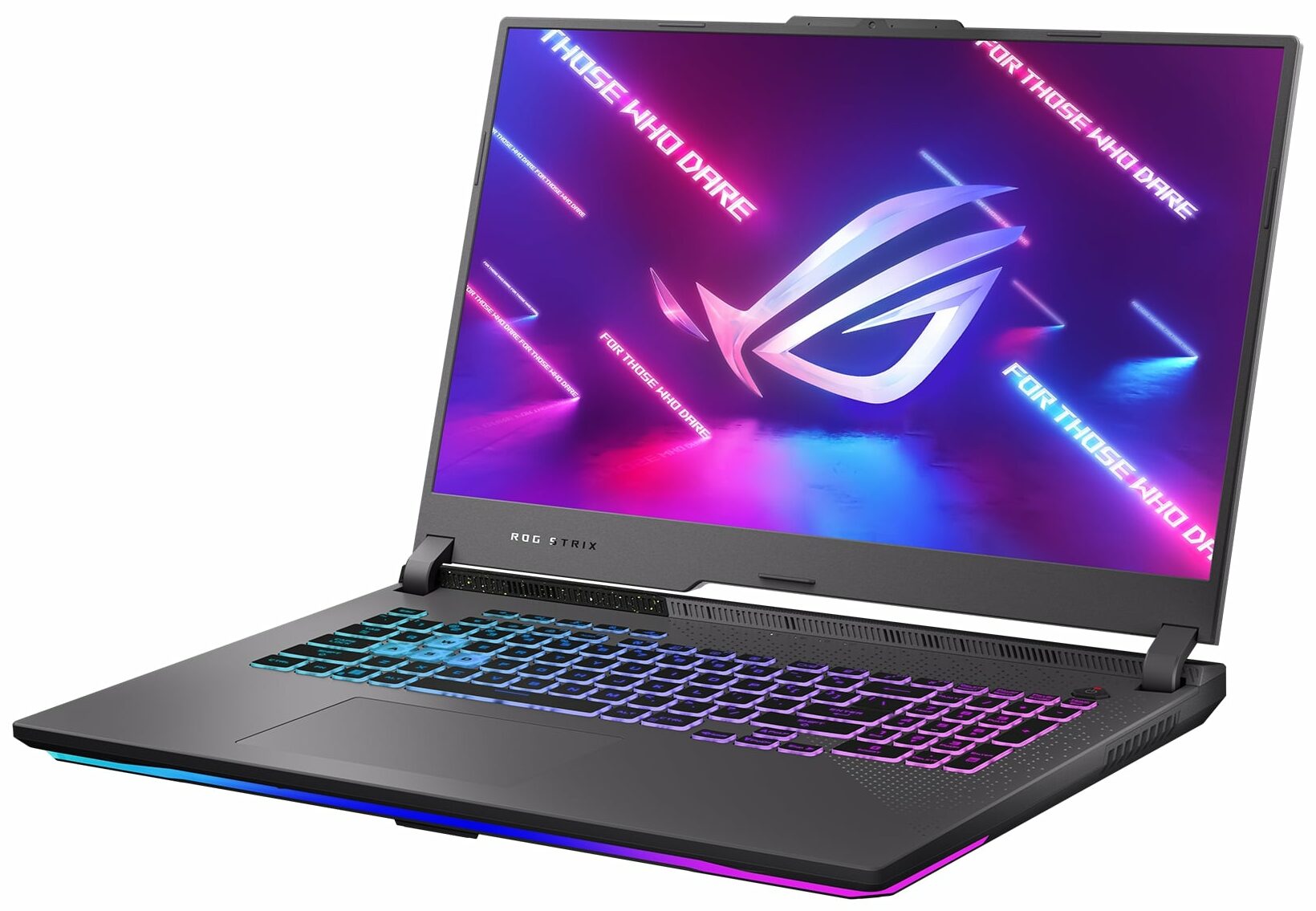
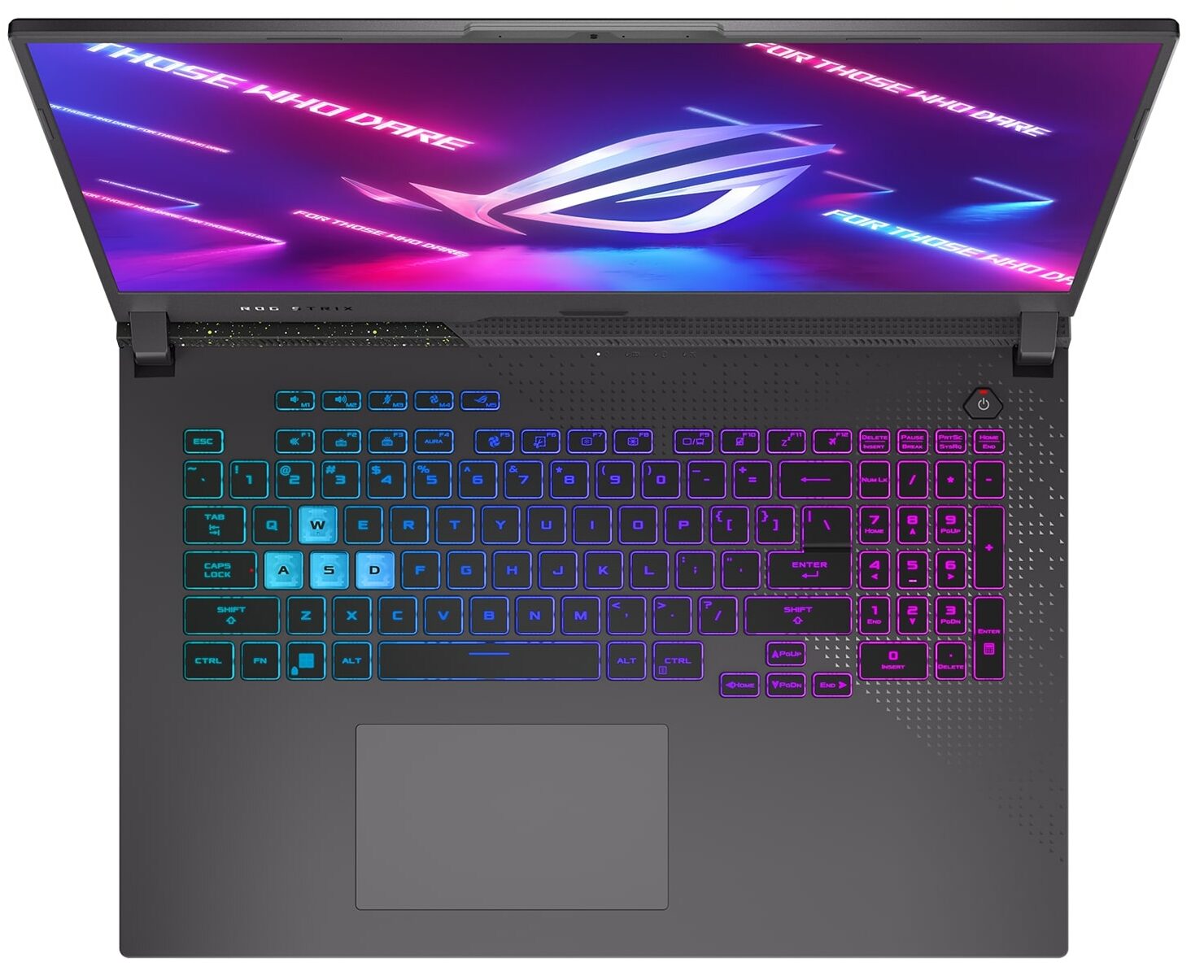
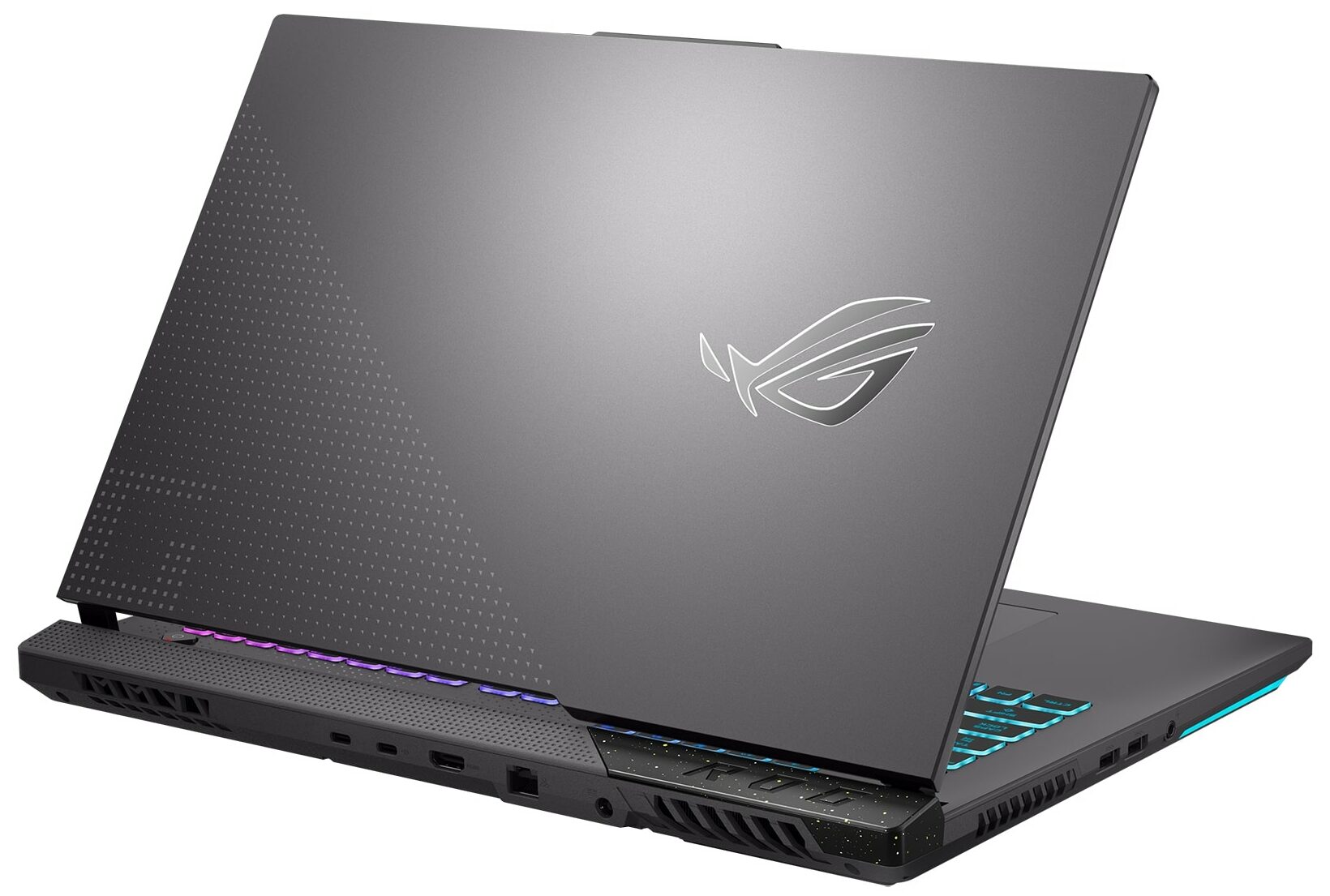
- Date Published: 08 Jun 2023
- AMD Ryzen 9 7945HX
- NVIDIA GeForce RTX 4060 (Laptop, 140W)
- 17.3", QHD (2560 x 1440), 240 Hz, IPS + G-Sync
- 1000GB SSD
- 32GB DDR5
- 2.80 kg (6.2 lbs)
Review
ASUS ROG Strix G17 in-depth review
When we saw the first 16-inch and 18-inch ROG Strix laptops we really didn't expect the company to still make a 17-inch version. Well, ASUS did, and it is called the ASUS ROG Strix G17 G713P (2023).It is based on an AMD chipset and features the brand-new Zen 4 processors. They are built on the 4nm architecture, and we expect Team Red to finally put up some competition for Intel, after two years of mixed results.This might be a "make it, or break it" moment for ASUS (and for AMD to be honest), but when you make an entire army of gaming laptops, you can afford to experiment, can't you?And what brand to try something new other than ASUS? The company that made gaming convertibles, tablets, and foldable business notebooks. This particular example looks like a piece of cake.Also[...]
Read the full review
Pros
- High CPU clocks
- MUX Switch and G-Sync
- 2x M.2 PCIe x4 Gen 4 slot, 2x DDR5 RAM SODIMM slots in dual channel
- 95% DCI-P3 coverage and accurate colors (CSOT MNH301CA3-1 (CSO1702))
- 240Hz refresh rate (CSOT MNH301CA3-1 (CSO1702))
- No PWM (CSOT MNH301CA3-1 (CSO1702))
- Adequate build quality
Cons
- No SD card
- Horrible battery life
Disassembly, maintenance and upgrade options
1. Opening the Bottom Panel - Ensure the laptop is powered off and unplugged from any power source. - Using a Phillips-head screwdriver, remove the 11 screws that secure the bottom panel. Remember that one of these screws is captive and helps in lifting the bottom panel. - Start the prying process from the area where the captive screw lifted the panel. - Disconnect the LED ribbon cable before fully removing the bottom panel.2. Battery Removal - Begin by unplugging the battery connector from the motherboard. - Proceed to unscrew the four Phillips-head screws holding the 90Wh b[...]
Read more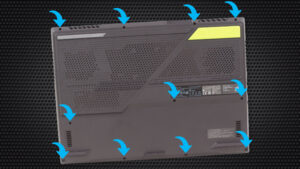
DISPLAY: 17.3-inch, 2560x1440, IPS + G-Sync
- Name
- CSOT MNH301CA3-1 (CSO1702)
- Diagonal
- 17.3"
- Pixel density
- 169.78 ppi
- Brightness
- 344 cd/m2
- sRGB
- 99%
- PWM frequency
- No PWM (Flicker-Free)
- Panel Type
- IPS
- Resolution
- 2560x1440
- Becomes "Retina" from
- 20 inches (52 cm)
- Contrast
- 1270:1
- dE Color Checker
- 3.3 1.2
- PWM Rating
- 10.0: (safe)

Buy our profiles for CSOT MNH301CA3-1 (CSO1702)
In addition to receiving efficient and health-friendly profiles, by buying LaptopMedia's products you also support the development of our labs, where we test devices in order to produce the most objective reviews possible.

Office Work
Office Work should be used mostly by users who spend most of the time looking at pieces of text, tables or just surfing. This profile aims to deliver better distinctness and clarity by keeping a flat gamma curve (2.20), native color temperature and perceptually accurate colors.

Design and Gaming
This profile is aimed at designers who work with colors professionally, and for games and movies as well. Design and Gaming takes display panels to their limits, making them as accurate as possible in the sRGB IEC61966-2-1 standard for Web and HDTV, at white point D65.

Health-Guard
Health-Guard eliminates the harmful Pulse-Width Modulation (PWM) and reduces the negative Blue Light which affects our eyes and body. Since it’s custom tailored for every panel, it manages to keep the colors perceptually accurate. Health-Guard simulates paper so the pressure on the eyes is greatly reduced.



![[June 2026] Best-Selling Laptop Brands on Amazon Global – Apple’s Unrivaled Dominance in Units and Revenue](https://laptopmedia.com/wp-content/uploads/2026/07/GLOBAL-Best-Brands-400x225.jpg)
![[June 2026] Amazon Global: Top 10 Best-Selling Laptops – Apple’s New MacBook Neo Storms to #1, Reshaping the Market with Affordability](https://laptopmedia.com/wp-content/uploads/2026/07/Best-Selling-Laptops-GLOBAL-Top-10-400x225.jpg)
![[June 2026] Amazon Global: Top 10 Best-Selling Gaming Laptops – Acer’s Nitro V 16S AI Dominates Sales, While ASUS Leads Overall Revenue](https://laptopmedia.com/wp-content/uploads/2026/07/Best-Selling-Gaming-Laptops-GLOBAL-Top-10-400x225.jpg)
![[June 2026] Global Ranking of Best-Selling Laptop GPUs on Amazon – NVIDIA RTX 5060 is the Top-Selling Dedicated GPU](https://laptopmedia.com/wp-content/uploads/2026/07/Best-Selling-GPUs-GLOBAL-Top-10-400x225.jpg)
![[June 2026] Global Ranking of Best-Selling Laptop CPUs on Amazon – Apple M5 Dominates, AMD Ryzen 7 260 Gets Solid Premium Share](https://laptopmedia.com/wp-content/uploads/2026/07/Best-Selling-CPUs-GLOBAL-Top-10-400x225.jpg)
