ASUS ROG Zephyrus Duo 16
_000049.jpg)

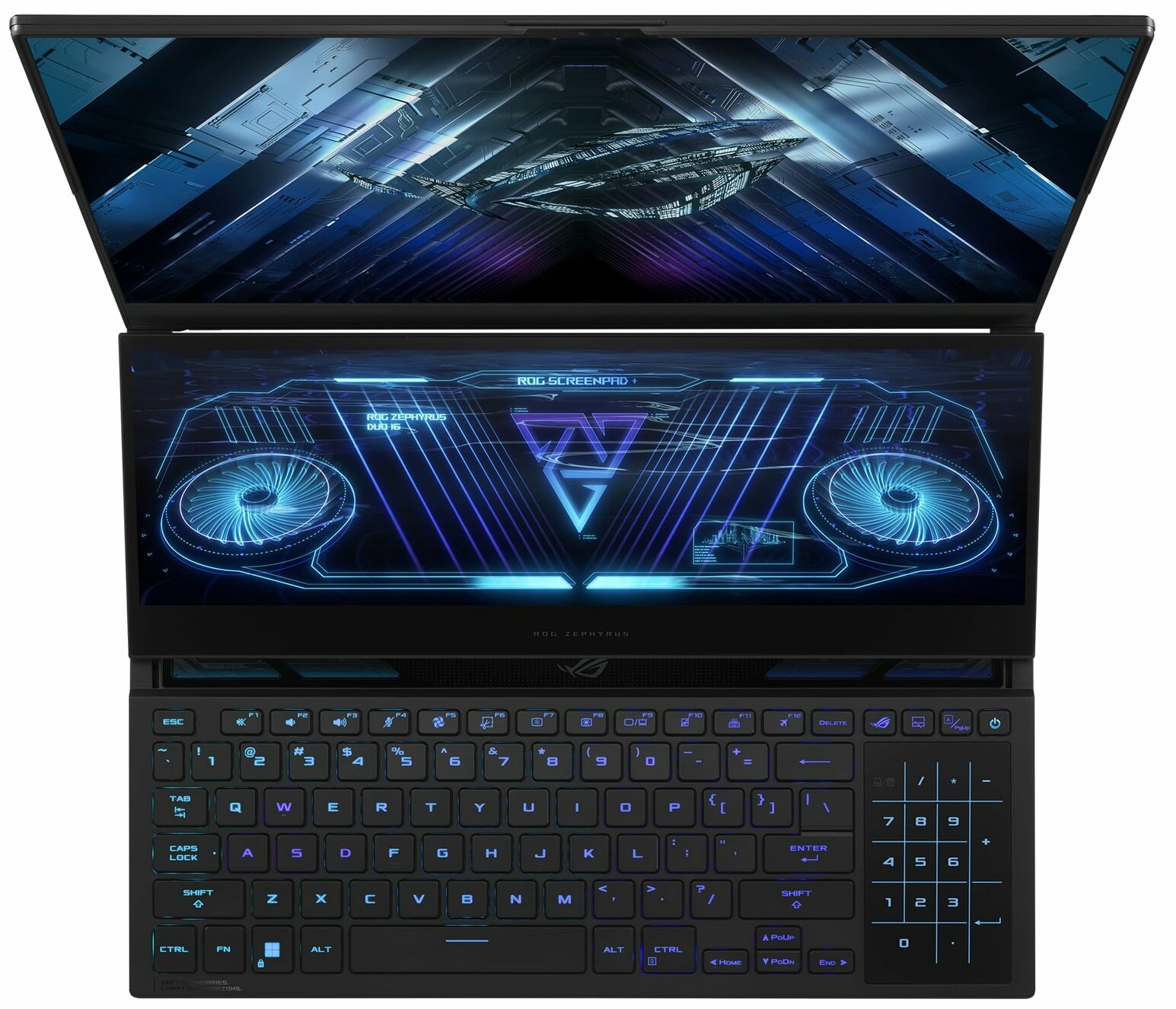
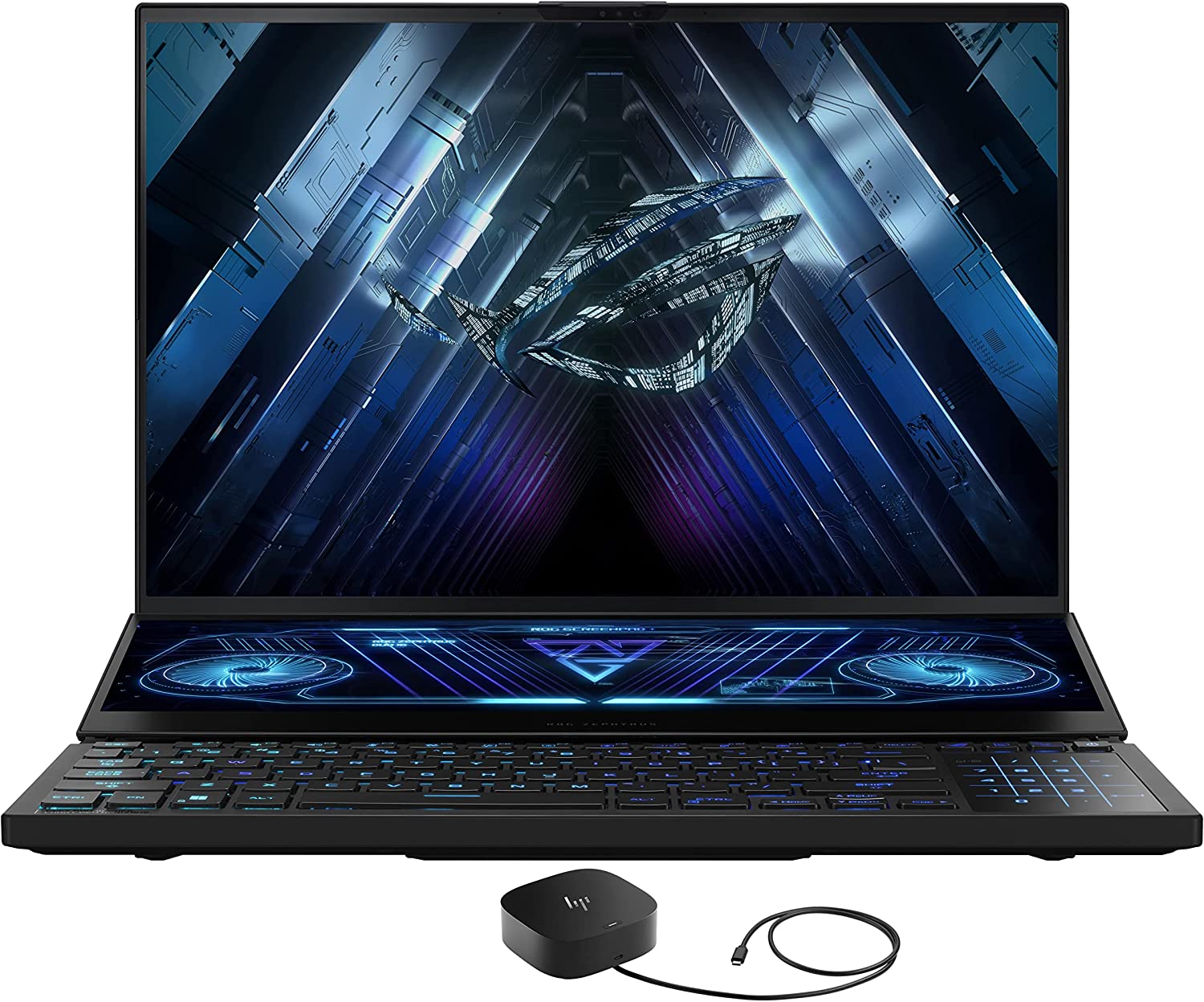
- Date Published: 18 Apr 2023
- AMD Ryzen 9 7945HX
- NVIDIA GeForce RTX 4080 (Laptop, 165W)
- 16.0", QHD (2560 x 1600), 240 Hz, IPS + FreeSync
- 8000GB SSD
- 64GB DDR5
- 2.67 kg (5.9 lbs)

Specs

- HDD/SSD
- 8000GB SSD
- M.2 Slot
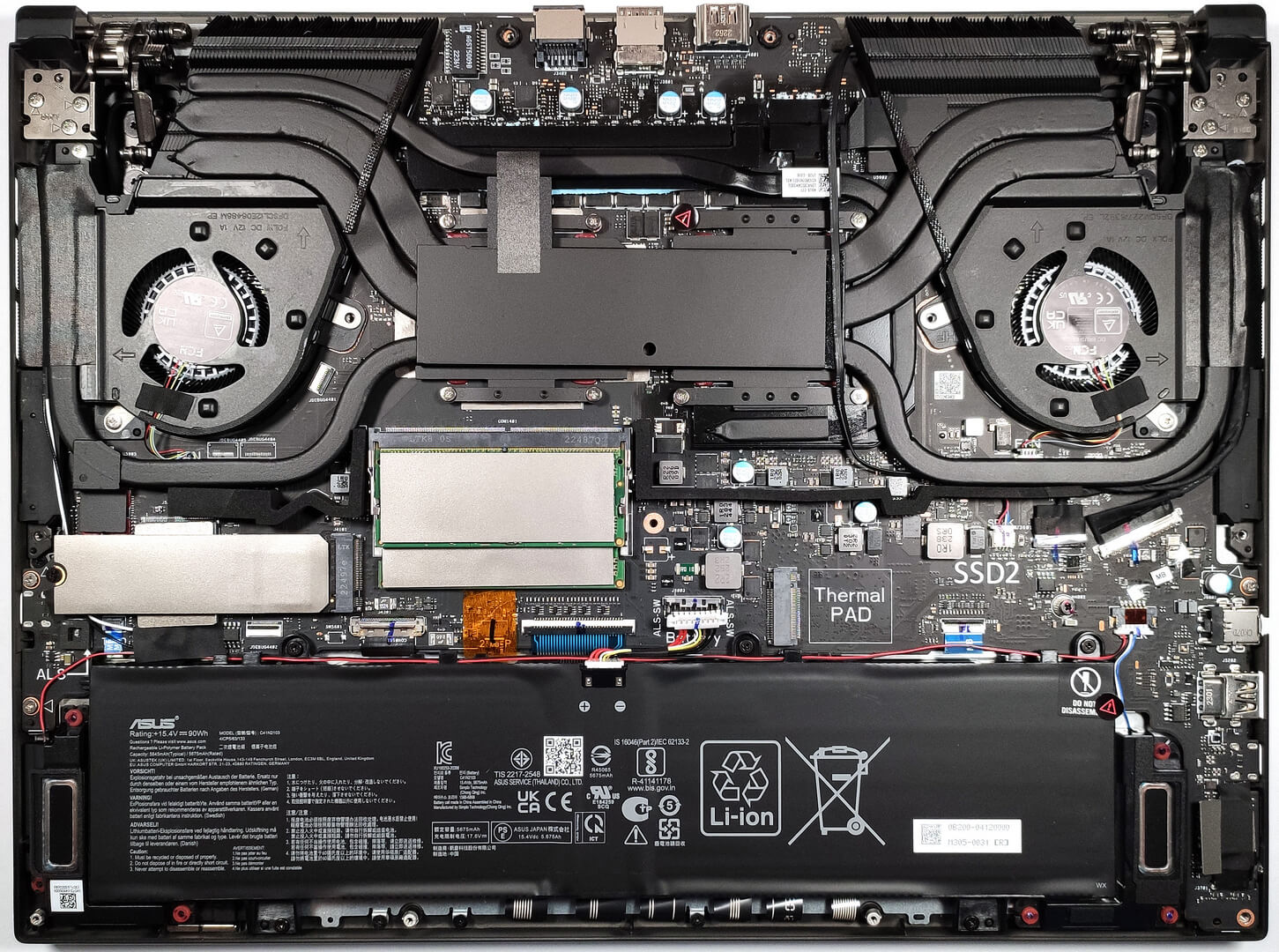
- 2x 2280 M.2 NVMe PCIe 4.0 x4 See photo
- RAM
- 64GB DDR5
- OS
- Windows 11 Pro
- Body Material
- Aluminum, Magnesium alloy
- Dimensions
- 355 x 266 x 20.5 - 29.7 mm (13.98" x 10.47" x 0.81")
- Weight
- 2.67 kg (5.9 lbs)
- Ports and connectivity
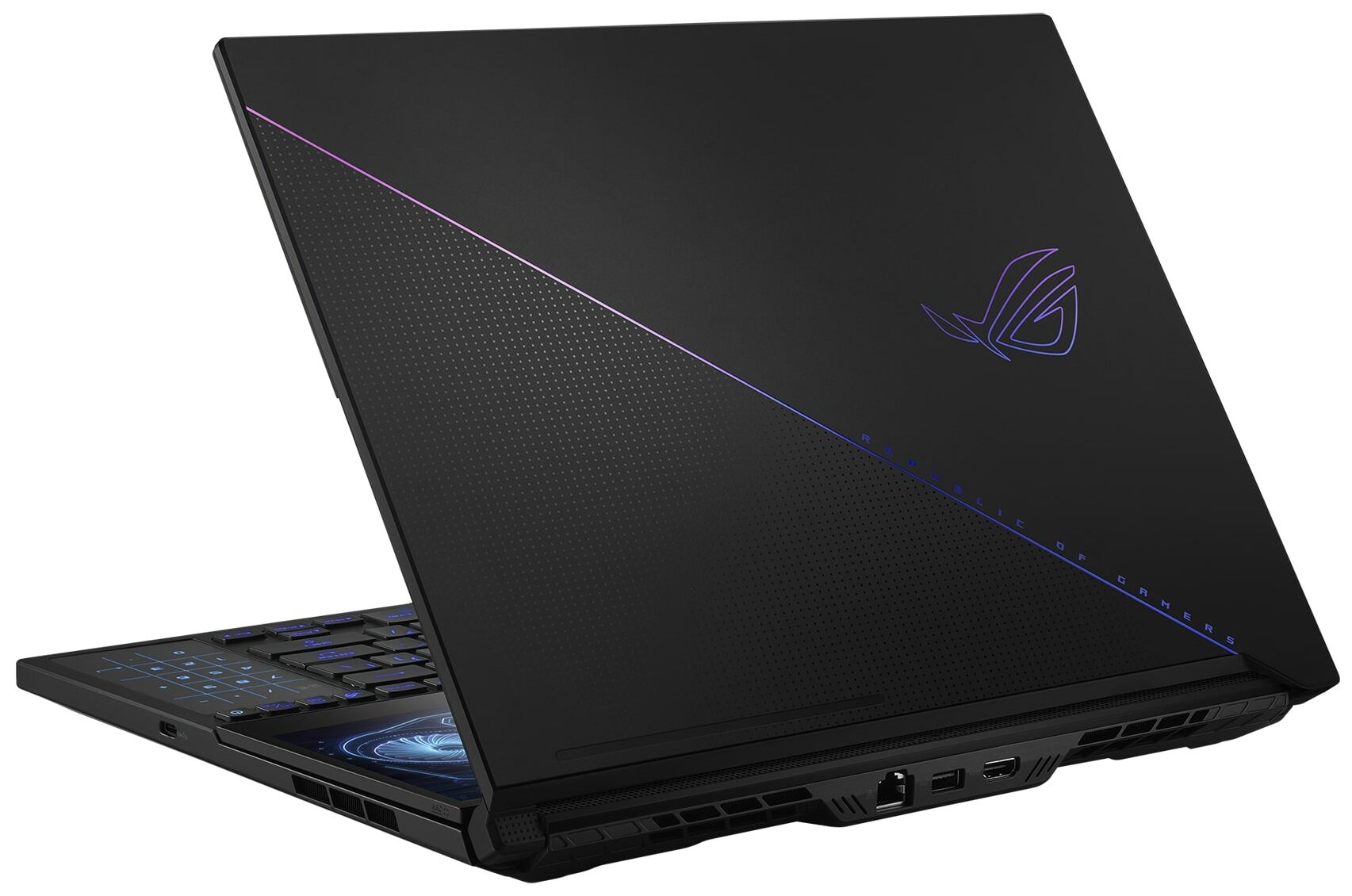
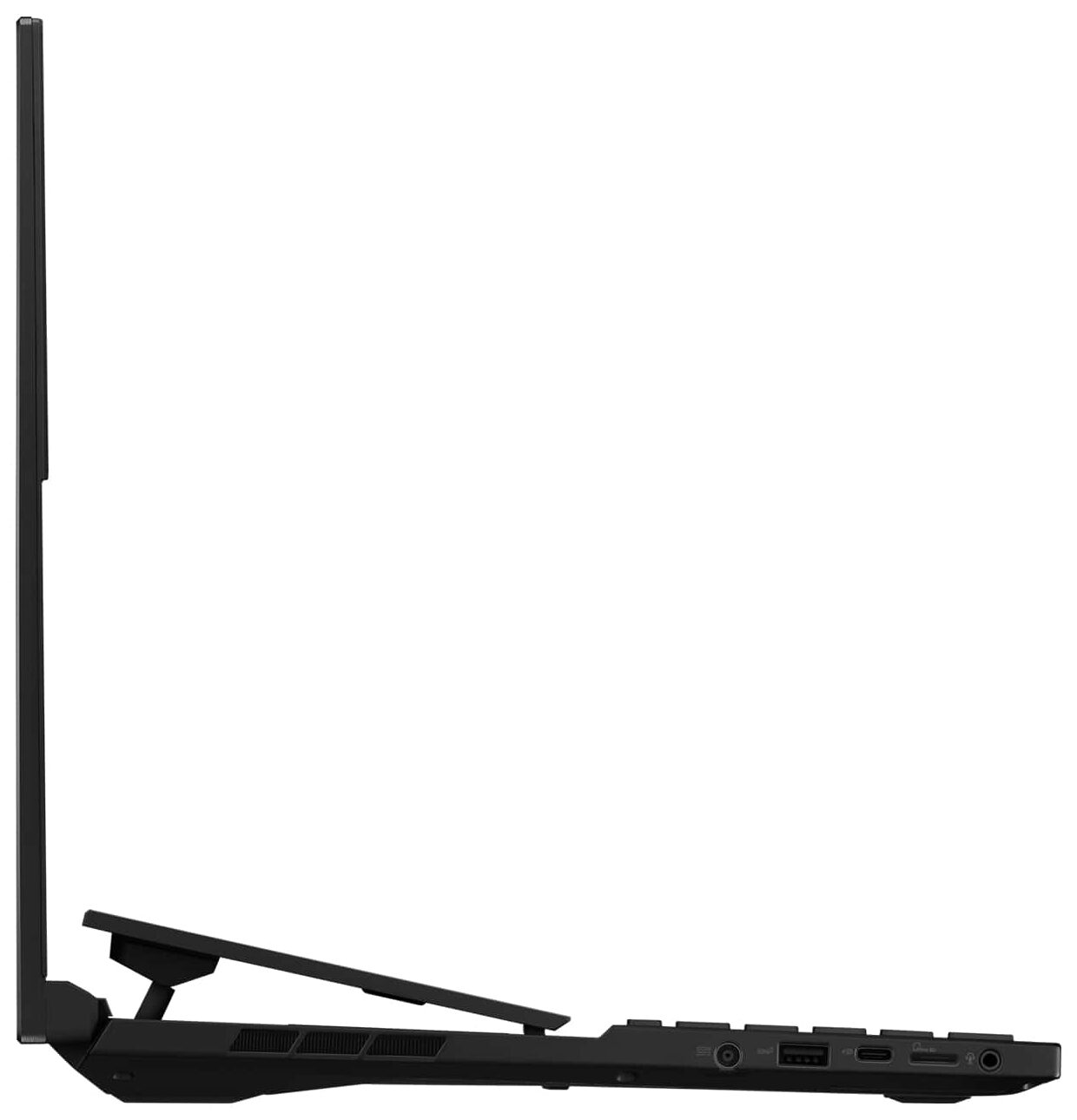
- 2x USB Type-A
- 3.2 Gen 2 (10 Gbps)
- 1x USB Type-C
- 3.2 Gen 2 (10 Gbps), DisplayPort
- 1x USB Type-C
- Power Delivery (PD), DisplayPort
- HDMI
- 2.1
- Card Reader
- microSD
- Ethernet LAN
- 10, 100, 1000, 2500 Mbit/s
- Wi-Fi
- 802.11ax
- Bluetooth
- 5.2
- Audio jack
- 3.5mm Combo Jack
- Features
- Fingerprint reader
- Web camera
- FHD
- Backlit keyboard
- Microphone
- Array Microphone with AI Noise Cancelling, support for Microsoft Cortana near field/Far Field
- Speakers
- 6x Speaker (Dual-Force Woofer) System, Smart Amp, Dolby Atmos
- Optical drive
- Security Lock slot
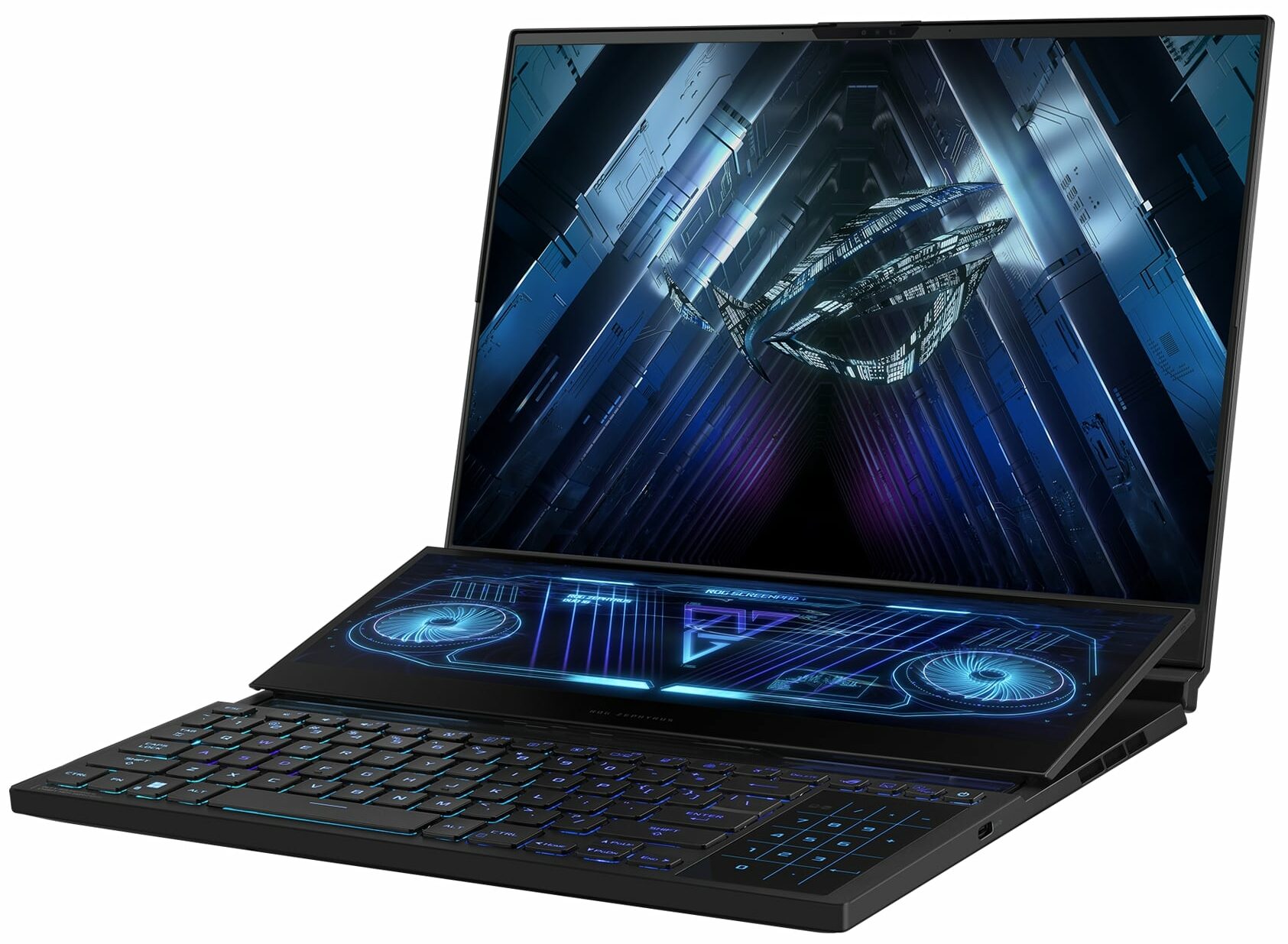
- 14" ScreenPad Plus (3840 x 1100, IPS, with stylus support)
- Gifts
- HP USB-C G5 Essential Dock
Portability
Review
ASUS ROG Zephyrus Duo 16 in-depth review
It's been a long time since we have tested a dual-screen ASUS laptop and the last one was the ASUS ROG Zephyrus Duo 15 SE (GX551). Now it's time to torture the ASUS ROG Zephyrus Duo 16 (GX650, 2023). This one is full of modern hardware and yes, it has a second screen that can be very handy for most of us, no matter if you are a gamer, a regular user, or a content creator.The machine has just one processor option but it's one of the most powerful Zen 4 chips - the AMD Ryzen 9 7945HX. This Dragon Range-HX product has 16 cores and 64MB L3 cache so we don't mind the absence of other CPU variants. The AMD chip is a direct competitor to Intel's 13th Gen Raptor Lake-HX products. You can choose among four GPUs. If you want to lower the price of the notebook, you can get the GeForce RTX 4060 wi[...]
Read the full review
Pros
- 2x DDR5 SODIMM + 2x M.2 PCIe x4 Gen 4 slots
- Great performance + high CPU clocks and power limits under heavy stress
- MUX switch
- Good I/O + Wi-Fi 6E and 2.5G Ethernet
- Covers 100% of the DCI-P3 color gamut (BOE NE160QDM-NM4 (BOE0BC4))
- Bright Mini LED panel (BOE NE160QDM-NM4 (BOE0BC4))
- The second screen (BOE NV140XTM-N52 (BOE0A68)) greatly enhances the multitasking abilities of the laptop
- G-Sync and HDR support
- Liquid metal on CPU and GPU
- Dead silent in "Silent" mode
- The Armoury crate app offers plenty of customization options
- Near-silent keyboard with per-key RGB backlight and N-key rollover function
- The touchpad doubles as a NumPad
Cons
- Thick and heavy
- Expensive
- Uncomfortable keyboard and touchpad position
- Noisy in Turbo mode
- Short battery life
- PWM usage (BOE NE160QDM-NM4 (BOE0BC4))
- High CPU temperature during heavy loads
Disassembly, maintenance and upgrade options
Opening the LaptopUnscrew the 13 Torx-head screws from the back panel. Note that the central screw is hidden beneath a small rubber pad, which you can lift using a flathead screwdriver. Remember, the bottom right screw is captive and will slightly raise the panel, helping you to start the opening process from there. Use a plastic pry tool to gently separate the bottom panel from the chassis, starting from the area where the captive screw raised the panel.Caution: Be gentle to avoid damaging the internal components.Removing the BatteryDisconnect the battery con[...]
Read more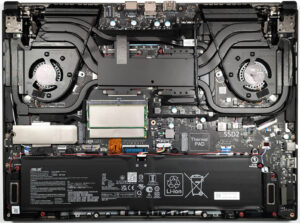


![[June 2026] Best-Selling Laptop Brands on Amazon Global – Apple’s Unrivaled Dominance in Units and Revenue](https://laptopmedia.com/wp-content/uploads/2026/07/GLOBAL-Best-Brands-400x225.jpg)
![[June 2026] Amazon Global: Top 10 Best-Selling Laptops – Apple’s New MacBook Neo Storms to #1, Reshaping the Market with Affordability](https://laptopmedia.com/wp-content/uploads/2026/07/Best-Selling-Laptops-GLOBAL-Top-10-400x225.jpg)
![[June 2026] Amazon Global: Top 10 Best-Selling Gaming Laptops – Acer’s Nitro V 16S AI Dominates Sales, While ASUS Leads Overall Revenue](https://laptopmedia.com/wp-content/uploads/2026/07/Best-Selling-Gaming-Laptops-GLOBAL-Top-10-400x225.jpg)
![[June 2026] Global Ranking of Best-Selling Laptop GPUs on Amazon – NVIDIA RTX 5060 is the Top-Selling Dedicated GPU](https://laptopmedia.com/wp-content/uploads/2026/07/Best-Selling-GPUs-GLOBAL-Top-10-400x225.jpg)
![[June 2026] Global Ranking of Best-Selling Laptop CPUs on Amazon – Apple M5 Dominates, AMD Ryzen 7 260 Gets Solid Premium Share](https://laptopmedia.com/wp-content/uploads/2026/07/Best-Selling-CPUs-GLOBAL-Top-10-400x225.jpg)