ASUS TUF Gaming A16 FA607
_000044.jpg)

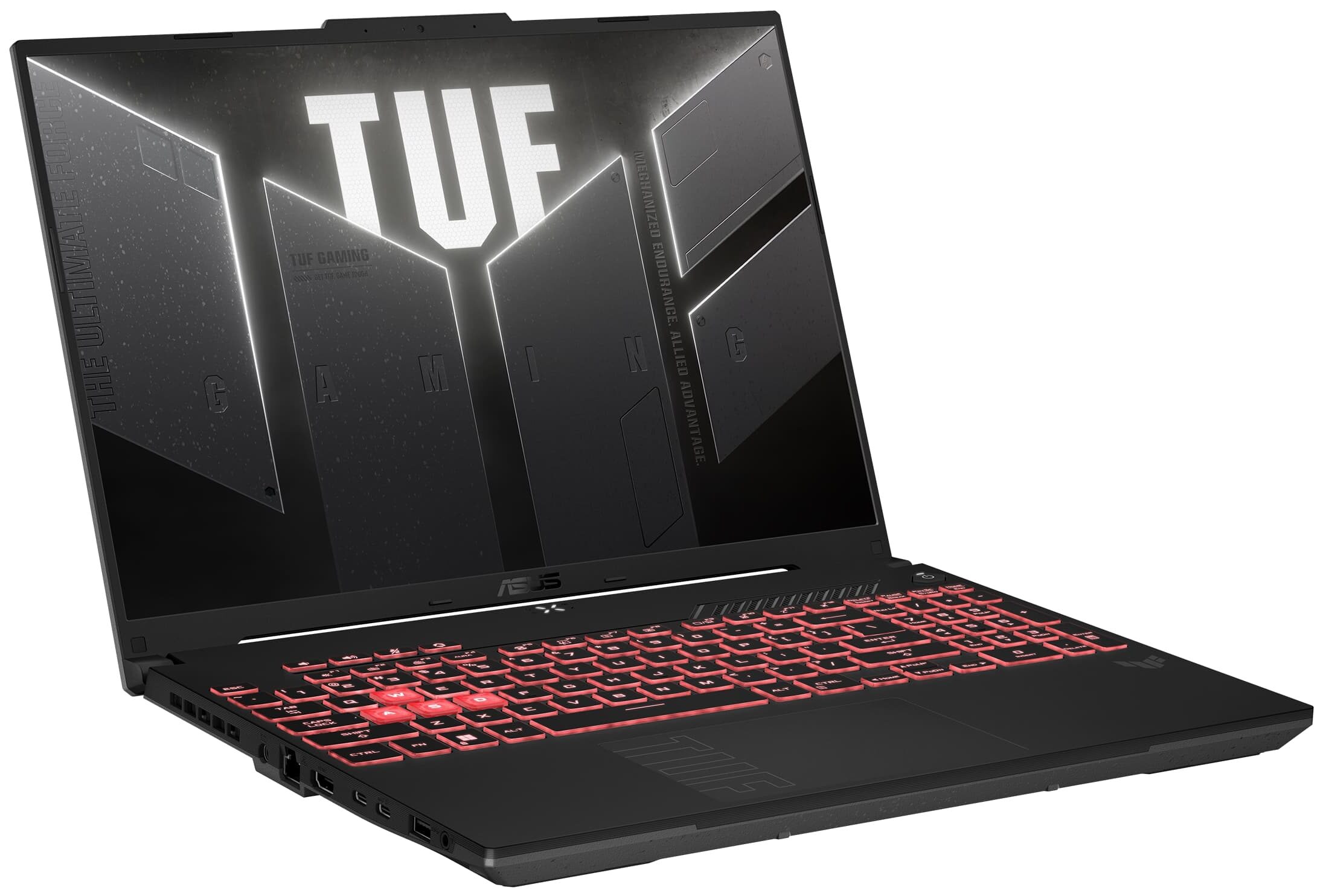
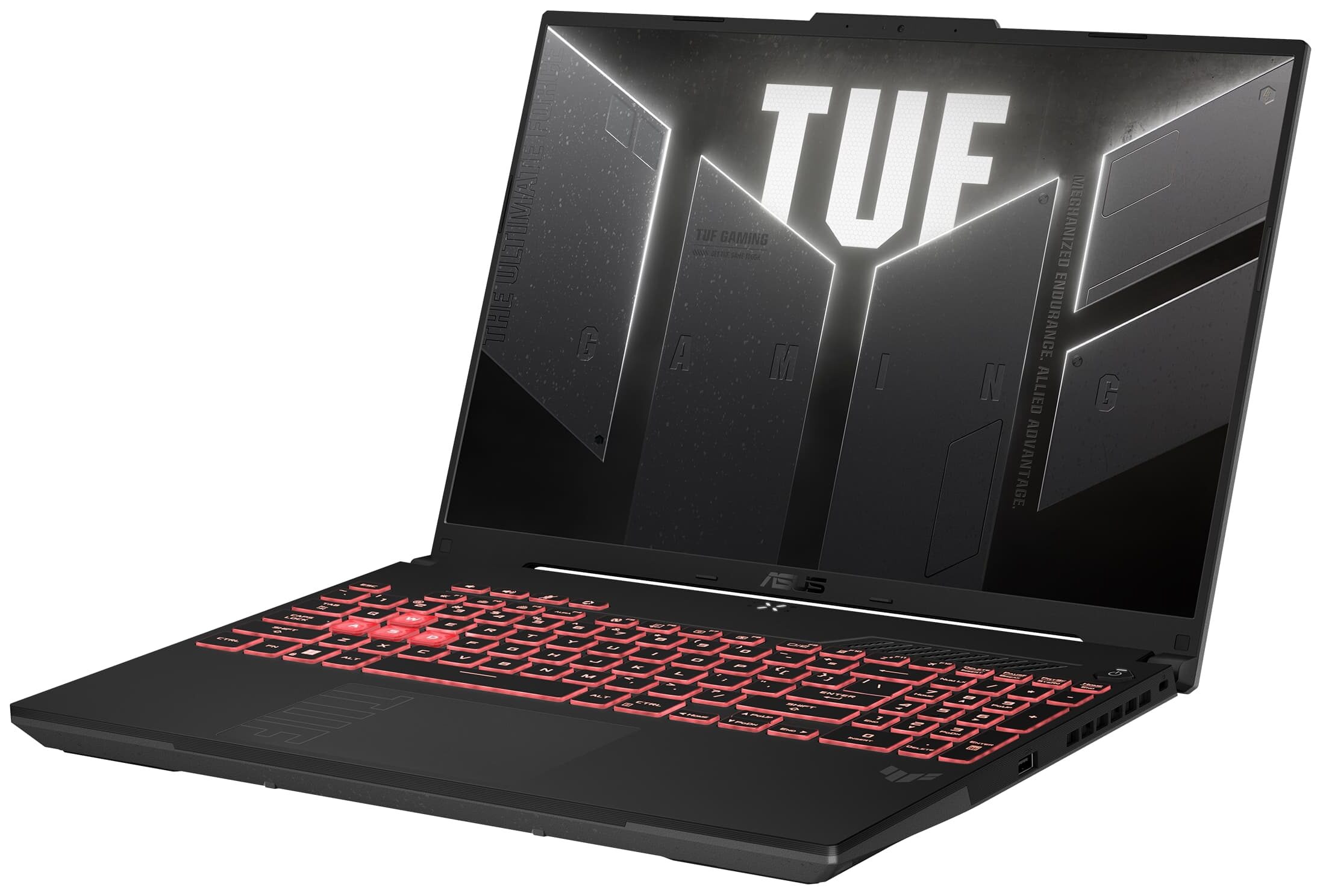

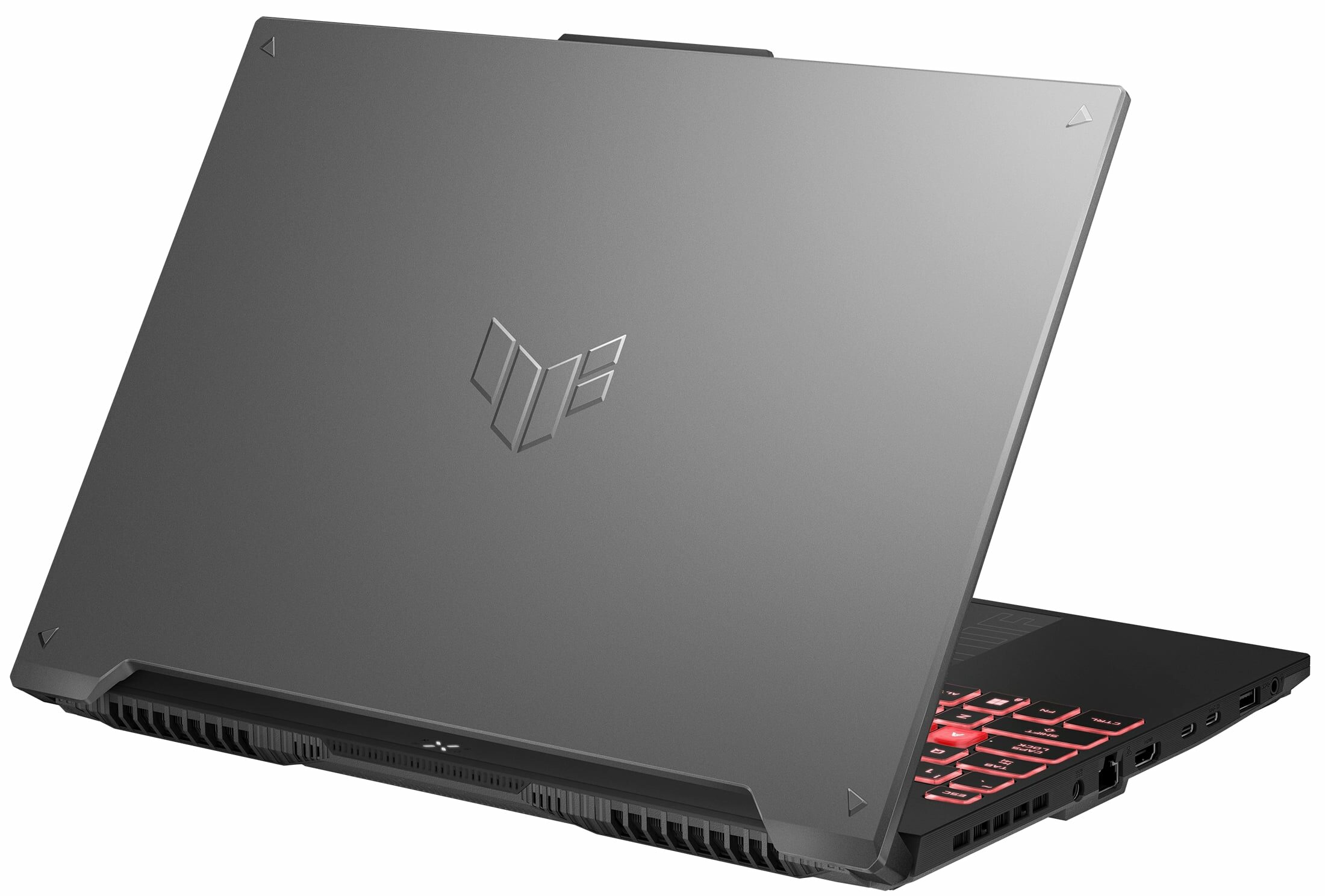
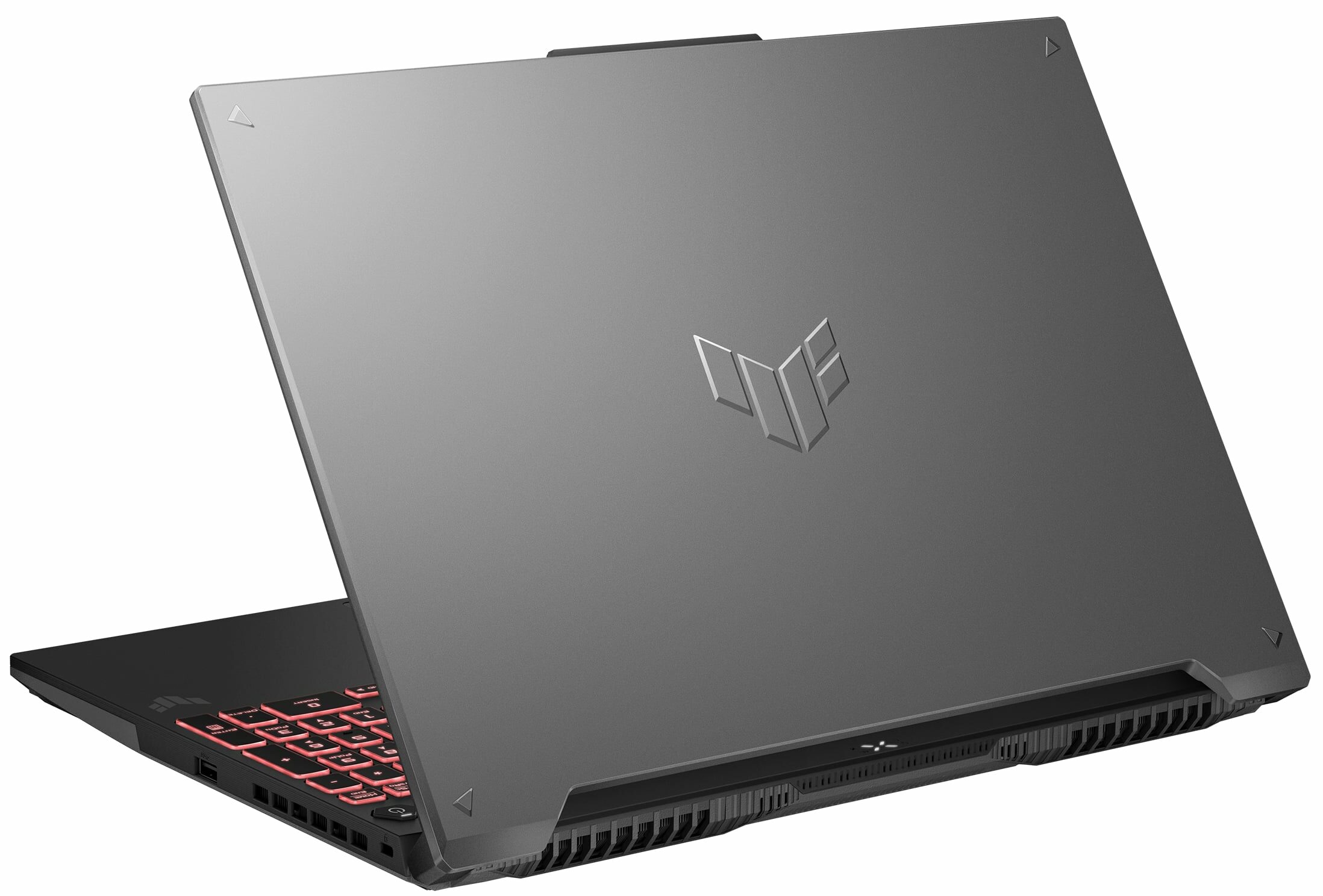

- Date Published: 23 May 2025
- AMD Ryzen 9 7940HX
- NVIDIA GeForce RTX 4070 (Laptop, 140W)
- 16.0″, WUXGA (1920 x 1200), 165 Hz, IPS
- 4000GB SSD
- 64GB RAM
- 2.27 kg (5 lbs)
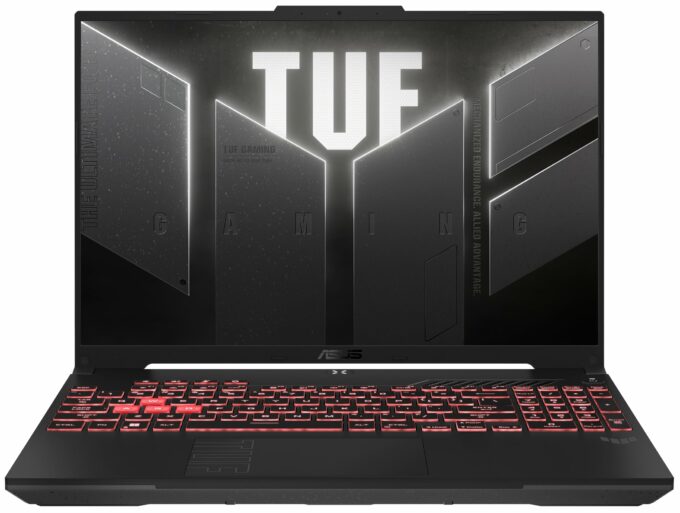
Specs

- HDD/SSD
- 4000GB SSD
- M.2 Slot
- 2x 2280 M.2 NVMe PCIe 4.0 x4 See photo
- RAM
- 64GB RAM
- OS
- Windows 11 Pro
- Body Material
- Plastic / Polycarbonate, Aluminum
- Dimensions
- 355 x 252 x 22.1 - 28.2 mm (13.98" x 9.92" x 0.87")
- Weight
- 2.27 kg (5 lbs)
- Ports and connectivity
- 2x USB Type-A
- 3.2 Gen 1 (5 Gbps)
- 1x USB Type-C
- 3.2 Gen 2 (10 Gbps), DisplayPort
- 1x USB Type-C
- 3.2 Gen 2 (10 Gbps), Power Delivery (PD), DisplayPort
- HDMI
- 2.1
- Card Reader
- Ethernet LAN
- 10, 100, 1000 Mbit/s
- Wi-Fi
- 802.11ax
- Bluetooth
- 5.3
- Audio jack
- 3.5mm Combo Jack
- Features
- Fingerprint reader
- Web camera
- HD
- Backlit keyboard
- Microphone
- Array Microphone with AI Noise Cancelling, support for Microsoft Cortana near field/Far Field
- Speakers
- 2x Stereo Speakers, Hi-Res Audio, Dolby Atmos
- Security Lock slot
- Kensington Lock
- Gifts
- Microsoft Office Lifetime License
- Gifts
- Accessories
Portability
Review
ASUS TUF Gaming A16 FA607 in-depth review
The new ASUS TUF Gaming A16 FA607 (2024) is loaded with modern hardware. This includes powerful AMD Zen 4 Dragon Range-HX CPUs and NVIDIA RTX 4000 graphics cards with hefty TGPs. As always, the TUF machines are a step down compared to the ROG siblings but the manufacturer is trying to maintain a good price / performance ratio. Some of the most important gaming extras are available for all devices - G-Sync, MUX Switch, and NVIDIA Advanced Optimus support.You get just two 165Hz IPS display options but that's fine given the price tag. The base display is a 1200p unit while the optional model boasts a 1600 resolution. This reminds us that the panel ratio is 16:10 - the taller screen is more comfortable for work. The keyboard here has a backlight. The I/O seems good for the class but it lac[...]
Read the full review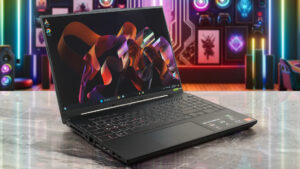
Pros
- 2x DDR5 SODIMM + 2x M.2 PCIe x4 Gen 4 slots
- Great overall performance for the class + high CPU clocks and power limits under heavy stress
- The GPU can maintain ~2610 MHz during gaming
- Has a MUX switch
- Decent I/O + Wi-Fi 6 and Bluetooth 5.3
- 93% sRGB coverage and accurate colors with our "Design and Gaming" profile (CSOT MNG007QA1-1 (CSW1639))
- Snappy panel + 165Hz refresh rate (CSOT MNG007QA1-1 (CSW1639))
- PWM-free (CSOT MNG007QA1-1 (CSW1639))
- G-Sync and NVIDIA Advanced Optimus support
- The Armoury crate app offers plenty of customization options
- Comfortable and quiet backlit keyboard + smooth touchpad
- Decent battery life in Web browsing
Cons
- Short battery life when it comes to videos
- Noisy fans in Turbo mode
- High NVMe temperature during benchmarking
- Not the most bright display out there (CSOT MNG007QA1-1 (CSW1639))
Disassembly, maintenance and upgrade options
Step 1: Accessing the ASUS TUF Gaming A16 FA607 (2024) InternalsEnsure the ASUS TUF Gaming A16 FA607 is turned off and placed on a protective surface to prevent scratches. Remove the 12 Philips-head screws securing the bottom panel. Remember, the screw in the bottom right corner is captive and will slightly lift the panel, aiding in the prying process. Begin prying the panel off, starting from the front and saving the left side for last to release all internal clips.Step 2: Battery RemovalDisconnect the 90Wh battery by carefully unplugging its connector from the m[...]
Read more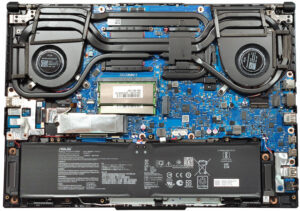


![[June 2026] Best-Selling Laptop Brands on Amazon Global – Apple’s Unrivaled Dominance in Units and Revenue](https://laptopmedia.com/wp-content/uploads/2026/07/GLOBAL-Best-Brands-400x225.jpg)
![[June 2026] Amazon Global: Top 10 Best-Selling Laptops – Apple’s New MacBook Neo Storms to #1, Reshaping the Market with Affordability](https://laptopmedia.com/wp-content/uploads/2026/07/Best-Selling-Laptops-GLOBAL-Top-10-400x225.jpg)
![[June 2026] Amazon Global: Top 10 Best-Selling Gaming Laptops – Acer’s Nitro V 16S AI Dominates Sales, While ASUS Leads Overall Revenue](https://laptopmedia.com/wp-content/uploads/2026/07/Best-Selling-Gaming-Laptops-GLOBAL-Top-10-400x225.jpg)
![[June 2026] Global Ranking of Best-Selling Laptop GPUs on Amazon – NVIDIA RTX 5060 is the Top-Selling Dedicated GPU](https://laptopmedia.com/wp-content/uploads/2026/07/Best-Selling-GPUs-GLOBAL-Top-10-400x225.jpg)
![[June 2026] Global Ranking of Best-Selling Laptop CPUs on Amazon – Apple M5 Dominates, AMD Ryzen 7 260 Gets Solid Premium Share](https://laptopmedia.com/wp-content/uploads/2026/07/Best-Selling-CPUs-GLOBAL-Top-10-400x225.jpg)

