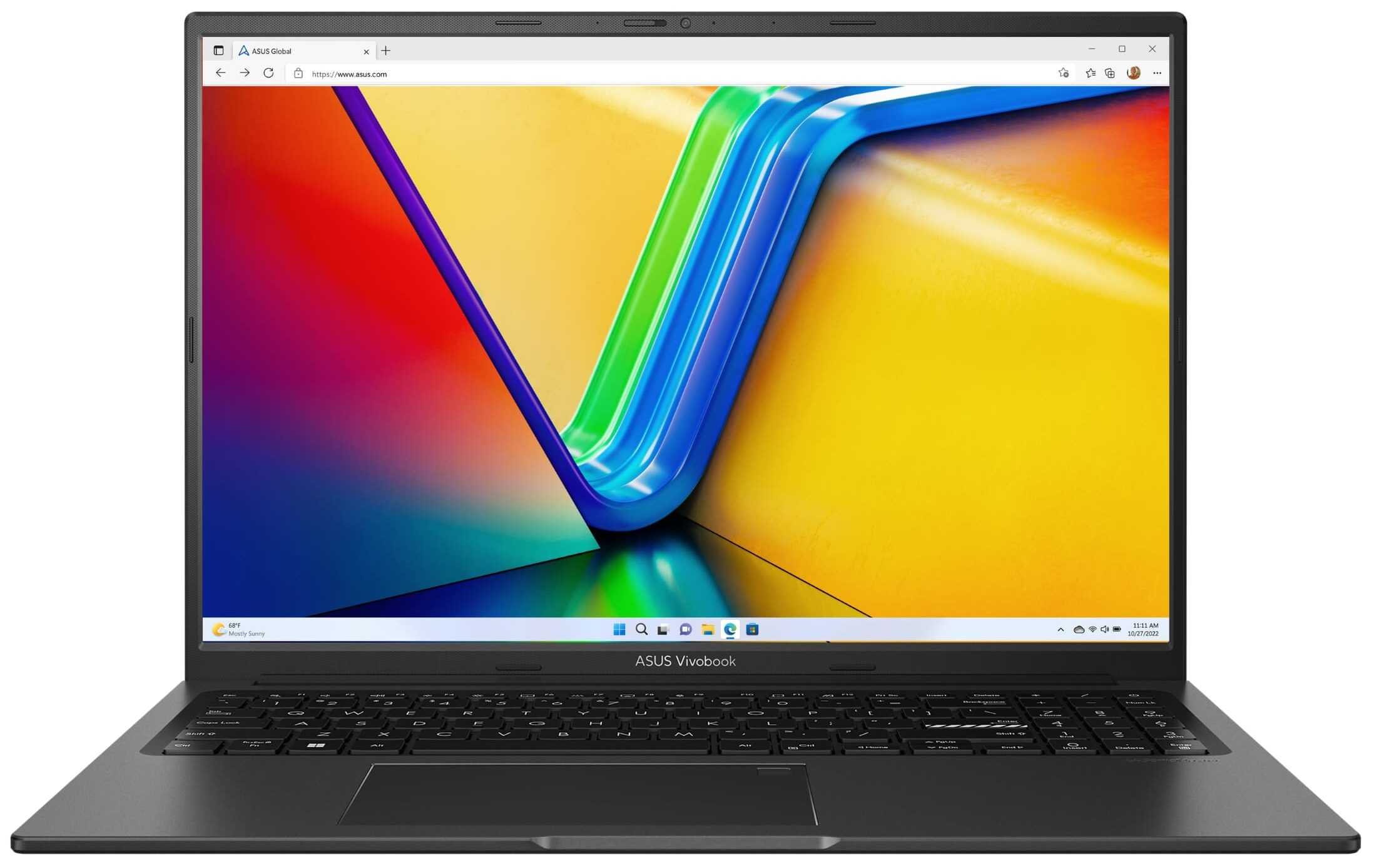
ASUS Vivobook 16X OLED


- Date Published: 15 Dec 2025
- Intel Core i5-1235U
- Intel Iris Xe Graphics G7 (80EU)
- 16.0”, WUXGA (1920 x 1200), IPS
- 512GB SSD
- 16GB RAM
- 1.76 kg (3.9 lbs)
Review
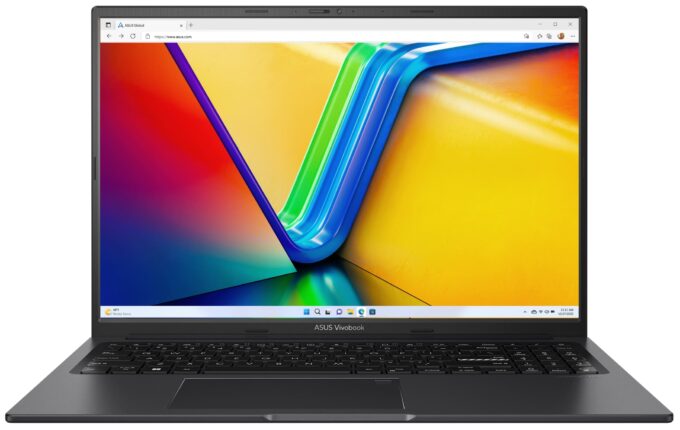
ASUS Vivobook 16X OLED in-depth review
If you're on the hunt for a new big-screen OLED laptop that isn't too expensive, your options are limited. The ASUS Vivobook 16X OLED (K3604) is one of the possible solutions but there is a catch. The fancy 4K 16:10 display is optional so as always, have a look at the specs before buying the device. The default screen is an IPS panel with 1200p resolution.Since the base is big enough, the keyboard has a NumPad which can be important for some users who are making tons of calculations on a daily basis. The Web camera has a privacy shutter which is nice to see in a laptop with such a thin lid. You can also opt for a fingerprint reader for faster and safer one-touch logins.The notebook is offered with a choice of three Raptor Lake U CPUs and two more powerful P-series chips. You can se[...]
Read the full review
Pros
- Stunning optional OLED display that covers fully the sRGB and DCI-P3 gamuts
- 3840 x 2400p resolution + infinite contrast ratio (Samsung AMOLED ATNA60YV02-0 (SDC415D)
- Snappy pixel response times (Samsung AMOLED ATNA60YV02-0 (SDC415D)
- "Flicker-Free Dimming" mode in MyASUS app
- Antibacterial coating
- Comfortable input devices
- Web camera with a privacy shutter
- Decent performance for the class
- The fan is quiet in "Whisper" mode
- 1x SODIMM slot for dual-channel memory
- More than 16 hours of Web browsing on a single charge with the optional 63Wh battery
Cons
- Limited port selection
- All USB connectors are rated at 5 Gbps
- PWM usage without the "Flicker-Free Dimming" mode (Samsung AMOLED ATNA60YV02-0 (SDC415D)
- Flexy build
- Just one M.2 slot
- The max amount of RAM is only 16GB
Disassembly, maintenance and upgrade options
Step 1: Accessing the Internal ComponentsPower off the ASUS Vivobook 16X OLED (K3604) and place it on a soft, clean surface to prevent any damage. Remove the 10 Phillips-head screws securing the bottom panel of the laptop. Begin prying the bottom plate off with a thin plastic tool, starting from the front and working your way around the sides and back.Hint: Be gentle during this process to avoid damaging the laptop's casing or clips.Step 2: Removing the BatteryDisconnect the battery by unplugging its connector from the motherboard. Undo the 4 Phillips-head [...]
Read more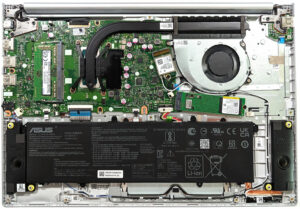


![[June 2026] Best-Selling Laptop Brands on Amazon Global – Apple’s Unrivaled Dominance in Units and Revenue](https://laptopmedia.com/wp-content/uploads/2026/07/GLOBAL-Best-Brands-400x225.jpg)
![[June 2026] Amazon Global: Top 10 Best-Selling Laptops – Apple’s New MacBook Neo Storms to #1, Reshaping the Market with Affordability](https://laptopmedia.com/wp-content/uploads/2026/07/Best-Selling-Laptops-GLOBAL-Top-10-400x225.jpg)
![[June 2026] Amazon Global: Top 10 Best-Selling Gaming Laptops – Acer’s Nitro V 16S AI Dominates Sales, While ASUS Leads Overall Revenue](https://laptopmedia.com/wp-content/uploads/2026/07/Best-Selling-Gaming-Laptops-GLOBAL-Top-10-400x225.jpg)
![[June 2026] Global Ranking of Best-Selling Laptop GPUs on Amazon – NVIDIA RTX 5060 is the Top-Selling Dedicated GPU](https://laptopmedia.com/wp-content/uploads/2026/07/Best-Selling-GPUs-GLOBAL-Top-10-400x225.jpg)
![[June 2026] Global Ranking of Best-Selling Laptop CPUs on Amazon – Apple M5 Dominates, AMD Ryzen 7 260 Gets Solid Premium Share](https://laptopmedia.com/wp-content/uploads/2026/07/Best-Selling-CPUs-GLOBAL-Top-10-400x225.jpg)
