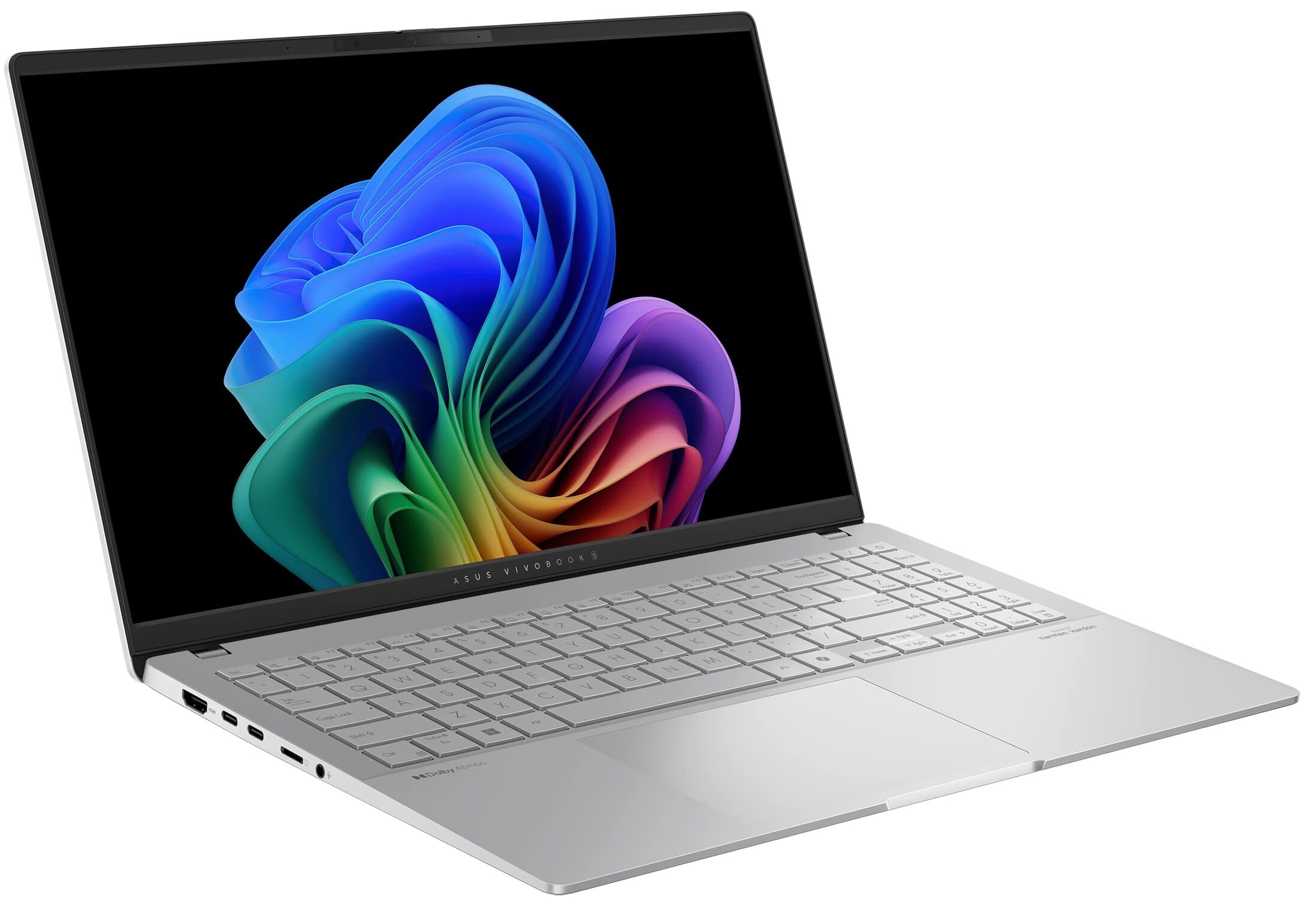
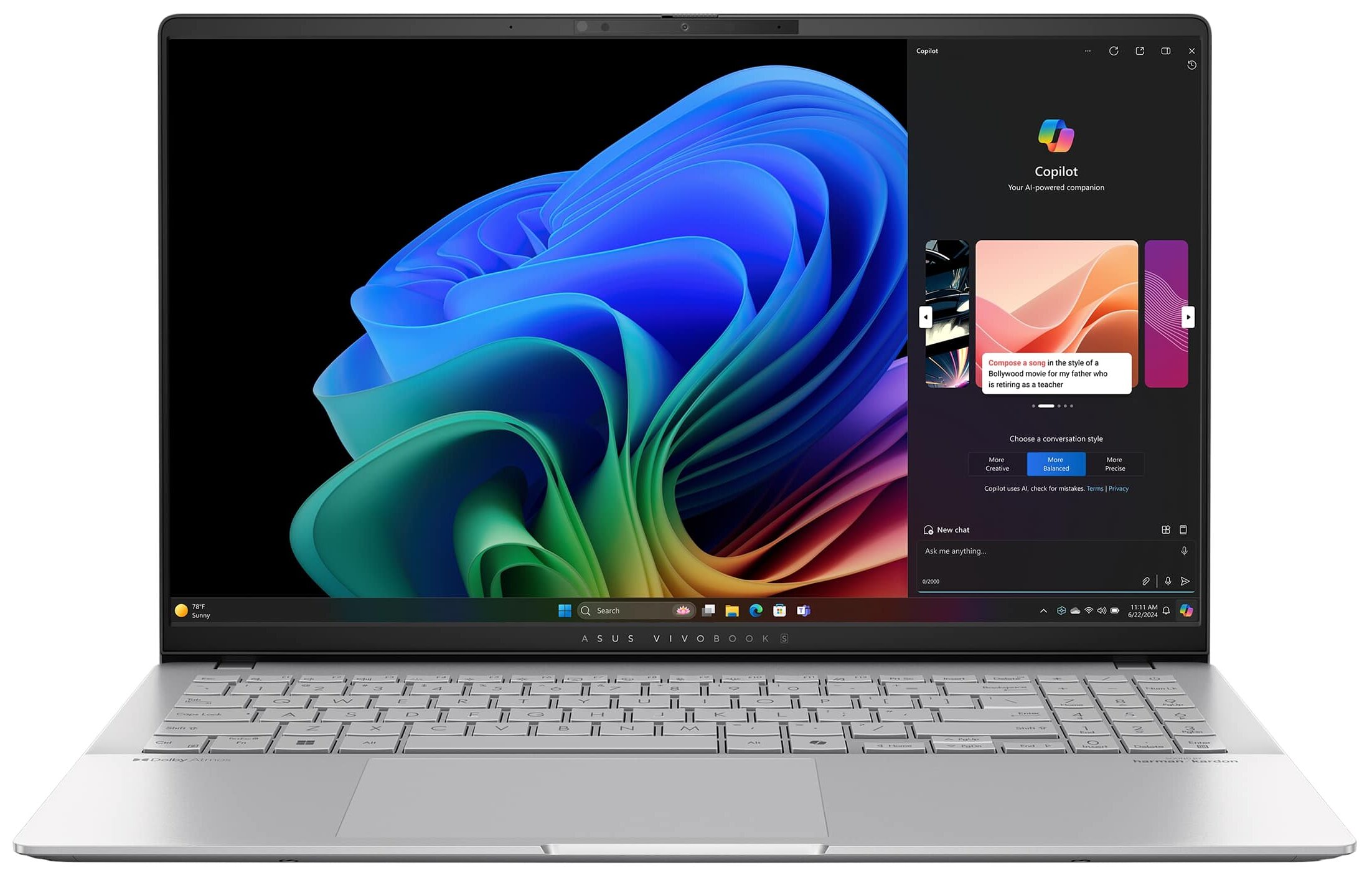
ASUS Vivobook S 15 OLED
- Date Published: 05 Nov 2024
- Qualcomm Snapdragon X Elite X1E-78-100
- Qualcomm Snapdragon X Elite Adreno GPU
- 15.6", 3K WQHD+ (2880x1620), 120Hz, OLED
- 2000GB SSD
- 32GB RAM
- 1.42 kg (3.1 lbs)
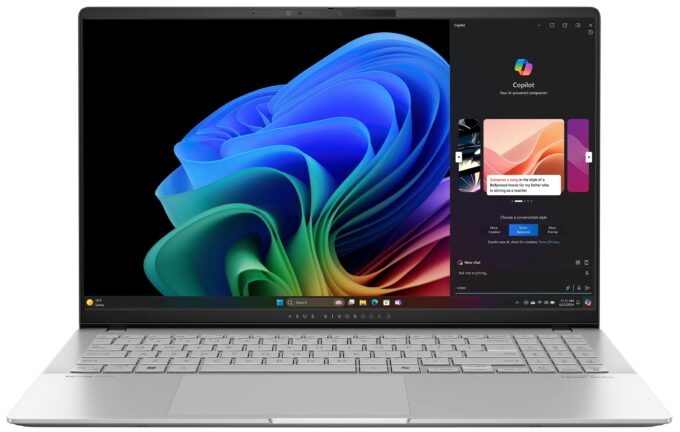
Specs

- HDD/SSD
- 2000GB SSD
- M.2 Slot
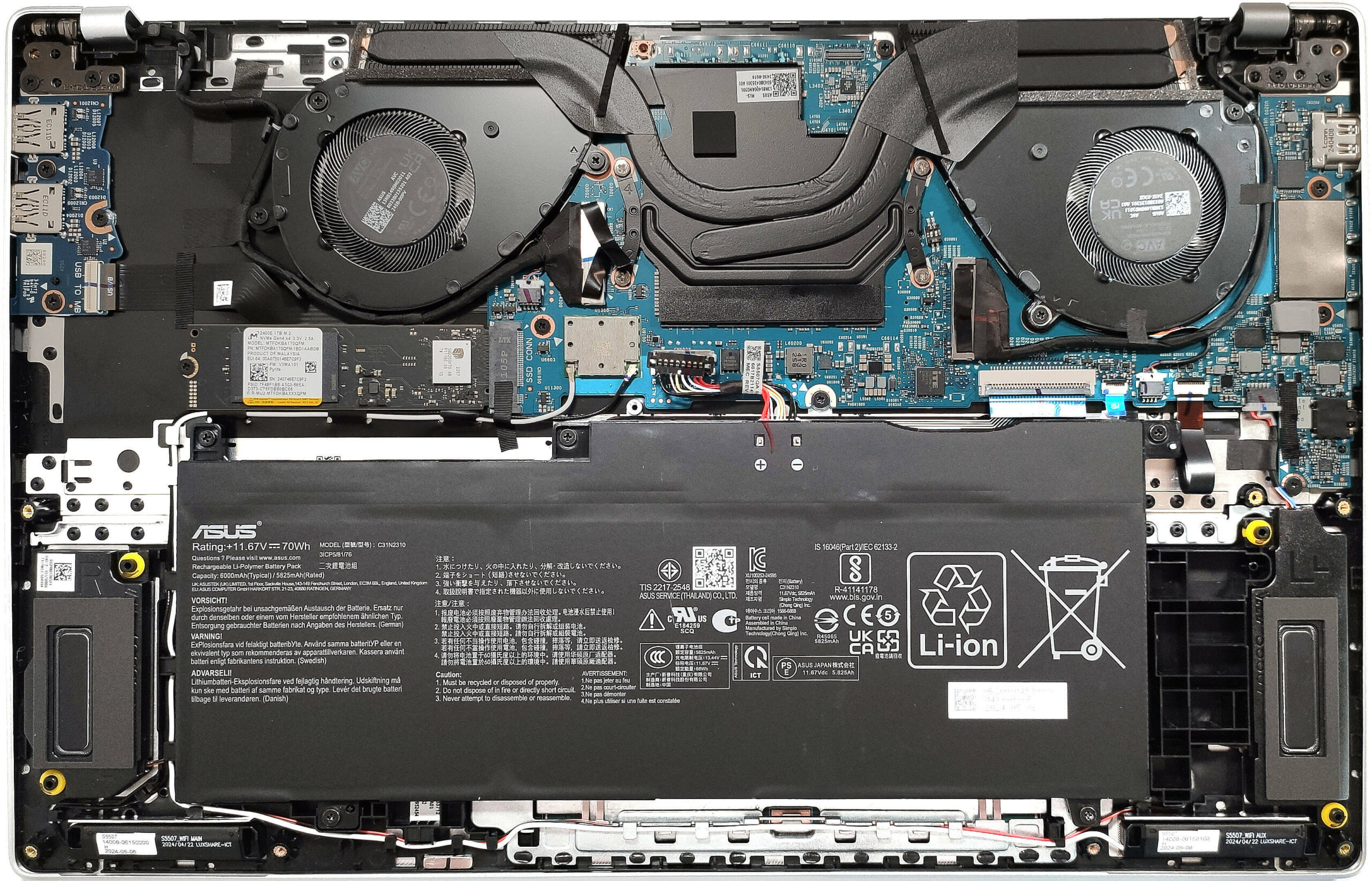
- 1x 2280 M.2 NVMe PCIe 4.0 x4 See photo
- RAM
- 32GB RAM
- OS
- Windows 11 Home
- Body Material
- Aluminum
- Dimensions
- 352.6 x 226.9 x 1.47 - 1.59 mm (13.88" x 8.93" x 0.06")
- Weight
- 1.42 kg (3.1 lbs)
- Ports and connectivity
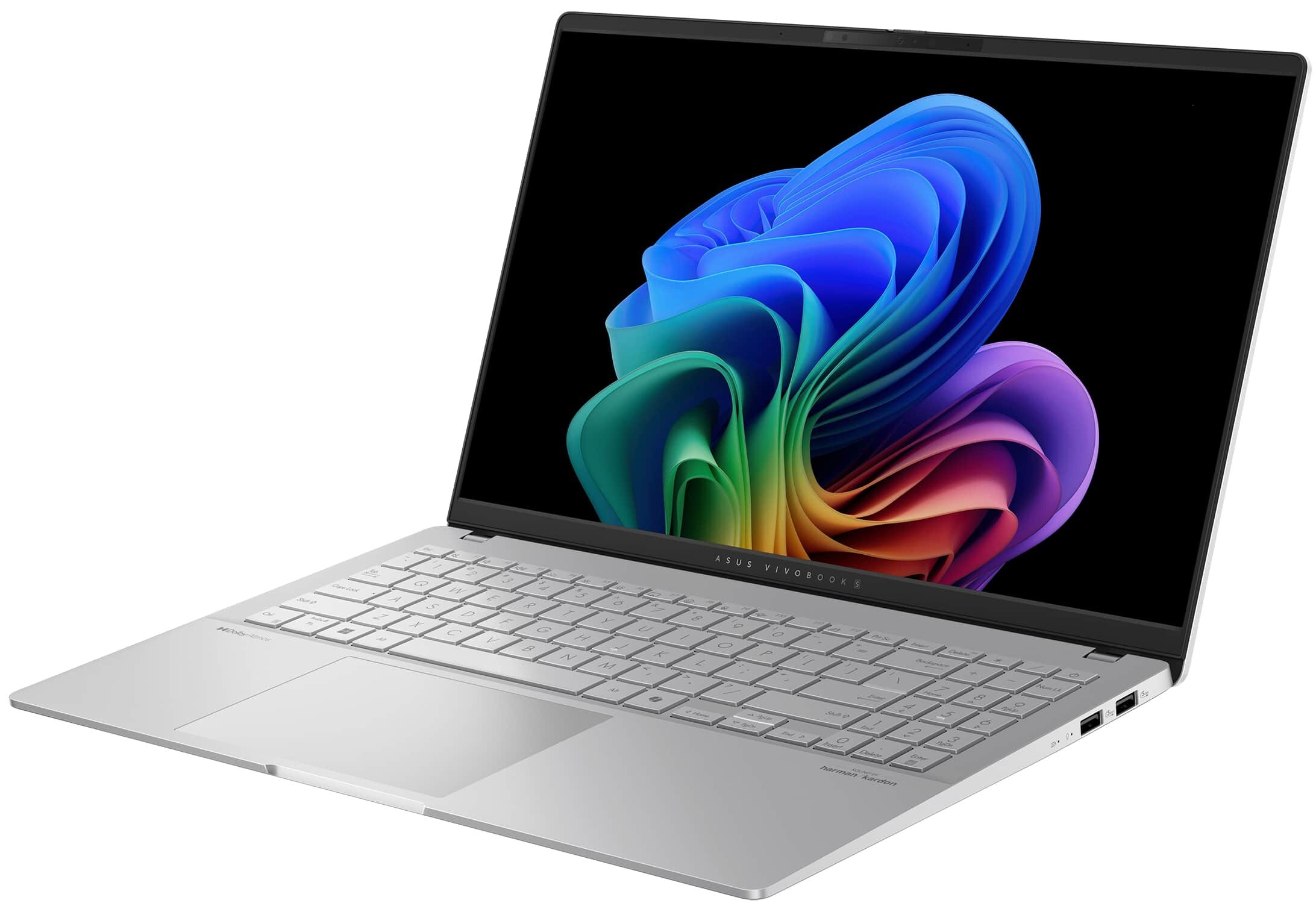
- 2x USB Type-A
- 3.2 Gen 1 (5 Gbps)
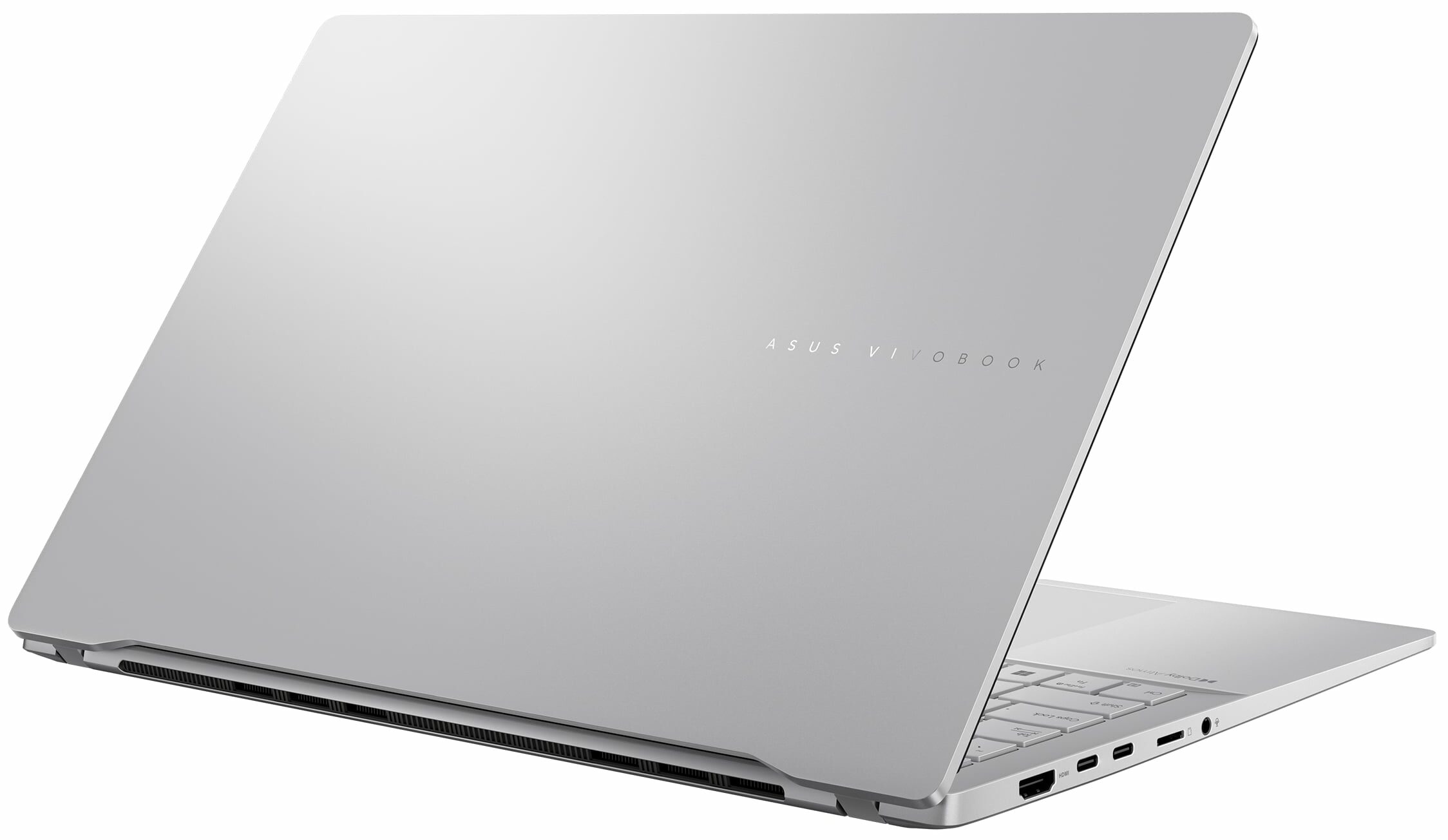
- 2x USB Type-C
- 4.0, Power Delivery (PD), DisplayPort
- HDMI
- 2.1
- Card Reader
- microSD (microSD, microSDHC, microSDXC)
- Ethernet LAN
- Wi-Fi
- 802.11be
- Bluetooth
- 5.4
- Audio jack
- 3.5mm Combo Jack
- Features
- Fingerprint reader
- Web camera
- FHD IR with Windows Hello
- Backlit keyboard
- Microphone
- Array Microphone
- Speakers
- Speaker, Smart Amp Technology, harman/kardon
- Security Lock slot
Portability
Review
ASUS Vivobook S 15 OLED in-depth review
The hype around the new AI-powered Snapdragon X Elite Processor is real and the ASUS Vivobook S 15 OLED S5507 is one of the first available devices on the market with this SoC. The main focus here is the dedicated 45 TOPS NPU chip for accelerated productivity. The laptop has tons of preinstalled AI-based Microsft and ASUS software. At least for now, only a few apps are natively designed for this ARM chip, while the others work in emulation mode.The device can be picked with Snapdragon X Plus X1P-64-100 or Snapdragon X Elite X1E-78-100 CPU. They offer 10 or 12 cores respectively plus Snapdragon X Elite Adreno GPU. The machine can be configured with up to 32GB of LPDDR5x-8448 MHz RAM. This amount of memory should be more than enough even for professional work. The connectivity is the lat[...]
Read the full review
Pros
- Great OLED display with 100% sRGB and DCI-P3 coverage (ATNA56AC03-0)
- Infinite contrast ratio, 120Hz refresh rate, and 2880 x 1620 resolution (ATNA56AC03-0)
- Very high color accuracy (ATNA56AC03-0)
- Good audio quality
- "OLED Flicker-Free Dimming" mode in MyASUS software
- Comfortable keyboard and smooth touchpad
- 1080p IR Web camera with a privacy shutter
- Good overall performance for everyday tasks and normal office usage
- Quiet fan in "Whisper" mode
- Four USB ports + MicroSD card reader
- Long battery life
- Rock-solid 3.40 GHz CPU clock no matter the fan mode
- Metal build
- Good comfort under full CPU stress
- Snapdragon X Elite chip with rich AI capabilities
Cons
- PWM usage without the "Flicker-Free Dimming" mode (ATNA56AC03-0)
- Soldered RAM + only one M.2 Gen 4 slot
- Some apps and games don't work at all
- Expensive
Disassembly, maintenance and upgrade options
Opening the DeviceUndo the 10 Torx-head screws securing the bottom panel. Note that the two screws in the middle are hidden under small caps, which need to be unglued first. Use a lever tool to lift the panel behind the two hinges. Press the hinge and pop the panel to create a gap. Work around the sides and front, but avoid prying the rear. Lift the front of the panel and push it slightly backward. If needed, you may have to pry the back. Be aware that the vent cover is attached to the bottom panel. Pop its top section below the lid's lower part where the internal clips ar[...]
Read more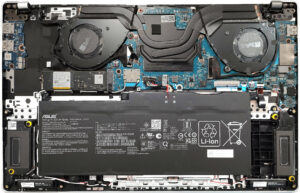


![[June 2026] Best-Selling Laptop Brands on Amazon Global – Apple’s Unrivaled Dominance in Units and Revenue](https://laptopmedia.com/wp-content/uploads/2026/07/GLOBAL-Best-Brands-400x225.jpg)
![[June 2026] Amazon Global: Top 10 Best-Selling Laptops – Apple’s New MacBook Neo Storms to #1, Reshaping the Market with Affordability](https://laptopmedia.com/wp-content/uploads/2026/07/Best-Selling-Laptops-GLOBAL-Top-10-400x225.jpg)
![[June 2026] Amazon Global: Top 10 Best-Selling Gaming Laptops – Acer’s Nitro V 16S AI Dominates Sales, While ASUS Leads Overall Revenue](https://laptopmedia.com/wp-content/uploads/2026/07/Best-Selling-Gaming-Laptops-GLOBAL-Top-10-400x225.jpg)
![[June 2026] Global Ranking of Best-Selling Laptop GPUs on Amazon – NVIDIA RTX 5060 is the Top-Selling Dedicated GPU](https://laptopmedia.com/wp-content/uploads/2026/07/Best-Selling-GPUs-GLOBAL-Top-10-400x225.jpg)
![[June 2026] Global Ranking of Best-Selling Laptop CPUs on Amazon – Apple M5 Dominates, AMD Ryzen 7 260 Gets Solid Premium Share](https://laptopmedia.com/wp-content/uploads/2026/07/Best-Selling-CPUs-GLOBAL-Top-10-400x225.jpg)