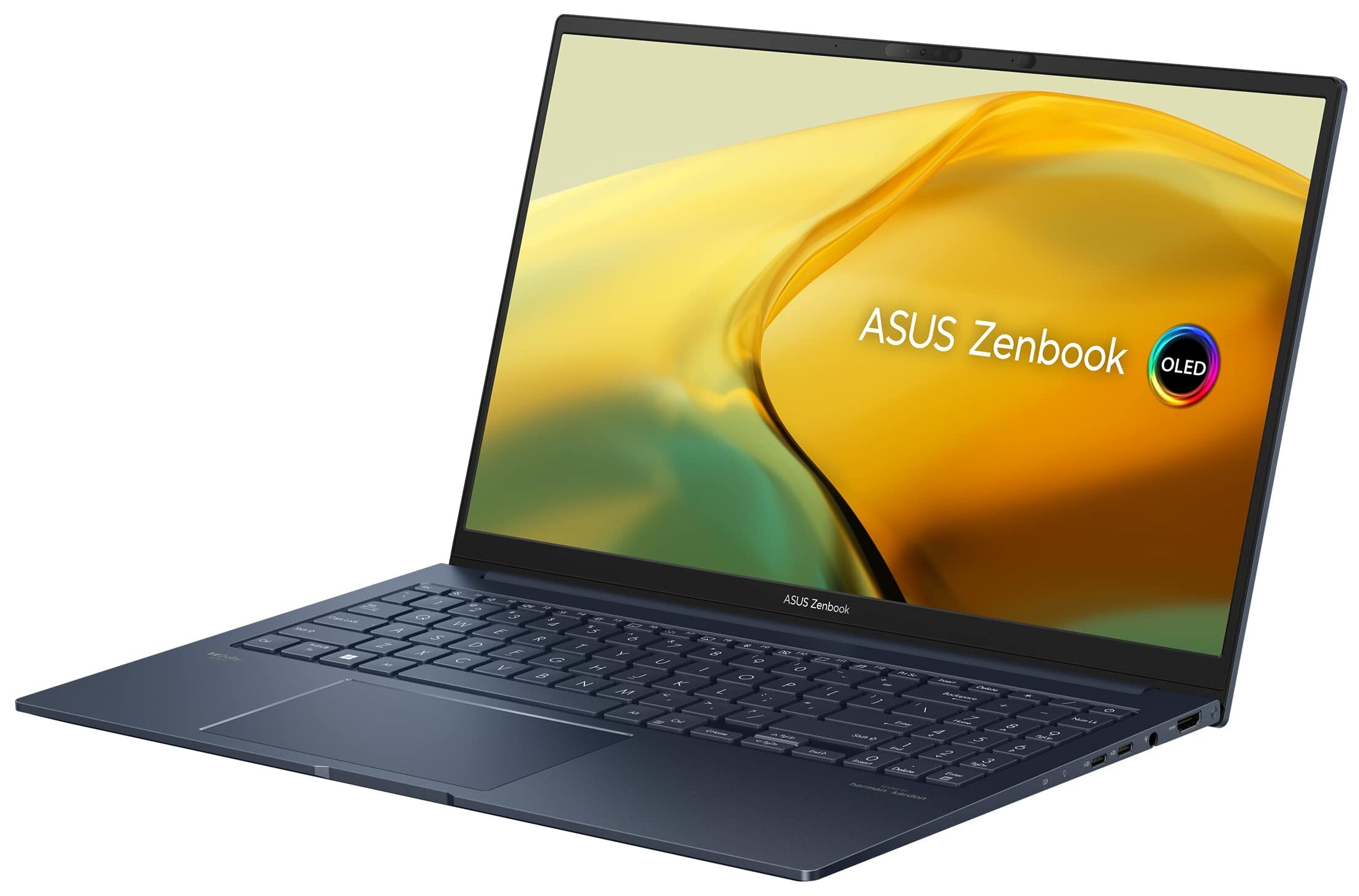
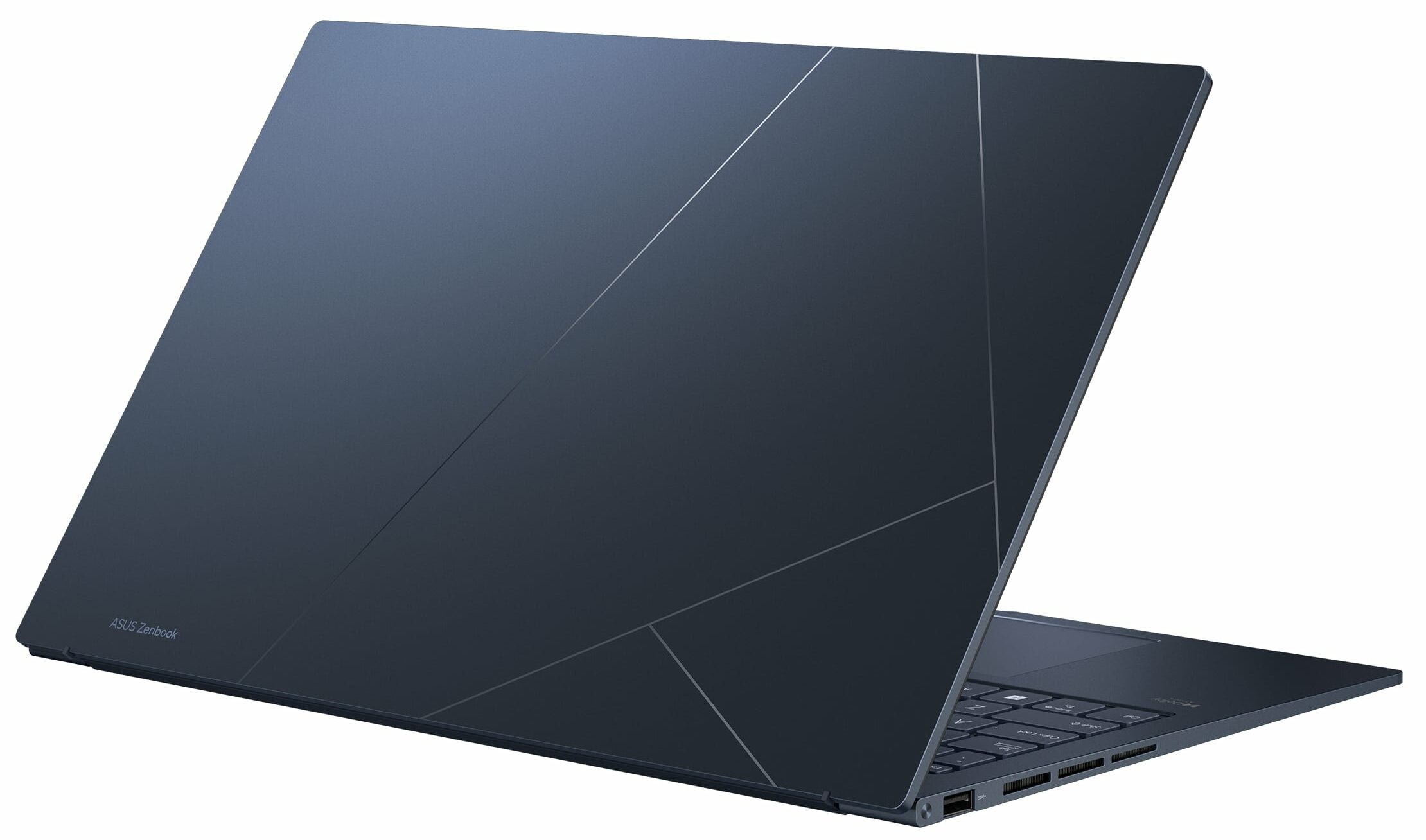
ASUS Zenbook 15 OLED
_000042.jpg)



- Date Published: 06 Feb 2025
- AMD Ryzen 5 7535U
- AMD Radeon 660M
- 15.6”, Full HD (1920 x 1080), IPS
- 4000GB SSD
- 16GB RAM
- 1.40 kg (3.1 lbs)

Specs
- HDD/SSD
- 4000GB SSD
- M.2 Slot
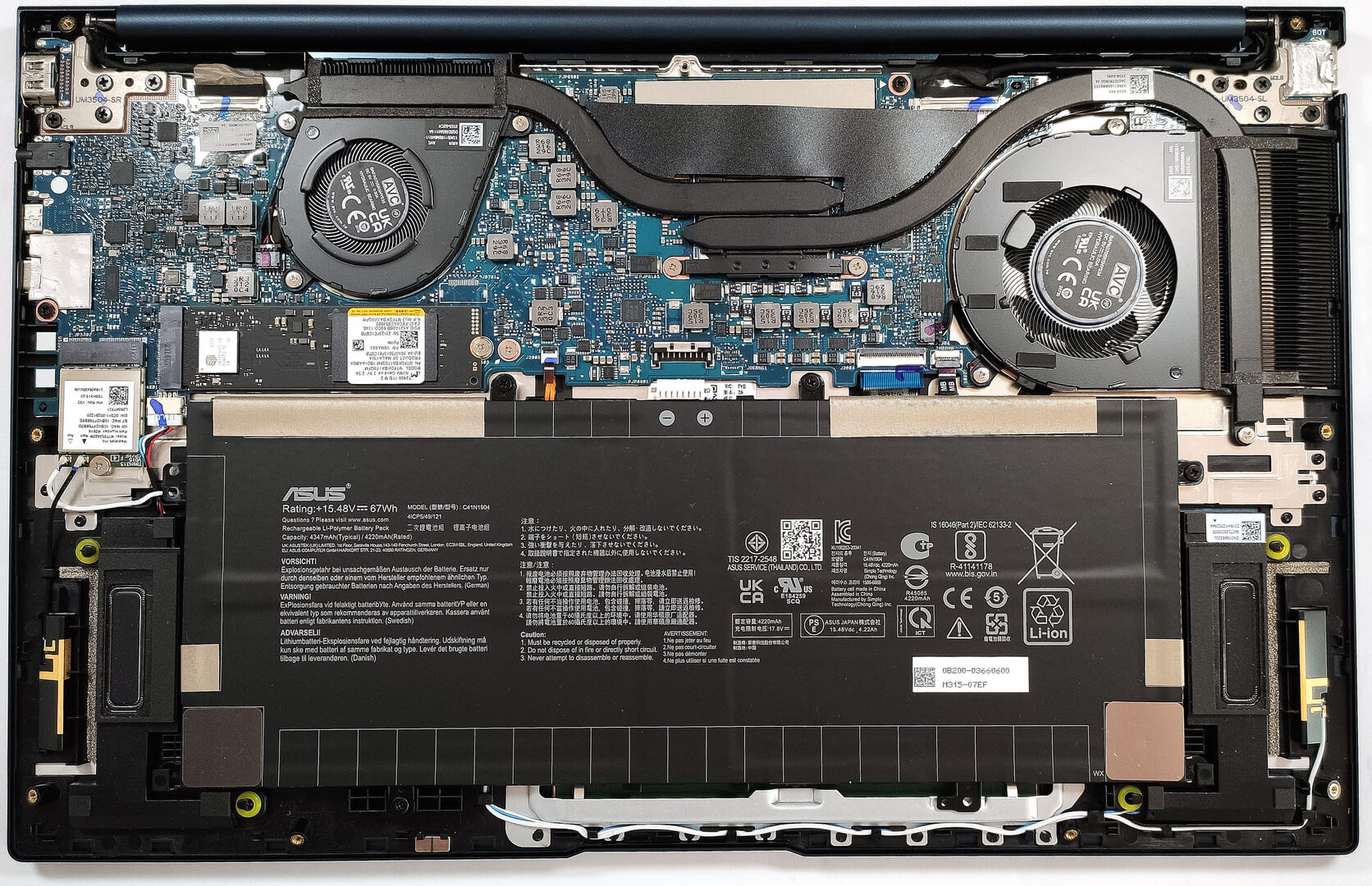
- 1x 2280 PCIe NVMe 4.0 x4 See photo
- RAM
- 16GB RAM
- OS
- Windows 11 Home
- Body Material
- Aluminum
- Dimensions
- 354.8 x 226.6 x 14.9 - 15.8 mm (13.97" x 8.92" x 0.59")
- Weight
- 1.40 kg (3.1 lbs)
- Ports and connectivity
- 1x USB Type-A
- 3.2 Gen 1 (5 Gbps)
- 1x USB Type-A
- 3.2 Gen 2 (10 Gbps), Power Delivery (PD), DisplayPort
- 1x USB Type-C
- Power Delivery (PD), DisplayPort
- HDMI
- 2.1
- Card Reader
- Ethernet LAN
- Wi-Fi
- 802.11ax
- Bluetooth
- 5.3
- Audio jack
- 3.5mm Combo Jack
- Features
- Fingerprint reader
- Web camera
- FHD IR with support for Windows Hello
- Backlit keyboard
- Microphone
- Array Microphone with Cortana Support
- Speakers
- Speakers, Smart Amp, harman/kardon
- Security Lock slot
- Gifts
- Cloth
Portability
Review
ASUS Zenbook 15 OLED in-depth review
In 2023, ASUS is offering a lot of laptops with OLED displays. One of them is the ASUS Zenbook 15 OLED (UM3504), a premium-looking device with a thin and light chassis. Still, pay close attention to the specs before buying because there is a 1080p IPS display variant listed on the official page of the laptop.The OLED panel is the real deal. It features a 120Hz refresh rate, 2.8K resolution, and of course - infinite contrast ratio. You can rely on refreshed AMD Zen 3+ U-series CPU options which sounds like a logical decision given the compact dimensions. However, these 28W processors can be a challenge for the cooling and that's why here we have a system with two fans.The well-known ASUS Antimicrobial Guard Plus coating that inhibits viruses and bacteria may be handy for some of you[...]
Read the full review
Pros
- Good overall performance + fast iGPU
- Infinite contrast ratio (Samsung ATNA56AC02-1 (SDC4180))
- 2.8K resolution and a 120Hz refresh rate (Samsung ATNA56AC02-1 (SDC4180))
- 100% sRGB and 99% DCI-P3 coverage (Samsung ATNA56AC02-1 (SDC4180))
- 180-degree hinge
- Comfortable input devices
- Modern I/O + Type-C charging
- Good battery life
- The fans are turned off in idle state
- 1080p IR Web camera
- Quality Harman Kardon speakers
Cons
- PWM usage with a low filling coefficient up until 80 nits (Samsung ATNA56AC02-1 (SDC4180))
- The lid is kind of flexible
- QLC NVMe
- Lacks a privacy shutter for the Web camera and a fingerprint reader
- Soldered RAM and just one M.2 slot
Disassembly, maintenance and upgrade options
Step 1: Accessing the Internal ComponentsEnsure the ASUS Zenbook 15 OLED (UM3504) is powered off and placed on a soft, clean surface to avoid damage. Remove the 7 Torx-head screws from the laptop's back, starting from the top corners. Gently use a pry tool to pop the bottom plate off and lift it away from the chassis.Hint: Take care not to apply too much force when prying open the plate to avoid damaging the clips or the chassis.Step 2: Removing the BatteryDisconnect the battery by detaching its connector from the motherboard. Remove the four Phillips-head [...]
Read more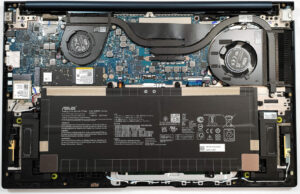


![[June 2026] Best-Selling Laptop Brands on Amazon Global – Apple’s Unrivaled Dominance in Units and Revenue](https://laptopmedia.com/wp-content/uploads/2026/07/GLOBAL-Best-Brands-400x225.jpg)
![[June 2026] Amazon Global: Top 10 Best-Selling Laptops – Apple’s New MacBook Neo Storms to #1, Reshaping the Market with Affordability](https://laptopmedia.com/wp-content/uploads/2026/07/Best-Selling-Laptops-GLOBAL-Top-10-400x225.jpg)
![[June 2026] Amazon Global: Top 10 Best-Selling Gaming Laptops – Acer’s Nitro V 16S AI Dominates Sales, While ASUS Leads Overall Revenue](https://laptopmedia.com/wp-content/uploads/2026/07/Best-Selling-Gaming-Laptops-GLOBAL-Top-10-400x225.jpg)
![[June 2026] Global Ranking of Best-Selling Laptop GPUs on Amazon – NVIDIA RTX 5060 is the Top-Selling Dedicated GPU](https://laptopmedia.com/wp-content/uploads/2026/07/Best-Selling-GPUs-GLOBAL-Top-10-400x225.jpg)
![[June 2026] Global Ranking of Best-Selling Laptop CPUs on Amazon – Apple M5 Dominates, AMD Ryzen 7 260 Gets Solid Premium Share](https://laptopmedia.com/wp-content/uploads/2026/07/Best-Selling-CPUs-GLOBAL-Top-10-400x225.jpg)