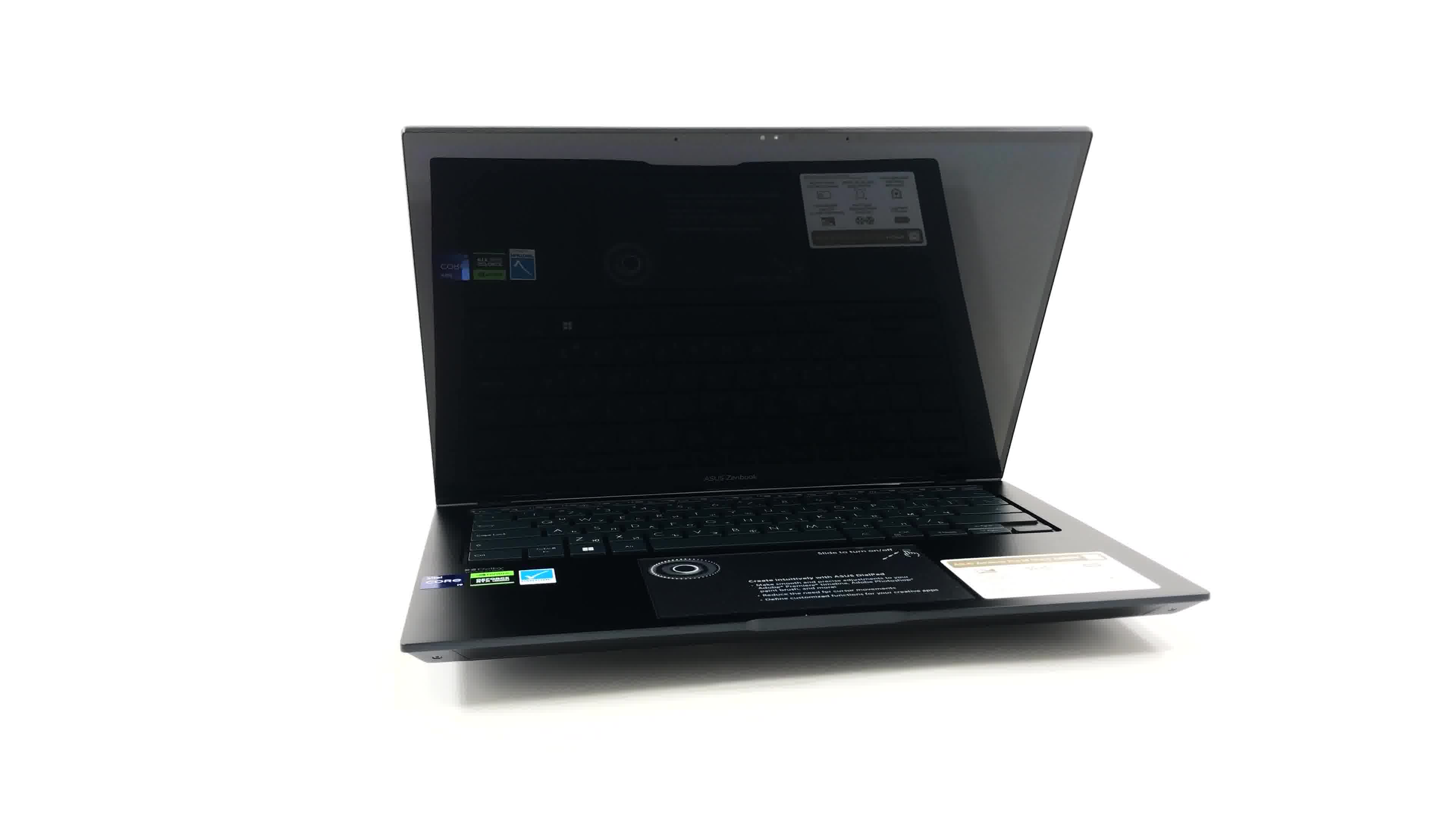
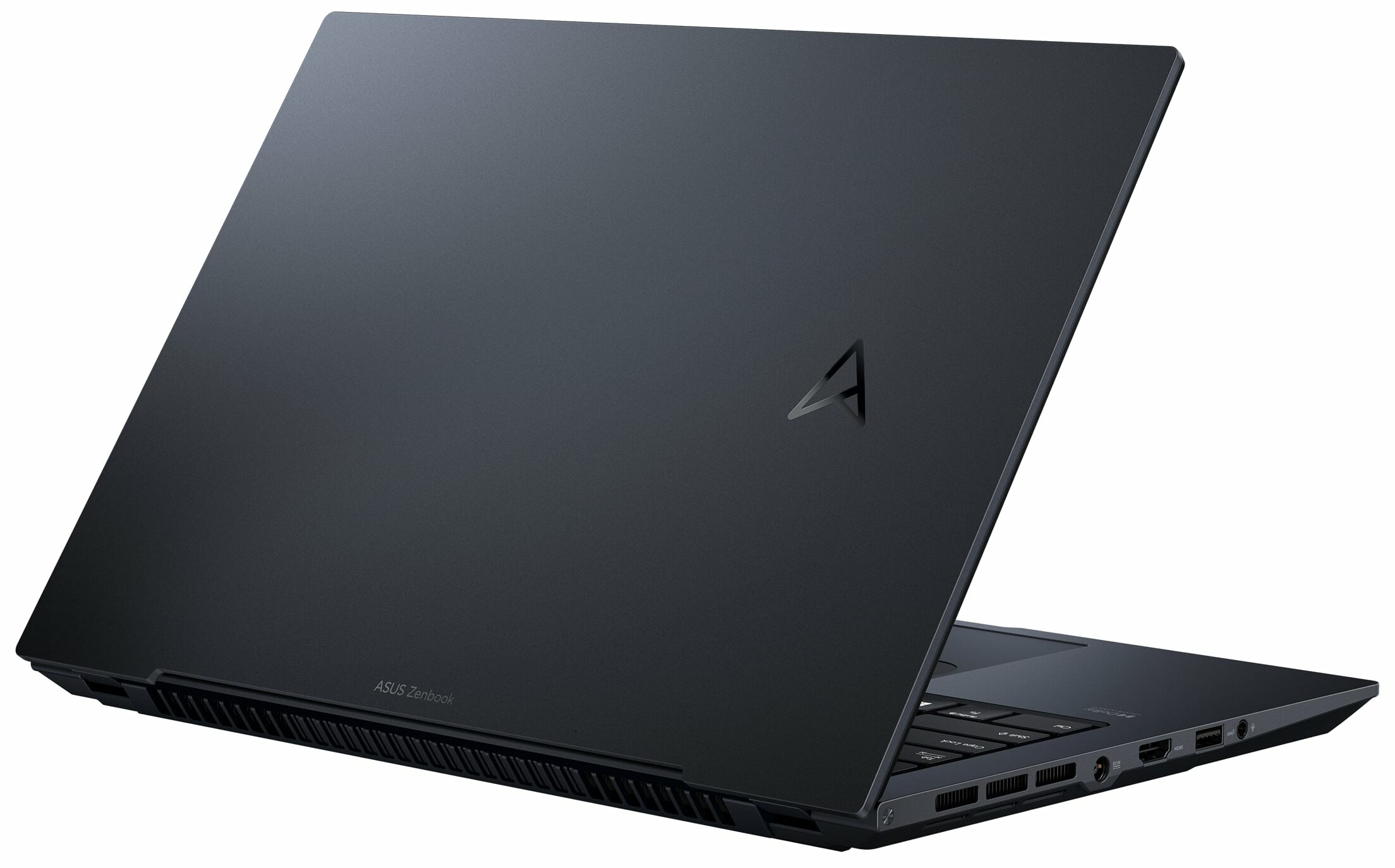
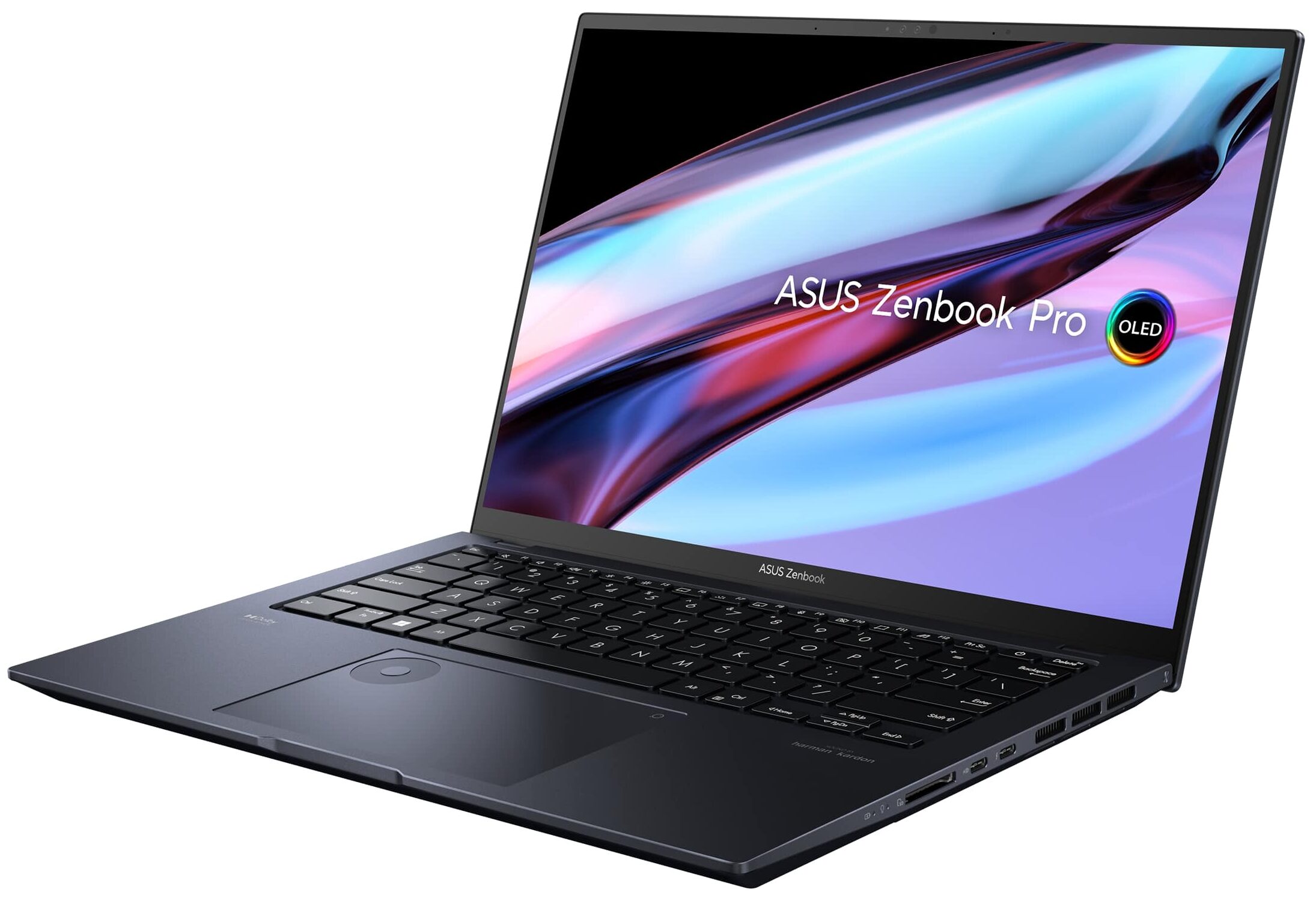
ASUS Zenbook Pro 14 OLED

- Date Published: 08 Aug 2024
- Intel Core i9-13900H
- NVIDIA GeForce RTX 4070 (Laptop, 105W)
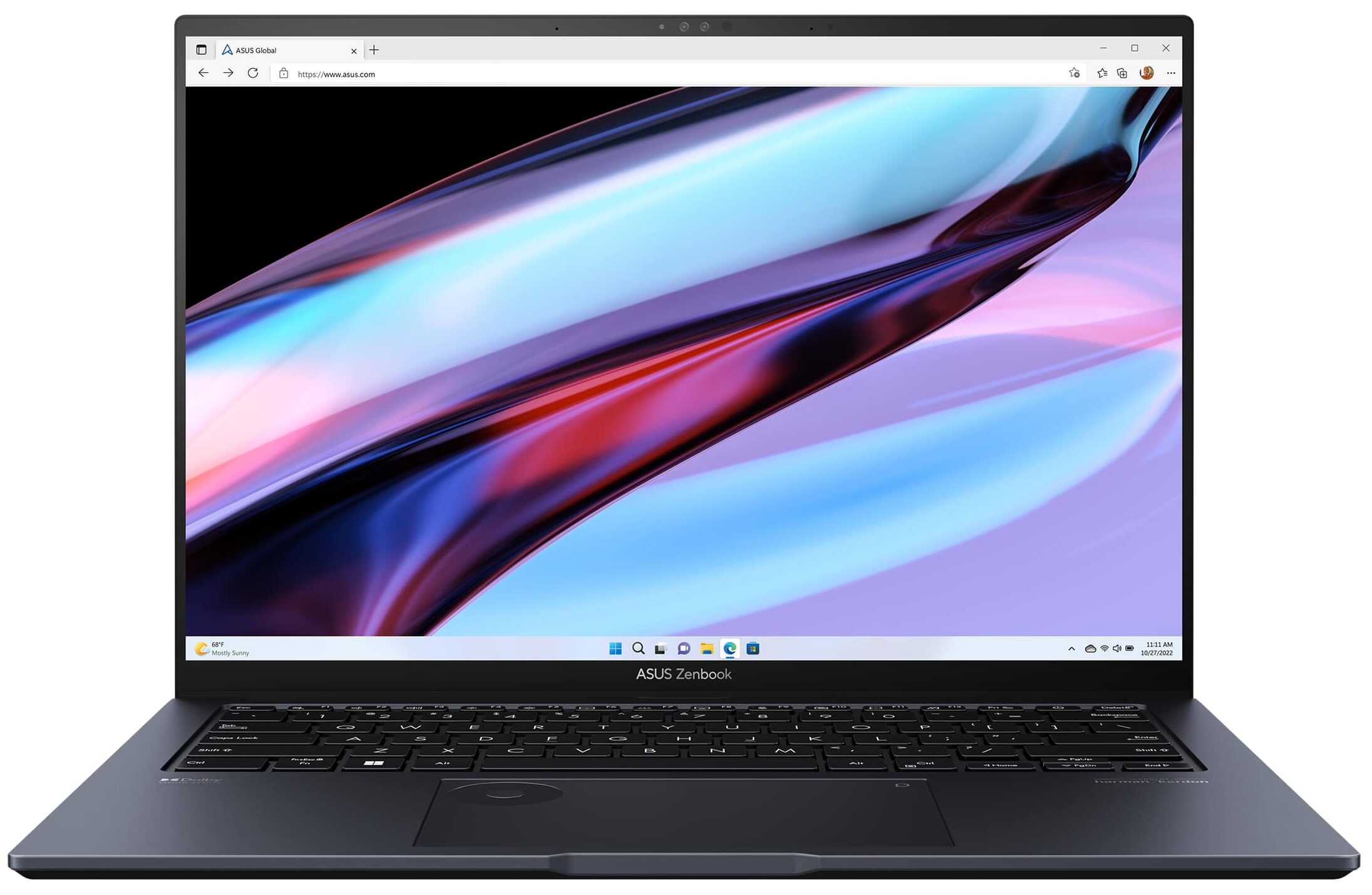
- 14.5″, 2.8K (2880 x 1800), 120 Hz, OLED
- 8000GB SSD
- 48GB RAM
- 1.60 kg (3.5 lbs)
Specs

- HDD/SSD
- 8000GB SSD
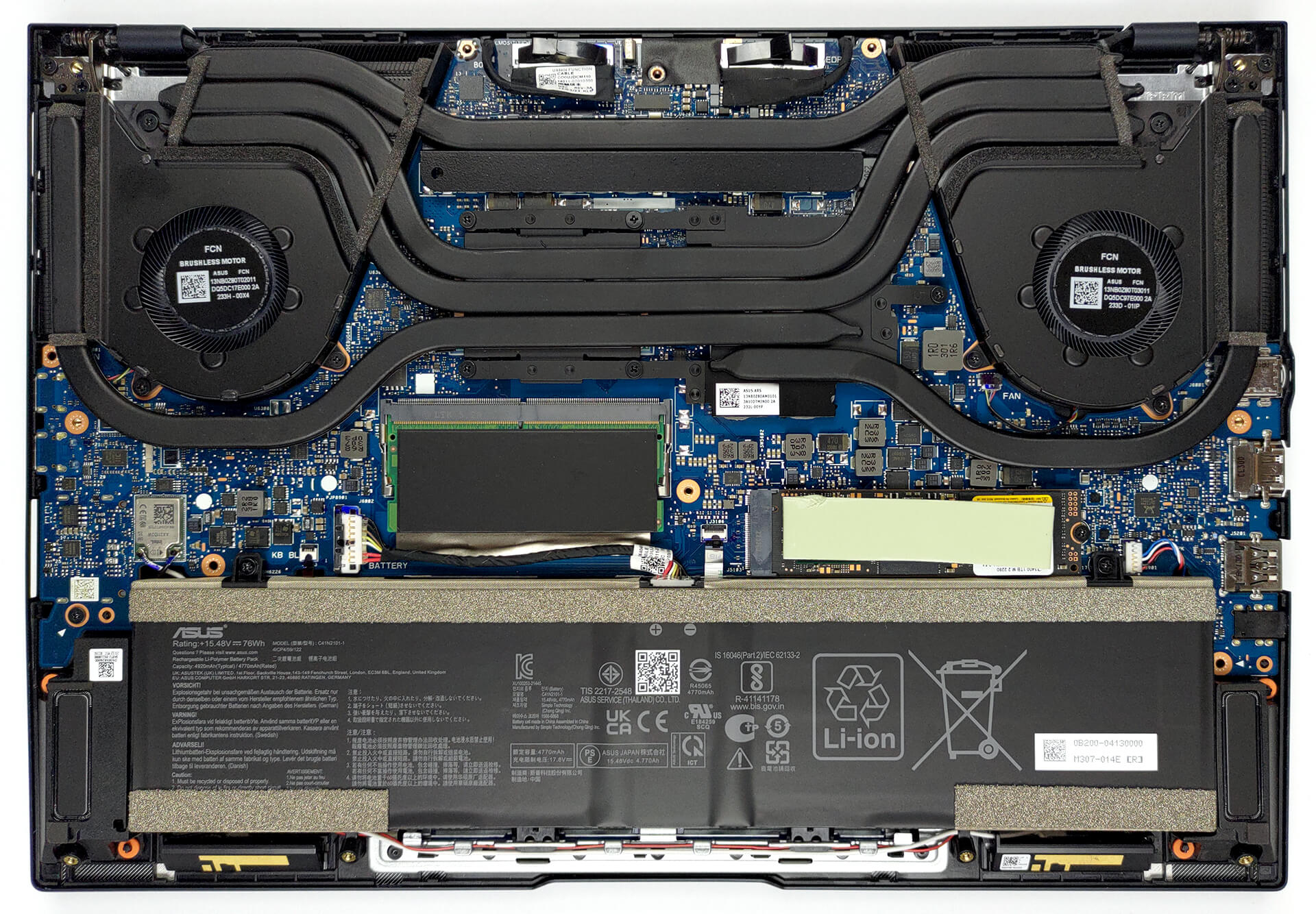
- M.2 Slot
- 1x 2280 PCIe NVMe 4.0 x4 See photo
- RAM
- 48GB RAM
- OS
- Windows 10 Pro
- Body Material
- Aluminum
- Dimensions
- 321.8 x 223.3 x 17.9 mm (12.67" x 8.79" x 0.70")
- Weight
- 1.60 kg (3.5 lbs)
- Ports and connectivity
- 1x USB Type-A
- 3.2 Gen 2 (10 Gbps)
- 1x USB Type-C
- 3.2 Gen 2 (10 Gbps), Power Delivery (PD), DisplayPort
- 1x USB Type-C
- Thunderbolt 4, Power Delivery (PD), DisplayPort
- HDMI
- 2.1
- Card Reader
- SD
- Ethernet LAN
- Wi-Fi
- 802.11ax
- Bluetooth
- 5.0
- Audio jack
- 3.5mm Combo Jack
- Features
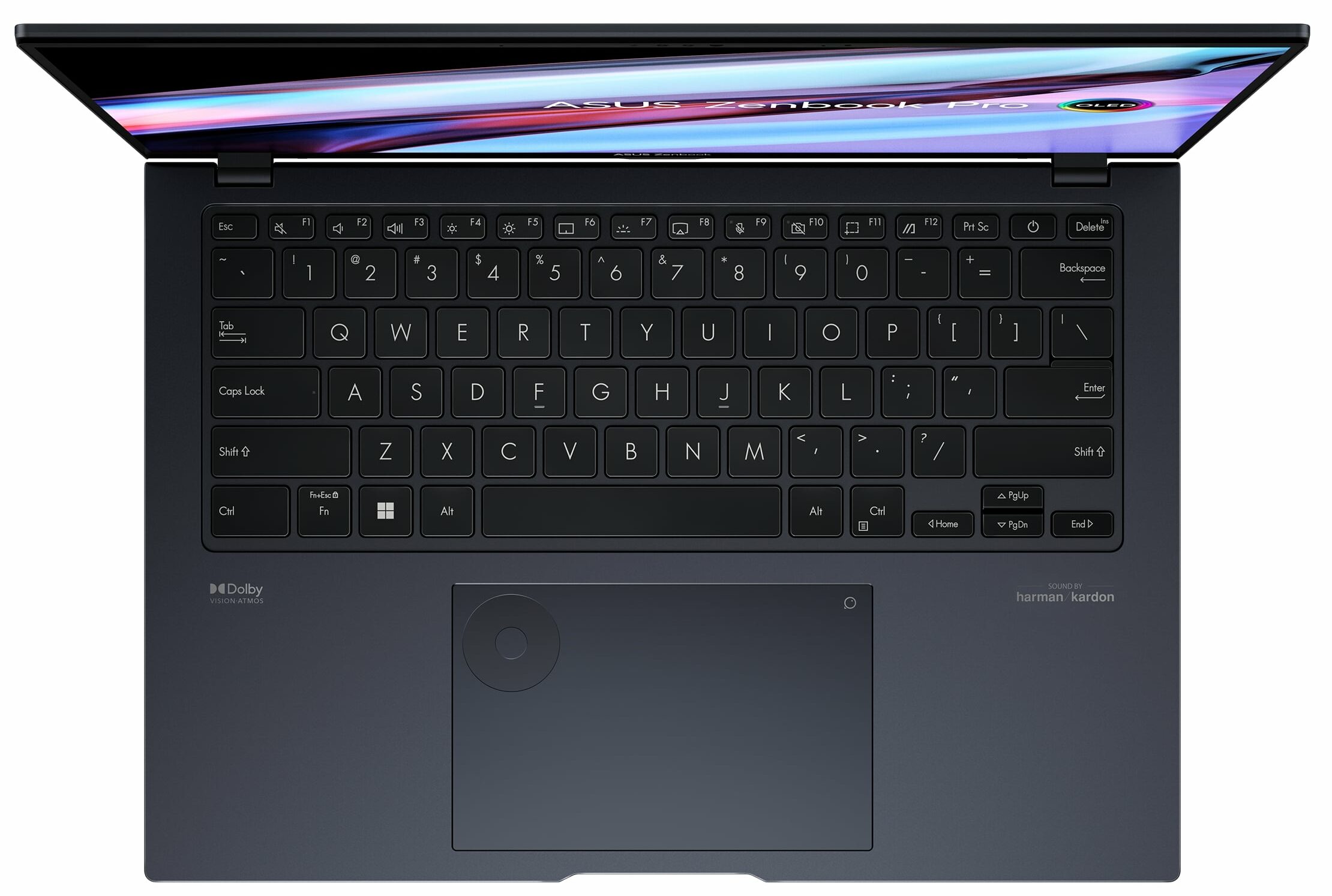
- Fingerprint reader
- Web camera
- FHD IR with support for Windows Hello
- Backlit keyboard
- Microphone
- Array Microphone with Cortana and Alexa voice rec.
- Speakers
- Speakers, Smart Amp, Harman Kardon
- Security Lock slot
Portability
Review
ASUS Zenbook Pro 14 OLED in-depth review
Once upon a time, the Zenbook series featured sleek business-grade notebooks, which were setting trends with their design. Nowadays, however, the subbrand has expanded to include exceptional performance, two screens, and even a foldable device.Today, we're going to review the ASUS Zenbook Pro 14 OLED (UX6404). It is a laptop that has the potential to crush every game and conquer even the toughest creative workload you can throw at it.This is a Zenbook that features an RTX 4060, or RTX 4070, either of which comes with a MUX Switch to enable the maximum possible performance. On top of that, you get an H-series processor from Intel's 13th Generation. The max-out model is equipped with the Intel Core i9-13900H!As you can imagine, this product is no joke. As is its display. The OLE[...]
Read the full review
Pros
- Very good performance
- Infinite contrast ratio (Samsung ATNA45AF04-0 (SDC4190))
- 16:10 aspect ratio is great for work and the 1800p panel has a 120Hz refresh rate (Samsung ATNA45AF04-0 (SDC4190))
- Covers 100% of DCI-P3 (Samsung ATNA45AF04-0 (SDC4190))
- 1x SODIMM + 1x M.2 PCIe x4 Gen 4
- Great build quality
- Dedicated stylus inside the package
- Thunderbolt 4 + SD card slot
Cons
- Its GPU gets a little warm during gaming
- Uses PWM (fixed with a function in MyASUS)
Disassembly, maintenance and upgrade options
Upgrade options are not the best features of this device. However, it is good to see that ASUS hasn't neglected the feature, even though the type of the laptop may have been a pretty tempting excuse.Check out all ASUS Zenbook Pro 14 OLED (UX6404) prices and configurations in our Specs System, or read more in our In-Depth review.1. Remove the bottom plate To access this notebook's internals, you need to undo 10 Torx-head screws. Then, pry the bottom panel with a plastic tool and lift it away from the device.2. Remove the battery Inside, we find a 76Wh battery pack. To remo[...]
Read more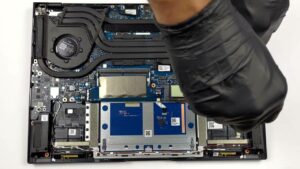


![[June 2026] Best-Selling Laptop Brands on Amazon Global – Apple’s Unrivaled Dominance in Units and Revenue](https://laptopmedia.com/wp-content/uploads/2026/07/GLOBAL-Best-Brands-400x225.jpg)
![[June 2026] Amazon Global: Top 10 Best-Selling Laptops – Apple’s New MacBook Neo Storms to #1, Reshaping the Market with Affordability](https://laptopmedia.com/wp-content/uploads/2026/07/Best-Selling-Laptops-GLOBAL-Top-10-400x225.jpg)
![[June 2026] Amazon Global: Top 10 Best-Selling Gaming Laptops – Acer’s Nitro V 16S AI Dominates Sales, While ASUS Leads Overall Revenue](https://laptopmedia.com/wp-content/uploads/2026/07/Best-Selling-Gaming-Laptops-GLOBAL-Top-10-400x225.jpg)
![[June 2026] Global Ranking of Best-Selling Laptop GPUs on Amazon – NVIDIA RTX 5060 is the Top-Selling Dedicated GPU](https://laptopmedia.com/wp-content/uploads/2026/07/Best-Selling-GPUs-GLOBAL-Top-10-400x225.jpg)
![[June 2026] Global Ranking of Best-Selling Laptop CPUs on Amazon – Apple M5 Dominates, AMD Ryzen 7 260 Gets Solid Premium Share](https://laptopmedia.com/wp-content/uploads/2026/07/Best-Selling-CPUs-GLOBAL-Top-10-400x225.jpg)