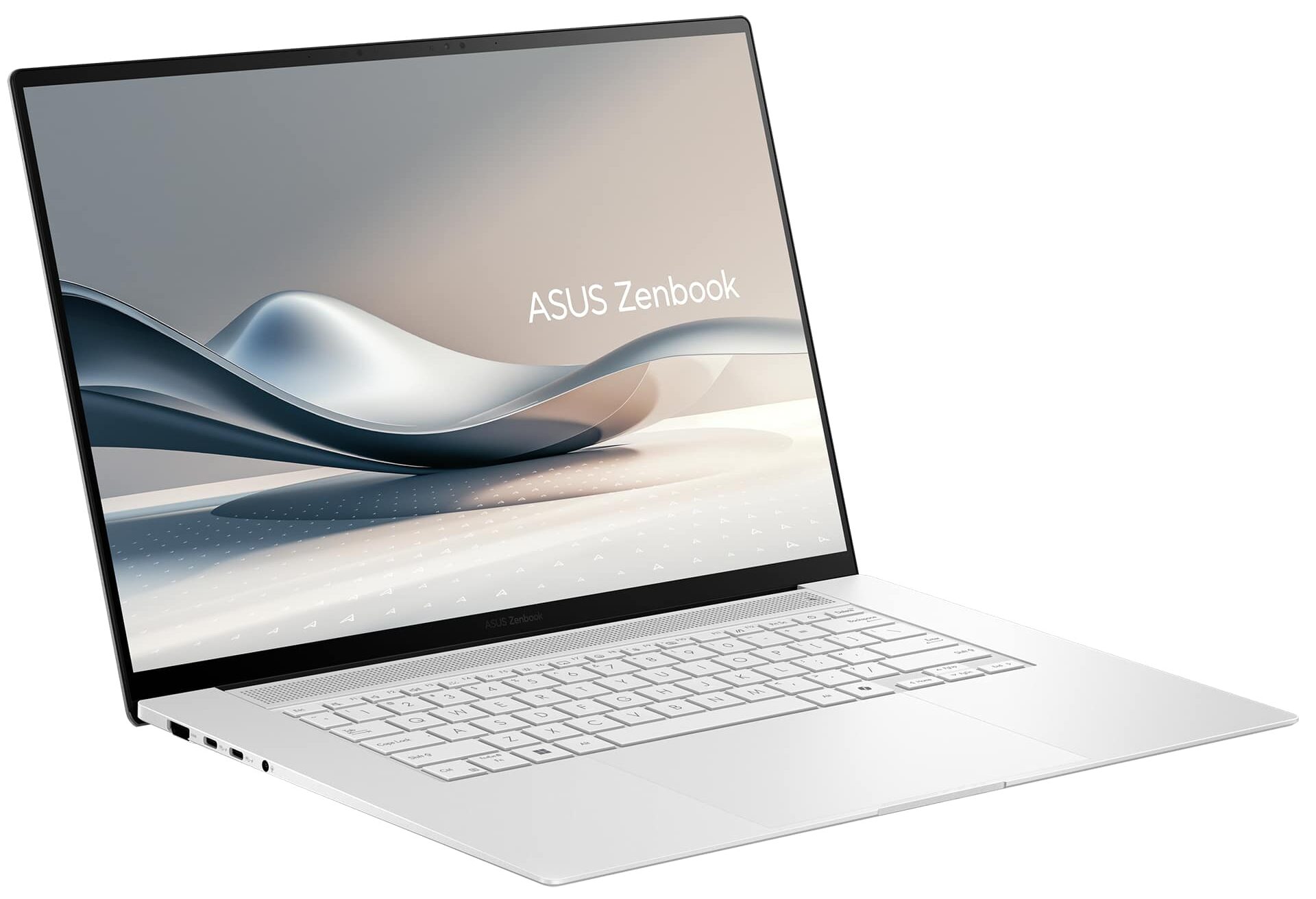
ASUS Zenbook S 16

- Date Published: 01 Oct 2024
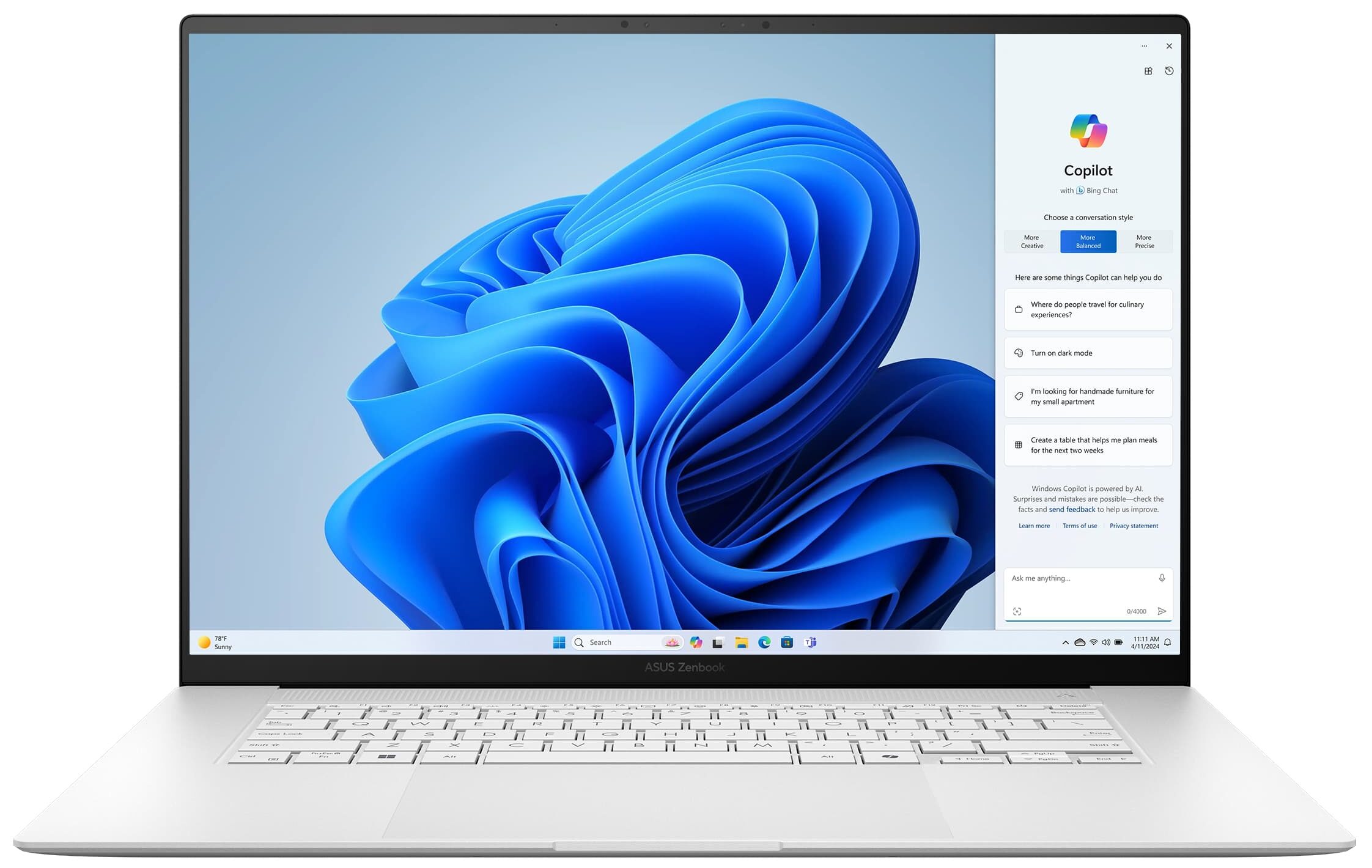
- AMD Ryzen AI 9 365
- AMD Radeon 880M
- 16.0″, 3K (2880 x 1800), 120 Hz, OLED
- 8000GB SSD
- 24GB RAM
- 1.50 kg (3.3 lbs)
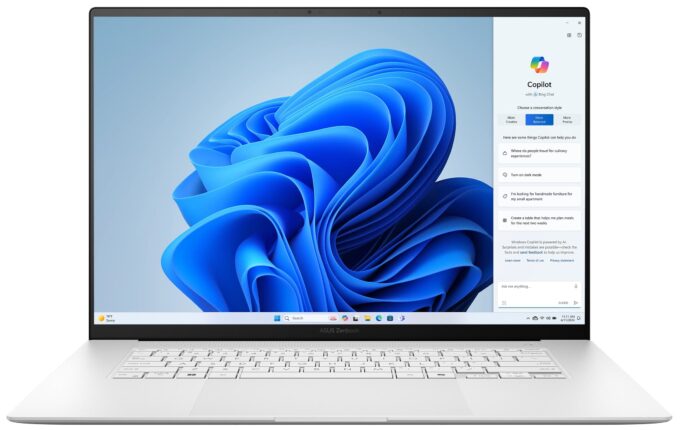
Specs

- HDD/SSD
- 8000GB SSD
- M.2 Slot
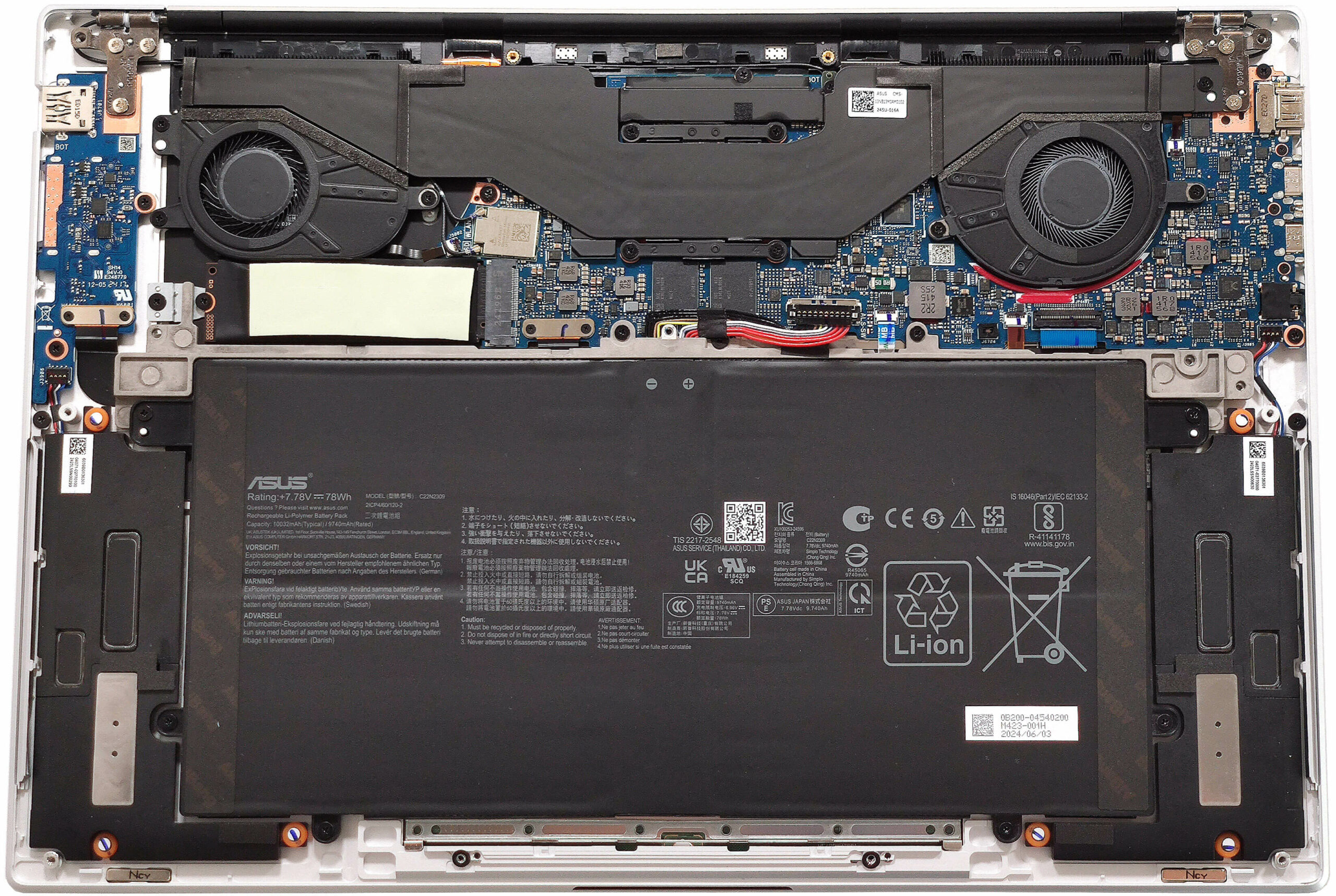
- 1x 2280 M.2 NVMe PCIe 4.0 x4 See photo
- RAM
- 24GB RAM
- OS
- Windows 11 Pro
- Body Material
- Aluminum
- Dimensions
- 353.6 x 243 x 11.9 ~ 12.9 mm (13.92" x 9.57" x 0.47")
- Weight
- 1.50 kg (3.3 lbs)
- Ports and connectivity
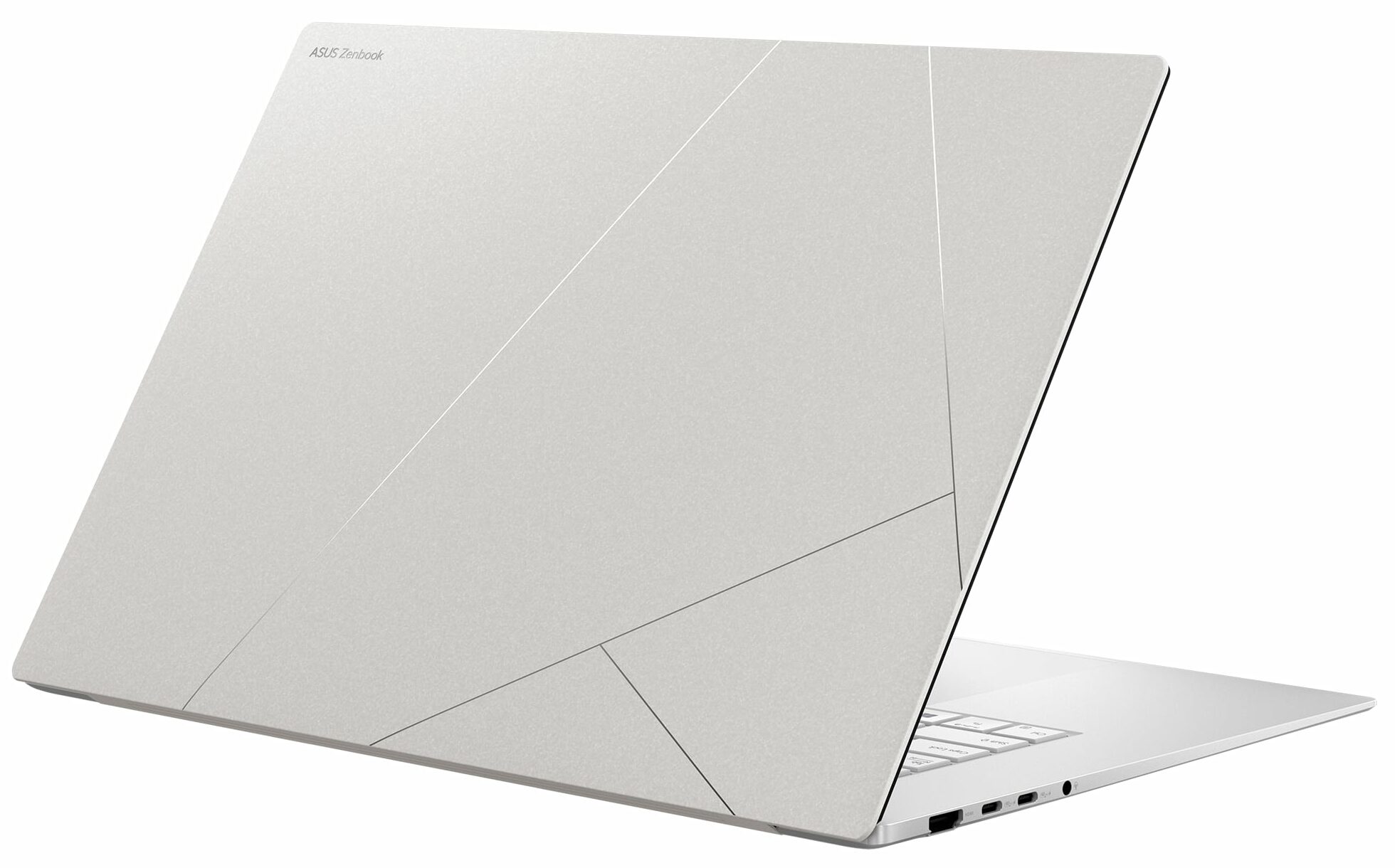
- 1x USB Type-A
- 3.2 Gen 2 (10 Gbps)
- 2x USB Type-C
- 4.0, Power Delivery (PD), DisplayPort
- HDMI
- 2.1
- Card Reader
- SD (SD, SDHC, SDXC)
- Ethernet LAN
- Wi-Fi
- 802.11be
- Bluetooth
- 5.4
- Audio jack
- 3.5mm Combo Jack
- Features
- Fingerprint reader
- Web camera
- FHD IR with Windows Hello
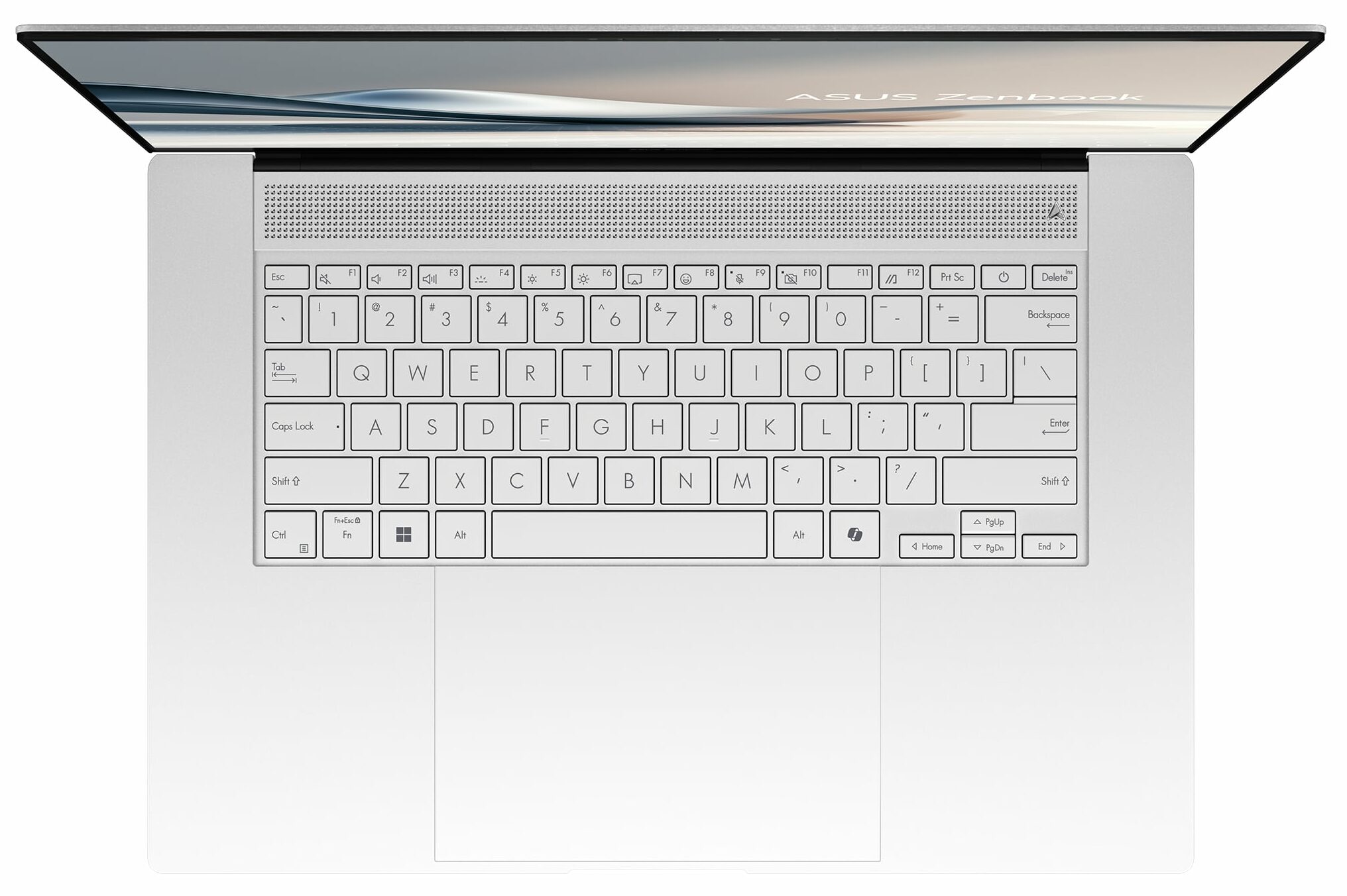
- Backlit keyboard
- Microphone
- Array Microphone
- Speakers
- Stereo Speakers, Smart Amp Technology, harman/kardon
- Security Lock slot
Portability
Review
ASUS Zenbook S 16 in-depth review
The first Zen 5 laptops are already on the market. The Zenbook S 16 (UM5606) is one of the first new-age ASUS AI PC with an ultraportable design. This fella is based on the AMD Strix Point chips. The top-tier laptops are offered with the Ryzen AI 9 HX 370 which boasts four Performance Zen 5 cores and eight smaller Zen 5c cores alongside 24 threads and a mighty RDNA 3.5-based Radeon 890M iGPU with 16 compute units. The latter makes this super thin laptop into an entry-level gaming machine. You can even play some of the AAA titles on Low or Medium details. The more affordable notebooks are paired with a Ryzen AI 9 365 which also packs a punch with its 10 cores and Radeon 880M integrated graphics.The HX 370 processor has up to 81 TOPs for AI-heavy tasks (actually, the dedicated NPU offers[...]
Read the full review
Pros
- Great OLED display with 100% sRGB and DCI-P3 coverage (SDC41AF)
- Infinite contrast ratio, 120Hz refresh rate, and 2880 x 1800 resolution (SDC41AF)
- 588 nits in HDR and 378 nits max brightness in SDR mode (SDC41AF)
- Tremendous color accuracy (SDC41AF)
- Good audio setup
- "OLED Flicker-Free Dimming" mode in MyASUS software
- Comfortable well-illuminated keyboard
- Huge smooth touchpad
- 1080p IR Web camera
- Very good overall CPU and iGPU performance given the thin profile
- The fans are noisy even in "Full-speed mode" mode during full loads
- Up to 32GB of soldered LPDDR5x
- Long battery life
- The Ryzen AI 9 HX 370 can maintain 28W plus ~2.70 GHz / 1.80 GHz for the P and E cores
- Great solid premium build quality
- 2x USB4 ports + Type-C charging
Cons
- PWM usage without the "Flicker-Free Dimming" mode (SDC41AF)
- Only one M.2 slot + soldered RAM
- High price
Disassembly, maintenance and upgrade options
Opening the DeviceUndo the 11 Torx-head screws securing the bottom panel. If you are brave and careful enough, pop the bottom plate by raising it in the speaker cutout sections and then pry the sides with a thin plastic tool. Alternatively, pry the top two corners, pop the rear with a lever tool, and work your way around the sides and the front to remove the bottom panel.More info: There are two dust filters for the ventilation grills on the inside of the bottom plate.Battery RemovalPull out the battery connector from the motherboard. Undo the 9 Phillip[...]
Read more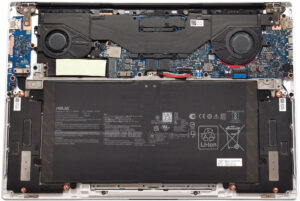


![[June 2026] Best-Selling Laptop Brands on Amazon Global – Apple’s Unrivaled Dominance in Units and Revenue](https://laptopmedia.com/wp-content/uploads/2026/07/GLOBAL-Best-Brands-400x225.jpg)
![[June 2026] Amazon Global: Top 10 Best-Selling Laptops – Apple’s New MacBook Neo Storms to #1, Reshaping the Market with Affordability](https://laptopmedia.com/wp-content/uploads/2026/07/Best-Selling-Laptops-GLOBAL-Top-10-400x225.jpg)
![[June 2026] Amazon Global: Top 10 Best-Selling Gaming Laptops – Acer’s Nitro V 16S AI Dominates Sales, While ASUS Leads Overall Revenue](https://laptopmedia.com/wp-content/uploads/2026/07/Best-Selling-Gaming-Laptops-GLOBAL-Top-10-400x225.jpg)
![[June 2026] Global Ranking of Best-Selling Laptop GPUs on Amazon – NVIDIA RTX 5060 is the Top-Selling Dedicated GPU](https://laptopmedia.com/wp-content/uploads/2026/07/Best-Selling-GPUs-GLOBAL-Top-10-400x225.jpg)
![[June 2026] Global Ranking of Best-Selling Laptop CPUs on Amazon – Apple M5 Dominates, AMD Ryzen 7 260 Gets Solid Premium Share](https://laptopmedia.com/wp-content/uploads/2026/07/Best-Selling-CPUs-GLOBAL-Top-10-400x225.jpg)