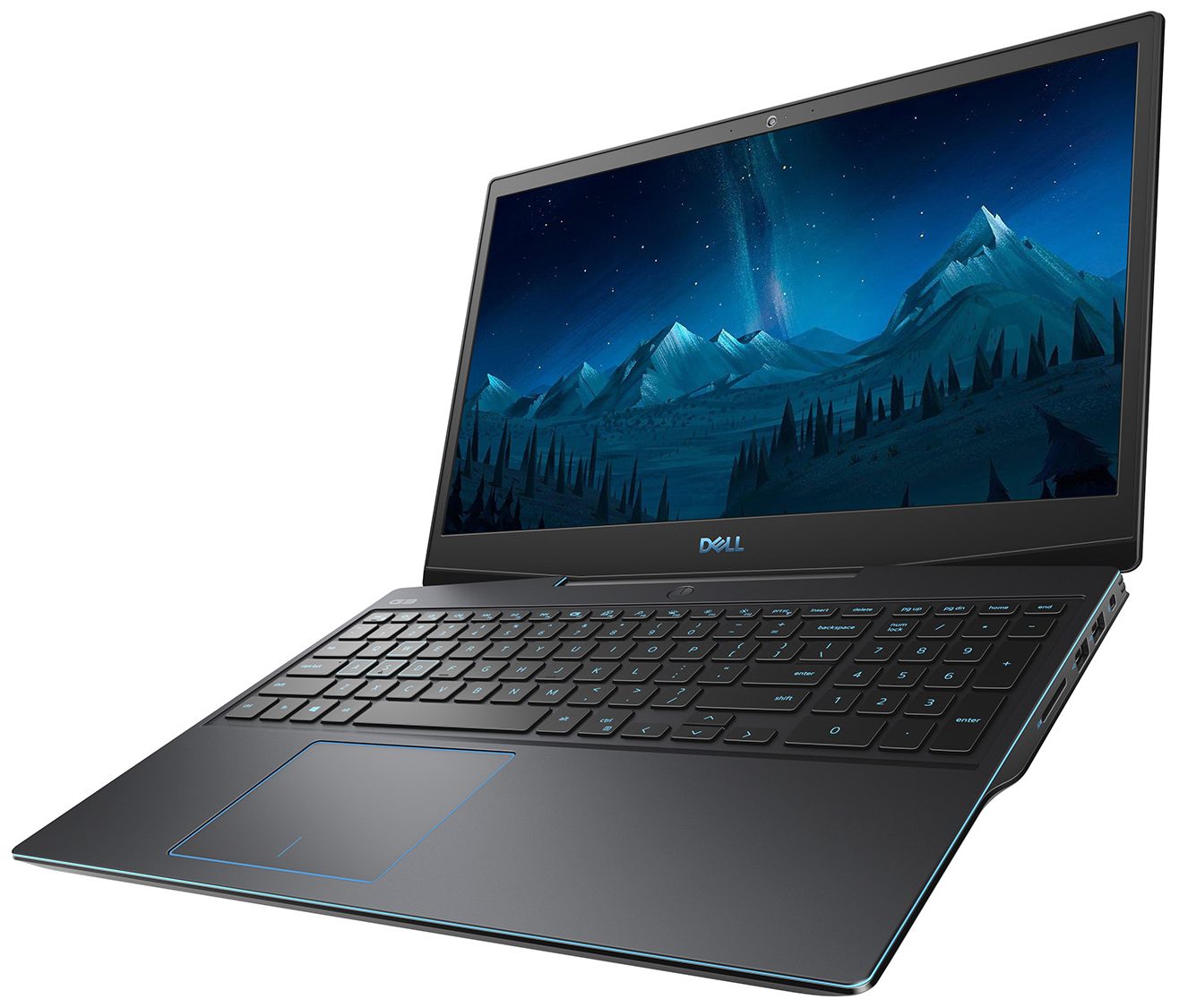
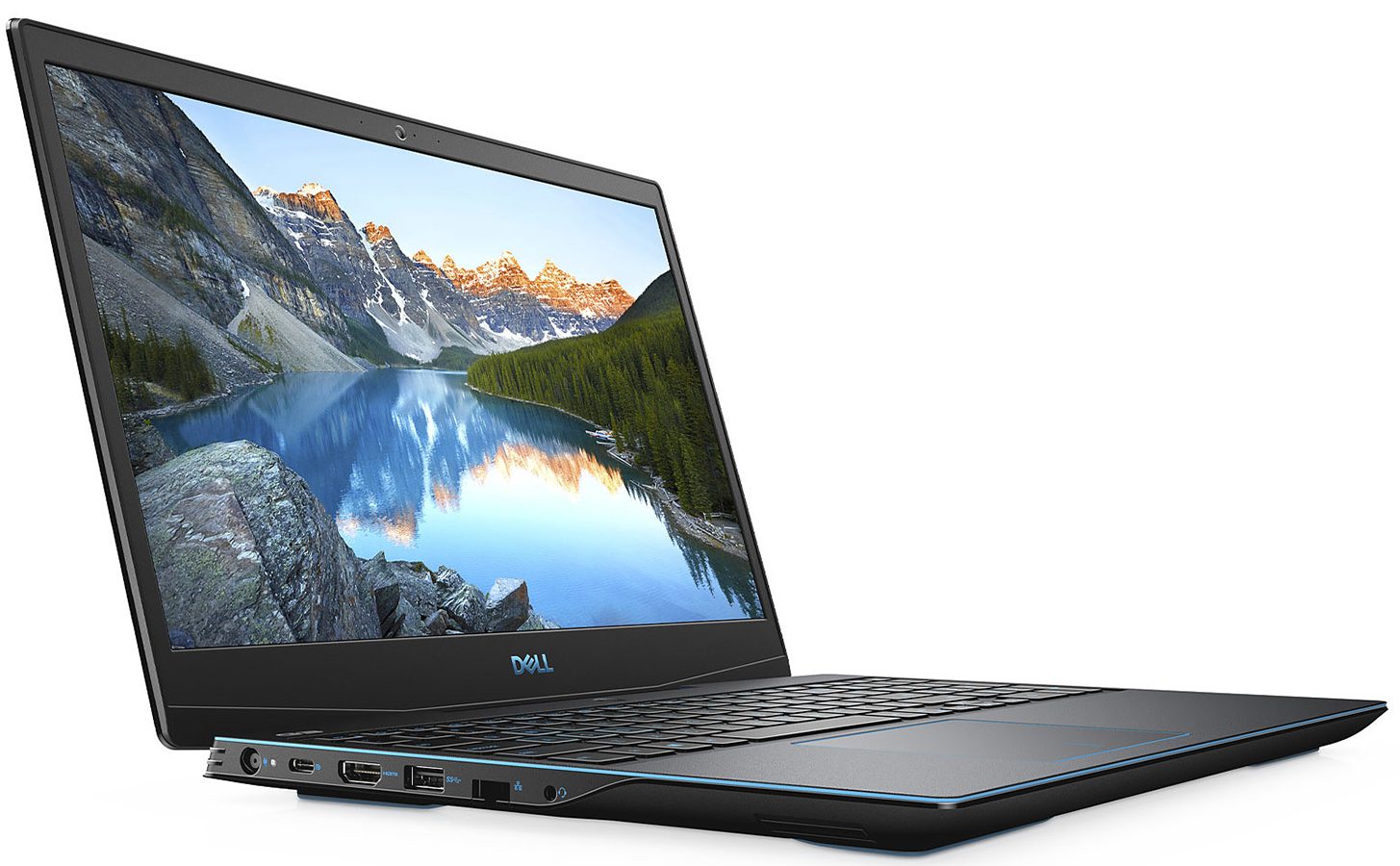
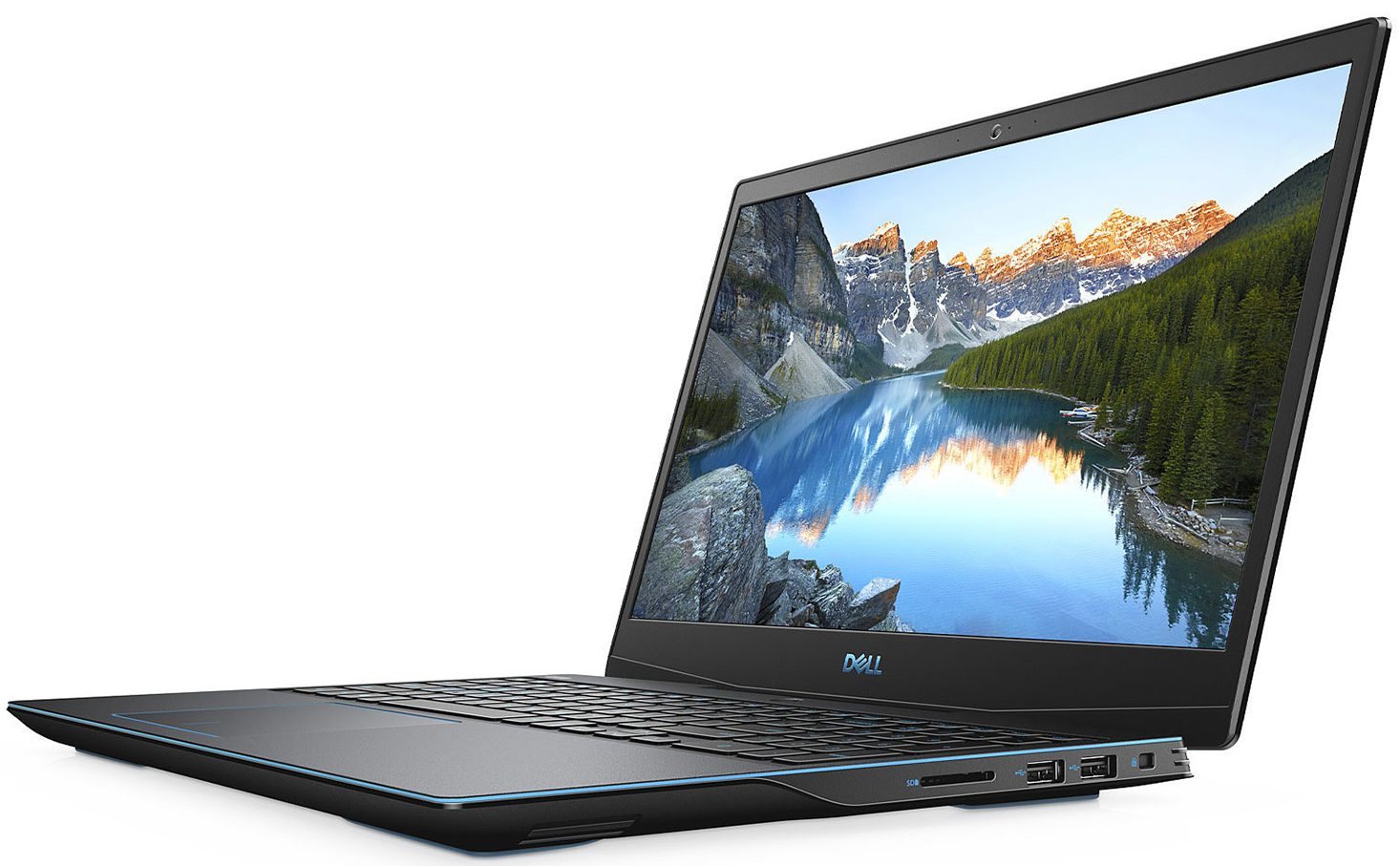
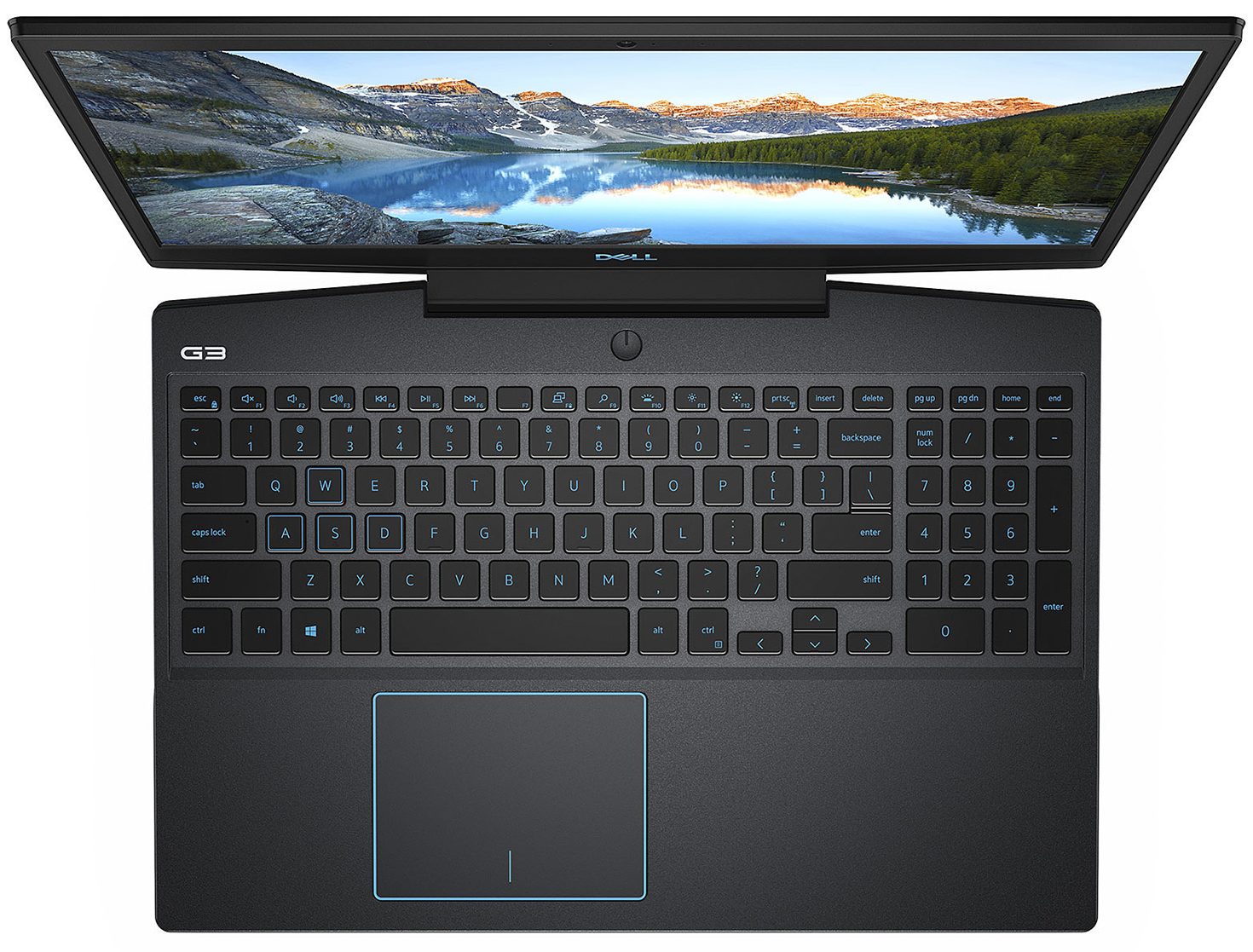
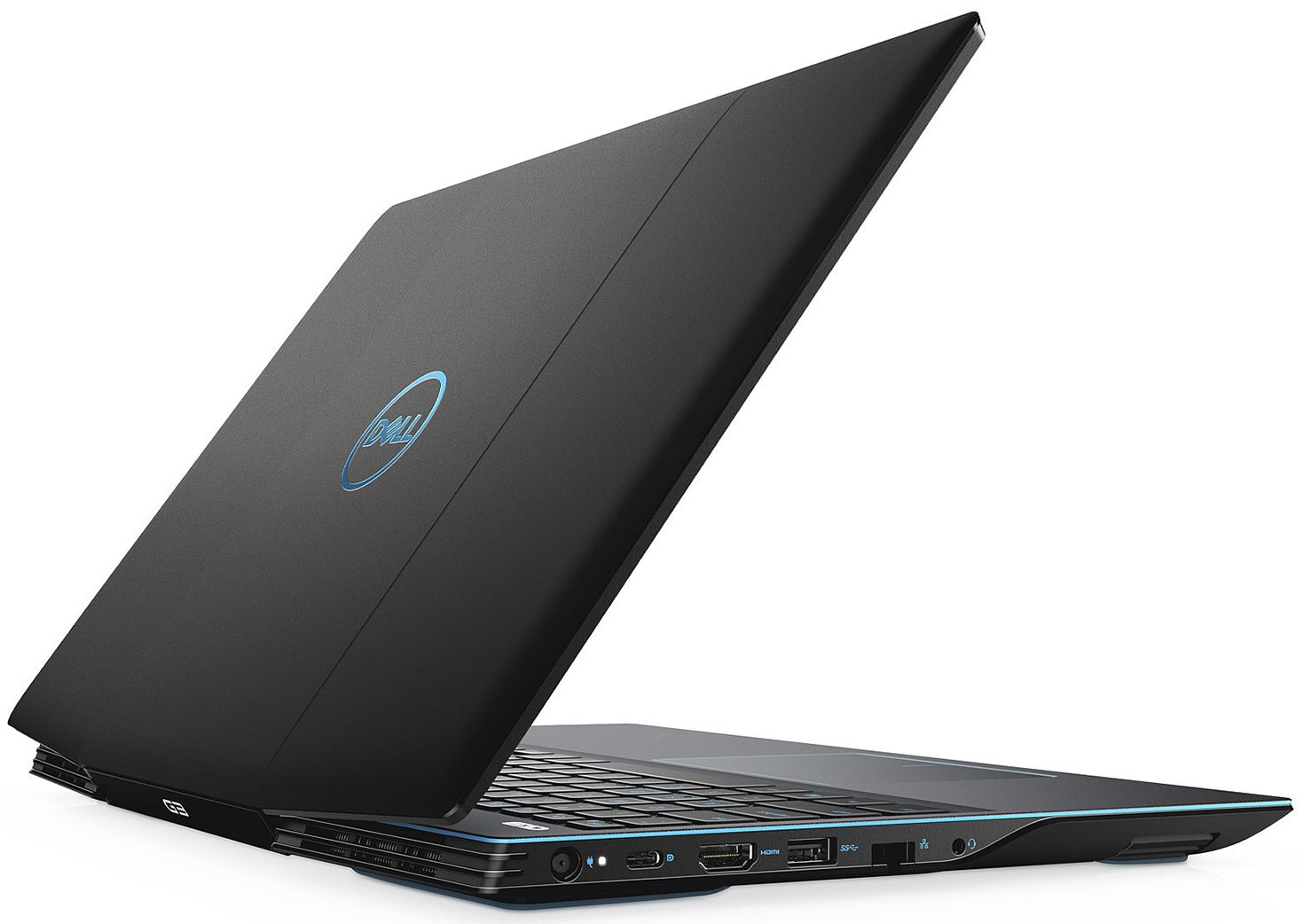
Dell G3 3590

- Date Published: 31 Dec 2019
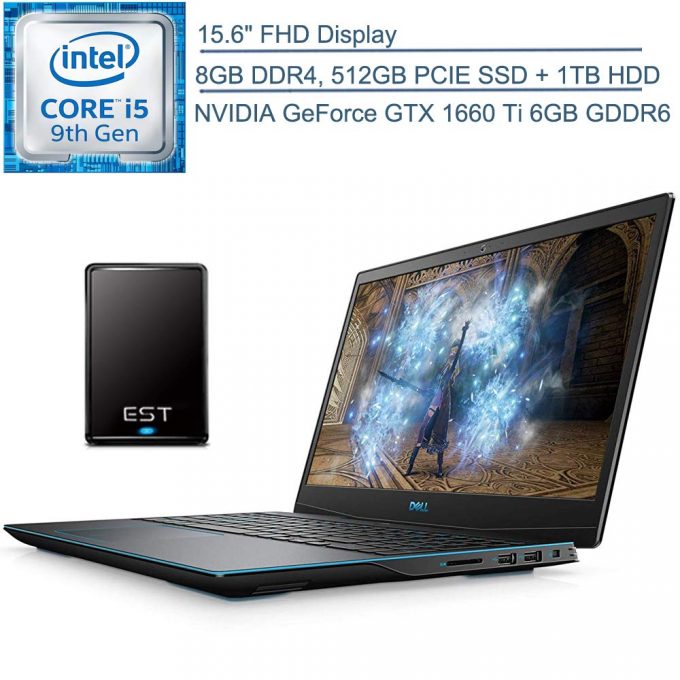
- Intel Core i5-9300H
- NVIDIA GeForce GTX 1660 Ti (Laptop)
- 15.6”, Full HD (1920 x 1080), TN
- 512GB SSD + 1000GB HDD
- 8GB DDR4, 2666 MHz
- 2.34 kg (5.2 lbs)
Review
Dell G3 3590 in-depth review
With this review, we are going to hat-trick Dell's G-series. Since we have already tried the G7 and the G5, it was time for the G3 to come to our office, for in-depth evaluation. If we have to be honest, last year, the G3 15 3579 gave us the vibe of a gaming-centric Inspiron 15 - something similar to what Lenovo did with the Ideapad L340 Gaming (15).This year, on the other side, Dell has thrown away the yester-year model and started all over with a new concept. Of course, it has its ups and downs, but on the bright side, you can enjoy some great gaming with up to an RTX 2060 and a Core i7-9750H. Additionally, the guys from Dell are giving you the option of buying the laptop with a 144Hz panel. However, this will set you back some sweet green paper.You can check the prices and conf[...]
Read the full review
Pros
- Low price
- Good performance, given the hardware
- Comfortable keyboard
- Great upgradeability
- It has an SD card reader
Cons
- No Thunderbolt support
- Only 52% of sRGB coverage (BOE T1WD3-NV15N3D (BOE0819))
- Uses aggressive PWM to adjust screen brightness - our Health-Guard profile fixes that (BOE T1WD3-NV15N3D (BOE0819))
- 60Hz panel has uneven Luminosity (BOE T1WD3-NV15N3D (BOE0819))
Disassembly, maintenance and upgrade options
Dell G3 15 3590 is the budget gaming offering from the colossal company. Finally, they have brought a new fresh look to their bottom gaming range, as well, which in our opinion, makes the device a lot more appealing for the users.Check out all Dell G3 15 3590 prices and configurations in our Specs System or read more in our In-Depth review.1. Remove the bottom plate First things first - you need to remove the bottom panel. There are a total of 10 Phillips-head screws, and four of them (the closest to the display) stay attached to the bottom plate after you unscrew them. Then, ge[...]
Read more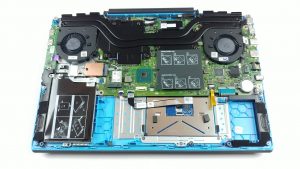


![[June 2026] Best-Selling Laptop Brands on Amazon Global – Apple’s Unrivaled Dominance in Units and Revenue](https://laptopmedia.com/wp-content/uploads/2026/07/GLOBAL-Best-Brands-400x225.jpg)
![[June 2026] Amazon Global: Top 10 Best-Selling Laptops – Apple’s New MacBook Neo Storms to #1, Reshaping the Market with Affordability](https://laptopmedia.com/wp-content/uploads/2026/07/Best-Selling-Laptops-GLOBAL-Top-10-400x225.jpg)
![[June 2026] Amazon Global: Top 10 Best-Selling Gaming Laptops – Acer’s Nitro V 16S AI Dominates Sales, While ASUS Leads Overall Revenue](https://laptopmedia.com/wp-content/uploads/2026/07/Best-Selling-Gaming-Laptops-GLOBAL-Top-10-400x225.jpg)
![[June 2026] Global Ranking of Best-Selling Laptop GPUs on Amazon – NVIDIA RTX 5060 is the Top-Selling Dedicated GPU](https://laptopmedia.com/wp-content/uploads/2026/07/Best-Selling-GPUs-GLOBAL-Top-10-400x225.jpg)
![[June 2026] Global Ranking of Best-Selling Laptop CPUs on Amazon – Apple M5 Dominates, AMD Ryzen 7 260 Gets Solid Premium Share](https://laptopmedia.com/wp-content/uploads/2026/07/Best-Selling-CPUs-GLOBAL-Top-10-400x225.jpg)
