Dell Inspiron 16 5630
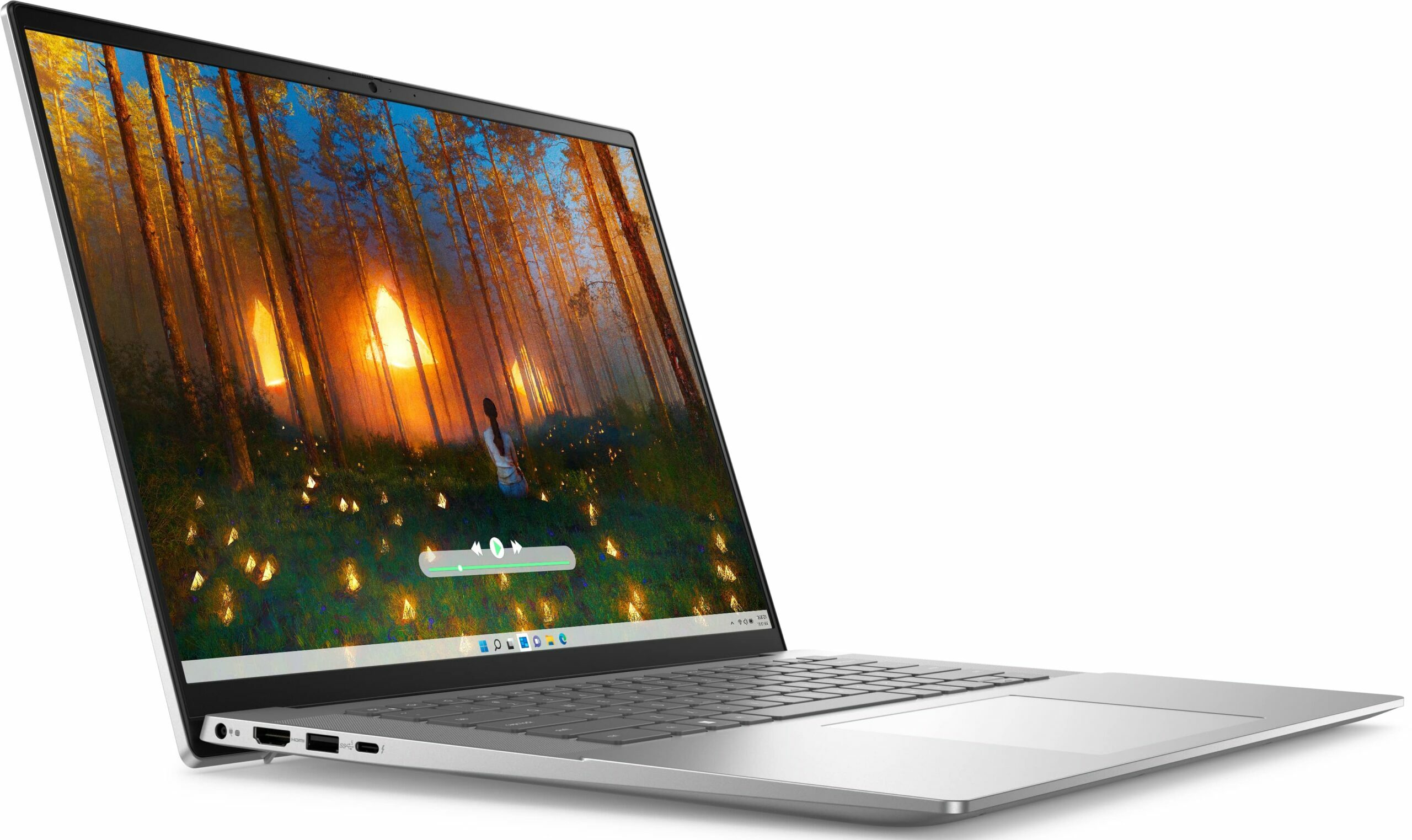
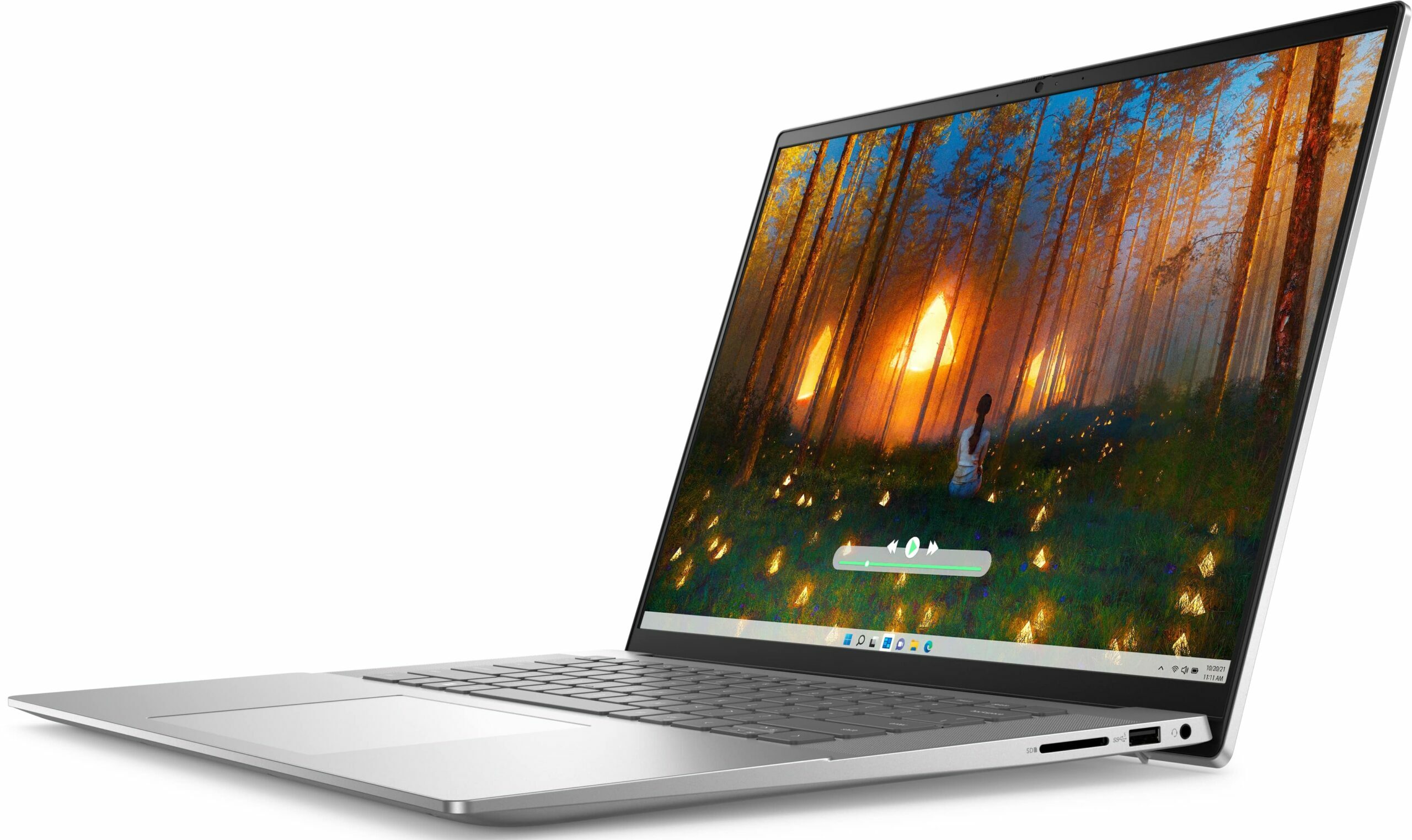
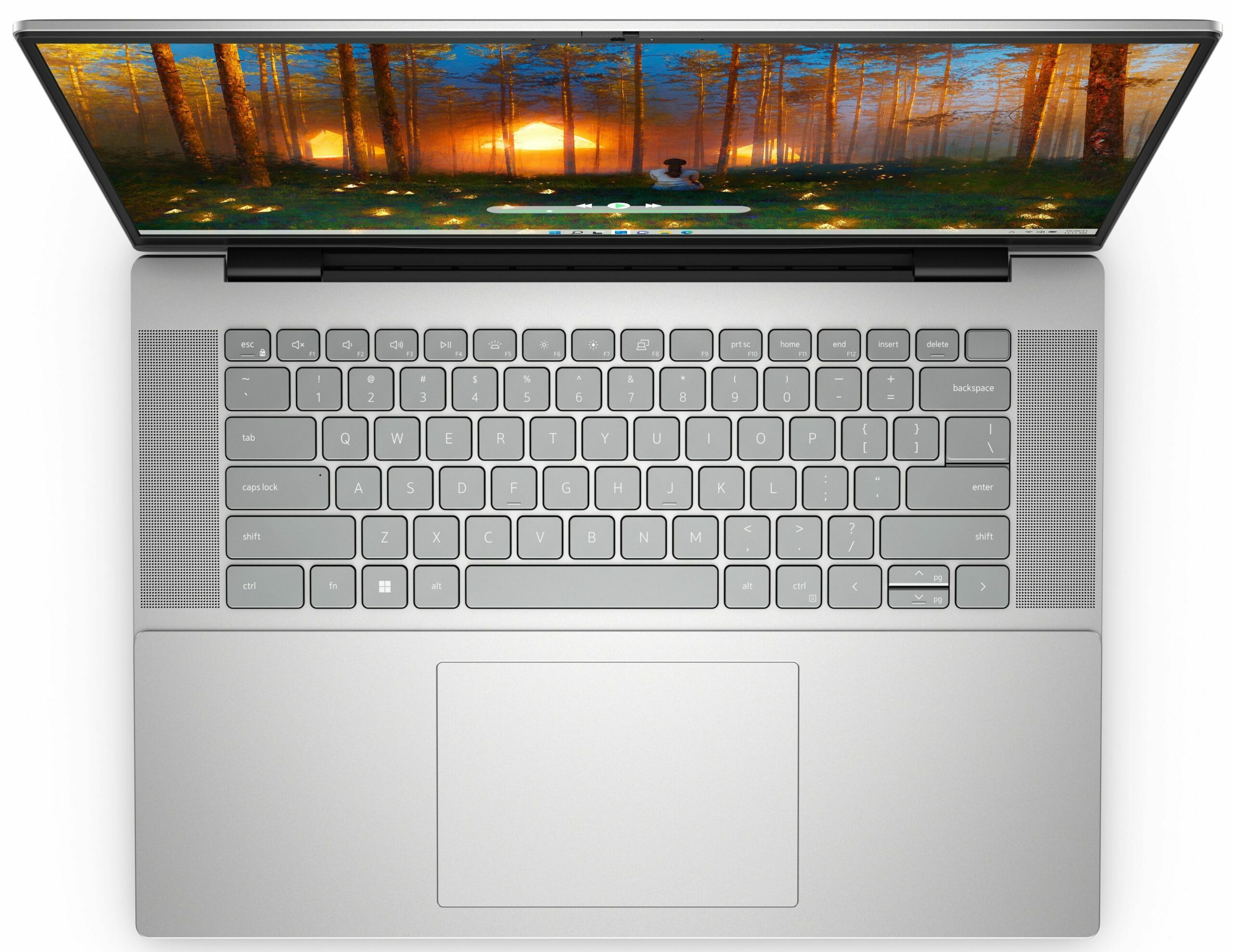
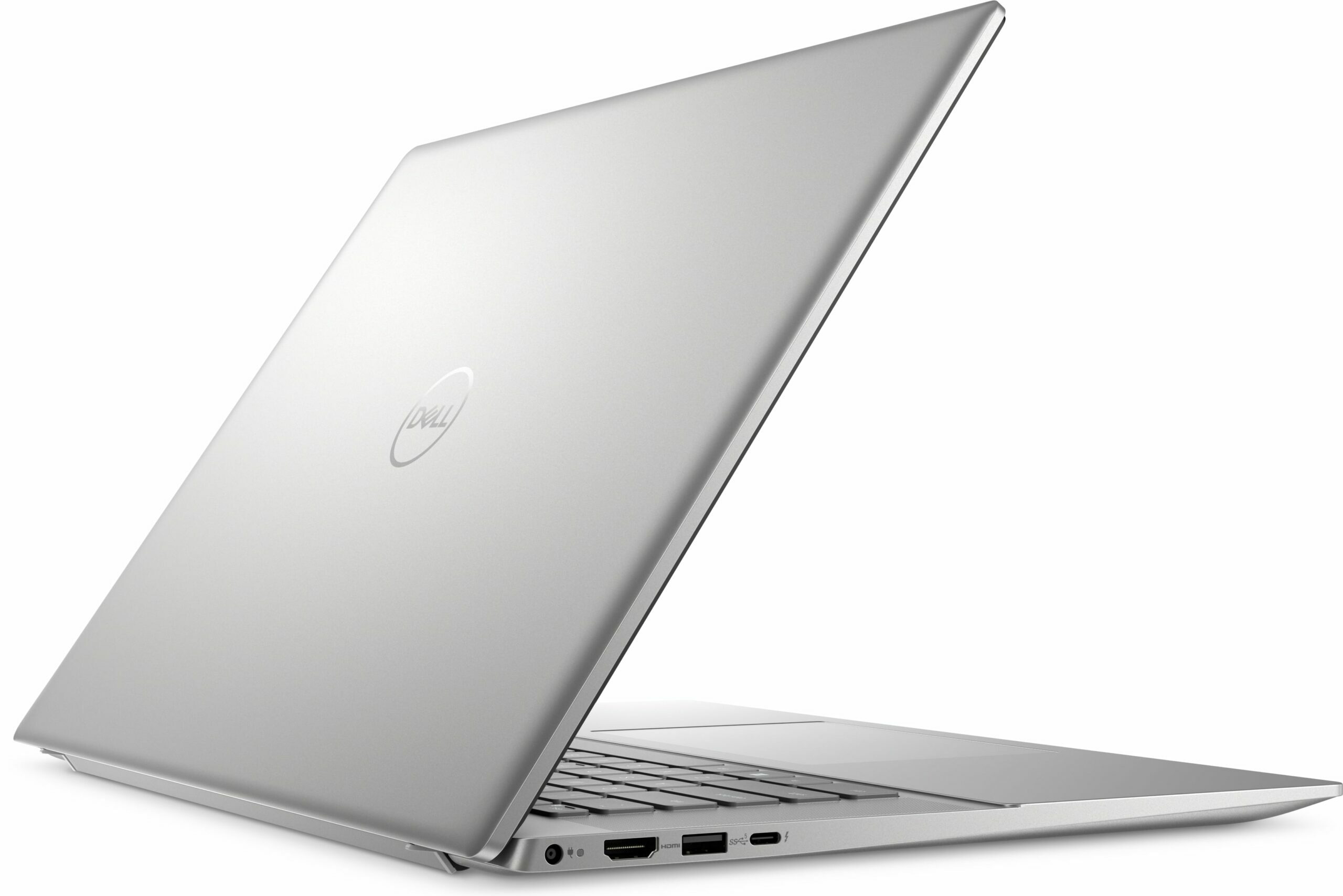
- Date Published: 11 Aug 2025
- Intel Core i7-1360P
- Intel Iris Xe Graphics G7 (96EU)
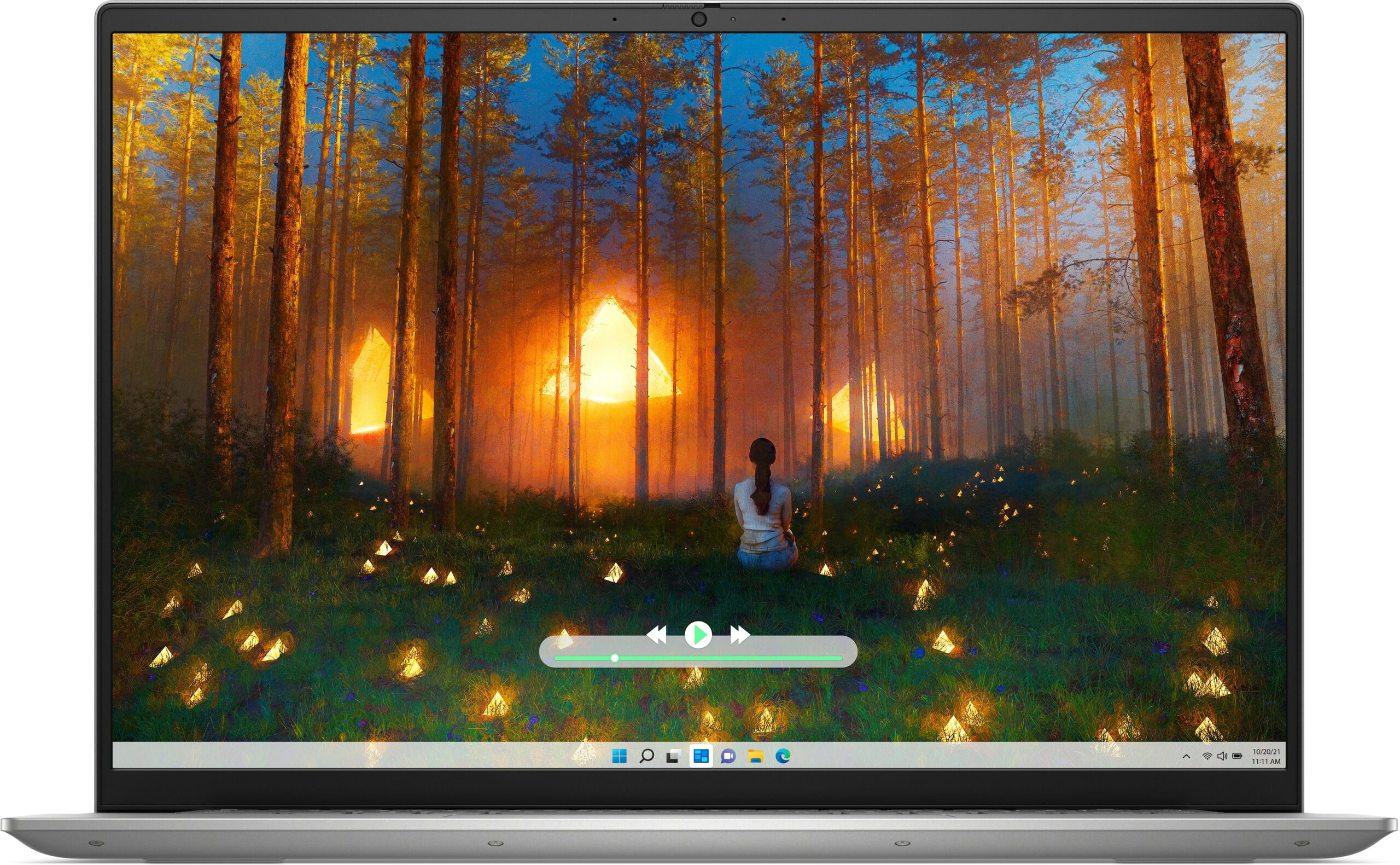
- 16.0”, WUXGA (1920 x 1200), IPS
- 1000GB SSD
- 16GB RAM
- 1.82 kg (4 lbs)
Specs
- Display

- HDD/SSD
- 1000GB SSD
- M.2 Slot
- 1x 2230 / 2280 M.2 NVMe PCIe 4.0 x4 See photo
- RAM
- 16GB RAM
- OS
- Windows 11 Pro
- Body Material
- Aluminum
- Dimensions
- 356.78 x 251.70 x 15.42 - 18.20 mm (14.05" x 9.91" x 0.61")
- Weight
- 1.82 kg (4 lbs)
- Ports and connectivity
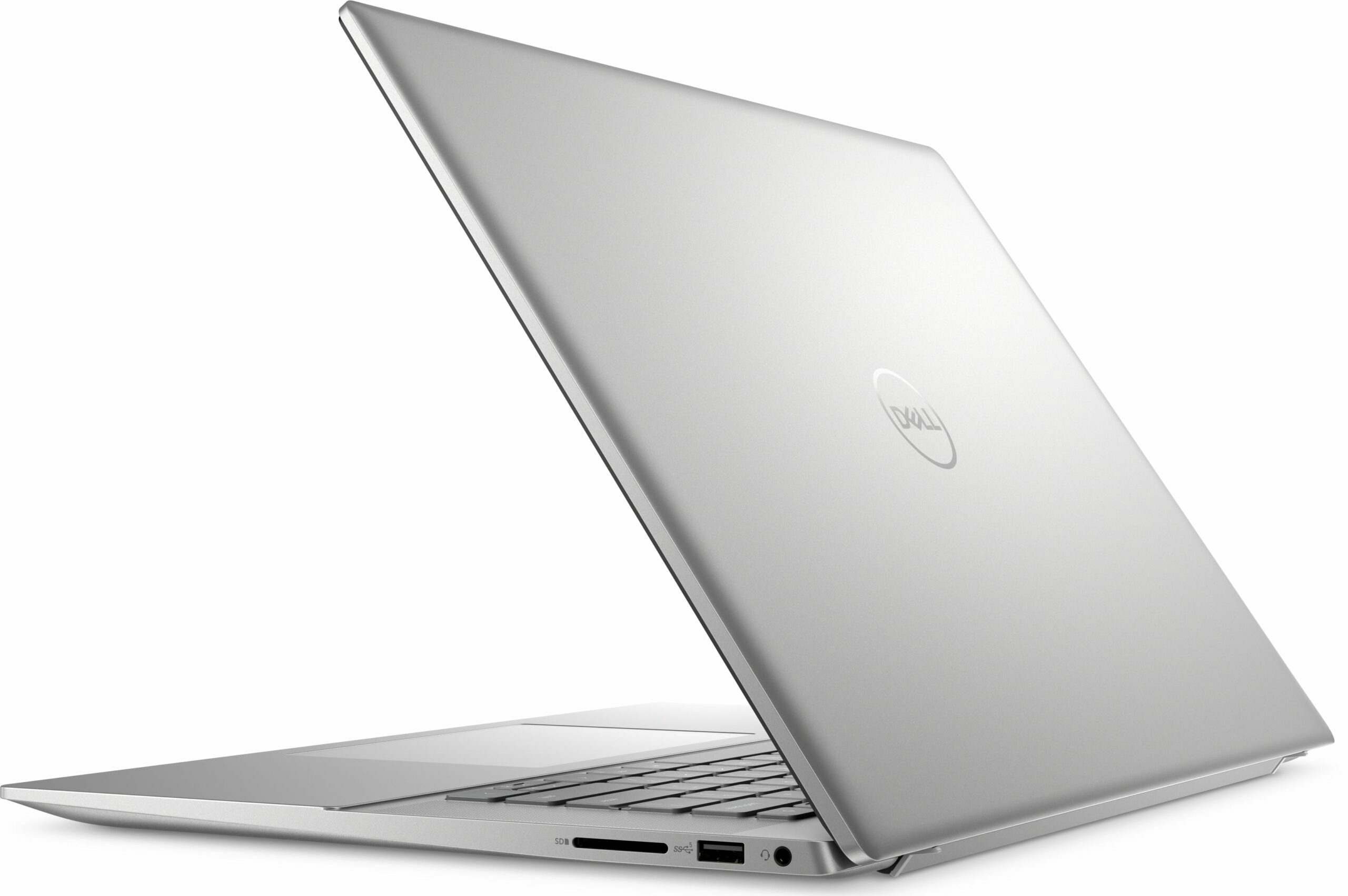
- 2x USB Type-A
- 3.2 Gen 1 (5 Gbps)
- 1x USB Type-C
- Thunderbolt 4, Power Delivery (PD), DisplayPort
- HDMI
- 1.4
- Card Reader
- SD (SD, SDHC, SDXC)
- Ethernet LAN
- Wi-Fi
- 802.11ax
- Bluetooth
- 5.3
- Audio jack
- 3.5mm Combo Jack
- Features
- Fingerprint reader
- Web camera
- FHD / FHD IR
- Backlit keyboard
- Microphone
- Digital Array Microphones
- Speakers
- 2x 2.5W Stereo Speakers
- Security Lock slot
- Wedge Lock
- Gifts
- Laptop Stand
Portability
Review
Dell Inspiron 16 5630 in-depth review
The Dell Inspiron 16 5630 can be described as a typical daily driver or an office machine. It relies on Intel Raptor Lake-U or Raptor Lake-P series CPUs. So, if you care much about battery life, a 15W chip is definitely a better choice. If your work requires more processing power, a 28W CPU is the way to go. This device is decently compact for a 16-icher and that's why the memory is soldered. The port selection isn't something special but at least you get a Thunderbolt 4 port and an SD Card reader.In terms of displays, you can choose from four panels - three 1200p 60Hz units (one of them supports touch function) and the top dog here is a 1600p 120Hz screen. The rest of the specs look good including Dolby Atmos speakers, a Web camera with a privacy shutter, and a keyboard with an optio[...]
Read the full review
Pros
- The fan isn't too noisy during long CPU loads
- Aluminum build
- Comfortable keyboard
- PWM-free (AUOE69B)
- 95% sRGB coverage + accurate color with our "Design and Gaming" profile (AUOE69B)
- Wide viewing angles and a good max brightness of 337 nits (AUOE69B)
- Thunderbolt 4 port
- Long battery life
- Web camera with a privacy shutter
- Intel Evo certification, Fingerprint reader, IR camera, and keyboard backlight (all are optional)
- Lid with a lever design
Cons
- Soldered memory and just one M.2 slot for
- Slight keyboard flex during harsh typing
- Too many optional goodies
Disassembly, maintenance and upgrade options
Opening the DeviceUndo the 9 Phillips-head screws securing the bottom panel. Note that the screws in the top two corners are captive and will lift the panel up slightly. Raise one of the top corners with a thin plastic tool to create a larger gap. Pry the sides of the panel using the gap created. Repeat for the other corner. Fully pry the rear and front to remove the bottom panel.More info: Here's how the bottom plate looks on the inside.Battery RemovalDetach the battery connector from the mainboard. Undo the 5 Phillips-head screws securing the batte[...]
Read more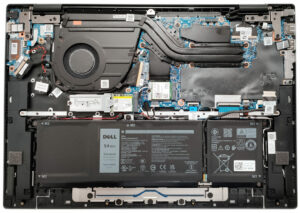


![[August 2026] Global Ranking of Best-Selling Laptop GPUs on Amazon – Apple Reigns Supreme, NVIDIA’s RTX 5060 Tops Dedicated Chart](https://laptopmedia.com/wp-content/uploads/2026/09/Best-Selling-GPUs-GLOBAL-Top-10-400x225.jpg)
![[August 2026] Global Ranking of Best-Selling Laptop CPUs on Amazon – Apple Dominates Both Budget and Premium: A18 Pro and M5 Crush Intel and AMD in August 2026](https://laptopmedia.com/wp-content/uploads/2026/09/Best-Selling-CPUs-GLOBAL-Top-10-400x225.jpg)
![[August 2026] Amazon Global: Top 10 Best-Selling Laptops – Apple MacBook Neo Dominates the Charts as Budget and Mid-Range Windows Portables Fight for Volume](https://laptopmedia.com/wp-content/uploads/2026/09/Best-Selling-Laptops-GLOBAL-Top-10-400x225.jpg)
![[August 2026] Best-Selling Laptop Brands on Amazon Global – Apple Dominates Revenue While HP Leads in Model Variety](https://laptopmedia.com/wp-content/uploads/2026/09/GLOBAL-Best-Brands-400x225.jpg)
![[August 2026] Amazon Global: Top 10 Best-Selling Gaming Laptops – HP Victus 15 Captures the Crown as Budget-Friendly Models Dominate the Charts](https://laptopmedia.com/wp-content/uploads/2026/09/Best-Selling-Gaming-Laptops-GLOBAL-Top-10-400x225.jpg)

