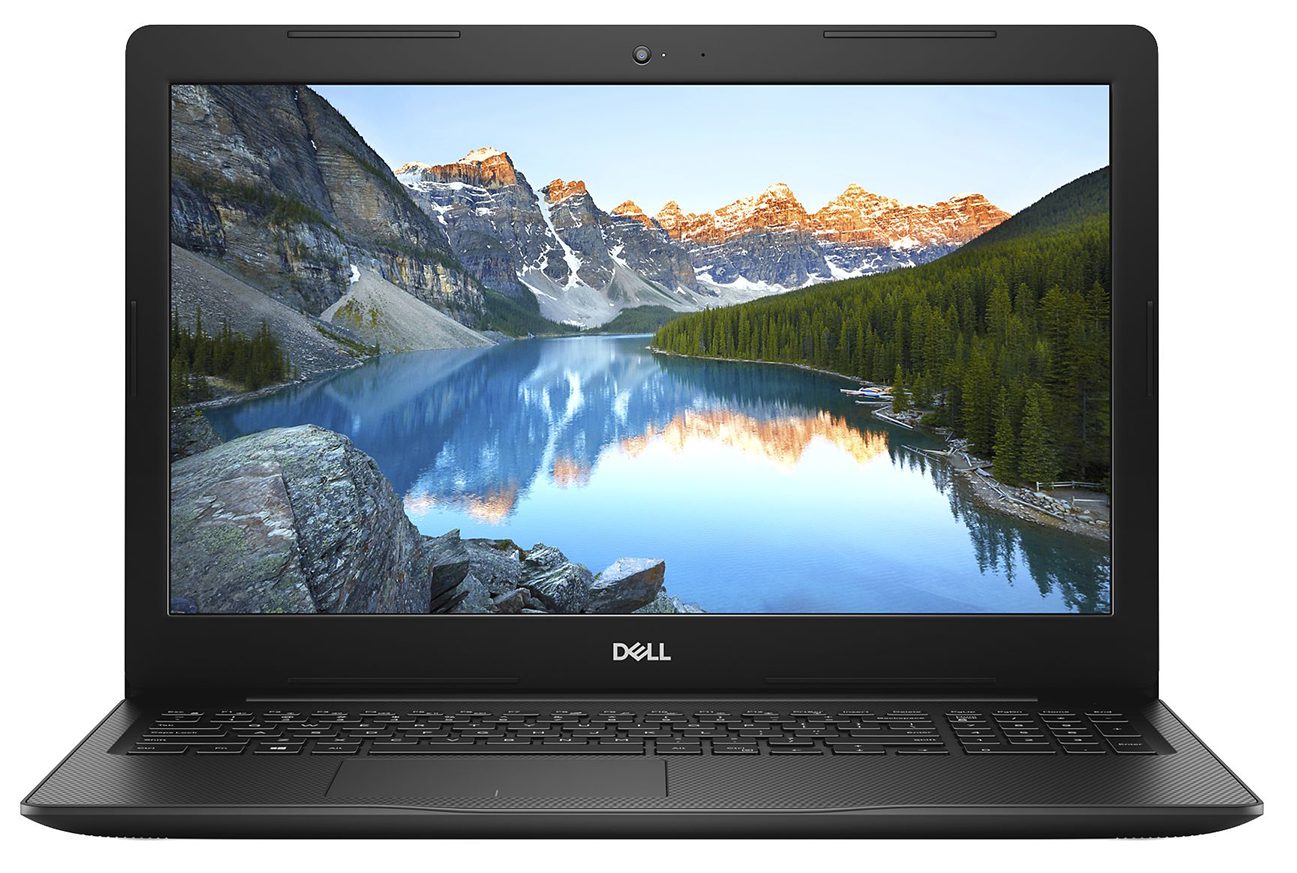
Dell Inspiron 3582
- Date Published: 13 Aug 2019
- Intel Pentium Silver N5000
- Intel UHD Graphics 605
- 15.6”, HD (1366 x 768), TN
- 250GB SSD + 1000GB HDD
- 4GB DDR4
- 2.00 kg (4.4 lbs)
Specs
- Display
- HDD/SSD
- 250GB SSD + 1TB HDD, 5400 rpm
- RAM
- 4GB DDR4
- OS
- Linux
- Dimensions
- 380 x 258 x 20 mm (14.96" x 10.16" x 0.79")
- Weight
- 2.00 kg (4.4 lbs)
- Ports and connectivity
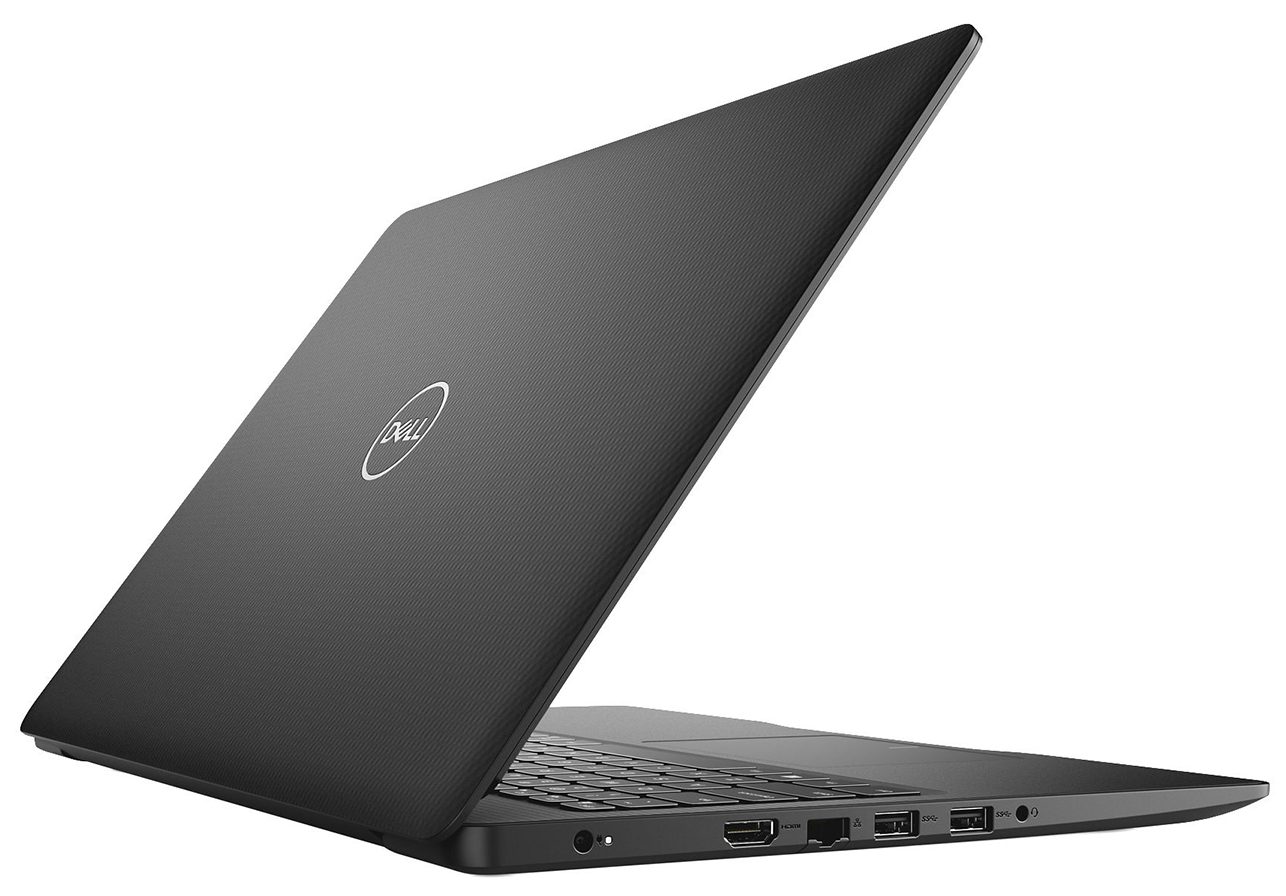
- 2x USB Type-A
- 3.2 Gen 1 (5 Gbps)
- 1x USB Type-A
- 2.0
- HDMI
- 1.4b
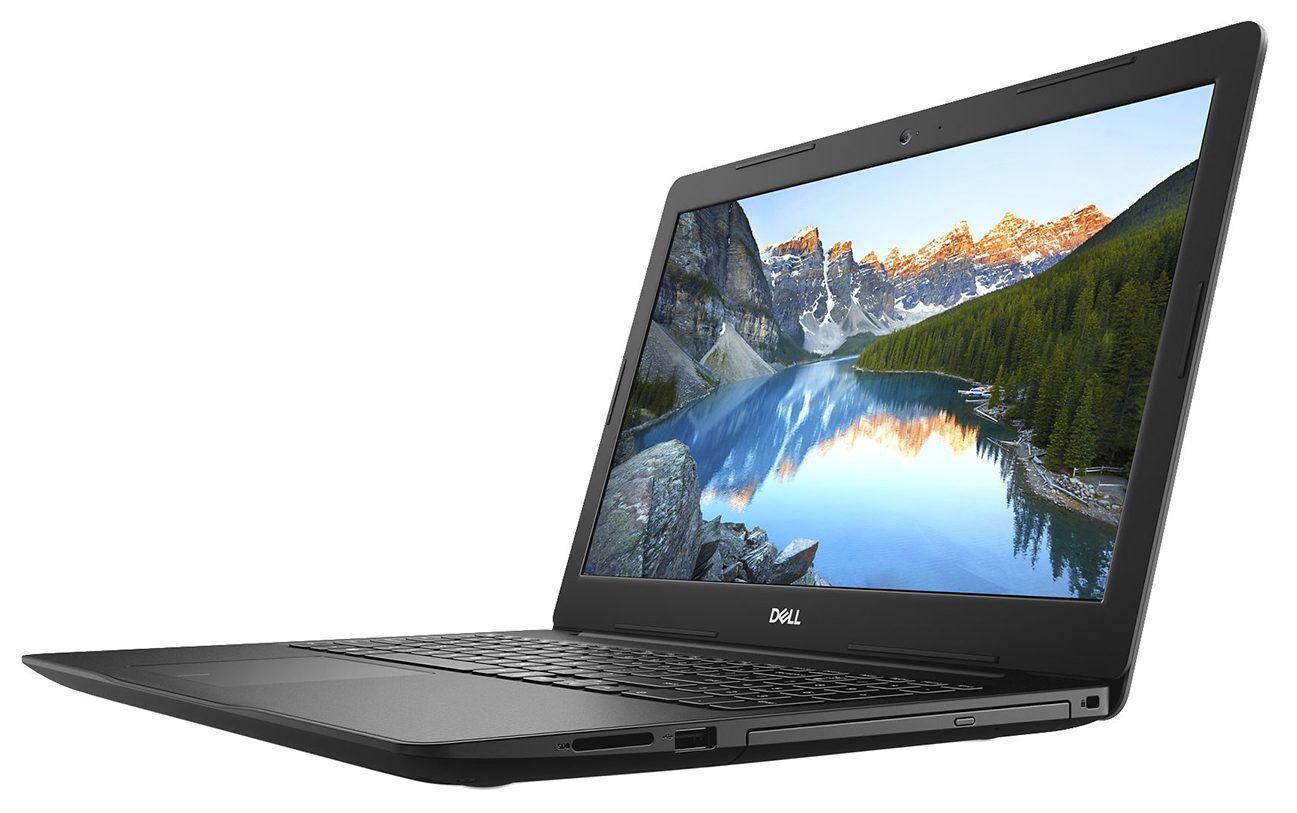
- Card Reader
- SD
- Ethernet LAN
- 10/100 Mbps
- Wi-Fi
- 802.11ac
- Bluetooth
- 5.0
- Audio jack
- 3.5 mm combo
- Features
- Fingerprint reader
- Web camera
- HD
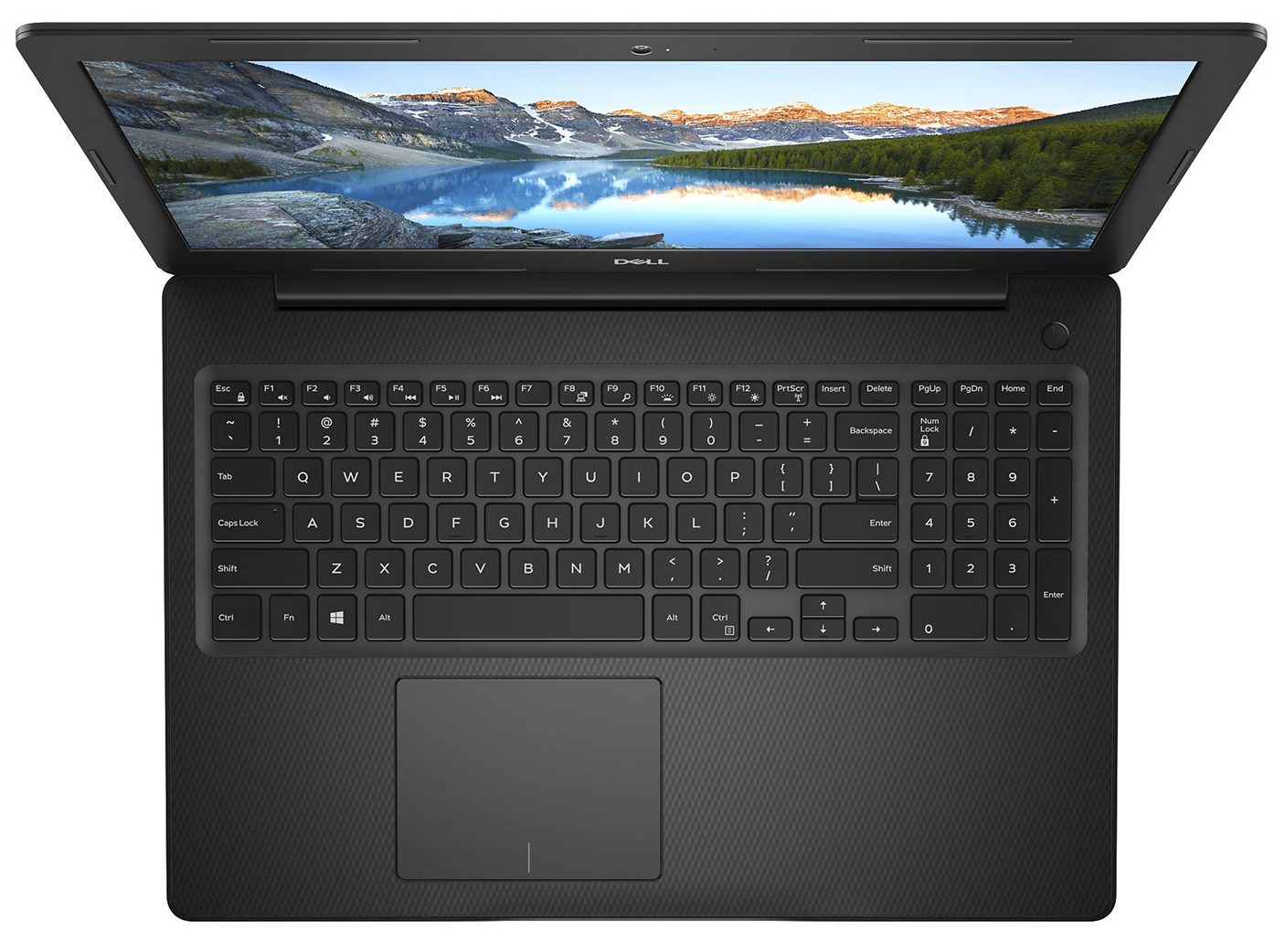
- Backlit keyboard
- Microphone
- Speakers
- 2x 2W
- Optical drive
- Security Lock slot
Portability
Review
Dell Inspiron 3582 in-depth review
Perhaps it won't come as a surprise when we say that Inspiron 15 3582's main appeal is its price. When you consider the fact that it has a pretty bulky body for 2020, a rather modest package - in the face of the Pentium Silver N5000 and an all-plastic build, you would think that there is little to like here.Well, that's what we thought initially, as well. On another note, it comes with TN panels only, which furthermore worsens the situation for this machine. However, try thinking differently. This is a laptop for people, that need one, but don't have the funds to get something powerful and obnoxious. Come and see with us, if there is something more than this laptop can provide its owner with.You can check the prices and configurations in our Specs System: https://laptopmedia.co[...]
Read the full review
Pros
- Decent price tag
- Comfortable keyboard (with spill resistance) and touchpad
- SD card slot and optical disk drive
- Good battery life
- Choice of four different colors
Cons
- Dated design
- Covers only 50% of sRGB
- Poor viewing angles and contrast ratio
- Uses aggressive PWM for brightness adjustment - our Health-Guard profile deals with the issue
- Lacks a USB Type-C port
Disassembly, maintenance and upgrade options
You need an optical drive on your daily machine - why don't you consider the Inspiron 15 3582. Let's see what can you change in your notebook, once you buy it.Check out all Dell Inspiron 15 3582 prices and configurations in our Specs System or read more in our In-Depth review.1. Remove the bottom plate Interestingly, the Inspiron 15 3582 is one of the few devices equipped with a DVD-RW drive. From disassembling perspective, this is the first thing you need to remove. Just unscrew the adjacent screw, and pull it away. Then, you need to remove further 12 Phillips-head screws. Afte[...]
Read more


![[June 2026] Best-Selling Laptop Brands on Amazon Global – Apple’s Unrivaled Dominance in Units and Revenue](https://laptopmedia.com/wp-content/uploads/2026/07/GLOBAL-Best-Brands-400x225.jpg)
![[June 2026] Amazon Global: Top 10 Best-Selling Laptops – Apple’s New MacBook Neo Storms to #1, Reshaping the Market with Affordability](https://laptopmedia.com/wp-content/uploads/2026/07/Best-Selling-Laptops-GLOBAL-Top-10-400x225.jpg)
![[June 2026] Amazon Global: Top 10 Best-Selling Gaming Laptops – Acer’s Nitro V 16S AI Dominates Sales, While ASUS Leads Overall Revenue](https://laptopmedia.com/wp-content/uploads/2026/07/Best-Selling-Gaming-Laptops-GLOBAL-Top-10-400x225.jpg)
![[June 2026] Global Ranking of Best-Selling Laptop GPUs on Amazon – NVIDIA RTX 5060 is the Top-Selling Dedicated GPU](https://laptopmedia.com/wp-content/uploads/2026/07/Best-Selling-GPUs-GLOBAL-Top-10-400x225.jpg)
![[June 2026] Global Ranking of Best-Selling Laptop CPUs on Amazon – Apple M5 Dominates, AMD Ryzen 7 260 Gets Solid Premium Share](https://laptopmedia.com/wp-content/uploads/2026/07/Best-Selling-CPUs-GLOBAL-Top-10-400x225.jpg)
